How we make this list: we compare pricing pages, product documentation and public user reviews. Rankite is independent; if a vendor ever pays for a featured spot, that listing is clearly labeled Partner.
Key takeaways
- Absolute beginners should start with Tinkercad: it runs in a browser, costs nothing, and exports printable STL files within an hour of signing up.
- Blender is the only free tool here that covers modeling, sculpting and rendering in one package, but expect weeks of learning before it feels natural.
- Meshmixer is still the best free utility for repairing and preparing STL files for print, even though Autodesk no longer develops it.
- If you want real CAD precision for functional parts, Fusion 360 for personal use is free for hobbyists, and SketchUp Go is the cheapest paid step up.
- SculptGL fills the gap left by the discontinued Sculptris: free digital sculpting in a browser with no install and no account.
Quick comparison
| Tool | Best for | Starting price | Free plan |
|---|
 Tinkercad Tinkercad | Learning 3D design in an afternoon | Free | Yes |
 Blender Blender | Free modeling, sculpting and rendering in one app | Free | Yes |
 Meshmixer Meshmixer | Fixing and preparing models for printing | Free | Yes |
 SculptGL SculptGL | Trying digital sculpting with zero setup | Free | Yes |
 3D Slash 3D Slash | Kid-friendly block building in 3D | See website | Yes |
 SketchUp SketchUp | Fast, intuitive modeling for workshops and homes | $10.75 per user/month (billed annually) | Yes (SketchUp Free) |
 SelfCAD SelfCAD | Browser CAD with a built-in slicer | $14.99 per user/month (billed annually) | Yes (limited) |
 Fusion 360 Fusion 360 | Precise parametric parts for functional prints | Free for personal use | Yes |
Is your product missing or out of date?
We review this list regularly. Vendors can request a listing, send updated pricing or ask about featured placement.
Starting priceFree
Free planYes
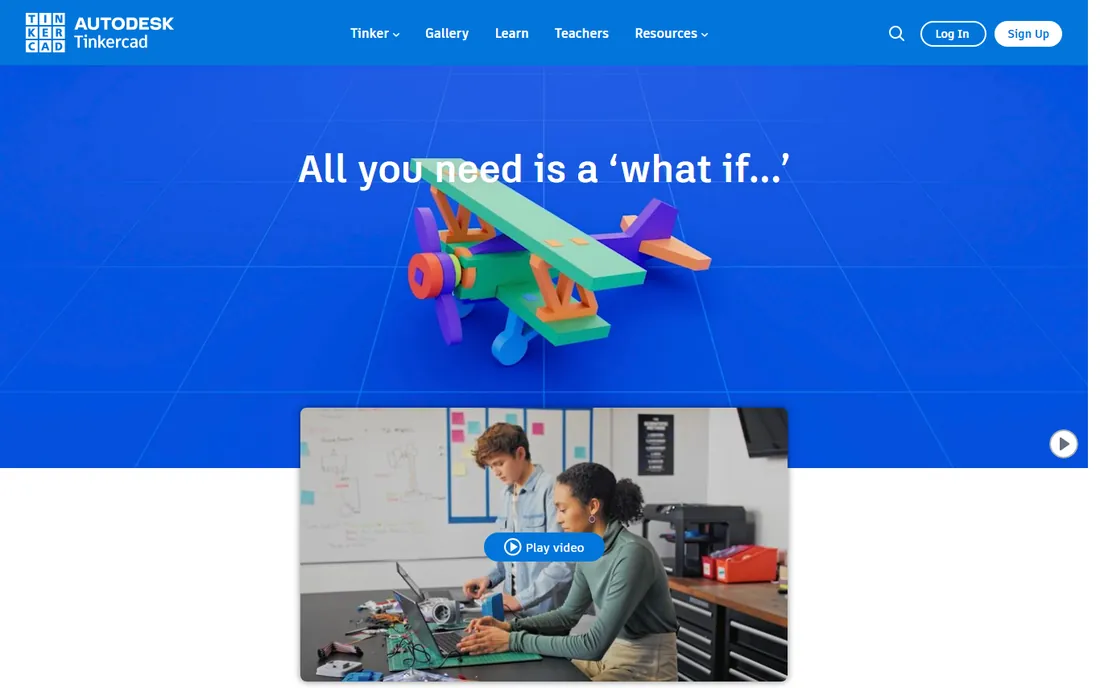
If you have never touched 3D software, start here. Tinkercad is Autodesk's free browser app where you drag basic shapes onto a workplane, combine them, and export an STL file your printer understands. Most people produce their first printable model within an hour.
Schools use it because it is safe and genuinely simple, but adult makers should not dismiss it. For brackets, enclosures, replacement knobs and other simple parts, Tinkercad is often faster than opening a professional CAD tool. You will outgrow it once you need precise dimensions or curved surfaces, and that is the signal to move to Fusion 360 or SketchUp.
What we like- Runs entirely in the browser with no install
- Guided lessons teach the basics interactively
- One-click STL export for 3D printing
Watch out for- Too simple for complex or precise parts
- Needs an internet connection to work
#2
Blender
Best for: Free modeling, sculpting and rendering in one app
Visit blender.org
Starting priceFree
Free planYes
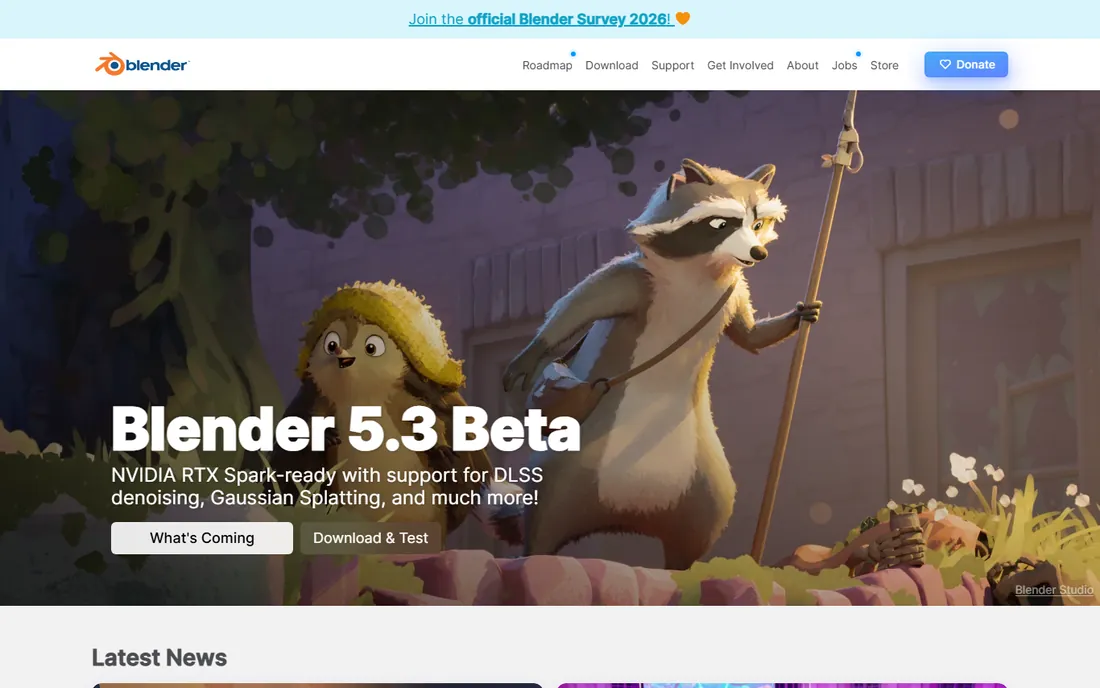
Blender is the most capable free 3D software on the planet, full stop. It models, sculpts, textures, animates and renders, and its Cycles engine produces images that rival paid renderers. For makers, the sculpting tools and the precision modeling toolkit cover nearly everything a hobbyist printer can output.
The price of all that power is a famously dense interface. Budget a few weeks of tutorials before Blender feels productive, and start with the modeling workspace rather than trying to learn everything at once. Once it clicks, you may never need another 3D tool.
What we like- Completely free and open source, forever
- Modeling, sculpting, animation and rendering included
- Huge tutorial community and add-on ecosystem
Watch out for- Interface overwhelms beginners
- Overkill if you only want simple printable parts
Starting priceFree
Free planYes
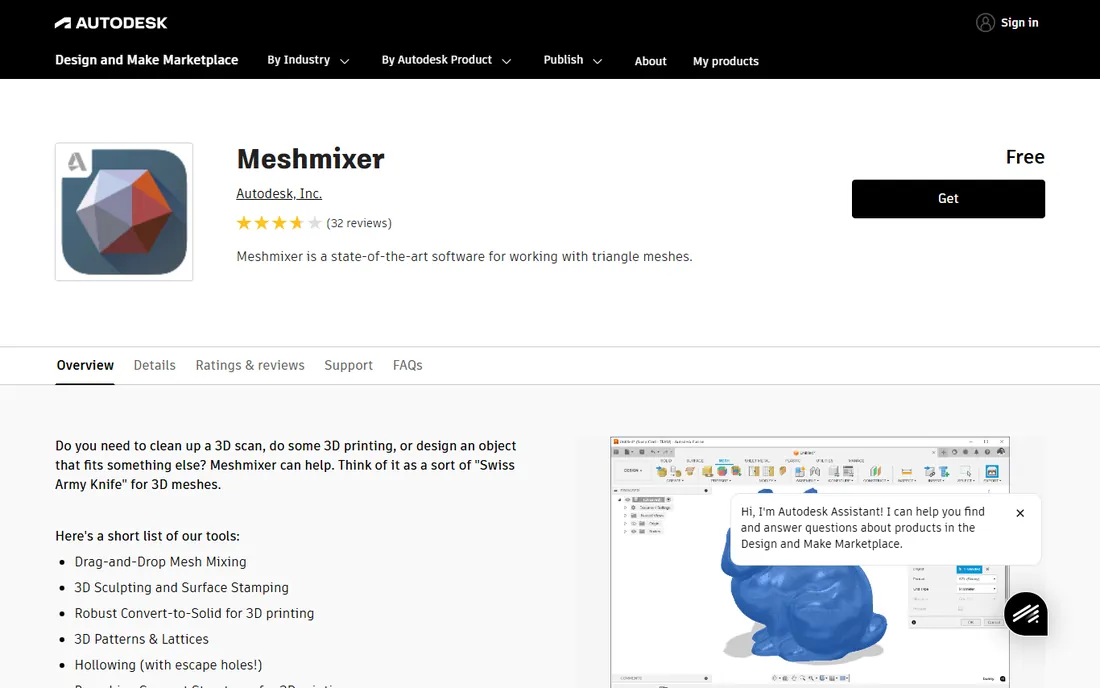
Think of Meshmixer as a workshop utility rather than a design tool. Its real job is taking a model from anywhere, a scan, a download, another program, and making it printable: repairing holes, hollowing to save filament, generating supports and checking wall thickness.
Autodesk has folded Meshmixer-style features into Fusion 360 and stopped updating the standalone app, which means you should not build a long-term workflow around it. But for the specific task of rescuing a broken STL, nothing free does it better, so it earns a permanent spot in a maker's toolbox.
What we like- Best-in-class free mesh repair and hollowing
- Automatic support generation and print-bed layout
- Still free to download from Autodesk
Watch out for- No longer in development, so bugs stay forever
- Interface feels dated next to modern tools
Starting priceFree
Free planYes
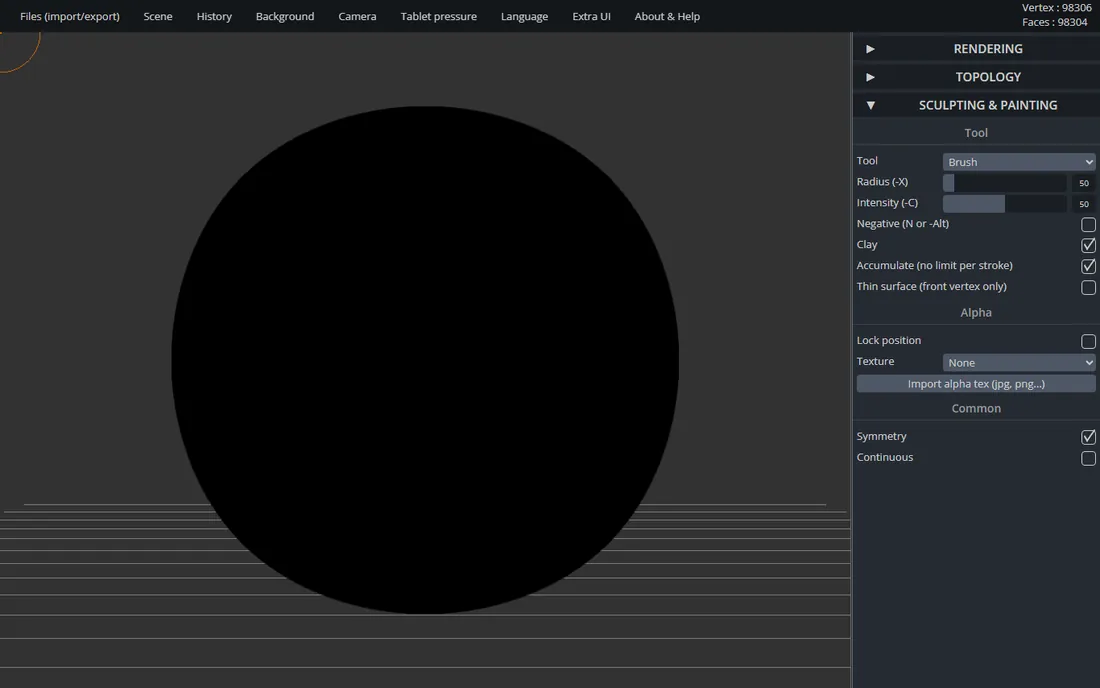
SculptGL picks up where the discontinued Sculptris left off: a free sculpting app that runs in any modern browser. You start with a sphere and push, pull, smooth and pinch it into an organic shape, exactly like digital clay.
It will not replace ZBrush or even Blender's sculpt mode for serious character work. But for a student, a hobbyist, or anyone curious whether sculpting is for them, the zero-friction entry is unbeatable. Export to STL when you are done and your printer takes it from there.
What we like- No install, no account, just open and sculpt
- Dynamic topology adds detail where you brush
- Exports OBJ, STL and PLY for printing
Watch out for- One-developer project with slow updates
- Lacks the refinement tools of desktop sculptors
Starting priceSee website
Free planYes
3D Slash turns modeling into a building game: you start with a cuboid and carve it away with a virtual hammer and chisel. Children take to it instantly, which is why it shows up in so many STEM classrooms.
Adults can use it too, particularly for stylized or voxel-art projects destined for the printer. The free tier covers the basics, while Premium adds finer resolution, full colors and faster STL export. Check the vendor's site for current plan prices, since they have changed over the years.
What we like- Minecraft-like interface anyone grasps in minutes
- Web version plus offline desktop apps
- Strong classroom and education features
Watch out for- Blocky aesthetic limits detailed work
- Paid tiers needed for full resolution and colors
Starting price$10.75 per user/month (billed annually)
Free planYes (SketchUp Free)
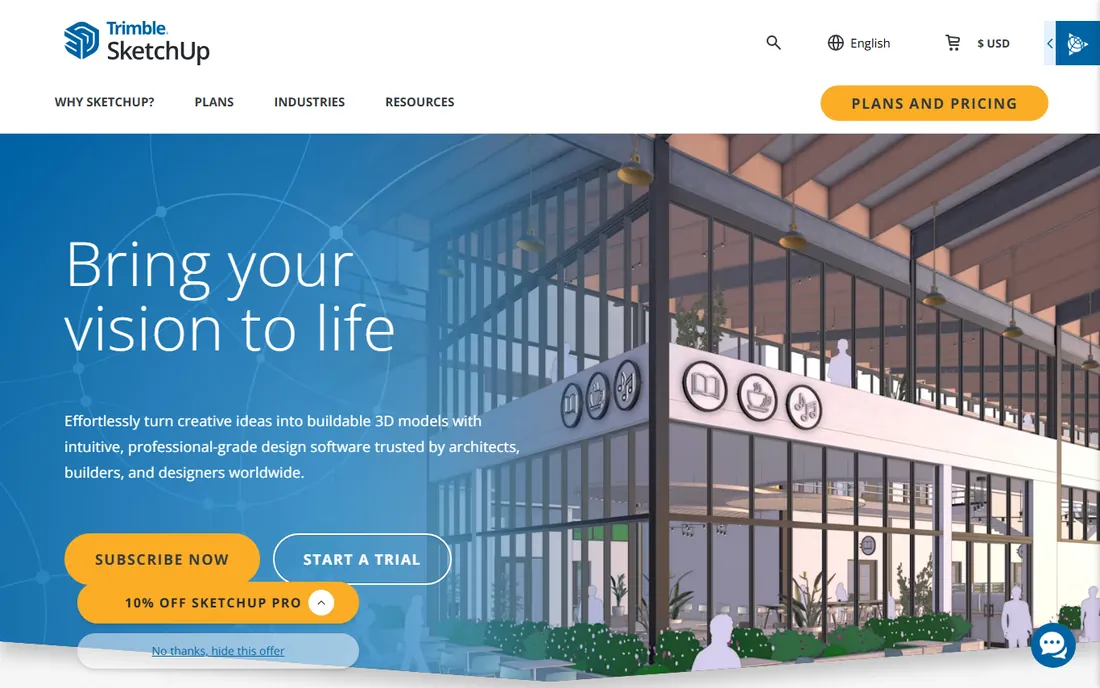
SketchUp's genius is push-pull: draw a rectangle, pull it into a box, and you are modeling. Woodworkers, home renovators and makers have used it for two decades because the learning curve is measured in hours, not weeks.
For 3D printing, the paid Go plan at $10.75 per month adds solid tools and iPad support, while the free web version handles personal projects if you respect the non-commercial license. Pair it with a solid-inspector extension and it becomes a dependable printer companion, though sculptural work belongs in Blender or SculptGL.
What we like- Push-pull modeling is the fastest way to sketch in 3D
- 3D Warehouse offers millions of free models
- Large extension ecosystem for print prep
Watch out for- Free web version is non-commercial only
- Organic and sculpted shapes are awkward to build
Starting price$14.99 per user/month (billed annually)
Free planYes (limited)
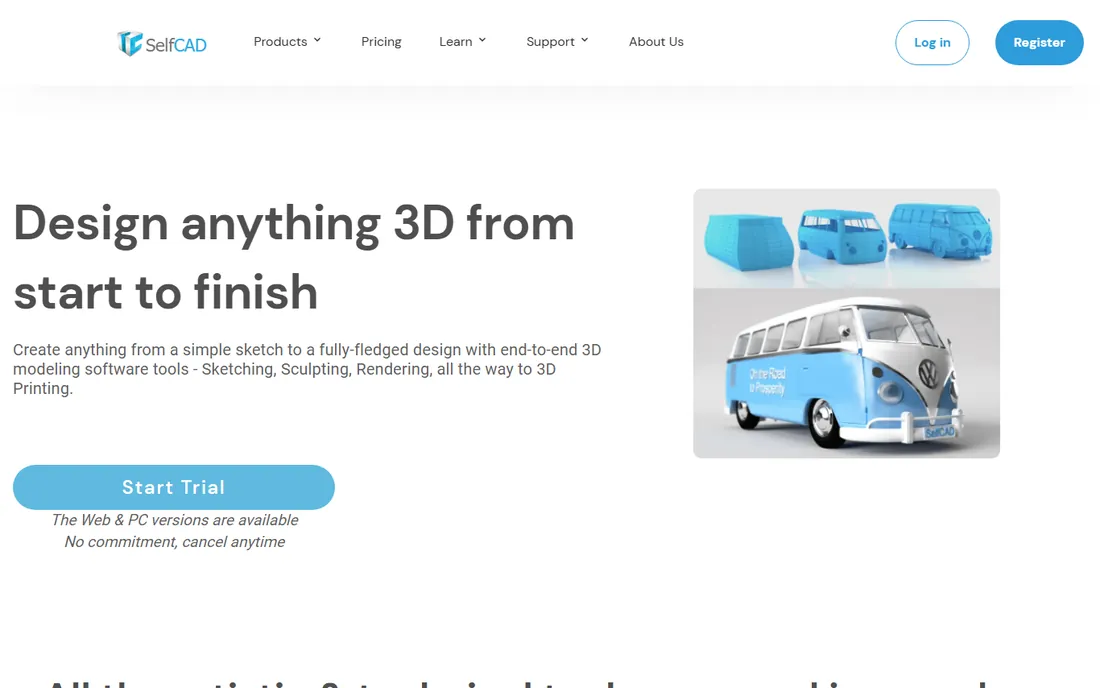
SelfCAD tries to be the whole pipeline: sketch, model, sculpt, render and slice for printing without leaving your browser. The built-in slicer that generates printer-ready G-code is a genuinely useful differentiator, since most tools stop at STL export.
The free version lets you evaluate it with limited tools, and Pro at $14.99 per month or $139.99 per year is modest next to desktop CAD subscriptions. It is a sensible pick for Chromebook users or anyone who wants one tab for the entire maker workflow, as long as your models stay moderately complex.
What we like- Modeling, sculpting and slicing in one browser tab
- Interactive tutorials built into the app
- Affordable next to desktop CAD
Watch out for- Free tier limits tool access
- Browser performance lags on complex models
Starting priceFree for personal use
Free planYes
When a printed part has to fit, seal or bear load, you want parametric CAD, and Fusion 360 is the best free route to it. You sketch in 2D, extrude and modify with a feature timeline, and every dimension stays editable, so resizing a bracket is a number change rather than a remodel.
The personal-use license is free for hobbyists earning under $1,000 a year from their work, with limits on active documents and advanced features. It is more to learn than Tinkercad or SketchUp, but for functional printing it is the tool that grows with you instead of holding you back.
What we like- Real parametric CAD free for hobbyists
- Timeline lets you edit any step of a design
- Cloud storage and version history included
Watch out for- Personal tier caps active documents and features
- Commercial use requires the $680 per year subscription
How we chose
We researched vendor homepages and pricing pages, documentation, and public reviews from maker communities, Reddit's 3D printing forums, and education technology write-ups. We prioritized ease of first use, quality of STL export for 3D printing, the honesty of the free tier, and whether the tool is still maintained. We did not run hands-on tests, so workflow impressions reflect documented features and reported user experience.
Modeling for printing vs modeling for sculpting: know which you need
These are two different crafts. Parametric and solid modeling (Fusion 360, SketchUp, Tinkercad, SelfCAD) builds parts from precise shapes and dimensions, which is what you want for anything functional: brackets, gears, enclosures, adapters. The model is exact, measurable and editable.
Sculpting (Blender's sculpt mode, SculptGL) starts from a blob of digital clay and shapes it by hand, which suits organic forms: figurines, busts, terrain, creatures. Sculpted models look great but are hard to dimension precisely, so they suit display pieces rather than mechanical parts.
Mesh repair tools (Meshmixer) sit between the two, cleaning up models from either camp before printing. Pick your primary camp first, then add the other as a secondary skill.
Buying guide: pick by skill level, not feature count
If today is day one, open Tinkercad in your browser and finish the built-in lessons. You will know within a weekend whether 3D modeling excites you, and you will have spent nothing. Young makers and classrooms can stay here or try 3D Slash for a more playful path.
When simple shapes stop being enough, the fork appears. For functional parts with real dimensions, learn Fusion 360 while the personal license is free, and accept the steeper curve as the price of precision. For artistic and organic work, invest the same effort in Blender instead, since its sculpting and modeling cover both worlds.
Paid plans only make sense once free tools block you. SketchUp Go is the cheapest paid step for intuitive modeling, SelfCAD suits browser-only workflows with its built-in slicer, and Fusion's commercial subscription is for makers who start selling prints. In every case, model a real project in the free tier first: the tool that fits your brain matters more than the one with the longest feature list.
Frequently asked questions
What is the easiest 3D software for a complete beginner?
Tinkercad. It runs in a browser, needs no install, and its interactive lessons walk you from a first shape to a printable STL in under an hour. 3D Slash is similarly easy for younger users who like its block-building style.
Which free software is best for 3D printing?
For functional parts, Fusion 360's free personal tier offers real parametric CAD. For general modeling and sculpting, Blender does everything at no cost. Tinkercad remains the fastest route from zero to a first successful print.
Do I need to pay for 3D modeling software as a hobbyist?
No. Tinkercad, Blender, Meshmixer, SculptGL and Fusion 360 for personal use are all free for hobbyists, and each exports files your printer accepts. Paid plans buy convenience, precision tooling or commercial rights, not basic capability.
What file format should I export for 3D printing?
STL is the universal standard that every slicer reads. 3MF is newer and carries more information such as color and units, and most modern slicers accept it. OBJ works too but is more common for sculpted or textured models.
Can I 3D print something I sculpt in a browser tool?
Yes. SculptGL exports STL files directly, which you can drop into any slicer. Sculpted models often need Meshmixer first to check wall thickness and make the mesh watertight, since sculpting brushes can leave thin or open areas.
How long does it take to learn 3D modeling well enough to print useful parts?
Simple brackets and enclosures in Tinkercad take a weekend. Functional parametric parts in Fusion 360 take a few weeks of regular practice. Blender's full toolkit takes months to master, though basic printable modeling comes faster than its reputation suggests.
Sources we checked (11)
- https://www.tinkercad.com/
- https://www.blender.org/
- https://meshmixer.com/
- https://stephaneginier.com/sculptgl/
- https://www.3dslash.net/
- https://www.3dslash.net/features_product.php
- https://sketchup.com/
- https://sketchup.trimble.com/en/plans-and-pricing
- https://selfcad.com/
- https://www.autodesk.com/solutions/what-is-fusion-360
- https://www.autodesk.com/products/fusion-360/blog/fusion-for-personal-use-vs-autodesk-fusion/
Is your product missing or out of date?
We review this list regularly. Vendors can request a listing, send updated pricing or ask about featured placement.

Shihab Mia · Founder, Rankite
Shihab has spent more than a decade helping SaaS and e-commerce brands grow through search. He writes Rankite's software buying guides from pricing pages, documentation and public user reviews. More about Shihab.