How we make this list: we compare pricing pages, product documentation and public user reviews. Rankite is independent; if a vendor ever pays for a featured spot, that listing is clearly labeled Partner.
Key takeaways
- Blender is the only suite that does everything for free, and it keeps getting closer to paid tools every release; the cost is learning time, not money.
- Maya remains the film and game animation standard, and 3ds Max owns architectural visualization and game art; both are Autodesk subscriptions with 30-day trials.
- Houdini is the effects powerhouse: if your work involves simulations, destruction, or procedural worlds, nothing else competes.
- ZBrush is still the undisputed sculpting king, now subscription-only at $49 a month, while Substance 3D Painter owns texturing for games.
- Unreal Engine changed the economics: a full real-time creation suite free until you earn $1 million, which makes it the default starting point for real-time 3D.
Quick comparison
| Tool | Best for | Starting price | Free plan |
|---|
 Blender Blender | a free pipeline with no compromises | Free | Yes |
 Autodesk Maya Autodesk Maya | character animation for film and games | See website | Free trial (30 days) |
 Autodesk 3ds Max Autodesk 3ds Max | game art and architectural visualization | See website | Free trial (30 days) |
 Cinema 4D Cinema 4D | motion graphics and broadcast design | See website | Free trial (14 days) |
 Houdini Houdini | visual effects and procedural pipelines | See website | Yes, Apprentice free for non-commercial use |
 ZBrush ZBrush | high-detail digital sculpting | $49/month or $399/year | Free trial (14 days) |
 Modo Modo | modeling with strong rendering built in | $89/month or $719/year | Free trial (30 days) |
 Unreal Engine Unreal Engine | real-time 3D, games, and virtual production | Free up to $1M annual revenue | Yes |
 Substance 3D Painter Substance 3D Painter | texturing game and film assets | See website | Free trial (30 days) |
 KeyShot KeyShot | fast photorealistic product rendering | $1,299/year | Free trial |
Is your product missing or out of date?
We review this list regularly. Vendors can request a listing, send updated pricing or ask about featured placement.
The best 3D creation software
Starting priceFree
Free planYes
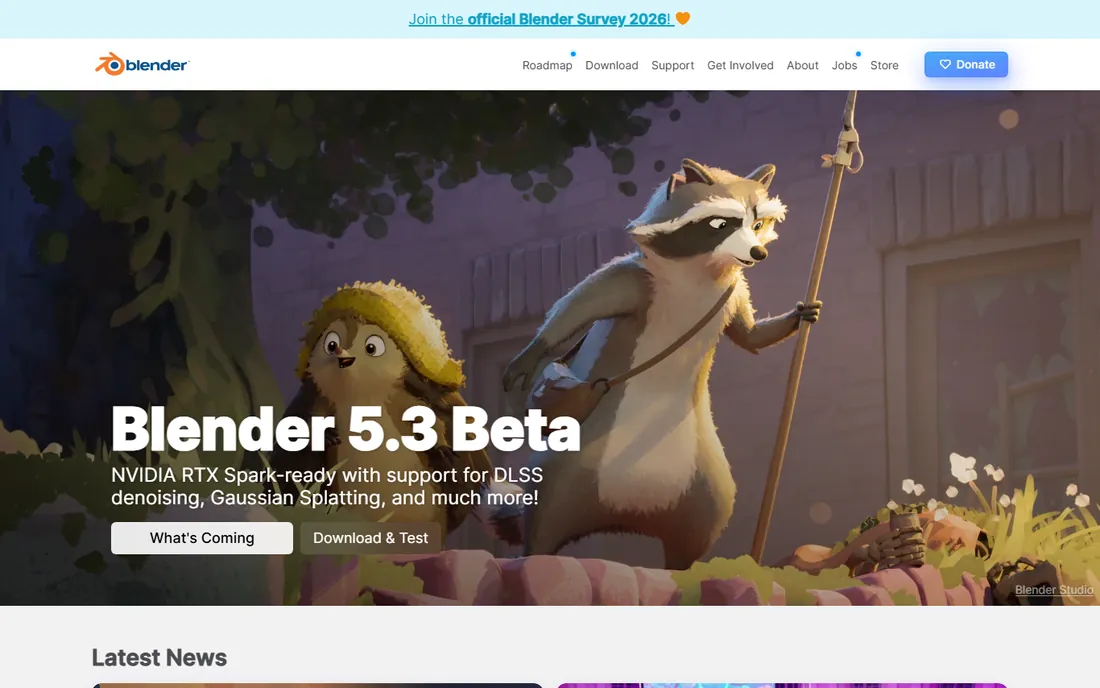
Blender is the only tool here that asks nothing and gives everything. The modeling toolset rivals paid apps, sculpting is genuinely good, the Grease Pencil handles 2D animation inside 3D scenes, and Cycles produces film-quality renders. For freelancers and small studios, the math is simple: zero license cost against weeks of learning.
The honest limitation is the ecosystem, not the features. Large studios have decades of Maya-based pipeline tooling, and Blender integration is still catching up. But every release narrows the gap, and for new studios and independents, starting with Blender is increasingly the rational choice rather than the cheap one.
What we like- Modeling, sculpting, animation, rendering, and compositing in one free download
- Cycles and Eevee cover offline and real-time rendering
- Huge community and add-on market
Watch out for- Interface still idiosyncratic
- Studio pipeline integration lags behind Autodesk tools
Starting priceSee website
Free planFree trial (30 days)
When a film credit lists the animation software, it usually says Maya. The rigging, animation, and Bifrost effects toolset is the benchmark that other tools are measured against, and the talent pool is unmatched: hiring Maya artists is easy because every animation school teaches it. Recent versions add AI-assisted motion tools like MotionMaker alongside the classic workflow.
The price is the perennial complaint, and Autodesk keeps pricing behind a quote-style storefront, so budget per seat before committing. Maya makes sense when you are hiring a team, delivering to studios, or building a career in film and game animation. For solo work, weigh it against Blender honestly.
What we like- Industry-standard rigging and animation toolset
- Bifrost for effects and procedural work
- Deep studio pipeline support and hiring pool
Watch out for- Subscription pricing adds up per seat
- Interface carries decades of accumulated complexity
Starting priceSee website
Free planFree trial (30 days)
3ds Max owns two worlds: game art production and architectural visualization. The modifier stack workflow, where every modeling operation stays editable, is beloved by hard-surface artists, and the plugin ecosystem built over decades covers everything from rendering to scattering. If you render buildings or build game environments, this is the default tool.
The Windows-only limitation is real and permanent, so Mac shops look elsewhere. Like Maya, pricing is subscription-based through Autodesk, and studios typically buy in volume. Solo artists should compare the total cost against Blender plus a commercial renderer before signing.
What we like- Dominant in game art and arch-viz pipelines
- Excellent modeling and modifier workflow
- Huge library of plugins and scripts
Watch out for- Windows-only, which rules out Mac-based studios
- Subscription cost per seat like Maya
Starting priceSee website
Free planFree trial (14 days)
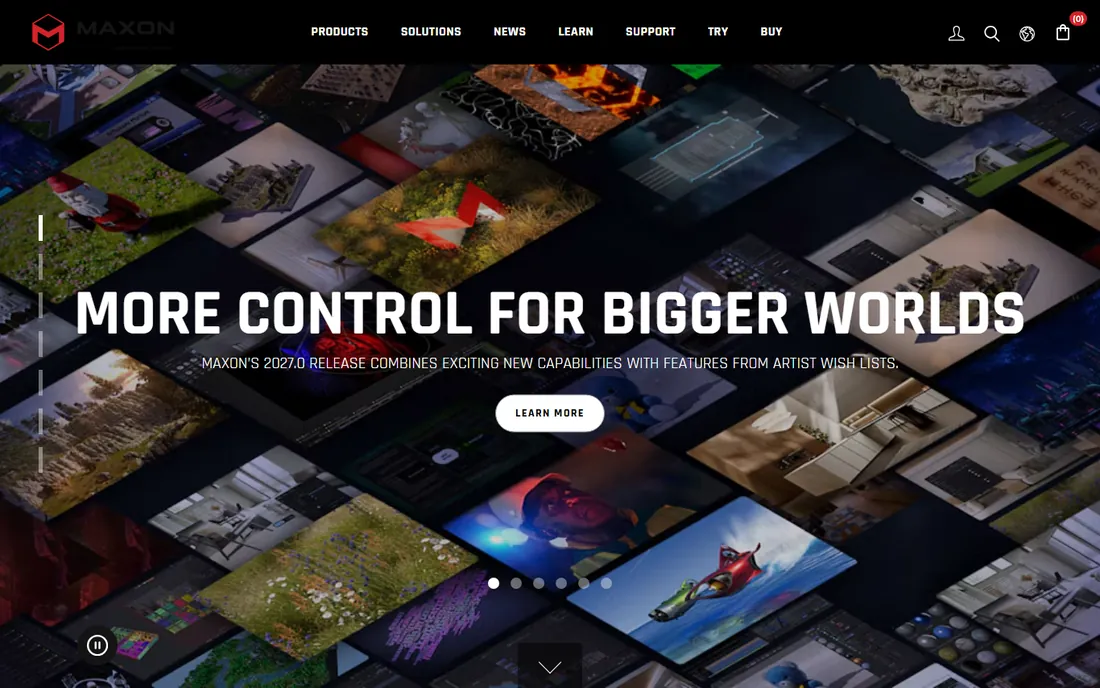
Cinema 4D is the motion designer's tool the way Maya is the animator's. The MoGraph module makes complex procedural animation of hundreds of objects almost trivial, which is why broadcast graphics, title sequences, and advertising love it. Maxon bundles the Redshift GPU renderer, so the out-of-box rendering story is strong.
It is not the pick for character-heavy film work or large-scale simulation; that is Maya and Houdini territory. Pricing runs through Maxon's subscription plans, with Cinema 4D also available inside the Maxon One bundle alongside ZBrush and Red Giant tools. Motion designers should price the bundle against standalone.
What we like- MoGraph toolset is the best in the business for motion design
- Famously approachable interface
- Redshift GPU renderer bundled in
Watch out for- Weaker for character animation and heavy simulation than Maya or Houdini
- Subscription-only since Maxon retired perpetual licenses
Starting priceSee website
Free planYes, Apprentice free for non-commercial use
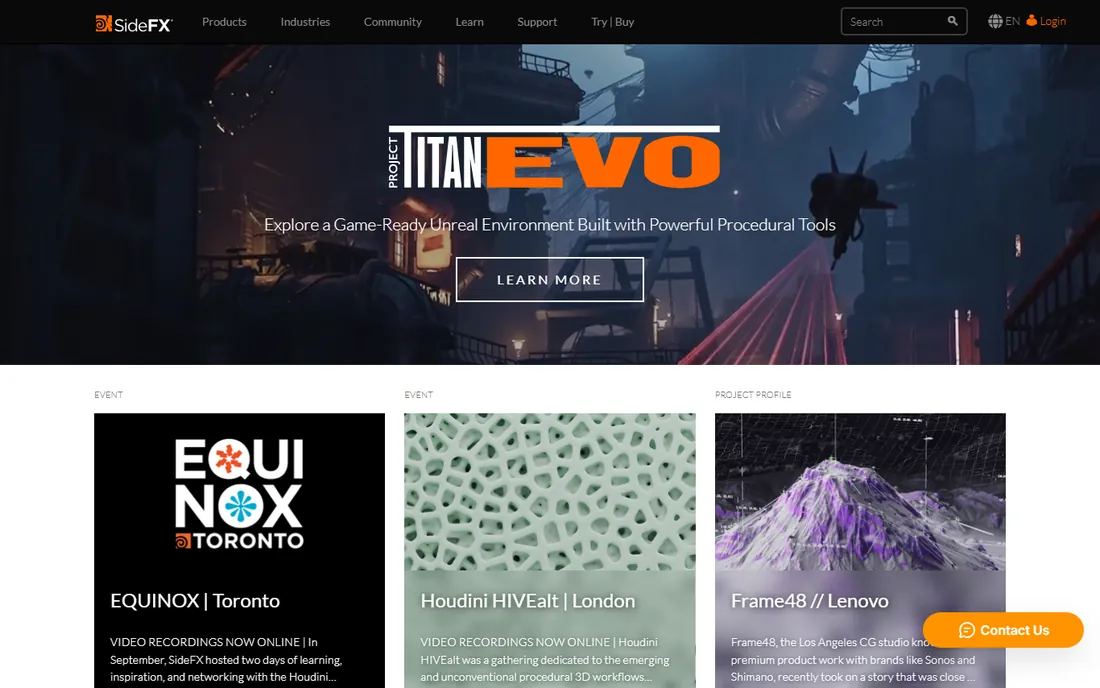
Houdini is what studios reach for when the shot is impossible: collapsing buildings, magical particle systems, entire procedural cities. Everything is a node network, which means every effect is parametric, reusable, and art-directable. SideFX also gives away Houdini Apprentice, nearly the full toolset free for learning, which is the most generous trial in the industry.
The learning curve is genuinely steep, and thinking in nodes rewires how you approach 3D. Commercial pricing spans Indie licenses for small earners up to full FX seats for studios. If your ambition is effects work, there is no substitute; if it is not, Houdini is overkill.
What we like- Node-based procedural workflow is unmatched for effects
- The standard for film FX, from smoke to destruction
- Apprentice edition is free to learn
Watch out for- Steepest learning curve in 3D
- Commercial licenses are expensive and node thinking takes months to absorb
Starting price$49/month or $399/year
Free planFree trial (14 days)
ZBrush is where digital creatures are born. The sculpting workflow, working with millions of polygons as if shaping clay, has no real equal for organic detail, and film, game, and collectible studios treat it as mandatory. Maxon now bundles ZBrush for iPad with subscriptions, extending the workflow to the couch.
The shift to subscription-only pricing stung longtime users, and at $49 a month it is a serious line item. The interface remains famously strange, with its own vocabulary and shortcuts. None of that matters much in practice: if you sculpt for a living, you pay it and you learn it.
What we like- The industry standard for organic sculpting, from film creatures to game characters
- Handles tens of millions of polygons
- Includes ZBrush for iPad
Watch out for- Subscription-only since Maxon retired perpetual licenses
- Idiosyncratic interface that fights every convention
Starting price$89/month or $719/year
Free planFree trial (30 days)
Modo built a loyal following among artists who primarily model: product designers, packaging visualizers, and game artists who want a fast, pleasant modeling experience with rendering that does not require a separate application. The toolset is deep without feeling bloated, and the workflow rewards artists who think in form.
Foundry's attention has drifted toward Nuke and its compositing line in recent years, which shows in the pace of Modo development and community energy. At $89 a month, it competes directly with the rest of the mid-tier. Evaluate it on the modeling experience itself, which remains excellent, rather than on ecosystem momentum.
What we like- Excellent direct modeling workflow
- Strong built-in rendering
- Popular with product and packaging designers
Watch out for- Smaller community than Maya or Blender
- Foundry's focus has shifted toward its compositing tools
Starting priceFree up to $1M annual revenue
Free planYes
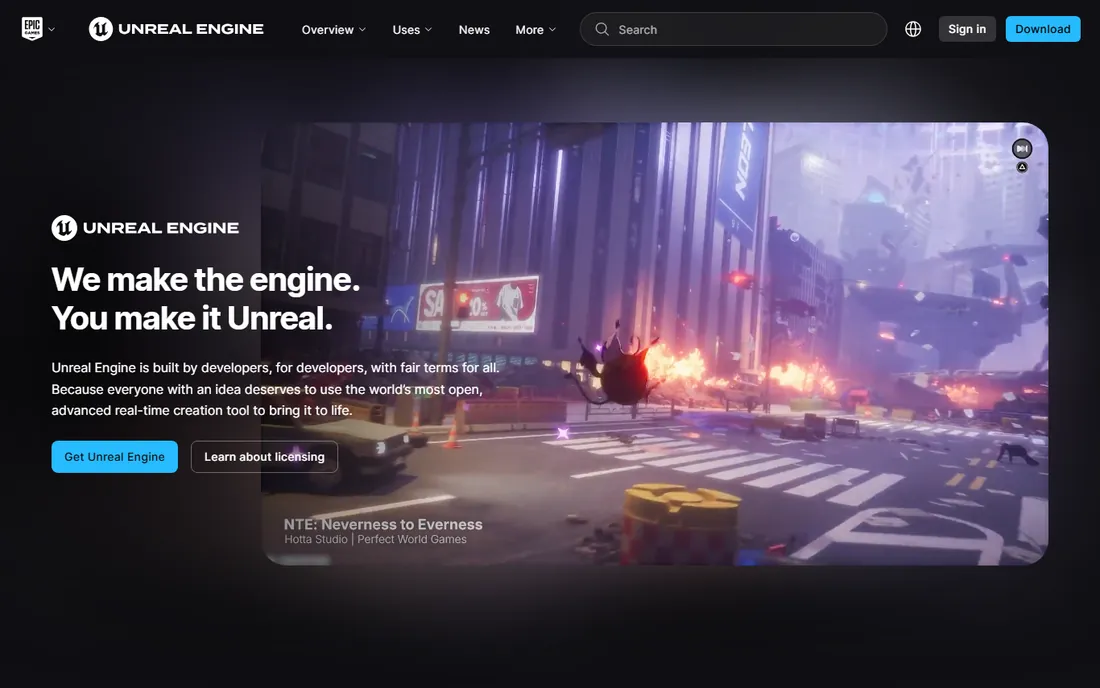
Unreal Engine rewrote the economics of 3D creation: the full engine, editor, and source code are free until your project or company passes $1 million in revenue, with royalties or seat licenses beyond that. Games are the obvious use, but virtual production, architectural visualization, and product configurators now run on Unreal too.
It is a real-time engine first, which shapes everything. If your output is pre-rendered film frames, a traditional DCC plus offline renderer may fit better. But for anything interactive or real-time, and for previs on a budget, starting with Unreal costs nothing and the ceiling is the film industry itself.
What we like- A complete real-time creation suite free until you earn $1 million
- Nanite and Lumen deliver film-quality real-time visuals
- Huge asset marketplace
Watch out for- Overkill if you only need offline rendering
- C++ and Blueprint learning curve for non-developers
#9
Substance 3D Painter
Best for: texturing game and film assets
Visit adobe.com
Starting priceSee website
Free planFree trial (30 days)
Almost every game asset you have seen was textured in Substance 3D Painter. Painting directly on the 3D model with smart materials that react to curvature and wear turns days of texture work into hours, and the PBR output drops straight into Unreal and Unity. Adobe sells it standalone and inside the Substance 3D Collection.
It is a specialist, not a suite: you model elsewhere and come here to texture. The 30-day trial is enough to texture a real project and feel the speed difference. For game artists, it is close to mandatory; for everyone else, it is a luxury.
What we like- The industry standard for PBR texturing
- Smart materials speed up common surfaces enormously
- Tight pipeline with game engines
Watch out for- Adobe subscription on top of your other tools
- Focused on texturing, not a general 3D suite
Starting price$1,299/year
Free planFree trial
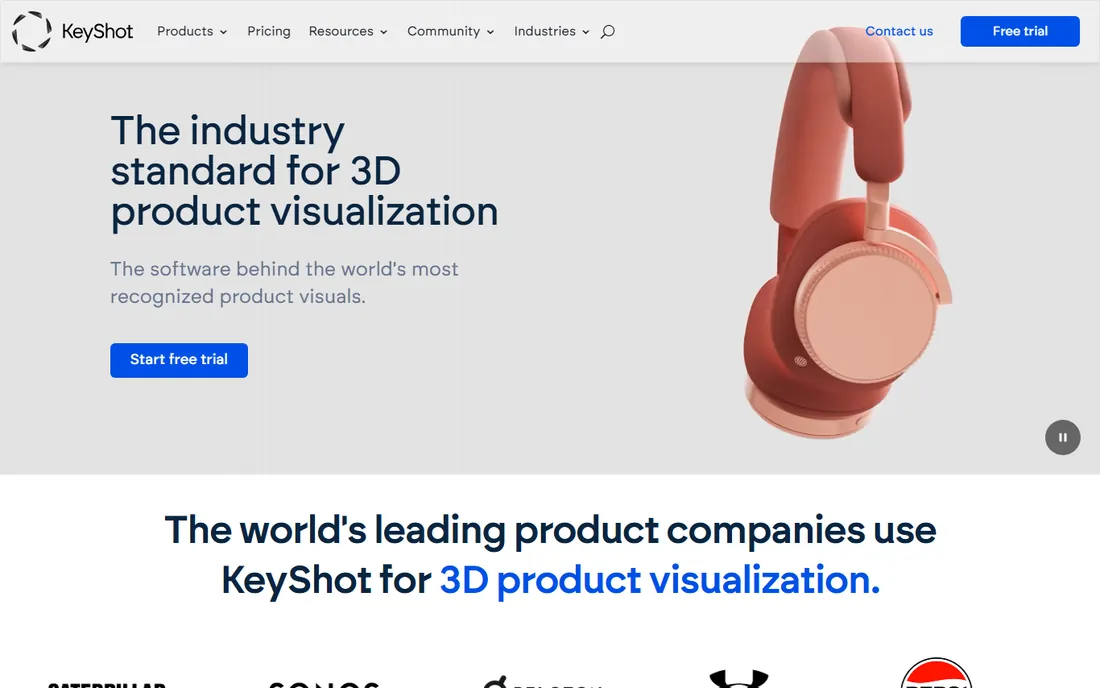
KeyShot owns product visualization for a reason: it removes every obstacle between a CAD file and a beautiful render. Import the model, drag a real manufacturer's material onto it, set up studio lighting in a few clicks, and render. Design teams at major product companies run their entire visualization workflow on it, including turntable animations and web configurators.
You do not model in KeyShot; it is a rendering and animation stage for geometry built elsewhere. At $1,299 a year it is priced for teams and serious freelancers, not casual users. If your job is making products look real, the speed pays for itself quickly.
What we like- Famously easy: import CAD, drag materials, render
- Physically accurate materials from real manufacturers
- Strong animation and configurator output
Watch out for- Pricey for freelancers at $1,299 a year
- Not a modeler, it renders what other tools build
How we chose
We compared the suites that working professionals actually use in 2026, drawing on studio pipeline surveys, G2 and Capterra reviews, and community discussion on forums and Discord. Every tool here is actively developed and used in commercial production. Prices come from vendor pricing pages where they publish them; where vendors keep pricing behind their storefront, we say so instead of guessing. We did not claim hands-on testing: this is a research synthesis, not a lab review.
Pricing models explained: subscription, perpetual, and royalty
3D software pricing falls into three camps, and the model matters as much as the number. Subscriptions dominate: Maya, 3ds Max, Cinema 4D, ZBrush, Modo, and the Adobe tools all rent by the month or year, which keeps you current but means the meter never stops. Blender, Daz-style free tools, and Plasticity-style one-time purchases sit outside this, and the savings compound over a career.
Then there is Unreal's royalty model, which is genuinely different: free until real revenue, then a percentage or seat fee. For startups and indies, it removes the biggest barrier in 3D, which is paying for tools before you earn anything. When comparing costs, project three years out: a $49-a-month subscription is $1,764 over three years, which reframes every "cheap monthly" price on this list.
What to look for in a full 3D pipeline
Start from your output, not from feature lists. A game studio needs modeling, texturing, and engine integration, which points to Maya or Blender plus Substance Painter plus Unreal. A motion design shop needs fast procedural animation and rendering, which points to Cinema 4D with Redshift. A product team needs CAD import and fast rendering, which points to KeyShot. Match the suite to the deliverable and half the decision makes itself.
Check pipeline fit before falling in love with features. Studios hire for Maya and Houdini skills, game engines expect FBX and USD, and render farms support specific engines. A brilliant tool that your collaborators cannot open is a liability. Ask what file formats your clients and teammates use, and confirm the trial exports them cleanly.
Finally, budget learning time alongside license cost. Houdini's Apprentice edition is free, but the months of learning are not. A $1,299 KeyShot license that your team learns in a week can be cheaper than a free tool that takes three months. Total cost means money plus time, and honest math includes both.
Frequently asked questions
What is the best 3D creation software for beginners?
Blender. It is free, it does everything, and the tutorial library is enormous. Start there unless a job or school requires something specific, in which case learn what they use.
Which 3D software do professional studios use?
Film animation runs on Maya, effects run on Houdini, game art splits between Maya and 3ds Max, motion graphics runs on Cinema 4D, and sculpting runs on ZBrush. Studios pick pipelines, not single tools, and artists are expected to know the standard for their discipline.
Is Blender really as good as Maya?
For modeling, sculpting, and rendering, Blender is genuinely competitive. Maya keeps its edge in large-studio animation pipelines, proprietary tooling, and the hiring ecosystem around it. For freelancers and small teams, the practical gap is small and shrinking.
What does 3D creation software cost per year?
Anywhere from $0 to over $5,000 per seat. Blender and Unreal Engine are free to start. Mid-tier subscriptions like ZBrush at $399 a year or Modo at $719 a year suit freelancers. Full studio seats of Maya or Houdini FX run into the thousands annually per user.
Do I need a powerful computer for 3D creation software?
It helps a lot. Modeling is fine on modest hardware, but rendering, simulation, and sculpting high-poly models want a strong multi-core CPU, plenty of RAM, and a capable NVIDIA or AMD GPU. Check each vendor's system requirements before buying, and use free trials to test performance on your machine.
What is the difference between 3D creation software and 3D modeling software?
Modeling software focuses on building geometry. Creation suites cover the full pipeline: modeling, sculpting, texturing, rigging, animation, simulation, and rendering. Blender, Maya, and Houdini are suites; a pure modeler like Wings 3D or Plasticity covers one stage.
Sources we checked (10)
- https://www.blender.org
- https://www.autodesk.com/products/maya
- https://www.autodesk.com/products/3ds-max
- https://www.maxon.net/en/buy
- https://sidefx.com/
- https://www.cgchannel.com/2026/04/maxon-releases-zbrush-2026-2-and-zbrush-for-ipad-2026-2/
- https://www.cgchannel.com/2024/03/foundry-ships-modo-17-0/
- https://www.unrealengine.com
- https://www.adobe.com/products/substance3d-painter.html
- https://www.keyshot.com
Is your product missing or out of date?
We review this list regularly. Vendors can request a listing, send updated pricing or ask about featured placement.

Shihab Mia · Founder, Rankite
Shihab has spent more than a decade helping SaaS and e-commerce brands grow through search. He writes Rankite's software buying guides from pricing pages, documentation and public user reviews. More about Shihab.