How we make this list: we compare pricing pages, product documentation and public user reviews. Rankite is independent; if a vendor ever pays for a featured spot, that listing is clearly labeled Partner.
Key takeaways
- Autodesk Fusion is the safest all-round pick for functional prints: parametric history, mesh repair tools, and direct STL and 3MF export at $680 per year, with a free tier for personal use.
- If you will never pay, FreeCAD handles real parametric parts and Tinkercad gets a beginner from signup to a printed part in an afternoon.
- Blender wins for organic shapes like figurines and cosplay props, but it is not parametric, so expect mesh-checking discipline before every print.
- Browser and tablet options such as Onshape, Shapr3D, and SelfCAD trade some raw power for convenience; confirm their export formats before you commit.
Quick comparison
| Tool | Best for | Starting price | Free plan |
|---|
 Autodesk Fusion Autodesk Fusion | Hobbyists and small shops designing functional 3D printed parts | $680/year ($57/month billed annually) | Free trial (30 days) |
 SolidWorks SolidWorks | Professionals who need production-grade parametric CAD | $2,820/year (Standard) | No |
 Onshape Onshape | Teams and students who want CAD in the browser | $1,500/user/year (Standard) | Free trial |
 FreeCAD FreeCAD | Makers who want full parametric power for free | Free | Yes |
 Tinkercad Tinkercad | Beginners and classrooms printing their first models | Free | Yes |
 Blender Blender | Organic and artistic 3D printed models | Free | Yes |
 Shapr3D Shapr3D | Designers who sketch parts on iPad | $299/year (Pro) | Free trial (14 days) |
 SelfCAD SelfCAD | Beginners who want design and slicing in one place | $14.99/month (Pro) | Yes |
Is your product missing or out of date?
We review this list regularly. Vendors can request a listing, send updated pricing or ask about featured placement.
The best 3D CAD software for 3D printing
#1
Autodesk Fusion
Best for: Hobbyists and small shops designing functional 3D printed parts
Visit autodesk.com
Starting price$680/year ($57/month billed annually)
Free planFree trial (30 days)
Fusion is the default recommendation for 3D printing for a simple reason: it covers the whole path from sketch to slicer in one program. You draw a part with real dimensions, tweak it through parametric history when the first print does not fit, and export a clean mesh. The mesh workspace repairs imported files too, which matters when you download a model that needs a small fix before printing.
Autodesk renamed Fusion 360 to Autodesk Fusion in early 2024, and the free personal-use tier survived the rename. Hobbyists, students, and startups under the revenue limit can use it free for non-commercial work. The catch for commercial users is the subscription model, and the cloud-first file storage means you are tied to an internet connection more than some users like.
What we like- Parametric modeling with direct editing
- Dedicated mesh workspace with repair tools
- Direct STL and 3MF export
Watch out for- Subscription only for commercial use
- Cloud file management frustrates offline shops
Starting price$2,820/year (Standard)
Free planNo
SolidWorks remains the heavyweight of mechanical CAD, and plenty of professional 3D printing workflows run on it. If you design parts that must fit real hardware, its mates, tolerances, and sheet-metal tools are unmatched at this price. The learning curve pays off when you need assemblies with dozens of interlocking printed parts.
For pure 3D printing hobbyists, though, the math is hard to justify. At $2,820 per year for Standard with no free plan, it costs four times Fusion while offering little extra for typical printed parts. Buy it if your day job already runs on it or a client requires native SolidWorks files.
What we like- Industry-standard parametric modeling
- Enormous library of parts and tutorials
- Reliable mesh import and export
Watch out for- Expensive for casual use
- Windows only
- The interface shows its age
Starting price$1,500/user/year (Standard)
Free planFree trial
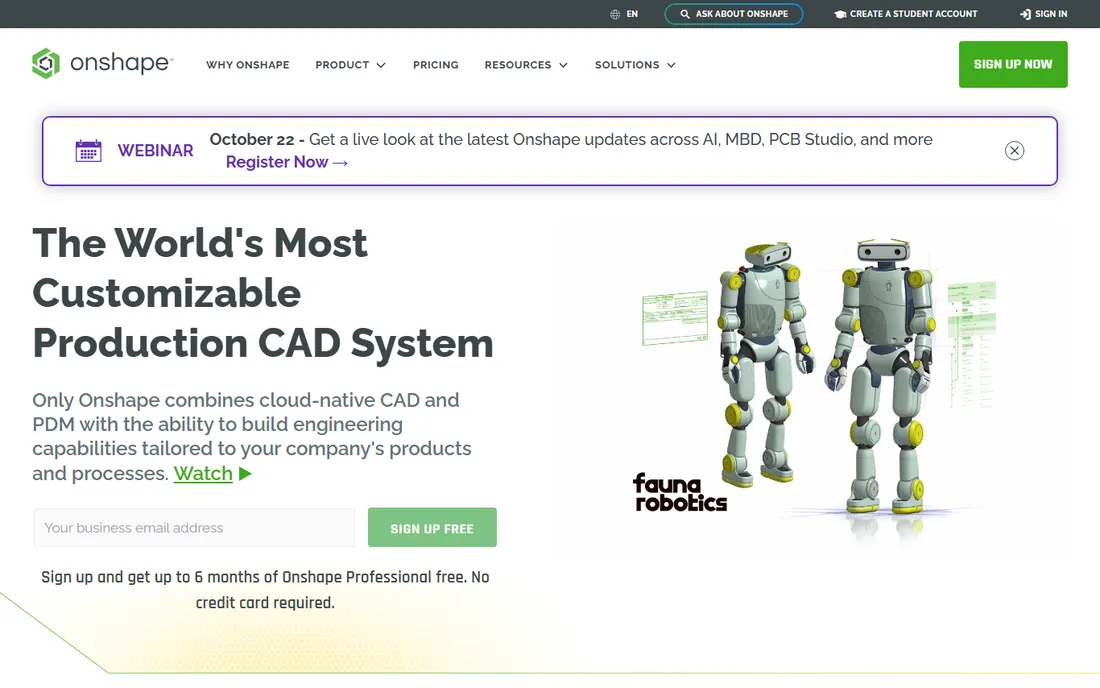
Onshape takes the radical approach of running professional parametric CAD entirely in the cloud. Open a browser on a Chromebook, model a part, and export the STL. For classrooms, maker clubs, and distributed teams, that zero-install story is genuinely compelling. Version control works like software development: branch a design, try a variant, merge it back.
The pricing sits between Fusion and SolidWorks at $1,500 per user per year. Solo makers should know the free tier exists but makes every document public, so keep proprietary designs on a paid plan. Offline printing workshops will miss a desktop app.
What we like- Full CAD with nothing to install
- Built-in version control and branching
- Clean STL export from any device
Watch out for- Needs a constant internet connection
- Free tier keeps your documents public
Starting priceFree
Free planYes
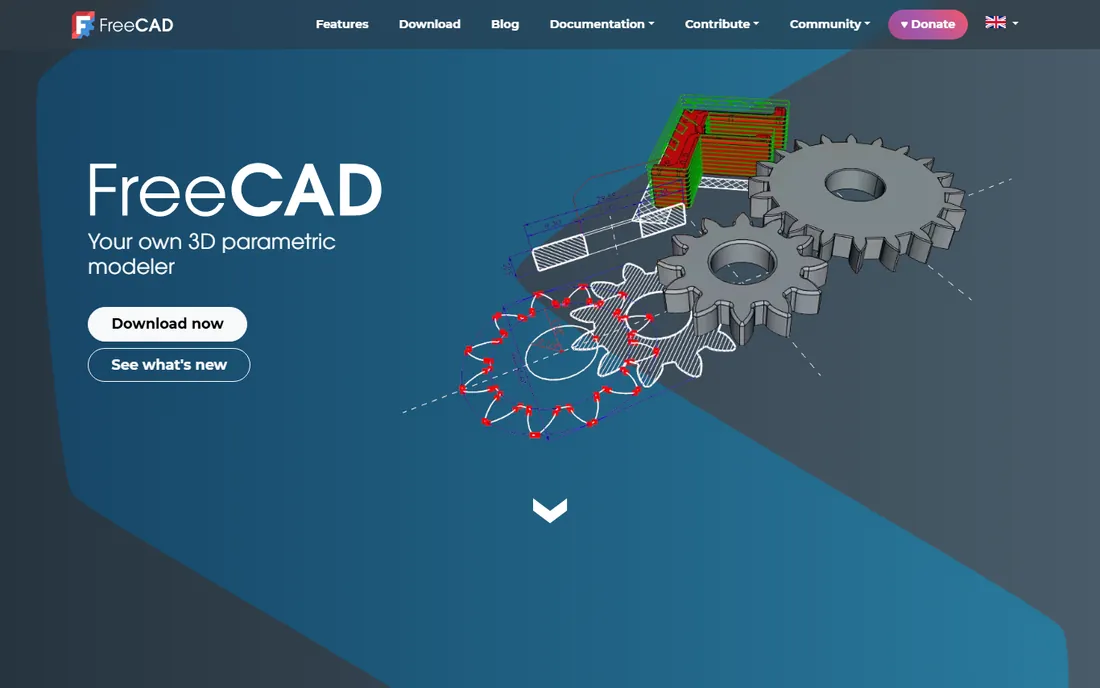
FreeCAD is the answer to "what is the best free 3D CAD software for 3D printing" when you need real engineering features. Sketches, constraints, extrusions, and boolean operations all work the way paid parametric tools do, and the Path and Mesh workbenches handle print preparation. It costs nothing, forever, with no account required.
Honesty requires saying the first week is rough. The interface is less polished than commercial rivals, and some workbenches feel like separate programs bolted together. Stick with it through a few tutorials and you will have a capable printer companion that never sends a renewal notice.
What we like- Open source with no fees ever
- True parametric workbenches
- Passionate community and addons
Watch out for- Steep learning curve
- Dated interface
- Large assemblies can get unstable
Starting priceFree
Free planYes
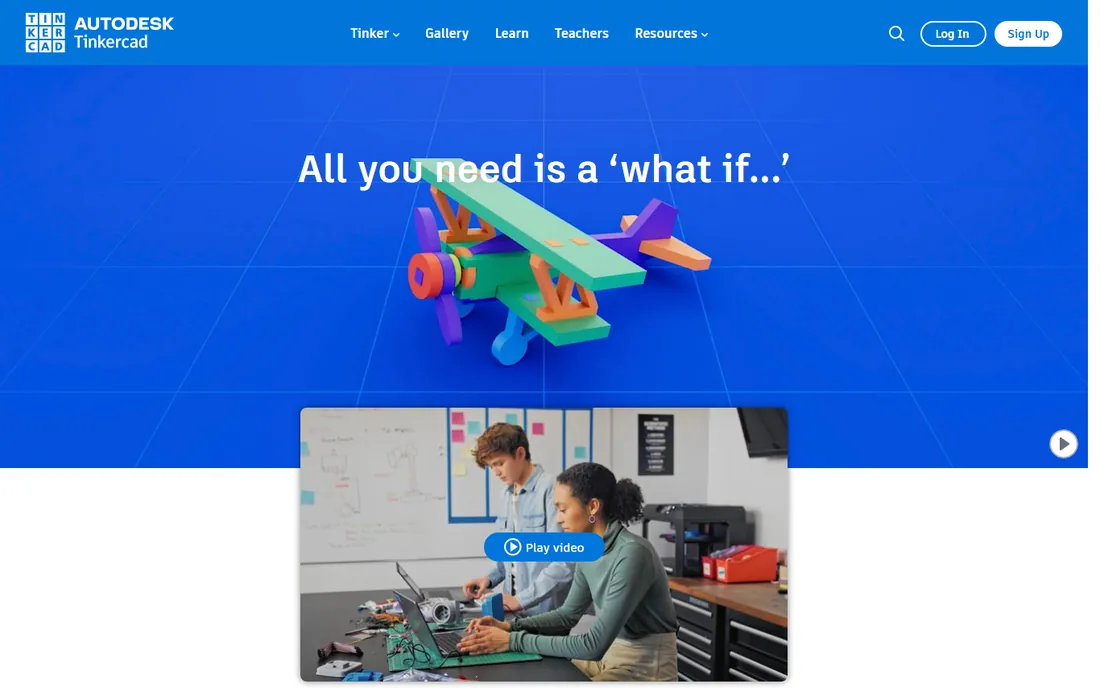
Tinkercad is where a huge number of 3D printer owners draw their first model, and there is no shame in that. Dragging primitives together and exporting an STL takes minutes to learn, which means students and casual makers actually finish projects instead of stalling in tutorial purgatory. It is completely free.
The ceiling arrives fast. Anything with precise fits, threads, or organic curves will fight you, and there is no parametric history to edit later. Treat Tinkercad as a starting point: great for brackets, enclosures, and learning, and a natural on-ramp to Fusion when you outgrow it.
What we like- Runs in a browser with zero setup
- Simplest path from idea to STL
- Excellent built-in lessons
Watch out for- Too simple for complex parts
- Requires an Autodesk account
- No parametric history
Starting priceFree
Free planYes
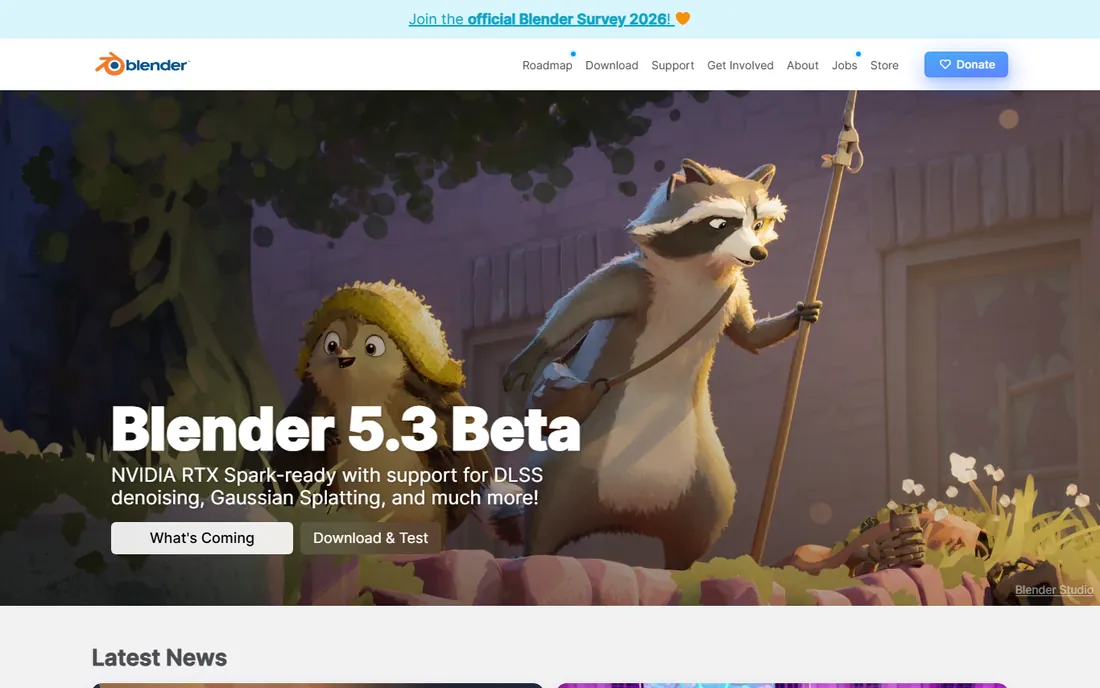
Ask character artists and prop makers which tool they print from and Blender comes up constantly. Its sculpting brushes, retopology tools, and mesh analysis are better than anything else on this list for organic shapes: figurines, masks, terrain, cosplay armor. It is free, open source, and runs on modest hardware.
Blender thinks in meshes, not dimensions, which is both its strength and its warning label. A bracket that must be exactly 42.5 mm wide is more work here than in a parametric tool. Run every model through Blender's 3D print analysis or an external mesh check before slicing, since non-manifold edges will ruin a print.
What we like- Best-in-class sculpting and mesh editing
- Enormous addon ecosystem
- Free and open source
Watch out for- Not parametric, so dimensions are manual
- Precision work needs workarounds
- Steep learning curve
Starting price$299/year (Pro)
Free planFree trial (14 days)
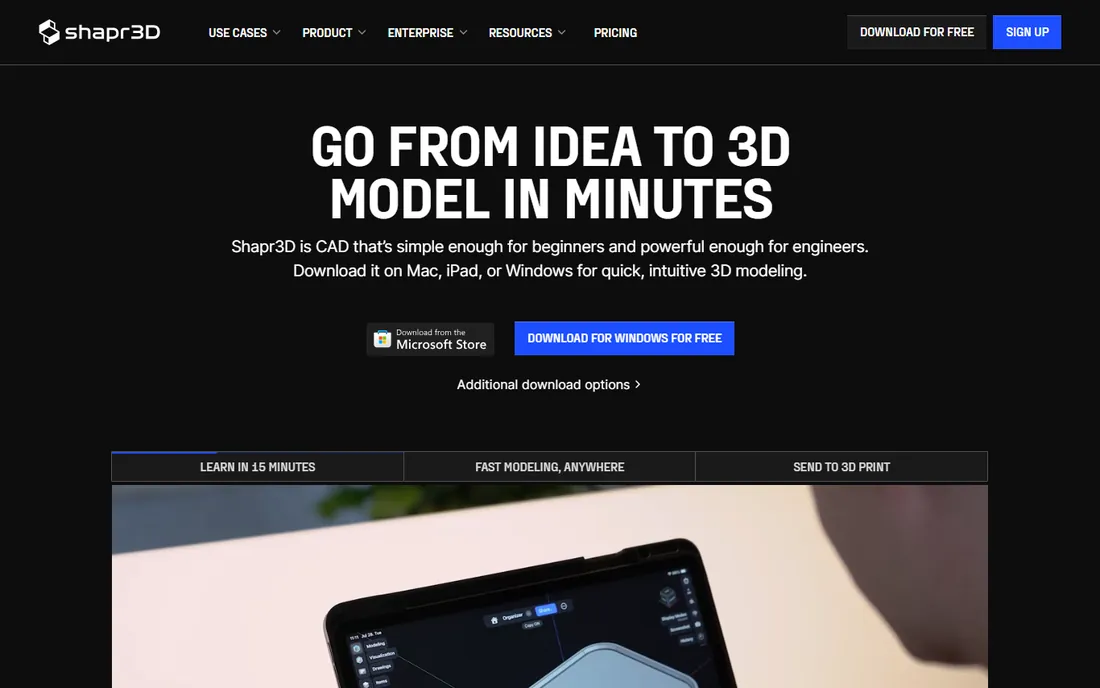
Shapr3D bet that CAD belongs on a tablet, and for 3D printing the bet mostly pays off. Sketching a profile with an Apple Pencil and pulling it into a solid is fast and oddly fun, and the models it produces are precise enough for functional prints. Files sync across devices, so a part started on the couch can be finished on a desktop.
At $299 per year for Pro, it is cheaper than Fusion but not cheap, and the free Basic tier caps you at two designs. If you already model comfortably with a mouse, the tablet workflow may not win you over. For everyone else, the 14-day trial is enough to know whether pencil CAD clicks.
What we like- Pencil-driven direct modeling feels natural
- Syncs across iPad, Mac, and Windows
- Exports STL and STEP
Watch out for- Pro price adds up over the years
- Free Basic tier is limited
- Best with a stylus
#8
SelfCAD
Best for: Beginners who want design and slicing in one place
Visit selfcad.com
Starting price$14.99/month (Pro)
Free planYes
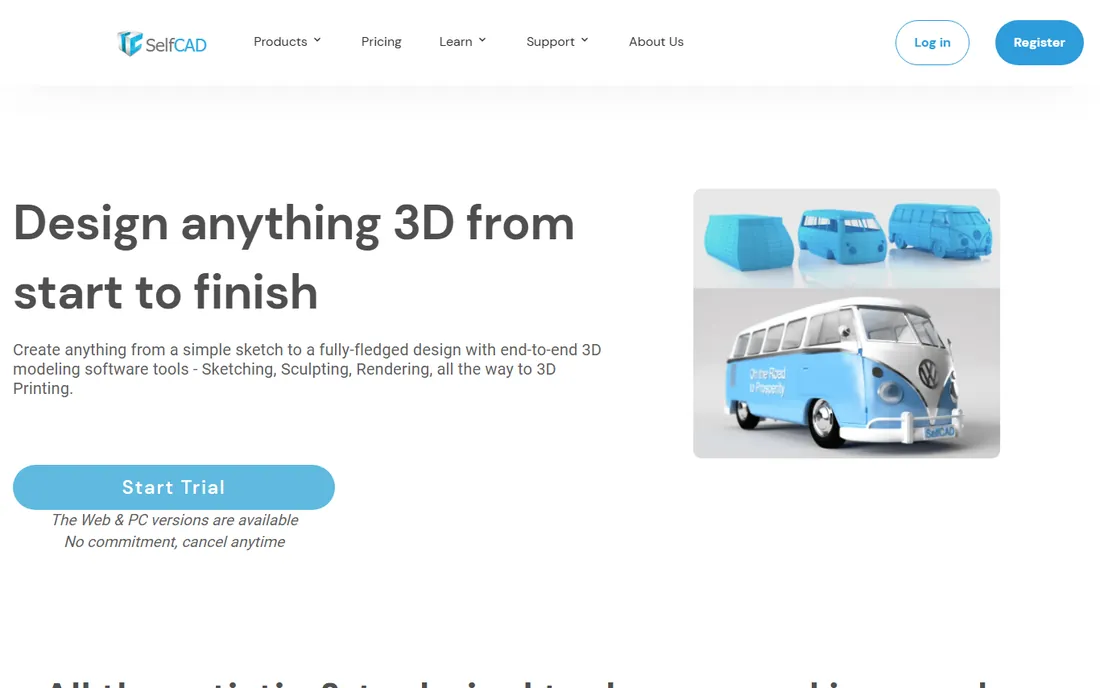
SelfCAD's pitch is the shortest path from idea to printer: model your part and slice it in the same browser tab. For schools and first-time printer owners, removing the export-import dance between CAD and slicer software genuinely reduces confusion. The free version covers the basics.
Serious makers will notice the ceiling. Precision modeling, assemblies, and advanced mesh repair lag behind FreeCAD and Fusion, and $14.99 per month is a real cost next to free alternatives. Pick SelfCAD when simplicity and the integrated slicer matter more than raw modeling depth.
What we like- Built-in slicer removes a whole step
- Gentle learning curve
- Runs in the browser
Watch out for- Weaker for engineering-grade parts
- Monthly cost versus free rivals
- Smaller community
What to check before you buy 3D CAD software
Price tags tell only part of the story. These are the details that decide whether a tool fits a printing workflow or fights it.
File export formats
Your CAD tool must export what your slicer eats. STL is the universal minimum. 3MF is the modern replacement and carries color, material, and unit data that STL drops. STEP or IGES matter if you share editable models with others or send parts to a machine shop later. Check that export is included in your tier, since some tools gate advanced formats behind higher plans.
Parametric versus direct modeling
Parametric tools (Fusion, SolidWorks, FreeCAD, Onshape) remember your design history, so changing one dimension rebuilds the part. Direct tools (Shapr3D, Blender, Tinkercad) edit geometry as-is. For functional prints that need several fitting iterations, parametric history saves hours. For one-off artistic pieces, direct modeling is faster.
Mesh repair and analysis
Downloaded models and scanned meshes arrive broken. Holes, flipped normals, and non-manifold edges turn into failed prints. Tools with built-in mesh repair (Fusion's mesh workspace, Blender's analysis, Meshmixer-style utilities) save you from installing a separate fixer.
Learning curve and tutorials
A powerful tool you abandon in week two is worthless. Tinkercad and SelfCAD get beginners printing in days. FreeCAD and Blender demand weeks of tutorials before they feel natural. Match the tool to the time you will actually invest.
Pricing model and lock-in
Subscriptions (Fusion, SolidWorks, Onshape, Shapr3D, SelfCAD) charge every year and can raise prices. Free tools (FreeCAD, Tinkercad, Blender) cost nothing but your time. Cloud tools add a second lock-in: your files live on someone else's servers. Weigh that against the convenience of browser access.
Exporting is where good models become good prints, and small mistakes here waste filament. Start with units: model in millimeters and confirm the export matches, because an STL carries no unit information and a part modeled in inches will slice 25.4 times too large.
Prefer 3MF over STL when your slicer supports it. 3MF stores the model, its scale, and print settings in one file, while STL is a bare triangle soup that invites scaling errors. Either way, check that the mesh is manifold, meaning every edge is shared by exactly two faces with no holes or internal walls. Most slicers flag these issues, but fixing them in CAD is faster than patching them afterward.
Wall thickness deserves a final look. A beautiful model with 0.3 mm walls will not survive most FDM printers; 1.2 mm (three perimeters on a 0.4 mm nozzle) is a safer minimum for functional parts. Design with your printer's limits in mind and you will reprint far less.
How we chose
We compared current pricing pages, documentation, and feature lists for tools commonly recommended in 3D printing communities, cross-checked against public reviews on G2, Capterra, and Reddit, and weighted export format support, mesh handling, and cost for print-focused workflows. We did not claim hands-on testing; the rankings reflect documented capabilities and pricing, not lab benchmarks.
Frequently asked questions
What is the best free 3D CAD software for 3D printing?
Tinkercad for absolute beginners and FreeCAD for anyone who needs parametric precision. Tinkercad gets you from signup to a sliced file in an afternoon, while FreeCAD handles real engineering parts with constraints and assemblies at the cost of a steeper learning curve. Blender joins them for organic shapes.
Do I need parametric CAD for 3D printing?
Not always. If you print decorative models or one-off brackets, direct modeling is fine. Parametric CAD earns its keep when parts must fit together, because you can change a dimension and watch the whole model rebuild instead of remodeling from scratch.
Should I export STL or 3MF from my CAD tool?
Use 3MF when your slicer supports it. It preserves units, orientation, and print settings in a single file, while STL stores only raw triangles and invites scaling mistakes. STL remains the safe fallback for older slicers and online print services.
Can I use Blender for 3D printing?
Yes, and many artists do. Blender excels at organic models that parametric tools struggle with. The tradeoff is precision: dimensioning exact fits takes more effort, and you should run its mesh analysis tools before every print to catch non-manifold geometry.
Is Fusion 360 still free for hobbyists?
Autodesk renamed Fusion 360 to Autodesk Fusion in 2024, and the free personal-use tier continues under the new name. It covers non-commercial use for hobbyists, students, and qualifying startups. Commercial work requires the paid subscription at $680 per year.
Sources we checked (8)
- https://www.autodesk.com/
- https://www.solidworks.com/
- https://www.onshape.com/
- https://www.freecad.org/
- https://www.tinkercad.com/
- https://www.blender.org/
- https://www.shapr3d.com/
- https://www.selfcad.com/
Is your product missing or out of date?
We review this list regularly. Vendors can request a listing, send updated pricing or ask about featured placement.

Shihab Mia · Founder, Rankite
Shihab has spent more than a decade helping SaaS and e-commerce brands grow through search. He writes Rankite's software buying guides from pricing pages, documentation and public user reviews. More about Shihab.