How we make this list: we compare pricing pages, product documentation and public user reviews. Rankite is independent; if a vendor ever pays for a featured spot, that listing is clearly labeled Partner.
Key takeaways
- OpenToonz (free) is the serious free start: professional-grade 2D animation used by Studio Ghibli, with a real learning curve.
- Pencil2D (free) is the gentlest first step: traditional frame-by-frame drawing with almost no learning curve.
- Moho Debut ($59.99 one-time) is the best cheap rigged animation: bone rigs and smart animation for character work.
- Krita (free) covers frame-by-frame animation inside a painting app beginners already know.
Quick comparison
| Tool | Best for | Starting price | Free plan |
|---|
 OpenToonz OpenToonz | Serious free 2D animation | Free | Yes |
 Pencil2D Pencil2D | First frame-by-frame animation | Free | Yes |
 Krita Krita | Painters adding animation | Free | Yes |
 Synfig Studio Synfig Studio | Free vector tweening animation | Free | Yes |
 Wick Editor Wick Editor | Browser-based beginner animation | Free | Yes |
 Moho Moho | Affordable rigged character animation | From $59.99 one-time (Debut) | Free trial |
 Adobe Animate Adobe Animate | Web and interactive animation | $22.99/month (single-app plan) | Free trial (7 days) |
 Toon Boom Harmony Toon Boom Harmony | Aspiring professional animators | From $25/month (Essentials) | Free trial (21 days) |
Is your product missing or out of date?
We review this list regularly. Vendors can request a listing, send updated pricing or ask about featured placement.
The best 2D animation software for beginners
You want to animate: a short film, a YouTube intro, a character for a game. The beginner trap is downloading professional software and drowning in it. The tools below are ordered by approachability, because the best animation software for a beginner is the one where you finish your first ten-second clip this week.
Starting priceFree
Free planYes
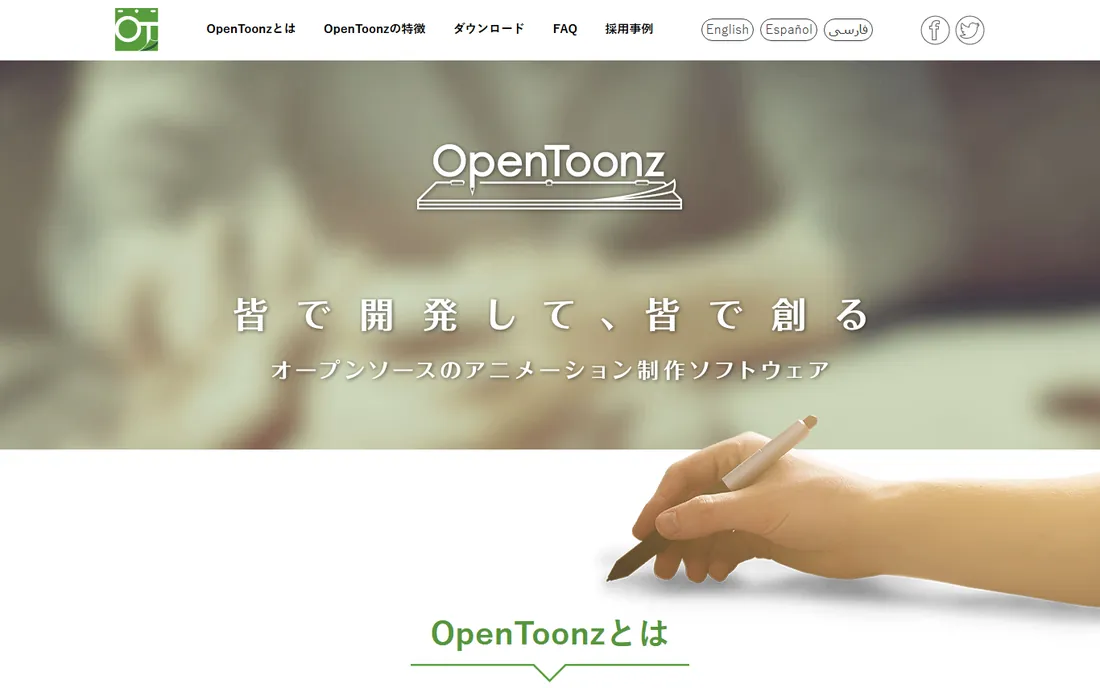
OpenToonz is the remarkable fact of this list: the software behind Studio Ghibli films, free and open source. It handles traditional frame-by-frame animation, cut-out rigging, effects compositing and scanning with professional depth. There are no tiers, no watermarks, no expiry: the full tool, free.
The honest catch is the learning curve. The interface is dense, the workflow assumes you understand animation concepts, and tutorials vary in quality. Beginners should expect weeks before comfort. But the ceiling is unlimited: skills learned here transfer to studio pipelines. For committed beginners, it is the best free deal in animation.
What we like- Professional-grade: Studio Ghibli's animation software, open-sourced
- Supports traditional and cut-out workflows
- Completely free with no limits
Watch out for- The interface is intimidating and the learning curve is steep
- Documentation assumes animation knowledge
Starting priceFree
Free planYes
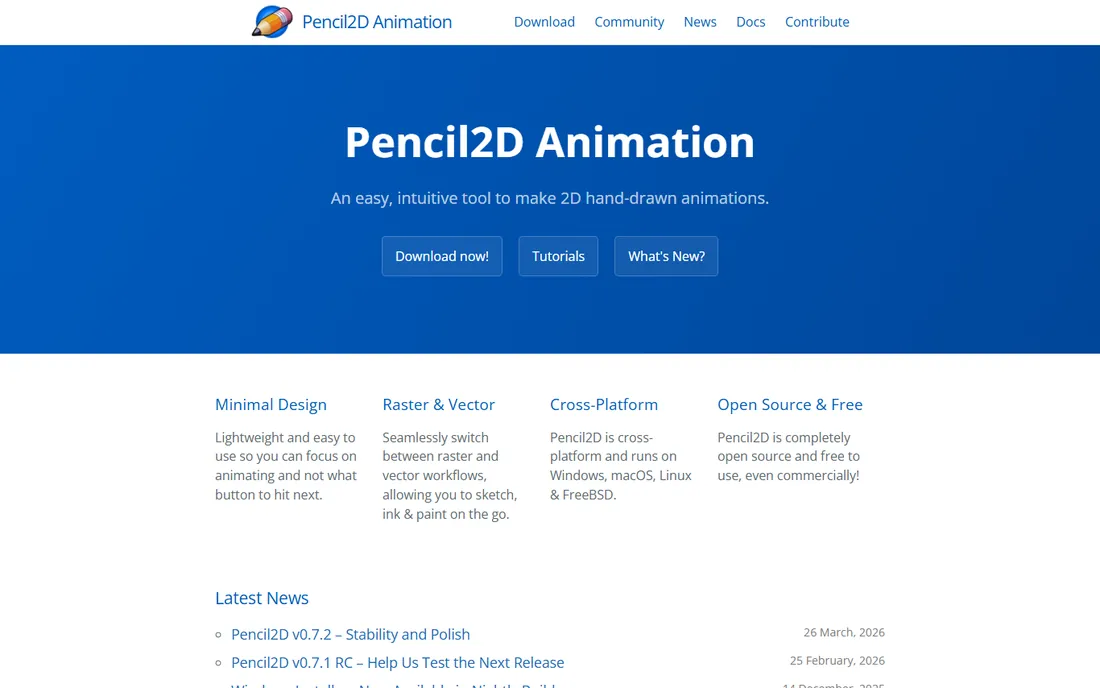
Pencil2D is animation with nothing in the way. Draw a frame, draw the next frame, press play: onion skinning shows the previous drawing ghosted underneath. It teaches the fundamental skill (drawing motion frame by frame) with zero interface to learn. For a first animation, a bouncing ball or a walk cycle, it is perfect.
The catch is the ceiling, which arrives in weeks. No bone rigs, no camera moves to speak of, minimal sound support. It is a learning tool, not a production tool. Start here to learn whether you enjoy animating; graduate to OpenToonz or Krita when the basics click.
What we like- The simplest animation app here: draw, add frames, play
- Lightweight and fast
- Teaches traditional animation fundamentals directly
Watch out for- Very basic: no rigging, limited effects, minimal audio tools
- Small development team
Starting priceFree
Free planYes
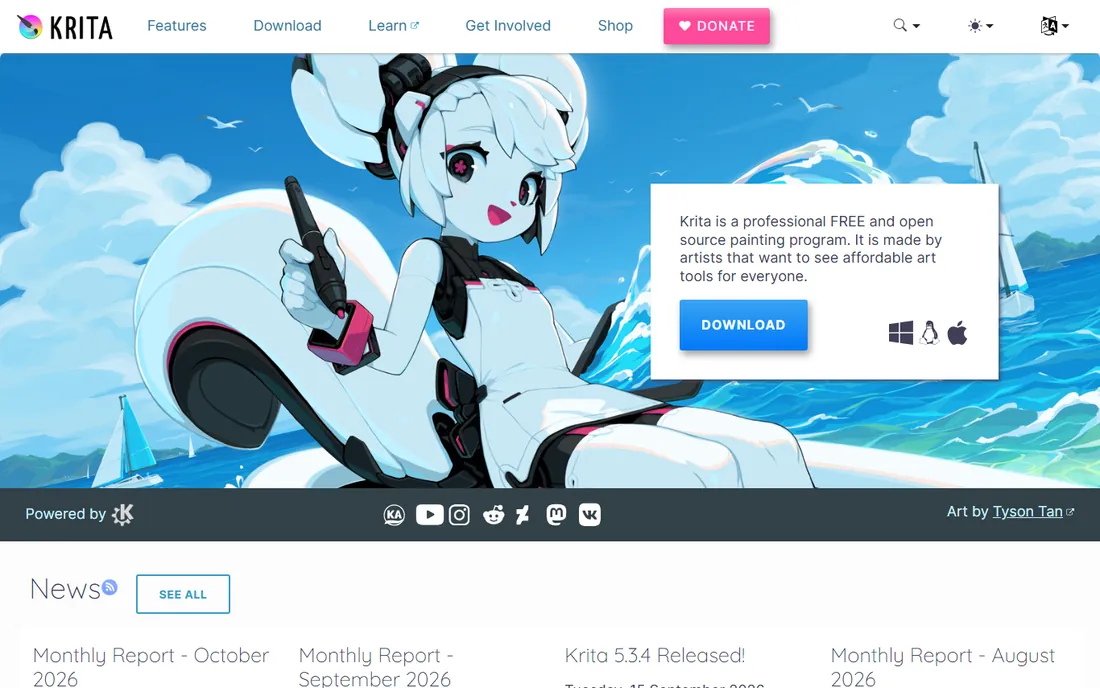
Krita sneaks onto this list because its animation workspace is genuinely usable. Painters who already draw in Krita get a timeline, onion skinning and frame management without learning a new app. For animated illustrations, loops and short sequences in a painterly style, it is the path of least resistance.
The honest catch is specialization. Dedicated animation apps (OpenToonz, Moho) go deeper on rigging, cameras and production workflows. Long, complex timelines can strain performance. But for artists, animating where you already paint removes the biggest beginner barrier: a new interface.
What we like- Full painting app plus real animation (timeline, onion skin)
- Free with no limits
- Familiar to anyone who draws digitally
Watch out for- Animation tools are good but not specialist-grade
- Performance on long timelines can lag
Starting priceFree
Free planYes
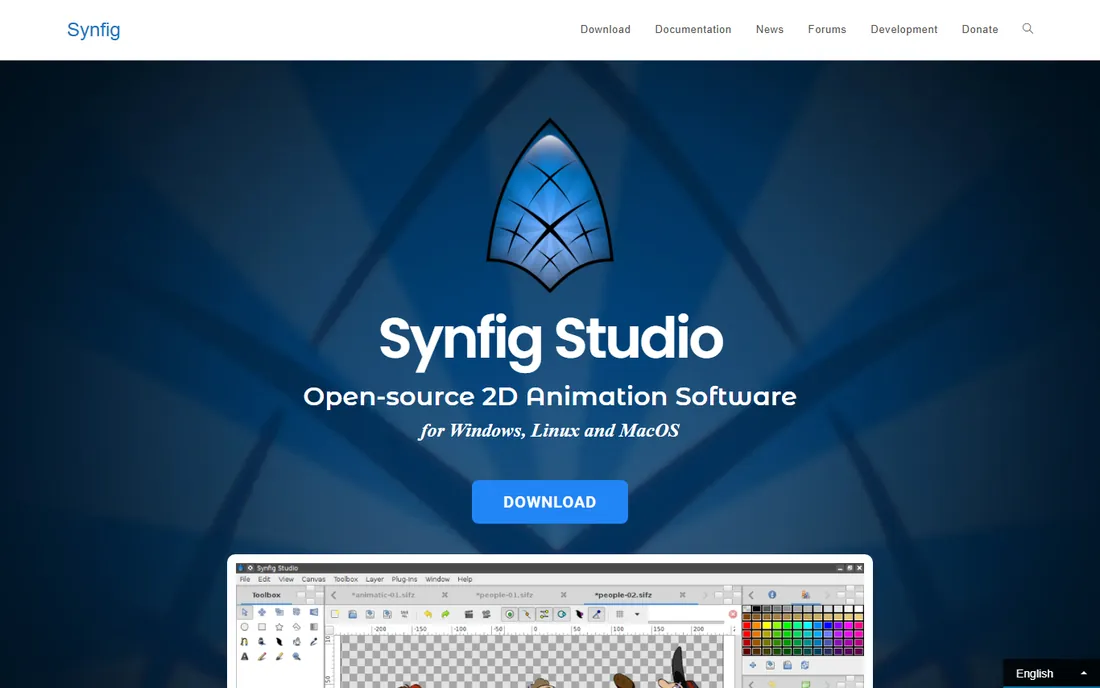
Synfig Studio takes the other approach: vector-based tweening, where you set key poses and the software interpolates between them. For motion graphics, explainer-style animation and cut-out characters, tweening is far faster than frame-by-frame. The bone system rigs characters for reuse, and it is all free.
The catch is the experience. The interface is dated, the learning curve is real, and the community is smaller than OpenToonz's. But the technique it teaches (tweened vector animation) is exactly what Moho and Adobe Animate do commercially. For patient beginners who dislike drawing every frame, it is the free tweening school.
What we like- Vector tweening: animate without drawing every frame
- Free and open source
- Bone system for cut-out character animation
Watch out for- Dated interface with a real learning curve
- Smaller community than OpenToonz
Starting priceFree
Free planYes
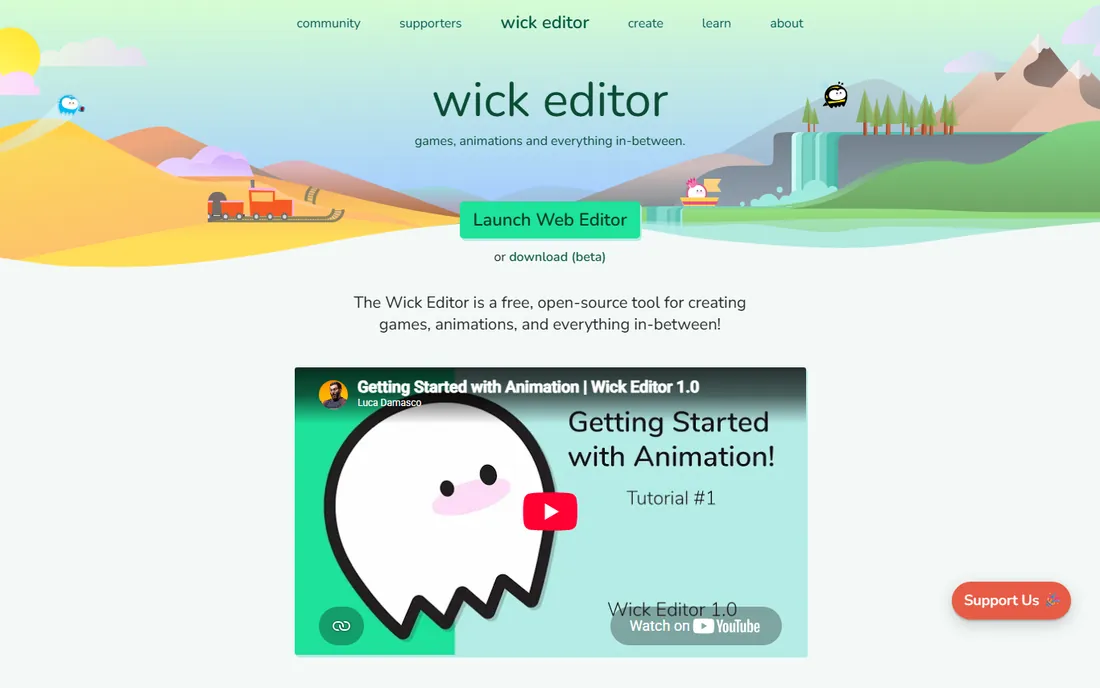
Wick Editor is the friendliest on-ramp: a free, browser-based tool mixing drawing, frame animation and even simple JavaScript interactivity. Kids, students and casual creators make their first animations in minutes. The Flash-like workflow (drawing tools plus timeline) is intuitive for anyone who remembers early web animation.
The honest catch is the ceiling. It will not carry a short film or professional project; the toolset is deliberately limited. But as a zero-install first experience, especially for young beginners, it removes every barrier. Graduate when the projects outgrow it.
What we like- Runs in the browser with nothing to install
- Combines drawing, animation and simple coding
- Great for kids and classrooms
Watch out for- Limited depth for serious projects
- Browser-based means no heavy production work
Starting priceFrom $59.99 one-time (Debut)
Free planFree trial
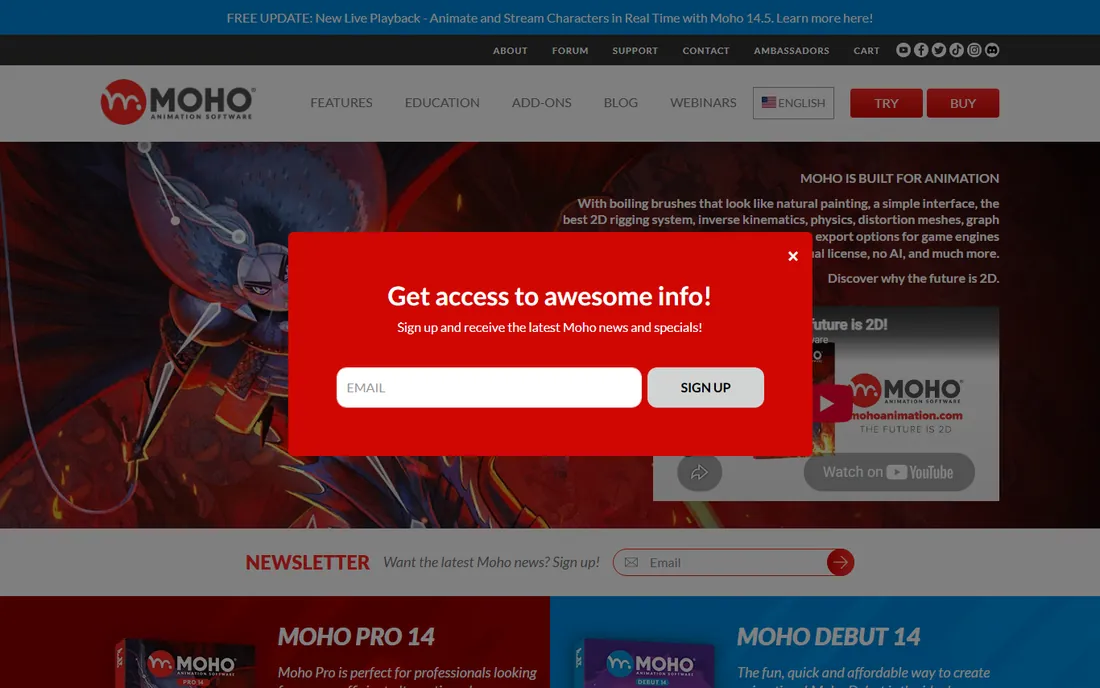
Moho (formerly Anime Studio) is the rigged-animation specialist: build a character once with bones, then pose and animate it like a puppet. Smart bones automate joint bending, physics handles hair and cloth, and the workflow is dramatically faster than redrawing characters. Debut at $59.99 one-time is the cheapest rigged animation available.
The catch is the tier split. Debut limits resolution, rigging depth and export options; serious users want Pro at $399.99. The drawing tools are serviceable, not delightful: many artists design characters elsewhere and rig in Moho. For character animation on a budget, the rigging engine justifies it.
What we like- Best-in-class bone rigging at the price
- Smart bones and physics for natural motion
- One-time purchase (Debut $59.99, Pro $399.99)
Watch out for- Debut tier limits features professionals want
- Vector drawing tools are weaker than Krita's
Starting price$22.99/month (single-app plan)
Free planFree trial (7 days)
Adobe Animate (the former Flash Professional) is the interactive animation tool: vector animation exported to HTML5 canvas for web ads, games and interactive content. The drawing tools are refined, the Creative Cloud integration is smooth, and the web output is the industry path for animated ads.
The honest catch is the fit and the price. At $22.99 per month, it is the priciest beginner option here, and its strengths (interactivity, web publishing) do not help a short film. Buy it for web and ad animation careers. For learning animation itself, the free tools teach more for nothing.
What we like- The web animation standard: HTML5 canvas, vector animation, interactive content
- Integrates with Creative Cloud
- Strong for ads and web content
Watch out for- Subscription cost for beginners
- Less suited to traditional frame-by-frame film animation
Starting priceFrom $25/month (Essentials)
Free planFree trial (21 days)
Toon Boom Harmony is what the animation industry uses: the rigging, compositing and production tools behind professional TV and film. Essentials from $25 per month gives beginners the real pipeline at an accessible price, and the skills transfer directly to studio jobs.
The catch is ambition mismatch. Harmony is a professional tool with professional complexity; casual beginners will find OpenToonz or Moho friendlier. The Essentials tier gates advanced features. For aspiring professionals, though, learning the industry standard early is a career advantage no free tool matches.
What we like- The professional 2D animation standard (TV and film studios)
- Cut-out rigging and traditional tools at the highest level
- Skills are directly employable
Watch out for- Essentials tier limits the pro features
- The learning curve and price exceed casual needs
Frame-by-frame vs rigged: pick your technique
Beginners face a technique choice before a software choice. Frame-by-frame (Pencil2D, Krita, OpenToonz traditional) means drawing every pose: laborious, beautiful, the fundamental skill. Rigged/cut-out (Moho, Synfig, Toon Boom, OpenToonz cut-out) means building a puppet once and posing it: faster, reusable, slightly less organic.
Learn frame-by-frame first if you want to understand motion; the principles (timing, spacing, squash and stretch) transfer everywhere. Choose rigged if your goal is producing character content efficiently (YouTube series, explainer characters). Most professionals learn both eventually.
What to check before you commit
Start with your first project, not the feature list. A ten-second loop: Pencil2D or Wick Editor today. A short film: OpenToonz with commitment. A character series: Moho Debut. Web ads: Adobe Animate. Match the tool to the artifact and you will finish things; mismatch and you will collect software.
Then check the export you need. YouTube wants MP4/H.264; festivals want ProRes or image sequences; web wants HTML5 or lightweight video. Every tool here exports video, but the codec options and quality settings vary. Test your delivery format in the trial before building a project on it.
Finally, budget the learning time honestly. Pencil2D: hours. Krita animation: days (if you know Krita). Moho Debut: weeks. OpenToonz: months. Toon Boom: months. The best tool is the one whose learning curve you will actually climb, which usually means starting simpler than your ambition suggests.
How we chose
We started with the searches beginners actually run: 2D animation software for beginners, free animation software and OpenToonz vs Moho. For each candidate we verified current availability and pricing, assessed the beginner learning curve, and compared techniques, export options and community support against animator communities and reviews. Where a price could not be verified on the vendor's page, we wrote "See website" rather than guessing.
Frequently asked questions
What is the easiest 2D animation software for beginners?
Pencil2D for pure simplicity (draw frames, press play) or Wick Editor for browser-based fun. Both produce a first animation within an hour. Krita is next if you already draw digitally. Avoid starting with OpenToonz or Toon Boom until the basics click.
Is OpenToonz really free?
Yes: open source, free forever, no tiers. It is the actual software lineage used by Studio Ghibli, released openly. The cost is the learning curve: expect weeks of tutorials before comfort. For committed beginners, it is unmatched value.
Can I make professional animations with free software?
Yes. OpenToonz has professional credits, and Krita's animation tools produce releasable work. The limitation is rarely the software: it is skill, time and sound design. Professionals choose paid tools for pipeline integration and support, not because free tools cannot produce quality.
Moho vs Toon Boom: which should I learn?
Moho Debut ($59.99 one-time) for affordable rigged character animation as a hobbyist or YouTuber. Toon Boom Harmony (from $25/month) for a professional animation career: it is the studio standard and the skills are employable. The techniques overlap; the industry recognition does not.
Do I need a drawing tablet for 2D animation?
For frame-by-frame work, effectively yes: drawing with a mouse is painful. A basic pen tablet is affordable and transforms the experience. For rigged/tweened animation (Moho, Synfig), a mouse suffices longer since you pose rather than draw.
What is tweening in animation?
Tweening (in-betweening) is when the software generates the frames between your key poses automatically. Vector tools (Synfig, Moho, Animate, Toon Boom) excel at it. It is dramatically faster than drawing every frame, at the cost of a slightly less organic feel. Most beginner-friendly character animation uses tweening.
Sources we checked (8)
- https://opentoonz.github.io/e/
- https://www.pencil2d.org
- https://krita.org/en/
- https://www.synfig.org
- https://www.wickeditor.com
- https://www.mohoanimation.com
- https://www.adobe.com/products/animate.html
- https://www.toonboom.com/products/harmony/pricing
Is your product missing or out of date?
We review this list regularly. Vendors can request a listing, send updated pricing or ask about featured placement.

Shihab Mia · Founder, Rankite
Shihab has spent more than a decade helping SaaS and e-commerce brands grow through search. He writes Rankite's software buying guides from pricing pages, documentation and public user reviews. More about Shihab.