How we make this list: we compare pricing pages, product documentation and public user reviews. Rankite is independent; if a vendor ever pays for a featured spot, that listing is clearly labeled Partner.
Key takeaways
- Professional studios standardize on Toon Boom Harmony, TVPaint or Adobe Animate; everyone else should choose based on workflow, not brand.
- Rigged vector animation (Moho, Cartoon Animator) produces finished minutes far faster than frame-by-frame; traditional hand-drawn work still belongs to TVPaint, OpenToonz or Pencil2D.
- Three tools here are completely free and open source (OpenToonz, Synfig, Pencil2D), and OpenToonz has genuine Studio Ghibli lineage.
- Paid tools are mostly perpetual licenses or trials, not subscriptions: check each vendor's current pricing page before budgeting.
Quick comparison
| Tool | Best for | Starting price | Free plan |
|---|
 Toon Boom Harmony Toon Boom Harmony | Professional studios and anyone producing animation commercially | See website | Free trial |
 Adobe Animate Adobe Animate | Web animators, banner ads and teams already paying for Creative Cloud | See website | Free trial |
 Moho Moho | Solo animators and small studios doing rigged character animation | See website | Free trial |
 TVPaint Animation TVPaint Animation | Traditional animators who want a digital pencil that feels like paper | See website | Free trial |
 OpenToonz OpenToonz | Serious animation work at zero cost, with professional features | Free | Yes |
 Synfig Studio Synfig Studio | Free vector animation without drawing every frame | Free | Yes |
 Pencil2D Pencil2D | Beginners learning traditional hand-drawn animation principles | Free | Yes |
 Cartoon Animator Cartoon Animator | Turning photos and artwork into animated characters quickly | See website | Free trial |
Is your product missing or out of date?
We review this list regularly. Vendors can request a listing, send updated pricing or ask about featured placement.
The best 2D animation software
Here is the blunt version: there is no single best 2D animation program, because "2D animation" covers at least three different crafts. Rigged puppet animation, traditional frame-by-frame drawing, and motion-graphics-style web animation each have their own champions, and buying the wrong type for your workflow wastes months. These eight tools cover all three crafts, from studio standards to free software with real production history.
#1
Toon Boom Harmony
Best for: Professional studios and anyone producing animation commercially
Visit toonboom.com
Starting priceSee website
Free planFree trial
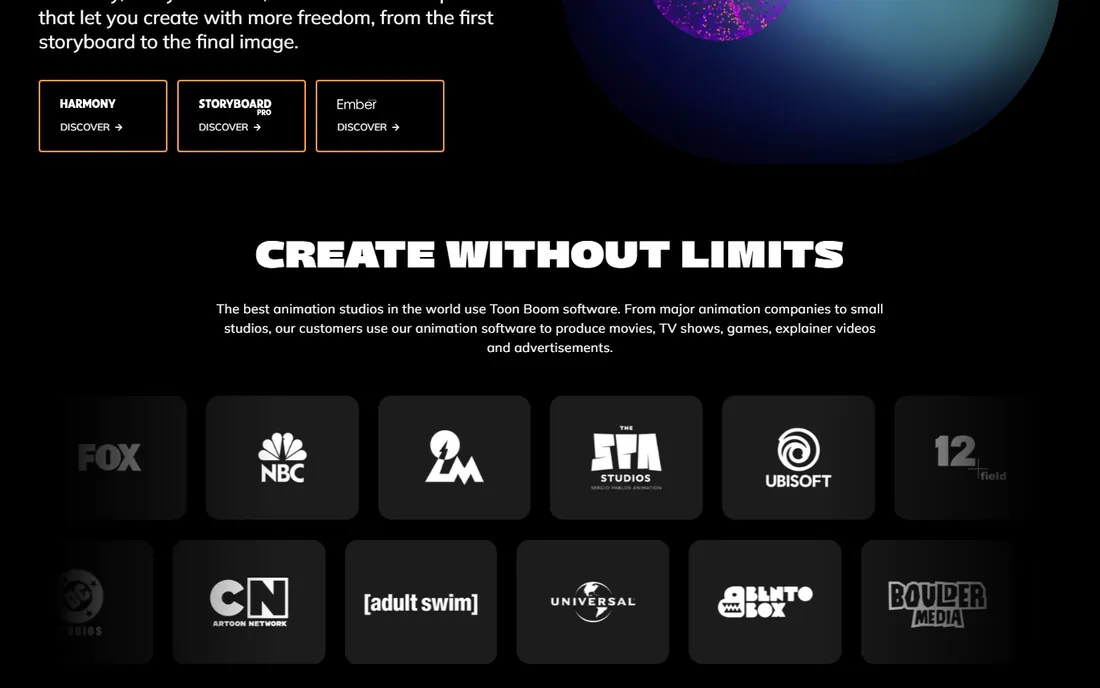
Toon Boom Harmony is what most professional 2D productions actually run on. Major studios use it for series and features because it covers the whole pipeline: drawing, rigging, traditional frame-by-frame, compositing and final camera moves. If your goal is a career in animation or a commercial production, Harmony is the skill employers expect and the tool that scales from a solo short to a series.
That professional positioning is also the warning. Pricing is not published as a simple buy button, the interface assumes you know animation terminology, and a beginner making YouTube intros will drown in features they never touch. Start with the free trial on a real project before committing, and be honest about whether your work needs a studio pipeline or just a good rigging tool.
What we like- The industry standard for television and film production pipelines
- Handles both rigged and traditional paperless workflows in one package
- Deep compositing, effects and camera tools built in
Watch out for- Pricing is quote-based and aimed at professionals, not hobbyists
- The learning curve is steep
- Overkill for short social clips or simple explainer videos
#2
Adobe Animate
Best for: Web animators, banner ads and teams already paying for Creative Cloud
Visit adobe.com
Starting priceSee website
Free planFree trial
Adobe Animate is the descendant of Flash, and it still owns the niche Flash created: animation destined for the web. Interactive banners, web series, e-learning modules and social motion graphics are its home turf, with export paths to HTML5 canvas and video that the studio tools treat as afterthoughts. If your team already subscribes to Creative Cloud, Animate may already be in your plan.
Outside that niche the case weakens. Character rigging is serviceable but not best in class, traditional drawing tools feel secondary, and the subscription model means a decade of payments for software you could have bought once elsewhere. Buy it for web-first animation inside an Adobe workflow; look elsewhere for film-style production.
What we like- Natural fit for web output: HTML5 canvas, SVG and video export
- Integrates with Photoshop and Illustrator assets
- Subscription includes continuous updates
Watch out for- Subscription-only, so the cost never ends
- Weaker for traditional frame-by-frame than TVPaint or OpenToonz
- Rigging and character tools trail Moho and Cartoon Animator
Starting priceSee website
Free planFree trial
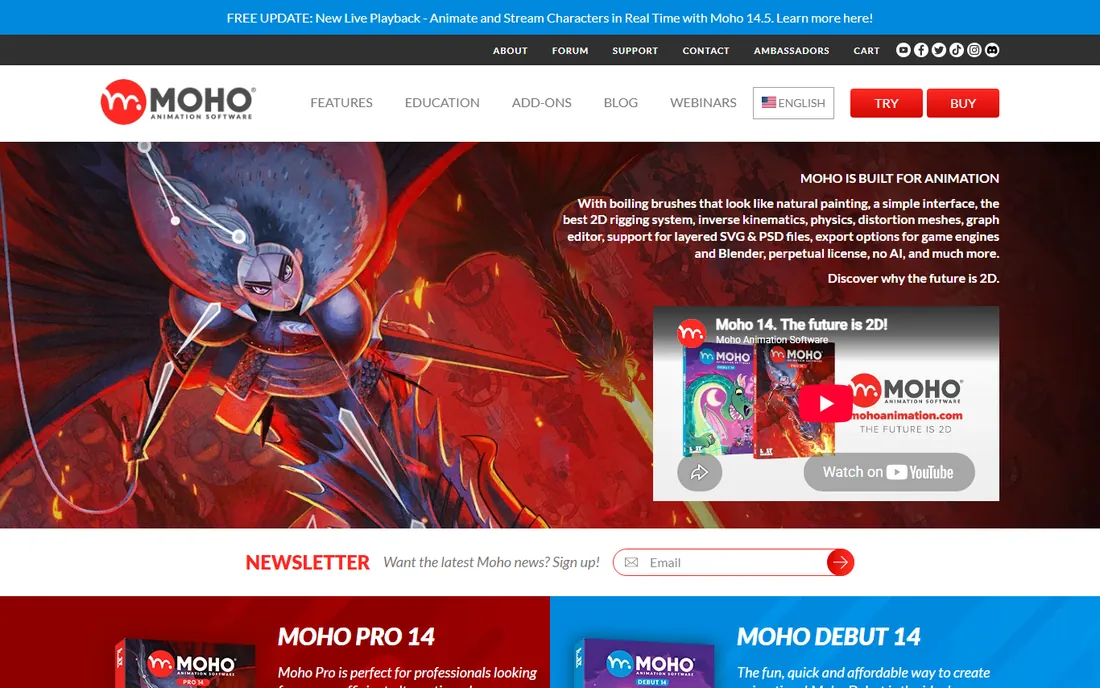
Moho (formerly Anime Studio) is the rigging specialist's choice. You draw or import a character once, build a skeleton with its bone system, and then animate by posing rather than redrawing. Smart bones automate head turns and joint bends that take hours by hand, and the physics tools handle secondary motion like bouncing and swaying. For explainer videos, YouTube channels and small productions, one person with Moho can output what used to need a team.
The perpetual license is a genuine differentiator in 2026: you buy it, you own it, no monthly meter running. The tradeoff is that Moho is not a drawing program first. Artists who want to hand-draw every frame will be happier in TVPaint or OpenToonz. But for character-driven work on a deadline, Moho's rigging remains one of the fastest paths from idea to finished animation.
What we like- Perpetual license with no subscription
- Widely praised bone-rigging system with smart bones, physics and inverse kinematics
- Imports layered Photoshop files and exports for game engines and Blender
Watch out for- The interface shows its age in places
- Frame-by-frame drawing is weaker than in TVPaint or OpenToonz
- Smaller community means fewer tutorials than the big names
#4
TVPaint Animation
Best for: Traditional animators who want a digital pencil that feels like paper
Visit tvpaint.com
Starting priceSee website
Free planFree trial
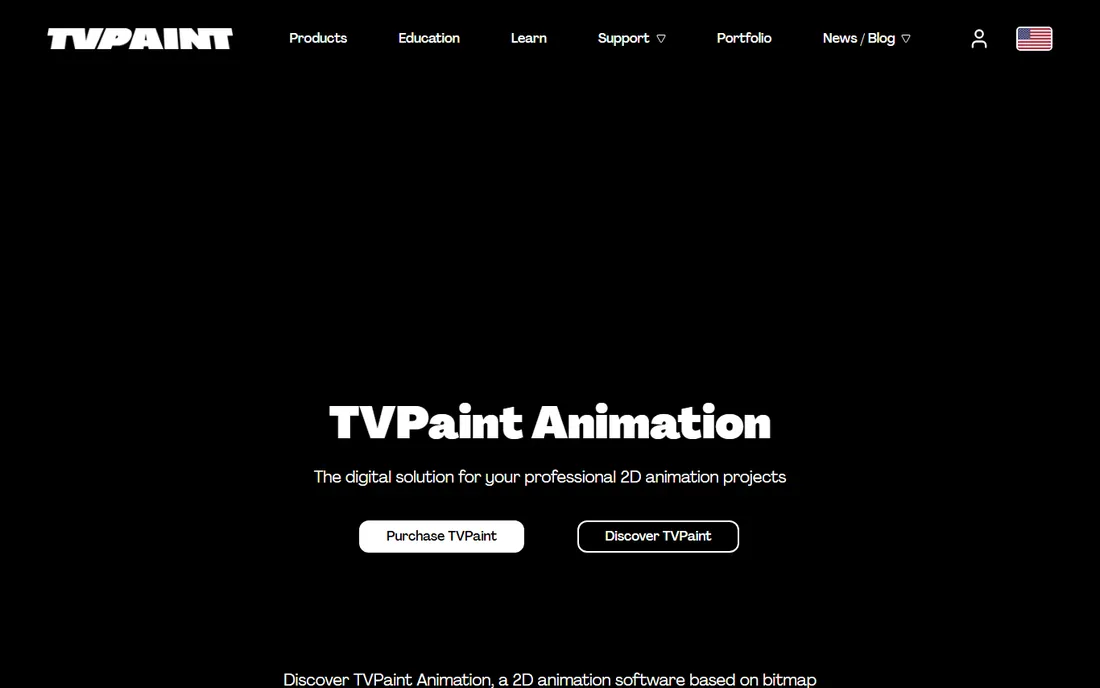
TVPaint is built on bitmap technology rather than vectors, which is a deliberate choice: it behaves like drawing on paper. The brush engine, light table, and frame management are designed for animators trained in traditional techniques, and the results carry an organic quality that vector tools struggle to fake. Studios producing hand-drawn features and high-end commercials keep it in the pipeline for exactly that reason.
It is sold as a one-time purchase in Standard and Professional editions, with free trial availability for evaluation. That purchase is priced for professionals, so students should check the education pricing the vendor advertises. If your heart is in hand-drawn animation and you want software that respects that craft, TVPaint is the most faithful digital equivalent.
What we like- Bitmap-based engine that reproduces the feel of traditional hand drawing
- One-time purchase, not a subscription
- Taught in major animation schools and used by professional studios
Watch out for- Premium pricing aimed at professionals and schools
- Bitmap workflow means resolution decisions matter upfront
- Smaller user community than Toon Boom or Adobe
Starting priceFree
Free planYes
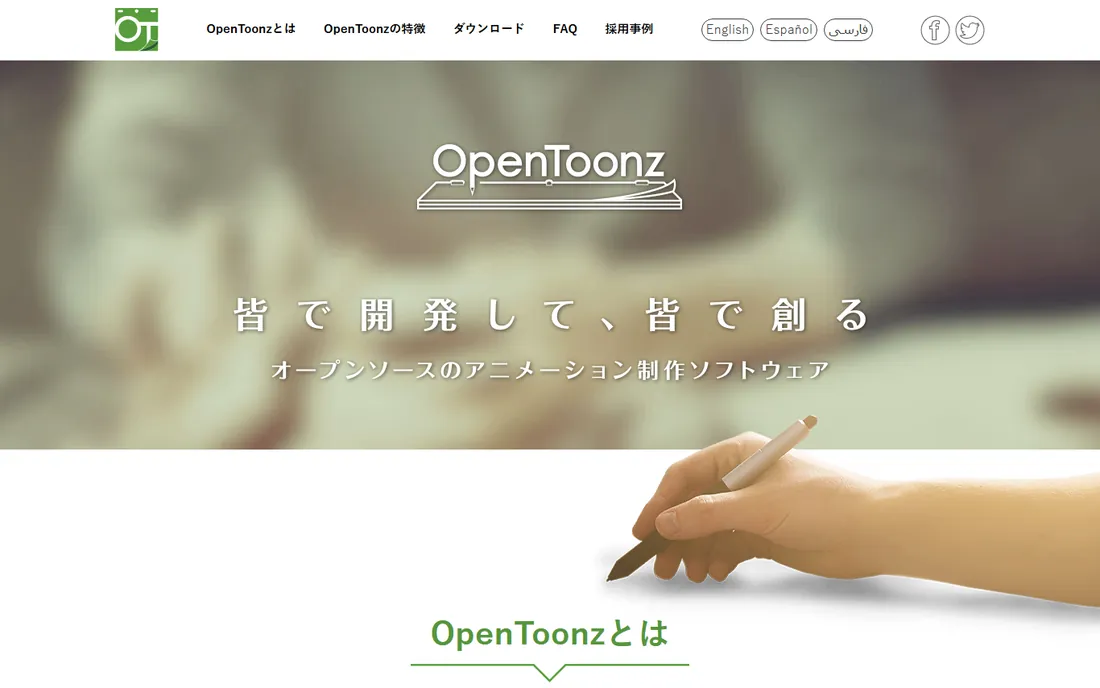
OpenToonz deserves more attention than it gets. It is the open-source release of Toonz, the software behind years of Studio Ghibli productions, developed with Dwango's backing. That lineage shows in the feature set: the GTS scanning toolset for paper workflows, a node-based effects system, and production-oriented frame management that free tools rarely offer.
The price of free is friction. The interface follows its own logic, tutorials are thinner than for commercial tools, and you will spend time configuring rather than animating at first. But nothing else free comes close on capability. For students, independent filmmakers and studios watching budgets, OpenToonz is the rare free tool that can genuinely carry a production.
What we like- Completely free and open source, based on software used by Studio Ghibli
- Professional scanning tools (GTS) and effects SDK
- No watermark, no feature locks, no account
Watch out for- The interface is idiosyncratic and documentation is uneven
- Setup and workflow assume technical patience
- Development pace depends on volunteer contributors
#6
Synfig Studio
Best for: Free vector animation without drawing every frame
Visit synfig.org
Starting priceFree
Free planYes
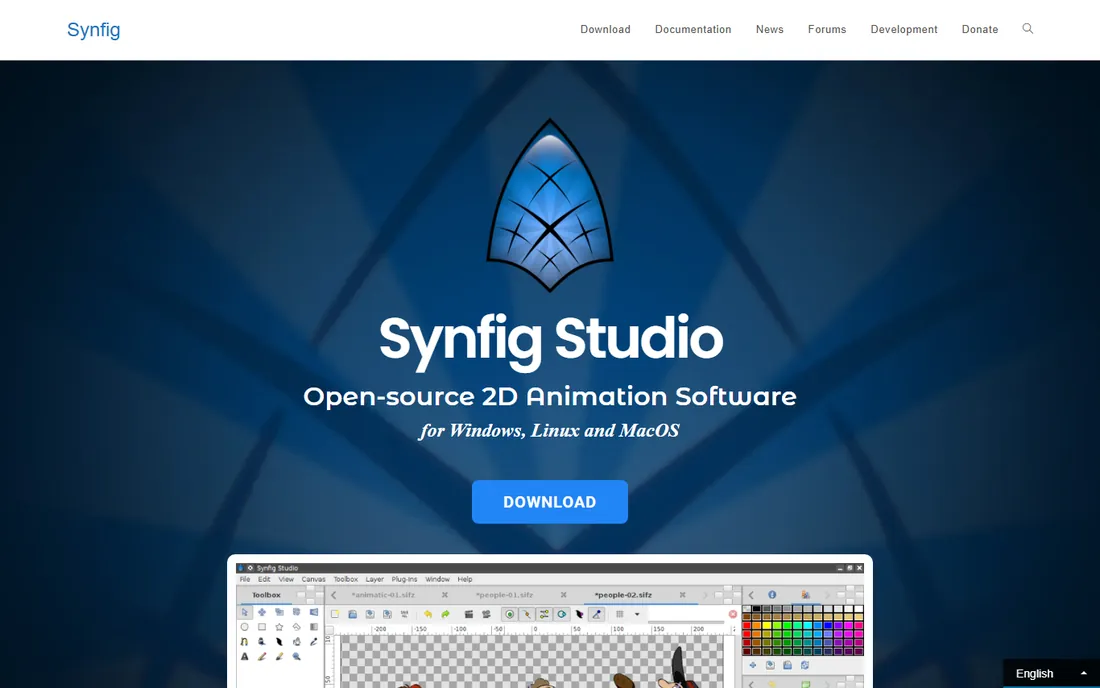
Synfig attacks the most labor-intensive part of 2D animation: the in-between frames. You set key poses as vector artwork and Synfig calculates the frames between them, which means small teams can produce smooth animation without drawing every frame by hand. The bone system extends the same idea to cutout-style character animation with bitmap images.
It is free and open source, runs on Windows, macOS and Linux, and has been in steady development for years (version 1.5.x releases continued into 2026). The interface will not win design awards and the learning curve is real, but for vector-style animation on a zero budget, Synfig is the most capable free option after OpenToonz.
What we like- Free and open source under the GPL
- Vector tweening automates in-between frames
- Bone system and 50+ layer types for complex work
Watch out for- The workflow is unusual and takes adjustment
- Rendering can be slow on complex scenes
- Interface polish lags behind commercial tools
#7
Pencil2D
Best for: Beginners learning traditional hand-drawn animation principles
Visit pencil2d.org
Starting priceFree
Free planYes
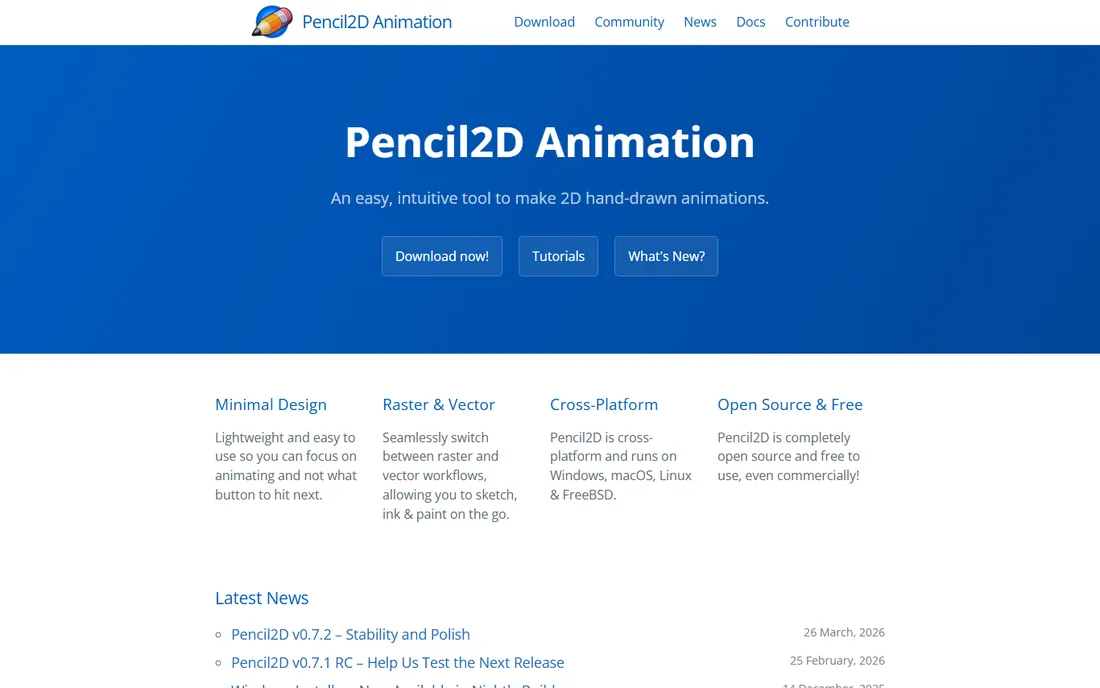
Pencil2D is the sketchbook of animation software. It does one thing, traditional frame-by-frame drawing, with a deliberately tiny interface: draw, set keyframes, play back, export. There is no rigging system, no compositing suite, no node graph. For a beginner learning timing, spacing and squash-and-stretch, that restraint is the point.
It is free and open source, cross-platform, and honest about its scope. Nobody should produce a commercial series in Pencil2D, but everyone learning animation should spend a month in it. When you outgrow it, you will know exactly which professional tool matches the workflow you actually enjoy.
What we like- Completely free and open source, even for commercial use
- Minimal interface that stays out of the way
- Handles both raster and vector drawing
Watch out for- Feature set is intentionally small: no rigging, limited effects
- Not suited to professional production pipelines
- Best for learning and short exercises
#8
Cartoon Animator
Best for: Turning photos and artwork into animated characters quickly
Visit reallusion.com
Starting priceSee website
Free planFree trial
Cartoon Animator (formerly CrazyTalk Animator) from Reallusion takes the most pragmatic route in this list: start with an image instead of a drawing. Import a photo or illustration, map a face rig, and drive it with your webcam for instant facial animation. For YouTubers, marketers, educators and game developers who need animated characters without learning to draw, it compresses weeks of work into an afternoon.
Reallusion sells it as a perpetual license with optional content packs, and a free trial is available for evaluation. The honest limitation is aesthetic: out-of-the-box characters have a recognizable look, and distinctive results need custom art and motion. But for speed from zero to animated, nothing else here competes.
What we like- Fastest path from a static image to an animated character: facial mocap with a webcam, body motion capture options
- Large content library of characters and motions
- Intuitive for non-animators
Watch out for- Perpetual-license pricing with paid add-on packs that add up
- Stylized output suits explainers and games more than film
- Character style can look generic without customization
What 2D animation software actually costs
Pricing in this category falls into three models, and the model matters more than the number. Perpetual licenses (Moho, TVPaint, Cartoon Animator) charge once; you own the version you bought, with paid upgrades for major releases. Subscriptions (Adobe Animate via Creative Cloud) charge monthly or yearly forever. Quote-based pricing (Toon Boom Harmony for studios) depends on your team size and needs.
Free and open source (OpenToonz, Synfig, Pencil2D) costs nothing but your time, and that time is real: expect days of learning before you produce anything presentable. When budgeting, add the hidden costs every animator pays: a drawing tablet (even a basic pen tablet transforms the experience), storage for project files, and render time on your machine. A $0 software choice with a $400 tablet is still cheaper than a subscription, but it is not free.
Vector rigs vs. frame-by-frame: choose your workflow first
The single most important decision is workflow, not brand. Rigged (puppet) animation means building a character once and posing it: fast, consistent, ideal for series, explainers and YouTube channels. Moho and Cartoon Animator are built for this, and Harmony and Animate handle it well. Frame-by-frame means drawing (or posing) every key moment: slower, more expressive, the choice for film-quality and distinctive styles. TVPaint, OpenToonz and Pencil2D live here.
Your art skills decide more than your budget does. Strong draftspeople often prefer frame-by-frame tools because the software gets out of the drawing's way. Non-drawers get further faster with rigs, mocap and photo-based tools. Teams should also weigh output format: web and social favor Animate and Cartoon Animator, while film and broadcast pipelines expect Harmony or TVPaint. Pick the workflow that matches your hands, then pick the tool.
How we chose
We started with the searches working animators use: 2D animation software, best 2D animation program, free 2D animation software. For each candidate we opened the vendor's own homepage, confirmed the product is current and genuinely fits 2D animation, and checked the pricing model and free-tier terms. Where a price was not published on the vendor's page we wrote "See website" instead of guessing. We covered all three workflows (rigged, frame-by-frame, web animation) and mixed studio standards with free open-source tools so the list serves beginners and professionals alike.
Frequently asked questions
Do I need a drawing tablet for 2D animation?
For frame-by-frame work, effectively yes: a pen tablet makes drawing natural in a way a mouse never will, and even an entry-level tablet changes the experience completely. For rigged animation in Moho or Cartoon Animator, you can go further with just a mouse, since the work is posing and timing rather than drawing. If you buy one piece of hardware, make it the tablet.
Can free software like OpenToonz produce professional work?
Yes, with caveats. OpenToonz descends from production software used on real films, and its toolset is genuinely professional. What free tools lack is the polish layer: streamlined interfaces, deep tutorial libraries, and support contracts. Independent filmmakers and students ship real work from OpenToonz and Synfig regularly; studios usually pay for the workflow efficiency of commercial tools.
Which 2D animation software is easiest for a beginner?
Pencil2D for learning the principles, Cartoon Animator for fast results without drawing skills, and Moho Debut-class tools for a gentle introduction to rigging. Avoid starting with Harmony or TVPaint: both assume animation knowledge and will frustrate a first-timer. Learn what good motion looks like in a simple tool first.
What is the difference between vector and bitmap animation?
Vector animation (Moho, Animate, Synfig) stores artwork as mathematical shapes, so it scales to any size without losing quality and file sizes stay small. Bitmap animation (TVPaint, OpenToonz's drawing tools, Pencil2D) stores artwork as pixels, which gives a natural hand-drawn look but ties you to a fixed resolution. Neither is better; they suit different styles.
Can I sell animation made with free software?
Yes. OpenToonz, Synfig and Pencil2D are open source with licenses that permit commercial use, including client work and monetized videos. You owe no royalties and face no watermarks. The usual caution applies to asset packs and templates from any vendor: check the license on purchased content before using it commercially.
Sources we checked (8)
- https://toonboom.com/
- https://www.adobe.com
- https://moho.lostmarble.com
- https://www.tvpaint.com
- https://opentoonz.github.io
- https://synfig.org/
- https://pencil2d.org/
- https://reallusion.com/
Is your product missing or out of date?
We review this list regularly. Vendors can request a listing, send updated pricing or ask about featured placement.

Shihab Mia · Founder, Rankite
Shihab has spent more than a decade helping SaaS and e-commerce brands grow through search. He writes Rankite's software buying guides from pricing pages, documentation and public user reviews. More about Shihab.