How we make this list: we compare pricing pages, product documentation and public user reviews. Rankite is independent; if a vendor ever pays for a featured spot, that listing is clearly labeled Partner.
Key takeaways
- Adobe Character Animator is the pick for live performance: drive a puppet with your webcam and microphone in real time, included with Creative Cloud.
- Reallusion Cartoon Animator 5 is the most complete 2D puppet studio you can own outright, with a perpetual license instead of a subscription.
- Vyond ($99/month) dominates business explainer videos; Animaker's free plan is the cheapest way to test the format.
- Toon Boom Harmony ($30/month Essentials) is the professional frame-by-frame standard, while Synfig Studio and OpenToonz are genuinely free.
Quick comparison
| Tool | Best for | Starting price | Free plan |
|---|
 Adobe Character Animator Adobe Character Animator | Performing as an animated character live through your webcam | Included with Creative Cloud All Apps ($59.99/month) | Free Starter mode (limited features) |
 Reallusion Cartoon Animator 5 Reallusion Cartoon Animator 5 | A complete 2D character studio you buy once and own | See website (perpetual license available) | Free trial (30 days) |
 Vyond Vyond | Corporate explainer, training and internal communications videos | $99/month ($699/year Starter plan) | Free trial (14 days) |
 Animaker Animaker | First-time animators and small teams on a budget | $19/month (annual billing, Basic plan) | Yes (watermarked exports, non-commercial) |
 Powtoon Powtoon | Presentation-style animated videos for business and education | See website | Yes (watermarked) |
 Moho Pro Moho Pro | Serious 2D character rigging with smart bones | $399.99 (one-time purchase; Debut $59.99) | Free trial (30 days) |
 Toon Boom Harmony Toon Boom Harmony | Professional frame-by-frame and rigged 2D production | $30/month (Essentials; $252/year) | Free trial |
 Synfig Studio Synfig Studio | Free vector character animation without frame-by-frame redrawing | Free | Yes (fully open source) |
 OpenToonz OpenToonz | Free studio-grade traditional 2D animation | Free | Yes (fully open source) |
Is your product missing or out of date?
We review this list regularly. Vendors can request a listing, send updated pricing or ask about featured placement.
The best character animation software
Here is a number worth sitting with: viewers retain about 95 percent of a message watched in video, versus roughly 10 percent of the same message read as text, according to frequently cited research from Insivia. That gap is why businesses keep hiring animators and why character animation tools have split into two camps: performance tools that let you act through a puppet in real time, and production tools for building polished explainer videos frame by frame. These nine cover both camps, from free open-source workhorses to the software behind television series.
#1
Adobe Character Animator
Best for: Performing as an animated character live through your webcam
Visit adobe.com
Starting priceIncluded with Creative Cloud All Apps ($59.99/month)
Free planFree Starter mode (limited features)
Adobe Character Animator answers a specific fantasy: put on a webcam, and a cartoon character mirrors your expressions, lip movements and gestures live. The Characterizer feature can even generate a stylized puppet from a piece of art and your face. For streamers, educators, marketers and broadcasters, nothing else makes "perform as my mascot in real time" this direct. Recorded performances drop straight into After Effects or Premiere Pro timelines.
The catch is Adobe's bundle logic. Character Animator is not sold separately; it arrives with Creative Cloud All Apps at $59.99 per month, so casual users pay for twenty apps to use one. The free Starter mode softens this for trying it out. And while performing is instant, building a good puppet still means layered artwork prepared in Photoshop or Illustrator. If you want live character performance and already pay for Creative Cloud, this is the obvious choice.
What we like- Real-time face tracking, lip sync and body triggers driven by your webcam and mic
- Streams live to social platforms or records for editing
- Tight integration with After Effects and Premiere Pro
Watch out for- No standalone purchase
- You pay for the full Creative Cloud bundle to get it
- Puppet rigging in Photoshop or Illustrator has a real learning curve
#2
Reallusion Cartoon Animator 5
Best for: A complete 2D character studio you buy once and own
Visit reallusion.com
Starting priceSee website (perpetual license available)
Free planFree trial (30 days)
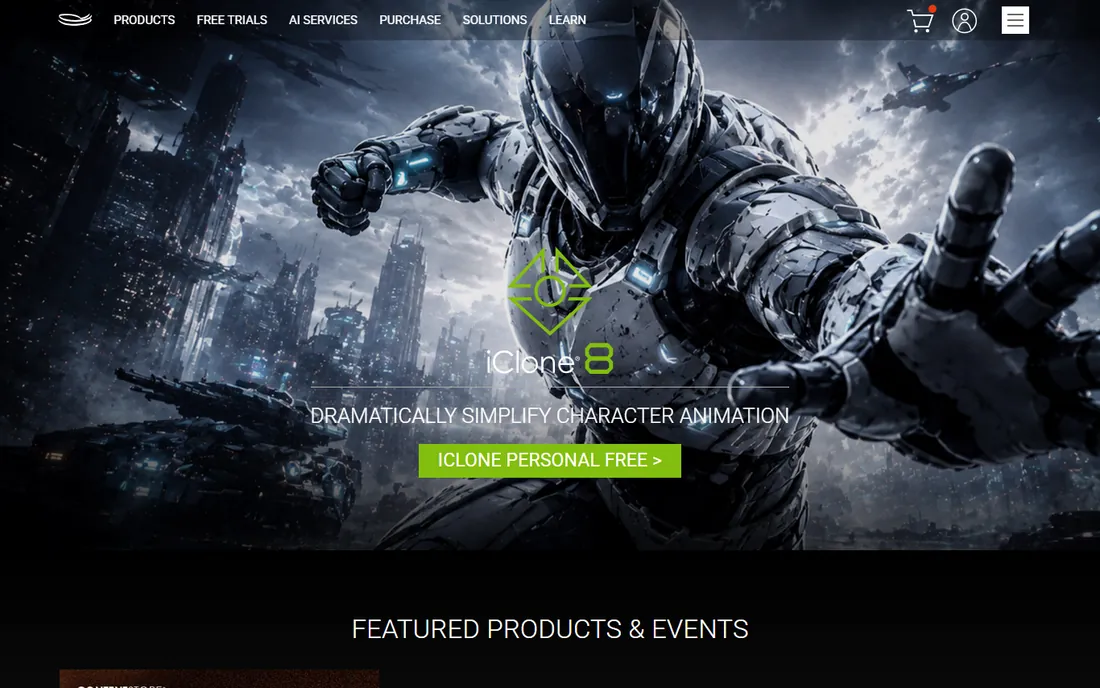
Cartoon Animator 5 is the production-minded alternative to Adobe's performer. You import layered Photoshop art, and the software builds it into a rigged character with 360-degree head turns, facial performance capture, automatic lip-sync and a motion library you can retarget across characters. It is a fuller animation environment: scenes, cameras, props and timeline editing, not just a puppet stage.
The commercial model is the differentiator. Reallusion sells perpetual licenses, so you buy the version and own it, with optional subscription tiers for those who prefer them. Pricing has shifted over the years (historically around $149 to $219 for the full version), so check the current store page. Choose Cartoon Animator when you want a broader character production workflow and dislike subscriptions.
What we like- Turn layered artwork into animatable characters with 360-degree heads, face mocap and auto lip-sync
- Perpetual license means no subscription
- Huge content store of characters, motions and props
Watch out for- Exact current pricing is hard to pin down without visiting the store
- Windows-first, with macOS support more limited
#3
Vyond
Best for: Corporate explainer, training and internal communications videos
Visit vyond.com
Starting price$99/month ($699/year Starter plan)
Free planFree trial (14 days)
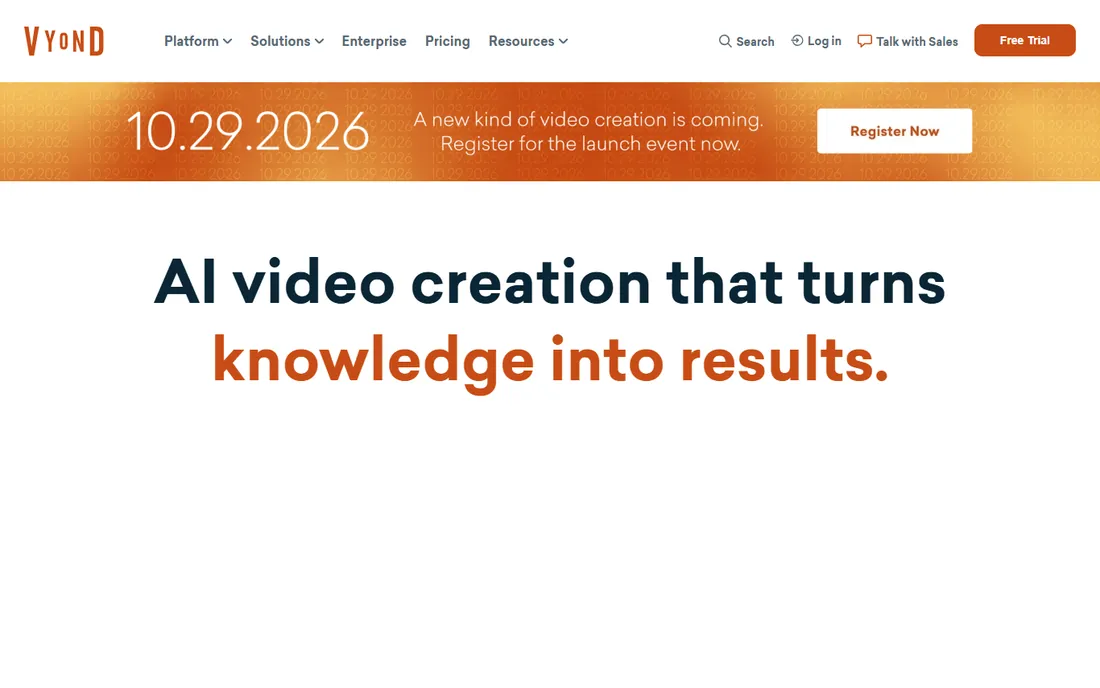
Vyond is the default corporate animation studio in a browser. Its character builder, lip-sync, scene templates and massive asset library are purpose-built for training modules, explainer videos and internal announcements. Recent plans added AI avatars, text-to-video from scripts or URLs, and translation into dozens of languages. For L&D departments producing video at scale, the workflow from script to finished video is hard to beat.
The price reflects the audience. Starter runs $99 per month or $699 per year, Professional $199 per month or $1,199 per year, and current plans meter usage in credits per user. Individuals and small creators will find Animaker or Powtoon far cheaper. Vyond earns its keep when a team produces animated video continuously and needs collaboration, brand control and predictable output.
What we like- Deep library of business-ready characters, actions, props and templates
- AI-assisted script-to-video and text-to-speech in hundreds of voices
- Team collaboration and brand management on higher tiers
Watch out for- Expensive for individuals
- Everything is metered in credits on current plans
- The business-friendly style is recognizable, which can feel generic
Starting price$19/month (annual billing, Basic plan)
Free planYes (watermarked exports, non-commercial)
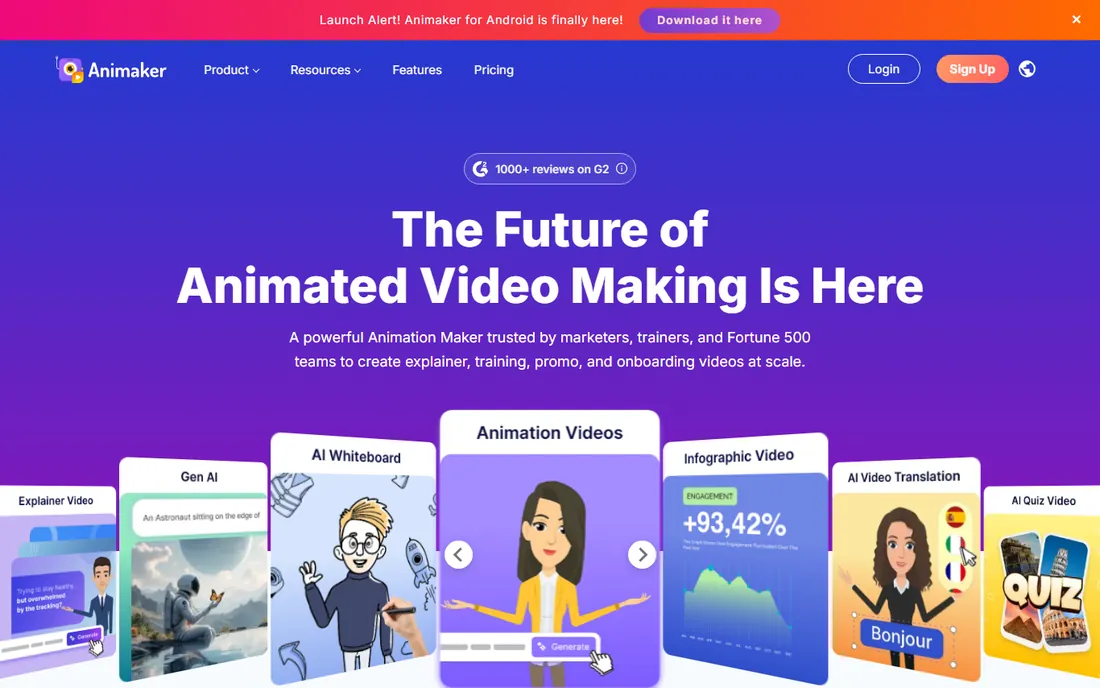
Animaker is the gentlest on-ramp to character animation. The free plan lets you build real animated videos with the character builder, templates and auto lip-sync, which is enough to learn the craft and test whether animated video works for your audience. Paid plans start around $19 per month on annual billing, with the Pro tier near $49 adding commercial rights and watermark-free exports.
The freemium limits are real: watermarks, non-commercial terms and HD exports gated behind paid tiers. Voiceover features can also add separate subscription costs for heavy users. But as a starting point it is unmatched on price. Make your first three videos here; upgrade only when the watermarks start embarrassing you.
What we like- Genuine free plan for learning and testing
- Low learning curve with drag-and-drop scenes
- Character builder with lip-sync and a large template library
Watch out for- Free exports carry watermarks and restrict commercial use
- Advanced features and HD exports need higher tiers
#5
Powtoon
Best for: Presentation-style animated videos for business and education
Visit powtoon.com
Starting priceSee website
Free planYes (watermarked)
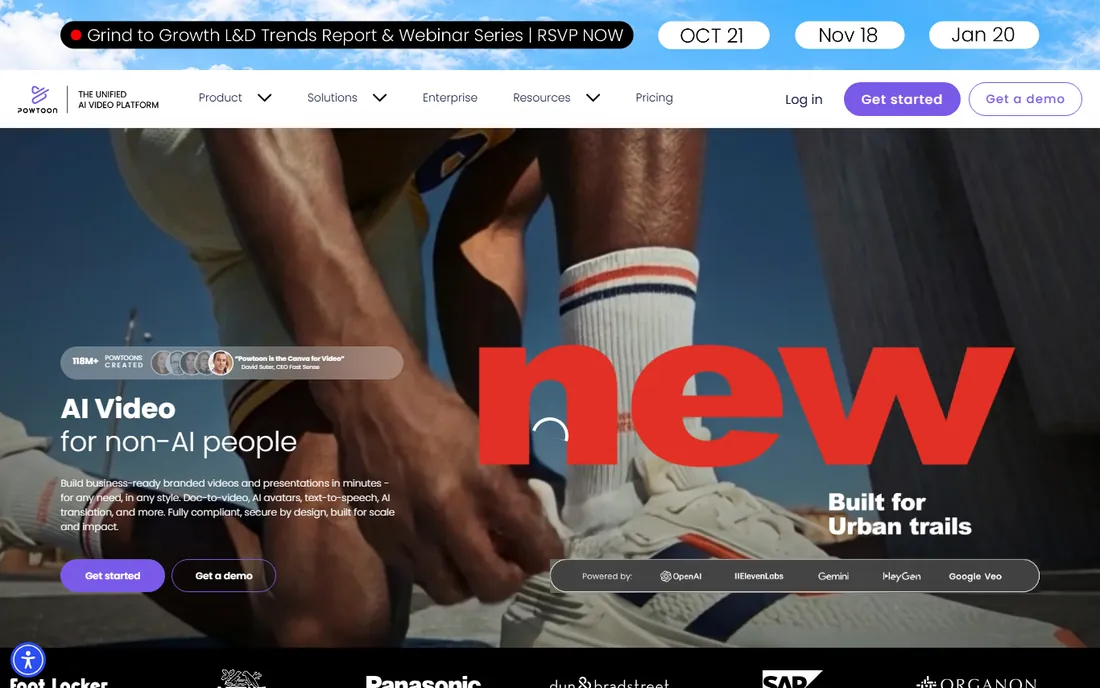
Powtoon sits between slide decks and cartoons. Its templates and characters are designed for business presentations, classroom lessons and marketing videos, so a manager can produce a watchable animated explainer without animation skills. The character options cover the standard corporate scenarios, and the timeline is approachable for PowerPoint users.
It is not a character animation powerhouse. Puppet rigging, performance capture and frame-by-frame work all exceed what Powtoon attempts; this is a presentation tool with animated characters, not an animation studio. Pricing has moved over the years, so verify current plans on the site. Pick Powtoon when the deliverable is a better presentation, not a short film.
What we like- Templates tuned for pitches, lessons and internal comms rather than cartoons
- Quick to learn for non-designers
- Education and business plans with collaboration
Watch out for- Character animation is simpler than dedicated puppet tools
- Pricing details require checking the current plans page
Starting price$399.99 (one-time purchase; Debut $59.99)
Free planFree trial (30 days)
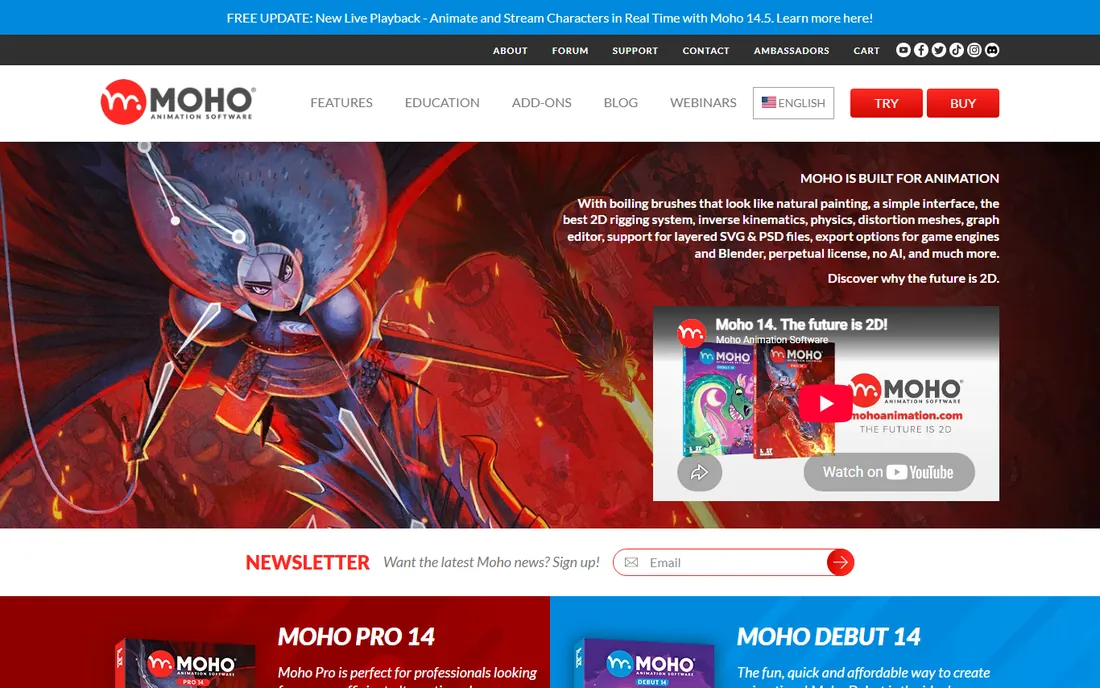
Moho Pro (formerly Anime Studio) is the rigging specialist's choice. Its bone system, including Smart Bones that correct joint deformations automatically, produces fluid character movement that cut-out animation often lacks. It imports layered Photoshop files cleanly, handles lip-sync, and offers true 3D space and camera moves for parallax scenes. The 30-day trial is generous enough to complete a real project.
The $399.99 one-time price stings until you compare it against subscriptions: two years of most competitors costs more. Moho Debut at $59.99 covers beginners. The interface is functional rather than delightful, and tutorials are fewer than for bigger brands. Choose Moho when rigging quality matters most and you would rather buy software once than rent it forever.
What we like- Powerful bone rigging with Smart Bones and Vitruvian bones for natural movement
- One-time purchase, no subscription
- Strong Photoshop file import and 3D camera tools
Watch out for- $399.99 is a real commitment for hobbyists
- Interface shows its age
- Smaller community than Adobe or Toon Boom
#7
Toon Boom Harmony
Best for: Professional frame-by-frame and rigged 2D production
Visit toonboom.com
Starting price$30/month (Essentials; $252/year)
Free planFree trial
Toon Boom Harmony is what professional 2D animation runs on. Series like SpongeBob SquarePants and The Simpsons have used it, and it handles the full pipeline: hand-drawn frame-by-frame, sophisticated cut-out rigs with deformers, and node-based compositing for effects, all in one application. For studios and serious freelancers, it is the credential as much as the tool.
The tiers matter. Essentials at $30 per month ($252 annually) covers drawing, painting and basic animation for enthusiasts. Advanced ($77/month) adds the rigging and paperless tools professionals need; Premium ($139/month) is the full studio arsenal. Beginners should not start here unless they are committed to the craft; the learning curve is real. But if you want to animate at a professional standard, this is the standard.
What we like- The industry standard behind major animated series
- True frame-by-frame drawing plus advanced cut-out rigging in one tool
- Node-based compositing eliminates round-tripping
Watch out for- Steep learning curve
- Essentials tier is limited (Advanced $77/month, Premium $139/month)
- Overkill for simple explainer videos
#8
Synfig Studio
Best for: Free vector character animation without frame-by-frame redrawing
Visit synfig.org
Starting priceFree
Free planYes (fully open source)
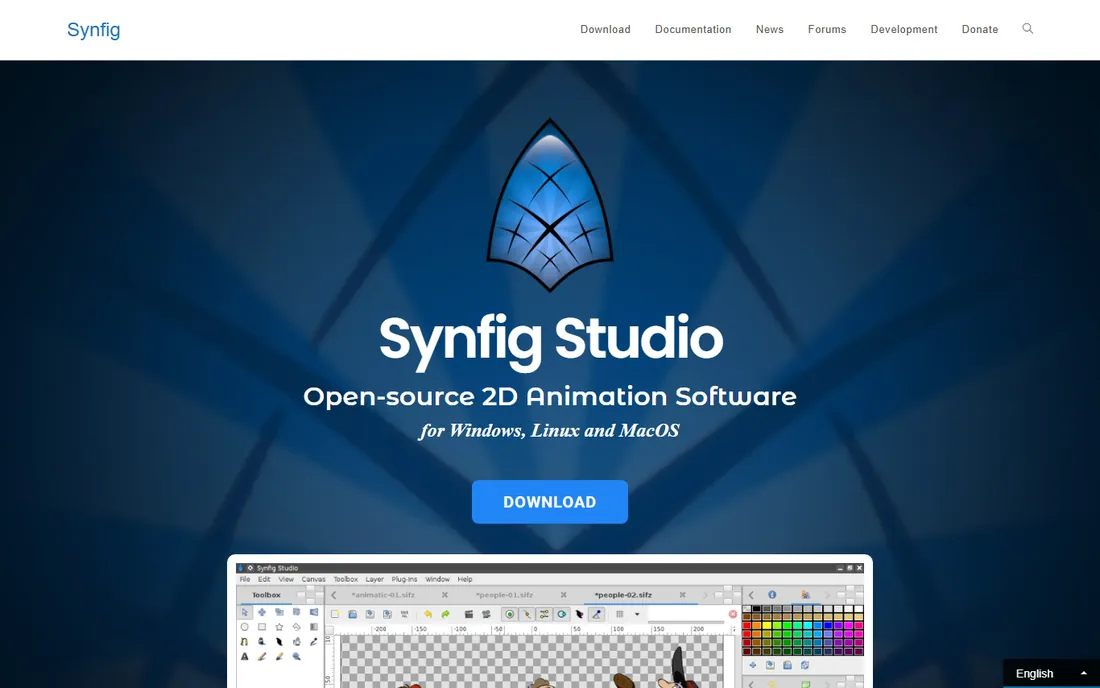
Synfig Studio's pitch is efficiency: as a vector animation tool, it calculates the in-between frames automatically, so a two-pose character move does not require drawing every frame. The bone rigging system handles cut-out character animation competently, and the price (free, forever, open source) removes every barrier to entry.
The experience is rough around the edges. The interface feels dated, documentation is thinner than commercial rivals, and updates arrive slowly. But the core technology is sound, and for a hobbyist or student learning rigged character animation at zero cost, it is the strongest free option that is not a demo. Pair it with free drawing software and you have a complete pipeline for nothing.
What we like- Vector tweening automates in-between frames, cutting manual work enormously
- Completely free with no tiers or watermarks
- Bone system for character rigging
Watch out for- Interface is unpolished and the learning curve is awkward
- Development pace is slow
- Smaller tutorial base than commercial tools
Starting priceFree
Free planYes (fully open source)
OpenToonz carries genuine studio pedigree: it descends from Toonz, the software behind Studio Ghibli's films, open-sourced for everyone. It covers the traditional 2D pipeline end to end, including scanning cleanup tools for paper drawings, a full effects framework and compositing. For frame-by-frame purists who cannot afford Harmony, it is the only free tool in the same league.
That pedigree comes with professional complexity. The interface does not hold beginners' hands, and you will need tutorials and patience. But the capability ceiling is enormous, and the price is zero. Students serious about traditional animation should learn OpenToonz alongside or instead of paid tools; the skills transfer directly.
What we like- Based on the software used by Studio Ghibli (Toonz), open-sourced and free
- Full traditional animation workflow with scanning, cleanup and effects
- Active community development
Watch out for- Interface inherits professional complexity
- Setup and learning curve deter casual users
- Documentation assumes animation knowledge
Puppet rigging vs frame-by-frame: pick your animation style first
Character animation splits into two disciplines, and choosing the wrong one wastes months. Puppet (rigged) animation builds a character once, then poses it: faster, reusable, ideal for explainers, marketing and series work with consistent characters. Tools like Character Animator, Cartoon Animator, Moho and the business platforms live here. Frame-by-frame (traditional) animation draws or poses every frame: slower, more expressive, the choice for artistic work and fluid motion. Harmony, OpenToonz and Synfig serve this side.
Your deliverable decides. A weekly training series with a recurring mascot wants puppet rigging; a short film with expressive acting wants frame-by-frame. Many professionals use both: rigged characters for dialogue scenes, frame-by-frame for action. The business tools (Vyond, Animaker, Powtoon) are puppet animation with training wheels: template characters, automatic lip-sync and no rigging required. Start there if the goal is communicating, not artistry.
How we chose
We started with the character animation tools buyers actually search for: live performance puppeteering, 2D rigging studios, business explainer platforms and professional frame-by-frame software. For each candidate we checked the vendor's own pricing page, confirmed the product is maintained in 2026, and compared animation approach (performance, rigged, frame-by-frame), character building workflow, lip-sync quality, output options and learning curve. We mixed subscription, perpetual and free tools deliberately, since the right commercial model depends on whether you animate daily or quarterly.
Frequently asked questions
What is the easiest character animation software for beginners?
Animaker or Powtoon for business-style videos: template characters, automatic lip-sync and no rigging to learn. For actual character performance, Adobe Character Animator's free Starter mode lets you act through a puppet within minutes. Avoid Toon Boom Harmony and OpenToonz until you are committed; their learning curves punish dabblers.
Can I animate characters without drawing skills?
Yes, with the business platforms. Vyond, Animaker and Powtoon provide pre-built characters you customize rather than draw. For custom characters without drawing, Cartoon Animator and Character Animator can rig imported art or photos, and AI character generators can supply the artwork. Frame-by-frame tools still reward drawing ability.
What is the difference between Character Animator and Cartoon Animator?
Adobe Character Animator is built for live performance: you act through the puppet in real time via webcam. Reallusion Cartoon Animator 5 is built for production: a fuller timeline-based studio for building scenes and episodes. Adobe's is subscription-only via Creative Cloud; Reallusion's offers a perpetual license. Many creators use Character Animator for performance capture and Cartoon Animator for everything else.
Is there a free alternative to Toon Boom Harmony?
OpenToonz is the closest: a genuinely professional 2D animation tool, free and open source, descended from Studio Ghibli's software. Synfig Studio is the other strong free option, better for rigged vector animation than frame-by-frame. Neither matches Harmony's polish or support, but both produce professional work in skilled hands.
Do I need a powerful computer for character animation?
For puppet and business-platform animation, no: Vyond, Animaker and Powtoon run in the browser, and Character Animator needs only a decent webcam and a mid-range machine. Frame-by-frame work in Harmony or OpenToonz benefits from more RAM and a drawing tablet, but still runs on modest hardware compared with 3D animation or video editing.
How much should a business budget for animated video software?
For occasional explainers, Animaker's paid tiers (from $19/month annual) or Powtoon's plans suffice. For regular production, Vyond Starter at $99/month ($699/year) is the business standard. A studio doing client work should budget for Cartoon Animator's perpetual license or Harmony Advanced at $77/month. Add a microphone and basic audio editing to every budget; bad audio ruins good animation faster than anything.
The real cost of character animation: assets, audio and time
The subscription price is rarely the full cost. Character animation consumes assets: Cartoon Animator's content store, Vyond's credit meter and stock libraries all add up, and custom character art (commissioned or AI-generated) costs money or time. Audio is the hidden budget line: lip-sync needs clean voiceover, and viewers forgive mediocre animation far sooner than bad audio. Budget for a decent microphone before upgrading software.
Then there is time, the dominant cost. A one-minute explainer takes a beginner a full day in Vyond or Animaker; a one-minute rigged short can take a week in Cartoon Animator or Moho; a minute of frame-by-frame animation is weeks of work in Harmony. This is why the business platforms win on economics despite higher sticker prices: templates and automation compress the time cost that dwarfs every subscription. Price the project in hours first, software second.
Sources we checked (10)
- https://www.adobe.com
- https://www.reallusion.com
- https://www.vyond.com
- https://www.animaker.com
- https://www.powtoon.com
- https://moho.lostmarble.com
- https://www.toonboom.com/products/harmony
- https://www.synfig.org
- https://opentoonz.github.io
- https://en.wikipedia.org/wiki/Adobe_Character_Animator
Is your product missing or out of date?
We review this list regularly. Vendors can request a listing, send updated pricing or ask about featured placement.

Shihab Mia · Founder, Rankite
Shihab has spent more than a decade helping SaaS and e-commerce brands grow through search. He writes Rankite's software buying guides from pricing pages, documentation and public user reviews. More about Shihab.