How we make this list: we compare pricing pages, product documentation and public user reviews. Ratings come from G2, Capterra or Trustpilot, with the date we checked them.
Direct answer
Microsoft Viva Engage is the closest match for companies on Microsoft 365, since its communities replace Zoho Connect groups and its premium plan costs USD $2.00 per user per month. Small teams that want simple chat at a low price should look at Pumble instead, at $2.49 per seat per month billed annually.
Key takeaways
- Microsoft 365 users get Viva Engage communities, with premium features from USD $2.00 per user per month.
- Frontline teams can use Connecteam free up to 10 users, then pay $29 monthly for 30 users.
- Desk teams can start on Slack Free (90 days of history), then pay $7.25 USD per user per month.
- Large employers can shortlist Workvivo, from $20,000 per year for 250 to 2,000 employees.
- Small teams can use Pumble free with unlimited users, or pay $2.49 per seat monthly billed annually.
Quick comparison
| Tool | Best for | Starting price | Free plan |
|---|
 Microsoft Viva Engage | Microsoft 365 companies replacing Zoho groups | USD $2.00 per user per month, paid yearly (Microsoft Viva Employee Communications and Communities) | Core community features included in Microsoft 365 enterprise and frontline plans; no standalone free plan found |
 Slack | Desk teams that work in channels | $7.25 USD per user per month, billed annually (Pro) | $0 free forever with 90 days of message history, up to 10 apps, and 1:1 meetings |
 Workvivo | Large employers with frontline staff | From $20,000 per year for 250 to 2,000 employees (Business) | None found on vendor page; vendor offers a tailored demo |
 Staffbase | Enterprises reaching frontline staff | See website | None found on vendor page |
 Simpplr | Large intranets with search needs | See website | None found on vendor page |
 Connecteam | Frontline teams needing chat and schedules | $29 per month for the first 30 users (Communications Basic) | Small Business Plan free for up to 10 users; 14 day free trial, no credit card needed |
 Blink | Frontline teams wanting a branded app | £2.95 per user per month (Core) | 14 day free trial; no free plan found on vendor page |
 Flock | Small teams wanting simple chat | See website | Starter free for 1 to 20 members, with 10,000 searchable messages and 5 GB total |
 Pumble | Small teams wanting free chat | $2.49 per seat per month, billed annually (Pro) | $0 for unlimited users with unlimited history and 10 GB workspace storage |
 Chanty | Small teams wanting chat plus tasks | 3€ per user, billed annually (Business) | Free plan for up to 5 team members with 20GB storage per team |
Is your product missing or out of date?
We review this list regularly. Vendors can request a listing, send updated pricing or ask about featured placement.
The best zoho connect alternatives
Zoho Connect gives staff a feed, groups and channels inside the Zoho suite. Teams leave it when they need stronger frontline reach, a better intranet, or chat outside Zoho. This list ranks tools by how well they replace those feeds and groups, what they cost on the vendor pricing page, and how clearly the vendor states limits. It mixes intranet platforms, frontline apps and chat tools. Prices and plan limits below come from vendor pages checked on 2026-11-29 for this guide.
#1
Microsoft Viva Engage
Best for: Microsoft 365 companies replacing Zoho groups
Visit microsoft.com
Starting priceUSD $2.00 per user per month, paid yearly (Microsoft Viva Employee Communications and Communities)
Free planCore community features included in Microsoft 365 enterprise and frontline plans; no standalone free plan found
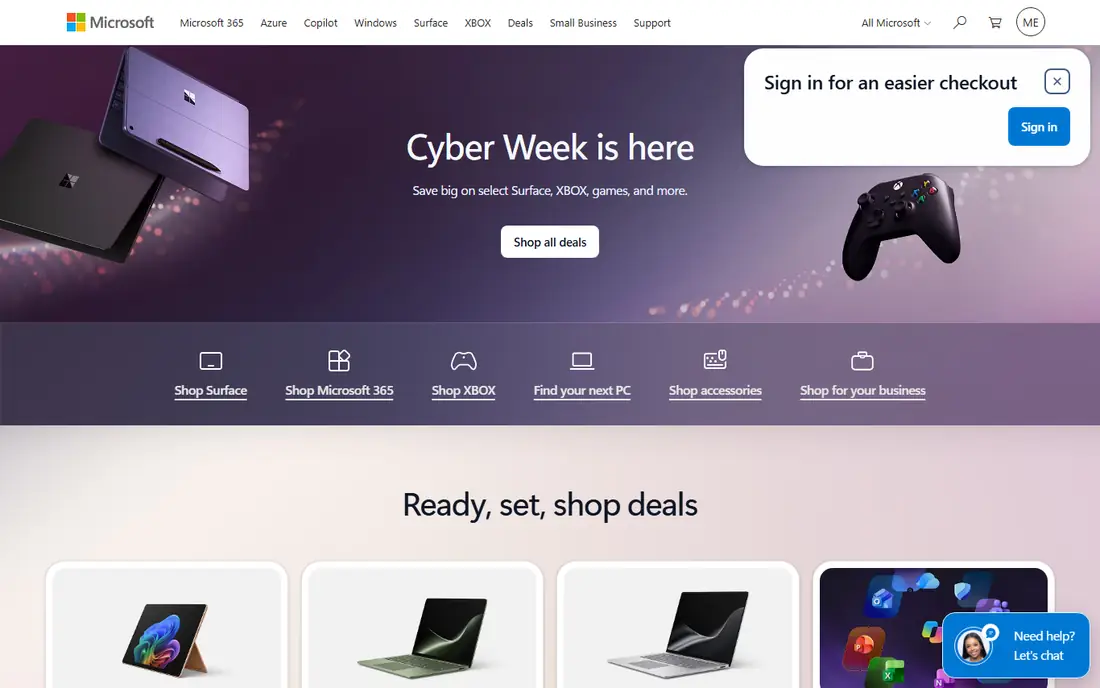
Viva Engage is the community part of Microsoft Viva, and it maps closely to Zoho Connect groups. Employees join communities, post updates and follow company news. The premium plan adds a leadership corner, answers in Viva, advanced storylines and campaign reporting. Microsoft states that community and conversation features are available to Microsoft 365 and Office 365 enterprise and frontline plan users without a separate license. That makes it a low friction switch for firms already paying for Microsoft 365, since staff keep one login. The same vendor page lists campaign reporting and analytics inside that premium plan, not the included features.
The catch is the license split. Included features cover basic communities, while campaigns and analytics sit in the USD $2.00 plan or the USD $12.00 Viva Suite. Pick Viva Engage if you run Microsoft 365 and want Zoho style groups at low extra cost. Look elsewhere if you use Google Workspace, since the value depends on Microsoft licenses. Get the full license count and renewal terms in writing before you sign any annual plan.
What we like- Communities sit inside Microsoft 365
- Premium plan adds leadership corner and campaigns
- Uses Teams licenses firms already hold
Watch out for- Premium features need a paid Viva license
- The $2.00 plan needs an annual commitment
Starting price$7.25 USD per user per month, billed annually (Pro)
Free plan$0 free forever with 90 days of message history, up to 10 apps, and 1:1 meetings
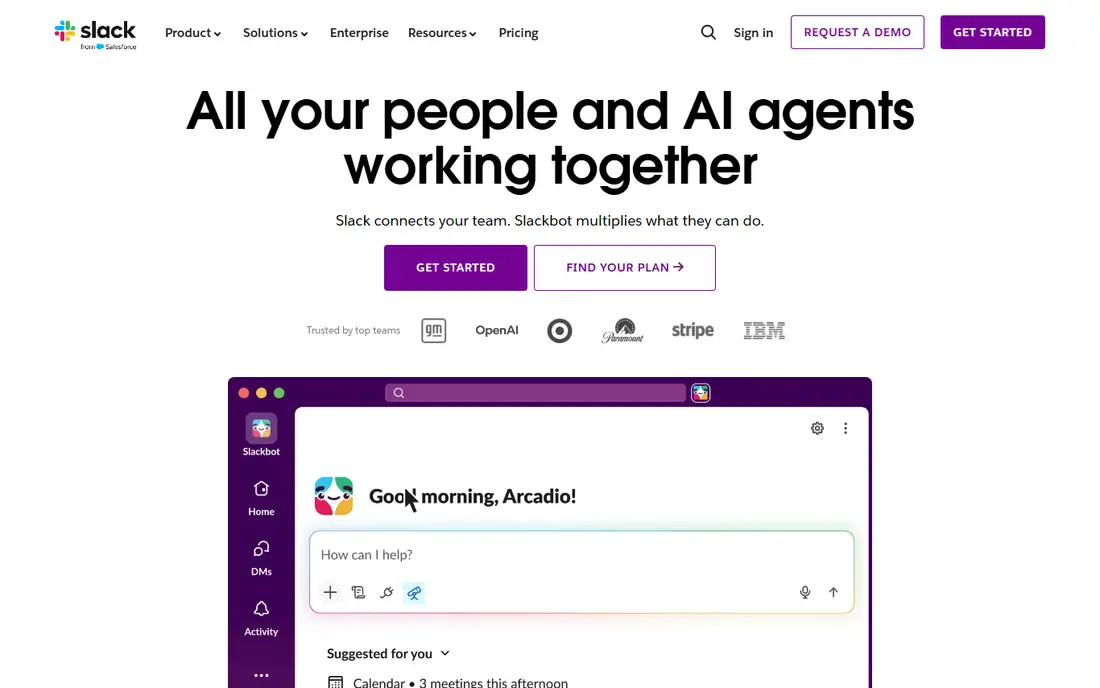
Slack replaces Zoho Connect groups with channels, direct messages and threads. It suits desk based teams that work in chat all day. Pro at $7.25 USD per user per month billed annually adds unlimited message history, unlimited app integrations, group meetings and group external messages. Slack lists over 2,600 apps in its directory, so teams can pull files and alerts from other tools into one channel. For firms leaving Zoho Connect because posts get buried, threads give each topic a clear home. The pricing page states that paid plans keep every message and file saved and searchable.
The catch is cost and frontline fit. A 100 person team on Pro pays $725 per month billed annually, and the frontline teams add-on sits on Enterprise Plus. Pick Slack if staff sit at desks and need strong search and many integrations. Look elsewhere if most staff work shifts without a company email address. Get the full license count and renewal terms in writing before you sign any annual plan.
What we like- Channels and threads replace group posts well
- Over 2,600 apps in the directory
- Unlimited history on paid plans
Watch out for- Free plan keeps only 90 days of history
- Frontline tools sit in an Enterprise add-on
Starting priceFrom $20,000 per year for 250 to 2,000 employees (Business)
Free planNone found on vendor page; vendor offers a tailored demo
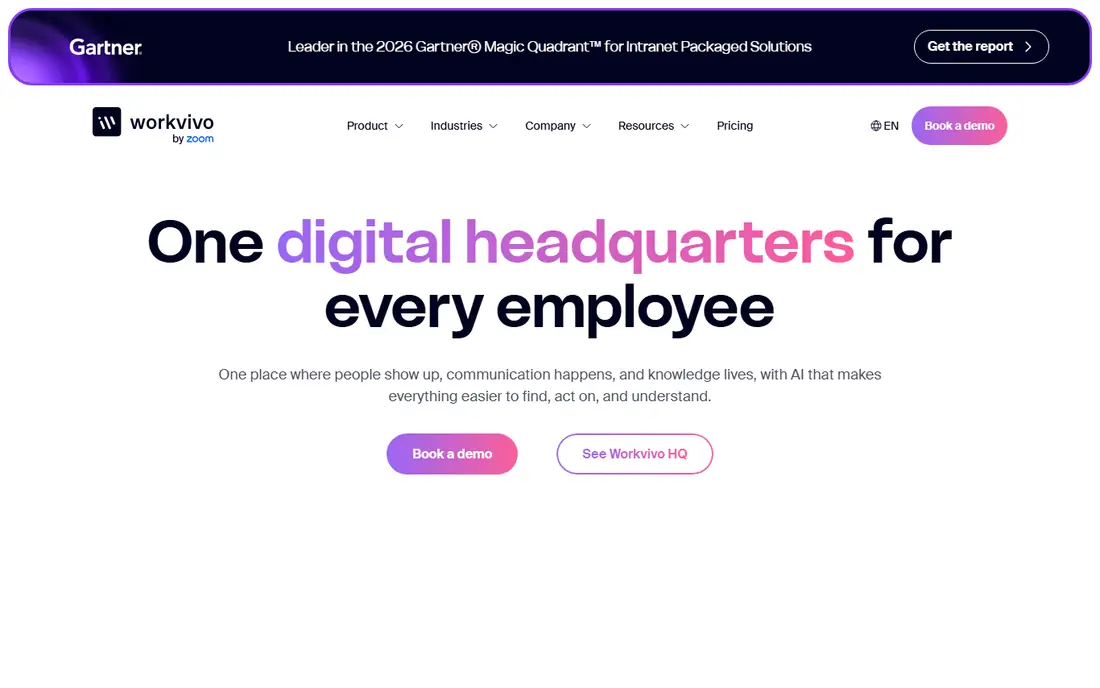
Workvivo is an employee experience platform from Zoom with a news feed, community spaces, recognition posts, pulse surveys and a central place for documents. It replaces Zoho Connect feeds with a fuller intranet. Its vendor page lists a mobile app for office, remote and frontline teams plus 40 plus integrations. Workvivo states that Business plans start at $20,000 yearly for companies with 250 to 2,000 employees. That suits employers who want one home for comms, knowledge and engagement. The vendor page also lists pulse surveys and polls for HR teams on the same platform.
The catch is the entry bar. A 60 person company falls below the stated size band, and no free plan appears on the pricing page. Pick Workvivo if you employ at least 250 people and want one branded feed with surveys and recognition. Look elsewhere if you need a tool this week for a small team. Get the full license count and renewal terms in writing before you sign any annual plan.
What we like- One feed for news, recognition and knowledge
- Mobile app for office and frontline teams
- 40 plus integrations
Watch out for- Business plans start at 250 employees
- Exact price needs a custom quote
Starting priceSee website
Free planNone found on vendor page
Staffbase sells an employee app, intranet, employee email and digital signage as one platform for large employers with frontline staff. Its pricing page lists three quote based plans: Frontline workforce, Whole workforce and Enterprise configuration. The frontline plan includes a branded superapp, push notifications, urgent alerts, multi-language content and task management. Licenses count users who can access Staffbase and bill annually, while admins and editors do not count extra. That channel mix covers staff who never open email. The pricing page adds that most customers get a tailored proposal within 3 to 5 business days.
The catch is price opacity. Staffbase states that it does not publish prices, and signage, SMS and Microsoft integration cost extra on some plans. Pick Staffbase if you run a large spread out workforce and need governed comms across app, intranet and screens. Look elsewhere if you need a published price for fast budget approval. Get the full license count and renewal terms in writing before you sign any annual plan.
What we like- Branded app with push and urgent alerts
- Intranet, email and signage on one platform
- SSO with SAML and OIDC
Watch out for- Vendor does not publish prices
- Signage and SMS are optional extras
Starting priceSee website
Free planNone found on vendor page
Simpplr is an intranet platform that gives each employee a personalized home page, company news, communities and search across connected sources. It fits buyers who liked Zoho Connect groups but now need an intranet where policies, pages and people are easy to find. The vendor describes audience targeting by role, location and attributes, plus API based integrations. Its pricing page says quotes depend on size, complexity and support level, with discounted pricing for organizations with 500 employees or more. The vendor page also describes communities for teams, interests, initiatives and locations inside the same home page.
The catch is that smaller firms get no price signal before a sales call, and the platform targets complex organizations. Pick Simpplr if you employ several hundred people, publish much internal content, and need search and targeting. Look elsewhere if you only need feeds and chat for a small team. Get the full license count and renewal terms in writing before you sign any annual plan.
What we like- Personalized intranet home with enterprise search
- Targeting by role and location
- Mobile access for frontline staff
Watch out for- Pricing is quote based
- Discounts stated only for 500 plus employees
Starting price$29 per month for the first 30 users (Communications Basic)
Free planSmall Business Plan free for up to 10 users; 14 day free trial, no credit card needed
Connecteam is an employee app for deskless teams with chat, a company feed, scheduling, time clock and training in separate hubs. The Communications hub covers chat, updates, directory, surveys, events and a knowledge base, which replaces Zoho Connect feeds for shift based staff. Communications Basic costs $29 per month for the first 30 users, plus $0.5 per month for each additional user. The vendor also offers a free plan for up to 10 users and a 14 day trial. The pricing page lists unlimited personal and group chats on Communications Basic for that price.
The catch is hub pricing. Chat, scheduling and HR tools bill as three hubs, and pop-up updates with read confirmation sit on Expert at $99 per month. Pick Connecteam if frontline staff need chat plus schedules and forms in one phone app. Look elsewhere if you need deep intranet pages for desk based staff. Get the full license count and renewal terms in writing before you sign any annual plan.
What we like- Free plan covers up to 10 users
- Chat, feed and knowledge base in one hub
- Flat price for 30 users
Watch out for- Each hub bills separately
- Read confirmations need Expert at $99 per month
Starting price£2.95 per user per month (Core)
Free plan14 day free trial; no free plan found on vendor page
Blink is a mobile first employee app with a branded app, news feed, 1:1 and group chat, groups and a knowledge hub. It targets workers without a work email, and head office can target posts by site, team or role. The vendor page lists Core at £2.95 per user per month and Pro at £3.75 per user per month, with a 14 day free trial and no credit card needed. For firms leaving Zoho Connect because frontline staff never log in, a phone first feed solves the reach problem. The vendor page also lists groups and communities that connect teams by role or interest.
The catch is plan gating. Pro adds multi-language publishing, live stream integration, digital forms and priority support, so multi-site firms may outgrow Core. Pick Blink if staff work in stores, depots or care settings and need one branded app. Look elsewhere if you need deep intranet page authoring. Get the full license count and renewal terms in writing before you sign any annual plan.
What we like- Branded app with feed, chat and hub
- Reaches staff without work email
- Must-read updates with confirmation
Watch out for- No free plan, only a trial
- Multi-language publishing needs Pro at £3.75
Starting priceSee website
Free planStarter free for 1 to 20 members, with 10,000 searchable messages and 5 GB total
Flock is a team messaging app with channels, direct messages, polls, reminders, notes and to-dos. It suits small teams leaving Zoho Connect who want group chat with light task tools, not a full intranet. The pricing page lists a free Starter plan for 1 to 20 members, a Pro plan for 20 to 100 members, and an Enterprise plan for 100 plus members. Starter includes unlimited messages, 10 public channels and 1:1 video calls. Pro adds unlimited searchable messages, private channels and group video calls. The pricing page also lists polls, reminders and notes as unlimited on the Starter plan.
The catch is that the fetched pricing page did not show Pro price figures, so this guide lists Flock as See website. Pick Flock if your team has 20 or fewer people and wants free channel chat with polls and reminders. Look elsewhere if you need read confirmations for frontline safety notices. Get the full license count and renewal terms in writing before you sign any annual plan.
What we like- Free Starter plan for small teams
- Unlimited messages on every plan
- Polls, reminders, notes and to-dos built in
Watch out for- Free plan caps search at 10,000 messages
- Private channels need Pro
Starting price$2.49 per seat per month, billed annually (Pro)
Free plan$0 for unlimited users with unlimited history and 10 GB workspace storage
Pumble is a team communication app from CAKE.com with channels, direct messages, threads, voice and video messages, and 1:1 calls. Its free plan covers unlimited users, unlimited message history, unlimited channels and 10 GB of storage for the whole workspace. Pro costs $2.49 per seat per month billed annually and adds group meetings for up to 50 people, screen sharing, 10 GB of storage per seat and up to 10 integrations. For a small firm leaving Zoho Connect, Pumble keeps group chat free during the switch. The vendor page also lists import from Slack, so existing channels and messages can move across.
The catch is depth. Pumble is chat, not an intranet, so it lacks targeted news publishing and read confirmation tools. Pick Pumble if you want channels and threads at the lowest cost for desk based staff. Look elsewhere if you must reach shift workers without email or prove safety notices were read. Get the full license count and renewal terms in writing before you sign any annual plan.
What we like- Free plan has no user limit
- Pro adds group meetings for 50 people
- Imports from Slack
Watch out for- Free plan allows up to 3 integrations
- Group meetings need Pro
Starting price3€ per user, billed annually (Business)
Free planFree plan for up to 5 team members with 20GB storage per team
Chanty is a team chat app that pairs public and private conversations with task management, voice messages and a Teambook hub for shared knowledge. It fits small teams that used Zoho Connect groups for chat and light task tracking. The free plan covers up to 5 team members, unlimited searchable history, one-on-one calls and 20GB of storage per team. Business costs 3€ per user billed annually, or 4€ billed monthly, and adds group calls, screen sharing, polls and forms. Nonprofits get a 50% discount. The pricing page also lists scheduled messages, voice messages and unlimited announcement channels on the free plan.
The catch is the small free cap. A team of 6 people must pay, priced by the vendor at 216€ billed annually on Business. Pick Chanty if your team is small and wants tasks inside chat with unlimited history. Look elsewhere if you need frontline reach, surveys or a branded employee app. Get the full license count and renewal terms in writing before you sign any annual plan.
What we like- Tasks built into chat
- Unlimited searchable history free
- Business adds group calls and screen sharing
Watch out for- Free plan stops at 5 members
- White labeling needs a sales quote
How much should a frontline heavy company budget per employee?
Budget by headcount and channel mix, not by the headline seat price alone. A 300 person retailer pays $2,175 per month on Slack Pro at $7.25 per user, yet Slack frontline tools sit in an Enterprise add-on. Connecteam Communications Basic costs $29 for the first 30 users plus $0.5 per added user, about $164 per month for 300 users on that hub alone. Blink Core at £2.95 per user per month comes to £885 per month for 300 users. Workvivo starts at $20,000 per year for 250 to 2,000 employees, about $67 per employee per year at 300 staff. At 1,000 users the gaps widen: Slack Pro costs $7,250 per month, Blink Core costs £2,950 per month, and Connecteam Communications Basic costs about $514 per month on that hub alone. Quote based tools need the same math in writing, with each channel priced apart. Price hubs, add-ons and optional channels before you sign.
Which Zoho Connect alternative is best for small teams?
Pumble fits most small teams best: free for unlimited users with unlimited history. A 12 person team pays $0, while Chanty free stops at 5 members. Pumble Pro costs $2.49 per seat monthly billed annually, about $30 for 12 seats. Connecteam suits frontline teams, free to 10 users.
Can a chat app replace an intranet feed?
A chat app can replace group posts, but not governed intranet publishing. Slack, Pumble, Flock and Chanty handle channels and files well, yet list no targeted campaigns or read confirmations. Workvivo, Staffbase and Simpplr sell those controls. Shortlist an intranet.
What should Microsoft 365 users pick instead of Zoho Connect?
Microsoft 365 users should start with Viva Engage, since community features come with enterprise and frontline plans. The paid step costs USD $2.00 per user per month, or $400 monthly for 200 staff, and buys leadership corner, campaigns and analytics. The Viva Suite costs USD $12.00. Google Workspace firms should compare Slack and Pumble.
Frequently asked questions
What is the closest Zoho Connect alternative for groups and feeds?
Microsoft Viva Engage is the closest match, since it centers on communities and conversations inside Microsoft 365. Core features come with enterprise and frontline plans. The premium plan costs USD $2.00 per user per month paid yearly. Workvivo starts at $20,000 per year for 250 to 2,000 employees.
Which alternative is free for a growing team?
Pumble is free for unlimited users with unlimited message history and 10 GB of workspace storage. Slack Free keeps 90 days of history and up to 10 apps. Flock Starter is free for 1 to 20 members. Connecteam is free for up to 10 users. Pumble suits desk teams; Connecteam suits frontline teams.
How much does Slack cost for 50 employees?
Slack Pro costs $7.25 USD per user per month billed annually, so 50 employees cost $362.50 per month, or $4,350 per year before tax. Monthly billing costs $8.75 per user per month, or $437.50 per month for 50 users. Free keeps only 90 days of history.
Do frontline workers need a work email for these tools?
Not always. Blink states that it reaches employees without a work email. Connecteam targets deskless teams with phone based chat, schedules and a time clock. Staffbase sells a frontline plan for employees without a desk. Slack, Pumble and Chanty assume staff can sign in and read channels during the workday.
Why do some tools show See website for price?
Staffbase states that it does not publish prices. Simpplr quotes by size, complexity and support level, with discounts stated for 500 plus employees. Flock lists Pro and Enterprise plans, but the fetched pricing page text did not show Pro figures. This guide writes See website rather than copying a third party estimate.
What to look for before you buy
First, count staff who lack a work email or a desk, since that decides between chat and frontline apps. Second, price the full setup at your headcount, including hubs and add-ons. Third, check history and storage limits, such as Slack Free at 90 days. Fourth, confirm who can publish news, target audiences and track reads. Fifth, get contract and exit terms in writing before you migrate.
How we chose
This list started with employee communication and intranet tools that can replace Zoho Connect feeds and groups. Each pick had to be a live product with a working vendor site. Prices and limits were checked on vendor pages on 2026-11-29. Hidden prices show See website. No hands-on testing took place.
Sources we checked (15)
- https://www.microsoft.com/en-sg/microsoft-viva/employee-communications-and-communities
- https://slack.com/pricing?entry_point=slack_marketplace
- https://slack.com
- https://www.workvivo.com/modern-intranet/pricing/
- https://www.workvivo.com/lp-employee-experience-solution/
- https://staffbase.com/pricing
- https://www.simpplr.com/pricing/
- https://www.simpplr.com/modern-intranet/
- https://connecteam.com/pricing/
- https://connecteam.com/aw-homepage/
- https://www.joinblink.com/smb
- https://www.flock.com/pricing
- https://pumble.com/pricing
- https://pumble.com/llms.txt
- https://www.chanty.com/pricing/
Is your product missing or out of date?
We review this list regularly. Vendors can request a listing, send updated pricing or ask about featured placement.

Shihab Mia · Founder, Rankite
Shihab has 5+ years in B2B and SaaS SEO. He writes Rankite's software buying guides from pricing pages, documentation and public user reviews. More about Shihab.