How we make this list: we compare pricing pages, product documentation and public user reviews. Ratings come from G2, Capterra or Trustpilot, with the date we checked them.
Direct answer
Splashtop Remote Support is the top pick for most help desks leaving Zoho Assist because SOS starts at $22 per month per concurrent tech billed annually. RustDesk suits teams that want self-hosted control with a $0 free server plan. AnyDesk fits buyers who count concurrent connections first.
Key takeaways
- Help desks sharing seats should price Splashtop SOS first, at $22 per month per concurrent tech billed annually.
- Solo technicians who need 1 connection can start with AnyDesk Solo at $23.12 per month billed annually.
- Teams wanting data on their own server can use RustDesk Free at $0 per month or Individual at $11.88 billed annually.
- Small teams with a fixed yearly budget can check RemotePC HelpDesk, listed from $99.50 per year.
- Buyers who need a trial before a sales call can test ISL Online for 15 days with no credit card required.
Quick comparison
| Tool | Best for | Starting price | Free plan |
|---|
 Splashtop Remote Support | Help desks sharing concurrent tech licenses | $22 per month per concurrent tech license, billed annually at $259 or $399 per concurrent tech | Free trial available on vendor pricing page |
 AnyDesk | Solo technicians and small teams counting connections | $23.12 per month billed annually for Solo | None found on vendor page |
 RustDesk | Teams that want self-hosted remote support | $11.88 per month USD billed annually for Individual | Free self-hosting plan at $0 per month USD |
 RemotePC HelpDesk | Small teams that want a low yearly entry price | $99.50 per year for HelpDesk | Free plan available with stated feature limits |
 Supremo | Solo users who buy through the App Store | USD 54.99 for Supremo Solo 3 Months on the App Store listing | Free app download with in-app purchases |
 Dameware Remote Everywhere | Cloud support teams that want SaaS delivery | $972 starting price shown on vendor product page, billing unit not stated | None found on vendor page |
 ScreenConnect | IT teams that want cloud or on-premise hosting | See website | None found on vendor page |
 ISL Online | Teams that want a short trial and RDP or SSH access | See website | 15-day free trial, no credit card required |
 BeyondTrust Remote Support | Large service desks with audit and vault needs | See website | Free trial signup on vendor page |
 TeamViewer | Large teams that want annual licensed users and channels | See website | None found on vendor page |
Is your product missing or out of date?
We review this list regularly. Vendors can request a listing, send updated pricing or ask about featured placement.
The best zoho assist alternatives
Zoho Assist buyers usually compare tools on three points: session start speed, unattended access pricing, and control over session data. This list ranks tools by fit for those jobs. Prices come from vendor pages checked for this guide. Tools with a public starting price rank ahead of quote-only tools when the job is the same. Each entry states who should buy and who should look elsewhere. Where a vendor page did not show a starting price, the entry says See website instead of using a third-party figure.
#1
Splashtop Remote Support
Best for: Help desks sharing concurrent tech licenses
Visit splashtop.com
Starting price$22 per month per concurrent tech license, billed annually at $259 or $399 per concurrent tech
Free planFree trial available on vendor pricing page
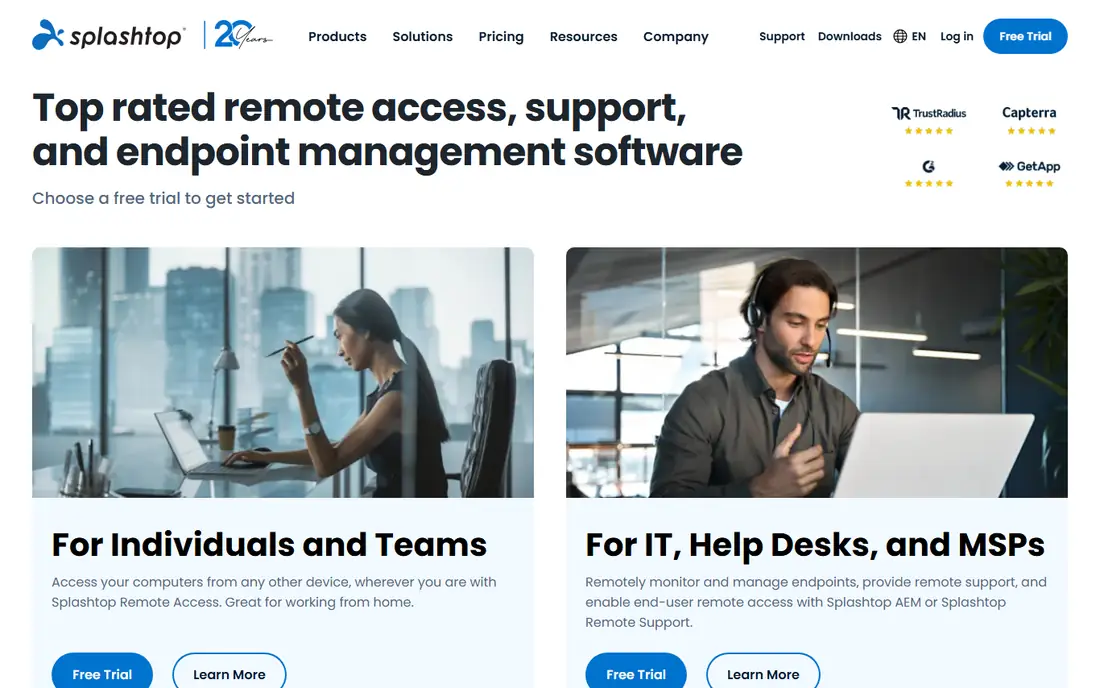
Splashtop Remote Support is built for IT and help desk work. The SOS plan lets a technician reach computers and mobile devices on demand with a session code. It also covers managed endpoints with or without an end user present. That mix matches the core Zoho Assist job: quick attended help plus planned access after hours. The vendor pricing page lists two managed computer options, 10 or 300 per license, with added licenses raising the total to 1,200. Teams can also add endpoint management for patching, monitoring, and remediation work.
The catch is the managed computer cap and the jump to Enterprise for larger estates. A team with more than 1,200 managed devices must move to Remote Support Enterprise, which the pricing page lists as contact sales. Pick Splashtop if your desk shares concurrent tech licenses and your managed fleet fits the SOS options. Look elsewhere if you need one flat price for a very large fleet with no sales step.
What we like- Session code access on demand
- Managed options of 10 or 300 per license
- Endpoint management add-on
Watch out for- Managed computers cap at 1,200 in the SOS example
- Enterprise pricing needs sales contact
#2
AnyDesk
Best for: Solo technicians and small teams counting connections
Visit anydesk.com
Starting price$23.12 per month billed annually for Solo
Free planNone found on vendor page
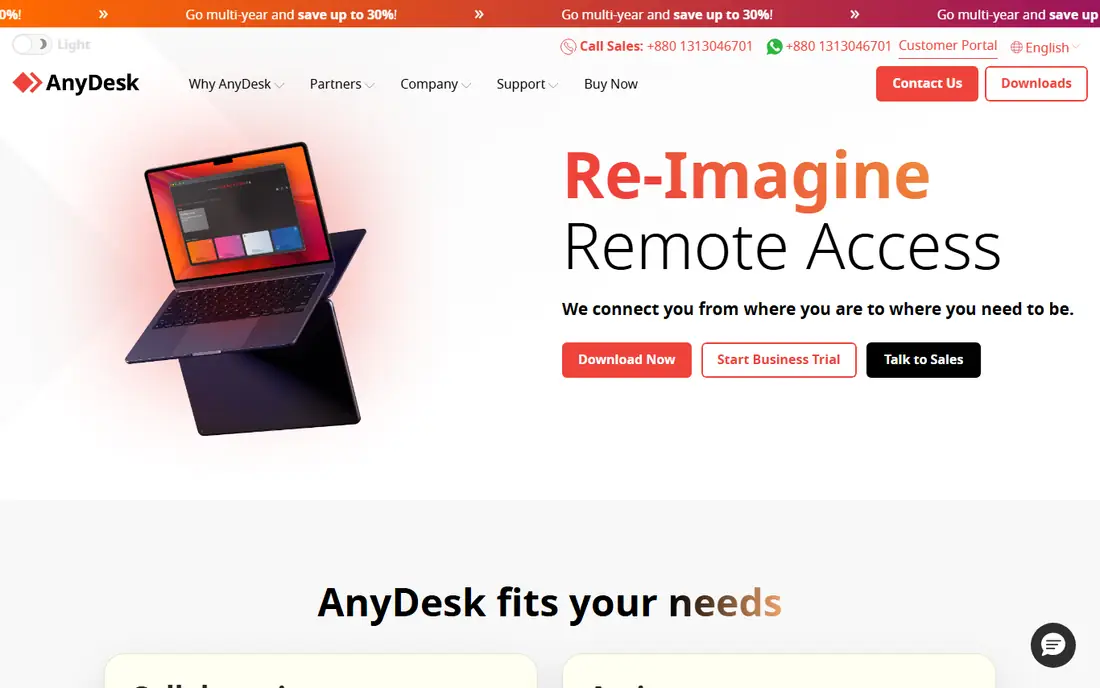
AnyDesk sells remote access and remote support by connection count. The pricing page table lists Solo with 1 concurrent connection and 100 managed devices. Standard keeps 1 concurrent connection at entry and raises managed devices to 500. Advanced starts with 2 concurrent connections and 1,000 managed devices. For a Zoho Assist buyer, the key point is simple: cost follows simultaneous sessions, not only named technicians. A small team with two technicians who rarely overlap can stay on a lower connection count. A busy desk with overlap must buy added connections.
The catch is that Solo cannot scale its connection count. The pricing table marks the Solo concurrent connection add-on as not scalable, so a second simultaneous session means a plan change. Pick AnyDesk if you can forecast peak simultaneous sessions and want native clients on many platforms. Look elsewhere if you need monthly billing or a free business plan stated on the vendor pricing page.
What we like- Solo covers 100 managed devices
- Higher plans add devices and connections
- Native clients on major platforms
Watch out for- Solo allows 1 connection and is not scalable
- Paid plans are billed annually
Starting price$11.88 per month USD billed annually for Individual
Free planFree self-hosting plan at $0 per month USD
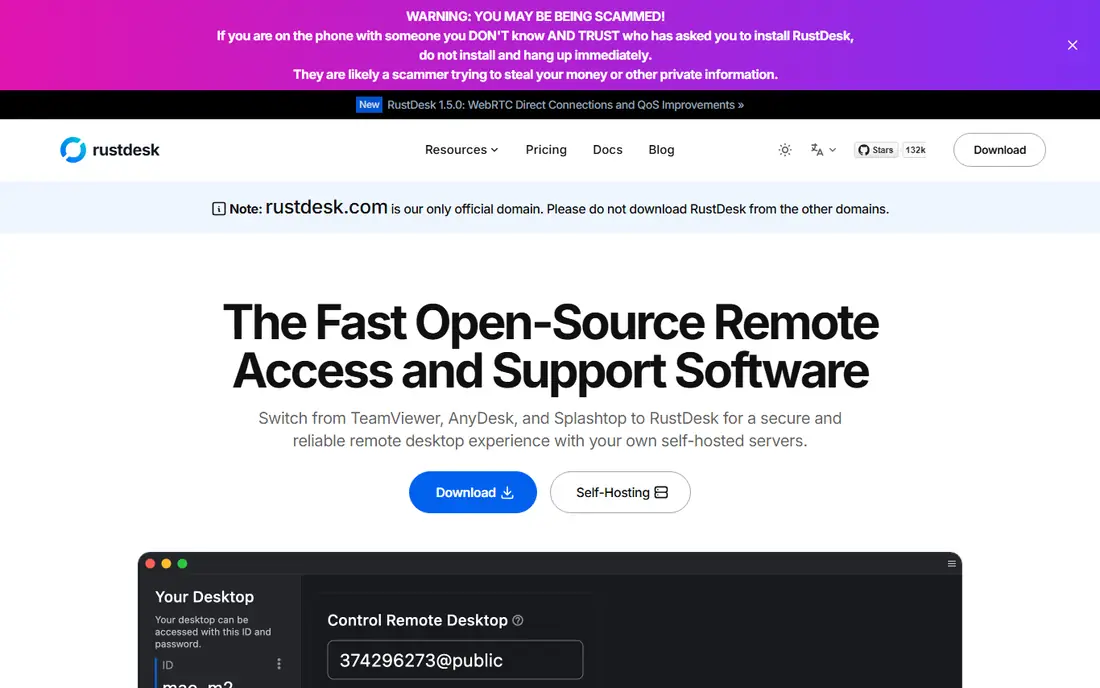
RustDesk is an open source remote desktop tool with self-hosted server options. The free plan covers self-hosting with online status and community support. Paid Server Pro plans add management features for teams that run their own server. Individual is listed at $11.88 per month USD billed annually. Basic and Customized plans are listed at $23.88 per month USD billed annually, with added users at $1.20 each and added devices at $0.12 each on Customized plans. For Zoho Assist buyers, RustDesk is the control-first option: session infrastructure stays on servers the team runs.
The catch is the operating work. Self-hosting means your team patches, backs up, and monitors the server. The pricing page also states that paid plans use annual payment only and do not auto-renew. Pick RustDesk if data control matters more than vendor hosting and your team can run a small server well. Look elsewhere if you want a hosted service with no server to run, no patching duty, and no renewal date to track each year.
What we like- Free open source server plan
- Server Pro adds a web console
- Self-hosting, not SaaS
Watch out for- Annual payment only, no auto-renewal
- Web client needs users times 10 plus devices of 400
#4
RemotePC HelpDesk
Best for: Small teams that want a low yearly entry price
Visit remotepc.com
Starting price$99.50 per year for HelpDesk
Free planFree plan available with stated feature limits
RemotePC HelpDesk is the support product inside the RemotePC line. The vendor homepage describes HelpDesk as remote desktop and mobile support with unlimited technicians and computers, listed from $99.50 per year. The HelpDesk page lists on-demand connections by email invite or session code, in-session chat, multiple monitors, and file receipt. It also lists scheduled sessions and mobile support from iOS or Android devices. For a small team leaving Zoho Assist, the appeal is a low yearly entry price with the main support jobs in one product. The page also lists screen sharing for demos and help during live sessions.
The catch is plan math after year one. The vendor signup terms state that discounts apply to the first year and standard charges apply later. The same terms list overage charges of $20 per computer per year above the subscribed plan. Pick RemotePC HelpDesk if a low first year price matters and your computer count is stable. Look elsewhere if you need a public per tech price with no overage terms to track.
What we like- On-demand sessions by invite or code
- Covers computers and mobile devices
- Listed from $99.50 per year
Watch out for- Overage charges of $20 per computer per year
- First year discounts end
Starting priceUSD 54.99 for Supremo Solo 3 Months on the App Store listing
Free planFree app download with in-app purchases
Supremo is remote desktop software from Nanosystems. The App Store listing describes remote control of PCs and servers from personal devices, with chat to the remote user. Listed features include AES 256-bit encryption, full mouse and keyboard support, zooming and screen scrolling, multi-display support, and a cloud-synced address book through Supremo Console. The listing shows an in-app purchase named Supremo Solo 3 Months at USD 54.99. For a solo technician, that gives a clear short term price to test against Zoho Assist. The listing also notes compatibility with Supremo Console, the IT management console, for address book sync across devices.
The catch is price scope. The App Store listing does not publish a full team table for concurrent sessions or managed devices. A help desk with several technicians needs vendor site pricing before it can compare total cost. Pick Supremo if you are a solo user and the 3 month Solo price fits your budget. Look elsewhere if you need a public concurrent tech table today.
What we like- Remote control of PCs and servers
- Built-in chat
- Multi-display and UAC support listed
Watch out for- Listing shows one Solo price, not a team table
- Confirm team pricing on vendor site
#6
Dameware Remote Everywhere
Best for: Cloud support teams that want SaaS delivery
Visit solarwinds.com
Starting price$972 starting price shown on vendor product page, billing unit not stated
Free planNone found on vendor page
Dameware Remote Everywhere is SolarWinds cloud remote support product. The vendor page describes it as a fast and simple cloud based solution that works from almost anywhere with an internet connection. Listed features include unattended support, Wake-on-LAN, system information at session start, live chat, video calls, monitoring, and reporting. Platform support covers access from Windows, Mac, or Linux to desktop or mobile devices such as Android or iOS. For Zoho Assist buyers, Dameware fits teams that want SaaS delivery from a large IT vendor. The page also lists monitoring and reporting for help desk performance review after sessions end.
The catch is price detail. The opened product page shows a starting price of 972 USD in its product data, but the page text does not state the billing unit next to that figure. A buyer cannot compare yearly cost from that page alone. Pick Dameware if SaaS delivery and SolarWinds tooling matter most. Look elsewhere if you need a stated per tech yearly price before a sales call.
What we like- Cloud support, no server to host
- Unattended support and Wake-on-LAN
- In-session chat and video
Watch out for- $972 starting price has no billing unit shown
- Confirm term and limits with vendor
Starting priceSee website
Free planNone found on vendor page
ScreenConnect is ConnectWise remote support and access software. The vendor homepage states that teams can host it in the cloud or on-premises. It lists a Toolbox for shared scripts and executables, Backstage for background command work and file access, and an extension library with marketplace sharing. It also lists ScreenConnect View, which uses the user device camera to show the issue. For Zoho Assist buyers in MSP or ConnectWise shops, the fit is a support tool that sits near the rest of the ConnectWise stack. The homepage also lists event driven automations that can greet users or run scripts on session events.
The catch is budget proof. The vendor pages opened for this guide did not show a starting price, so this guide lists See website. A team must confirm current plan pricing on the vendor site before it compares cost with Zoho Assist. Pick ScreenConnect if hosting choice and ConnectWise fit matter most. Look elsewhere if you need a public starting price in the first budget draft.
What we like- Cloud or on-premise hosting
- Backstage background work
- Toolbox script sharing
Watch out for- No starting price on pages opened here
- Hosting choice adds setup work
Starting priceSee website
Free plan15-day free trial, no credit card required
ISL Online centers on ISL Light, its remote desktop application for customer support and unattended access. The homepage states that teams can install a remote access agent for permanent access and manage unattended computers from one place. It also lists access through RDP or SSH without VPN or firewall changes. Security text on the homepage cites end-to-end encrypted data transfer with RSA key exchange and AES 256-bit encryption, plus ISO/IEC 27001:2022 certification. The homepage offers a 15-day free trial with no credit card required. It also lists administration tools for users, groups, and settings, plus custom deployment for installing the agent on many devices.
The catch is price and test time. The homepage opened for this guide does not show a starting price, so this guide lists See website. The 15-day trial is short for a team that must test mobile support, unattended access, and admin controls. Pick ISL Online if RDP or SSH access and a no-card trial matter. Look elsewhere if you need a longer trial or a public price today.
What we like- Permanent access agent
- RDP and SSH without VPN changes
- ISO/IEC 27001:2022 stated
Watch out for- No starting price on homepage opened here
- Trial lasts only 15 days
#9
BeyondTrust Remote Support
Best for: Large service desks with audit and vault needs
Visit beyondtrust.com
Starting priceSee website
Free planFree trial signup on vendor page
BeyondTrust Remote Support targets service desks that support many device types under strict controls. The vendor page lists attended and unattended access for servers, workstations, network devices, and kiosks. It lists Jump Clients for unattended access with mass deployment, a vault that can store and rotate credentials, and audit tools that log session activity with reporting and video logs. Platform text covers Windows, Linux, macOS, Chrome OS, iOS, and Android. For Zoho Assist buyers, BeyondTrust is the step up option when audit proof matters. The page also lists integrations with CRM, ITSM, and SIEM tools, plus an open API for custom tooling.
The catch is cost access. The product page offers a free trial signup but shows no public starting price, so this guide lists See website. A small desk may pay for vault, audit, and scale features it will not use. Pick BeyondTrust if compliance records and credential control drive the purchase. Look elsewhere if you need a simple public price for a small team.
What we like- Access for many device types
- Credential vault
- Session logs with reporting
Watch out for- No public starting price shown
- Enterprise scope exceeds small desk needs
#10
TeamViewer
Best for: Large teams that want annual licensed users and channels
Visit teamviewer.com
Starting priceSee website
Free planNone found on vendor page
TeamViewer is the large team option in this list. The vendor pricing FAQ states that only an expert needs a license and that the supported connection does not require one. The same FAQ defines concurrent connections as channels and managed devices as devices assigned to the company account. That model suits large IT teams that license named experts and buy channel capacity for peak demand. For Zoho Assist buyers, TeamViewer fits when brand familiarity and channel based capacity matter more than a low entry price. The FAQ also defines licensed users as individuals assigned to a license who can make connections.
The catch is contract shape. The pricing FAQ states that subscriptions are annual, paid and renewed on an annual basis, with renewal every 12 months unless terminated with notice. The opened pricing text for this guide did not show a starting price, so this guide lists See website. Pick TeamViewer if channel capacity and licensed user control fit your team. Look elsewhere if you need monthly billing or a low public entry price.
What we like- Only the expert needs a license
- Licensed users and channels
- Mass deployment listed
Watch out for- Annual subscriptions renew every 12 months
- No starting price in opened text
Should you pay per concurrent technician or per device?
Concurrent technician pricing fits desks where many named users share a smaller number of active seats. Splashtop SOS starts at $22 per month per concurrent tech billed annually, so a desk with 10 named technicians and 3 active sessions at peak can price 3 licenses first. Per device pricing fits fleets where device count is stable and technician count changes. RustDesk Customized adds devices at $0.12 each after the base plan, which makes device growth easy to model. AnyDesk sits between the two models: Solo covers 100 managed devices with 1 connection, while Standard covers 500 managed devices with 1 connection at entry. Count peak simultaneous sessions for 2 weeks, then count managed devices. Add renewal terms, overage charges, and add-on connections to each total before you compare. A model that looks cheap at entry can cost more at peak load or after a first year discount ends. Buy the model with the lower peak cost over a full year.
Which Zoho Assist alternative is best for unattended access?
RustDesk and Splashtop are the clearest unattended access picks here. RustDesk Free costs $0 per month for self-hosting, and Individual costs $11.88 per month billed annually. Splashtop SOS lists managed options of 10 or 300 per license, rising to 1,200. AnyDesk lists 100 managed devices on Solo and 1,000 on Advanced. Choose RustDesk for server control and Splashtop for hosted support.
What is the cheapest Zoho Assist alternative for a solo technician?
RustDesk Free is cheapest at $0 per month, but it requires self-hosting. Among hosted paid options with a public price here, RemotePC HelpDesk lists $99.50 per year. AnyDesk Solo lists $23.12 per month billed annually, a higher yearly total. Supremo lists USD 54.99 for Solo 3 Months, which suits a short test. Compare yearly totals before choosing.
Can a small team replace Zoho Assist without a sales call?
Yes, with a tool that has a public price and a trial or free plan. Splashtop lists SOS at $22 per month per concurrent tech billed annually with a free trial link. RustDesk lists Free at $0 per month and Individual at $11.88 billed annually. ISL Online offers a 15-day trial, but its price is See website here.
Frequently asked questions
What is the best Zoho Assist alternative for a help desk?
Splashtop Remote Support is the best first check for most help desks here. SOS starts at $22 per month per concurrent tech billed annually, with session code access and managed options of 10 or 300 computers per license. Teams above 1,200 managed devices should price Enterprise.
Which alternative is best if we want to self-host?
RustDesk is the self-hosted pick. Its pricing page states that plans are for self-hosting and are not a SaaS subscription. Free costs $0 per month, Individual costs $11.88 per month billed annually, and Basic costs $23.88 billed annually. Your team runs the server.
How much does AnyDesk cost for one technician?
AnyDesk Solo is listed at $23.12 per month billed annually on the vendor licensing page. Solo includes 1 concurrent connection and 100 managed devices. It is marked as not scalable for added connections, so a second simultaneous session needs Standard or Advanced.
Does ISL Online offer a free trial?
Yes. The ISL Online homepage offers a 15-day free trial with no credit card required. It lists unattended access through an agent and RDP or SSH access without VPN changes. Plan the test in advance because 15 days is short.
Why do some tools in this guide say See website for price?
See website means the vendor pages opened for this guide did not show a starting price with plan and unit. ScreenConnect, ISL Online, BeyondTrust, and TeamViewer fall in that group here. Confirm pricing on the vendor site before budget approval.
What to look for before you buy
First, count peak simultaneous sessions for 2 weeks and price concurrent licenses from that peak. Second, count managed devices and check caps such as 100, 500, 1,000, or 1,200. Third, confirm billing terms, including annual payment, renewal notice, overages, and first year discounts. Fourth, test attended help, unattended access, file transfer, and mobile support during the trial. Fifth, confirm audit needs, then buy only the tier that covers them.
How we chose
Tools were checked on vendor homepages, pricing pages, product pages, and one official App Store listing for Supremo. Prices and plan facts come from those vendor sources. Tools with no public starting price on the pages opened are listed as See website. No hands-on testing claim is made. Rankings favor clear pricing and stated limits.
Sources we checked (16)
- https://www.splashtop.com/lp/remote-desktop-access
- https://www.splashtop.com/pricing
- https://anydesk.com/en/all-platforms
- https://anydesk.com/en/pricing
- https://anydesk.com/en/new-licensing-model
- https://rustdesk.com/
- https://rustdesk.com/pricing
- https://www.remotepc.com/
- https://www.remotepc.com/remote-desktop-helpdesk/
- https://www.supremocontrol.com/contacts/
- https://apps.apple.com/lr/app/supremo-remote-desktop/id1234533875
- https://www.solarwinds.com/dameware-remote-everywhere
- https://www.screenconnect.com/
- https://www.islonline.com/us/en/
- https://www.beyondtrust.com/products/remote-support
- https://www.teamviewer.com/en-us/pricing/overview/
Is your product missing or out of date?
We review this list regularly. Vendors can request a listing, send updated pricing or ask about featured placement.

Shihab Mia · Founder, Rankite
Shihab has 5+ years in B2B and SaaS SEO. He writes Rankite's software buying guides from pricing pages, documentation and public user reviews. More about Shihab.