How we make this list: we compare pricing pages, product documentation and public user reviews. Ratings come from G2, Capterra or Trustpilot, with the date we checked them.
Key takeaways
- TeamViewer and AnyDesk are the mainstream replacements, with the broadest platform coverage and the names end users already recognize when a support session starts.
- Splashtop and Zoho Assist win on price for support teams, with per technician plans well below the enterprise remote support platforms.
- ConnectWise Control and BeyondTrust serve the security and compliance end, where session auditing matters more than the session itself.
- Remote Access Plus bundles remote control inside a wider endpoint tool; several alternatives here are pure remote access, so check what else in your stack the switch affects.
Quick comparison
Is your product missing or out of date?
We review this list regularly. Vendors can request a listing, send updated pricing or ask about featured placement.
The best ManageEngine Remote Access Plus alternatives

#1TeamViewer
Best for: Recognized name, broadest coverage4.5/5 on
G2 (4,203 reviews, checked Oct 2026)
Visit teamviewer.com
Starting price$24.90 per month
Free planNo
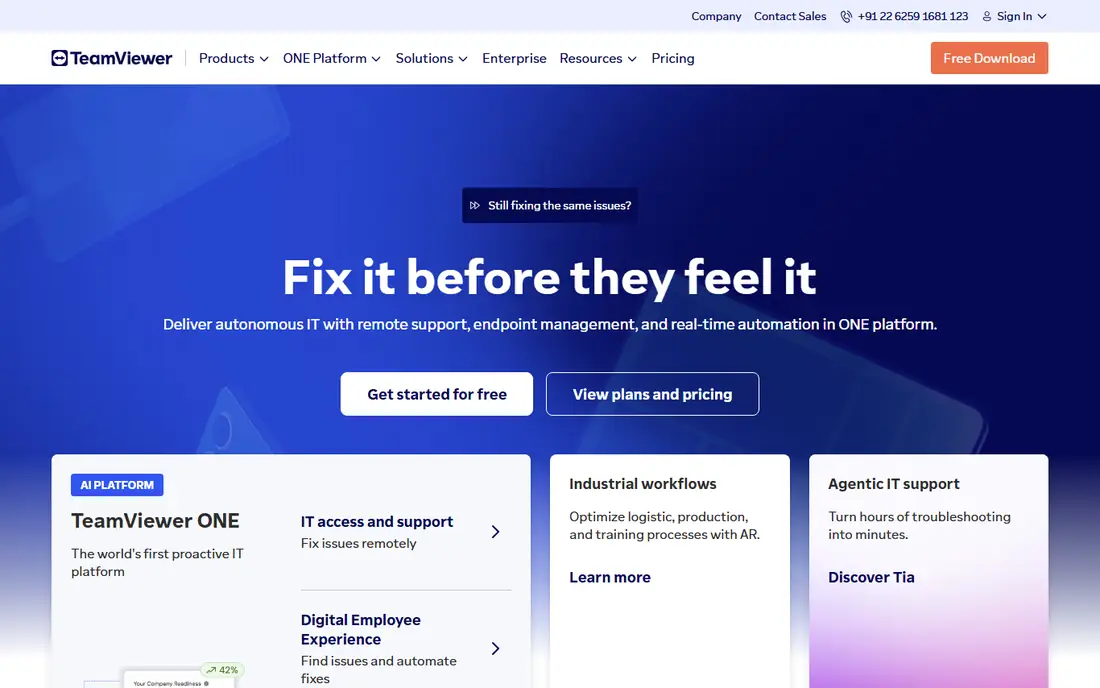
What we like- TeamViewer is the name end users already know, which shortens the trust conversation at the start of every support session: ask a customer to open TeamViewer and most can. Its Remote Access plan starts at about 24.90 dollars a month billed annually, with business tiers adding unattended device counts, session reporting, and multi user support. Platform coverage spans Windows, Mac, Linux, mobile, and embedded devices, and connections are fast and stable across poor networks.
Watch out for- TeamViewer's pricing ladder climbs steeply from the entry plan, and commercial use detection on the free version is aggressive enough to be a running complaint. The feature set sprawls into asset management and remote work products that a support team may not want to fund. Its popularity also makes its brand a phishing lure, so user education matters.

#2AnyDesk
Best for: Fast, light remote connections4.5/5 on
G2 (1,104 reviews, checked Oct 2026)
Visit anydesk.com
Starting priceSee website
Free planNo
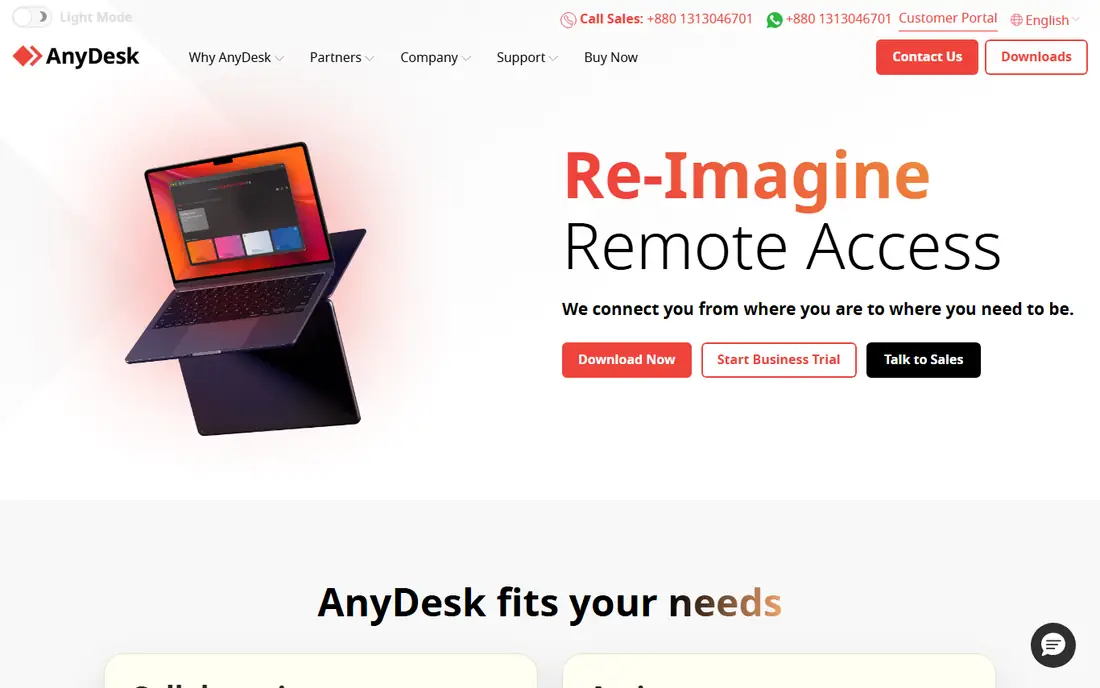
What we like- AnyDesk built its reputation on speed: a tiny client, its own codec tuned for low bandwidth, and connections that feel local on connections where rivals stutter. It covers the main desktop and mobile platforms, supports unattended access with address books and permissions, and prices per connected device model under most rivals for solo technicians and small teams. For support across rural links and older hardware, that lightness is a working advantage, not a spec sheet line.
Watch out for- AnyDesk's published prices vary by region and promotion enough that current sources conflict, so this guide lists see website
- Confirm your region's current plan before budgeting. Enterprise governance and reporting trail ConnectWise and BeyondTrust. Like TeamViewer, its brand is impersonated in support scams, which has made some users wary of being asked to install it.

#3Splashtop
Best for: Support teams on a budget4.8/5 on
G2 (534 reviews, checked Oct 2026)
Visit splashtop.com
Starting price$5 per month
Free planNo
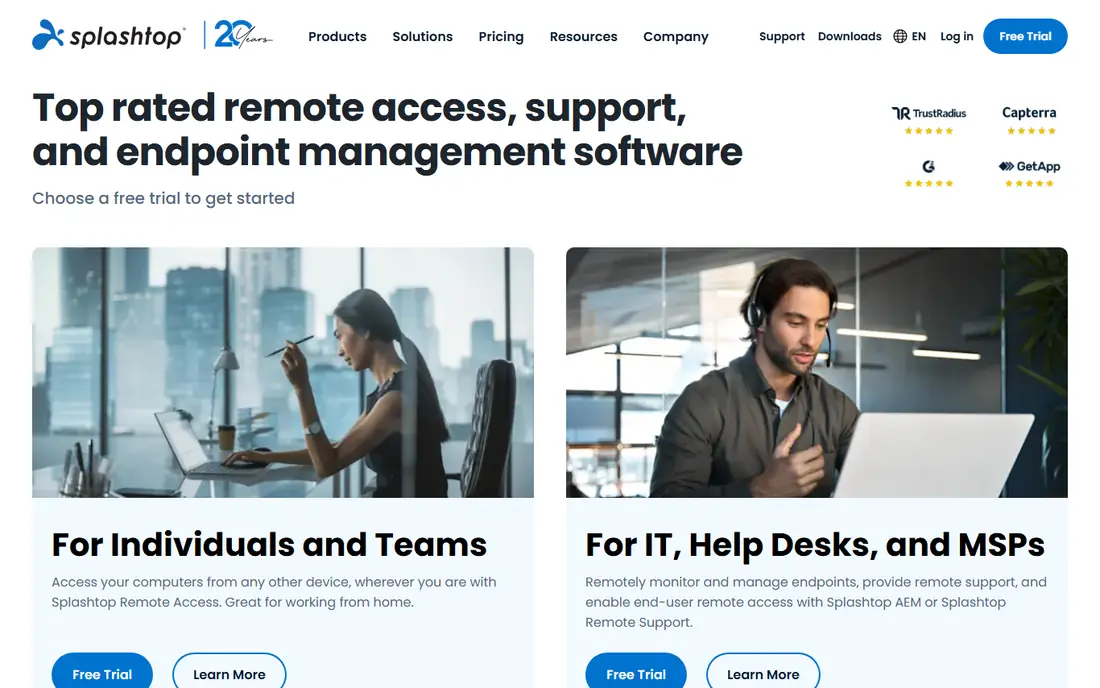
What we like- Splashtop is the price disruptor of remote access: remote access plans start around 5 dollars per user a month billed annually, and its SOS product for ad hoc support prices per technician at a fraction of TeamViewer's tiers, while covering unattended access, file transfer, session recording, and multi monitor support. MSPs adopted it in volume when rivals raised prices, and its performance over ordinary broadband is genuinely good. US based support and a clean admin console round out the value case.
Watch out for- The product line splits into several overlapping plans, Remote Access, SOS, Enterprise, and picking the wrong one costs an upgrade conversation. Advanced security and compliance tooling sits in the enterprise tier. Brand recognition with end users is lower, so the first session with a wary customer takes a little longer to start.

#4Zoho Assist
Best for: Cheap remote support with a free tier4.7/5 on
G2 (719 reviews, checked Oct 2026)
Visit zoho.com
Starting price$10 per month
Free planYes
What we like- Zoho Assist is the natural in family alternative and the budget pick generally: a free tier for light use, remote support plans from about 10 dollars per technician a month billed annually, unattended access plans priced by computer count, and the session tools, chat, file transfer, multi monitor, reboot and reconnect, that daily support needs. Companies already on Zoho Desk or the wider Zoho suite get the integrations for free. Setup takes minutes and the console is browser based.
Watch out for- Its ceiling is lower than the enterprise platforms: reporting, auditing, and large fleet administration are thinner than BeyondTrust or ConnectWise. Session performance on difficult networks is good rather than class leading. Outside the Zoho ecosystem its brand with end users is nearly unknown, which matters for consumer facing support.
Starting priceSee website
Free planNo
What we like- ConnectWise Control, the product long known as ScreenConnect, is the MSP standard for remote access: fast unattended agents, granular role based permissions, session auditing and recording, and extension driven customization, all tuned for technicians who live in remote sessions all day. It self hosts or runs in ConnectWise's cloud, and its backstage mode lets technicians work behind the scenes without disturbing the user. For an MSP replacing Remote Access Plus, it is the most like for like professional tool.
Watch out for- Pricing has moved to quote led packaging in recent periods, so expect a sales conversation rather than a checkout page. The interface is a technician's tool, dense and unlovely for occasional users. ConnectWise's wider platform changes and packaging have kept administrators alert
- Read the current terms on session and agent counts before renewing assumptions from old plans.

#6GoTo Resolve
Best for: Remote access inside an IT suite4.4/5 on
G2 (439 reviews, checked Oct 2026)
Visit goto.com
Starting priceSee website
Free planNo
What we like- GoTo Resolve, from the company behind LogMeIn, bundles remote support and access with ticketing, asset management, and automation in one agent based platform aimed at internal IT teams. Its zero trust access controls, camera sharing for physical world support, and conversational ticketing inside tools like Teams distinguish it from pure session products. For an organization standardizing its whole IT support stack on one vendor, Resolve is the suite answer to Remote Access Plus's own suite origins.
Watch out for- The bundling means you evaluate a platform, not a tool, and pricing follows suite logic by quote. LogMeIn's history of price rises on its older remote access products makes buyers read renewal terms carefully. Standalone remote access depth per dollar trails Splashtop and Zoho Assist for teams that only need sessions.

#7BeyondTrust Remote Support
Best for: Regulated and enterprise support4.7/5 on
G2 (388 reviews, checked Oct 2026)
Visit beyondtrust.com
Starting priceSee website
Free planNo
What we like- BeyondTrust is the compliance end of this category: privileged access thinking applied to support sessions, with granular session policies, full audit trails and recordings, credential injection so technicians never see passwords, and integrations with the vaults and service desks enterprises run. Banks, healthcare, and government support desks standardize on it because the audit story answers their regulators' questions before they are asked. It also covers vendor and third party access, the riskiest sessions of all.
Watch out for- Everything about it is enterprise: quote only pricing, implementation effort, and an administrative depth small teams will never use. Per session cost at low volume is the highest here by design. For a 10 person IT shop it is a compliance platform in search of a regulator they do not have.
#8RealVNC
Best for: Simple, secure direct connections4.7/5 on
G2 (440 reviews, checked Oct 2026)
Visit realvnc.com
Starting priceSee website
Free planNo
What we like- RealVNC comes from the company that invented VNC, and its modern connect product adds cloud brokering, encryption, and multi factor authentication to the protocol's directness. It suits teams that want remote access without a heavy platform: install, connect, work, across Windows, Mac, Linux, and Raspberry Pi estates where its heritage still runs deep. Pricing is per device subscription, with tiers for individuals through enterprise, and on premises options exist for locked down networks.
Watch out for- VNC's roots show in a feature set centred on the session itself
- The ticketing, asset, and automation layers of suite rivals are absent. Published tier pricing has been restructured and differs by route to purchase, hence see website here. End user recognition outside technical circles is low compared with TeamViewer's household name status.
How we chose
We compared remote access platforms on session performance, unattended access, platform coverage, security controls such as multi factor authentication and session auditing, and pricing model for support teams of different sizes. We favoured products in active development with published security documentation, and noted where current pricing could not be verified cleanly rather than repeating stale figures. Pure meeting and screen sharing tools without unattended access were excluded, since that is the core of this category.
How to choose the right Remote Access Plus alternative
Start with your session profile. Ad hoc support for outside users rewards recognition and frictionless starts: TeamViewer and AnyDesk. Unattended fleets reward agent quality and permissions: ConnectWise Control and Splashtop. Regulated environments should let the audit requirements choose, which usually means BeyondTrust or the enterprise tiers of the mainstream tools, with session recording and credential handling treated as requirements, not features.
Then do the technician arithmetic. Per technician pricing favours small teams covering many machines; per device and per endpoint models favour the reverse; and the free tier at Zoho Assist covers genuinely light use. Trial on your worst connection and your least technical user, because remote support succeeds or fails at those edges. Finally, harden whichever tool you pick before the first real session: enforce multi factor authentication for every technician, restrict unattended access by group, turn on session logging, and publish a rule that your team never asks users to install remote tools from a phone call, which protects your users from the scam version of this entire category.
Frequently asked questions
Is Remote Access Plus being discontinued?
No. ManageEngine continues to sell Remote Access Plus in cloud and on premises editions. Evaluations are usually driven by price per technician, end user recognition, or a wish to consolidate on a different vendor's stack, not by a shutdown. If your ManageEngine estate is wide, check what bundle pricing you give up by moving one product out of it.
Which alternative is best for unattended access to many computers?
ConnectWise Control for MSP grade fleets, with its agent management and permissions, and Splashtop for the same job at a lower price. Zoho Assist prices unattended access by computer count and suits smaller fleets. In every case the agent deployment and grouping model matters more than the session features, which are comparable across this list.
Are free remote access tools safe for business use?
The reputable free tiers, such as Zoho Assist's, are the same encrypted products with limits. The dangers are lookalike download sites and unsolicited support scams that abuse these brands. Download only from the vendor's own site, enforce multi factor authentication, and remember that no bank or software company will ever call and ask you to install remote access software; that call is the scam, every time.
How much does remote access software cost per technician?
Published prices run from about 5 dollars a month at Splashtop and 10 at Zoho Assist, through about 25 at TeamViewer's entry plan, to quote only enterprise pricing at ConnectWise and BeyondTrust that reflects compliance features. Per device models invert the maths for teams with few technicians and many machines, so price your own shape rather than the category average.
What security settings matter most when we switch?
Multi factor authentication on every technician account, least privilege group permissions for unattended machines, session logging with retention, and disabling unattended access where it is not needed. Remote access tools are high value targets: a compromised technician account is a skeleton key. Treat the migration as a security project, rotate credentials during it, and audit the agent list on both platforms before decommissioning the old one.
Sources we checked (0)
Is your product missing or out of date?
We review this list regularly. Vendors can request a listing, send updated pricing or ask about featured placement.

Shihab Mia · Founder, Rankite
Shihab has 5+ years in B2B and SaaS SEO. He writes Rankite's software buying guides from pricing pages, documentation and public user reviews. More about Shihab.
 ConnectWise Control