How we make this list: we compare pricing pages, product documentation and public user reviews. Rankite is independent; if a vendor ever pays for a featured spot, that listing is clearly labeled Partner.
Key takeaways
- Chrome Remote Desktop and RustDesk are the simplest free starting points: Google's tool needs almost no setup, RustDesk adds self-hosting and privacy.
- TeamViewer and AnyDesk remain free for personal use, but commercial-use detection means they are strictly for non-work scenarios.
- Parsec and Remio win on speed and streaming quality, ideal if you game or do creative work remotely.
- Splashtop is the budget paid option with a free trial if the free tools do not cut it.
Quick comparison
| Tool | Best for | Starting price | Free plan |
|---|
 Chrome Remote Desktop Chrome Remote Desktop | easiest free access | Free | Yes |
 TeamViewer TeamViewer | cross-platform personal use | See website | Yes |
 AnyDesk AnyDesk | fast personal connections | See website | Yes |
 RustDesk RustDesk | open-source self-hosted access | See website | Yes |
 Parsec Parsec | low-latency streaming and gaming | See website | Yes |
 Splashtop Splashtop | affordable paid remote access | See website | Free trial |
 NoMachine NoMachine | polished free remote desktop | See website | Yes |
 Remio Remio | fast, private, no-account access | From $1.99 per month | Yes |
Is your product missing or out of date?
We review this list regularly. Vendors can request a listing, send updated pricing or ask about featured placement.
The best remote access software for personal use
Starting priceFree
Free planYes
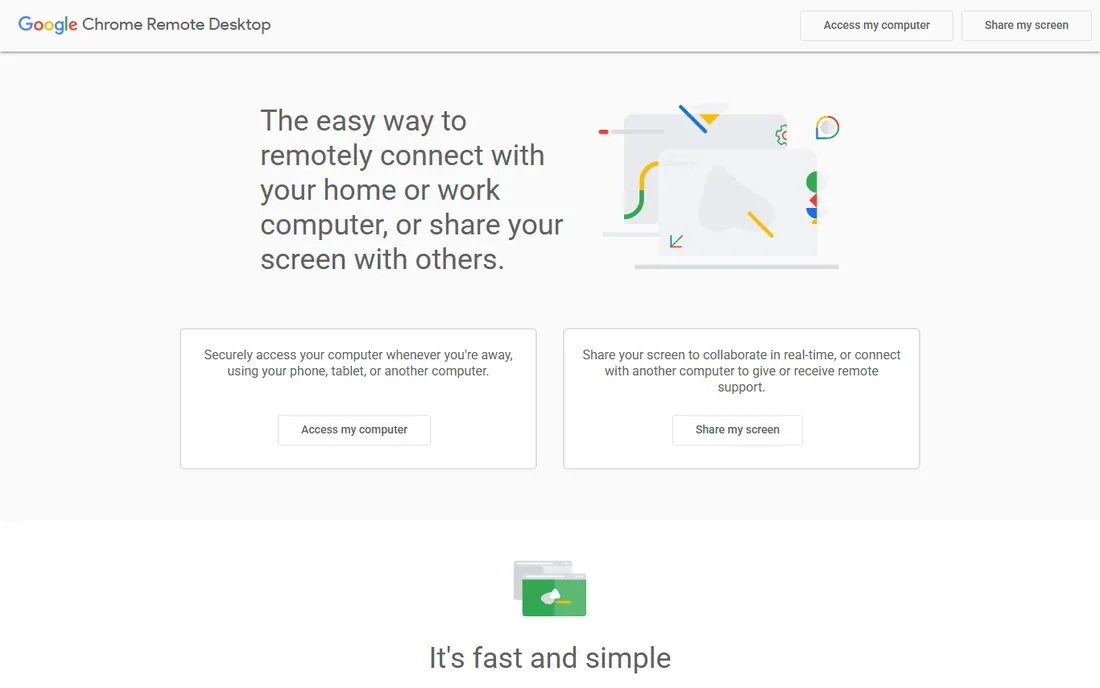
Chrome Remote Desktop is the tool you recommend to your parents. It runs through Google's infrastructure, connects in minutes with a Google account, and costs nothing, ever. You can reach your home computer from a phone, tablet, or any browser, share your screen for support sessions, and set up unattended access to your own machines.
The honest catch is the feature ceiling. There is no file transfer to speak of, no session recording, no remote printing, and the streaming quality is fine rather than great. For occasional personal access and family tech support, though, nothing beats free and instant.
What we like- Completely free with no time limits or tiers
- Setup takes minutes through your Google account
- Works from any browser or mobile device
Watch out for- No file transfer beyond limited options, no session recording or remote printing
- Basic feature set compared to dedicated tools
Starting priceSee website
Free planYes
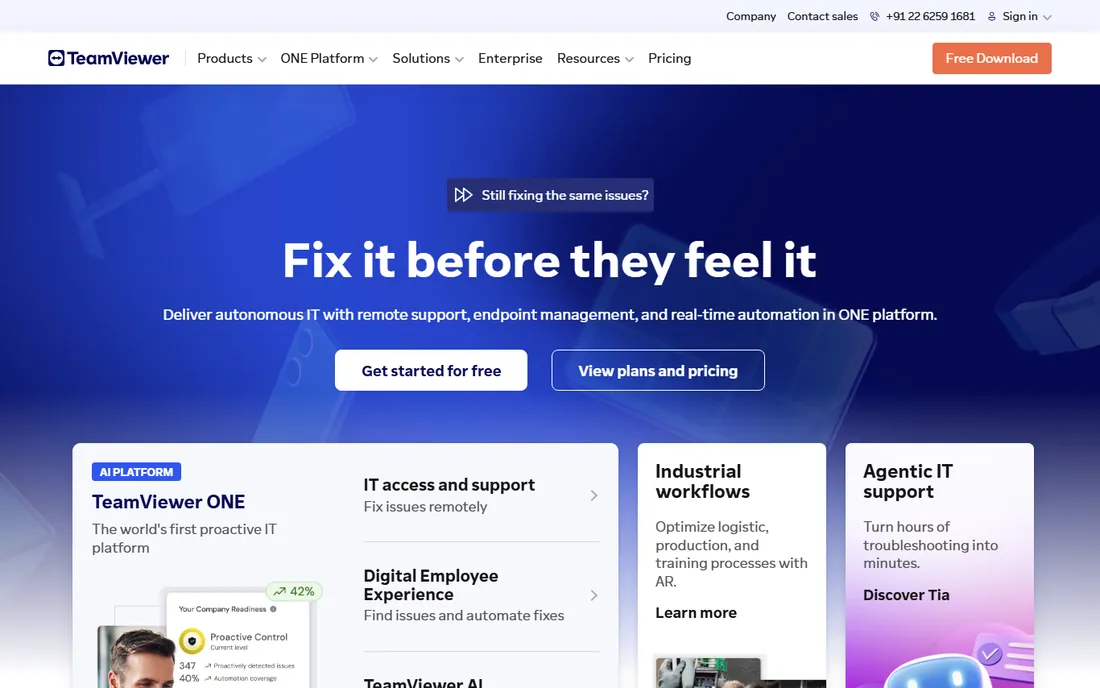
TeamViewer is still the best-known name in remote access, and its free tier for personal use remains full-featured: file transfer, chat, voice and video in sessions, unattended access, and mobile apps. For helping family or reaching your own machines across different platforms, the breadth is unmatched.
The honest catch is the detection. TeamViewer actively looks for commercial use on free accounts and will drop sessions to five minutes with a "commercial use suspected" notice. Keep it strictly personal, and read the current personal-use terms, because the company's business focus means free-tier generosity is not guaranteed forever.
What we like- Runs on everything, Windows, Mac, Linux, phones, tablets, Raspberry Pi
- Full feature set on the free tier including file transfer and unattended access
- Strong security with AES-256 and RSA encryption
Watch out for- Commercial-use detection can flag and cut sessions, even mistakenly
- The company now positions the product around business, and the free tier could narrow
Starting priceSee website
Free planYes
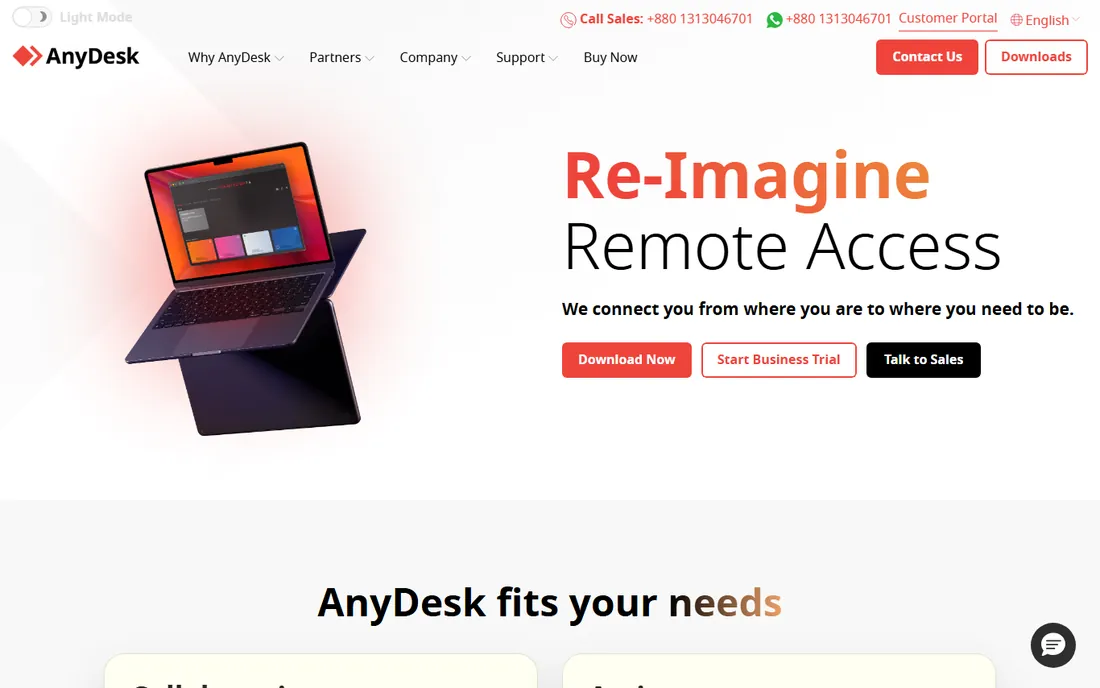
AnyDesk built its reputation on speed and a small footprint. The free personal tier covers the same core remote desktop experience, fast connections, file transfer, and unattended access, with a tiny client that starts without installation. Over poor connections it tends to feel snappier than TeamViewer.
The honest catch mirrors TeamViewer's: the free license is for personal use only, full stop. AnyDesk also sells commercial plans from roughly $23 per month, so if your needs drift toward business, the step up is not cheap. For personal access and family support, it remains one of the fastest free options.
What we like- Fast and lightweight with a well-regarded codec
- Free for personal use across desktop and mobile
- Easy no-install executable for quick support sessions
Watch out for- Personal license forbids any commercial use
- The paid tiers are priced for businesses, so outgrowing the free tier is expensive
Starting priceSee website
Free planYes
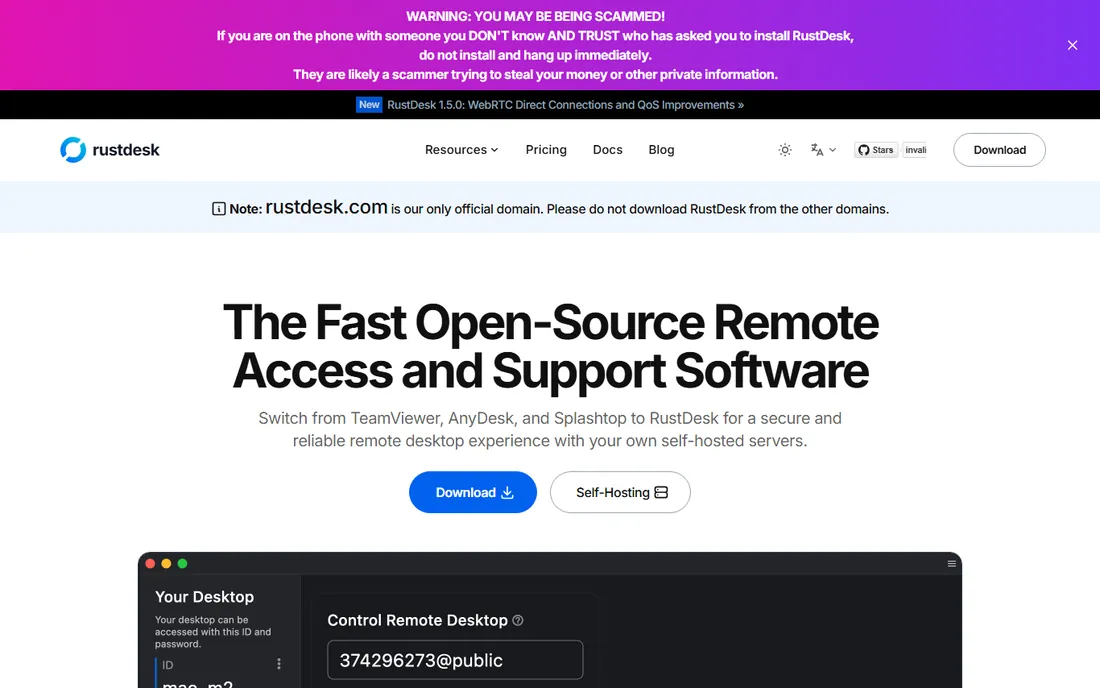
RustDesk is the open-source answer to TeamViewer. The clients are free and unrestricted for both personal and commercial use, and you can self-host the relay server with a single Docker image so your traffic never touches anyone else's infrastructure. It supports Windows, Mac, Linux, Android, iOS, and a web client.
The honest catch is the do-it-yourself factor. The easy path uses RustDesk's public relay, which costs nothing but shares resources with everyone else, and true self-hosting means running a server. For privacy-minded users and home-lab types, it is the most capable free option available.
What we like- Fully open source with over 100,000 GitHub stars
- Self-host your own relay for complete data control
- Free for personal and commercial use with no license tiers
Watch out for- Self-hosting adds setup work, Docker and a server
- The default public relay is community-run, so performance varies
Starting priceSee website
Free planYes
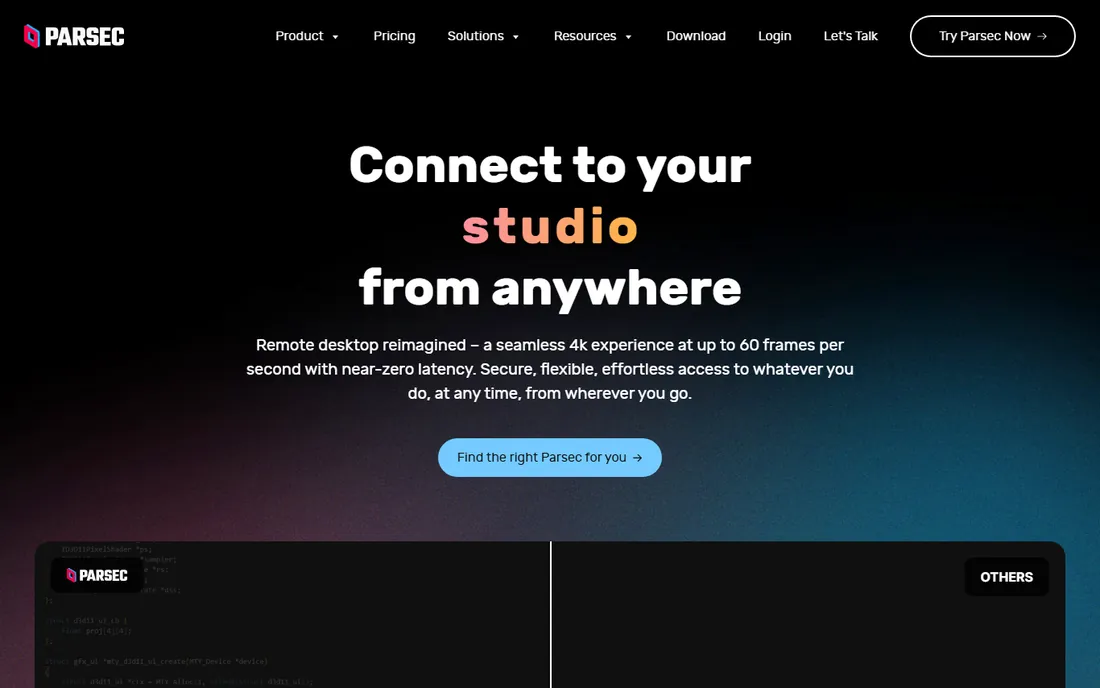
Parsec is remote desktop reimagined for people who care about every frame. It streams at up to 4K and 60 frames per second with near-zero latency over peer-to-peer connections, SOC 2 Type 2 certified, and it is free for personal use. It became the standard way to game on a home PC from a laptop or stream a creative workstation.
The honest catch is the scope. Parsec is brilliant at streaming your machine, but it is not built for unattended IT-style access or helping relatives, and advanced features like virtual displays require the paid Warp tier. If your personal use is gaming, video editing, or design work, nothing else feels this responsive.
What we like- Near-zero latency streaming at 4K and 60 frames per second
- Peer-to-peer connections that never route through Parsec's servers
- Free for personal use
Watch out for- Personal tier is gaming and streaming focused, not a general IT tool
- No iOS app, and the best features sit behind the paid Warp tier
Starting priceSee website
Free planFree trial
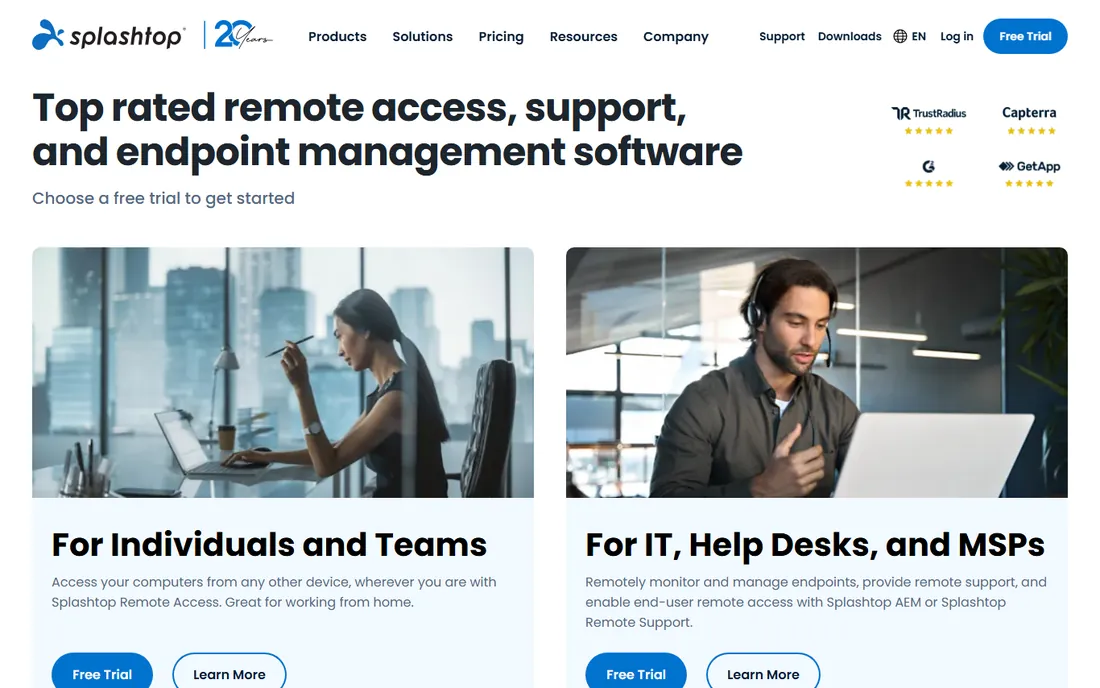
Splashtop is the budget alternative to the big commercial tools. Its remote access product streams HD video and audio with low latency, carries SOC 2, ISO 27001, and GDPR compliance, and historically priced its personal plan at a fraction of TeamViewer. A free trial lets you confirm it fits before spending.
The honest catch is that it is a paid product. If you need a permanent free tier, the tools above are better picks. Splashtop makes sense when you want a supported, polished paid tool without enterprise pricing.
What we like- High-performance streaming with strong security and compliance
- Affordable personal and business pricing compared to TeamViewer
- Free trial to test before buying
Watch out for- No permanent free personal tier
- Most attractive features sit in paid plans
Starting priceSee website
Free planYes
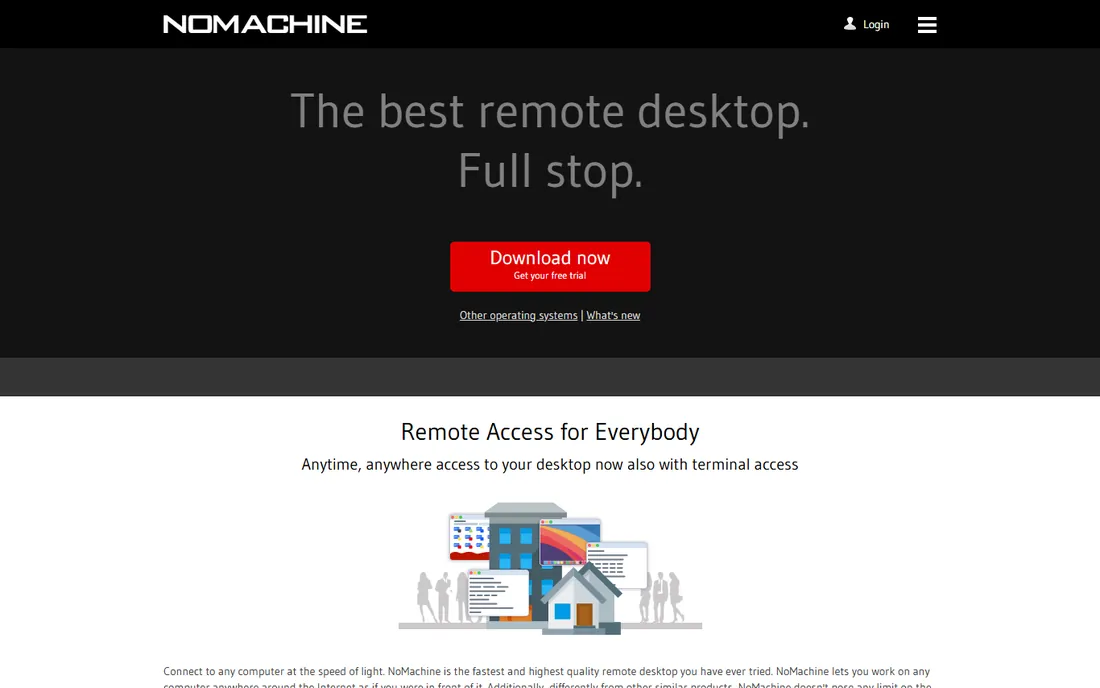
NoMachine has quietly been one of the best free remote desktops for years. Its NX protocol delivers fast, fluid sessions with great handling of multiple monitors and odd resolutions, and the free version includes file sharing, clipboard sync, and device mounting. Linux users especially swear by it.
The honest catch is networking. On a local network it just works, but reaching a machine across the internet may need port forwarding or a VPN. For home-network access and reaching your own Linux boxes, it is superb and costs nothing.
What we like- Free for personal use with excellent performance via the NX protocol
- Strong multi-monitor and resolution handling
- File sharing, clipboard sync, and device mounting built in
Watch out for- Connecting over the internet can require network configuration
- The interface shows its age in places
Starting priceFrom $1.99 per month
Free planYes
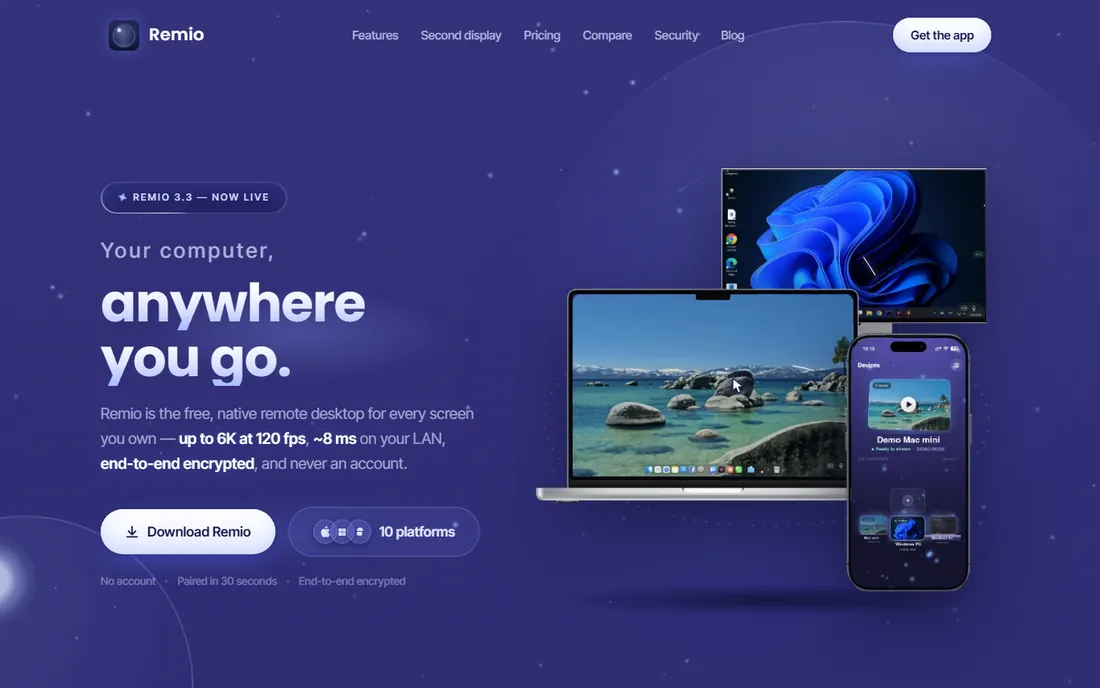
Remio is the freshest take on personal remote access. The free tier has no time limits, no device limits, and no commercial-use detection, pairing happens with a QR code or a six-digit code with no account at all, and sessions are end-to-end encrypted peer to peer. The $1.99 per month Pro plan adds extras like file transfer on relayed connections, with a 7-day free trial.
The honest catch is youth. Remio's apps are proprietary, so if you demand self-hosting you want RustDesk, and it does not have the decades-long track record of TeamViewer. For fast, private, friction-free personal access, it is one of the strongest new options.
What we like- Free with no time limits, no ads, and no commercial-use detection
- No account needed, pair with a QR code
- Up to 6K at 120 frames per second with end-to-end encryption
Watch out for- Proprietary, not open source, so self-hosting fans should look at RustDesk
- Newer company with a smaller track record than the giants
How we chose
We reviewed each vendor's product pages, documentation, and pricing materials, then cross-checked with public reviews on G2, Capterra, Reddit, and recent hands-on comparisons published in 2026. We weighted free-tier generosity for genuinely personal scenarios, performance for streaming and gaming, privacy and self-hosting options, and the practical reality of commercial-use restrictions on free licenses. We did not test any of these tools hands-on.
Free tiers come with fine print. Run through these checks so you do not get cut off mid-session.
Know what "free" actually covers
TeamViewer and AnyDesk are free for personal use only, and both can detect and restrict sessions they think are commercial. Chrome Remote Desktop, RustDesk, and Remio have no such detection. If there is any chance your use is work-related, pick a tool with no commercial-use tripwire.
Test unattended access before you need it
Reaching your own computer while traveling only works if unattended access is set up, authenticated, and tested in advance. Install the host, enable wake-on-LAN if you need it, and connect once from another network before you leave town.
Think about security from the start
Enable two-factor authentication everywhere it is offered, use strong unique passwords for unattended access, and prefer tools with end-to-end encryption. Never share a session code with an unsolicited caller, remote access scams remain one of the most common tech frauds.
Match the tool to the network
On your home network almost anything works. Across the internet, tools with relay servers or peer-to-peer NAT traversal, TeamViewer, AnyDesk, Chrome Remote Desktop, Remio, connect without router changes. NoMachine may need port forwarding. Test from outside your network before relying on it.
The commercial-use detection trap
The single most common complaint in this category is the "commercial use suspected" cutoff. TeamViewer in particular will drop free sessions to about five minutes when its detection triggers, and it sometimes triggers on home users with unusual patterns. The fix is simple: keep these tools strictly personal, or pay. If even that feels risky, RustDesk, Chrome Remote Desktop, and Remio do not police how you use them.
Frequently asked questions
What is the best completely free remote access software?
Chrome Remote Desktop is the simplest: free forever, no tiers, no limits. RustDesk is the most capable free option with self-hosting and no commercial-use restrictions. Remio is a strong newer pick with no time limits and no account required. Pick based on how much setup you are willing to do.
Is TeamViewer really free for personal use?
Yes, TeamViewer offers its full feature set free for non-commercial personal use. The catch is its commercial-use detection, which can flag sessions and cut them short. Keep usage strictly personal, one household's machines and family support, to stay within the terms.
Can I use remote access software for work for free?
That depends on the license. TeamViewer and AnyDesk explicitly forbid commercial use on free tiers. RustDesk's open-source license has no such restriction, and Remio states no commercial-use detection. When in doubt, use the business tool your employer provides.
Which remote access tool is fastest for gaming?
Parsec built its reputation on near-zero latency streaming, and Remio competes in the same class with 120 fps at up to 6K on local networks. Traditional remote access tools like TeamViewer feel noticeably laggier for gaming or video editing.
Is it safe to leave unattended access enabled?
It is reasonably safe if you secure it: strong unique password, two-factor authentication, and keeping the software updated. Tools with end-to-end encryption add another layer. Disable unattended access on machines you no longer use, and review connected devices periodically.
Do I need to configure my router?
Usually not. Modern tools use relay servers or NAT traversal to connect without port forwarding. NoMachine is the exception here and may need router configuration or a VPN for internet access. Self-hosted RustDesk also needs a reachable server.
Sources we checked (8)
- https://remotedesktop.google.com/
- https://teamviewer.com/
- https://anydesk.com/
- https://rustdesk.com/
- https://parsec.app/
- https://www.splashtop.com/
- https://www.nomachine.com/
- https://remio.net/
Is your product missing or out of date?
We review this list regularly. Vendors can request a listing, send updated pricing or ask about featured placement.

Shihab Mia · Founder, Rankite
Shihab has spent more than a decade helping SaaS and e-commerce brands grow through search. He writes Rankite's software buying guides from pricing pages, documentation and public user reviews. More about Shihab.