How we make this list: we compare pricing pages, product documentation and public user reviews. Rankite is independent; if a vendor ever pays for a featured spot, that listing is clearly labeled Partner.
Key takeaways
- Splashtop says it is trusted by 30 million users and 85 percent of Fortune 500 companies, a sign of how mainstream remote access has become.
- RemotePC's Solo plan starts at $1.84 a month and AnyDesk's Solo plan at $23.12 a month, showing how wide the price range is.
- Chrome Remote Desktop is completely free and enough for personal access to your own computers.
- Remote Utilities is the only perpetual-license option here: buy once, own it forever, with a free tier for up to 10 computers.
- Decide first whether you need personal access to your own machines, on-demand support for others, or unattended fleet management, because pricing follows the use case.
Quick comparison
| Tool | Best for | Starting price | Free plan |
|---|
 TeamViewer TeamViewer | All-round remote support and access | See website | Yes |
 AnyDesk AnyDesk | Fast connections at a low entry price | $23.12/month (Solo, billed annually) | Yes |
 Splashtop Splashtop | High-performance remote access and support | See website | Free trial |
 RemotePC RemotePC | Budget remote access for many computers | $1.84/month (Solo) | No |
 Zoho Assist Zoho Assist | Remote support with Zoho integrations | See website | Free trial (15 days) |
 ScreenConnect ScreenConnect | MSP and IT-team remote support | See website | No |
 Chrome Remote Desktop Chrome Remote Desktop | Free personal remote access | Free | Yes |
 Remote Utilities Remote Utilities | Perpetual license without subscriptions | See website | Yes |
Is your product missing or out of date?
We review this list regularly. Vendors can request a listing, send updated pricing or ask about featured placement.
The best computer remote access software
Splashtop says it is trusted by 30 million users and 85 percent of Fortune 500 companies. Remote access software has moved from IT-department niche to everyday infrastructure: working from home, supporting customers, and managing devices all run through it.
The category splits three ways. Personal remote access lets you reach your own computers from anywhere. On-demand support lets a technician connect to someone else's machine for a session. Unattended access manages fleets of machines without anyone present. Prices range from free to enterprise contracts, and the cheapest option is often the right one.
Here are eight tools worth comparing.
Starting priceSee website
Free planYes
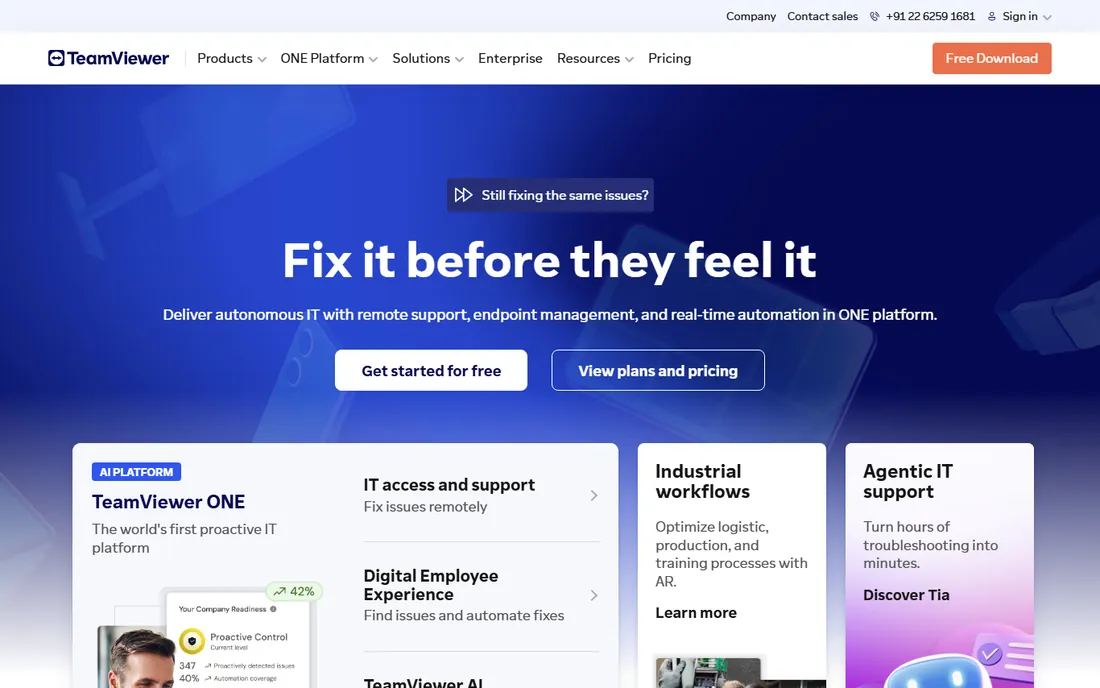
TeamViewer is the name most people think of for remote access, covering remote support, unattended access, and AR-assisted guidance across Windows, Mac, Linux, mobile, and IoT devices. Its current push is AI: Tia, the built-in AI agent, learns from support sessions to predict issues, writes automated session summaries, and builds automations from repeated fixes.
Security credentials are strong, with a BitSight rating in the top 1 percent of the tech industry and compliance with ISO 27001, HIPAA, and SOC 2. The free version covers personal use; commercial use needs a paid license with quote-based pricing. It suits businesses that want the safe, widely recognized choice with AI assistance on top.
What we like- The best-known remote access brand with broad device support
- AI agent summarizes sessions and builds automations
- Top-1% BitSight security rating in tech
Watch out for- Commercial pricing is quote-based and premium
- Free version limited to personal use
Starting price$23.12/month (Solo, billed annually)
Free planYes
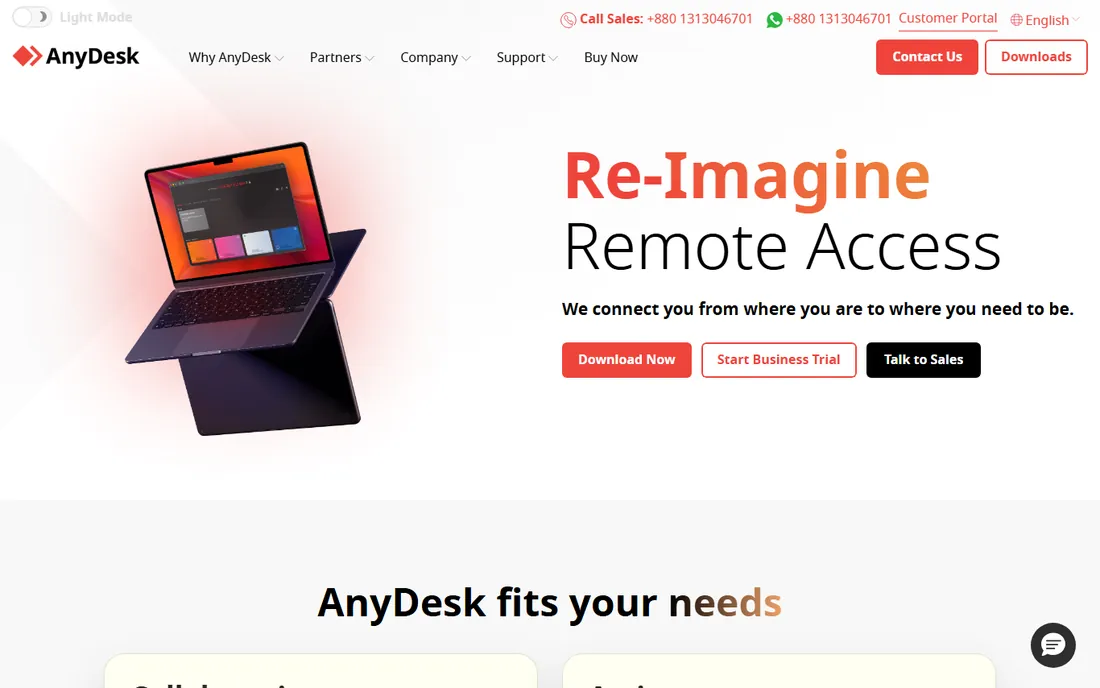
AnyDesk built its reputation on speed: a lightweight client with low-latency connections that feel responsive even on modest bandwidth. Plans are published and simple: Solo at $23.12 a month billed annually for one user with up to 100 managed devices, Standard at $39.92 for small teams, and Advanced at $89.52, with an Ultimate tier adding SSO and on-premises deployment.
Mobile device support is included across plans, and mass deployment via MSI suits IT teams. A free version covers personal use. For individuals and small teams that want fast, affordable remote access without a sales call, AnyDesk's transparent pricing is a real advantage.
What we like- Published pricing with a $23.12-a-month entry point
- Lightweight client known for low latency
- On-premises option on the top tier
Watch out for- Free version is personal-use only
- Advanced features need higher tiers
Starting priceSee website
Free planFree trial
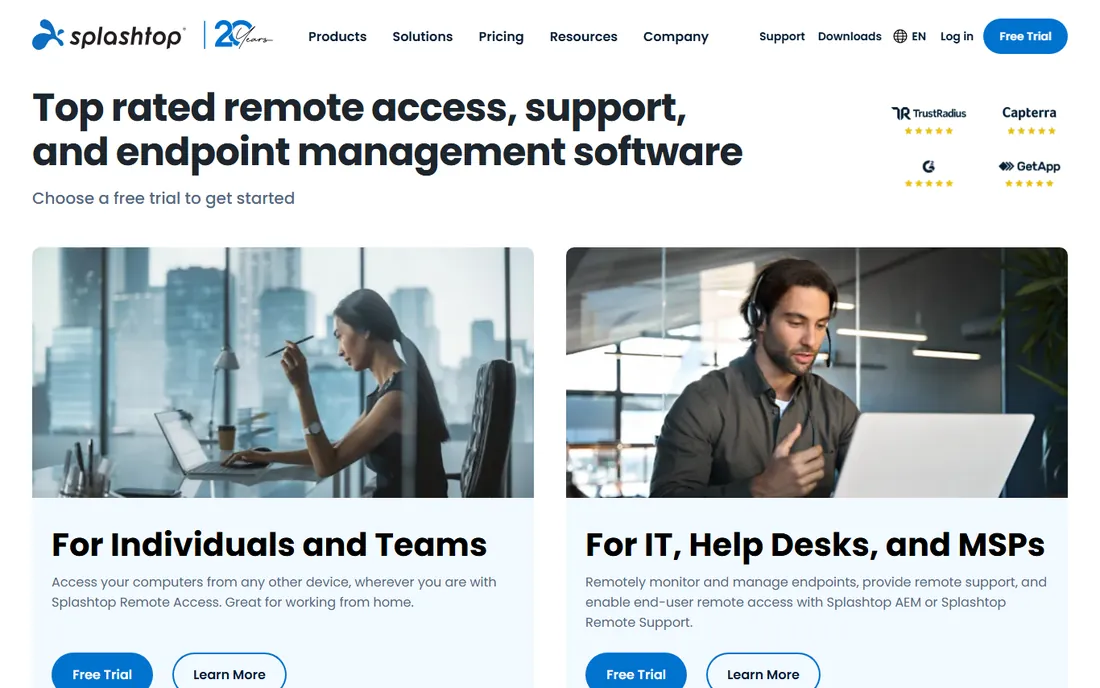
Splashtop offers a family of products: Splashtop Remote Access for individuals and teams, Remote Support for IT and help desks, AEM for endpoint and patch management, and an Enterprise edition with SSO and on-premises options. Performance is a selling point, with Warner Bros. using it for remote post-production work.
The company claims 30 million users and adoption by 85 percent of Fortune 500 companies, plus a 20-year history. A free trial is offered on the site. Pricing is not published and varies by product and volume. It fits businesses that want proven, high-performance remote access with room to grow into endpoint management.
What we like- Trusted by 30 million users and 85 percent of Fortune 500
- Separate products for access, support, and endpoint management
- SOC 2 and ISO 27001 certified
Watch out for- Pricing not published on the site reviewed
- Product lineup can confuse first-time buyers
Starting price$1.84/month (Solo)
Free planNo
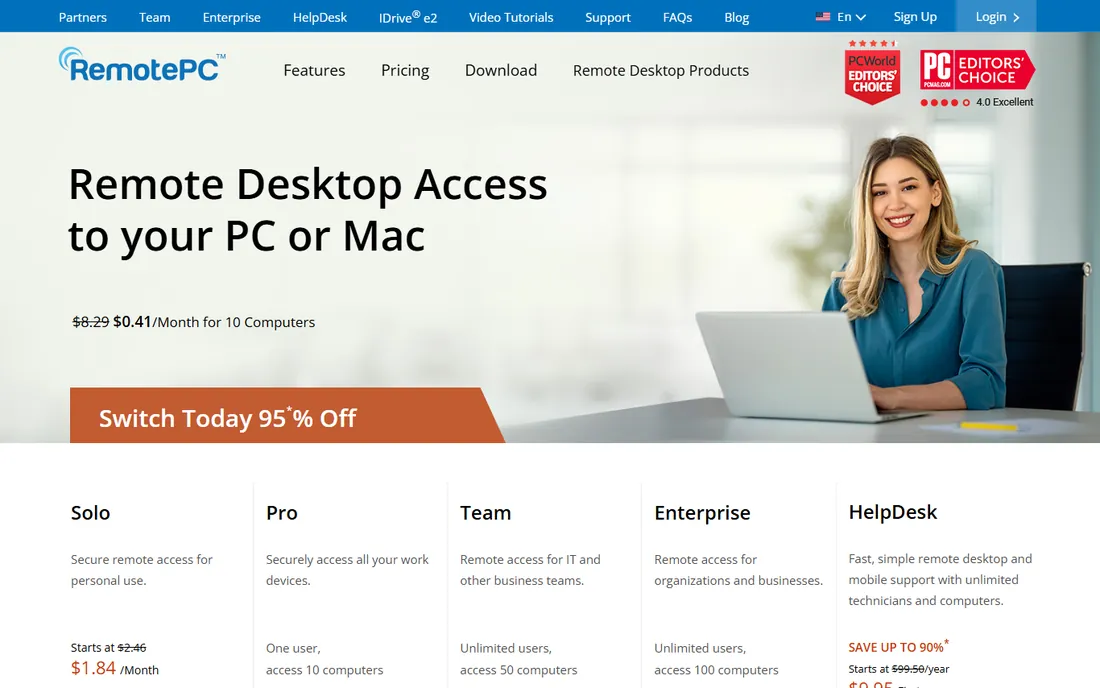
RemotePC, from the IDrive company, wins on price. The Solo plan starts at $1.84 a month, with Pro, Team (unlimited users, 50 computers), and Enterprise (100 computers) tiers above it. A separate HelpDesk product with unlimited technicians starts at $9.95 for the first year, undercutting dedicated support tools dramatically.
Features include file transfer, remote printing, session recording, multiple monitor support, whiteboard, and TLS/AES-256 encryption, with access from Windows, Mac, Linux, iOS, Android, and browsers. Reviewers consistently call it the budget pick that does not feel cheap. It suits cost-conscious businesses that need solid remote access for many machines.
What we like- Solo plan at $1.84 a month is among the cheapest anywhere
- Plans scale to 100 computers for enterprises
- HelpDesk product from $9.95 for the first year
Watch out for- No free tier
- Interface less polished than premium rivals
#5
Zoho Assist
Best for: Remote support with Zoho integrations
Visit zoho.com
Starting priceSee website
Free planFree trial (15 days)
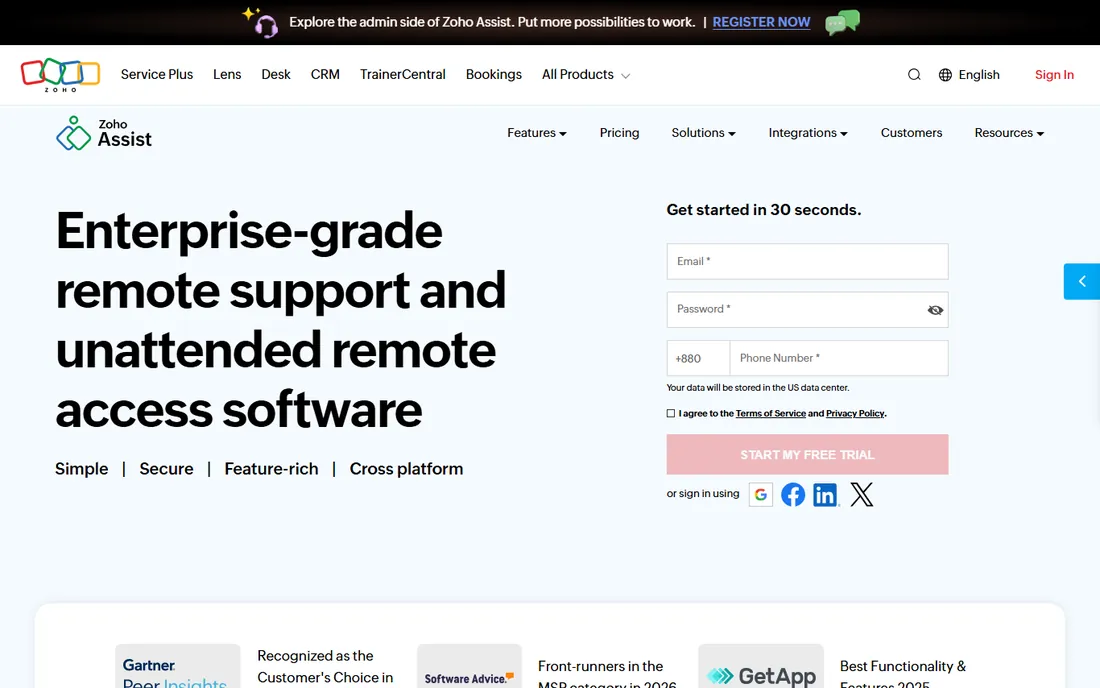
Zoho Assist is cloud-based remote support and unattended access software covering Windows, Mac, Linux, iOS, Android, Chromebooks, and Raspberry Pi. Features include on-demand sessions without downloads, unattended access with bulk deployment, remote camera sharing with AR tools, cobrowse, and built-in endpoint management with patching.
It integrates with Zoho's ecosystem and third-party tools, and enterprise-grade security uses TLS 1.2 with AES-256 encryption. A 15-day free trial needs no credit card. For businesses already running on Zoho, it is the natural pick; as a standalone it competes on value with the mid-market crowd.
What we like- 15-day free trial with no credit card
- Integrates with the Zoho ecosystem
- Supports Raspberry Pi and Chromebooks alongside major platforms
Watch out for- Paid pricing not listed on the page reviewed
- Shines brightest for existing Zoho users
Starting priceSee website
Free planNo
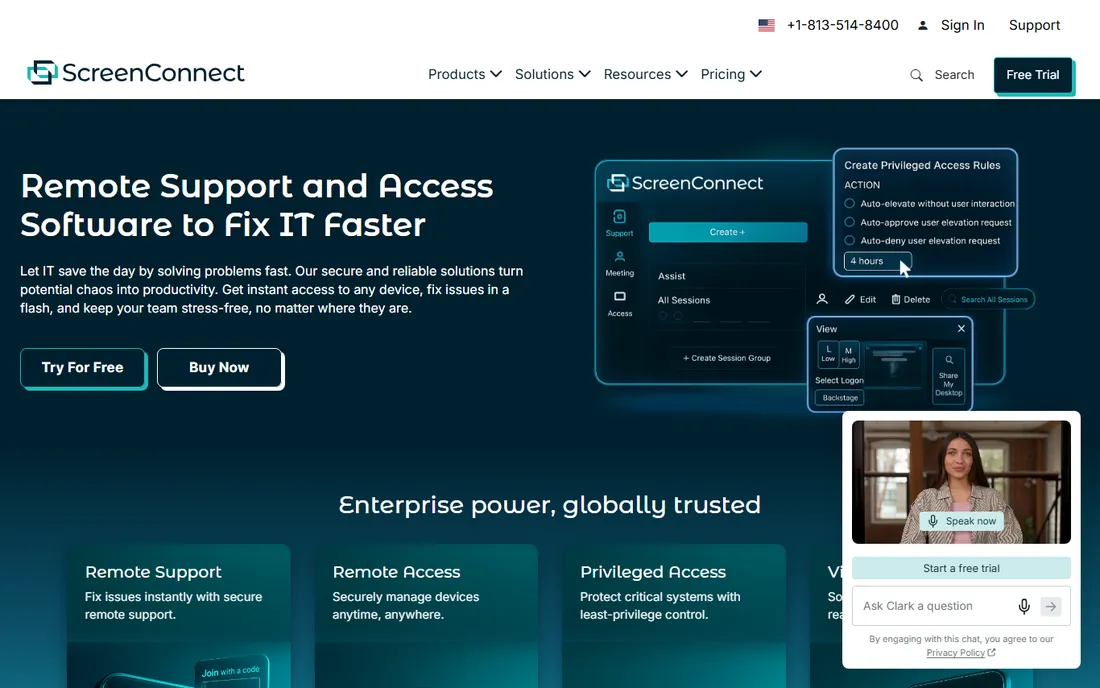
ScreenConnect, from ConnectWise, is the remote support tool IT professionals reach for: trusted by brands like Panasonic, Honeywell, and Duke University. It offers unattended access, on-demand support sessions, remote command execution, secure file management, and event-driven automations that fire scripts when machines drop offline.
Differentiators include the Toolbox for sharing scripts across sessions, Backstage for troubleshooting without disturbing users, and an extension library with 100-plus integrations. It can be hosted in the cloud or on premises. Pricing is quote-based. It fits MSPs, help desks, and IT teams that need professional-grade remote support.
What we like- Built for IT pros with 15-plus years of focus
- Cloud or on-premises hosting
- Toolbox, backstage, and extension library for power users
Watch out for- Quote-based pricing
- Overkill for simple personal remote access
Starting priceFree
Free planYes
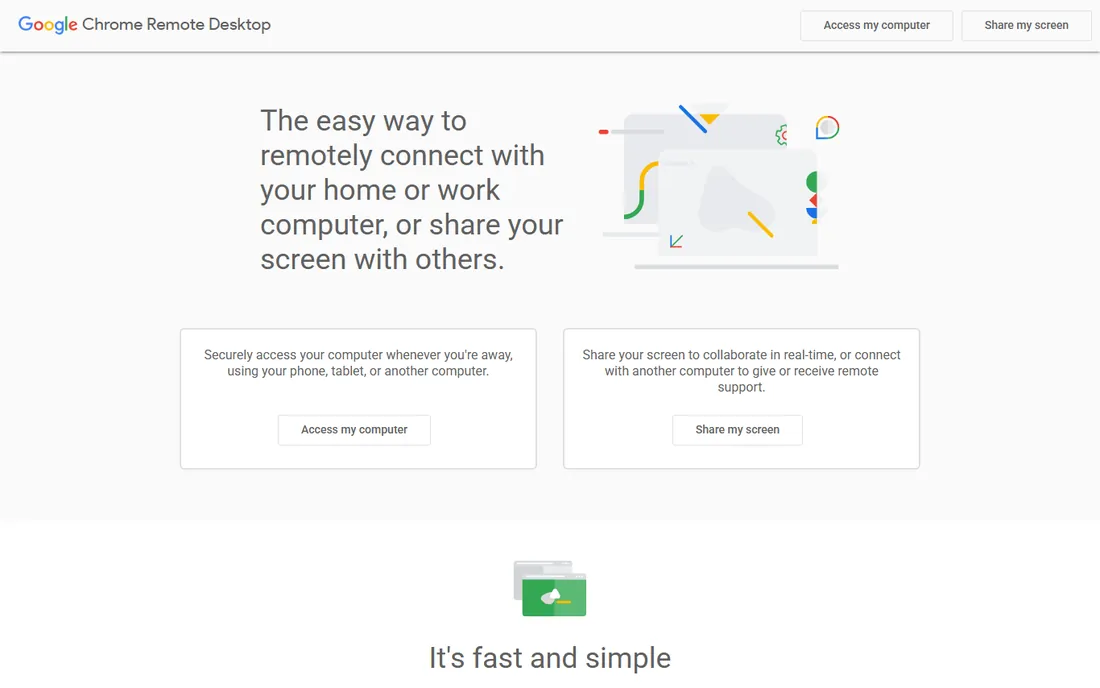
Chrome Remote Desktop is Google's free remote access tool: connect to your home or work computer from a phone, tablet, or another computer, or share your screen for remote support. It uses WebRTC on Google's infrastructure, with Android and iOS apps for mobile access.
There are no accounts to pay for, no session limits, and setup takes minutes. The trade-off is scope: no bulk deployment, no session recording, no team management, and it is not licensed for commercial support businesses. For personal use, accessing your own machines, or helping family members, it is the obvious free choice.
What we like- Completely free with no time limits
- Runs in the browser with mobile apps
- Built on Google's secure infrastructure
Watch out for- No unattended fleet management or commercial features
- Requires a Google account and Chrome
Starting priceSee website
Free planYes
Remote Utilities takes a deliberately old-school approach: one payment, a perpetual license, no subscription meter, no renewals. A free license covers up to 10 remote computers with no session time limits and no ads. Every download runs as a fully functional 30-day trial before you enter a key.
It offers 14 connection modes including full control, file transfer, terminal, and remote registry, plus Active Directory integration and a self-hosted server option that runs entirely inside your own network, even offline. For businesses that dislike subscriptions and want their remote access data under their own control, it is unique here.
What we like- Buy once, own it forever with no subscription
- Free license covers up to 10 computers
- Self-hosted server option for full data control
Watch out for- Windows-centric with viewer apps for other platforms
- Smaller ecosystem than the big brands
How we chose
We compared remote access software using official vendor pages, pricing pages, and documentation, focusing on connection quality, platform coverage, security features, unattended access, team management, pricing model, and free or trial availability. We checked third-party reviews on G2, Capterra, and tech publications. We did not claim hands-on testing; assessments reflect documented features, pricing, and reported user experience.
What to consider before choosing remote access software
Start with your use case, because pricing follows it. Personal access to your own computers is free or nearly free with Chrome Remote Desktop, AnyDesk's personal tier, or Remote Utilities' free license. Supporting customers on demand needs a support product like TeamViewer, Splashtop Remote Support, Zoho Assist, or ScreenConnect. Managing many unattended machines needs per-device pricing from RemotePC, AnyDesk, or Splashtop.
Test performance on your actual network
Remote access lives or dies on connection quality. Run trials on the networks you will actually use, including the worst one: a hotel Wi-Fi or a rural connection. Check latency, screen refresh smoothness, and file transfer speed. What feels fine on office fiber can be unusable elsewhere.
Check the security model carefully
You are giving software full control of your computers, so security is not a checkbox. Look for end-to-end encryption, two-factor authentication, session audit logging, and compliance certifications relevant to your industry. TeamViewer's top-1% BitSight rating and Splashtop's SOC 2 certifications are examples of what to look for.
Watch for subscription creep
Remote access pricing models vary wildly: per user, per device, per concurrent session, or perpetual license. Model your costs at your actual scale. RemotePC's $1.84-a-month Solo plan and Remote Utilities' buy-once license are the cheapest paths for individuals; per-technician models like ScreenConnect suit support teams.
Remote access versus remote support: know the difference
Remote access connects you to your own computers whenever you are away. Remote support connects a technician to someone else's computer for a session, usually with the user's permission. Many products do both, but they are priced differently: access is usually per device, support is usually per technician. Buying the wrong one means paying for the wrong thing.
Frequently asked questions
What is the best free remote access software?
Chrome Remote Desktop is the best completely free option for personal use. AnyDesk and TeamViewer offer free versions for personal use, and Remote Utilities gives you up to 10 computers free with no session limits. For commercial use, RemotePC's $1.84-a-month plan is the cheapest paid option.
Is TeamViewer still free?
TeamViewer remains free for personal, non-commercial use. Commercial use requires a paid license with quote-based pricing. If you only need to access your own computers or help family, the free version is enough.
Can I access my computer when it is turned off?
Not with these tools alone: the remote computer needs to be powered on and connected to the internet. Some tools support Wake-on-LAN to power on a sleeping machine on the same network. For true out-of-band access to powered-off servers, you need hardware like IPMI or a KVM-over-IP device.
Is remote access software secure?
Reputable tools use strong encryption (typically AES-256 and TLS), two-factor authentication, and session logging. The bigger risk is usually weak passwords and phishing, not the software itself. Enable 2FA, use strong unique passwords, and keep the software updated.
What is the difference between AnyDesk and TeamViewer?
Both offer fast remote access and support. AnyDesk is lighter, cheaper at the entry level ($23.12 a month with published pricing), and popular with individuals. TeamViewer has broader enterprise features, AI session assistance, and stronger brand recognition, with quote-based commercial pricing. Try both free versions and compare.
Do I need remote access software if I use a VPN?
They solve different problems. A VPN connects your device to a network; remote access software shows you another computer's screen and lets you control it. Many remote workers use both: a VPN for network resources and a remote desktop tool for a specific office PC.
Sources we checked (8)
- https://teamviewer.com/
- https://anydesk.com/
- https://www.splashtop.com/
- https://www.remotepc.com/
- https://www.zoho.com/assist/
- https://screenconnect.connectwise.com/
- https://remotedesktop.google.com/
- https://www.remoteutilities.com/
Is your product missing or out of date?
We review this list regularly. Vendors can request a listing, send updated pricing or ask about featured placement.

Shihab Mia · Founder, Rankite
Shihab has spent more than a decade helping SaaS and e-commerce brands grow through search. He writes Rankite's software buying guides from pricing pages, documentation and public user reviews. More about Shihab.