How we make this list: we compare pricing pages, product documentation and public user reviews. Ratings come from G2, Capterra or Trustpilot, with the date we checked them.
Key takeaways
- Slack at 7.25 to 8.75 dollars per user a month remains the most flexible chat option, with channels, threads and a very large integration library.
- Microsoft Teams at 4 dollars per user a month for Essentials, or included in Microsoft 365, is essentially free for organizations already paying for 365.
- Connecteam at 29 dollars a month per 30 user block suits deskless teams, with free access to 10 users and scheduling plus messaging in one app.
- Staffbase, Workvivo and Blink suit large employers whose frontline staff never open company email, but all three are quote based, so request pricing.
Quick comparison
| Tool | Best for | Starting price | Free plan |
|---|
 Slack Slack | Channel chat and integrations | $7.25 per user/month | Yes |
 Microsoft Teams Microsoft Teams | Microsoft 365 teams | $4 per user/month | Yes |
 Google Chat Google Chat | Google Workspace teams | See website | Yes |
 Zoom Team Chat Zoom Team Chat | Video-first teams | See website | Yes |
 Connecteam Connecteam | Frontline and mobile teams | $29 per month | Yes |
 Staffbase Staffbase | Large frontline employers | See website | No |
 Workvivo Workvivo | Frontline staff without email | See website | No |
 Blink Blink | Mobile-first staff app | See website | No |
Is your product missing or out of date?
We review this list regularly. Vendors can request a listing, send updated pricing or ask about featured placement.
The best employee communication apps
#1Slack
Best for: Channel chat and integrations4.5/5 on
G2 (39,944 reviews, checked Oct 2026)
Visit slack.com
Starting price$7.25 per user/month
Free planYes
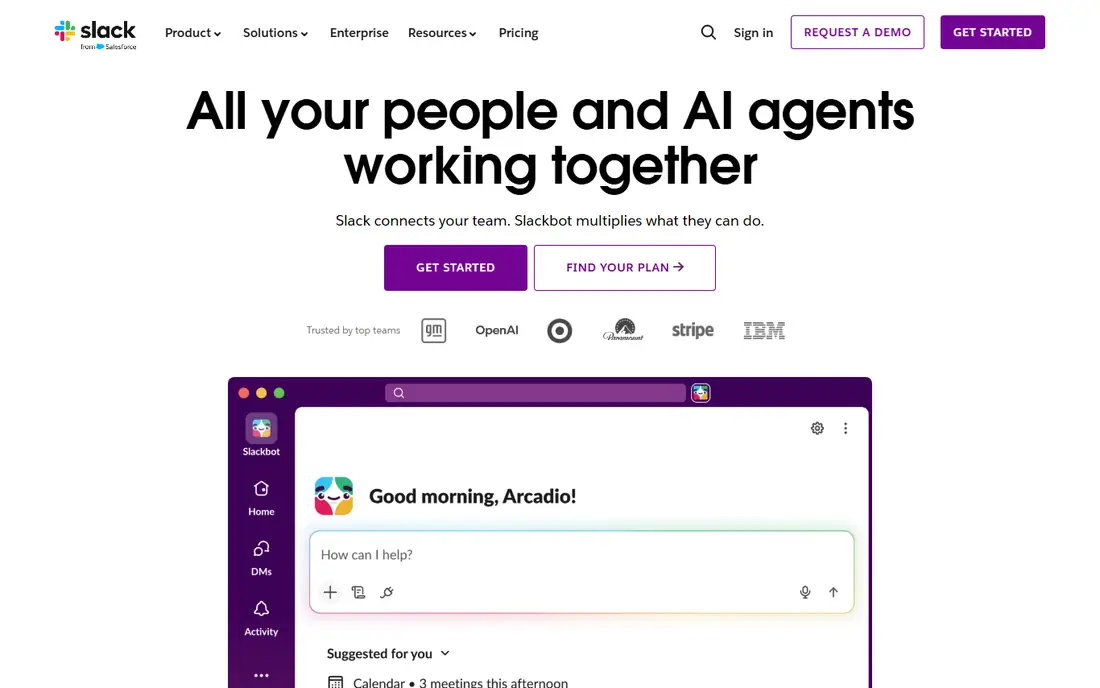
Slack organizes work into channels for teams, projects and topics, with threads to keep side discussions from taking over a channel. That structure, plus a large app library, is why many startups and growing companies choose it first, with integrations for Google Drive, Asana, Trello, Salesforce and hundreds of other tools bringing updates into chat without switching apps.
The risk is noise: in a large workspace, channels multiply, notifications pile up and important messages can be buried, and free plan message history is limited, so growing teams usually need a paid plan for full search. For teams that live in chat and integrations, Slack remains the most flexible option for daily work.
What we like- Channel organization with threads
- Very large integration library
- Workflows and automation
Watch out for- Can become noisy in large teams
- Message history limited on free plan
- Pro pricing varies by source at 7.25 to 8.75 dollars per user a month
#2Microsoft Teams
Best for: Microsoft 365 teams4.4/5 on
G2 (19,330 reviews, checked Oct 2026)
Visit microsoft.com
Starting price$4 per user/month
Free planYes
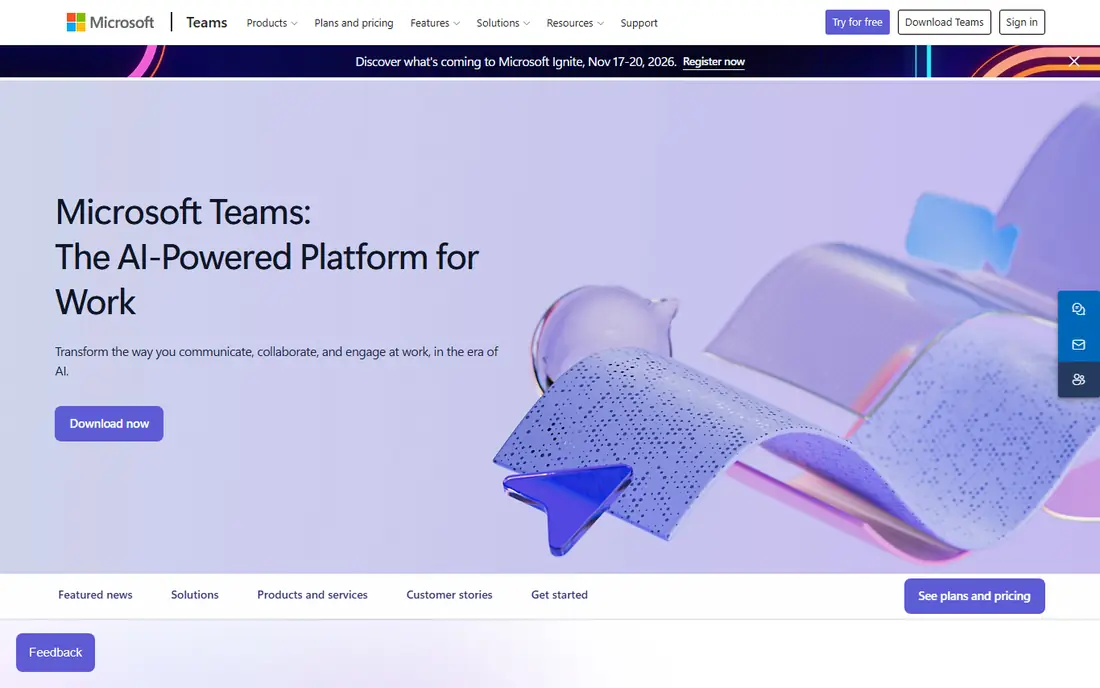
Microsoft Teams can replace Slack for messaging, channels, video conferencing, file sharing and third party integrations, while adding Teams Phone, native SharePoint document management and deep Power Platform integration. Teams Essentials costs 4 dollars per user a month, Business Basic 6 to 7 dollars including web apps, and for organizations already paying for Microsoft 365, Teams is included at no additional cost.
Teams earns its lowest marks on user experience for small teams, with reviewers describing it as clunky, and Planner task management trails dedicated tools. For a Microsoft 365 organization, Teams is the default pick by economics alone, and by integration depth too.
What we like- Included in Microsoft 365 at no extra cost for 365 customers
- Chat, meetings, file sharing and Office co-authoring in one hub
- Enterprise security and compliance
Watch out for- Interface feels heavyweight for small teams
- Task management through Planner is limited
- Setup for smaller organizations can be complex
Starting priceSee website
Free planYes
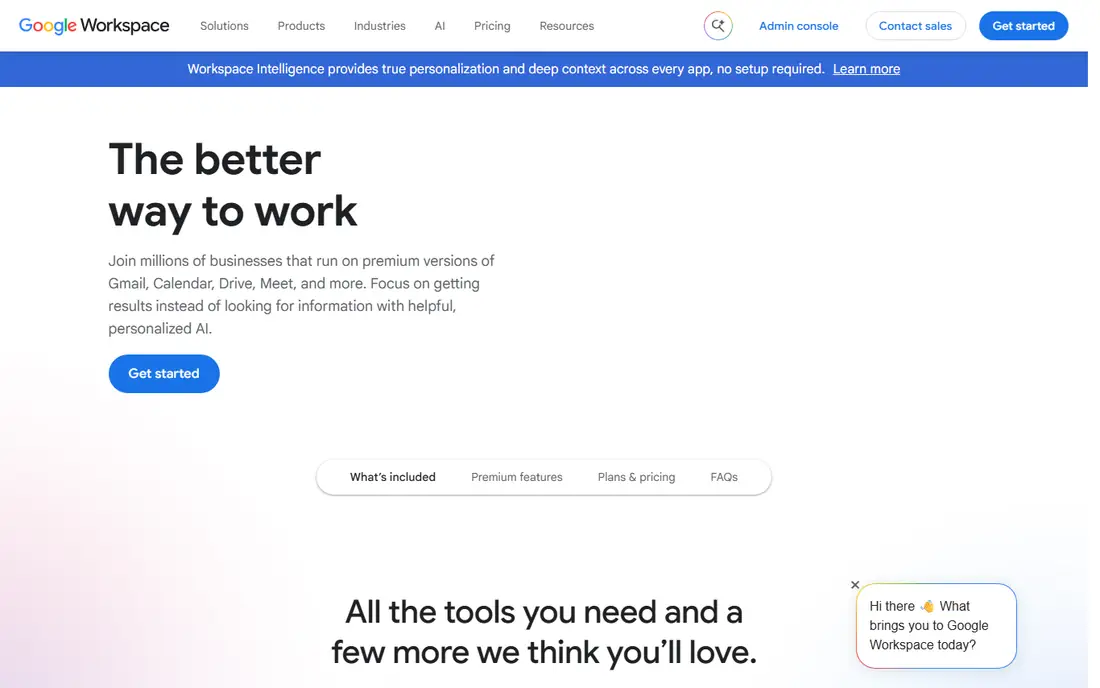
Google Chat suits Google Workspace teams: spaces organize team chat, direct messages handle one to one talk, and Gmail, Drive and Docs integration keeps files and conversations together. For a Workspace organization, Chat costs nothing extra beyond the Workspace plan, which makes it the natural default like Teams is for Microsoft shops.
Standalone pricing does not apply, integrations trail Slack, and video meetings need Meet alongside Chat. For a Google Workspace team that wants chat without another bill, Google Chat is the pick right now.
What we like- Included in Google Workspace
- Spaces for team chat plus direct messages
- Tight Gmail, Drive and Docs integration
Watch out for- Pricing sits inside Workspace plans, so no standalone price to compare
- Fewer integrations than Slack
- Video needs Meet alongside
Starting priceSee website
Free planYes
Zoom Team Chat suits video first teams that already run meetings on Zoom: chat channels and direct messages live in the same app as video, so a meeting can continue as a chat thread without switching tools. The free tier covers basic use, and paid Zoom plans add capacity and admin controls.
Chat depth trails Slack for integrations, and pricing sits inside Zoom plans rather than a standalone chat price. For a team standardized on Zoom, Team Chat is the convenient pick.
What we like- Chat built into the Zoom platform teams already use for meetings
- Channels plus direct messages
- Free tier for basic use
Watch out for- Pricing sits inside Zoom plans
- Chat depth trails Slack for integrations
- Best for teams already standardized on Zoom
#5Connecteam
Best for: Frontline and mobile teams4.6/5 on
G2 (3,506 reviews, checked Oct 2026)
Visit connecteam.com
Starting price$29 per month
Free planYes
Connecteam is built for deskless teams: a mobile app combining scheduling, checklists and messaging, free to 10 users, then 29 dollars a month per 30 user block. That flat block pricing suits frontline employers with many mobile staff who need one app for shifts, tasks and announcements, not a desktop chat tool.
Employers whose schedules must satisfy collective agreement rules should check fit carefully, and per block pricing can jump at thresholds. For a frontline team that needs scheduling plus communication in one mobile app, Connecteam is the pick for field teams.
What we like- Free to 10 users, then 29 dollars a month per 30 user block
- Scheduling, checklists and messaging in one mobile app
- Built for deskless teams
Watch out for- Scheduling must satisfy local labor rules, so check collective agreement fit
- Per block pricing can jump at thresholds
- Office chat depth trails Slack
#6Staffbase
Best for: Large frontline employers4.6/5 on
G2 (249 reviews, checked Oct 2026)
Visit staffbase.com
Starting priceSee website
Free planNo
Staffbase suits large employers with deskless staff and works council considerations, offering frontline, mixed and enterprise pricing tiers quoted per organization. The platform covers employee app, intranet and email communication from one supplier, which helps communications teams reach staff who never sit at a desk.
Pricing is quoted per organization with no published list, and implementation effort suits large employers rather than small teams looking for a quick start. For a large frontline employer, Staffbase is worth a quote.
What we like- Built for large European employers with deskless staff
- Frontline, mixed and enterprise pricing tiers
- Works council aware communication
Watch out for- Quoted per organization, no published price list
- Overkill for small companies
- Implementation effort suits large employers
#7Workvivo
Best for: Frontline staff without email4.8/5 on
G2 (2,712 reviews, checked Oct 2026)
Visit workvivo.com
Starting priceSee website
Free planNo
Workvivo is built for employers whose frontline staff never open a company email, offering a mobile employee app with activity feeds, announcements and community features that reach deskless workers directly. Pricing is quoted by licence count and add ons, with a demo and no trial.
Engagement measurement is less benchmarked than dedicated survey platforms, so buyers who need engagement measured and benchmarked should check that gap. For a frontline employer that needs to reach staff without email, Workvivo is a strong pick.
What we like- Built for employers whose frontline staff never open company email
- Mobile app plus activity feeds
- Quoted by licence count and add ons
Watch out for- Quoted pricing with demo and no trial
- Engagement measurement is less benchmarked than survey platforms
- Smaller ecosystem than Teams or Slack
Starting priceSee website
Free planNo
Blink is a mobile-first staff app from the United Kingdom, with two published per user plans plus an enterprise tier quoted, and a trial offered. The mobile focus suits deskless teams who need news, messaging and resources on a phone, without a desktop intranet.
Exact pricing still needs a quote for many buyers, and intranet depth varies by plan. For a mobile-first employer that wants a staff app with published starting plans, Blink is worth trialing.
What we like- Mobile-first staff app with two published per user plans
- Enterprise tier quoted
- Trial offered
Watch out for- Published plans still need a quote for exact pricing
- Smaller brand than Staffbase or Workvivo
- Intranet depth varies by plan
How we chose
We compared pricing, free tier terms, deskless versus office focus, and deployment models from vendor pages and independent comparisons checked in October 2026, and we weighed channel chat depth, frontline reach, scheduling, intranet features and quote transparency. We listed prices as See website where vendors quote per organization rather than inventing a figure. No tool was credited with hands-on testing, and no adoption or satisfaction figures beyond published comparisons were invented for this guide.
What to check before you pick
First, decide whether your workforce is desk based or deskless, since that split decides the shortlist: Slack, Teams, Google Chat and Zoom suit desk teams, while Connecteam, Staffbase, Workvivo and Blink suit frontline staff who never open company email. Half a workforce without laptops needs a mobile app, not a desktop chat tool, and paying for Slack plus Teams at once is the most common overspend, since the two overlap almost completely.
Second, sequence adoption by pain: chat first, since coordination pain arrives earliest, knowledge second, and execution third, since teams absorb one new system well and three badly. Upgrade each layer when its limit bites, such as Slack history wall or Notion permissions, and convert pain into budget justification. Finally, trial with real frontline staff, not just office managers, since a tool that works in headquarters but fails on a factory floor or a delivery route has failed its main job. Measure read rates on announcements, response times on urgent messages and adoption after 30 days, and drop a tool whose frontline adoption stays low, however polished its headquarters demo looked.
Frequently asked questions
What is the best employee communication app overall?
Slack for flexible chat and integrations, Microsoft Teams for Microsoft 365 organizations, and Connecteam for frontline teams. The right pick depends on whether your staff sit at desks or work in the field.
How much does Slack cost versus Teams?
Slack Pro costs 7.25 to 8.75 dollars per user a month depending on source and billing, while Teams Essentials costs 4 dollars a user a month, and Teams is included at no extra cost for Microsoft 365 customers.
What is the best app for frontline workers without email?
Connecteam for small and mid size frontline teams at flat block pricing, and Staffbase or Workvivo for large employers. All three reach staff through a mobile app rather than company email.
Do I need both Slack and Teams?
Almost never. Paying for both is the most common collaboration overspend, since they cover the same chat layer. Pick the one that matches your existing suite: Teams for Microsoft 365, Slack for diverse toolsets and integrations.
Can a free plan work for a small team?
Yes: Slack free covers small teams with limited history, Teams free and Google Chat inside Workspace cover basic chat, and Connecteam is free to 10 users. Upgrade when history, admin or frontline features become limiting.
What should I check before buying a frontline app?
Whether scheduling satisfies local labor and collective agreement rules, whether staff can use it without company email, whether it works on low end phones and poor connectivity, and whether pricing is per user or per block, since block pricing jumps at thresholds.
Sources we checked (4)
- https://rankite.com/blog/best-communication-apps
- https://www.effy.ai/blog/employee-engagement-software
- https://www.epcgroup.net/microsoft-teams-vs-slack-enterprise
- https://theknowledgeengineers.com/software-advice/employee-communication-apps
Is your product missing or out of date?
We review this list regularly. Vendors can request a listing, send updated pricing or ask about featured placement.

Shihab Mia · Founder, Rankite
Shihab has 5+ years in B2B and SaaS SEO. He writes Rankite's software buying guides from pricing pages, documentation and public user reviews. More about Shihab.