How we make this list: we compare pricing pages, product documentation and public user reviews. Ratings come from G2, Capterra or Trustpilot, with the date we checked them.
Key takeaways
- Slack remains the best choice for teams that need many integrations and channel-based chat, with a free plan and paid plans from $7.25 per user per month.
- Microsoft Teams is the natural choice for Microsoft 365 users, since chat, meetings and Office files sit in one place, with Essentials from $4 per user per month.
- Google Chat suits Google Workspace teams that want simple messaging inside Gmail and Docs, without a separate app to manage.
- Pumble, Chanty and Zulip offer lower-cost or open options for small teams that need unlimited history, simple tasks or threaded topics.
- Frontline and mobile-first teams should look at Connecteam or Blink, since desk-focused chat apps often fail for staff without a computer.
Quick comparison
| Tool | Best for | Starting price | Free plan |
|---|
 Slack Slack | Channel chat and integrations | $7.25 per user/month | Yes |
 Microsoft Teams Microsoft Teams | Microsoft 365 teams | $4 per user/month | Yes |
 Google Chat Google Chat | Google Workspace teams | See website | Yes |
 Zoom Team Chat Zoom Team Chat | Video-first teams | See website | Yes |
 Pumble Pumble | Unlimited message history | $2.49 per user/month | Yes |
 Chanty Chanty | Small business chat and tasks | $3 per user/month | Yes |
 Zulip Zulip | Threaded, topic-based chat | $6.67 per user/month | Yes |
 Twist Twist | Async, thread-first teams | $6 per user/month | No |
 Connecteam Connecteam | Frontline and mobile teams | $29 per month | Yes |
Is your product missing or out of date?
We review this list regularly. Vendors can request a listing, send updated pricing or ask about featured placement.
The best communication apps
#1Slack
Best for: Channel chat and integrations4.5/5 on
G2 (39,944 reviews, checked Oct 2026)
Visit slack.com
Starting price$7.25 per user/month
Free planYes
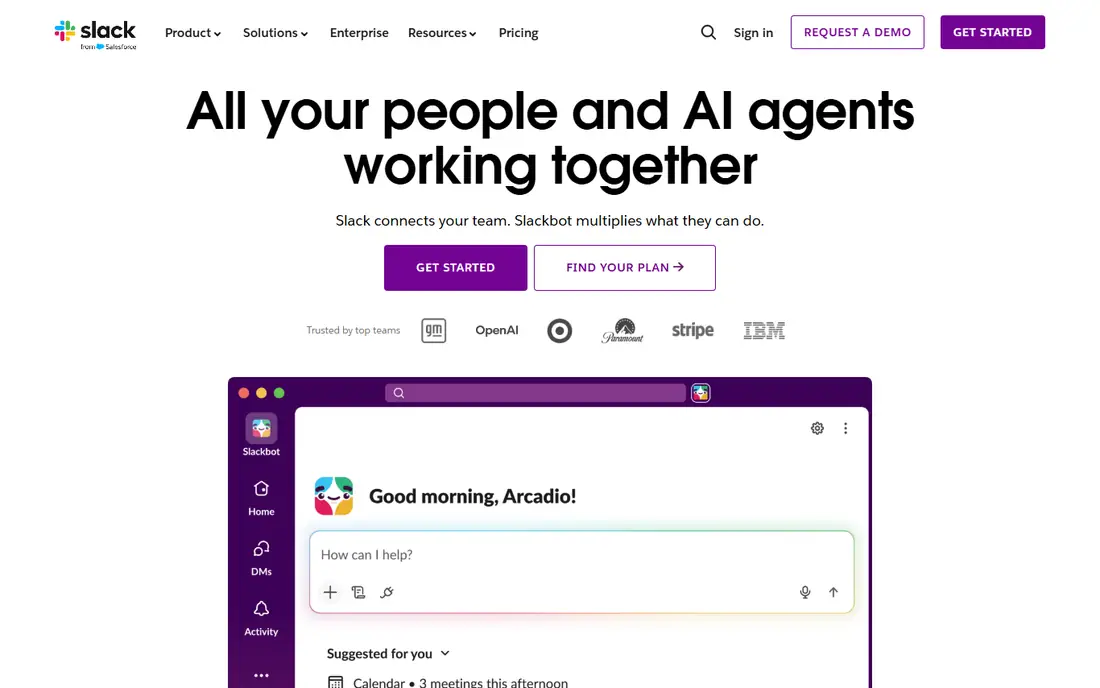
Slack organises work into channels for teams, projects and topics, with threads to keep side discussions from taking over a channel. That structure, plus a large app library, is why many startups and growing companies choose it first. Integrations with Google Drive, Asana, Trello, Salesforce and hundreds of other tools let teams bring updates into chat without switching apps.
The risk is noise. In a large workspace, channels multiply, notifications pile up and important messages can be buried. Slack also limits message history on the free plan, so growing teams usually need a paid plan for full search. For teams that live in chat and integrations, Slack remains the most flexible option.
What we like- Channel organisation with threads
- Very large integration library
- Workflows and automation
Watch out for- Can become noisy in large teams
- Message history is limited on the free plan
#2Microsoft Teams
Best for: Microsoft 365 teams4.4/5 on
G2 (19,330 reviews, checked Oct 2026)
Visit microsoft.com
Starting price$4 per user/month
Free planYes
Microsoft Teams combines chat, video meetings, file sharing and Office collaboration in one hub. For organisations already using Microsoft 365, that integration is hard to beat: a chat can lead to a meeting, a shared Word document and a OneDrive file without leaving the app. Teams also supports large organisations with compliance and admin controls.
The interface can feel busy, especially for small teams that only need simple chat. Teams also makes most sense as part of a Microsoft 365 plan, rather than as a standalone chat app. For Microsoft-centred workplaces, it is the obvious choice, and its Essentials price makes it accessible for smaller teams too.
What we like- Chat, meetings and Office files in one place
- Strong for large organisations
- Essentials plan is affordable
Watch out for- Interface can feel complex
- Best value comes with a wider Microsoft 365 subscription
Starting priceSee website
Free planYes
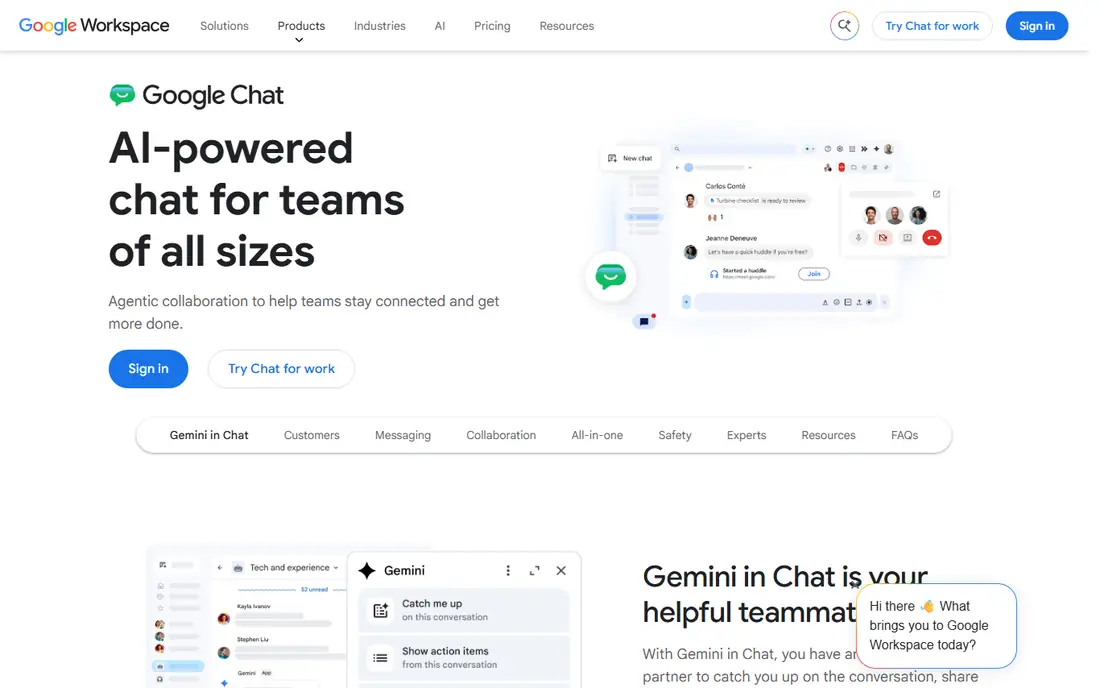
Google Chat is built for teams that already work in Gmail, Docs and Drive. Messages and Spaces sit beside email and documents, so conversations stay close to the work they refer to. Spaces help organise team topics, files and tasks in one place, and Google Meet provides video without a separate tool.
Google Chat is simpler than Slack or Teams, with fewer workflow and automation features. That simplicity suits small and mid-size Workspace teams, but larger teams with complex automation needs may find it limiting. If your team already pays for Workspace, Google Chat is a low-friction choice that needs no extra subscription.
What we like- Simple messaging inside Gmail and Google Workspace
- Spaces for team topics
- Meet integration for video
Watch out for- Fewer advanced chat features than Slack
- Best value requires a Workspace plan
Starting priceSee website
Free planYes
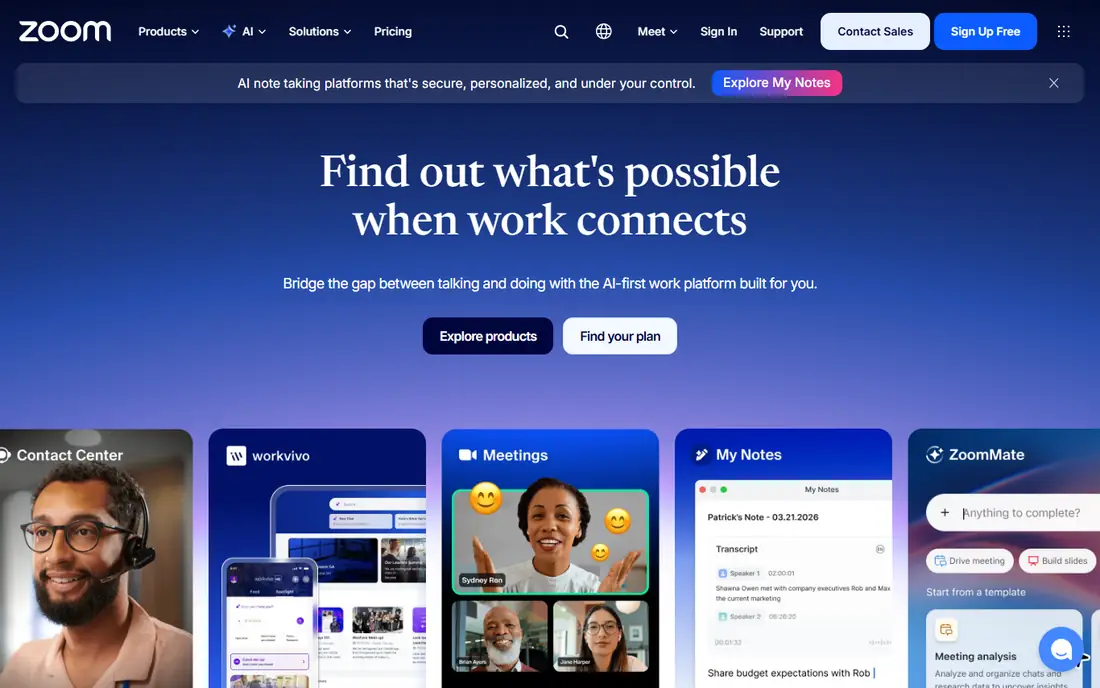
Zoom Team Chat suits teams that already meet on Zoom and want messaging in the same place. You can move from a chat thread to a video call in one click, share files and use AI summaries to catch up on long threads. That video-first flow helps remote teams that spend much of the day on calls.
As a pure messaging tool, Zoom Team Chat is less deep than Slack, with fewer integrations and workflow options. Paid Workplace plans also cost more than basic chat apps, so it makes sense mainly for teams that already use Zoom for meetings. For video-heavy teams, the combined value is strong.
What we like- Chat built into Zoom Workplace
- One-click video meetings
- AI thread summaries in higher plans
Watch out for- Messaging depth is less than Slack
- Paid plans are higher than basic chat apps
#5Pumble
Best for: Unlimited message history4.5/5 on
G2 (40 reviews, checked Oct 2026)
Visit pumble.com
Starting price$2.49 per user/month
Free planYes
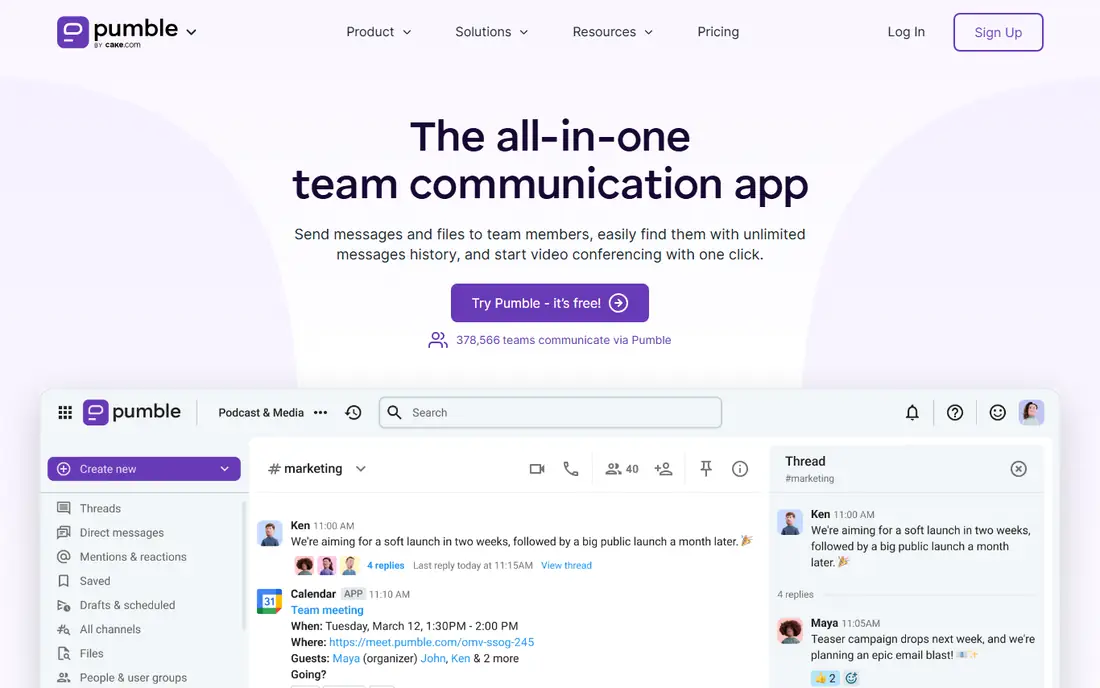
Pumble, from CAKE.com, is a strong budget option for teams that want full message history without paying for it. The free plan includes unlimited history and shared files, which solves the main limit that pushes Slack users to a paid plan. Channels, direct messages, threads and video calls cover the core needs of most small and mid-size teams.
The trade-off is ecosystem depth. Pumble has fewer integrations and workflow tools than Slack, so teams with complex automation may miss those options. For a team that mainly needs reliable chat, history and calls at a low price, Pumble is one of the best values in this list.
What we like- Unlimited message history on the free plan
- Simple chat, channels and video calls
- Low paid price
Watch out for- Smaller integration library than Slack
- Fewer advanced workflow features
#6Chanty
Best for: Small business chat and tasks4.4/5 on
G2 (57 reviews, checked Oct 2026)
Visit chanty.com
Starting price$3 per user/month
Free planYes
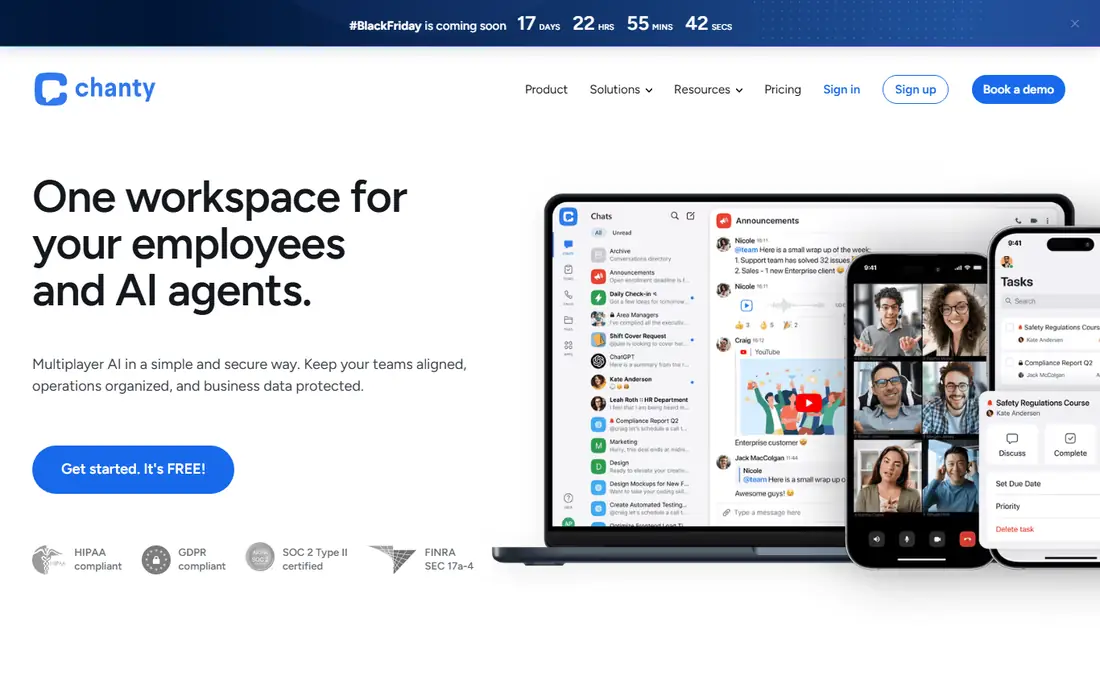
Chanty combines team chat with basic task management, which suits small businesses that want one place for messages and to-dos. Its Teambook view brings conversations, tasks and team members together, so a small team can track work without a separate project tool. The free plan covers core chat, and the paid plan is affordable for small teams.
Chanty has fewer integrations than Slack or Teams, and some public reviews note video call reliability issues. It is not the best choice for large teams with complex workflows. For a small business that wants simple chat plus tasks at a low price, Chanty is a practical fit.
What we like- Simple interface
- Teambook with conversations, tasks and members
- Affordable paid plan
Watch out for- Fewer integrations than Slack
- Video calls can be less reliable in some reports
#7Zulip
Best for: Threaded, topic-based chat4.6/5 on
G2 (117 reviews, checked Oct 2026)
Visit zulip.com
Starting price$6.67 per user/month
Free planYes
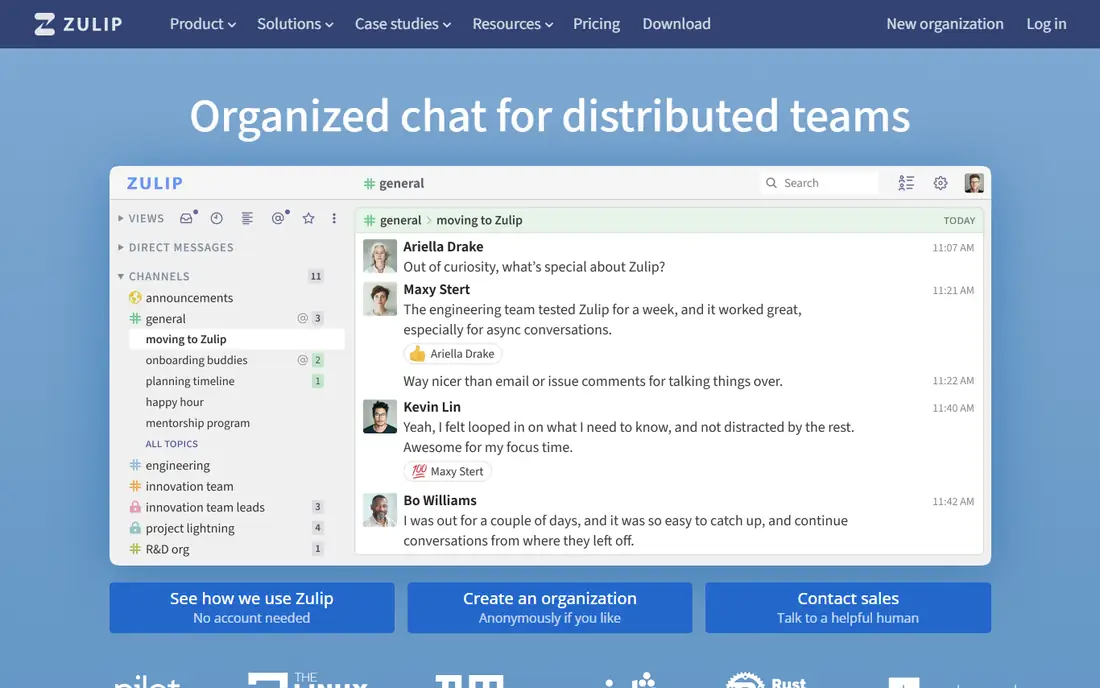
Zulip organises chat by topics inside channels, which helps distributed and async teams keep many discussions separate without creating dozens of channels. Each topic is a thread by design, so a conversation about one issue does not get lost in a busy channel. Zulip also offers open-source and self-hosted deployment, which appeals to teams with data control needs.
The topic model takes time to learn, and new users may find it different from Slack-style chat at first. Its integration library is also smaller. For teams that value organised, async discussion and control over their data, Zulip is a strong, thoughtful alternative.
What we like- Topics inside channels keep discussions organised
- Open-source and self-hosting options
- Strong for async teams
Watch out for- Interface takes time to learn
- Smaller integration library than Slack
#8Twist
Best for: Async, thread-first teams4.1/5 on
G2 (34 reviews, checked Oct 2026)
Visit twist.com
Starting price$6 per user/month
Free planNo
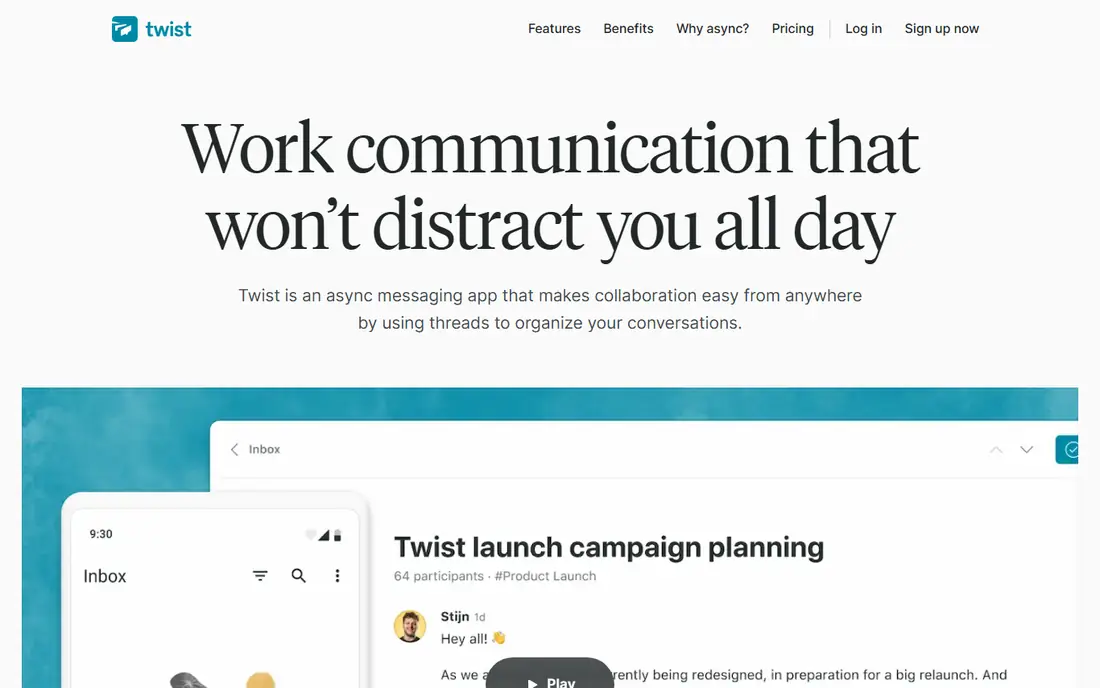
Twist, from the makers of Todoist, is built for async teams that want fewer interruptions. Every conversation is a thread, channels are organised by topic, and the design discourages the constant real-time chatter that makes other chat apps noisy. That structure helps remote teams across time zones, where not everyone is online at the same time.
Twist has no free plan, and its ecosystem is smaller than Slack or Teams. Teams that need real-time chat for urgent work may also find its async focus too slow. For distributed teams that want calm, organised discussion over constant messaging, Twist is a distinctive choice.
What we like- Thread-first design reduces notification noise
- Clear separation of channels and threads
- Good for async work
Watch out for- No free plan
- Smaller ecosystem than Slack and Teams
#9Connecteam
Best for: Frontline and mobile teams4.6/5 on
G2 (3,506 reviews, checked Oct 2026)
Visit connecteam.com
Starting price$29 per month
Free planYes
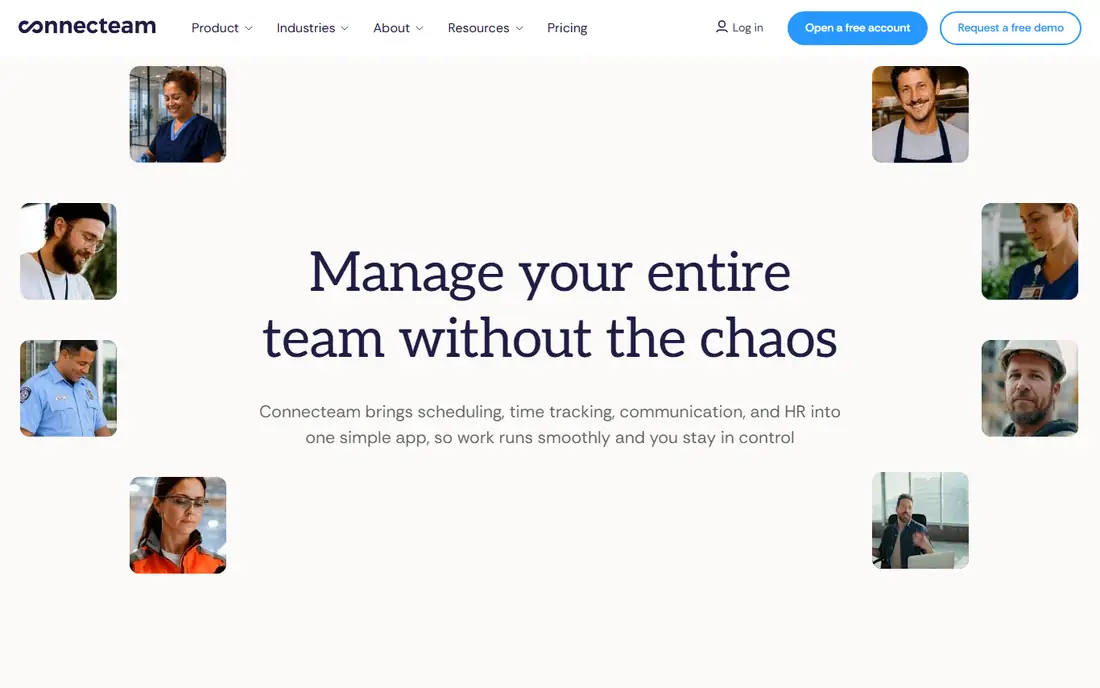
Connecteam is built for frontline teams, such as retail, field service and hospitality staff who do not sit at a desk. It combines chat with scheduling, task management, forms and company updates in a mobile-first app, so managers can reach staff who do not use email regularly. Pricing starts at $29 per month for the first 30 users, which is simple for small frontline teams.
Connecteam is not the best choice for a desk-heavy knowledge team that needs deep integrations and workflow automation. Its strength is reaching and coordinating mobile staff in one place. For companies with many non-desk employees, it fills a gap that Slack and Teams often miss.
What we like- Mobile-first for non-desk staff
- Chat plus scheduling, tasks and updates
- Simple pricing for the first 30 users
Watch out for- Less suited to desk-heavy knowledge teams
- Advanced features need higher plans
How we chose
We compared pricing pages, product documentation and public reviews on G2, Capterra and Reddit, and we checked vendor homepages where the browser service allowed. We favoured apps with real business use, not just consumer messaging apps, and we included different team types: desk teams, async teams, Google and Microsoft workplaces, and frontline staff. Pricing was taken from vendor pages and recent public comparisons, with See website used where pricing is bundled or varies by plan. We weighed message history, integrations, meeting support and ease of adoption, since those factors decide whether a team keeps using an app.
How to choose a communication app
The best communication app is often the one your team already uses for email, files or meetings. Switching to a new chat tool without a clear reason creates friction, while choosing the app that fits your existing stack usually leads to faster adoption.
Start with your existing stack
Microsoft 365 teams should start with Teams, Google Workspace teams with Google Chat, and Zoom-heavy teams with Zoom Team Chat. Only move to Slack, Pumble or Zulip if you need their specific strengths, such as integrations, history or threaded discussion.
Control noise from day one
Set channel rules, mute non-essential channels and use threads for side discussions. A chat app without rules becomes a source of interruption, not a tool for clarity. Agree on when to use chat, when to use email and when to book a meeting.
Check history, admin and compliance needs
Free plans differ on message history, file storage and admin controls. If your team needs full history, compliance features or guest access, check those limits before rolling out a free plan. A low monthly price is poor value if it forces a later migration.
Frequently asked questions
What is the best communication app for small businesses?
Slack is the most flexible for growing teams, while Pumble and Chanty offer lower-cost options with free plans. Microsoft Teams suits small businesses already using Microsoft 365, and Google Chat suits Google Workspace users.
Is Slack better than Microsoft Teams?
It depends on your stack. Slack has deeper integrations and a simpler chat focus, while Teams offers better value for Microsoft 365 users with chat, meetings and Office files in one place. Teams that use Microsoft tools daily usually get more from Teams.
Is there a free business communication app?
Yes. Slack, Microsoft Teams, Google Chat, Zoom Team Chat, Pumble, Chanty, Zulip and Connecteam all offer free plans, though each limits history, storage or features. Check the free plan limits before rolling out to a whole team.
What is the best communication app for remote teams?
Slack and Twist both suit remote teams, for different reasons. Slack suits real-time collaboration with many integrations, while Twist suits async teams across time zones with thread-first discussion. Zoom Team Chat suits video-heavy remote teams.
Do frontline teams need a different communication app?
Often, yes. Frontline staff without a desk computer need a mobile-first app such as Connecteam, with chat, scheduling and updates in one place. Desk-focused chat apps can fail for these teams if staff do not check email or a desktop app regularly.
How do I reduce chat overload?
Limit channels, use threads, mute non-urgent channels and set clear rules for urgent messages. Use email or documents for long-form work, and reserve chat for short, time-sensitive discussion. Review channels regularly and archive inactive ones.
Sources we checked (9)
- https://slack.com
- https://www.microsoft.com/microsoft-teams
- https://workspace.google.com/products/chat
- https://www.zoom.com
- https://pumble.com
- https://www.chanty.com
- https://zulip.com
- https://twist.com
- https://connecteam.com
Is your product missing or out of date?
We review this list regularly. Vendors can request a listing, send updated pricing or ask about featured placement.

Shihab Mia · Founder, Rankite
Shihab has 5+ years in B2B and SaaS SEO. He writes Rankite's software buying guides from pricing pages, documentation and public user reviews. More about Shihab.