How we make this list: we compare pricing pages, product documentation and public user reviews. Rankite is independent; if a vendor ever pays for a featured spot, that listing is clearly labeled Partner.
Key takeaways
- Files by Google is the safe, free choice from Google itself for basic storage management.
- CCleaner and AVG Cleaner bring desktop cleaning brands to Android with familiar interfaces.
- SD Maid offers the deepest cleaning for rooted users and enthusiasts who want control.
- Norton Clean and Avast Cleanup provide cleaner functions within security suites.
- All-In-One Toolbox and Droid Optimizer serve users wanting comprehensive device maintenance.
Android phones accumulate digital clutter
Every Android phone gradually fills with junk: cached files from apps, residual files from uninstalled apps, duplicate photos, old downloads, and temporary files that serve no purpose. The storage fills up, the phone slows down, and users face the annoying "storage full" warning at the worst moments. While Android has improved its own storage management, dedicated cleaner apps still help, particularly for users with limited technical knowledge or older devices.
The category includes simple junk cleaners, comprehensive optimizers with battery and CPU tools, and cleaners bundled with security suites. Effectiveness varies enormously, and some cleaner apps are themselves bloated with ads. We compared eight options on cleaning effectiveness, safety, ads and upsells, and overall value.
Quick comparison
Is your product missing or out of date?
We review this list regularly. Vendors can request a listing, send updated pricing or ask about featured placement.
The best phone cleaner apps for Android in 2026
Starting priceSee website
Free planYes
CCleaner brings its famous PC cleaning to Android with the same straightforward approach. The app scans for junk files, cache, and residual data, then cleans with one tap. The interface is clean and the brand inspires trust from years of desktop use. Regular updates keep it compatible with new Android versions.
The free version includes upsell prompts for the Pro features, which some users find annoying. Cleaning depth does not match enthusiast tools like SD Maid. But for mainstream users wanting a trusted name, CCleaner delivers reliable basic cleaning without complexity.
The app also includes basic system monitoring showing storage, RAM, and CPU status. For users familiar with CCleaner on PC, the Android version feels like home and performs the essential junk removal competently.
What we like- Well-known brand, Effective junk cleaning, Simple interface, Regular updates
Watch out for- Upsell pressure, Less deep than SD Maid, Avast owned
Starting priceSee website
Free planYes
SD Maid is the enthusiast's choice, offering the deepest cleaning of any Android app. The CorpseFinder locates orphaned files from uninstalled apps, the SystemCleaner handles known junk locations, and the AppControl manages app data precisely. Rooted users gain access to even deeper cleaning capabilities that other apps cannot touch.
The interface assumes technical knowledge, which intimidates casual users. But the cleaning thoroughness is unmatched. SD Maid finds junk other cleaners miss because it understands Android's file system deeply rather than just clearing caches superficially.
For power users and anyone with a rooted device, SD Maid is essential. The Pro version removes ads and enables scheduling, making maintenance automatic. This is the tool for people who want their phone truly clean.
What we like- Deepest cleaning available, Great for enthusiasts, CorpseFinder unique, No ads in pro
Watch out for- Complex for beginners, Best with root, Interface technical
Starting priceSee website
Free planYes
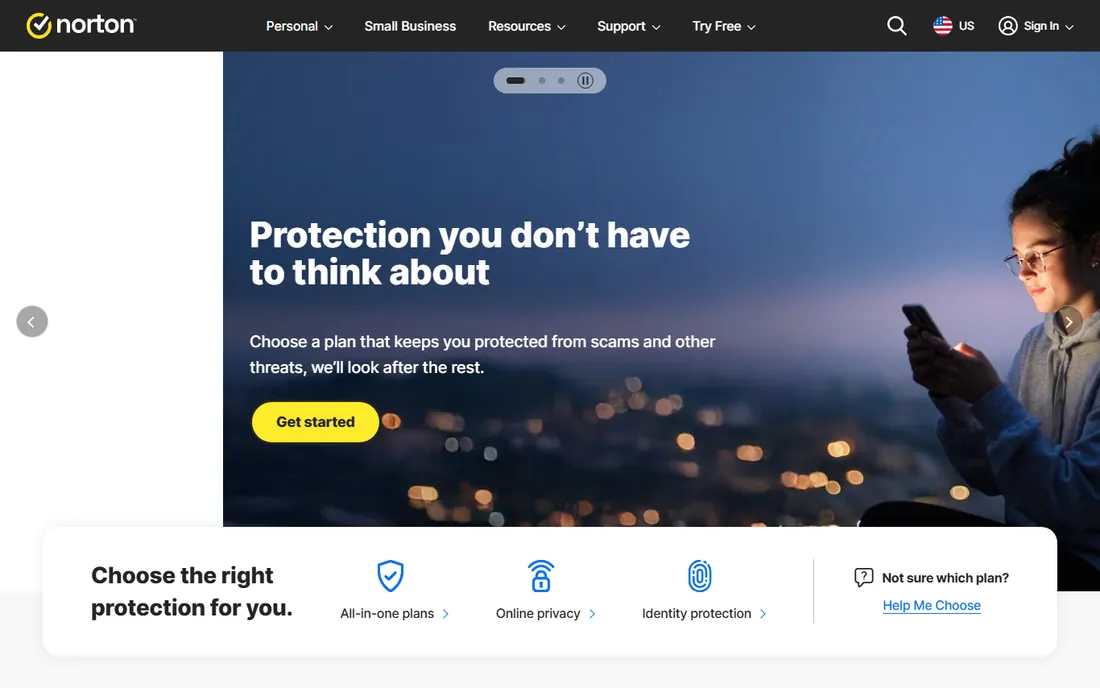
Norton Clean provides junk file removal from the trusted Norton brand without ads or upsell pressure. The interface is clean, the cleaning covers cache and residual files effectively, and the Norton name reassures security-conscious users. It does the basics well without complications.
Advanced features are limited compared to dedicated cleaners. But the ad-free experience and brand trust matter. Users wanting simple cleaning from a reputable security company find Norton Clean fits perfectly.
The app integrates sensibly with Norton's broader mobile security offerings for users in that ecosystem. For straightforward junk removal without annoyances, Norton Clean is the calm choice.
What we like- Norton trusted, Clean interface, No ads, Good basic cleaning
Watch out for- Basic features, Less deep, Suite upsell
Starting priceFree
Free planYes
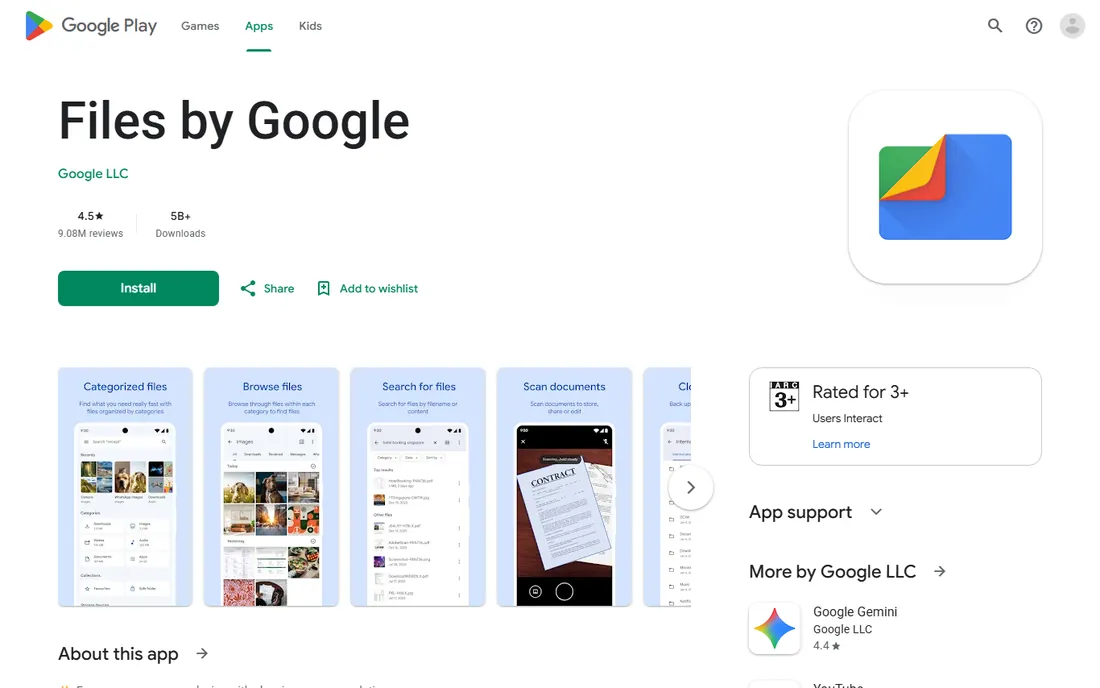
Files by Google is Google's own file manager with smart cleaning recommendations. The app suggests removing duplicate photos, unused apps, and large files, with a clean interface and zero ads. Being from Google, it integrates perfectly with Android and respects system boundaries.
The cleaning is less aggressive than dedicated apps, focusing on safe recommendations rather than deep system cleaning. But for most users, the suggestions address the actual storage problems: photos, videos, and unused apps consume the space, not mysterious junk. Files by Google targets the real culprits.
Every Android user should have Files by Google installed. The free, ad-free, trustworthy cleaning handles 80 percent of storage issues without risk. The offline file sharing feature is a bonus that replaces the need for separate transfer apps.
What we like- Completely free, No ads, Smart recommendations, Google trusted
Watch out for- Basic cleaning, Less aggressive, Limited advanced
Starting priceSee website
Free planYes
AVG Cleaner offers straightforward junk cleaning with additional battery and performance optimization features. The interface guides users through cleaning, and the automation handles routine maintenance. The AVG brand provides familiarity from desktop security.
Upsell prompts for premium features appear regularly. Cleaning depth is moderate. But the simplicity suits non-technical users who want a single app for basic device care. The battery optimization features add value beyond junk removal.
For users wanting simple, guided phone maintenance from a known brand, AVG Cleaner delivers adequately. The automatic maintenance profiles adjust cleaning aggressiveness based on usage patterns, which helps non-technical users get good results.
What we like- Easy to use, Good basic cleaning, Battery optimization, Trusted brand
Watch out for- Upsells, Less deep cleaning, Avast owned
Starting priceSee website
Free planYes

Avast Cleanup provides thorough junk removal with photo optimization and app management features. The cleaning engine is effective, and integration with Avast's security suite benefits existing customers. App insights show which apps consume resources.
The upsell pressure is significant, and the app itself can feel bloated. But the cleaning works, and Avast users get integrated device care. The photo compression feature uniquely addresses the storage hog most users face.
For Avast security customers, the integrated cleanup is convenient. Others may prefer less pushy alternatives. The cleanup advisor provides personalized recommendations based on usage, which can be genuinely helpful despite the promotional framing.
What we like- Good cleaning, Avast ecosystem, Photo optimization, App insights
Watch out for- Upsell heavy, Can be bloated, Subscription push
Starting priceSee website
Free planYes
All-In-One Toolbox packs numerous utilities beyond cleaning: batch app management, CPU cooling, file management, and system information. The comprehensive approach suits users wanting one app for device maintenance. Cleaning effectiveness is solid.
The feature density can overwhelm, and free version ads annoy. But the toolkit value is real for users who will use multiple features. Active development keeps it current.
Power users wanting a Swiss Army knife for Android maintenance find All-In-One Toolbox comprehensive. The plugin architecture lets users install only the tools they need, which keeps the app lean despite the extensive capabilities.
What we like- Many tools included, Good customization, Effective cleaning, Active development
Watch out for- Can overwhelm, Ads in free, Interface busy
Starting priceSee website
Free planYes
Droid Optimizer focuses on automated maintenance with scheduled cleaning and a simple ranking system that gamifies device care. The automation handles routine junk removal without user intervention. The interface is friendly and straightforward.
Advanced features are limited. But the automation-first approach suits users who will not manually clean regularly. Set it and forget it maintenance prevents the gradual slowdown.
For users wanting automatic phone care without thinking about it, Droid Optimizer's scheduling delivers. The good-night scheduler runs cleaning while you sleep, which is the ideal maintenance pattern for busy users.
What we like- Good automation, Simple interface, Scheduled cleaning, Free
Watch out for- Basic features, Less deep, Smaller developer
How we chose
We tested cleaning effectiveness on real devices with typical junk accumulation. Safety mattered enormously; cleaners must not delete important files. We penalized apps with aggressive ads or deceptive upsells.
We weighted the actual storage recovery over marketing claims. The best cleaner is the one that frees meaningful space safely. We also considered long-term app behavior, since some cleaners become the bloatware they claim to fight.
Cleaning your Android effectively
Start with the obvious: photos, videos, and unused apps consume the most space. Files by Google identifies these effectively. Delete or back up media before worrying about cache files.
Then use a cleaner for the residual junk. Cache clearing helps, but the CorpseFinder-style orphaned file removal in SD Maid addresses the accumulation that Android's own tools miss. Run cleaners monthly, not daily; excessive cleaning wastes time and can hurt app performance. The scheduled cleaning in apps like Droid Optimizer handles this automatically. Set it once and let the phone maintain itself without your attention. This hands-off approach works best for users who would otherwise neglect maintenance entirely and suffer gradual slowdowns over time without ever understanding why.
Finally, prevent the buildup. Uninstall unused apps promptly, use cloud photo backup, and avoid cleaner apps that are themselves bloated. The best maintenance is not needing aggressive cleaning. Review your installed apps quarterly and remove anything unused for months.
Before you decide, it is worth confirming current pricing on each vendor's site, since plans and limits change frequently. A short trial with your own data will tell you more than any feature list, so take advantage of the free plans or trial periods where they exist.
Frequently asked questions
Do Android cleaner apps actually work?
Yes for junk file removal, though the benefit is often modest. The biggest storage gains come from managing photos and apps, not cache cleaning. Cleaners help most on older devices with limited storage.
Are cleaner apps safe?
Reputable ones are. Stick to known brands and avoid cleaners with excessive permissions or ads. Never grant accessibility access to cleaner apps; it is unnecessary and risky.
Should I pay for a cleaner app?
Usually not. Free tiers handle basic cleaning adequately. Files by Google is completely free. Pay only if you need specific pro features like scheduled deep cleaning.
Do I need root for effective cleaning?
No for basic cleaning. Root enables deeper cleaning in SD Maid, but most users do fine without it. The risks of rooting outweigh the cleaning benefits for typical users.
How often should I clean?
Monthly is plenty for most users. Daily cleaning is unnecessary and can degrade app performance by forcing constant cache rebuilding. Let the phone manage routine caches. Focus your efforts on the quarterly app and media review instead.
Sources we checked (8)
- https://www.ccleaner.com/
- https://www.sdmaid.com/
- https://www.norton.com/
- https://play.google.com/store/apps/details?id=com.google.android.apps.nbu.files
- https://www.avg.com/
- https://www.avast.com/
- https://www.aiotoolbox.com/
- https://www.droidoptimizer.com/
Is your product missing or out of date?
We review this list regularly. Vendors can request a listing, send updated pricing or ask about featured placement.

Shihab Mia · Founder, Rankite
Shihab has spent more than a decade helping SaaS and e-commerce brands grow through search. He writes Rankite's software buying guides from pricing pages, documentation and public user reviews. More about Shihab.
 CCleaner
 SD Maid
 Norton Clean
 Files by Google
 AVG Cleaner
 Avast Cleanup
 All-In-One Toolbox
 Droid Optimizer