How we make this list: we compare pricing pages, product documentation and public user reviews. Ratings come from G2, Capterra or Trustpilot, with the date we checked them.
Key takeaways
- Midjourney still leads on pure artistic quality and style control.
- DALL-E 3 inside ChatGPT is the easiest option for beginners and accurate text.
- Adobe Firefly is the safest pick for commercial work, with licensed training data.
- Flux and Stable Diffusion suit users who want open models and local control.
- Ideogram wins for readable text inside posters, logos, and social graphics.
Quick comparison
| Tool | Best for | Starting price | Free plan |
|---|
 Midjourney Midjourney | Artistic quality | From $10 per month | No |
 DALL-E 3 DALL-E 3 | Ease of use and text accuracy | Free; ChatGPT Plus from $20 per month | Yes |
 Adobe Firefly Adobe Firefly | Commercial-safe images | Free; Standard from $9.99 per month | Yes |
 Flux Flux | Photorealism and open models | Free local; API from $0.003 per image | Yes |
 Ideogram Ideogram | Text inside images | Free; Plus from $20 per month | Yes |
 Leonardo AI Leonardo AI | Game assets and characters | Free; Essential from $12 per month | Yes |
 Stable Diffusion Stable Diffusion | Free local control | Free | Yes |
 Recraft Recraft | Vector and brand graphics | Free; Pro from $20 per month | Yes |
Is your product missing or out of date?
We review this list regularly. Vendors can request a listing, send updated pricing or ask about featured placement.
Starting priceFrom $10 per month
Free planNo
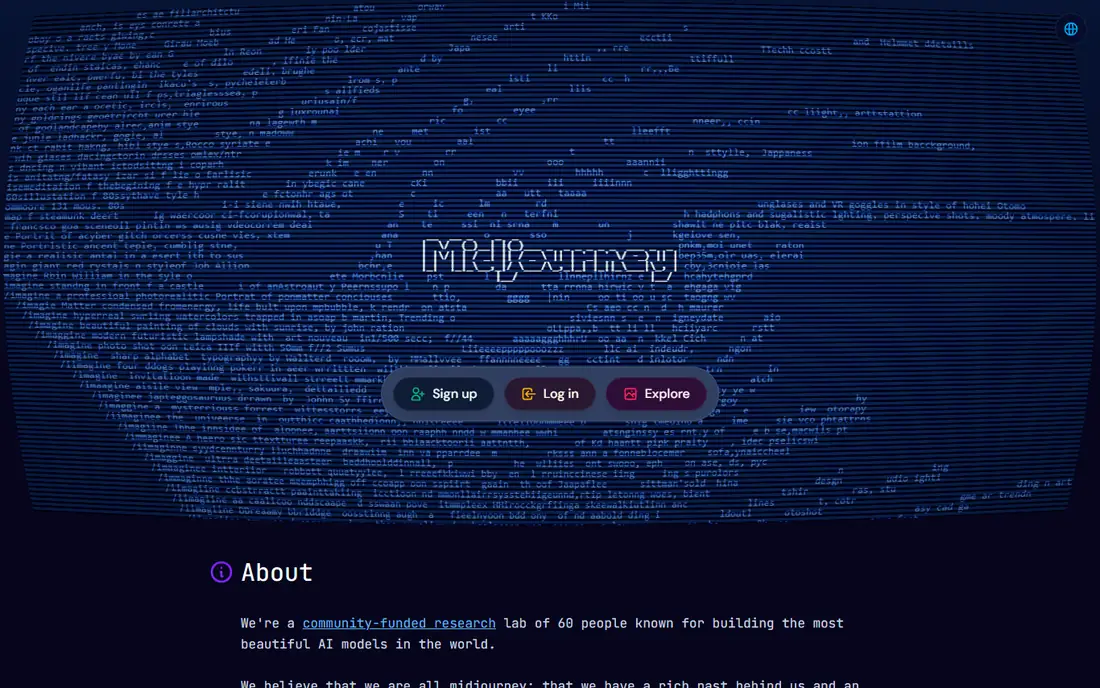
Midjourney remains the benchmark for how good an AI image can look. Its outputs carry a polished, cinematic quality that other tools struggle to match without heavy prompting, and style references plus character consistency tools help keep a series of images coherent. The web app removed the old Discord barrier, so beginners can generate from a browser without learning chat commands.
There is no free tier, and text inside images is weaker than Ideogram or DALL-E 3. Prompt-following is also less literal: Midjourney often beautifies a prompt rather than following it exactly. For thumbnails, hero images, concept art, and marketing visuals where the look matters most, Midjourney at $10 a month is the pick.
What we like- Best artistic quality and style control
- Web app now, no Discord required
- Style references and character consistency
Watch out for- No free tier
- Weaker at accurate text than rivals
- Less literal prompt-following
#2DALL-E 3
Best for: Ease of use and text accuracy4.4/5 on
G2 (5 reviews, checked Oct 2026)
Visit openai.com
Starting priceFree; ChatGPT Plus from $20 per month
Free planYes
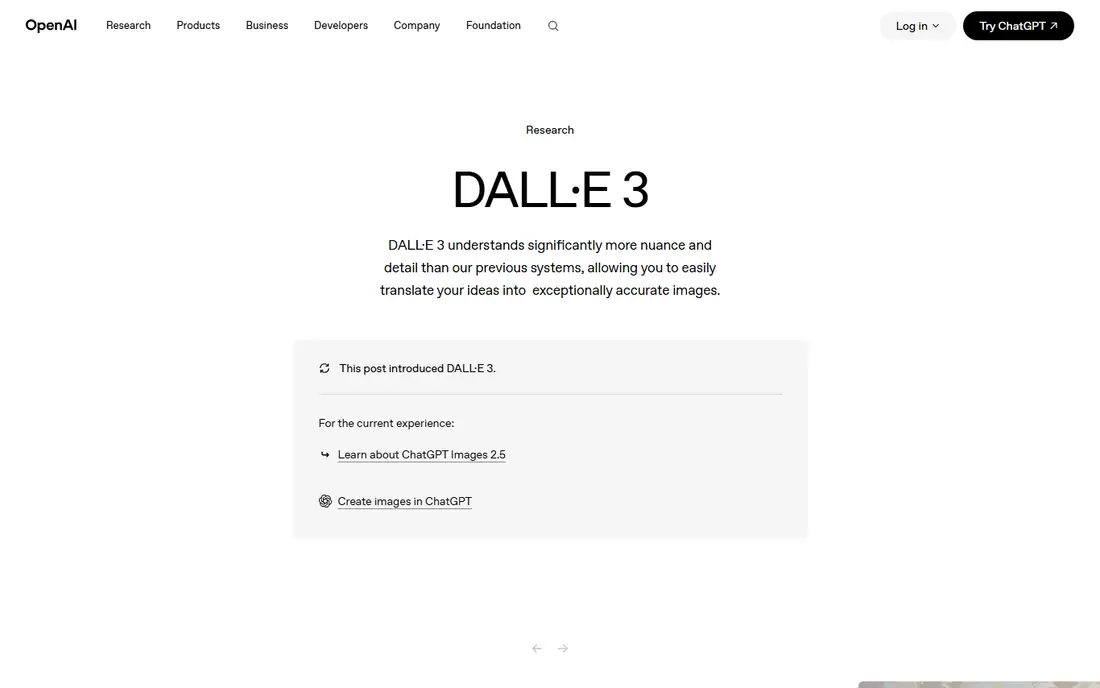
DALL-E 3, accessed through ChatGPT, is the easiest image generator to start with. Describe an image in plain language, then refine it conversationally with follow-ups like "make the background warmer" instead of rewriting the whole prompt. Text rendering is strong, which matters for posters, ads, and social graphics where words must be spelled correctly.
Free access is limited, and full use sits inside ChatGPT Plus at $20 a month, which also buys the wider ChatGPT toolset. The artistic range is narrower than Midjourney, and API pricing runs per token rather than per image. For beginners and business users who want reliable, editable images fast, DALL-E 3 is the most approachable option.
What we like- Conversational refinement in ChatGPT
- Strong text rendering
- Easy for beginners
Watch out for- Full access needs Plus
- Style range is narrower than Midjourney
- API pricing is token-based
#3Adobe Firefly
Best for: Commercial-safe images4.4/5 on
G2 (373 reviews, checked Oct 2026)
Visit adobe.com
Starting priceFree; Standard from $9.99 per month
Free planYes
Adobe Firefly is the safest choice for commercial work. It is trained on licensed Adobe Stock content and public domain material, and Adobe offers commercial indemnification on paid plans, which matters for brands that cannot risk a training-data dispute. Integration with Photoshop, Illustrator, and Express means generated images drop straight into real design workflows.
Free credits cover limited daily generations, and the Standard plan at $9.99 a month adds more. The style range is narrower than Midjourney, favoring clean commercial looks over experimental art. For marketing teams and enterprises that need defensible images, Firefly is the responsible default.
What we like- Trained on licensed content
- Commercial indemnification
- Deep Photoshop and Express integration
Watch out for- Free credits are limited
- Style range is narrower
- Best value needs a Creative Cloud plan
Starting priceFree local; API from $0.003 per image
Free planYes
Flux, from Black Forest Labs, leads on photorealism and open-model flexibility. Realistic people, detailed scenes, and natural lighting come out closer to photography than most rivals manage, and open weights let developers self-host or build custom pipelines. API pricing from $0.003 to $0.05 per image makes occasional use very cheap.
Local use needs a capable GPU, and setup is technical compared with a web app. Licensing also varies by model version, so commercial users should check the terms for the exact model they run. For developers and photorealism fans, Flux offers the best quality per dollar.
What we like- Excellent photorealism
- Open weights for self-hosting
- Cheap API pricing per image
Watch out for- Needs a good GPU for local use
- Setup takes technical skill
- Licensing varies by model version
Starting priceFree; Plus from $20 per month
Free planYes
Ideogram is the clear winner when an image must contain words. Posters, logos, social ads, and product labels come out with readable, correctly spelled text far more often than with other generators. The free tier offers 30 credits a week, and Plus at $20 a month adds much more capacity for regular use.
Photorealism trails Flux, and style controls are thinner than Midjourney. For marketing graphics where the headline is part of the design, Ideogram saves the retouching time that other tools waste on garbled text.
What we like- Best readable text in images
- Strong for posters, logos, and ads
- Free weekly credits
Watch out for- Free tier limited to 30 credits a week
- Photorealism trails Flux
- Fewer style controls than Midjourney
#6Leonardo AI
Best for: Game assets and characters4.5/5 on
G2 (32 reviews, checked Oct 2026)
Visit leonardo.ai
Starting priceFree; Essential from $12 per month
Free planYes
Leonardo AI is built for game developers and creators who need characters, environments, and assets in consistent styles. The free tier gives 150 tokens a day, and the canvas supports multiple models, upscaling, and background removal in one workspace. Character consistency tools help keep a cast of characters recognizable across images.
Daily tokens run out quickly for heavy users, and the best models sit behind paid plans from $12 a month. The interface packs many features into one screen, which can overwhelm beginners. For game art and rapid prototyping, Leonardo AI is the most creator-focused option here.
What we like- Free daily tokens
- Strong game art and character tools
- Multi-model canvas
Watch out for- Daily tokens run out fast
- Best models need paid plans
- Interface is busy
#7Stable Diffusion
Best for: Free local control4.3/5 on
G2 (10 reviews, checked Oct 2026)
Visit stability.ai
Starting priceFree
Free planYes
Stable Diffusion is the free, open foundation of much of the AI image world. Run it locally for unlimited generations with total privacy, and choose from thousands of community fine-tuned models for anime, realism, product shots, and more. No subscription, no credit limits, and no content-policy gatekeeper beyond your own choices.
You become the IT department: installation, updates, and troubleshooting are yours, and reasonable speed needs a decent GPU. Out-of-the-box quality trails Midjourney until you learn models and settings. For tinkerers, privacy-focused users, and anyone who refuses subscriptions, Stable Diffusion is the best zero-cost option.
What we like- Fully free and open
- Thousands of community models
- Total privacy on local machines
Watch out for- Setup and maintenance fall on you
- Needs a decent GPU
- Out-of-the-box quality trails paid tools
#8Recraft
Best for: Vector and brand graphics4.7/5 on
G2 (456 reviews, checked Oct 2026)
Visit recraft.ai
Starting priceFree; Pro from $20 per month
Free planYes
Recraft stands out by generating true vector graphics, not just raster images that look vector-like. Logos, icons, illustrations, and UI graphics export as editable SVG files that scale cleanly and fit brand kits with locked colors and fonts. That output matters for designers who need to edit and reuse assets rather than accept a flat image.
Photorealism is weaker than Flux or Midjourney, and serious volume needs the Pro plan from $20 a month. The community is smaller than the leaders. For brand design and vector work, Recraft fills a gap the others leave open.
What we like- Native vector SVG output
- Brand kits for consistent colors
- Strong for logos and UI graphics
Watch out for- Photorealism is weaker
- Pro needed for serious volume
- Smaller community than leaders
How we chose
We compared tools on image quality, text accuracy, pricing, commercial terms, and ease of use, using vendor pages and published comparisons from October 2026. We favored tools US users can try today with a distinct strength. We did not claim hands-on testing, and where prices conflicted across sources we used the most recent figure or wrote See website.
How to pick the right image generator
Start with the output you need. Artistic marketing visuals point to Midjourney. Graphics with text point to Ideogram or DALL-E 3. Commercial brand work points to Firefly for its licensed training and indemnification. Photorealistic people point to Flux. Game assets point to Leonardo AI. Vector logos point to Recraft. Free local control points to Stable Diffusion.
Then check the commercial terms before publishing. Free tiers often restrict commercial use or keep your images public, while paid plans grant broader rights. Adobe Firefly is the safest commercial choice, but read the terms of any tool you use for client work, and keep records of which tool and plan produced each asset. For client projects, upgrade to a paid plan rather than relying on a free tier with unclear rights.
Cost structure matters as much as headline price. Subscriptions suit daily users, while API per-image pricing suits occasional or automated use. A $10 monthly plan beats pay-per-image pricing if you generate hundreds of images, but loses if you generate ten. Finally, test prompt style: some tools reward short plain prompts, others reward detailed style descriptions. Run the same five prompts through two finalists and judge the outputs side by side before committing.
Also think about workflow fit. A tool that plugs into Photoshop or Canva saves export steps on every project, while a standalone web app adds friction. If your team designs in Figma, check whether the generator exports cleanly to your design files. If you automate content, an API with clear docs matters more than a pretty web interface. The best generator is the one that fits the pipeline you already have, not just the one with the prettiest demo images.
Frequently asked questions
Which AI image generator is best overall?
Midjourney, for artistic quality and style control. For beginners, DALL-E 3 inside ChatGPT is easier, and for commercial safety, Adobe Firefly is the stronger pick.
Can I use AI-generated images commercially?
Usually yes on paid plans, but read the terms. Free tiers often restrict commercial use. Adobe Firefly offers indemnification on paid plans, making it the safest commercial choice.
Which tool is best for text in images?
Ideogram, by a clear margin. DALL-E 3 is the runner-up. Midjourney and Flux still garble text more often, especially on longer phrases.
Is there a good free AI image generator?
Yes. Stable Diffusion is fully free when run locally, Leonardo AI gives daily free tokens, and Ideogram offers weekly free credits. Flux API pricing is also very cheap per image.
Do I need a powerful computer for AI image generation?
Only for local tools like Stable Diffusion and Flux. Web-based tools like Midjourney, DALL-E 3, Firefly, and Ideogram run on vendor servers and need only a browser.
How do I get consistent characters across images?
Use character reference features in Midjourney or Leonardo AI, keep the same seed and style description, and generate variations from an approved reference image rather than starting fresh each time.
Sources we checked (8)
- https://www.midjourney.com/pricing
- https://openai.com/index/dall-e-3/
- https://www.adobe.com/products/firefly/pricing.html
- https://blackforestlabs.ai
- https://ideogram.ai/pricing
- https://leonardo.ai/pricing
- https://stability.ai
- https://www.recraft.ai/pricing
Is your product missing or out of date?
We review this list regularly. Vendors can request a listing, send updated pricing or ask about featured placement.

Shihab Mia · Founder, Rankite
Shihab has 5+ years in B2B and SaaS SEO. He writes Rankite's software buying guides from pricing pages, documentation and public user reviews. More about Shihab.