How we make this list: we compare pricing pages, product documentation and public user reviews. Ratings come from G2, Capterra or Trustpilot, with the date we checked them.
Key takeaways
- ElevenLabs leads for voice quality in audio-first dubbing across 90+ languages.
- HeyGen leads for lip-synced video dubbing across 175 languages.
- Rask AI suits teams localizing video at volume into 135+ languages.
- Camb.ai covers broadcast and live dubbing in 150+ languages from $5 a month.
- Murf Dub offers the biggest free trial at 100 dubbing minutes.
Quick comparison
| Tool | Best for | Starting price | Free plan |
|---|
 ElevenLabs ElevenLabs | Voice quality audio dubbing | From $5 per month | Yes |
 HeyGen HeyGen | Lip-synced video dubbing | From $29 per month | Yes |
 Rask AI Rask AI | Video localization at volume | From $60 per month | Free trial |
 Camb.ai Camb.ai | Broadcast and live dubbing | From $5 per month | Yes |
 Murf Dub Murf Dub | Training and e-learning | From $19 per month | Yes |
 VEED VEED | All-in-one cloud editor | From $10 per month | Yes |
 Kapwing Kapwing | Team collaboration | From $16 per month | Yes |
 Dubverse Dubverse | Indian languages | From $18 per month | Free trial |
Is your product missing or out of date?
We review this list regularly. Vendors can request a listing, send updated pricing or ask about featured placement.
#1ElevenLabs
Best for: Voice quality audio dubbing4.5/5 on
G2 (1,239 reviews, checked Oct 2026)
Visit elevenlabs.io
Starting priceFrom $5 per month
Free planYes
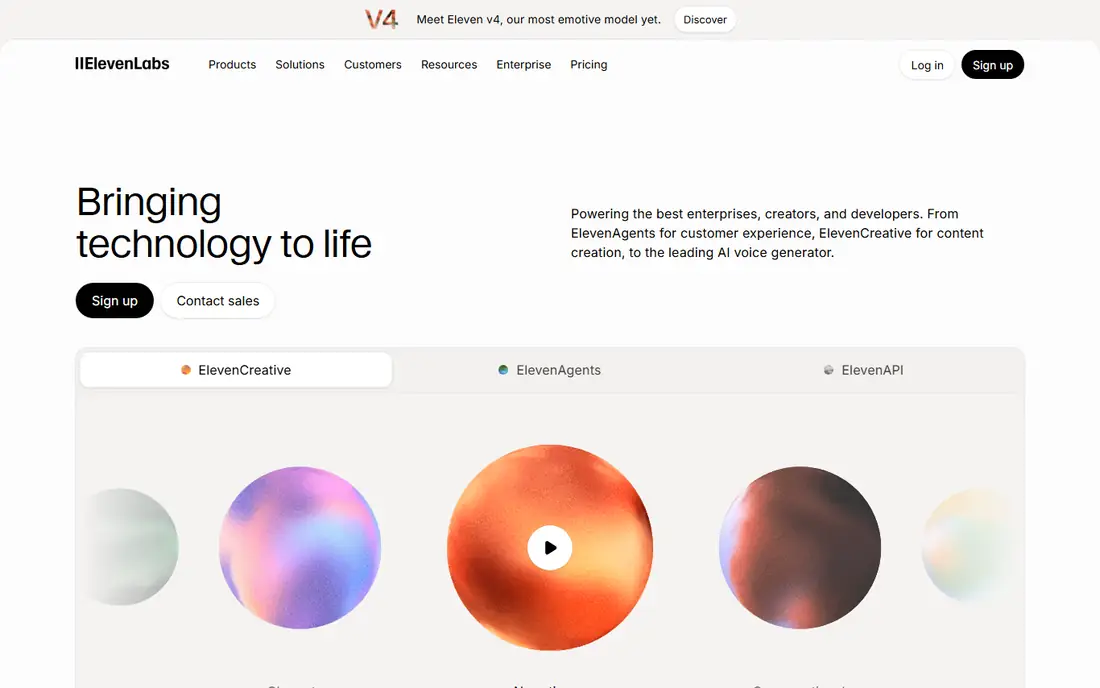
ElevenLabs leads for voice quality in audio-first dubbing. Dubbing v2 covers 90+ languages, voice cloning matches each speaker, and emotional delivery sounds more natural than most rivals. Audio-first workflows suit podcasts, narration, and videos where lip sync matters less than voice.
There is no lip sync, so talking-head videos need another tool for matching mouth movements. Free dubs carry watermarks, and the effective per-minute cost runs around $0.55 on Creator plans. For a creator who prioritizes voice realism above video sync, ElevenLabs is the best dubbing tool.
What we like- Best voice quality and emotion
- Voice cloning for each speaker
- 90+ languages with Dubbing v2
- Audio-first workflows
Watch out for- No lip sync
- Dubs are watermarked on free tier
- Effective per-minute cost runs higher than video tools
#2HeyGen
Best for: Lip-synced video dubbing4.8/5 on
G2 (1,973 reviews, checked Oct 2026)
Visit heygen.com
Starting priceFrom $29 per month
Free planYes
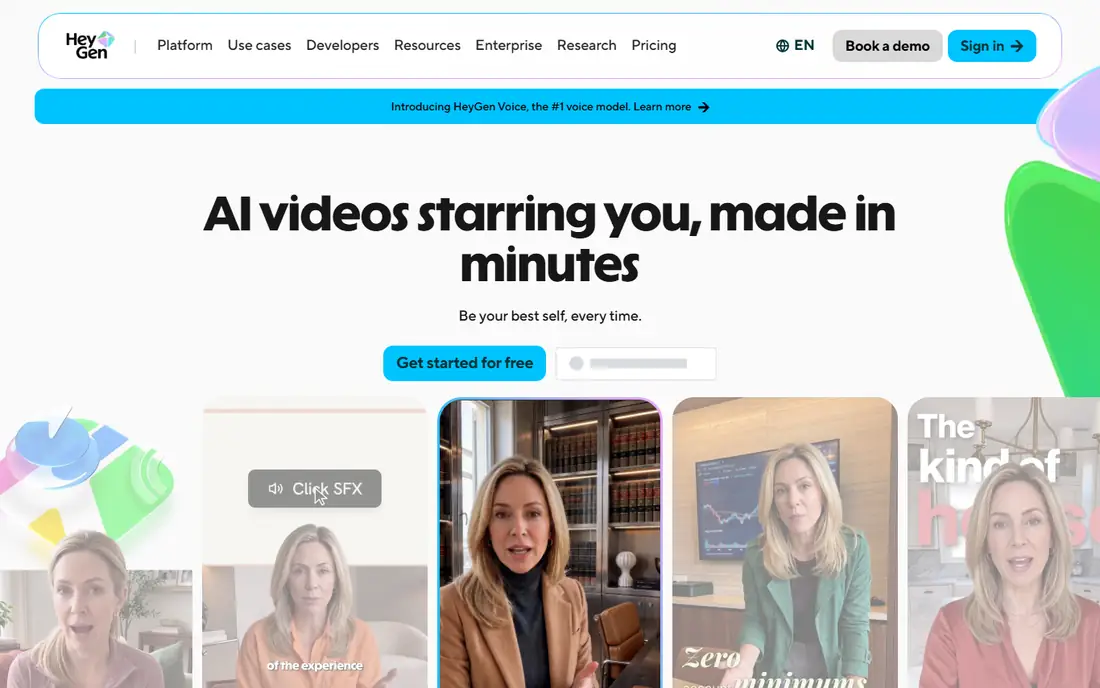
HeyGen is the lip-sync leader. Video translation covers 175 languages and dialects with photorealistic lip sync that adjusts mouth movements to the new language, plus voice cloning for speaker matching. Avatar video shares the same platform, so teams can generate presenters and dub existing footage in one place.
Creator costs $29 a month, and lip sync consumes premium credits, which raises the effective per-minute cost. Sound effects may drop in dubbed versions. For a team that needs talking-head videos to look right in another language, HeyGen is the best choice.
What we like- Photorealistic lip sync
- 175 languages and dialects
- Avatar video plus dubbing
- Voice cloning
Watch out for- $29 a month for Creator
- Lip sync uses premium credits
- Sound effects may drop in dubbed versions
Starting priceFrom $60 per month
Free planFree trial
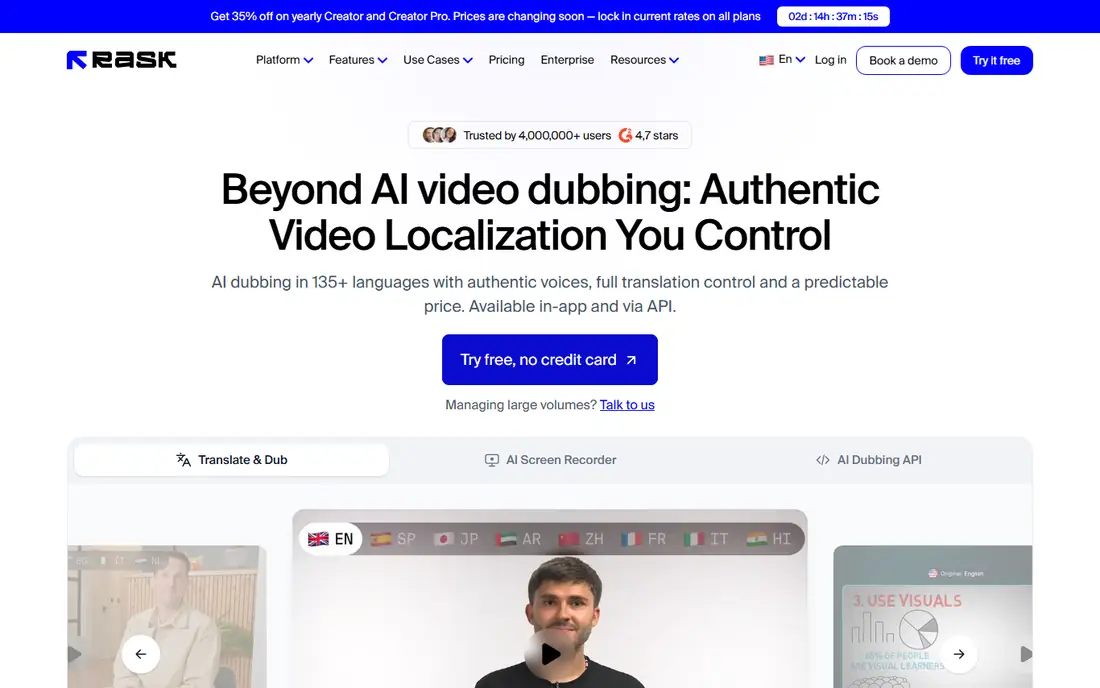
Rask AI suits teams localizing video at volume into 135+ languages. Voice cloning covers 32 languages at depth, standard and enhanced lip sync tiers suit different quality needs, and team workflows handle long-form podcasts, courses, and documentaries. Batch processing and review tools fit localization pipelines.
Entry costs $60 a month for about 25 minutes, and the free trial covers only 3 minutes once. For a team localizing a catalog into many languages, Rask AI scale and language breadth justify the price.
What we like- 135+ languages
- Voice cloning
- Standard and enhanced lip sync tiers
- Built for teams and volume
Watch out for- $60 a month entry
- Free trial covers only 3 minutes
- Effective per-minute cost runs $2.40 to $7.20
Starting priceFrom $5 per month
Free planYes
Camb.ai covers broadcast, live, and expressive dubbing in 150+ languages from $5 a month with about 15 free minutes. Voice cloning keeps speaker character, and music is kept in dubbed versions, which matters for entertainment and sports content. Live dubbing suits events and streams that cannot wait for post-production.
There is no lip sync, and the only plan stating dubbing minutes prices them higher per minute. For a broadcaster or live-event team that needs expressive dubbing at scale, Camb.ai is the most capable low-entry option.
What we like- 150+ languages
- Broadcast and live dubbing
- Expressive voice cloning
- Music kept in dubbed versions
- Cheap entry
Watch out for- No lip sync
- Dubbing minutes on the stated plan cost more per minute
- Enterprise features need higher tiers
Starting priceFrom $19 per month
Free planYes
Murf Dub offers the biggest free trial here at 100 dubbing minutes, which lets training and e-learning teams test real content before paying. It covers 40+ languages with voice cloning, and a pay-as-you-go option at $2.00 a minute suits occasional users who dislike subscriptions. Annual billing brings the rate to $19 a month, or $29 monthly.
Lip sync is enterprise only, and language breadth trails HeyGen and Rask. For corporate training and e-learning teams that dub courses into a few languages, Murf Dub trial size and pricing are hard to beat.
What we like- 100 free dubbing minutes
- 40+ languages
- Voice cloning
- Pay-as-you-go option at $2.00 a minute
- Corporate-friendly
Watch out for- Lip sync is enterprise only
- Language count trails HeyGen and Rask
- Annual billing needed for $19 rate
#6VEED
Best for: All-in-one cloud editor4.6/5 on
G2 (2,175 reviews, checked Oct 2026)
Visit veed.io
Starting priceFrom $10 per month
Free planYes
VEED combines a full cloud video editor with dubbing, so teams can translate, subtitle, and edit in one browser tab. Creator starts at $10 a month billed yearly, with subtitle translation across many languages and dubbing for short-form and social content. The editor suits creators who already cut video in VEED.
Lip sync is limited and separate from core dubbing, and Pro dubbing effective costs run higher per minute. For a creator who wants editing plus dubbing in one tool, VEED is the most convenient all-in-one.
What we like- Full cloud video editor plus dubbing
- Subtitle translation
- 50+ to 125+ languages by plan
- Easy sharing
Watch out for- Lip sync is limited and separate
- Pro dubbing costs more per minute
- Translation quality varies by language
#7Kapwing
Best for: Team collaboration3.9/5 on
G2 (40 reviews, checked Oct 2026)
Visit kapwing.com
Starting priceFrom $16 per month
Free planYes
Kapwing is a collaborative workspace for media teams, with dubbing built into a browser editor. Real-time collaboration lets scriptwriters tweak translated subtitles while editors adjust timing, and subtitle translation covers 70+ languages. Pro starts at $16 a month, with team features that suit agencies.
Lip sync is business only, and the free tier offers no dubbing. For an agency team that localizes social content together, Kapwing collaboration beats single-user tools.
What we like- Real-time team collaboration
- Browser editor with templates and stock assets
- Subtitle translation across 70+ languages
Watch out for- Lip sync is business only
- No dubbing on the free tier
- Interface can feel cluttered
Starting priceFrom $18 per month
Free planFree trial
Dubverse focuses on South Asian language pairs, with 30+ languages and particular strength in Hindi and other Indian languages. Voice cloning sits on higher plans, and entry costs $18 a month for 50 credits, or $9 a month billed yearly on some tiers. For creators localizing into Indian languages, Dubverse language quality and pricing beat global tools that treat those languages as an afterthought.
Lip sync is limited to higher tiers, and the trial lasts only 2 days. For Indian-language dubbing specifically, Dubverse is the most focused tool here.
What we like- Strong Indian language pairs
- 30+ languages
- Voice cloning on higher plans
- Affordable entry
Watch out for- Lip sync limited to higher tiers
- 2-day trial only
- Language breadth trails global tools
How we chose
We compared tools on voice quality, lip sync, languages, voice cloning, and pricing, using vendor pages and published comparisons from August and October 2026. We favored tools US creators can use today with a distinct strength. We did not claim hands-on testing, and language counts are vendor-claimed, not independently audited. Subscription prices alone do not show the cost of a finished video, since lip sync and minutes carry separate charges on several tools.
Start with the video type. Talking-head videos need lip sync, so HeyGen leads. Audio-first content like podcasts needs voice quality, so ElevenLabs leads. Training courses need trial size and corporate features, so Murf Dub leads. Live and broadcast content needs Camb.ai. Indian-language content needs Dubverse. Team social content needs Kapwing collaboration, and all-in-one editing needs VEED.
Then compare cost per finished minute, not monthly price. A $5 plan with expensive minutes costs more than a $29 plan with generous minutes once you dub an hour of video. Check what lip sync costs separately, since several tools charge premium credits for it, and check whether sound effects and music survive dubbing. Finally, test with your hardest content: fast speech, multiple speakers, and emotional delivery break weaker tools, so run a trial on a real clip before subscribing.
Also mind disclosure and consent. Voice cloning should use only voices you own or have permission to clone, and dubbed content should be labeled where audiences might mistake it for the original speaker. For sensitive content, review translations with a native speaker, since machine translation errors in legal, medical, or safety content carry real risk. AI dubbing saves weeks per language, but human review remains the quality gate for anything public.
Common mistakes waste dubbing budgets. Creators pick a tool for language count alone and discover lip sync costs extra, or dub an entire catalog before testing one video end to end. Test one video fully, check voice, sync, and translation quality, then scale. The best AI dubbing tool is the one whose output your audience accepts without noticing the dub.
YouTube auto-dubbing deserves a mention for creators on that platform. It is free inside YouTube Studio and default-on for many eligible creators, generating AI audio tracks in a couple dozen language pairs. You trade control and polish for zero cost and native platform reach, and auto-dubs cannot be edited, so treat it as a discovery bonus rather than a replacement for a dedicated dubbing tool.
Subtitles remain valuable alongside dubbing, since many viewers watch muted or prefer reading. A good localization workflow delivers both dubbed audio and translated subtitles, letting viewers choose, and subtitles also help search and accessibility. Budget for both rather than treating dubbing as a complete replacement for captions.
Frequently asked questions
What is the best AI dubbing tool overall?
ElevenLabs for voice quality and HeyGen for lip-synced video. Rask AI suits volume localization, while Murf Dub suits training teams with its large free trial.
Does AI dubbing include lip sync?
Some tools do, some do not. HeyGen includes photorealistic lip sync, Rask AI offers it on higher tiers, and ElevenLabs is audio only. Check lip sync costs before subscribing.
How many languages do AI dubbing tools support?
HeyGen claims 175, Camb.ai 150+, Rask AI 135+, ElevenLabs 90+, and Dubverse 30+ with Indian-language strength. Counts are vendor-claimed.
How much does AI dubbing cost per minute?
It varies widely, from about $0.11 a minute at full allocation on some plans to $2.40 or more on others. Compare included minutes and lip sync charges, not just monthly price.
Can I try AI dubbing for free?
Yes. Murf Dub offers 100 free minutes, ElevenLabs and HeyGen offer free tiers with watermarks or limits, and Rask AI offers a 3-minute trial.
Do I need permission to clone a voice for dubbing?
Yes. Clone only voices you own or have permission to use, and label dubbed content where audiences might mistake it for the original speaker.
Sources we checked (8)
- https://elevenlabs.io
- https://www.heygen.com
- https://www.rask.ai
- https://www.camb.ai
- https://murf.ai
- https://www.veed.io
- https://www.kapwing.com
- https://dubverse.ai
Is your product missing or out of date?
We review this list regularly. Vendors can request a listing, send updated pricing or ask about featured placement.

Shihab Mia · Founder, Rankite
Shihab has 5+ years in B2B and SaaS SEO. He writes Rankite's software buying guides from pricing pages, documentation and public user reviews. More about Shihab.