How we make this list: we compare pricing pages, product documentation and public user reviews. Ratings come from G2, Capterra or Trustpilot, with the date we checked them.
Key takeaways
- Most solar monitoring tools are tied to inverter hardware, so the inverter brand often narrows the choice before price does.
- SolarEdge and Enphase suit homeowners with a single inverter brand and a need for panel-level detail.
- SMA Sunny Portal, Fronius Solar.web, and Solar-Log cover a wider range of installers and system sizes.
- PVOutput suits owners who want an independent record and community comparison rather than a vendor portal.
- AlsoEnergy PowerTrack is built for fleets and commercial portfolios, not for a single rooftop system.
Quick comparison
Is your product missing or out of date?
We review this list regularly. Vendors can request a listing, send updated pricing or ask about featured placement.
The best Wayback Solar alternatives
Starting priceSee website
Free planYes
SolarEdge Monitoring is the natural home for a SolarEdge inverter and optimizer system. Each panel reports through its optimizer, so an owner can see which panel underperforms instead of only seeing a whole-system total. That detail helps when shade, dirt, or a failing panel drags down output, and it gives installers a clear starting point for a service visit. Alerts flag inverters and optimizers that stop reporting, which matters for systems that would otherwise fail quietly for weeks.
The limit is hardware lock-in. A home that later adds a different inverter brand cannot bring that system into the same SolarEdge view, and mixing brands means managing two portals. Homeowners should also check what their installer exposes, since installer and owner views can differ. For a single-brand SolarEdge home, though, the depth of panel data is hard to match with a generic tool.
What we like- Panel-level production data with optimizers
- Clear fault alerts
- Mobile app included
Watch out for- Locked to SolarEdge hardware
- Advanced fleet features target installers, not homeowners
Starting priceSee website
Free planYes
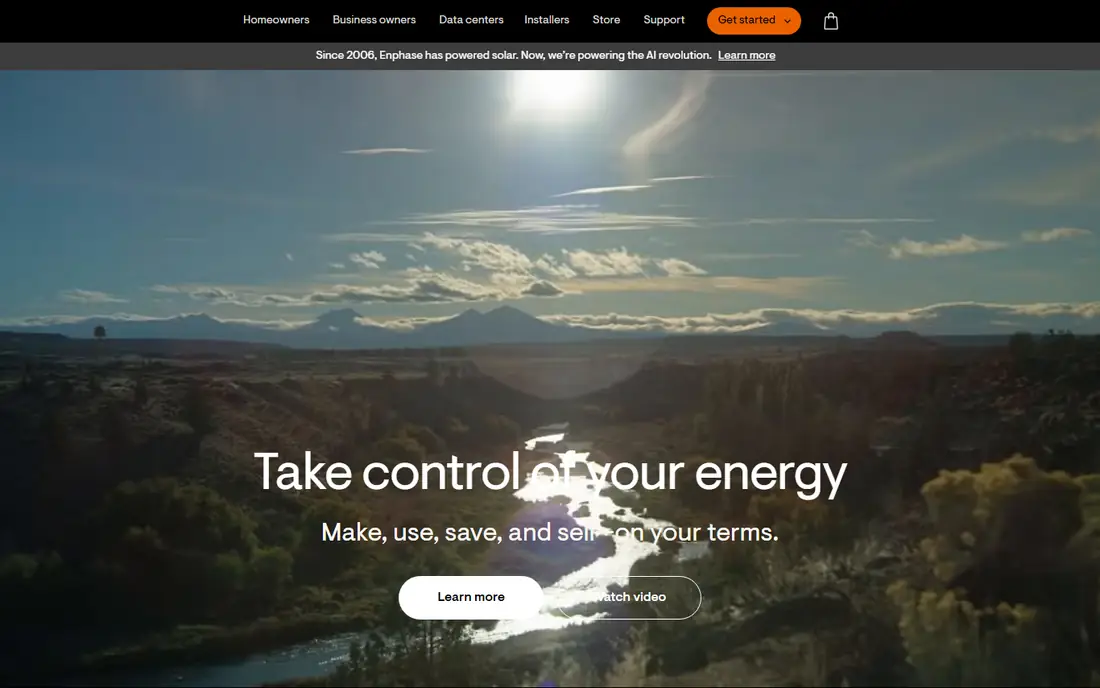
Enphase Enlighten pairs with Enphase microinverters, so each panel gets its own view in the app. Owners can check daily, monthly, and lifetime production, and they can see per-panel history when something looks off. The interface is built for homeowners first, with simple charts and plain language, which keeps routine checks quick. With compatible metering, Enlighten also shows home consumption alongside production, so the gap between what panels make and what the home uses becomes visible.
As with SolarEdge, the platform only covers Enphase equipment. A household that changes inverter brands will need a new monitoring home. Consumption features also depend on the exact hardware installed, so buyers should confirm what their quote includes before assuming the app will show import and export totals. For Enphase homes, Enlighten is the simplest and most complete option.
What we like- Microinverter-level detail
- Simple homeowner app
- Strong consumption views with extra hardware
Watch out for- Locked to Enphase hardware
- Full consumption tracking needs additional metering hardware

#3
SMA Sunny Portal
Best for: SMA inverter owners
Visit sma.de
Starting priceSee website
Free planYes
SMA Sunny Portal serves owners of SMA inverters with production history, yield comparisons, and plant overviews. Installers use it to watch many customer systems, while owners get a simpler view of their own plant. The platform has been around long enough that many older SMA systems already report to it, which helps owners of existing installations who want a record without new hardware. Yield comparisons across similar plants can also highlight a system that drifts below expectations.
The interface is functional rather than polished, and it will not win a beauty contest against newer consumer apps. Feature depth also varies by inverter model and communication hardware, so two SMA homes may not see identical options. Owners who value a stable, vendor-supported record for an SMA system will find Sunny Portal dependable, even if daily checking is less enjoyable than on a newer app.
What we like- Long track record with SMA inverters
- Plant and yield comparisons
- Installer and owner views
Watch out for- Interface feels dated beside newer apps
- Some advanced features depend on the inverter model
Starting priceSee website
Free planYes
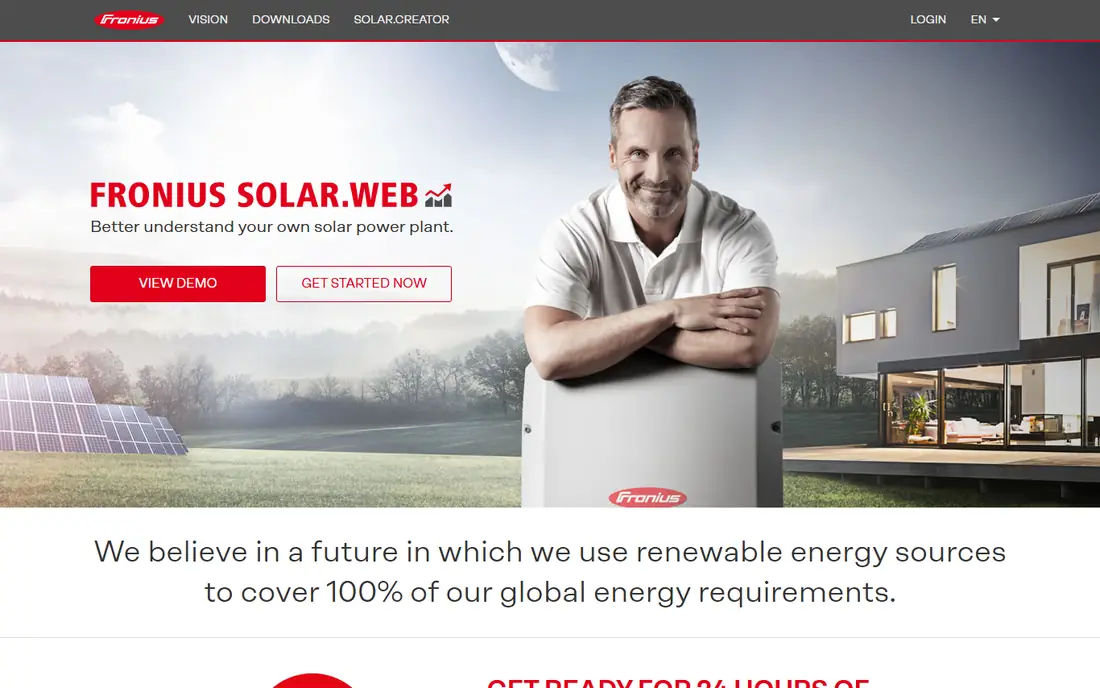
Fronius Solar.web shows how energy moves between panels, home, battery, and grid, which is the view many owners actually want after installation. Self-consumption figures help households judge whether a battery, a timer shift, or a larger array would change their bills. The platform covers the Fronius inverter range, so owners with a Fronius system get a consistent record as they add storage or expand. Setup is handled through the inverter connection, with no separate monitoring box in most cases.
The trade-off is the same as other vendor portals: it only follows Fronius equipment. Households with mixed brands will still need another tool for the rest of the system. Some deeper analysis options sit behind paid tiers, so owners should check which reports are included before relying on a specific chart. For a Fronius home, Solar.web gives a clear, honest picture of daily energy use.
What we like- Clear energy flow views
- Good self-consumption reporting
- Works across Fronius inverter ranges
Watch out for- Locked to Fronius hardware
- Premium analysis features may carry extra cost
Starting priceSee website
Free planYes
Tigo Energy Intelligence pairs with Tigo optimizers and monitoring hardware to give panel-level production and health data. Installers value the fleet view, which groups many sites and flags the ones that need attention first. Safety features, including module-level rapid shutdown where supported, also matter for commercial roofs and for installers who must meet code requirements. Homeowners get per-module history and alerts when a module stops performing as expected.
Full detail depends on Tigo equipment being installed, so a home with another optimizer brand cannot simply add the Tigo portal. The homeowner app and community are smaller than the largest vendor platforms, which can mean fewer peer guides for unusual setups. For sites that already use Tigo hardware, or for installers standardising on it, Energy Intelligence is a strong monitoring choice.
What we like- Module-level data with Tigo optimizers
- Strong safety and rapid shutdown features
- Fleet views for installers
Watch out for- Needs Tigo hardware for full detail
- Smaller homeowner community than SolarEdge or Enphase
Starting priceSee website
Free planNo
Solar-Log takes a different route from vendor portals. It connects to inverters from many brands and gives owners and installers one place to watch mixed fleets. That brand independence is valuable for installers who maintain systems from several makers, and for owners who add a second inverter brand later. Reporting covers yield, performance ratios, and alarms, and the platform supports local data handling for users who want more control over their records.
The cost is complexity and price. Solar-Log usually involves monitoring hardware, a subscription, or both, and setup takes more care than scanning a code in a vendor app. Homeowners with a single-brand system may get everything they need free from that vendor, so Solar-Log makes most sense for mixed fleets, larger systems, and professional operators. For those users, independence from one inverter maker is worth paying for.
What we like- Works across many inverter brands
- Detailed fleet and yield reporting
- Local data options
Watch out for- Hardware or subscription cost
- Setup is more technical than a vendor app
Starting priceSee website
Free planYes
PVOutput is a community-run record for solar production and consumption. Owners upload data from an inverter, logger, or monitoring device, and the site stores daily and lifetime totals with charts. The community comparison is the draw: owners can see how similar systems in the same area perform, which helps separate a weather problem from a system fault. Data export keeps the record portable, so an owner is not locked to one vendor portal for history.
The interface is plain, and setup is not as guided as a vendor app. Owners need a working upload path, which may mean a logger, an API link, or a supported inverter integration. The free tier covers most homeowner needs, while a donation-supported tier adds extra features. PVOutput suits owners who want an independent backup record and a reality check against nearby systems.
What we like- Brand-independent records
- Community comparison
- Long history and export options
Watch out for- Interface is utilitarian
- Setup needs an upload method from the inverter or logger
Starting priceSee website
Free planNo
AlsoEnergy PowerTrack is designed for operators who manage many megawatts across many sites. It compares actual production against expected output, turns alarms into work tickets, and produces portfolio reports for asset owners and investors. That workflow matters when a small percentage loss across a large fleet equals a large amount of money, and when service teams need to prioritise dozens of alarms each morning. The platform integrates with many inverter and meter brands, which suits portfolios built over years.
None of that fits a single rooftop well. Pricing is custom, onboarding takes planning, and the interface assumes an operations team. Homeowners who contact AlsoEnergy for one house will be pointed elsewhere, and they should take that as a sign. For commercial and utility operators, though, PowerTrack is one of the standard choices for fleet monitoring and performance management.
What we like- Built for utility-scale and commercial fleets
- Strong expected-versus-actual analysis
- Ticketing and reporting
Watch out for- Overkill and overpriced for a single home
- Onboarding is an enterprise project, not a quick app install
How we chose
We focused on tools that monitor real solar systems today, cover a range of inverter brands, and serve both homeowners and fleet operators. We checked vendor homepages and documentation, noted where a tool requires specific hardware, and weighed reporting depth, alert quality, and data portability. We also gave weight to independent options such as Solar-Log and PVOutput, since vendor lock-in is the main complaint in solar monitoring. No hands-on testing is claimed here. Prices are listed as See website where a vendor quotes by system size or fleet, since a single public price would mislead most readers.
Start with the inverter on the roof. If the system uses SolarEdge, Enphase, SMA, or Fronius equipment, the matching vendor portal usually gives the deepest data at no extra software cost. Switching to an independent tool still works in many cases, but it may lose panel-level detail if the new tool cannot read optimizer or microinverter data. Ask the installer or the new vendor exactly which data points will carry over before cancelling anything.
Confirm data history and alerts
Ask whether production history transfers, or whether the new tool starts from zero. A gap in history makes year-on-year comparison harder, and a lost alarm history can hide a recurring fault. Check alert options too, including email and app notifications, thresholds, and how often alerts repeat. A tool that alerts once and stays silent is less useful than one that escalates an unresolved fault.
Check who sees what
Clarify owner, installer, and operator access. Some platforms give installers a fleet view and owners a limited view, while others give both sides the same data. Confirm who can change settings, who receives alarms, and how access transfers if you change installer. Data export also matters: a CSV or API export keeps your record useful if you switch tools again later.
Match the tool to system size
A single home needs simple charts, clear alerts, and a low total cost. A commercial fleet needs expected-versus-actual analysis, ticketing, and portfolio reporting. Buying a fleet platform for one house wastes money, while running a fleet on a homeowner app wastes staff time. Size the tool to the number of sites and the number of people who will act on its alarms each week.
Frequently asked questions
What is the closest alternative to a single solar monitoring app?
The closest match is usually the portal from your inverter maker, such as SolarEdge Monitoring, Enphase Enlighten, SMA Sunny Portal, or Fronius Solar.web. Those portals read the deepest data from their own hardware. For mixed brands, Solar-Log or PVOutput give a brand-independent view.
Can I monitor solar panels without the installer app?
Yes, in many cases. Independent tools such as PVOutput and Solar-Log can collect data from compatible inverters and loggers. The trade-off is setup effort and sometimes a loss of panel-level detail, depending on the hardware and the upload method used.
Do solar monitoring apps cost money?
Vendor portals are often free with the vendor hardware, while independent and fleet platforms may charge for hardware, a subscription, or both. Check the vendor pricing page for your system size, since fleet pricing is usually custom and homeowner pricing varies by region.
Why does my solar app show less production than expected?
Weather, shade, panel soiling, inverter downtime, and seasonal sun angles all affect output. Compare the same month across years, check nearby systems on PVOutput where available, and look for panel-level faults before assuming the monitoring tool is wrong. A persistent gap across sunny days deserves an installer check.
How do I find a post date for a solar company post?
For a Facebook post, open the original post and look for the timestamp near the page name, which usually shows a date or a relative time. Clicking that timestamp opens the post on its own page with a fuller date. If the post was shared or screenshotted, the date on the share may differ from the original post date.
Should I keep monitoring data after selling a home?
Keep an export of production history where possible, since it helps a buyer judge system performance and supports warranty claims. Transfer app access cleanly to the new owner, and remove your personal account details from the system. Confirm with the installer how ownership transfer works on that platform.
Sources we checked (8)
- https://www.solaredge.com
- https://enphase.com
- https://www.sma.de
- https://www.solarweb.com
- https://www.tigoenergy.com
- https://www.solar-log.com
- https://pvoutput.org
- https://www.alsoenergy.com
Is your product missing or out of date?
We review this list regularly. Vendors can request a listing, send updated pricing or ask about featured placement.

Shihab Mia · Founder, Rankite
Shihab has 5+ years in B2B and SaaS SEO. He writes Rankite's software buying guides from pricing pages, documentation and public user reviews. More about Shihab.
 SolarEdge Monitoring
 Enphase Enlighten
 Fronius Solar.web
 Tigo Energy Intelligence
 Solar-Log
 PVOutput
 AlsoEnergy PowerTrack