How we make this list: we compare pricing pages, product documentation and public user reviews. Rankite is independent; if a vendor ever pays for a featured spot, that listing is clearly labeled Partner.
Key takeaways
- Most solar installers need two kinds of software, not one: a design and proposal engine, and an operations platform that tracks the job from sale to permission to operate. Aurora Solar leads the first category, while Scoop Solar and Enerflo cover the second.
- Published pricing is rare in this market. Sunbase is the most transparent at $59 per user per month with no long-term contract, while Aurora Solar, Enerflo, Sighten and Scoop Solar all quote custom pricing.
- Utility-scale developers should look at PVcase and Raptor Maps instead of residential tools. PVcase is AutoCAD-based and built for projects above 1 MW, while Raptor Maps handles aerial inspection and performance analytics across the asset lifecycle.
- Watch the pricing model, not just the headline number. Per-user seats, per-project fees and module-based pricing behave very differently as your volume grows, so model your real project count before signing.
Quick comparison
| Tool | Best for | Starting price | Free plan |
|---|
 Aurora Solar Aurora Solar | Design accuracy and bankable proposals | See website | No |
 Scoop Solar Scoop Solar | Field operations and crew dispatch | See website | No |
 Sighten Sighten | Quotes and project tracking in one place | See website | No |
 Enerflo Enerflo | Full residential sales-to-install workflow | See website | No |
 Sunbase Sunbase | Configurable CRM plus design and projects | $59 per user/month | No |
 Raptor Maps Raptor Maps | Drone inspections and asset analytics | See website | No |
 HelioScope HelioScope | Commercial system design and engineering | See website | No |
 PVcase PVcase | Utility-scale AutoCAD design | See website | No |
 Pylon Pylon | Fast residential design and quoting | See website | No |
Is your product missing or out of date?
We review this list regularly. Vendors can request a listing, send updated pricing or ask about featured placement.
The best solar project management software
Starting priceSee website
Free planNo
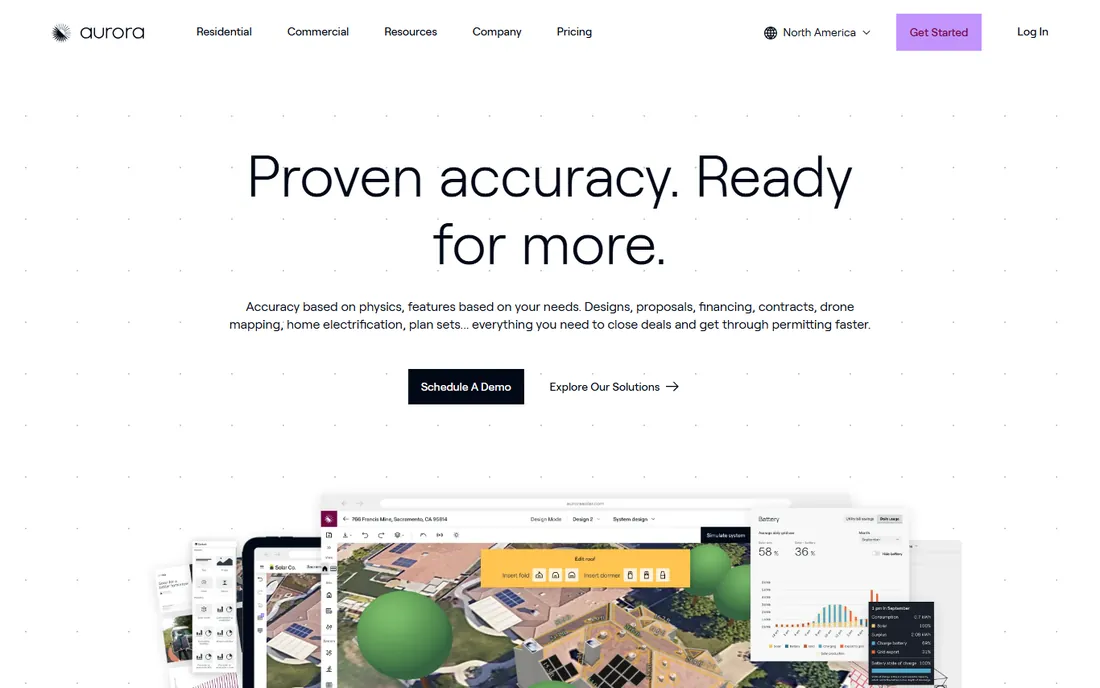
Aurora Solar is the design engine most US residential installers know by name. The platform builds 3D roof models from imagery and LIDAR, runs performance simulations, and turns the result into polished sales proposals with financing options modeled in. Its shade reports are treated as bankable by programs like NYSERDA and the Massachusetts Clean Energy Center, which matters when a lender or incentive administrator needs to trust your numbers.
The honest catch is cost and scope. Aurora does not publish prices, and the pricing page frames plans around project volume (50 projects per month on standard tiers) rather than a simple per-seat number. It is a design and sales tool first. Install scheduling, crew dispatch and service ticketing live elsewhere, so most companies pair it with an operations platform.
What we like- Industry-leading 3D modeling with LIDAR-assisted accuracy
- Shade reports accepted by major rebate authorities
- AHJ database covering 25,000+ US jurisdictions
Watch out for- No public pricing, quotes are custom
- Residential focus means commercial workflows need add-ons
Starting priceSee website
Free planNo
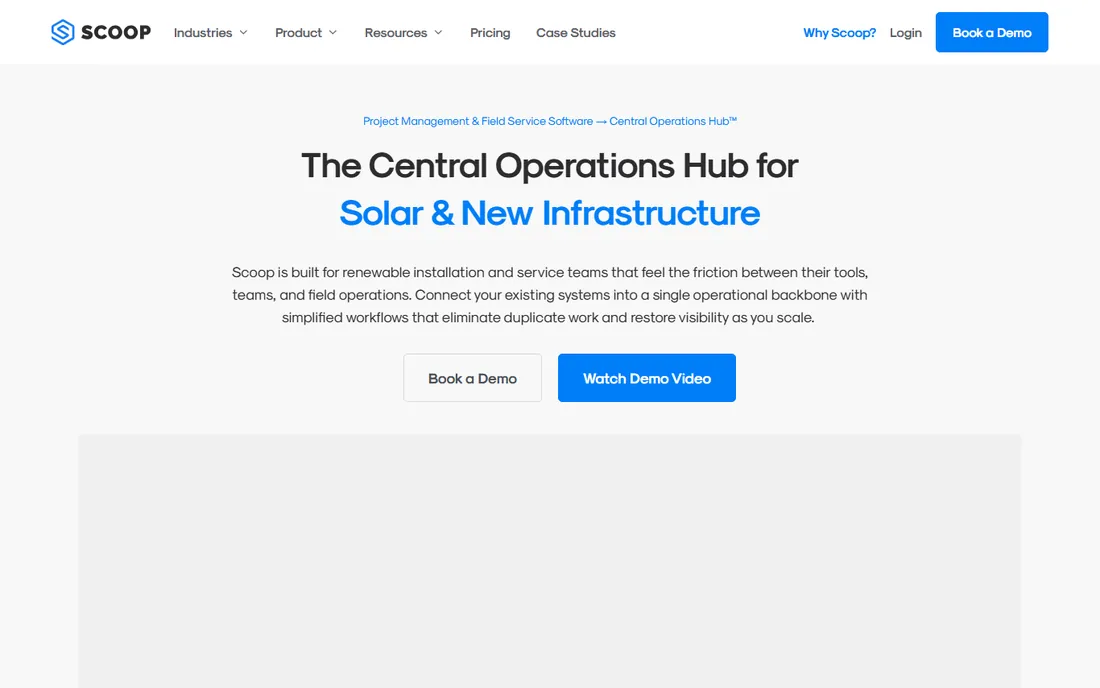
Scoop Solar takes the opposite approach from Aurora. It assumes the sale is already made and focuses on everything after: work orders, dispatch, service requests, technician scheduling, and maintenance tickets. Installers running both new construction and recurring O&M work from the same crew base get a single dispatch board instead of two systems.
The pricing model is unusual and worth a close look. Scoop charges flat plan rates with unlimited users rather than per-seat licenses, which keeps costs predictable as the field team grows. The trade-off is that it deliberately does not do proposals or system design, so you will pay for a second tool on the sales side.
What we like- Built for install and service crews, not just sales
- Unlimited users, storage and devices on every plan
- Integrates with sales tools like Enerflo instead of replacing them
Watch out for- No published pricing
- Depends on third-party design and proposal tools for the sales side
Starting priceSee website
Free planNo
Sighten sits in the middle ground between pure design tools and pure operations platforms. It handles quoting and proposal management alongside project tracking, permitting steps and system monitoring, which appeals to installers who want fewer logins. The company has been selling to US solar installers since 2012, so the feature list reflects years of real installer requests.
The downside is that breadth comes with compromises. Sighten does not match Aurora on design precision or Scoop on field dispatch depth. It is the sensible pick for a small installer that wants one system and accepts good enough on both sides, not the best-in-class pick for either.
What we like- Covers proposals, permitting and monitoring in one product
- API access for custom integrations
- Long track record with US installers since 2012
Watch out for- No published pricing
- Interface feels dated next to newer competitors
Starting priceSee website
Free planNo
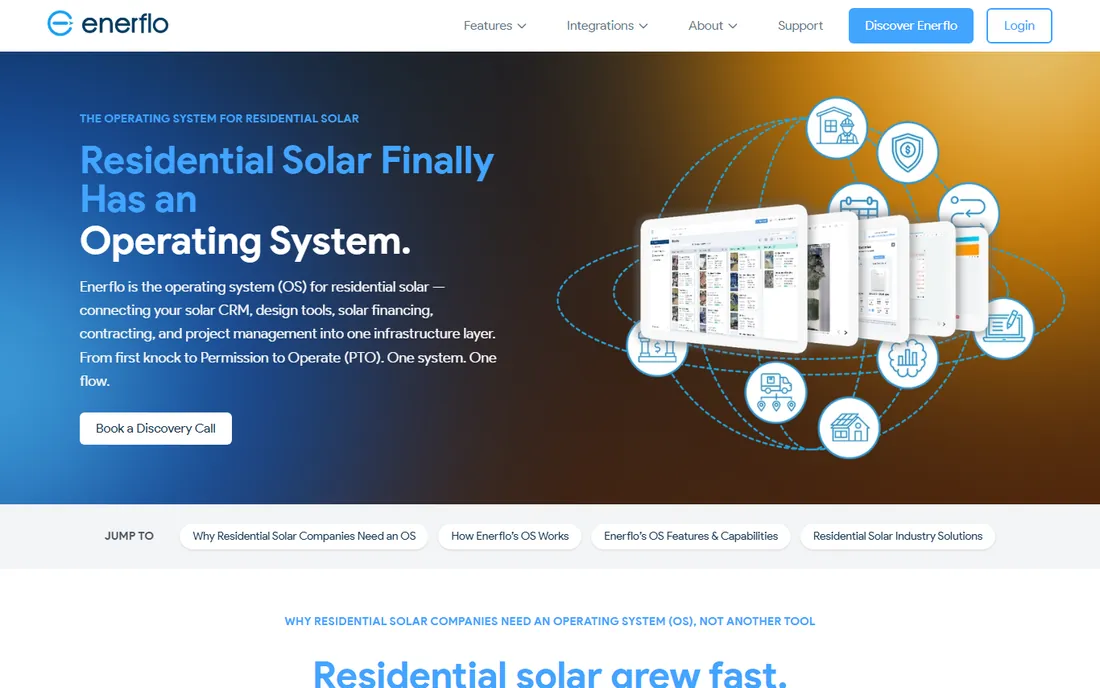
Enerflo calls itself the operating system for residential solar, and the description fits. Lead intake, design requests, proposals, financing, e-signature, project submission and install tracking run in one connected flow from first contact to permission to operate. Installers report that the handoff between sales and operations, where most jobs stall, is where Enerflo earns its keep.
Two things to weigh. Pricing is quoted after a discovery call and depends on which modules you take, and third-party reviews put entry costs in the four figures per month. And the platform serves residential solar exclusively, so contractors who also sell roofing or batteries-plus-HVAC will outgrow its single-industry focus.
What we like- Purpose-built for residential solar since 2019
- Connects CRM, design, financing, contracting and install tracking in one flow
- Strong integration ecosystem
Watch out for- Quote-based pricing with no published numbers
- Residential only, so mixed solar-plus-roofing or HVAC businesses need a second system
Starting price$59 per user/month
Free planNo
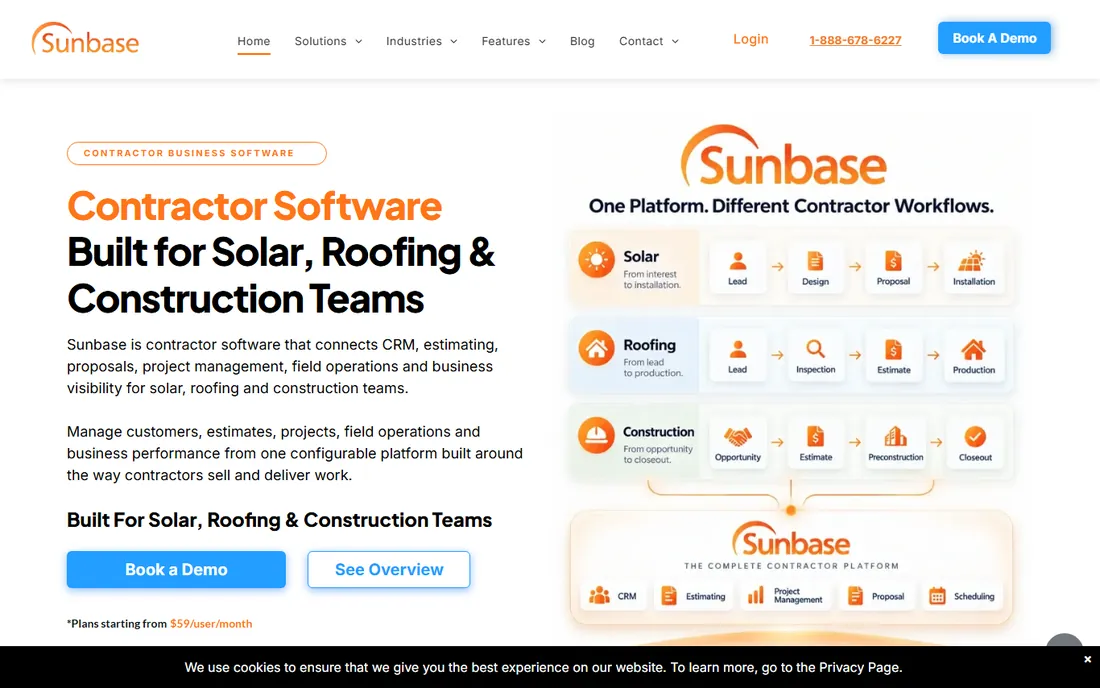
Sunbase is the transparency pick in a market that hides its prices. Plans start at $59 per user per month, final pricing depends on team size and which modules you select, and the company states plainly that no long-term contracts are required. For a small installer comparing options, that alone makes the shortlist easier.
The product itself is a configurable platform: CRM and sales workflows, PV design and production analysis, proposals, and project management, assembled around your process rather than sold as a fixed bundle. It also runs natively for roofing and construction, which suits contractors with mixed trades. Expect a real implementation effort, since the flexibility that makes it attractive also means someone has to map your workflow into it.
What we like- Published pricing from $59 per user per month with no long-term contracts
- Modular setup lets you buy only the capabilities you need
- Covers solar, roofing and construction workflows
Watch out for- Configuration-heavy onboarding takes real setup time
- Design tools are solid but less specialized than Aurora for complex shading
Starting priceSee website
Free planNo
Raptor Maps does not sell or design systems. It tells you how the ones you built are performing. The platform ingests aerial inspection data, runs machine-learning analysis to flag underperforming modules and hotspots, and keeps a digital twin of each site that follows the asset from commissioning through warranty claims and financial due diligence.
That makes it a project management tool for the O&M and asset-owner side of the business rather than the installer side. If your company maintains commercial or utility portfolios, the inspection reporting and performance analytics are difficult to replace. If you install residential rooftops and hand them off, you will never use it.
What we like- Market-leading aerial thermography analytics for solar sites
- Digital twin model spans commissioning through warranty claims
- Accepts data from any drone, plane or satellite
Watch out for- Enterprise pricing with no public numbers
- Overkill for residential installers who will never fly a drone
Starting priceSee website
Free planNo
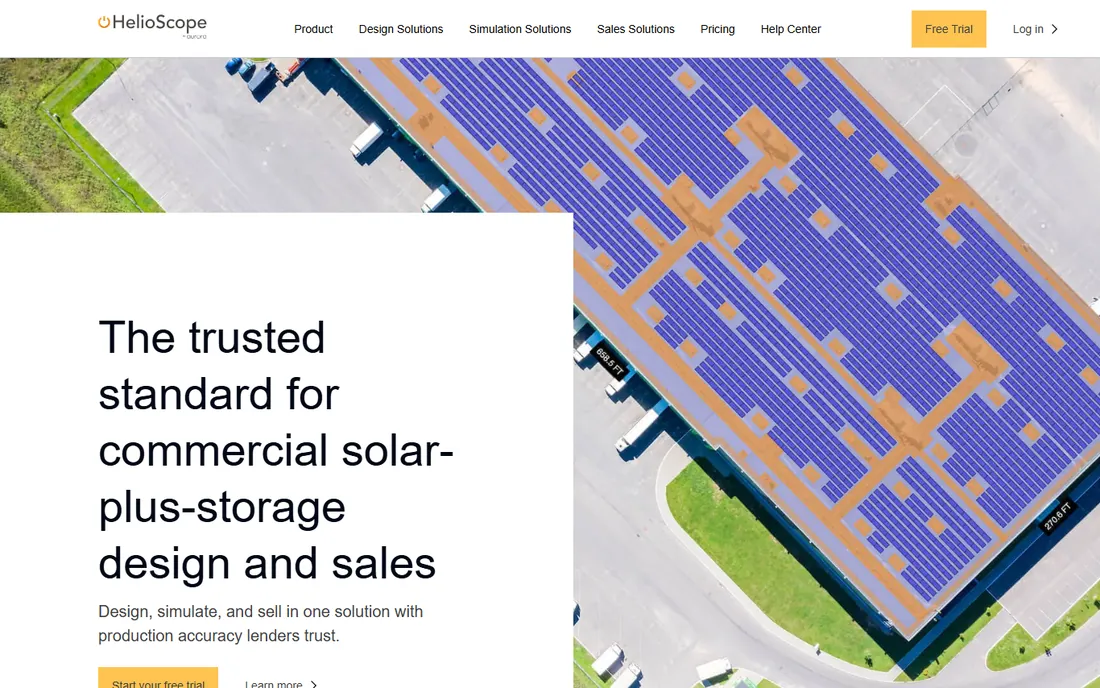
HelioScope built its reputation as the quick, web-native design tool for commercial and industrial solar. Layouts, shading analysis and production estimates run in the browser, simulations complete in under a minute, and accuracy has been validated within 1 percent of PVsyst for typical C&I projects. The 50,000-item component library covers modules and inverters without manual spec entry.
One flag for buyers: HelioScope is now owned by Aurora Solar, and signups run through an Aurora subdomain. That usually means eventual consolidation into the parent product. It remains a strong pick for C&I design today, but ask about the roadmap before committing a team to it.
What we like- Fast browser-based simulations with a 50,000-component library
- LIDAR integration and AI obstruction detection on Pro plans
- Single line diagram generation and CAD export on every tier
Watch out for- Now part of Aurora, so the long-term product roadmap is uncertain
- No published pricing
Starting priceSee website
Free planNo
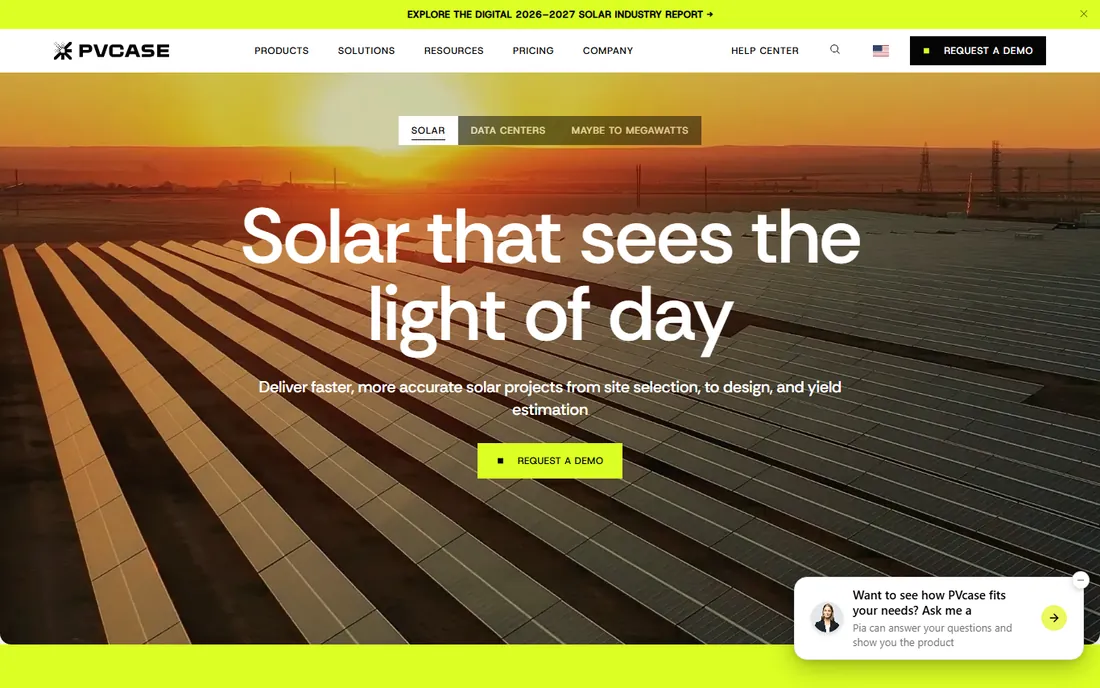
PVcase is the engineering-led pick for projects above 1 MW. Ground Mount automates utility-scale layout design inside AutoCAD, adapting to real terrain, while Prospect handles site selection and Yield runs cloud-based energy modeling. Developers iterate on row pitch, ground coverage ratio and other variables to find the optimal configuration fast.
This is not an installer tool. You need AutoCAD licenses and engineers who know how to use them, and the platform stops at engineering: financial modeling, proposals and project scheduling live elsewhere. For utility-scale developers with in-house engineering, it is close to a standard. For everyone else, it is the wrong category entirely.
What we like- Dominant AutoCAD-based platform for utility-scale layout design
- End-to-end suite from site selection to yield modeling
- Used on over 4 TW of projects annually
Watch out for- Requires AutoCAD and real CAD skills, with a multi-week learning curve
- No financial modeling or proposal features included
Starting priceSee website
Free planNo
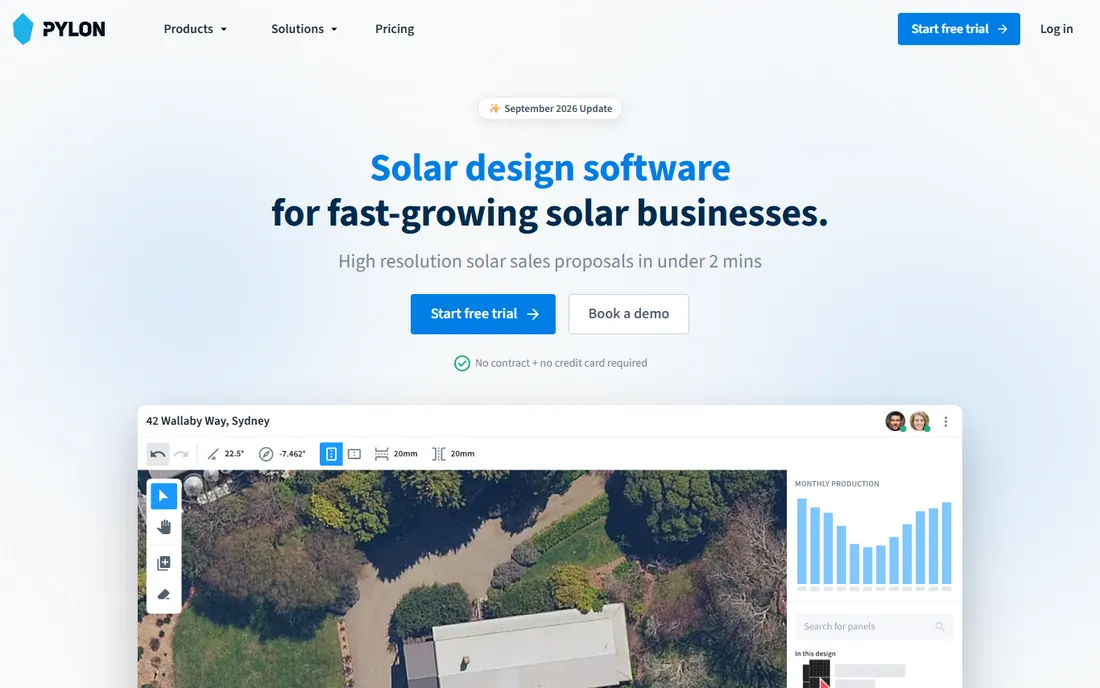
Pylon rounds out the list as the simpler alternative for residential sales teams that find the big platforms bloated. It covers the core loop, system design through automated quoting, with a gentler learning curve than engineering-grade tools. Teams that need proposals fast and do not need LIDAR-grade shading analysis or AHJ databases get most of what they need.
The catch is ecosystem. Pylon lacks the integrations, financing partnerships and installer community that surround the US market leaders, so check compatibility with your CRM and lenders before adopting it.
What we like- Lightweight design and quoting workflow for residential sales teams
- Simpler to learn than full engineering platforms
- Australian vendor with a global user base
Watch out for- No published pricing
- Feature depth is thinner than the major US platforms
How we chose
We did not test-drive any of these platforms. The shortlist comes from vendor pricing pages, product documentation, and public reviews on G2, Capterra, SourceForge and Slashdot, cross-checked against installer discussions on Reddit. We favored tools with a clear solar-specific focus and a real US installer base, and we kept design engines, operations platforms and asset analytics in separate lanes so the comparison stays honest about what each product actually does.
What to check before you buy
Residential, commercial and utility solar are different businesses, and the software splits the same way. A residential installer needs proposals, financing and install scheduling. A commercial EPC needs engineering-grade design and permitting support. A utility developer needs CAD automation and yield modeling. Buying the wrong tier of the wrong product is the most expensive mistake in this category.
Second, decide whether you want one system or a stack. All-in-one platforms like Enerflo and Sunbase reduce handoffs between sales and operations. Best-in-class stacks, Aurora for design plus Scoop for dispatch, give you deeper tools in each seat at the cost of integrations and two bills. There is no universally right answer, but pick deliberately instead of drifting into it.
Third, read the pricing model, not the price. Per-user seats punish growing field teams, per-project fees punish high volume, and module-based pricing punishes you for using the features you bought. Model your real numbers for twelve months: project count, users, and which modules you will actually turn on. Sunbase publishes enough to model this on paper. For the quote-based vendors, insist on a written quote that includes add-ons like imagery, e-signature and API access, because those are where the surprises live.
Pricing, contracts and hidden costs
Almost nobody in this market publishes full pricing, so treat every quote as the start of a negotiation. The line items that inflate the bill are consistent across vendors: per-project design fees on top of seat licenses, paid imagery upgrades (Nearmap and high-resolution LIDAR are common add-ons), e-signature seats, and API access reserved for enterprise tiers. Ask for each one by name.
Contracts deserve the same scrutiny. Multi-year terms with auto-renewal are common, and some vendors tie pricing to project volume bands that ratchet up as you grow. Sunbase's no-long-term-contract stance is the exception, not the rule. If a vendor will not put the renewal terms in writing, that is your answer about how the relationship will go.
Frequently asked questions
What is the difference between solar design software and solar project management software?
Design software creates the system layout, shading analysis and customer proposal. Project management software tracks the job after the sale: permits, scheduling, installation, inspection and permission to operate. Some platforms cover both, but most are stronger on one side, so many installers run two tools.
Do I need LIDAR-based design?
For financed residential systems, LIDAR-assisted modeling produces shade reports that lenders and rebate authorities accept, which speeds approvals. For simple rooftops sold cash, standard satellite imagery is usually enough. Do not pay a premium for accuracy your sales process cannot use.
Should I pick one all-in-one platform or best-in-class tools?
All-in-one platforms reduce handoffs and training burden, which suits teams under 30 people. Larger operations usually get more value from specialized tools, Aurora-class design plus a dedicated dispatch platform, because each team gets software built for its actual job.
How long does implementation take?
Sales and design tools can be live in days. Operations platforms that touch scheduling, permitting and accounting need two to six weeks of configuration, data migration and crew training. Budget for it, because a rushed rollout is the main reason these projects fail.
Can solar software replace my CRM?
Partially. Platforms like Enerflo and Sunbase include solar-specific CRMs that handle lead intake through project handoff well. If your company also sells roofing, HVAC or other services, a general CRM with solar integrations usually fits better.
Sources we checked (11)
- https://aurorasolar.com/pricing/
- https://www.sunbasedata.com/solar-software
- https://www.scoop.solar/blog/best-field-service-scheduling-software/
- https://www.subcontractorhub.com/enerflo-alternatives
- https://www.g2.com/products/enerflo-platform/reviews
- https://slashdot.org/software/comparison/Enerflo-vs-Pylon-Solar/
- https://slashdot.org/software/comparison/Aurora-Solar-vs-Sighten/
- https://www.surgepv.com/reviews/pvcase/
- https://pvcase.com/blog/utility-scale-solar-guide
- https://apps.list.solar/tools/helioscope/
- https://easysolar.app/en/comparing-5-leading-solar-proposal-software-options/
Is your product missing or out of date?
We review this list regularly. Vendors can request a listing, send updated pricing or ask about featured placement.

Shihab Mia · Founder, Rankite
Shihab has spent more than a decade helping SaaS and e-commerce brands grow through search. He writes Rankite's software buying guides from pricing pages, documentation and public user reviews. More about Shihab.