How we make this list: we compare pricing pages, product documentation and public user reviews. Ratings come from G2, Capterra or Trustpilot, with the date we checked them.
Direct answer
Doodly is the closest VideoScribe replacement for most buyers because it uses the same hand drawn scene workflow on Windows and Mac. Standard costs $49 a month through Voomly Cloud after a 14 day trial. Pick Powtoon instead if you want a free browser plan and template based training videos.
Key takeaways
- Solo creators who want the classic hand drawn look should start with Doodly at $49 a month, since its scene workflow matches VideoScribe most closely.
- Teams that need a free test should use Powtoon, Animaker or Renderforest first, with paid plans from $9 to $25 a month on yearly billing.
- Training departments should price Vyond, but Starter costs $699 a year for one user, so occasional makers will overpay.
- Buyers who refuse subscriptions should check Mango WM, sold as a one time Professional license, while its free version exports at 576p with a watermark.
- Anyone who needs moving characters should compare Toonly and CreateStudio, priced from $27 to $49 a month.
Quick comparison
| Tool | Best for | Starting price | Free plan |
|---|
 Doodly | Closest hand drawn VideoScribe replacement | $49/month Standard, or $490/year, through Voomly Cloud | 14 day free trial |
 Powtoon | Free whiteboard templates for training | $15/mo Lite billed yearly | Free plan with 720p video, up to 3 minutes, Powtoon watermark |
 Animaker | Whiteboard plus cartoon styles on a budget | $25/mo Starter billed yearly, $300/year; $45/mo billed monthly | Free plan with watermarked exports and limited premium assets |
 Vyond | Training teams needing characters and whiteboard | $58/mo Starter billed annually, $699/year; $99/mo billed monthly | None found on vendor page |
 Renderforest | Fast whiteboard videos from ready scenes | $9/mo Lite billed yearly; $15/mo billed monthly | Free plan with no card and free credits |
 Mango Animate Whiteboard Animation Maker | One time purchase whiteboard videos | See website | Free version with 576p video and Mango Animate watermark |
 Toonly | Cartoon explainer scenes with characters | $49/month Standard, or $490/year, through Voomly Cloud | 14 day free trial |
 CreateStudio | Doodle plus 2D and 3D marketing scenes | $27/month Standard, or $199/year | None found on vendor page |
 Animiz | Hand drawn animated presentation videos | $29/month Standard | Free plan with 576p video, 5 scenes per project and watermark |
 Biteable | Template business videos beyond whiteboard | $15/mo Pro billed yearly, $180/year; $29/mo billed monthly | 7 day free trial, no credit card required |
Is your product missing or out of date?
We review this list regularly. Vendors can request a listing, send updated pricing or ask about featured placement.
The best videoscribe alternatives
VideoScribe made the hand drawn explainer a standard format for lessons, demos and training. Buyers leave it for different reasons. Some want a lower bill. Some want moving characters, browser editing or a one time license. This list ranks ten live tools by workflow fit, vendor price and export limits. Dedicated whiteboard tools come first. Prices come from vendor pages checked on 2026-11-28. Read the catch in each entry before you pay, because watermarks and export caps decide the real cost.
Starting price$49/month Standard, or $490/year, through Voomly Cloud
Free plan14 day free trial
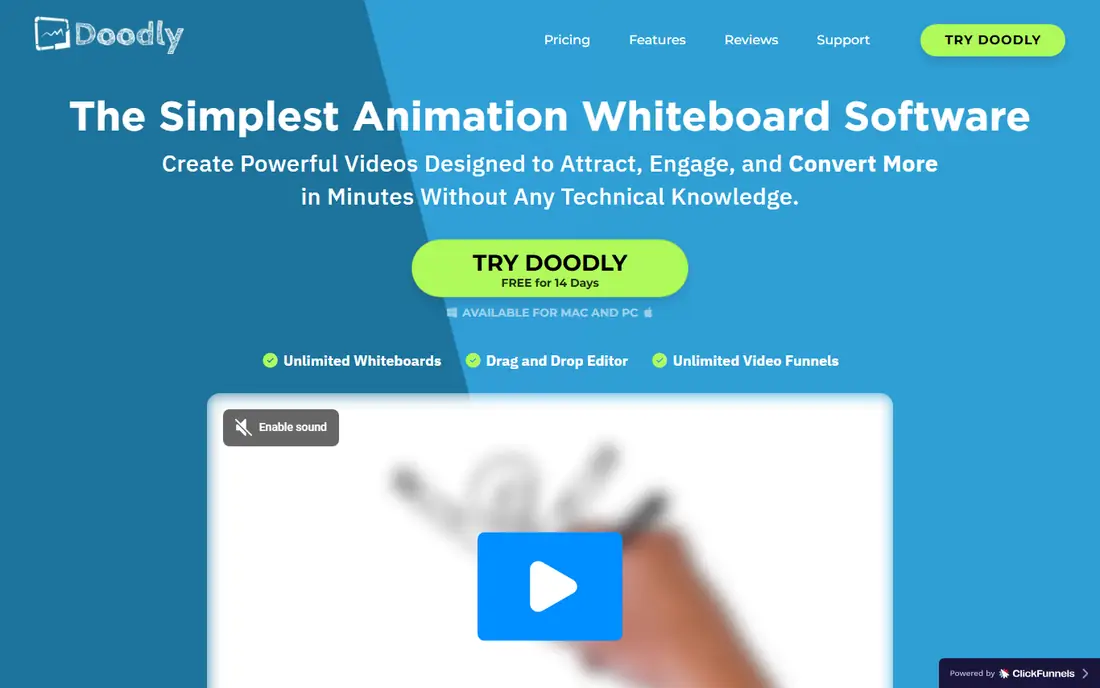
Doodly is a desktop whiteboard animation app sold through Voomly. You build a video scene by scene. Pick a board, drag in images, characters, props and text, then set the order and timing while a hand draws each item on screen. The vendor help center describes a drag and drop interface with a library of images, characters and audio files. You can upload your own images and voiceovers, which matters if your brand art does not match stock doodles. Standard costs $49 a month or $490 a year with a Voomly Cloud subscription. Enterprise costs $79 a month or $790 a year with Voomly Pro.
The catch is that Doodly does one style well and stops there. Characters do not walk or talk after they are drawn, and color animation is a paid add on. You also need a Windows or Mac computer and an internet connection to install and sign in through Voomly. Pick Doodly if you make hand drawn explainers often and want control over every scene. Look elsewhere if you need browser editing, moving characters or a free plan you can keep.
What we like- Scene workflow matches VideoScribe
- Whiteboard, chalkboard, glassboard and custom backgrounds
- Import your own images and voiceover
Watch out for- Desktop only on Windows and Mac
- Color animation costs extra through Doodly Rainbow
Starting price$15/mo Lite billed yearly
Free planFree plan with 720p video, up to 3 minutes, Powtoon watermark
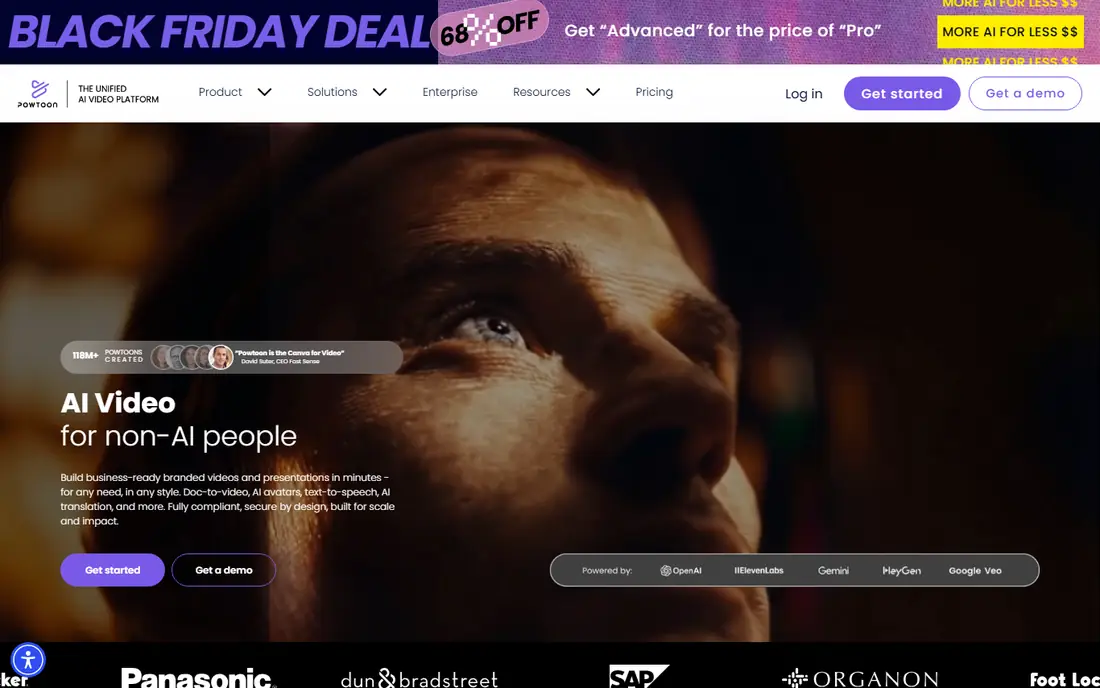
Powtoon is a browser based animated video maker with a whiteboard style, templates, characters and presentation tools. It suits training, onboarding and product explainers where speed matters more than exact draw paths. The free plan exports at 720p, limits videos to 3 minutes and adds a Powtoon watermark. Lite costs $15 a month billed yearly. It removes the watermark for 5 exports a month, supports MP4 downloads in HD 1080p and allows videos up to 10 minutes. Professional costs $40 a month billed yearly and raises the limit to 20 minutes with unlimited premium exports. Paid plans include commercial rights.
The catch is that Powtoon is a template editor first and a whiteboard tool second. You arrange scenes and timing inside templates, so custom drawing control is weaker than in Doodly. Lite also caps watermark free exports at 5 a month, which hurts weekly publishing. Pick Powtoon if you want to test whiteboard templates for free and publish a few clean videos each month. Look elsewhere if you need exact hand timing on every image or unlimited exports at the entry price.
What we like- Free plan needs no payment
- Whiteboard templates and hand drawn style graphics
- Lite exports 1080p MP4 up to 10 minutes
Watch out for- Lite allows 5 watermark free exports a month
- Whiteboard is one style inside a broader editor
Starting price$25/mo Starter billed yearly, $300/year; $45/mo billed monthly
Free planFree plan with watermarked exports and limited premium assets
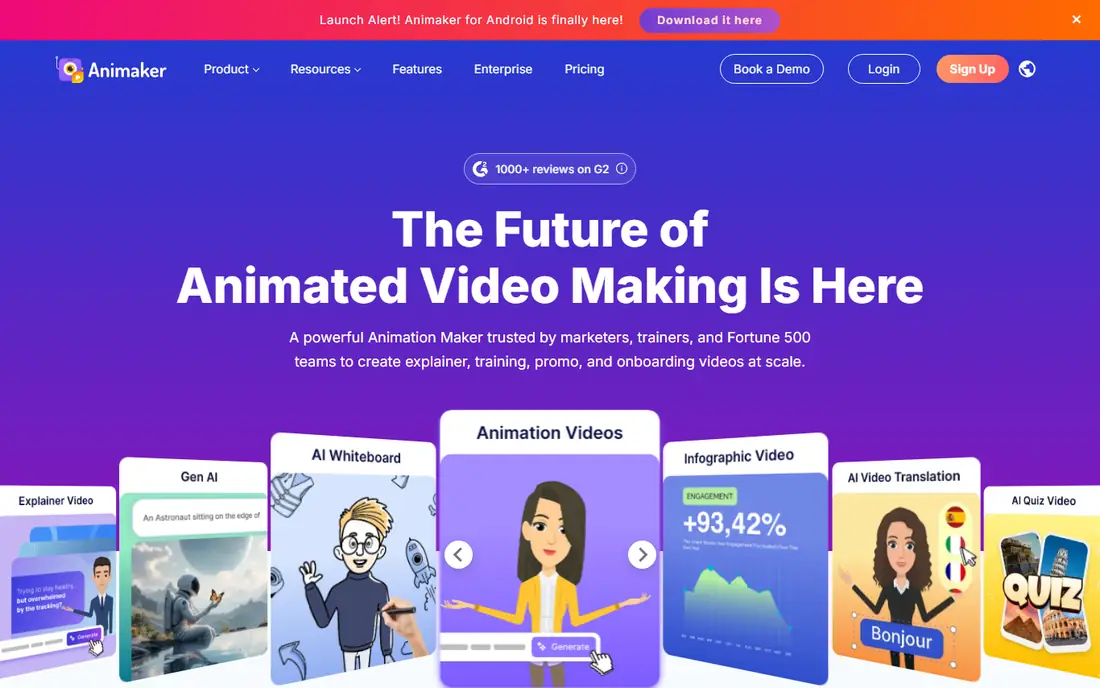
Animaker is a browser based animation platform that covers whiteboard videos, cartoon explainers, characters and social clips in one editor. That range helps small teams that publish more than one video style. Starter costs $25 a month billed yearly, or $300 a year, and $45 a month on monthly billing. The vendor pricing page lists 10 premium downloads a month, 15 minute video length, FHD quality and whiteboard animations on Starter. Pro costs $43 a month billed yearly and adds 30 premium downloads, 30 minute videos, 2K quality and commercial rights. The free plan allows downloads with watermarked exports.
The catch is that download caps and rights decide the true plan. Starter does not list commercial rights, so client work can push you to Pro at $516 a year. Ten premium downloads a month also runs out fast during a launch or course build. Pick Animaker if you want one browser tool for whiteboard and cartoon videos and can plan exports around monthly caps. Look elsewhere if you need unlimited exports or a desktop app that works scene by scene like Doodly.
What we like- Whiteboard animations on paid plans
- Browser editor with templates and characters
- Starter allows 15 minute videos in FHD
Watch out for- Starter allows 10 premium downloads a month
- Commercial rights start on Pro, not Starter
#4
Vyond
Best for: Training teams needing characters and whiteboard
Visit vyond.com
Starting price$58/mo Starter billed annually, $699/year; $99/mo billed monthly
Free planNone found on vendor page
Vyond is a browser animation studio built for business training, internal updates and marketing explainers. Its character styles include Whiteboard, Contemporary and Business Friendly, so a team can keep one tool for several video types. Starter costs $58 a month billed annually, or $699 a year for one user, and $99 a month on monthly billing. The vendor page lists AI avatars, 650 plus text to speech voices, screen and webcam recording, 10,000 credits per user each month, 100 downloads a month and videos up to 25 minutes. Professional costs $100 a month per user billed annually and adds team collaboration and translation into 95 languages.
The catch is price. Vyond is priced for departments that publish every week, not for a solo creator who makes two videos a quarter. Brand controls, approval steps and stronger security sit on higher plans, so a small team can pay more than the headline Starter price. Pick Vyond if training staff need characters, voices, translation and shared libraries in one account. Look elsewhere if whiteboard video is your only format or if one seat at $699 a year already breaks the budget.
What we like- Whiteboard, Contemporary and Business Friendly character styles
- 650 plus text to speech voices on Starter
- 100 downloads a month on Starter
Watch out for- Starter costs $699 a year for one user
- Team collaboration and translation start on Professional
Starting price$9/mo Lite billed yearly; $15/mo billed monthly
Free planFree plan with no card and free credits
Renderforest is a browser platform for template videos, logos, mockups and AI media. Its whiteboard route uses ready made scenes. You pick scenes, edit text, add music or voiceover and export. That makes it fast for short promos and simple explainers. The vendor homepage states a free plan with no card and free credits that top up daily. Lite costs $9 a month billed yearly or $15 month to month. Pro costs $19 billed yearly or $39 monthly. Business costs $39 billed yearly or $59 monthly. Paid plans cover the wider tool set, so whiteboard video shares one subscription with other brand assets.
The catch is control and resolution. Lite template exports are 720p, so clean 1080p work needs Pro. Template scenes also limit how far you can change drawing order, hand movement and scene timing. Pick Renderforest if you need a whiteboard style video today and a ready scene already matches your script. Look elsewhere if your script needs custom drawings in a strict order or if you publish training videos that must match a house style every time.
What we like- Large whiteboard scene library for fast assembly
- Free plan needs no card
- Paid plans remove the watermark
Watch out for- Lite template exports are 720p
- Scene templates limit custom draw control
#6
Mango Animate Whiteboard Animation Maker
Best for: One time purchase whiteboard videos
Visit mangoanimate.com
Starting priceSee website
Free planFree version with 576p video and Mango Animate watermark
Mango Animate Whiteboard Animation Maker, also called Mango WM, is a desktop whiteboard tool for Windows users who want to pay once. The vendor product page describes drag and drop editing, multi timeline control, captions, audio tools and export to online video, offline video and GIF. The free version exports at 576p with a Mango Animate watermark, limited hand animations and 2 backgrounds per project. Professional removes the watermark, exports at 720p and lists 40 plus hand animations and 10 backgrounds per project. Enterprise adds 1080p, 2K and 4K output with 80 plus hand animations and unlimited backgrounds.
The catch is that the low entry license stops at 720p. Many buyers will need Enterprise for full HD client work, which raises the one time cost. The tool is also a desktop download, so teams that edit in a browser gain little. Pick Mango WM if you make whiteboard videos now and then and want to stop monthly billing. Look elsewhere if you need 1080p exports on the cheapest license, team review in the cloud or frequent template updates.
What we like- One time Professional license instead of a subscription
- 40 plus hand animations on Professional
- Free version allows learning before payment
Watch out for- Professional exports at 720p
- 1080p and above need Enterprise
Starting price$49/month Standard, or $490/year, through Voomly Cloud
Free plan14 day free trial
Toonly is the cartoon partner to Doodly from the same maker. Instead of a hand drawing each image, you place characters, props and backgrounds across scenes and the app animates entrances, exits and movement. It suits sales videos, lessons and training clips where a character needs to point, walk or react. Standard costs $49 a month or $490 a year through Voomly Cloud. Enterprise costs $79 a month or $790 a year through Voomly Pro. The subscription bundles Toonly with Doodly and other Voomly tools, so buyers who use both styles get more value from one payment.
The catch is fit. Toonly is not a VideoScribe clone. If your script depends on a hand sketching a diagram step by step, Toonly will feel like the wrong format. It is also a desktop app, and the bundle price only pays off if you publish often. Pick Toonly if moving characters will hold attention better than drawings. Look elsewhere if the hand drawn reveal is the point of the video or if you need browser editing with team comments.
What we like- Moving cartoon characters, props and backgrounds
- Ready made scenes speed up explainers
- Same Voomly price as Doodly Standard
Watch out for- Not a pure hand drawn whiteboard tool
- Desktop app sold inside a bundle
Starting price$27/month Standard, or $199/year
Free planNone found on vendor page
CreateStudio is a desktop video maker for explainers, ads, shorts and animated scenes. It includes a doodle video creator alongside 2D and 3D character tools, templates and AI builders. Standard costs $27 a month or $199 a year. The vendor pricing page lists unlimited video exports, 2 device installs, a commercial use license, 50 characters and 50 premade templates on Standard. Platinum raises those counts to 100 characters and 500 templates at $37 a month or $249 a year. All Access costs $47 a month or $299 a year with 300 plus characters and 800 plus templates.
The catch is that CreateStudio is broader than a whiteboard tool, and the entry plan limits characters and templates. AI features also run on credits on higher plans, so heavy AI use can cost more than the base price suggests. Pick CreateStudio if you sell marketing videos and need doodle scenes one day and character scenes the next. Look elsewhere if you only need classic whiteboard drawing or if your team must edit together in a browser.
What we like- Doodle, 2D and 3D scenes in one desktop app
- Unlimited video exports on paid plans
- Commercial use license included
Watch out for- Standard includes 50 characters and 50 templates
- Desktop only on Windows and Mac
Starting price$29/month Standard
Free planFree plan with 576p video, 5 scenes per project and watermark
Animiz is an animated presentation maker with hand drawn animation, scene templates, charts, subtitles and voiceover tools. It fits teachers and small teams that turn slide style lessons into short animated videos. The free plan costs $0 and lists 5 scenes per project, 500 plus royalty free vector images, 576p video, 144p GIF output and an Animiz watermark. Standard costs $29 a month and raises the limit to 20 scenes per project with watermark removal, but video stays at 576p. Professional costs $299 a year for 2 users, 30 scenes per project and 720p video. Enterprise is a permanent license for up to 10 users.
The catch is resolution. Buyers who need 1080p for YouTube, courses or client delivery will find the listed plans weak. Scene caps also matter on longer lessons, since free and Standard projects stop at 5 and 20 scenes. Pick Animiz if you need low cost animated presentations and 720p is enough. Look elsewhere if full HD export, long projects or exact whiteboard draw timing are required.
What we like- Free plan stays available for learning
- Hand drawn animation and PowerPoint import
- Standard removes the watermark
Watch out for- Standard and free plans export video at 576p
- 720p needs Professional at $299 a year
Starting price$15/mo Pro billed yearly, $180/year; $29/mo billed monthly
Free plan7 day free trial, no credit card required
Biteable is a browser video maker for marketing, HR, sales and internal updates. It is not a pure whiteboard editor. It earns a place here for buyers who liked VideoScribe for simple explainers but now need templates, stock clips, screen recordings and brand controls in the same account. Pro costs $15 a month billed yearly, or $180 a year, and $29 a month on monthly billing. The vendor page lists 1 publisher seat, unlimited HD exports, 20 AI avatar clips a month, videos up to 10 minutes and commercial usage rights. Premium costs $49 a month billed yearly for 3 users and adds 4K exports, captions and videos up to 20 minutes.
The catch is that Biteable will not replace the drawing hand workflow. If your video depends on a sketch appearing line by line, templates and stock scenes will miss the point. Pro also caps video length at 10 minutes. Pick Biteable if your team needs fast business videos in several formats and whiteboard style is only one option. Look elsewhere if hand drawn scenes are the main format you publish.
What we like- Thousands of templates and millions of stock clips
- Unlimited HD exports on Pro
- Commercial usage rights included
Watch out for- Not a dedicated hand drawn whiteboard editor
- Pro limits videos to 10 minutes
Which VideoScribe alternative fits your workflow best?
Start with the drawing method, not the price. If a hand must sketch each image in order, Doodly is the closest match and Mango WM is the one time purchase option. If a template can carry the script, Powtoon and Renderforest cost less to test because both have free plans. If characters must move and speak, Toonly, Animaker, Vyond and CreateStudio fit better. Next, count exports. Powtoon Lite allows 5 watermark free exports a month. Animaker Starter allows 10 premium downloads a month. Vyond Starter allows 100 downloads a month but costs $699 a year. A creator who publishes 4 videos a month can stay on Powtoon Lite at $180 a year. At 12 videos a month, plan for Powtoon Professional or Animaker Pro. Last, check resolution and rights before yearly billing. Animiz, Mango Professional and Renderforest Lite stop at 720p, so full HD needs a higher plan. Rights also differ by plan, so read the exact plan terms for client work, ads and resale before you commit to a year.
Yes, but free plans suit testing more than publishing. Powtoon free exports at 720p, caps videos at 3 minutes and adds a watermark. Animaker free allows watermarked exports. Renderforest free needs no card. Mango WM and Animiz free export at 576p with watermarks. Doodly and Toonly offer 14 day trials. Biteable offers a 7 day trial with no card. Use free plans to test timing and voiceover length. Pay before client work or ads.
How much does a VideoScribe alternative cost per year?
Yearly cost depends on billing and export caps. Renderforest Lite costs $108 a year. Powtoon Lite and Biteable Pro cost $180 a year. Animaker Starter costs $300 a year, but commercial rights start on Pro at $516 a year. Doodly and Toonly Standard cost $490 a year. Vyond Starter costs $699 a year for one user. Mango WM uses a one time license, so year two adds no license fee. Compare total cost with exports included.
Teachers should start with Powtoon or Animaker, because free plans let a class test a lesson format first. Powtoon free allows 3 minute videos for short concept clips. Animaker adds whiteboard and cartoon styles in one editor. Trainers who publish weekly should price Vyond and Powtoon Professional. Vyond adds translation into 95 languages on Professional. Powtoon Professional allows unlimited premium exports and 20 minute videos. Doodly fits step by step process lessons on a desktop.
Frequently asked questions
What is the closest alternative to VideoScribe?
Doodly is the closest match for most buyers. It uses scenes, boards and a drawing hand in the same basic workflow. Standard costs $49 a month or $490 a year through Voomly Cloud after a 14 day trial. The main gaps are desktop only editing and paid color animation.
Which VideoScribe alternative has the best free plan?
Powtoon has the clearest free test for whiteboard templates. Its free plan exports at 720p, allows videos up to 3 minutes and adds a watermark. Animaker and Renderforest also have free plans. Use free plans for drafts, then pay to remove watermarks before public or client use.
Can I buy a whiteboard animation tool once and stop subscriptions?
Yes. Mango Animate Whiteboard Animation Maker sells Professional as a one time license, so check the vendor store for the current figure. Professional exports at 720p with no watermark. Enterprise adds 1080p, 2K and 4K output. Confirm the checkout price before payment because vendor pages have shown different figures.
Is Vyond worth it for whiteboard videos alone?
Usually no. Vyond Starter costs $699 a year for one user, which is high if whiteboard video is your only format. Vyond makes more sense when a training team also needs characters, voices, translation and shared libraries. Solo creators should compare Doodly, Powtoon and Animaker first.
Do these tools include commercial rights?
Rights vary by plan. Powtoon paid plans include commercial rights. Animaker lists commercial rights on Pro, not Starter. Biteable Pro includes commercial usage rights. CreateStudio includes a commercial use license. Read the plan terms before client work, resale or ads, because export rights and reseller rights are not the same.
What to look for before you buy
First, decide if a hand must draw each item or if templates can carry the script. Second, count monthly exports, since Powtoon Lite allows 5 watermark free exports and Animaker Starter allows 10 premium downloads. Third, check resolution, because 576p and 720p plans can fail client needs. Fourth, read rights on the exact plan you will buy. Fifth, test voiceover workflow with one real script before yearly billing.
How we chose
We kept ten live tools with working vendor pages and clear pricing or trial terms. Prices and limits were checked on vendor pages on 2026-11-28. Dedicated hand drawn tools rank first. We did not claim hands on testing.
Sources we checked (10)
- https://support.voomly.com/en/articles/12735876-what-is-doodly
- https://powtoon.com/pricing/
- https://app.animaker.com/pricing
- https://www.vyond.com/plans/
- https://renderforest.com/pricing
- https://mangoanimate.com/products/wm
- https://mangoanimate.com/blog/how-to-create-a-whiteboard-animation-video-for-free/12952/
- https://createstudio.com/pricing
- https://animiz.com/pricing/
- https://biteable.com/pricing/
Is your product missing or out of date?
We review this list regularly. Vendors can request a listing, send updated pricing or ask about featured placement.

Shihab Mia · Founder, Rankite
Shihab has 5+ years in B2B and SaaS SEO. He writes Rankite's software buying guides from pricing pages, documentation and public user reviews. More about Shihab.