How we make this list: we compare pricing pages, product documentation and public user reviews. Ratings come from G2, Capterra or Trustpilot, with the date we checked them.
Key takeaways
- Descript is the best veed.io alternative for transcript editing, letting you cut video by editing text with a free plan.
- OpusClip is the best pick for short-form clipping, turning long videos into platform-ready clips with a free-forever plan.
- Kapwing is the best pick for team collaboration, with over 30 million creators and browser-based editing.
- Pictory is the best pick for script-to-video creation, starting from text, URLs, slides, or audio with a 300-credit free trial.
Quick comparison
| Tool | Best for | Starting price | Free plan |
|---|
 Kapwing Kapwing | Team video creation in the browser | See website | Yes |
 Descript Descript | Text-based video and audio editing | See website | Yes |
 Clipchamp Clipchamp | Free browser editing with Microsoft integration | See website | Yes |
 CapCut CapCut | Social short-form video and templates | See website | Yes |
 Canva Canva | Design plus video in one tool | See website | Yes |
 InVideo InVideo | Agentic AI video editing | See website | Free trial |
 Pictory Pictory | Script-to-video and AI video generation | $25/month | Free trial |
 OpusClip OpusClip | AI short-form clipping from long videos | See website | Yes |
Is your product missing or out of date?
We review this list regularly. Vendors can request a listing, send updated pricing or ask about featured placement.
The best veed.io alternatives
#1Kapwing
Best for: Team video creation in the browser3.9/5 on
G2 (40 reviews, checked Oct 2026)
Visit kapwing.com
Starting priceSee website
Free planYes
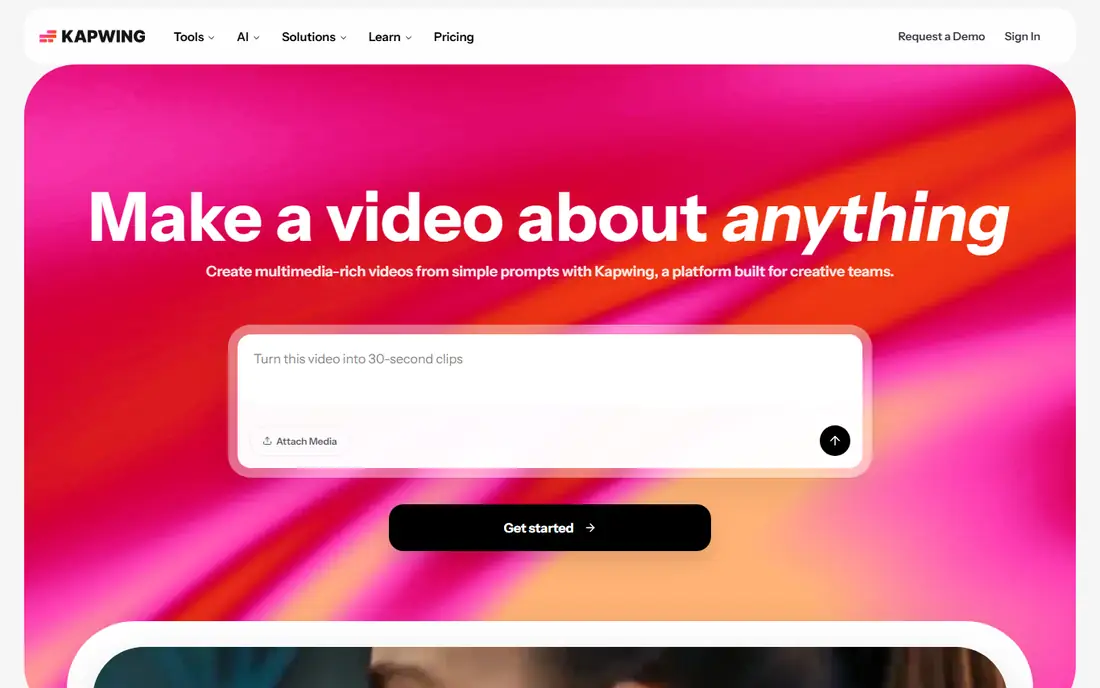
Kapwing is a modern video platform for creative teams that turns simple prompts into complex videos. Its AI brings a vision to life from a prompt and creates a project with multiple layers, timing, sound, and more, while marketers, educators, and internal communications teams use it to keep campaigns consistent, launch faster, and localize updates across offices. The company runs a YouTube channel with over 200,000 subscribers, and its team builds for creators first.
For teams replacing Veed with a collaborative browser editor, Kapwing is the best alternative.
What we like- Over 30 million creators worldwide
- AI turns a simple prompt into a multi-layer project with timing and sound
- Collaboration, templates, and localization built in
- Rated 4.88 from over 5,200 ratings
Watch out for- Pricing is not shown on the homepage
- AI-generated drafts still need human review
- Heavy projects may suit desktop tools better
#2Descript
Best for: Text-based video and audio editing4.6/5 on
G2 (928 reviews, checked Oct 2026)
Visit descript.com
Starting priceSee website
Free planYes
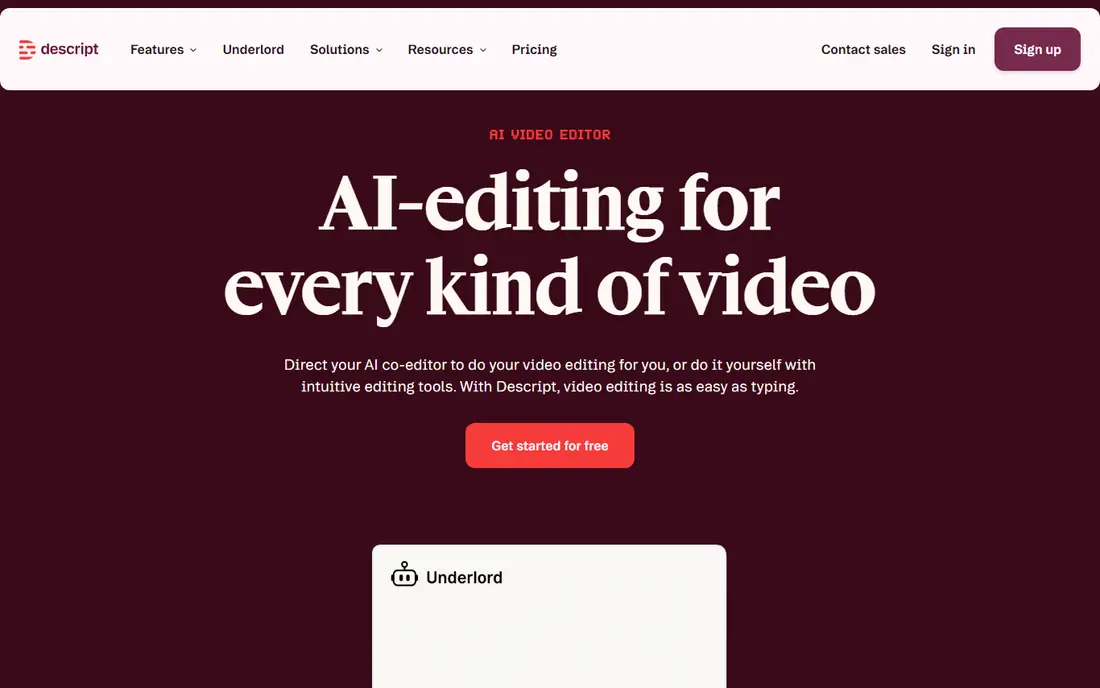
Descript is an AI video and audio editor where editing is as easy as typing. Record or drag in a recording, get an instant transcript, then cut, trim, and rearrange by changing the text. Studio Sound removes background noise and enhances voice in one click, and Underlord can turn a raw recording into a tight cut in minutes. Enterprise teams at Amazon, Canva, Salesforce, Spotify, Vox, and the New York Times use Descript, and it holds a 4.6-out-of-5 G2 rating from 837 reviews.
For podcasters, marketers, and educators who edit by transcript, Descript is the best alternative.
What we like- Edit video by editing the transcript, deleting a word deletes that moment of footage
- Free plan with no credit card required
- Underlord AI co-editor turns raw recordings into tight cuts
- SOC 2 Type II, SAML SSO, SCIM, and GDPR compliance
Watch out for- Pricing is not shown on the homepage
- Timeline editing is secondary to the text workflow
- AI features may need review for client work
#3Clipchamp
Best for: Free browser editing with Microsoft integration4.1/5 on
G2 (49 reviews, checked Oct 2026)
Visit clipchamp.com
Starting priceSee website
Free planYes
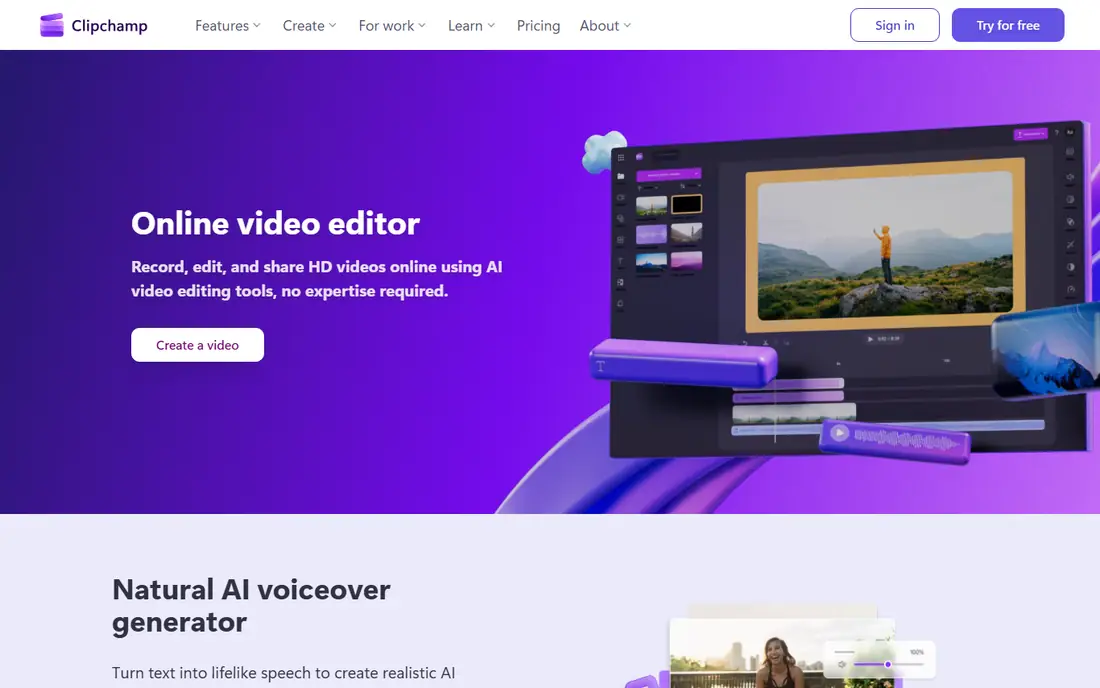
Clipchamp is Microsoft's online video editor for recording, editing, and sharing HD videos with AI tools, no expertise required. Its AI voiceover generator turns text into lifelike speech with adjustable pitch and pace, its subtitle generator transcribes audio in seconds, and its audio tools remove background noise, pauses, and filler words. Users can create in the browser, download the Windows app, or create on mobile, and export in 4K.
For Windows and Microsoft 365 users who want a capable free editor, Clipchamp is the best alternative.
What we like- Free video editing tool everyone can use, with unlimited HD exports and no watermarks
- AI voiceover in global languages and AI subtitles in over 80 languages
- Built into Windows 11 and available in the Microsoft Store
- Royalty-free stock assets included
Watch out for- Premium features need a Microsoft 365 subscription
- Browser focus means fewer deep timeline features
- Pricing beyond the free tier is not shown on the homepage
Starting priceSee website
Free planYes
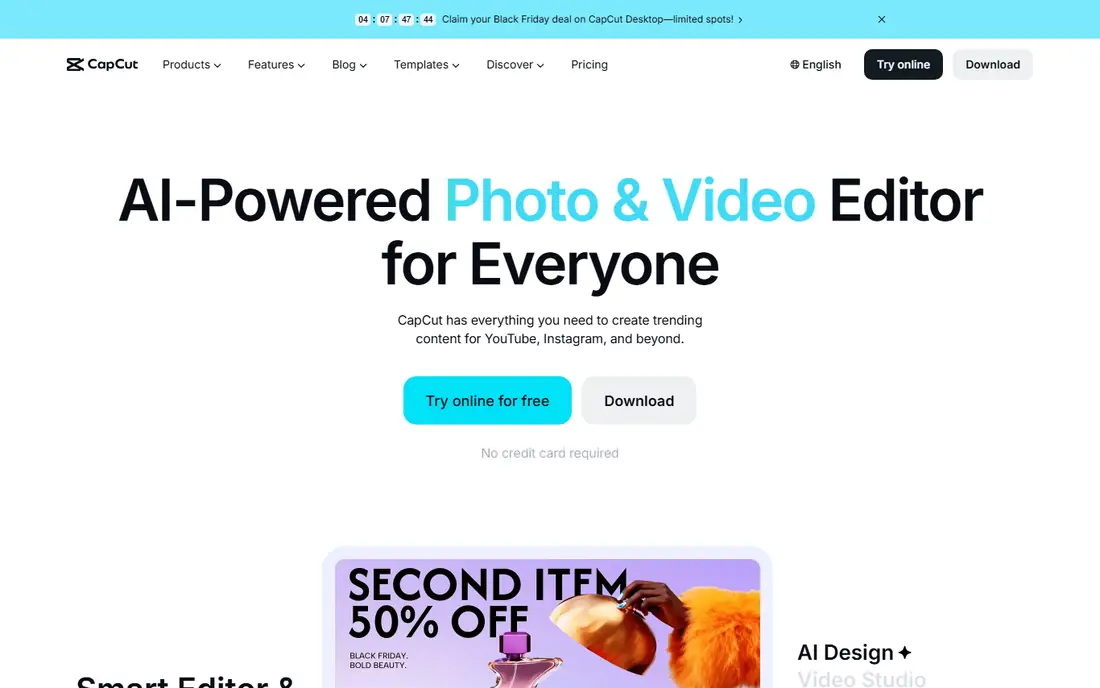
CapCut is an AI-powered photo and video editor for everyone, with everything needed to create trending content for YouTube, Instagram, and beyond. Its online editor cuts, trims, adds transitions and subtitles, and exports HD videos without watermark for YouTube, TikTok, and Reels. AI tools cover design layouts, video generation from text or images, background removal, image enhancement, video conversion, auto subtitles, noise removal, and voice enhancement.
For creators who publish short-form social video daily, CapCut is the best alternative.
What we like- Free online editing with no credit card required
- AI video generator, image generator, background remover, and text-to-speech built in
- Templates for Reels, TikTok, and business promos
- Over 100 million downloads and a 4.7 app store rating
Watch out for- Pricing is not shown on the homepage
- Social-first design suits short form more than long-form editing
- Template-heavy workflows can look generic without customization
#5Canva
Best for: Design plus video in one tool4.7/5 on
G2 (7,678 reviews, checked Oct 2026)
Visit canva.com
Starting priceSee website
Free planYes
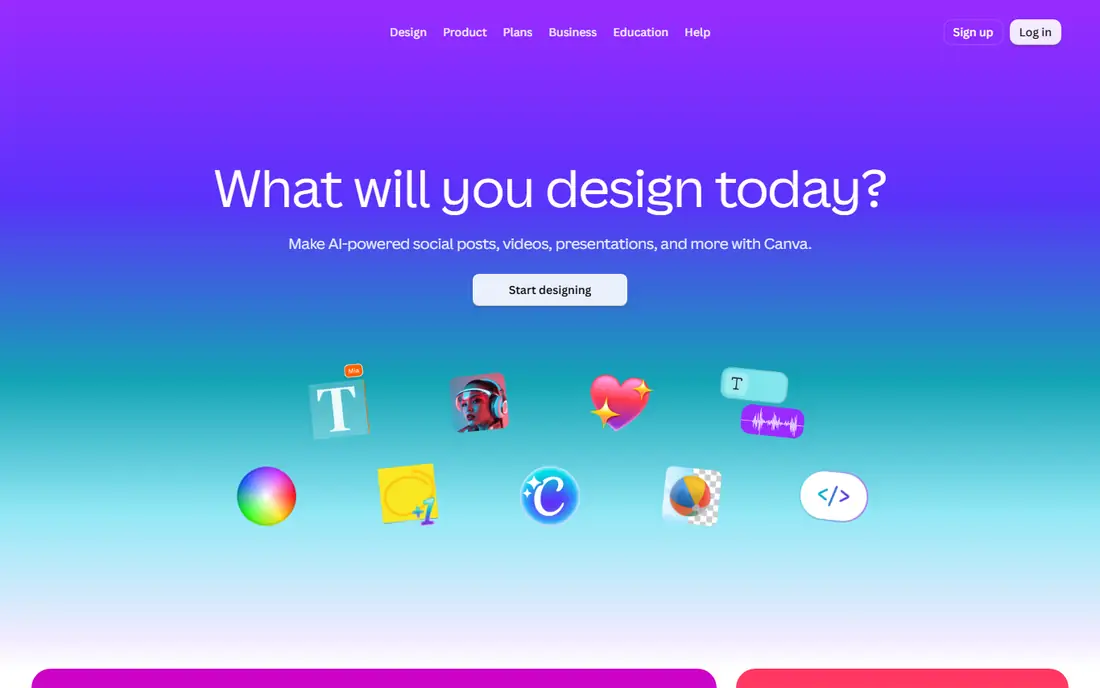
Canva is the design platform many teams already use for social graphics, presentations, and brand assets, with video editing in the same workspace. Its homepage domain and title were confirmed in this session, though the fetch returned an unsupported-browser notice rather than full page content, so this listing is flagged as domain and title confirmation only.
For teams that already design in Canva and want video in the same tool, it remains a practical alternative, with pricing confirmed on its pricing page rather than guessed here.
What we like- Widely used design platform with video editing alongside graphics
- Homepage confirmed to belong to Canva
- Familiar editor for teams already using Canva for design
- Mobile apps for Android and iOS
Watch out for- Homepage fetch returned an unsupported-browser notice only, so this listing rests on domain and title confirmation, not page content
- Pricing and free plan details are not confirmed from this fetch
- Video depth is lighter than dedicated editors
#6InVideo
Best for: Agentic AI video editing4.2/5 on
G2 (183 reviews, checked Oct 2026)
Visit invideo.io
Starting priceSee website
Free planFree trial
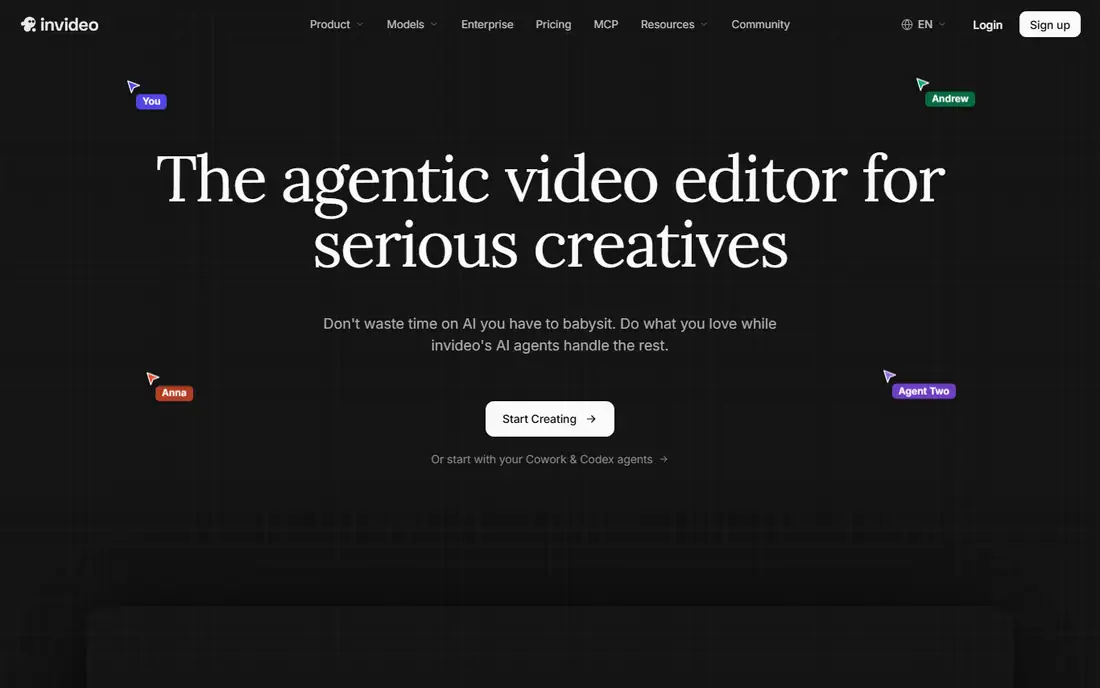
InVideo is the agentic video editor for serious creatives, built so AI agents handle the rest while creators do what they love. Its editor combines multiplayer collaboration, storyboarding, script writing with an AI co-writer, a full timeline editor, and custom agents for roles like cinematographer and music designer. Plans are credit-based: Starter offers 400 credits per month, Plus 2,000, and Max 5,000, each with 50 percent off shown on the homepage, plus guest seats on higher tiers.
For teams that want AI agents to do real editing work rather than just generate clips, InVideo is the best alternative.
What we like- Agentic editor with AI agents for trimming, grading, and mixing on the timeline
- Multiplayer editing with live cursors
- Storyboarding, script writing, and custom agent roles
- SOC 2 and GDPR compliant with ISO alignment
Watch out for- Pricing is shown as credits rather than simple dollar starting prices on the homepage
- Starter plan limits access to frontier agents
- Credit-based pricing needs careful comparison
#7Pictory
Best for: Script-to-video and AI video generation4.6/5 on
G2 (81 reviews, checked Oct 2026)
Visit pictory.ai
Starting price$25/month
Free planFree trial
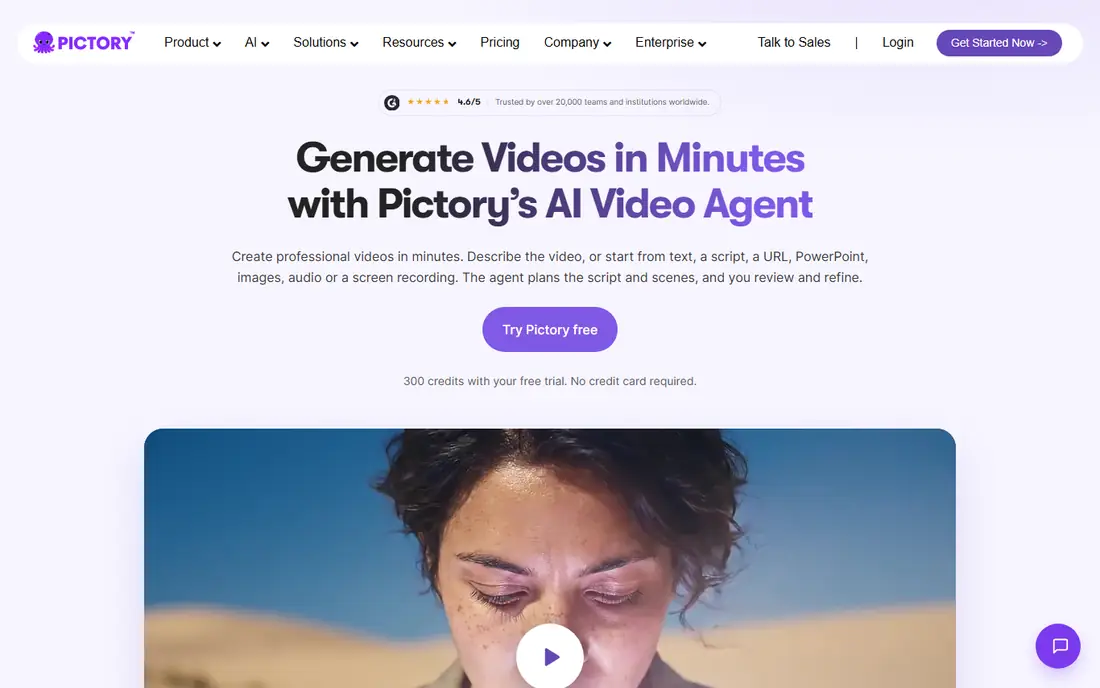
Pictory is an AI video agent and generator that creates professional videos in minutes. Describe the video or start from text, a script, a URL, PowerPoint, images, audio, or a screen recording, and the agent plans the script and scenes for review and refinement. Features include AI avatars, accurate synced captions, translation, text editing, team workspaces, brand kits, and an API, with AI voices by ElevenLabs in multiple languages.
For marketers and trainers turning written content into video at scale, Pictory is the best alternative.
What we like- 300 credits with a free trial and no credit card required
- Starts from text, ideas, scripts, URLs, audio, slides, or images
- Pictory 3 AI video agent plans scripts and scenes for review
- Rated 4.6 out of 5 and trusted by over 20,000 teams
Watch out for- Credit-based pricing means output costs vary with usage
- AI-selected visuals still need review
- Starting price shown is homepage metadata and plans should be confirmed at checkout
#8OpusClip
Best for: AI short-form clipping from long videos4.6/5 on
G2 (123 reviews, checked Oct 2026)
Visit opus.pro
Starting priceSee website
Free planYes
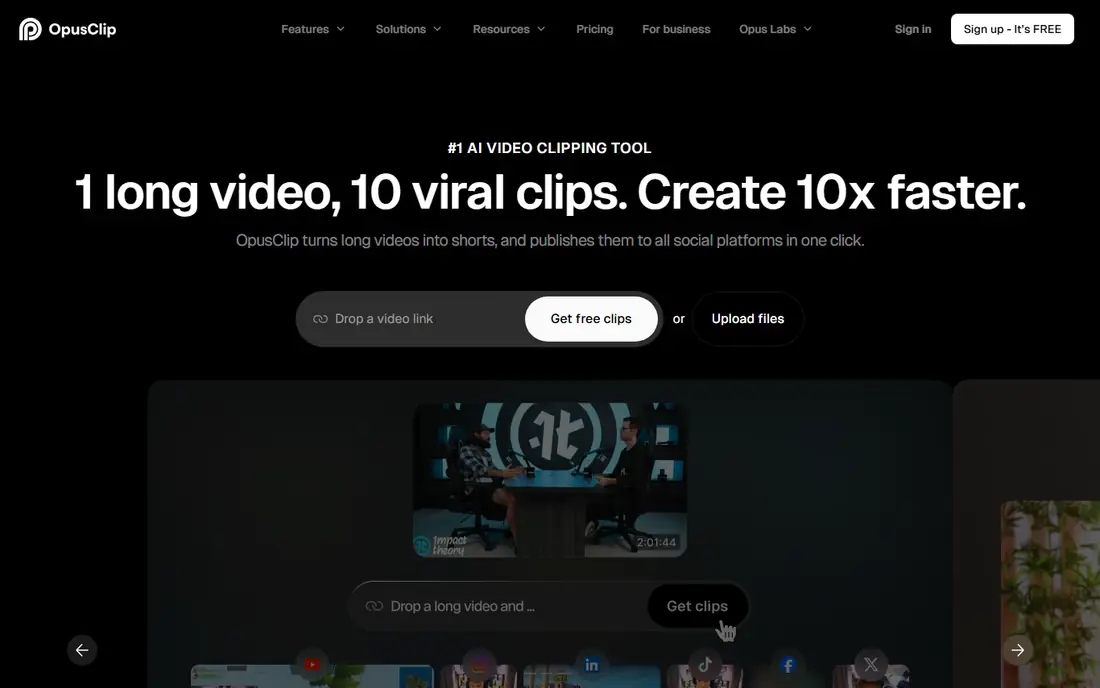
OpusClip is the number one AI video clipping and editing tool, used by creators including Grant Cardone, Scott Galloway, Logan Paul, Mark Rober, and Dhar Mann Studios, plus brands like ZoomInfo, Visa, iHeartMedia, and NVIDIA. Its ClipAnything model turns vlogs, gaming, sports, interviews, and explainer videos into viral clips in one click, while ReframeAnything resizes any video for any platform and keeps subjects centered. Captions are added automatically with over 97 percent accuracy, and workflow automation plus an API can publish videos five times faster.
For teams repurposing podcasts and long videos into shorts, OpusClip is the best alternative.
What we like- Used by over 20 million creators and businesses
- ClipAnything clips any genre, not just podcasts, in one click
- ReframeAnything keeps moving subjects centered with AI object tracking
- Free-forever plan with 60 minutes of processing monthly plus a 7-day Pro trial
Watch out for- Pricing is not shown as a simple starting figure on the homepage
- Clipping focus suits repurposing more than full editing
- AI clip selection needs human review before publishing
How we chose
We compared each tool on editing approach, AI generation, clipping, captions, collaboration, export quality, and pricing transparency. Every homepage above was opened to confirm it loads and belongs to the product, except Canva, whose unsupported-browser notice is flagged in its section. Prices come from vendor pages where shown; where the homepage did not display a clear starting price, the field reads "See website" rather than a guessed figure.
What to check before you switch
Start with your workflow. Transcript editors suit podcasters and educators, clipping tools suit repurposing teams, script-to-video tools suit marketers, and browser editors suit general teams. Test the free plan or trial with your real footage, since AI quality varies by source material and voice.
Next, check export limits, watermark rules, and caption accuracy on your actual videos, and confirm whether your plan covers the aspect ratios and platforms you publish to. Also confirm your team seats and storage limits, since shared workspaces and brand kits often sit on higher tiers. Finally, compare credit or seat pricing against your monthly output, since credit-based tools can cost more than flat subscriptions at high volume.
Frequently asked questions
What is the best free veed.io alternative?
Clipchamp, CapCut, Descript, and Kapwing all offer free plans, while OpusClip offers a free-forever plan with 60 minutes of monthly processing. Test each with your footage before choosing.
Which alternative is best for podcasters?
Descript is the best podcast pick, with transcript editing, Studio Sound, and clip creation in one place. OpusClip is the best pick for turning podcast episodes into shorts.
Can I edit video without downloading software?
Yes. Kapwing, Clipchamp, CapCut, Canva, InVideo, Pictory, and OpusClip all work in the browser, with Clipchamp also available as a Windows app.
Which tool generates video from a script?
Pictory and InVideo both generate video from scripts and prompts, with Pictory's agent planning scenes for review and InVideo's agents editing on the timeline.
Do these tools add captions automatically?
Yes. Clipchamp, CapCut, Pictory, and OpusClip all generate captions automatically, with OpusClip claiming over 97 percent caption accuracy.
Which alternative is best for teams?
Kapwing is the best team pick, with collaboration, templates, and brand consistency built in, while Descript and InVideo add enterprise controls and workspaces.
Sources we checked (8)
- https://kapwing.com
- https://descript.com
- https://clipchamp.com
- https://capcut.com
- https://canva.com
- https://invideo.io
- https://pictory.ai
- https://opus.pro
Is your product missing or out of date?
We review this list regularly. Vendors can request a listing, send updated pricing or ask about featured placement.

Shihab Mia · Founder, Rankite
Shihab has 5+ years in B2B and SaaS SEO. He writes Rankite's software buying guides from pricing pages, documentation and public user reviews. More about Shihab.