How we make this list: we compare pricing pages, product documentation and public user reviews. Ratings come from G2, Capterra or Trustpilot, with the date we checked them.
Key takeaways
- Trello is the cheapest paid entry at $5 per user a month, and the easiest tool to learn.
- ClickUp packs the most features into one plan, but its pricing changed in 2026, so older guides quote the retired Unlimited line.
- Asana and monday Work Management both start near $10 to $11 per user a month.
- Smartsheet has no free plan for new signups. Trello, ClickUp, Asana, monday, Notion, Jira, and Wrike all offer one.
- Jira prices rose on 13 October 2026, so any guide quoting $7.53 or $13.53 per user a month is out of date.
Trello vs ClickUp: which one is better?
Trello is better for simple work. A board, a list, and a card cover most small team workflows, and a new user can run it in minutes. ClickUp is better for complex work, adding goals, docs, whiteboards, time tracking, and views Trello only offers on higher plans. ClickUp takes longer to configure, and its interface can feel crowded at first. Trello stays calm and visual but runs out of depth when a team needs workload views or cross-project reporting. Pick Trello when the work is straightforward and the team is small. Pick ClickUp when one tool must replace several others.
How much do Trello and ClickUp cost in 2026?
Trello costs less at every step. Trello Standard is $5 per user a month billed annually, or $6 billed monthly. Premium is $10 billed annually, or $12.50 monthly. Enterprise starts at $17.50, billed annually only. ClickUp Core is $9 per user a month billed annually, or $12 monthly. Business is $17 billed annually, or $25 monthly. A 10 person team pays $600 a year on Trello Standard and $1,080 a year on ClickUp Core, both billed annually. ClickUp also sells Max at $100 per user a month for heavy AI use, and Enterprise on a quote. Trello charges less because it does less. ClickUp charges more because it bundles docs, goals, and time tracking that Trello users often buy elsewhere.
Trello fits a small team that wants to start today. Its free plan covers up to 10 collaborators and 10 boards, which is enough for many small teams to run without paying. Standard at $5 removes the board cap and adds custom fields and 1,000 automation runs a month. ClickUp suits a small team that will outgrow a simple board. Core at $9 adds unlimited storage, Gantt charts, and custom fields. The risk with ClickUp is overbuying. A five person team that only needs a board pays almost double for features it never opens. Start with Trello if the team is under ten people and the work is simple. Choose ClickUp if the team plans to grow past ten people within a year.
A growing business should choose a tool that scales without a painful migration. ClickUp scales further than Trello. Business at $17 adds workload views, resource management, timesheets, and 10,000 automation actions a month, the features a growing team needs to manage capacity. Trello Premium at $10 covers planning views but has no workload view and weaker reporting, so growing teams often pair it with a second tool. Asana Advanced at $24.99 and monday Pro at $19 are the main rivals at this size, both offering portfolios and resource management. Software teams should look at Jira. Agencies that live on approvals should look at Wrike. Teams that plan in spreadsheets should look at Smartsheet.
Quick comparison
| Tool | Best for | Starting price | Free plan |
|---|
 Trello | Small teams that want a simple visual board with almost no learning curve. | $5 per user per month billed annually (Standard; $6 billed monthly) | Free plan for up to 10 collaborators and 10 boards per Workspace. |
 ClickUp | Teams that want one tool for tasks, docs, goals, whiteboards, and time tracking. | $9 per user per month billed annually (Core; $12 billed monthly) | Free Forever plan with 100 MB storage and limited features. |
 Asana | Teams that plan by timelines and need portfolios, goals, and workload views. | $10.99 per user per month billed annually (Starter; $13.49 billed monthly) | Personal plan, free for up to 2 users. |
 monday Work Management | Visual teams that like colourful boards, templates, and a fast setup. | $9 per seat per month billed annually (Basic; $12 billed monthly) | Free plan for up to 2 seats, with 3 boards and 3 docs. |
 Notion | Teams that combine docs, wikis, and task tracking in one flexible workspace. | $10 per member per month billed annually (Plus; $12 billed monthly) | Free plan for individuals, capped at 1,000 blocks once a second member joins. |
 Jira | Software teams that track issues, sprints, and releases. | $9.70 per user per month for 1 to 100 users on monthly billing (Standard) | Free plan for up to 10 users. |
 Wrike | Agencies and PMOs that need request forms, proofing, approvals, and resource planning. | $10 per user per month billed annually (Team, 2 to 15 users) | Free plan with unlimited users, 2 GB storage, and no automations. |
 Smartsheet | Teams that plan in grids and sheets and need strong reporting across many projects. | $9 per Member per month billed annually (Pro; $12 billed monthly) | No free plan for new signups since 28 August 2024. A 30-day free trial is available. |
Is your product missing or out of date?
We review this list regularly. Vendors can request a listing, send updated pricing or ask about featured placement.
The table below compares all eight tools on the same columns, using each vendor pricing page as checked on 17 November 2026. Annual billing figures are used throughout, since every vendor discounts the yearly rate.
| Tool | Starting price (annual billing) | Free plan | Best for |
| Trello | $5 per user per month (Standard) | Yes, up to 10 collaborators and 10 boards | Simple visual boards |
| ClickUp | $9 per user per month (Core) | Yes, Free Forever plan | All-in-one task, docs, and goals |
| Asana | $10.99 per user per month (Starter) | Yes, Personal for up to 2 users | Timelines, portfolios, and goals |
| monday Work Management | $9 per seat per month (Basic) | Yes, up to 2 seats | Visual boards and templates |
| Notion | $10 per member per month (Plus) | Yes, for individuals | Docs, wikis, and light tasks |
| Jira | $9.70 per user per month (Standard, 1 to 100 users) | Yes, up to 10 users | Software teams and sprints |
| Wrike | $10 per user per month (Team) | Yes, unlimited users | Approvals and resource planning |
| Smartsheet | $9 per Member per month (Pro) | No free plan for new signups | Grid and sheet based planning |
#1Trello
Best for: Small teams that want a simple visual board with almost no learning curve.4.4/5 on
G2 (14,064 reviews, checked Oct 2026)
Visit trello.com
Starting price$5 per user per month billed annually (Standard; $6 billed monthly)
Free planFree plan for up to 10 collaborators and 10 boards per Workspace.
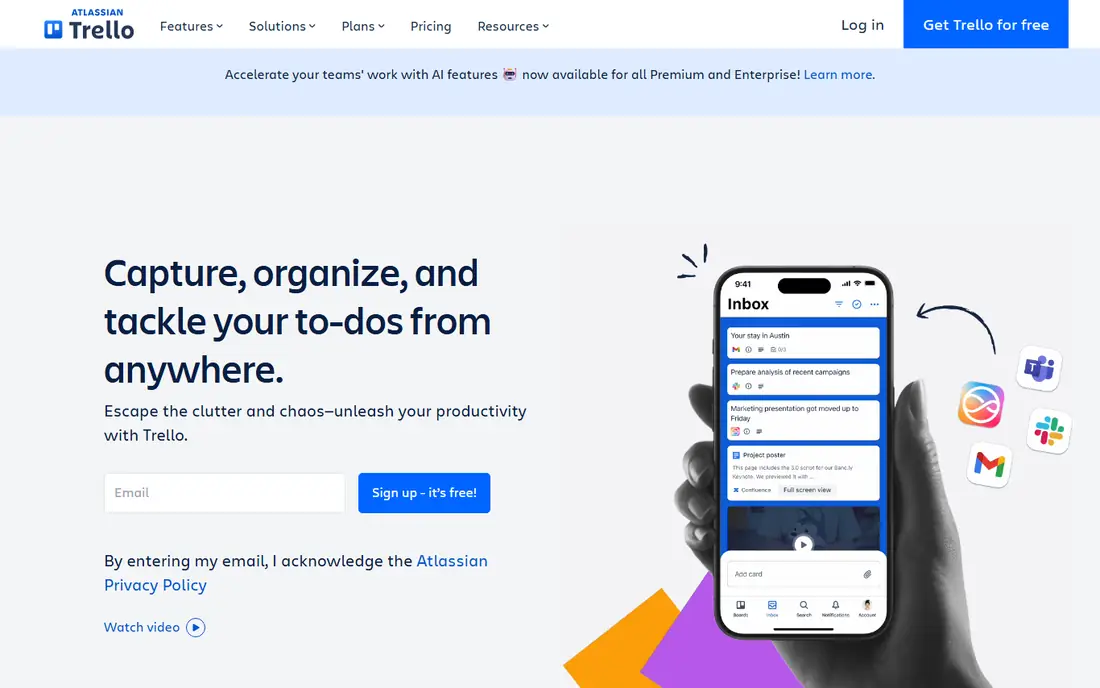
Trello is the simplest tool in this list. A board, a list, and a card are all most small teams need to track work, and Trello does that with almost no learning curve. Premium at $10 adds Calendar, Timeline, Table, Dashboard, and Map views, which matter once a team plans by dates. The free plan covers up to 10 collaborators and 10 boards, so very small teams may never pay. Enterprise starts at $17.50 and adds organisation-wide permissions and Atlassian Guard. Trello has no native workload view, and reporting stays basic even on Premium, so larger teams usually outgrow it.
What we like- Easiest board setup in this list, cheapest paid entry, unlimited boards on paid plans.
Watch out for- No workload view, reporting stays basic even on Premium, and automation is capped at 1,000 runs a month on Standard.
#2ClickUp
Best for: Teams that want one tool for tasks, docs, goals, whiteboards, and time tracking.4.6/5 on
G2 (14,878 reviews, checked Oct 2026)
Visit clickup.com
Starting price$9 per user per month billed annually (Core; $12 billed monthly)
Free planFree Forever plan with 100 MB storage and limited features.
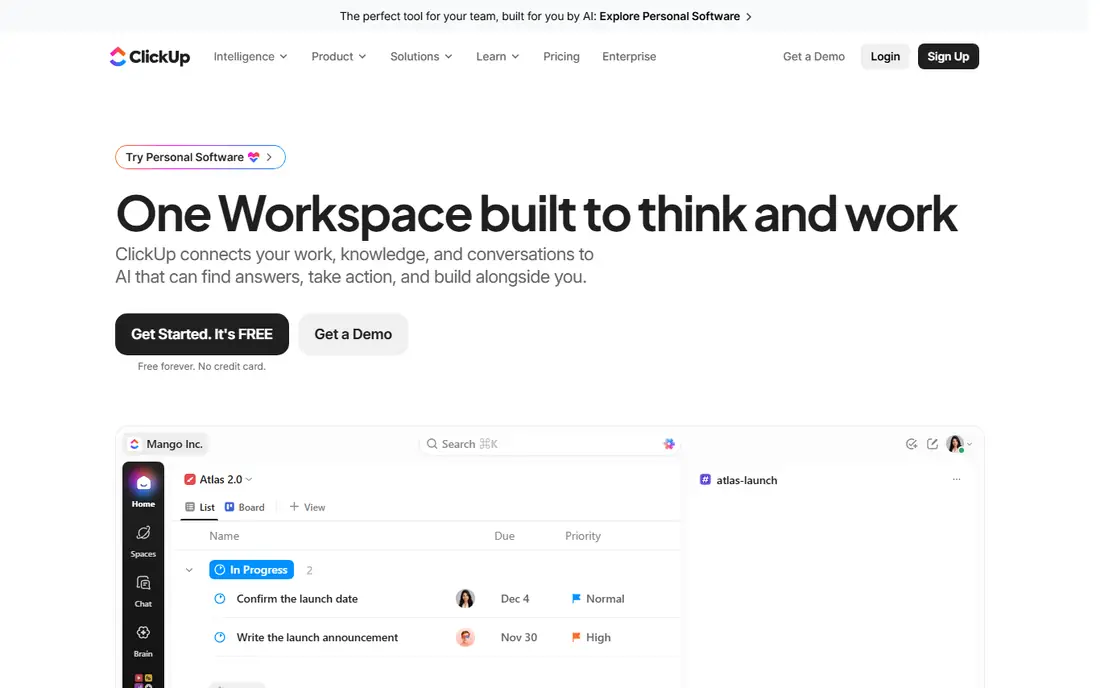
ClickUp tries to replace several tools at once. Core at $9 per user a month adds unlimited storage, unlimited Spaces, Gantt charts, custom fields, and 1,000 automation actions a month. Business at $17 adds advanced dashboards, workload and resource management, timesheets, webhooks, and 10,000 automation actions a month. Price conflict flagged: an October 2026 read of the vendor page listed Core at $8 per user a month, while reads from 5 November and 10 November 2026 list Core at $9, with $12 shown as the regular price. The $9 figure is used here as the current vendor page figure. A legacy Unlimited line at $7 and Business at $12 still bills some existing workspaces, so confirm which line a new workspace joins before signing up.
What we like- Widest feature range in one plan, many views, generous free plan.
Watch out for- Steep learning curve, interface can feel crowded, and pricing changed in 2026 so older guides quote the retired Unlimited line.
#3Asana
Best for: Teams that plan by timelines and need portfolios, goals, and workload views.4.4/5 on
G2 (13,930 reviews, checked Oct 2026)
Visit asana.com
Starting price$10.99 per user per month billed annually (Starter; $13.49 billed monthly)
Free planPersonal plan, free for up to 2 users.
Asana is the most polished timeline tool in this list. Starter at $10.99 per user a month adds Timeline and Gantt views, dashboards, forms, custom fields, and unlimited automations, which is enough for most small teams. Advanced at $24.99 adds portfolios, goals, workload, approvals and proofing, native time tracking, and formulas. The seat band system is the main catch. Asana sells paid seats in set bands, so the per-seat price is only part of the bill. The free Personal plan covers only two users. Asana kept its headline prices stable through 2026.
What we like- Clean Timeline and Gantt views, strong portfolios on Advanced, unlimited automations on Starter.
Watch out for- Seats are sold in bands rather than one at a time, so a small team may pay for seats it does not use, and Advanced at $24.99 is a big jump from Starter.
#4
monday Work Management
Best for: Visual teams that like colourful boards, templates, and a fast setup.
Visit monday.com
Starting price$9 per seat per month billed annually (Basic; $12 billed monthly)
Free planFree plan for up to 2 seats, with 3 boards and 3 docs.
monday Work Management turns work into visual boards where each task is a row and each column tracks status, owner, due date, or budget. Basic at $9 per seat a month covers unlimited boards and docs. Standard at $12 adds Timeline and Gantt views, guest access, and 250 automation actions a month. Pro at $19 adds private boards, dashboards, time tracking, and 25,000 automation actions a month. These are Work Management prices. monday CRM, Service, and Dev are separate products with different prices, so check the Work Management ladder, not the CRM ladder. Monthly billing raises Basic to $12, Standard to $14, and Pro to $24 per seat.
What we like- Visual boards and a large template library, unlimited free viewers on paid plans, quick setup.
Watch out for- Paid plans start at 3 seats, automations only start on Standard at $12, and the pricing page shows limited-time special offers that change displayed totals.
#5Notion
Best for: Teams that combine docs, wikis, and task tracking in one flexible workspace.4.6/5 on
G2 (13,834 reviews, checked Oct 2026)
Visit notion.com
Starting price$10 per member per month billed annually (Plus; $12 billed monthly)
Free planFree plan for individuals, capped at 1,000 blocks once a second member joins.
Notion is a docs-first tool that can also track tasks. Plus at $10 per member a month adds unlimited blocks for a team, unlimited file uploads, custom forms and sites, charts, and 30-day page history. Business at $20 adds full Notion AI, SAML single sign-on, private teamspaces, and 90-day page history. On 19 October 2026 Notion moved AI on Business and Enterprise to monthly credits, while seat prices stayed at $10 and $20. A team buying Notion mainly for project tracking will find its boards and timelines thinner than Trello, Asana, or monday. Notion works best when docs are the main job and tasks are secondary.
What we like- Flexible databases and pages, strong docs and wikis, guests are free.
Watch out for- Full AI only starts on Business at $20, and task management is lighter than dedicated project tools.
#6Jira
Best for: Software teams that track issues, sprints, and releases.4.3/5 on
G2 (7,984 reviews, checked Oct 2026)
Visit atlassian.com
Starting price$9.70 per user per month for 1 to 100 users on monthly billing (Standard)
Free planFree plan for up to 10 users.
Jira is the standard choice for software development. Standard adds user roles and permissions, 250 GB storage, 400 automation steps per user a month, and a Rovo AI credit allowance. Premium at $19.60 per user a month for the first 100 users adds cross-team planning, dependency management, unlimited storage, 750 automation steps, and 24/7 support for critical issues. Price conflict flagged: Atlassian raised prices on 13 October 2026. Standard rose from $9.05 to $9.70 and Premium from $18.30 to $19.60 for the first 100 users. Older figures such as $7.53 and $13.53 per user a month are stale and should not be used. Atlassian uses banded pricing, so the rate falls as headcount grows. The page slider shows blended rates, such as about $8.48 for Standard at 300 users.
What we like- Deep agile features, strong issue tracking, scales to very large teams.
Watch out for- Complex setup for non-technical teams, and prices rose on 13 October 2026, so older guides quote stale figures.
#7Wrike
Best for: Agencies and PMOs that need request forms, proofing, approvals, and resource planning.4.2/5 on
G2 (4,540 reviews, checked Oct 2026)
Visit wrike.com
Starting price$10 per user per month billed annually (Team, 2 to 15 users)
Free planFree plan with unlimited users, 2 GB storage, and no automations.
Wrike rebuilt its pricing grid in January 2026. Team at $10 per user a month covers 2 to 15 users with Gantt charts, dashboards, and 50 automation actions per seat a month. Business at $25 covers 5 to 200 users and adds request forms, time tracking, workload views, proofing, and 200 automation actions per seat a month. Wrike bills in blocks of 5, 10, or 25 seats depending on team size, so a team of 6 pays for 10 seats and a 12 person agency on Business pays for 15. Business and above are annual only, with no published monthly price, so model the real seat count first.
What we like- Strong proofing and approval workflows, request forms, workload views on Business.
Watch out for- Seats are sold in blocks of 5, so a team of 6 pays for 10 seats, and Business is annual only.
#8Smartsheet
Best for: Teams that plan in grids and sheets and need strong reporting across many projects.4.4/5 on
G2 (22,767 reviews, checked Oct 2026)
Visit smartsheet.com
Starting price$9 per Member per month billed annually (Pro; $12 billed monthly)
Free planNo free plan for new signups since 28 August 2024. A 30-day free trial is available.
Smartsheet suits teams that already think in spreadsheets. Pro at $9 includes unlimited sheets, forms, and reports, Gantt, board, and calendar views, 250 automation runs a month, and 20 GB of storage. Business at $19 adds the Timeline view, workload tracking, unlimited automations, admin controls, and 1 TB of storage. Smartsheet closed its free plan to new signups on 28 August 2024. New users get a 30-day trial and then must pay or lose editing access. Pro caps at 10 Members and is only sold to new customers, so an existing Business account cannot step down to it. Only paid Members are billed seats.
What we like- Familiar spreadsheet layout, strong reports and dashboards, unlimited free Contributors and Guests.
Watch out for- Pro caps at 10 Members and is only sold to new customers, and there is no free tier for new signups.
We picked tools that publish a project management plan with a public price, a free plan or trial, and a real user base in 2026. Each starting price was read from the vendor pricing page and checked on 17 November 2026. Where sources conflicted, the vendor page figure is used as primary and the conflict is flagged in the write-up. We compared board, timeline, and reporting features, free plan limits, and seat rules, since those are the factors that change the real bill. Last verified: 17 Nov 2026.
Frequently asked questions
Is Trello or ClickUp better for a small team?
Trello is better for a small team that wants to start fast. Its free plan covers up to 10 collaborators, and Standard at $5 removes the board cap. ClickUp is better when the team will need docs, goals, and time tracking within a year. Core at $9 covers those features, but setup takes longer. A team under ten people with simple work should start with Trello and move only when it hits a real limit.
Which is cheaper, Trello or ClickUp?
Trello is cheaper at every step. Trello Standard is $5 per user a month billed annually, while ClickUp Core is $9. Trello Premium is $10, while ClickUp Business is $17. A 10 person team pays $600 a year on Trello Standard and $1,080 a year on ClickUp Core. Trello charges less because it does less. ClickUp bundles docs, goals, and time tracking that Trello users often buy as separate tools.
Can I use Trello or ClickUp for free?
Yes, both offer a free plan. Trello Free covers up to 10 collaborators and 10 boards, with 250 MB file uploads and limited automation. ClickUp Free Forever covers unlimited tasks and members with 100 MB of storage, but limits views, guests, and automations. Neither free plan includes advanced reporting or workload views. A growing team should budget for a paid tier.
What is the best alternative to Trello and ClickUp for software teams?
Jira is the best alternative for software teams. Standard at $9.70 per user a month for the first 100 users adds issue tracking, sprints, roles and permissions, and automation built for development work. Asana Advanced at $24.99 suits teams that mix software and marketing work and need portfolios. Trello and ClickUp both work for software teams, but neither matches Jira for release tracking.
Do Trello and ClickUp work for client work and agencies?
Both work for client work, with different strengths. Trello suits agencies that manage one board per client and want clients to see progress at a glance. Premium adds Dashboard views and observers. ClickUp suits agencies that need time tracking, docs, and client portals in one place, with Business at $17 adding workload views and timesheets. Wrike is the stronger agency alternative when proofing and formal approvals are the core workflow.
Sources we checked (8)
- https://trello.com/pricing
- https://clickup.com/pricing
- https://asana.com/pricing
- https://monday.com/pricing
- https://www.notion.com/pricing
- https://www.atlassian.com/software/jira/pricing
- https://www.wrike.com/pricing
- https://www.smartsheet.com/pricing
Is your product missing or out of date?
We review this list regularly. Vendors can request a listing, send updated pricing or ask about featured placement.

Shihab Mia · Founder, Rankite
Shihab has 5+ years in B2B and SaaS SEO. He writes Rankite's software buying guides from pricing pages, documentation and public user reviews. More about Shihab.