How we make this list: we compare pricing pages, product documentation and public user reviews. Ratings come from G2, Capterra or Trustpilot, with the date we checked them.
Key takeaways
- Browse AI and WebHarvy are the cheapest ways in: Browse AI has a real free plan, and WebHarvy charges $99 once, with no subscription at all.
- Zyte and Oxylabs are the heavy-duty APIs for developers, with pay-as-you-go billing that rewards serious volume but punishes casual use.
- Firecrawl and Diffbot are built for the AI era, turning pages into LLM-ready markdown or a queryable knowledge graph, with generous free tiers for testing.
- Import.io and Dexi.io suit business teams that want point-and-click extraction without writing code, though Import.io starts at $199 per month.
- Grepsr is the done-for-you option: you describe the data, and their team builds and maintains the pipeline on an SLA.
Quick comparison
| Tool | Best for | Starting price | Free plan |
|---|
 Oxylabs Oxylabs | Teams running high-volume extraction on serious infrastructure | $30 per month (Web API) | Free trial |
 Zyte Zyte | Developers who want to pay only for successful extractions | $0 pay-as-you-go (free $5 credit trial) | Free trial |
 Browse AI Browse AI | Non-technical teams monitoring pages and extracting data without code | $19 per month (Personal) | Yes |
 Import.io Import.io | Retail and commerce teams running price and availability intelligence | $199 per month (Standard, billed annually) | Free trial (30 days, 5,000 queries) |
 Dexi.io Dexi.io | Teams building their own extraction robots with data pipelines | $99 per month (Professional) | Yes |
 WebHarvy WebHarvy | Individuals who want a one-time purchase instead of a subscription | $99 one-time | Free trial (15 days) |
 Diffbot Diffbot | AI teams that need structured facts plus a web knowledge graph | $299 per month (Startup) | Yes (10,000 credits per month) |
 Firecrawl Firecrawl | Developers feeding live web data to AI agents and RAG pipelines | See website | Yes (1,000 free credits per month) |
 Grepsr Grepsr | Business teams that want scraping fully done for them | See website | Free sample dataset |
Is your product missing or out of date?
We review this list regularly. Vendors can request a listing, send updated pricing or ask about featured placement.
The top web scraping software for data analysis
#1
Oxylabs
Best for: Teams running high-volume extraction on serious infrastructure
Visit oxylabs.io
Starting price$30 per month (Web API)
Free planFree trial
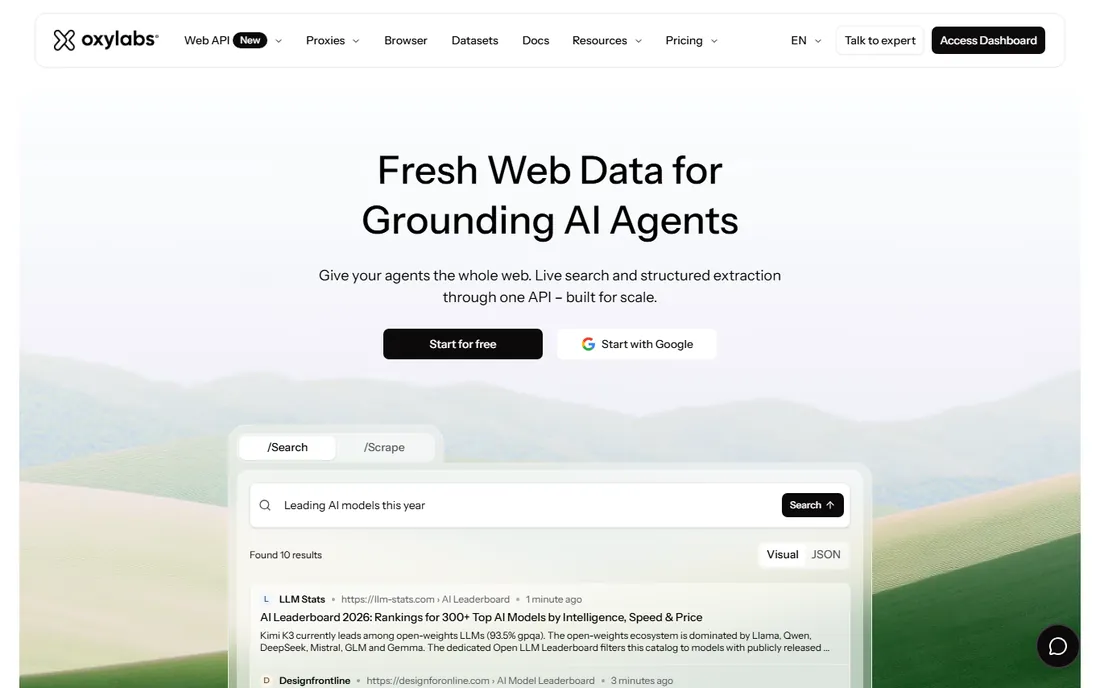
Oxylabs sells infrastructure first and scraping second. The core product is a proxy network that holds up under serious load, with residential proxies billed by the gigabyte and datacenter proxies by the IP. On top of that sits a Web Scraper API and a Web Unblocker that handles headers, fingerprints, and JavaScript rendering for you.
The Web API starts at $30 per month, which makes it accessible, but real scale lives in the proxy plans. This is a tool for teams that scrape daily and cannot afford failed requests. If you scrape a few hundred pages a month, you will overpay.
What we like- One of the largest proxy pools in the industry with 175M plus residential IPs
- Web Unblocker handles anti-bot sites automatically
- ISO 27001 certified with 195-country targeting
Watch out for- Enterprise pricing beyond self-service requires sales calls
- Pay-per-GB billing makes costs hard to predict for heavy pages
#2
Zyte
Best for: Developers who want to pay only for successful extractions
Visit zyte.com
Starting price$0 pay-as-you-go (free $5 credit trial)
Free planFree trial
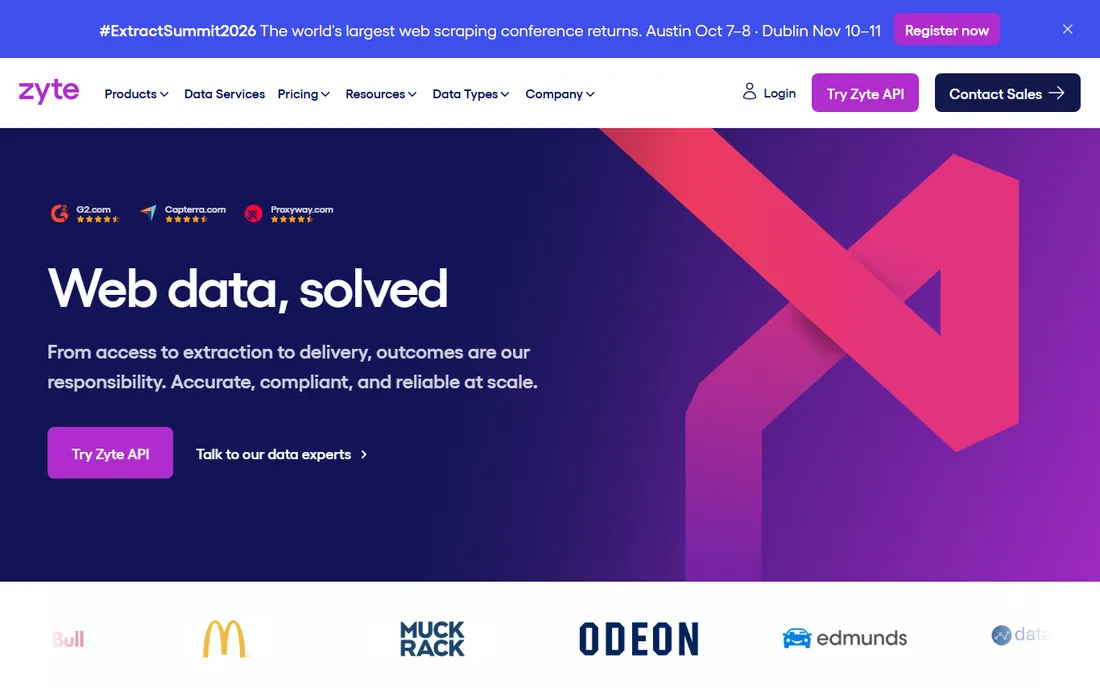
Zyte, formerly ScrapingHub, built its reputation on one idea: you should not pay for requests that fail. The Zyte API picks the cheapest access strategy that works for each site and escalates only when the site demands it. Sites are sorted into five difficulty tiers, and the per-request price follows the tier.
The $100, $200, and $500 monthly commitment plans cut rates by up to half versus pure pay-as-you-go. Browser-rendered pages cost several times more than plain HTTP, so check what your target sites actually need. For teams extracting thousands of pages daily from defended sites, the success-based model is genuinely good value.
What we like- Billed on success, not on attempts
- One API handles easy and hard sites with automatic escalation
- Maintains the Scrapy open-source framework
Watch out for- Pricing tiers based on site difficulty make budgeting unpredictable
- Browser-rendered requests cost far more than simple HTTP ones
#3
Browse AI
Best for: Non-technical teams monitoring pages and extracting data without code
Visit browse.ai
Starting price$19 per month (Personal)
Free planYes
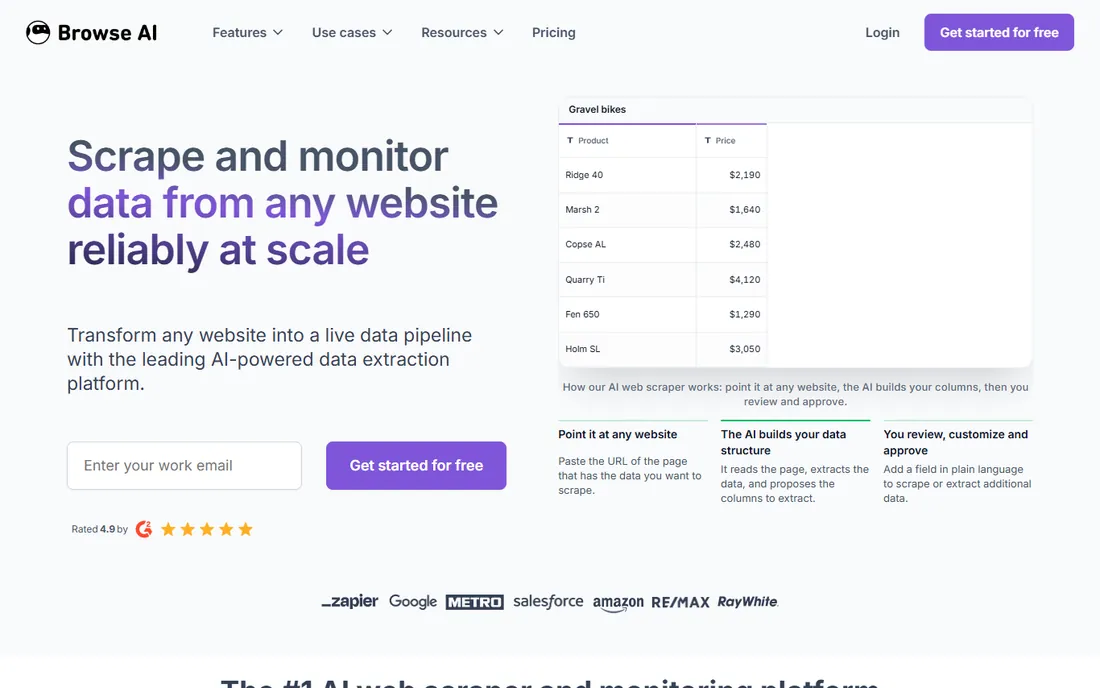
Browse AI is the friendliest scraper on this list. You point it at a page, the AI structures the data, and you approve it before anything runs. Scheduled monitoring alerts you when prices or listings change, and prebuilt robots cover common targets without any setup.
The free plan gives 50 credits a month, enough to test. Personal at $19 per month suits light use, while Professional at $69 per month handles regular extraction. Watch the credit math on heavily defended sites, since they consume multiples of the normal rate. For price monitoring and lead-list building, it is hard to beat for ease of use.
What we like- Train a robot in minutes by pointing at a page
- AI detects site layout changes and adapts automatically
- 7,000 plus integrations through Zapier, Google Sheets, and webhooks
Watch out for- Credit-based pricing burns fast on premium sites like Amazon and LinkedIn, which cost 2 to 10 credits per run
- Complex multi-page workflows run slower than API tools
#4
Import.io
Best for: Retail and commerce teams running price and availability intelligence
Visit import.io
Starting price$199 per month (Standard, billed annually)
Free planFree trial (30 days, 5,000 queries)
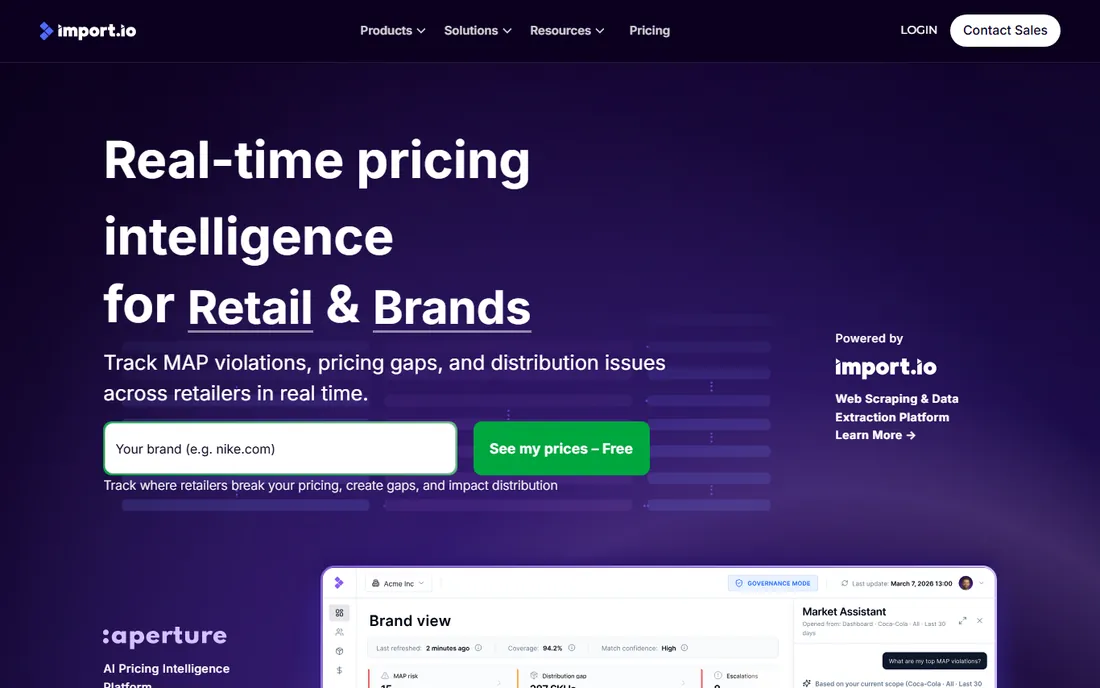
Import.io has been extracting web data since 2012, and the current platform is built for production pipelines. You get web indexing, fetch and rendering infrastructure, AI extraction models, verification across sources, and delivery through webhooks, queues, and maintained datasets. The 30-day trial with 5,000 successful queries is one of the most generous in the category.
Pricing is query-based: Standard at $199 per month annually covers 50,000 successful queries, with Professional at $399 and Advanced at $699 above it. Overage rates drop as you move up. The tool shines in retail use cases, tracking thousands of SKUs hourly across competitors.
What we like- Point-and-click extractors need no code
- Verification and provenance tracking built into the platform
- MCP endpoint lets AI agents use it directly
Watch out for- No permanent free plan, and $199 per month is steep for small teams
- Single-account limitation on lower tiers
#5
Dexi.io
Best for: Teams building their own extraction robots with data pipelines
Visit dexi.io
Starting price$99 per month (Professional)
Free planYes
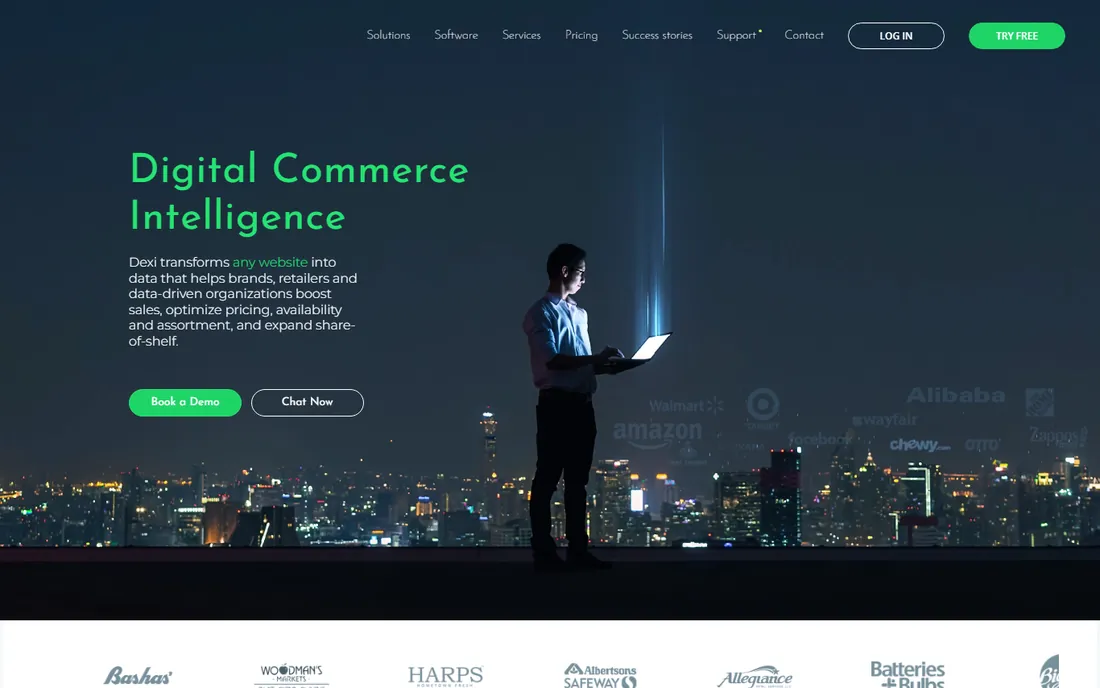
Dexi.io combines a point-and-click robot builder with managed-service options for larger projects. The self-service side lets you build extraction robots visually, schedule them, and pipe cleaned data into your BI tools. The company claims a third of the Fortune 500 use it, mostly on the enterprise side.
The free plan gives limited execution with full feature access, and Professional at $99 per month includes unlimited execution time. Enterprise pricing is quote-based. Dexi is worth a look if you want a tool that can grow from self-service into fully managed delivery without switching vendors.
What we like- Visual robot builder with no code required
- Data pipes clean and transform data before export
- Audit trails on every extraction run
Watch out for- Interface has grown complex as the product pivoted toward digital commerce intelligence
- Pricing climbs quickly with volume
#6
WebHarvy
Best for: Individuals who want a one-time purchase instead of a subscription
Visit webharvy.com
Starting price$99 one-time
Free planFree trial (15 days)
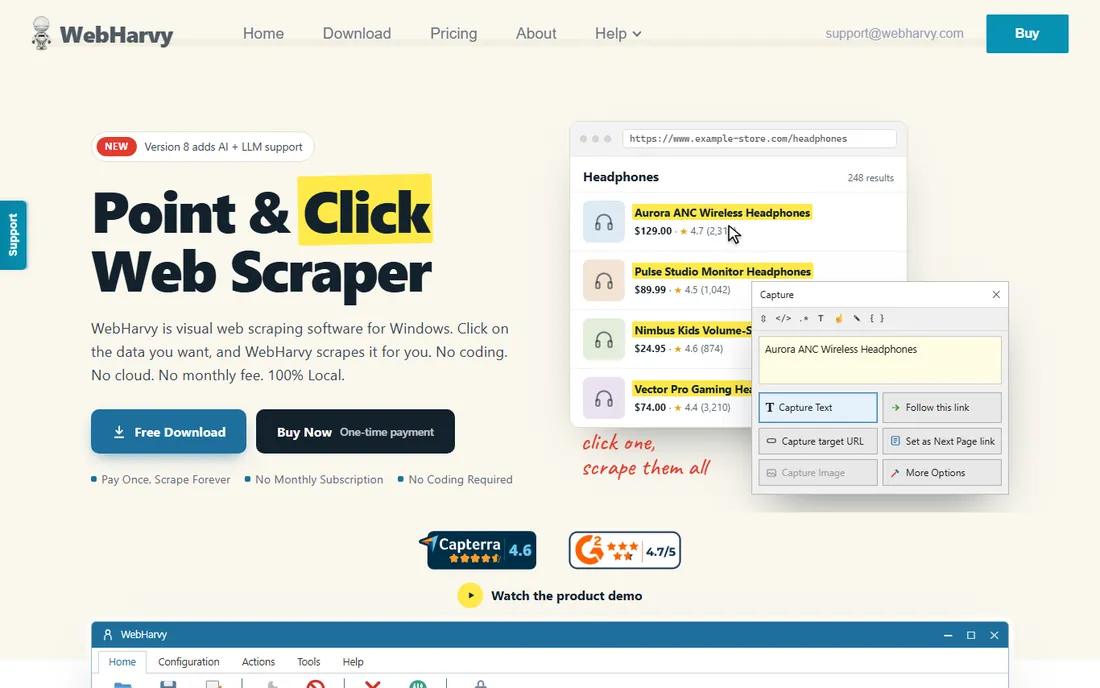
WebHarvy is the outlier here: desktop software you buy once. For $99, you get a visual scraper that renders pages like a real browser, handles JavaScript and pagination, and even logs into sites and pauses for CAPTCHAs. It supports proxy rotation and scheduling for recurring jobs.
The newest version connects to local or cloud LLMs for AI-powered extraction and exposes an MCP server so Claude Desktop can drive it with plain English. The main limitation is architectural: it runs on your machine. For analysts and researchers with a steady Windows PC, the math is unbeatable compared to monthly plans.
What we like- Pay once, use forever, with no recurring charges
- Point-and-click extraction with AI-assisted pattern detection
- Exports to Excel, CSV, JSON, and databases
Watch out for- Windows desktop software, so it needs a PC running to work
- Cloud-scale jobs require setting up your own Windows VM
#7
Diffbot
Best for: AI teams that need structured facts plus a web knowledge graph
Visit diffbot.com
Starting price$299 per month (Startup)
Free planYes (10,000 credits per month)
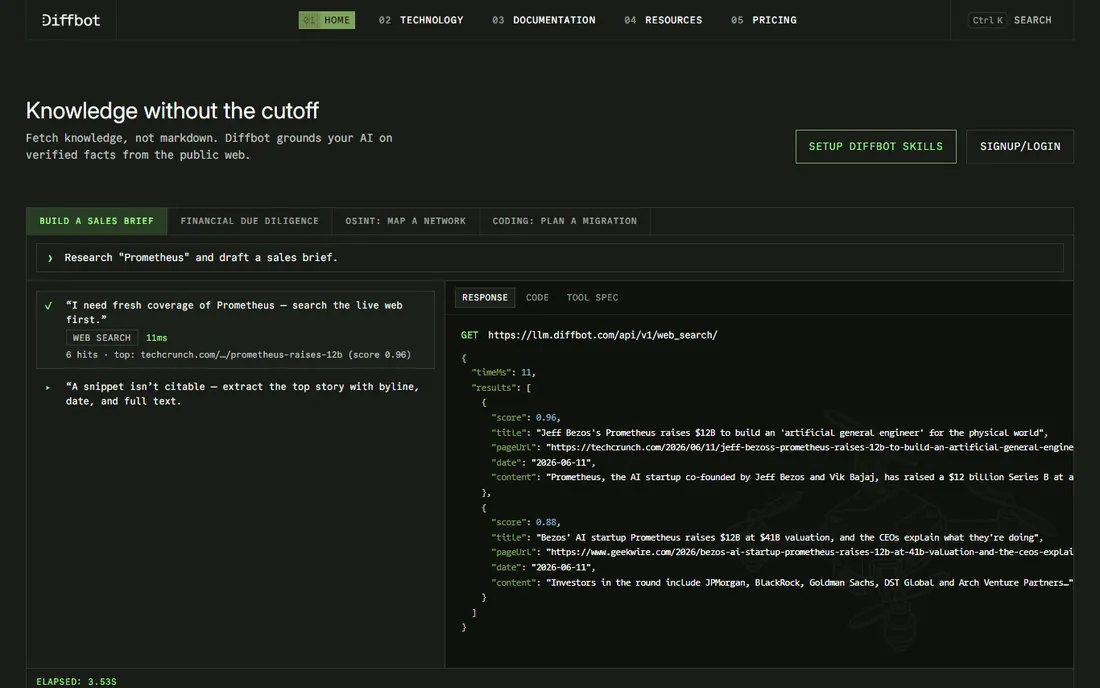
Diffbot turns the messy web into structured data using computer vision and machine learning, no selectors required. Its Extract API returns clean JSON from articles, products, and discussions. The real differentiator is the knowledge graph: billions of facts about companies, people, and news that you can query like a database.
The free plan includes 10,000 credits per month, which covers a surprising amount of page extraction. Startup at $299 per month gives 250,000 credits. The trap is the credit cost of knowledge graph work, where one entity export costs 25 credits. For pure scraping, it is competitive; for graph queries, budget carefully.
What we like- AI extracts structured data from any page type without configuration
- Knowledge graph covers hundreds of millions of organizations
- Free plan with no card required
Watch out for- Knowledge graph queries burn credits 25 to 100 at a time, so costs spike fast
- Query language for the graph has a learning curve
#8
Firecrawl
Best for: Developers feeding live web data to AI agents and RAG pipelines
Visit firecrawl.dev
Starting priceSee website
Free planYes (1,000 free credits per month)
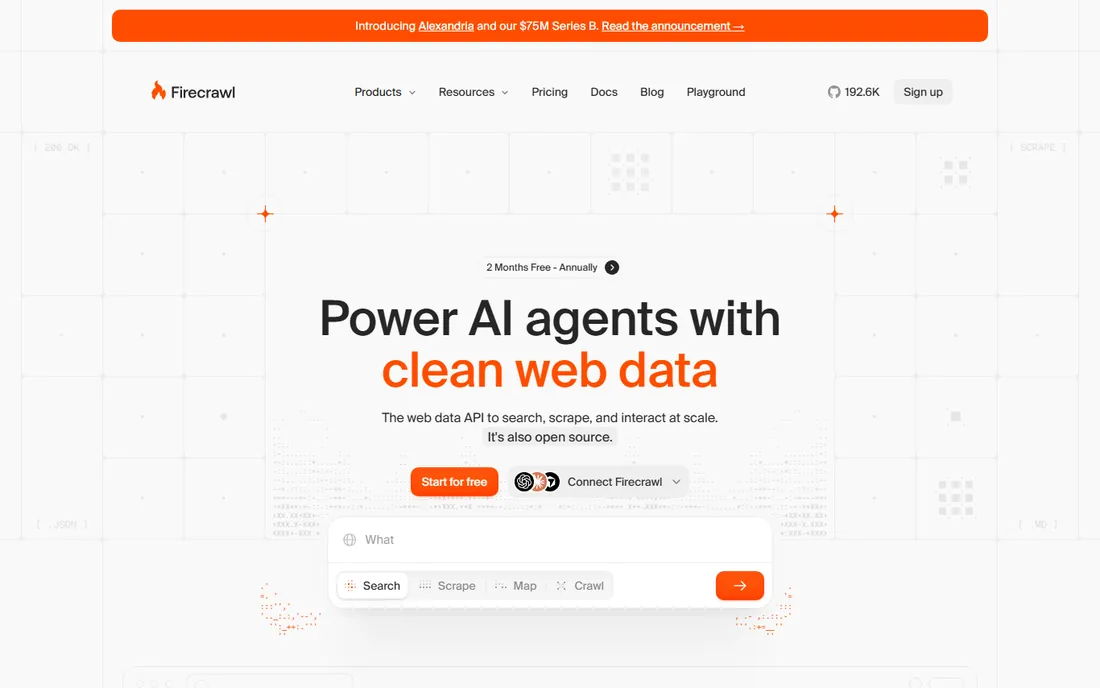
Firecrawl is the developer favorite of the AI era. One API call turns a page into clean markdown, structured JSON, or screenshots, handling JavaScript rendering automatically. The crawl endpoint walks entire sites, and the interact feature clicks through forms and logins for agents.
Billing is credit-based, with 1,000 free credits monthly and paid tiers from Hobby upward adding more in $5 increments. The platform reports a 96 percent success rate on its benchmark, and its MCP server connects directly to coding agents. If your pipeline feeds an LLM, Firecrawl's token-efficient output is a real cost advantage.
What we like- One API for search, scrape, crawl, and browser interaction
- Open-source core with 180K plus GitHub stars
- Output as clean LLM-ready markdown cuts token costs
Watch out for- Credit costs for search and interaction add up on complex jobs
- Newest vendor on this list, so long-term stability is less proven
#9
Grepsr
Best for: Business teams that want scraping fully done for them
Visit grepsr.com
Starting priceSee website
Free planFree sample dataset
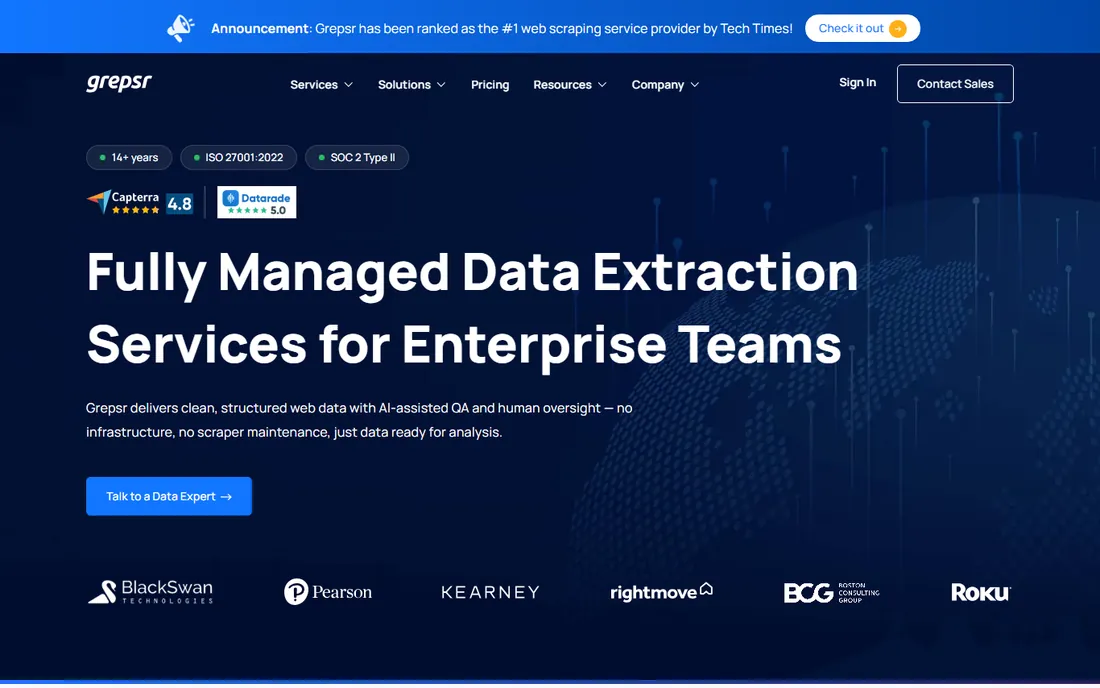
Grepsr is a service, not software, and that is the point. You describe the data you need, their team builds and maintains the crawlers, and clean datasets arrive on your schedule through API, S3, or FTP. A dedicated account manager handles change requests, and site changes are caught before your pipeline breaks.
There is no public pricing, and no DIY option. For teams without engineers, that trade is often worth it: you trade control and transparency for guaranteed delivery. The 14-year track record and enterprise client list make it a safe pick for compliance-heavy industries.
What we like- Fully managed service with a 99.5 percent accuracy SLA
- Every dataset passes human QA before delivery
- SOC 2 Type II and ISO 27001 certified
Watch out for- No self-service tool, so you cannot run your own scrapers
- Project-based pricing means no published rates to compare
How we chose
We picked tools that are actively maintained in 2026 and serve the data analysis use case: getting structured data out of websites reliably. We reviewed vendor pricing pages, documentation, and public reviews on G2, Capterra, and TrustRadius. We favored tools with published pricing or clear billing models, checked free tier usability, and made sure the list mixes developer APIs, no-code tools, and managed services so different buyers can find their fit.
What it costs to scrape at scale
Scraping tools bill in four different ways, and misunderstanding the unit is how budgets blow up. Per-request tools like Zyte and Firecrawl charge per successful page, which is predictable if your page count is stable. Per-GB tools like Oxylabs charge for bandwidth, so image-heavy pages cost more than text-heavy ones. Per-credit tools like Browse AI and Diffbot use credits that can be consumed at different rates per action, which is the hardest to forecast. Query-based plans like Import.io bundle an allowance with overage rates.
The honest way to compare is a two-week test. Run your real targets on the free tier or trial, measure the units consumed, and multiply by your monthly volume. Most vendors offer cost calculators, and their sales teams will model a real workload if you ask. The cheapest plan on paper is rarely the cheapest at your volume.
Common mistakes that waste money
The first mistake is scraping more than you need. Teams set crawlers to pull every page of a site when they only analyze ten percent of them. Narrow your targets before you scale your plan. The second mistake is paying for premium proxy and rendering features on sites that would work fine with a plain HTTP request. Zyte's tiered model makes this visible; test each target at the cheapest level first.
The third mistake is ignoring maintenance. Sites change layouts, and brittle scrapers silently produce garbage data. Budget time for monitoring, or pick a tool with change detection like Browse AI, or a managed service like Grepsr that handles it for you. Bad data fed into a pricing model costs far more than the scraping bill.
Frequently asked questions
Is web scraping legal?
Scraping publicly available data is generally legal in the US, but you should check each site's terms of service and applicable regulations before collecting. Avoid personal data without permission, respect robots.txt on sites that matter to you, and be careful with login-gated content. When in doubt, consult counsel rather than a vendor's marketing page.
How much does web scraping software cost?
It ranges from $0 (free tiers and trials) to thousands per month at enterprise scale. Small teams typically spend $19 to $99 per month on tools like Browse AI or WebHarvy, while API-based pipelines at volume run $100 to $500 per month. Managed services are custom-priced. The billing unit matters more than the plan price, so test with real targets first.
What is the difference between a scraping API and a no-code scraper?
A scraping API like Zyte or Firecrawl is called from your code and returns structured data for you to process. A no-code scraper like Browse AI or WebHarvy is a visual tool you configure by clicking, with scheduling and integrations built in. Developers prefer APIs for pipelines; analysts and marketers usually get further faster with no-code tools.
Why do scrapers get blocked, and how do tools handle it?
Sites block scrapers with rate limits, CAPTCHAs, and bot detection based on IP addresses and browser fingerprints. Tools fight this with proxy rotation, headless browsers that behave like humans, and automatic retries. Oxylabs and Zyte built entire businesses on solving this, while desktop tools like WebHarvy rely on simulating a real user session.
Can I scrape data from websites that require login?
Technically yes, most tools support authenticated scraping, and WebHarvy can even log in with saved credentials. Legally and contractually, it is a different question: login-gated data often comes with terms that prohibit automated access. Check the site's terms before automating anything behind a login, especially for competitive or resale use.
How do I get scraped data into my analysis tools?
Nearly every tool exports CSV or JSON, which load directly into Excel, Python, or your BI platform. API-based tools push data through webhooks, and no-code tools integrate with Google Sheets, Airtable, and Zapier. For recurring pipelines, schedule runs and write to cloud storage or a database, then build your analysis on top of the fresh feed.
Sources we checked (13)
- https://oxylabs.io/pricing
- https://www.zyte.com/pricing
- https://browse.ai/pricing
- https://www.import.io/pricing
- https://dexi.io/pricing
- https://webharvy.com/buy
- https://www.diffbot.com/pricing
- https://www.firecrawl.dev/pricing
- https://www.grepsr.com/pricing
- https://www.g2.com/products/oxylabs/pricing
- https://www.g2.com/products/zyte/pricing
- https://www.g2.com/products/diffbot/pricing
- https://www.trustradius.com/products/import-io/pricing
Is your product missing or out of date?
We review this list regularly. Vendors can request a listing, send updated pricing or ask about featured placement.

Shihab Mia · Founder, Rankite
Shihab has 5+ years in B2B and SaaS SEO. He writes Rankite's software buying guides from pricing pages, documentation and public user reviews. More about Shihab.