How we make this list: we compare pricing pages, product documentation and public user reviews. Rankite is independent; if a vendor ever pays for a featured spot, that listing is clearly labeled Partner.
Key takeaways
- Most buyers should start with a no-code scraper (Browse AI, ParseHub, Axiom, or WebHarvy) before paying for scraping infrastructure; you only need Bright Data, Oxylabs, or Zyte when you are pulling data at serious scale.
- If you hate subscriptions, WebHarvy's $99 one-time license is the outlier here: pay once, scrape from your own Windows machine, no monthly fee.
- For developers building data pipelines, Zyte's success-based API pricing and Oxylabs' proxy-backed Web API remove the pain of bans, browsers, and blocks.
- Every tool here handles JavaScript-heavy sites differently, so test yours against the actual target site before committing; a scraper that breezes through one site can stall on another.
Quick comparison
| Tool | Best for | Starting price | Free plan |
|---|
 Bright Data Bright Data | large-scale scraping backed by a premium proxy network | See website | Free trial |
 Zyte Zyte | developers who want a scraping API without managing proxies or browsers | See website | Free trial |
 Oxylabs Oxylabs | enterprises that need reliable proxy infrastructure behind their data collection | See website | Free trial |
 Browse AI Browse AI | non-technical users who want AI to build and maintain their scrapers | See website | Free trial |
 ParseHub ParseHub | anyone who wants a capable visual scraper with a genuinely free tier | See website | Yes |
 Axiom Axiom | automating browser-based scraping and data entry without code | See website | Yes |
 WebHarvy WebHarvy | Windows users who want to pay once and scrape forever | $99 one-time | Free trial |
Is your product missing or out of date?
We review this list regularly. Vendors can request a listing, send updated pricing or ask about featured placement.
Starting priceSee website
Free planFree trial
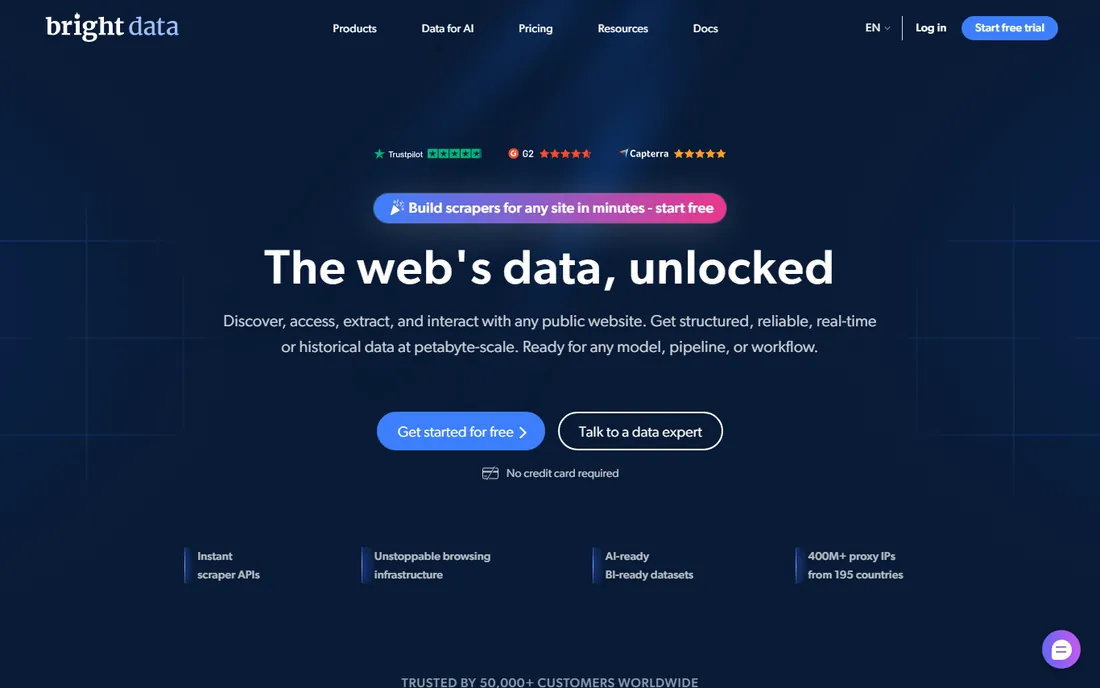
Bright Data is the name that comes up in every serious conversation about web data at scale, and for good reason. It combines one of the world's largest proxy networks with scraping APIs, a no-code collector, and prebuilt datasets, so a data team can go from "we need pricing data from 50 retailers" to a scheduled pipeline without assembling infrastructure. The compliance posture is the most developed in the category, which matters when legal teams start asking questions about data sourcing.
The honest catch is cost and complexity. Pricing is usage-based across proxies, API calls, and datasets, and first-time buyers routinely underestimate the bill. For a simple project like scraping a few hundred product pages a month, Bright Data is the wrong tool: you will pay enterprise rates for capacity you never use. It earns its place when volume, block rates, or compliance requirements would break a cheaper setup.
What we like- The largest proxy network in the industry with 150M+ IPs
- Purpose-built scraping APIs and ready datasets
- Strong compliance and enterprise tooling
Watch out for- Pricing is complex and usage-based, which makes budgeting hard
- Overkill and overpriced for small one-off scraping jobs
#2
Zyte
Best for: developers who want a scraping API without managing proxies or browsers
Visit zyte.com
Starting priceSee website
Free planFree trial
Zyte, formerly Scrapinghub, takes the most annoying parts of web scraping (proxy rotation, headless browsers, ban handling, retries) and hides them behind a single API call. Point it at a URL and it picks the cheapest access strategy that works, escalating to heavier methods only when the site demands it. Because you are billed on successful extractions rather than raw requests, failed attempts do not inflate the invoice. Teams that already run Scrapy spiders can host them on Scrapy Cloud instead of maintaining servers.
The trade is audience. Zyte speaks to developers: API docs, crawler frameworks, and data pipelines, not point-and-click robots. A marketer who wants competitor prices in a spreadsheet will be lost here. Pricing for the managed data service is custom-quoted, so budget approval takes a sales conversation. For engineering teams building production data feeds, though, the success-based pricing and automatic difficulty escalation are genuinely well designed.
What we like- One API handles easy, moderate, and hard sites with automatic escalation
- Billed on successful results, not attempts
- Scrapy Cloud for hosting your own crawlers
Watch out for- Developer-first, with little for non-technical users
- Managed data services are quoted, not self-serve
#3
Oxylabs
Best for: enterprises that need reliable proxy infrastructure behind their data collection
Visit oxylabs.io
Starting priceSee website
Free planFree trial
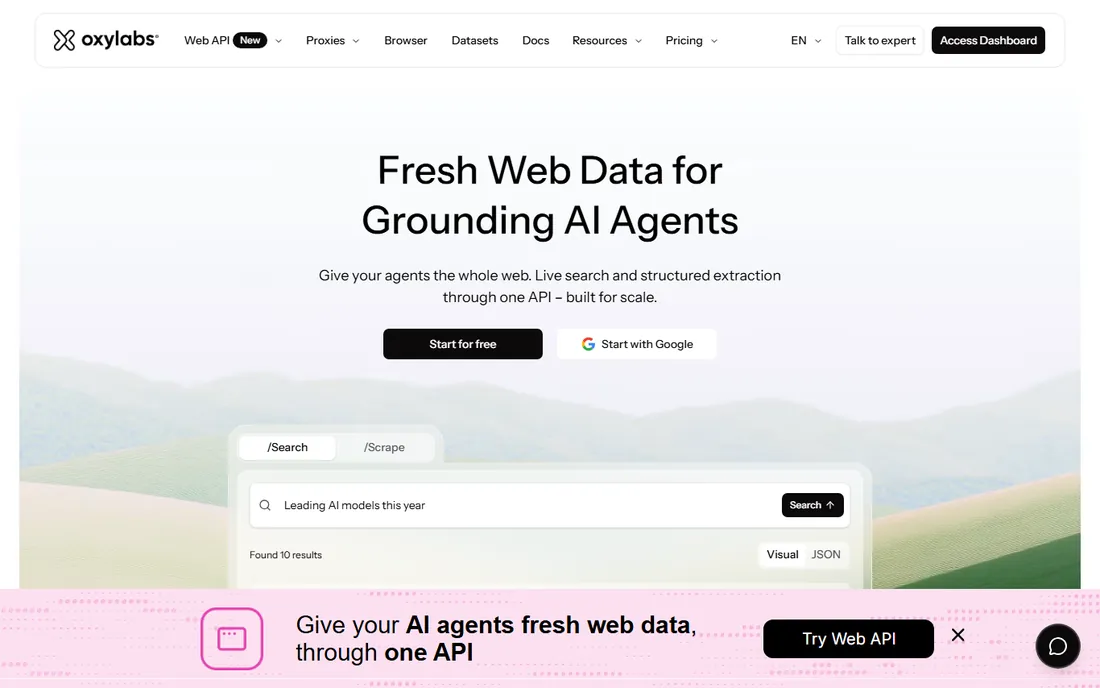
Oxylabs built its reputation on proxy quality first and scraping products second, and that order still defines it. The 177-million-plus IP pool backs residential, datacenter, and mobile proxies, and the newer Web API layers search-result retrieval and page scraping on top for teams feeding AI agents. Enterprise buyers get the compliance certifications, dedicated infrastructure, and support SLAs that procurement departments require. Clients like NielsenIQ and Wiser run serious data operations on it.
The honest weakness is accessibility. This is enterprise infrastructure with enterprise pricing: most products require a sales conversation, and high-volume proxy usage gets expensive fast. Small teams scraping a few sites will find the platform more than they need and the entry cost more than they want. Oxylabs fits when data collection is a production system with uptime requirements, not a side project.
What we like- 177M+ IP proxy network with strong success rates
- Web API unifies search and scraping for AI workflows
- Trusted by 15,000+ clients including large enterprises
Watch out for- Pricing skews enterprise and is not published for most products
- Proxy costs scale steeply with volume
#4
Browse AI
Best for: non-technical users who want AI to build and maintain their scrapers
Visit browse.ai
Starting priceSee website
Free planFree trial
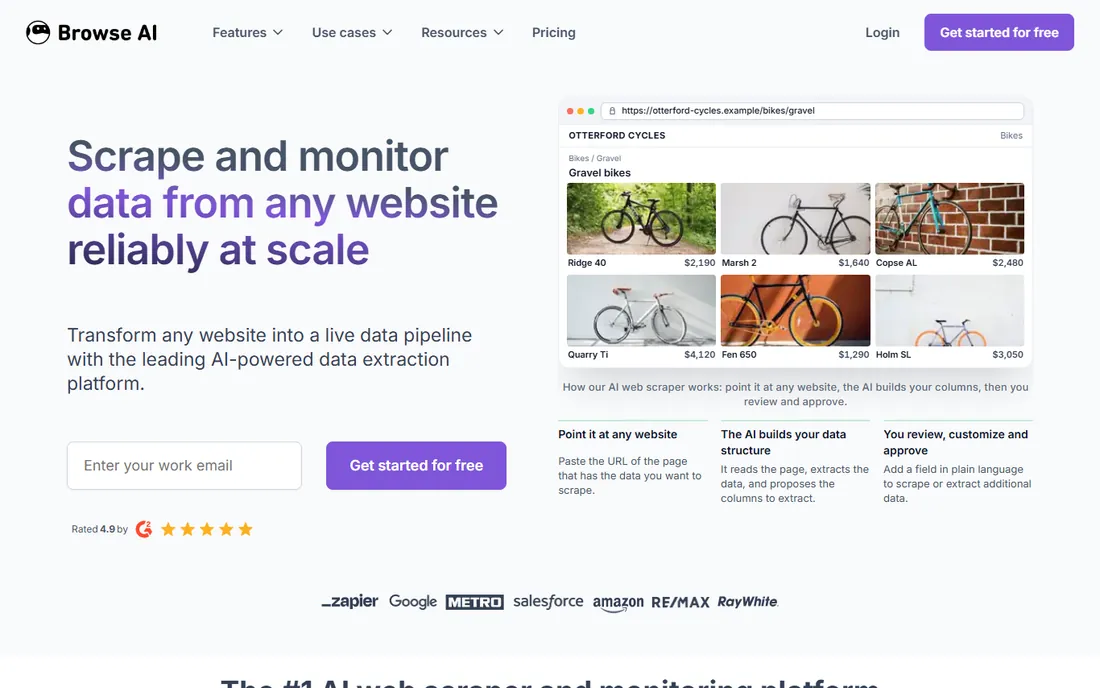
Browse AI is the most approachable serious scraper on this list. You point it at a webpage, the AI figures out the data structure, and you approve the extraction before it runs. The standout feature is resilience: when a target site changes its layout, the AI detects and adapts the robot instead of silently returning garbage, which is the failure mode that kills most scraping projects. Built-in monitoring alerts you to content changes, and 200-plus prebuilt robots cover common sites in two clicks. Integrations with Google Sheets, Zapier, and Make, plus a REST API, move the data wherever it needs to go.
The catch is the credit model. Every extraction and monitoring check consumes credits, and scheduled scraping across many pages adds up faster than beginners expect. Very intricate sites with heavy anti-bot measures can still need manual adjustment. For business users who want reliable data without learning selectors or managing proxies, though, Browse AI is the easiest path from "I need that data" to a working pipeline.
What we like- Point at a page and the AI builds the extraction, no selectors or code
- Automatic adaptation when sites change layout
- 200+ prebuilt robots and 7,000+ integrations
Watch out for- Credit-based pricing climbs quickly at high volume
- Very complex extractions may still need manual tuning
#5
ParseHub
Best for: anyone who wants a capable visual scraper with a genuinely free tier
Visit parsehub.com
Starting priceSee website
Free planYes
ParseHub has been the free visual scraper of choice for years, and it remains remarkably capable for the price of nothing. Download the desktop app, open a site, and click the data you want; its machine-learning engine identifies similar elements across the page. It handles the hard stuff (JavaScript rendering, AJAX, forms, dropdowns, logins, infinite scroll, CAPTCHAs with manual solving) that breaks simpler tools. Cloud-based collection, IP rotation, scheduled runs, and a REST API round out a package that paid competitors charge real money for.
The honest trade is the desktop-first experience. You build projects in a local app rather than a modern web interface, and while the selection model is powerful, intricate sites demand an afternoon of learning. Support is a genuine bright spot, with free help that reviewers consistently praise. For researchers, journalists, analysts, and small teams with more time than budget, ParseHub's free tier is the best deal in web scraping.
What we like- Free plan handles real projects with no credit card
- Point-and-click interface tackles JavaScript, AJAX, logins, and infinite scroll
- REST API and scheduled runs included
Watch out for- Desktop-app workflow feels dated next to cloud-native rivals
- Complex sites still require learning its selection model
#6
Axiom
Best for: automating browser-based scraping and data entry without code
Visit axiom.ai
Starting priceSee website
Free planYes
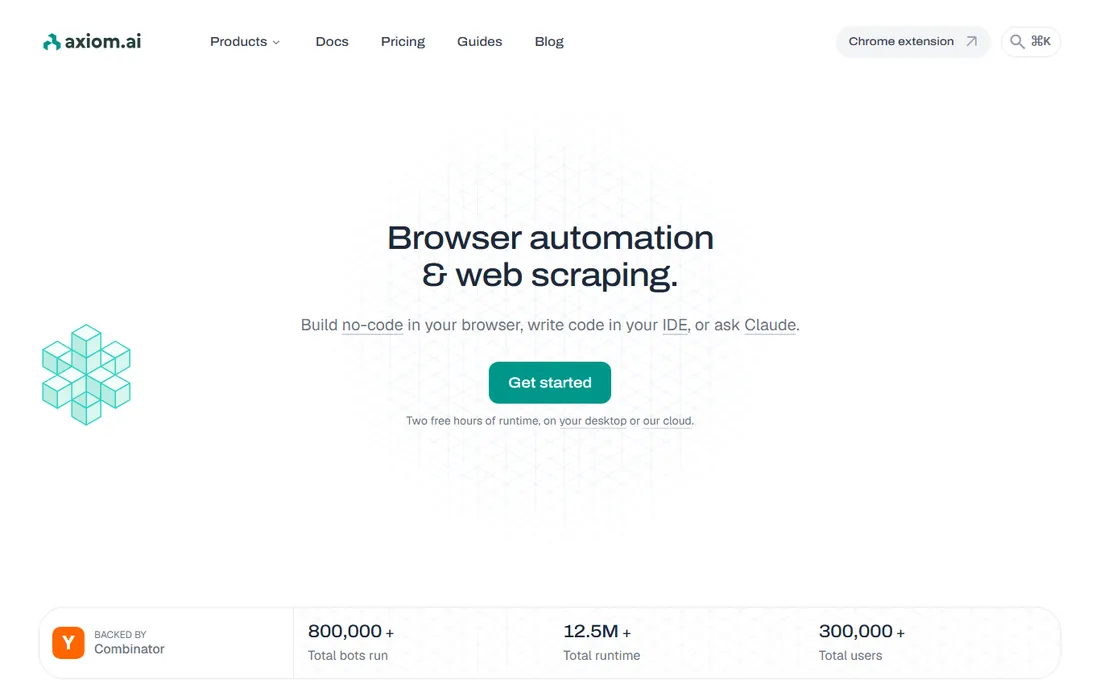
Axiom lives where web scraping meets browser automation. Instead of configuring selectors, you describe the job ("get every job listing from this careers page") and it builds a bot that drives a real browser: clicking, scrolling, filling forms, and extracting data into a sheet. Bots can run on a schedule in Axiom's cloud or locally on your machine, and the newer developer surface (Chrome API, Step API, MCP server) lets engineers drive the same infrastructure from code or AI agents like Claude.
The limitation is architectural: everything goes through a browser, so you cannot hit APIs directly or scrape at the raw-HTTP speed of a dedicated crawler. For browser-shaped tasks, though, that is a strength, not a weakness, because it sidesteps most bot detection. Pricing runs from $15 to $250 a month across tiers, and the jumps between tiers can sting as usage grows. It is free to install and start building, which makes it easy to validate against your actual target sites.
What we like- Describe the task in plain English and get a working bot
- Runs in the cloud or on your own machine
- Developer APIs for Puppeteer, Playwright, and MCP clients
Watch out for- Limited to what a browser can do, so no direct API scraping
- Pricing tiers from $15 to $250 a month can jump steeply
#7
WebHarvy
Best for: Windows users who want to pay once and scrape forever
Visit webharvy.com
Starting price$99 one-time
Free planFree trial
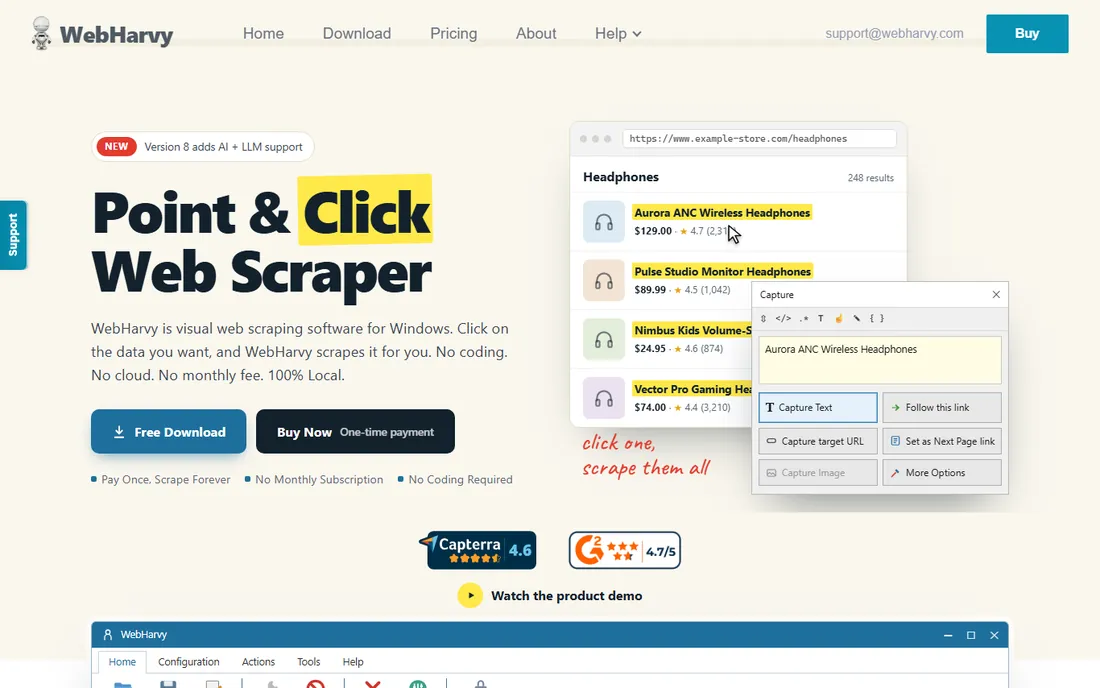
WebHarvy is the contrarian pick: a $99 one-time purchase in a category that has moved almost entirely to subscriptions and usage billing. It is a visual point-and-click scraper for Windows. Click any item on a page and its pattern detection finds every similar item, whether product listings, table rows, or search results. It handles pagination, infinite scroll, keyword-driven form submissions, and JavaScript-heavy pages, exports to Excel, CSV, JSON, XML, or directly to MySQL, SQL Server, and other databases, and its browser session gets through Cloudflare-protected sites that stop headless tools cold. A 15-day free trial lets you verify it against your targets.
The honest catches are platform and scale. There is no Mac version and no cloud service; you run it on a Windows machine (or a Windows VM in AWS or Azure for 24/7 schedules). It will not replace a proxy network for large-scale distributed crawling. But for an individual or small team scraping from one desk, the math is unbeatable: $99 once versus hundreds per year in subscriptions, with AI-assisted extraction and MCP support keeping it current.
What we like- Single $99 one-time payment with no subscription
- Point-and-click visual scraping with intelligent pattern detection
- Exports to Excel, CSV, JSON, XML, and databases
Watch out for- Windows only, with no native Mac or cloud version
- Lacks the proxy scale of infrastructure platforms
How we chose
We mapped the category into its real segments (scraping APIs and proxy infrastructure, no-code cloud scrapers, and desktop visual scrapers) and picked the strongest current product in each, favoring tools that exist and are actively maintained in 2026. For each vendor we opened the homepage, checked the current product lineup and pricing model, and reviewed plan limits and free-tier terms. We weighed G2, Capterra, and Reddit feedback for reliability complaints, since a scraper's uptime matters more than its feature list. We excluded discontinued tools, renamed products are listed under current names, and no vendor paid for placement. We did not claim hands-on testing; this guide reflects published product information as of October 2026.
Picking the right scraping approach
Start by classifying your job. If a person could do it by clicking around a website, a no-code tool (Browse AI, ParseHub, Axiom, WebHarvy) will get you running today with no infrastructure. If you need data from hundreds or thousands of pages on a schedule, or the target site fights back with blocks and CAPTCHAs, you need infrastructure: Zyte's API, Oxylabs' proxies, or Bright Data's platform. Most failed scraping projects come from picking the wrong tier: a desktop scraper pointed at a hostile site, or an enterprise platform bought for a weekend project.
Then test against the actual target site before paying. Scraping difficulty is site-specific, not tool-specific. A JavaScript-heavy single-page app, aggressive rate limiting, login walls, and Cloudflare all change which tool works. Every product here offers a free tier or trial; run your real URLs through it for a week, check the data quality field by field, and confirm the export format fits your pipeline. The cheapest tool that reliably returns clean data from your sites is the right one.
Staying on the right side of the law
Scraping publicly available data is generally legal in the US, but "generally" carries responsibilities. Always read the target site's terms of service: some explicitly prohibit automated collection, and breaching them can get your IPs banned or your accounts closed even when no law is broken. Never collect personal data without a lawful basis, and be especially careful with anything that looks like names, emails, or phone numbers tied to individuals.
Rate-limit yourself like a polite guest. Hammering a small site with aggressive concurrent requests is how scrapers get blocked and how site owners get angry; use delays, respect robots.txt where it makes sense, and scrape during off-peak hours for large jobs. If you are building AI training datasets, note that regulations like the EU AI Act and California's AB 2013 are adding provenance and transparency requirements for training data. When in doubt, consult a lawyer before scaling up, not after.
Frequently asked questions
Is web scraping legal?
Scraping publicly available data is generally legal in the US, but you must respect each site's terms of service and avoid collecting personal data without permission. Regulations around AI training data are tightening, so check current law for your use case.
Why do my scrapers keep getting blocked?
Sites detect automation through IP reputation, request patterns, browser fingerprints, and behavior analysis. Fixes include rotating residential proxies, throttling request rates, using real browser sessions (like Axiom or WebHarvy do), and handling JavaScript rendering. Infrastructure tools like Zyte and Oxylabs exist precisely because this is hard to do yourself.
How much does web scraping cost at scale?
It depends on volume and difficulty. No-code tools charge per extraction or credit, which suits small jobs. Infrastructure platforms bill for proxy bandwidth and successful API calls, which suits large pipelines but is harder to forecast. Desktop tools like WebHarvy cost $99 once but run on your hardware. Always trial with real volume before committing.
Can I scrape sites that require login?
Yes, with caveats. ParseHub, Axiom, and WebHarvy can log in with saved credentials and scrape behind authentication. Check the site's terms first, since many prohibit automated access to logged-in areas, and never share credentials insecurely.
What is the difference between a scraping API and a no-code scraper?
A scraping API (Zyte, Oxylabs) takes a URL and returns structured data; you integrate it into code or pipelines. A no-code scraper (Browse AI, ParseHub, Axiom, WebHarvy) gives you a visual interface to build extractions without programming. APIs scale better; no-code tools start faster.
Sources we checked (6)
- https://zyte.com/
- https://oxylabs.io/
- https://browse.ai/
- https://www.parsehub.com/
- https://axiom.ai/
- https://www.webharvy.com/
Is your product missing or out of date?
We review this list regularly. Vendors can request a listing, send updated pricing or ask about featured placement.

Shihab Mia · Founder, Rankite
Shihab has spent more than a decade helping SaaS and e-commerce brands grow through search. He writes Rankite's software buying guides from pricing pages, documentation and public user reviews. More about Shihab.