How we make this list: we compare pricing pages, product documentation and public user reviews. Rankite is independent; if a vendor ever pays for a featured spot, that listing is clearly labeled Partner.
Key takeaways
- Developers who want scraping without infrastructure: Apify (marketplace of ready-made scrapers) and Firecrawl (API returning LLM-ready markdown) remove the DevOps burden.
- Already have scraping code and just need proxies: ScraperAPI, ScrapingBee and Oxylabs handle IP rotation, CAPTCHAs and JavaScript rendering behind one endpoint.
- Enterprise-scale data operations: Bright Data and Oxylabs offer the biggest proxy networks with compliance and support to match.
- Non-technical users: Octoparse (visual point-and-click) and Browse AI (train-a-robot) scrape without writing code.
Quick comparison
| Tool | Best for | Starting price | Free plan |
|---|
 Apify Apify | Developers, data teams and agencies needing production scraping | See website | Yes (free platform credits monthly reported) |
 Firecrawl Firecrawl | AI developers needing website content as clean, LLM-ready data | See website | Yes (free credits monthly reported) |
 ScraperAPI ScraperAPI | Developers who already have scraping code and want to stop managing proxies | See website | Yes (free credits reported) |
 Bright Data Bright Data | Enterprises running large-scale scraping operations | See website | Free trial |
 Octoparse Octoparse | Marketers, researchers and operations staff needing no-code scraping | See website | Yes (free plan reported) |
 Browse AI Browse AI | Non-technical users wanting to extract data by training a robot | See website | Yes (free credits monthly reported) |
 ScrapingBee ScrapingBee | Developers needing JavaScript rendering and proxy management via API | See website | Free trial (credits, no credit card reported) |
 Oxylabs Oxylabs | Businesses and data teams needing reliable, compliant proxy infrastructure | See website | Free trial |
Is your product missing or out of date?
We review this list regularly. Vendors can request a listing, send updated pricing or ask about featured placement.
You need 50,000 product pages by Friday. The target site renders everything in JavaScript, rate-limits aggressively, and serves CAPTCHAs to datacenter IPs. You could spend the week building proxy rotation, browser farms and retry logic, or you could pay a tool that already did. Web scraping tools split into three kinds: full platforms, proxy APIs, and no-code scrapers. The eight below cover all three, because buying the wrong kind wastes more time than building from scratch.
#1
Apify
Best for: Developers, data teams and agencies needing production scraping
Visit apify.com
Starting priceSee website
Free planYes (free platform credits monthly reported)
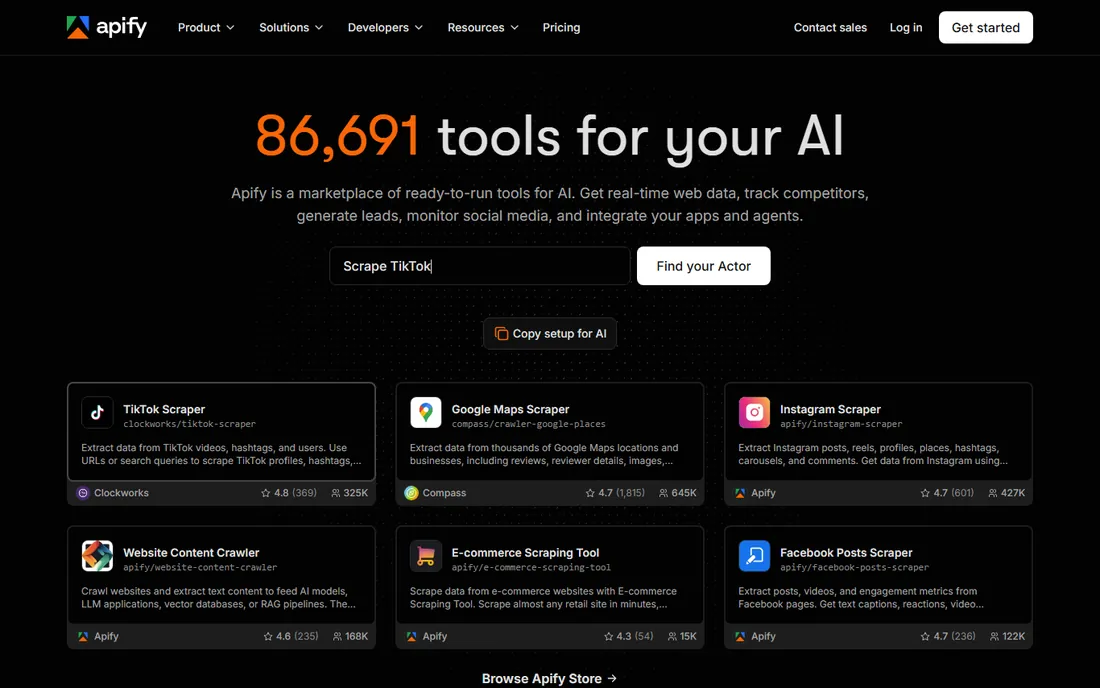
Apify is the closest thing to an app store for scraping. Thousands of ready-made Actors cover common sites, and custom scrapers run on Apify's cloud with proxies, browsers and scaling handled. Third-party sources report a free tier of monthly platform credits, Starter around $49/month and Scale around $499, but this was not verified on the vendor's page.
The honest catch is cost predictability. Heavy JavaScript sites burn compute units fast, so run a representative crawl on the free credits and model unit consumption before committing to a paid tier. Setup ranges from one-click Actors to custom SDK builds. If you want scraping without DevOps, this is the default answer.
What we like- Huge marketplace of ready-made scrapers ("Actors") plus custom builds
- Cloud infrastructure handles proxies, browsers and scaling
- One-click Actors for common sites
Watch out for- Compute-unit billing can be hard to predict for large or JavaScript-heavy crawls
- Pricing figures are third-party reports, so confirm current tiers
#2
Firecrawl
Best for: AI developers needing website content as clean, LLM-ready data
Visit firecrawl.dev
Starting priceSee website
Free planYes (free credits monthly reported)
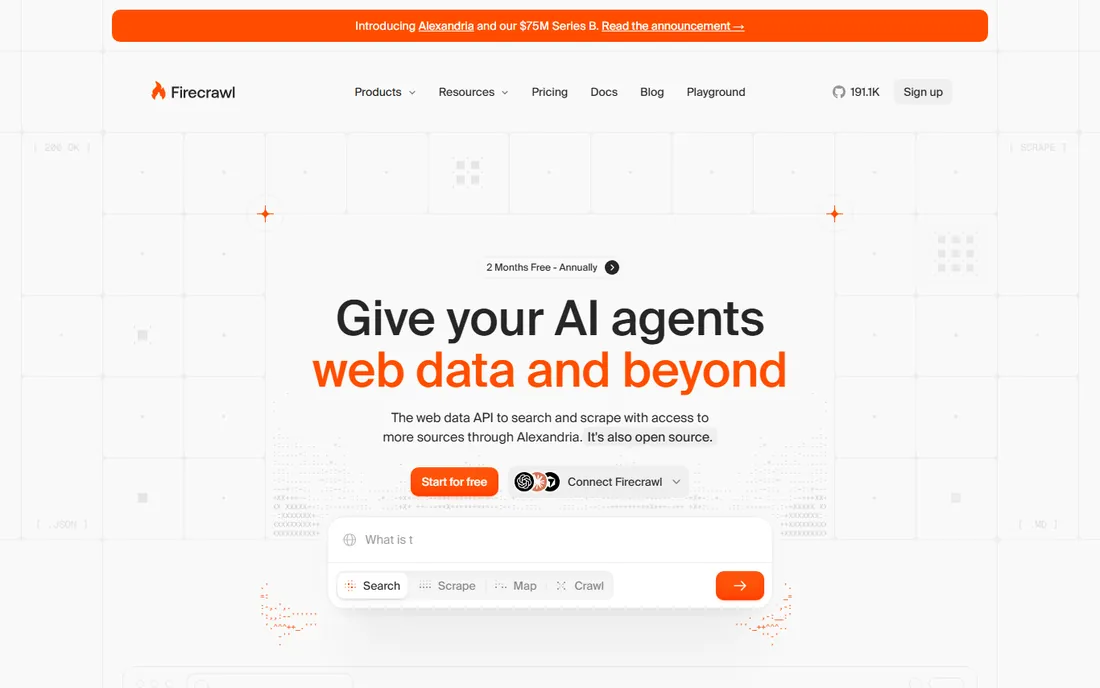
Firecrawl is built for the AI era. Instead of raw HTML, the API returns clean markdown or structured JSON through crawl, scrape, search and extraction endpoints, purpose-built for RAG pipelines and LLM applications. Third-party sources report a free tier and paid plans from around $16/month, unverified.
The catch is audience. This is a developer tool; marketers and analysts will find no-code options easier. Test extraction accuracy on your target sites during the free tier before scaling, since output quality varies by site structure. If your pipeline ends in an LLM, starting from clean markdown instead of HTML soup saves real engineering time.
What we like- API-first scraping returning clean markdown and structured JSON, ideal for LLM and RAG pipelines
- Crawling, search and extraction endpoints in one API
- Free tier lets developers test real workloads
Watch out for- Developer-first, so non-technical users will struggle
- Credit consumption varies by page complexity, complicating budgets
#3
ScraperAPI
Best for: Developers who already have scraping code and want to stop managing proxies
Visit scraperapi.com
Starting priceSee website
Free planYes (free credits reported)
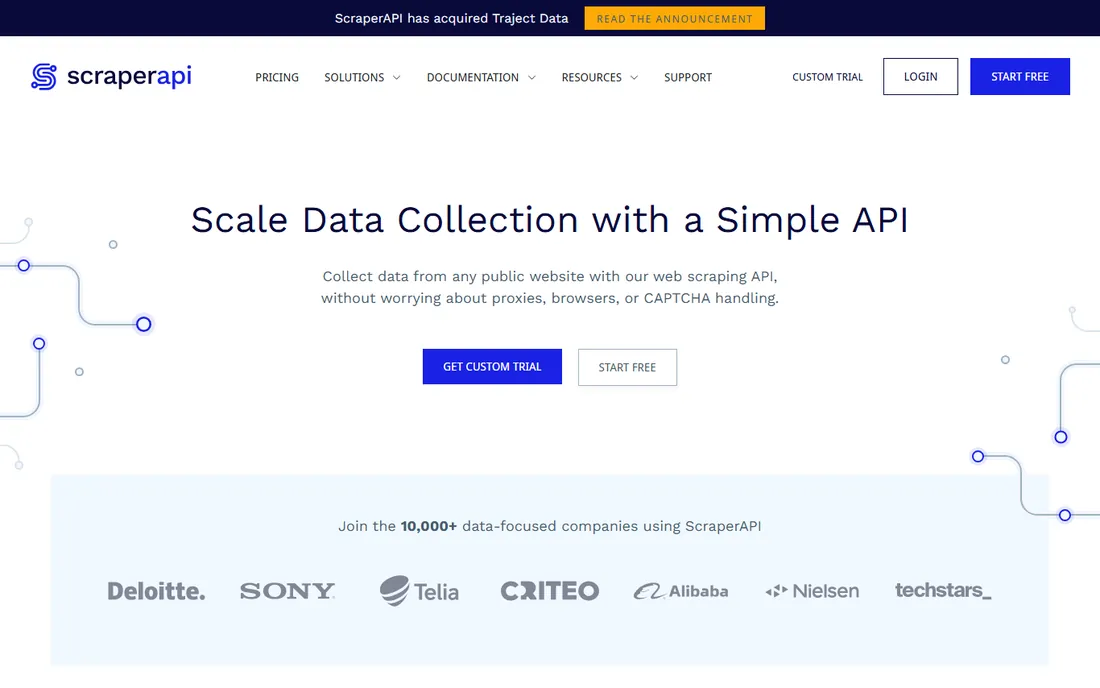
ScraperAPI solves exactly one problem: delivery. Your code stays the same; one endpoint swap adds proxy rotation, CAPTCHA solving and IP management. Third-party sources report a free tier, a trial with thousands of credits, and paid plans from around $49/month, unverified.
The honest catch is scope. It solves delivery, not parsing: you still handle HTML extraction yourself or pair it with a parser. Test success rates on your hardest target sites during the trial, since anti-bot effectiveness varies by site. If your scrapers work but keep getting blocked, this is the cheapest fix. If you have no scrapers yet, start with Apify or Octoparse.
What we like- Simple proxy-rotation API handling CAPTCHAs, retries and geotargeting behind one endpoint
- Generous trial credits for real testing
- Straightforward integration
Watch out for- It is a proxy API, not a full scraper, so you still write the parsing logic
- Pricing figures are third-party reports
Starting priceSee website
Free planFree trial
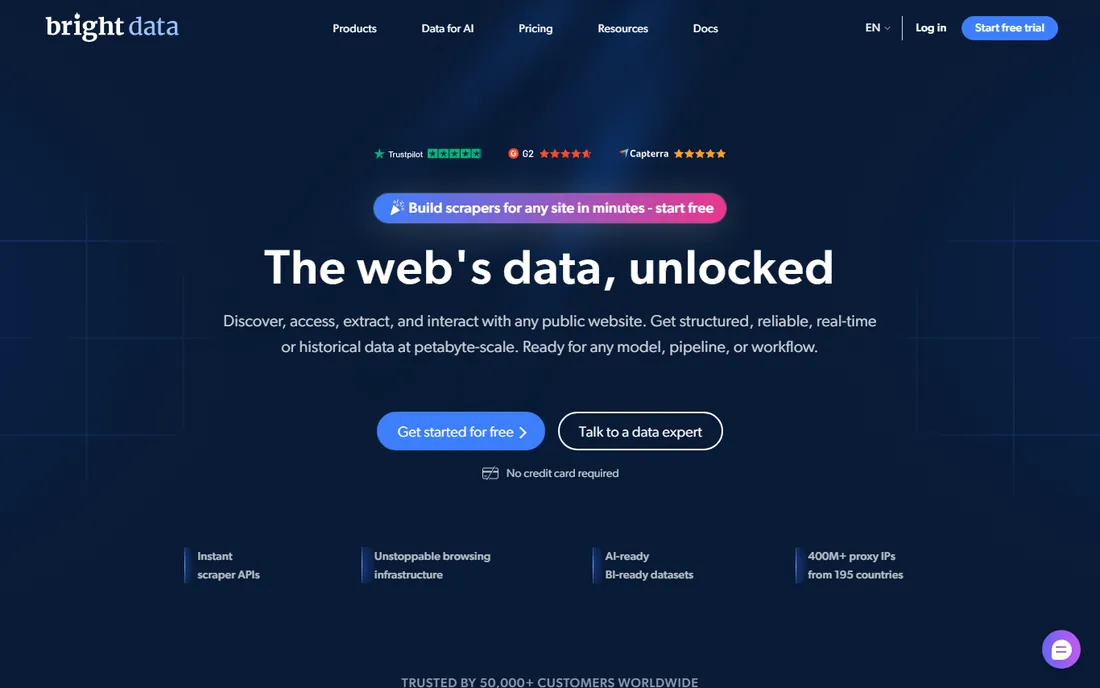
Bright Data is the enterprise heavyweight. The proxy network is the largest in the industry, and the platform layer (scraper APIs, SERP API, datasets) covers the full data pipeline. For companies where web data is a production input, the compliance posture and support matter.
The catch is cost and process. Third-party sources report residential bandwidth around $8/GB pay-as-you-go, but pricing changes frequently and nothing was verified on the vendor's page. KYC verification is required before use. Get current rate cards in writing and model per-GB consumption carefully, since bandwidth costs dominate. Small projects should start with cheaper options; this is priced for volume.
What we like- Largest proxy network in the industry (residential, datacenter, mobile, ISP)
- Full scraping platform beyond raw proxies (Scraper APIs, SERP API, datasets)
- Compliance and reliability for serious operations
Watch out for- Premium-priced with pricing that changes frequently
- KYC identity verification slows signup and costs scale fast at volume
#5
Octoparse
Best for: Marketers, researchers and operations staff needing no-code scraping
Visit octoparse.com
Starting priceSee website
Free planYes (free plan reported)
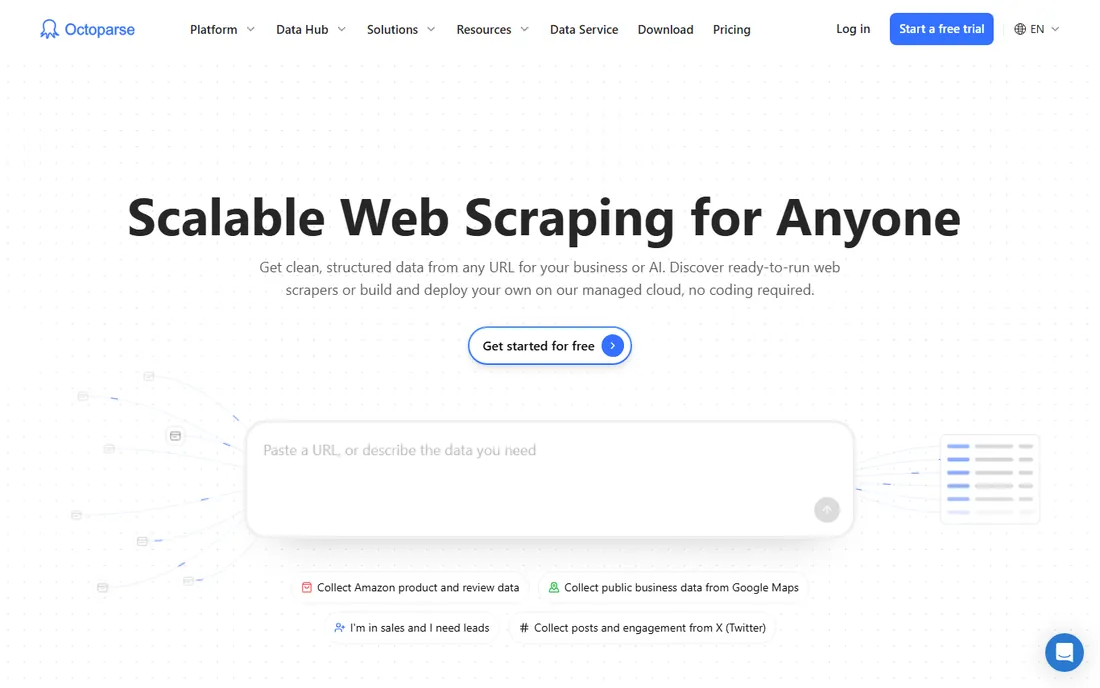
Octoparse is the no-code pick. The visual workflow designer lets non-developers build scrapers by pointing and clicking, no code required. Third-party sources report Standard around $69/month billed annually and Professional around $249, with a free plan, all unverified on the vendor's page.
The honest catch is the tier ladder. Serious volume, API access, cloud extraction and scheduling require the higher tiers, so the free and Standard plans suit learning and light use. Confirm task runs, cloud credits and export/API limits per tier before choosing. For a marketer who needs competitor prices weekly without involving engineering, it delivers.
What we like- True no-code visual scraper with point-and-click workflow designer
- Usable by non-developers
- Free plan for small or learning use
Watch out for- Cloud extraction credits and task limits on lower tiers constrain production use
- Serious volume and API access require higher tiers
#6
Browse AI
Best for: Non-technical users wanting to extract data by training a robot
Visit browse.ai
Starting priceSee website
Free planYes (free credits monthly reported)
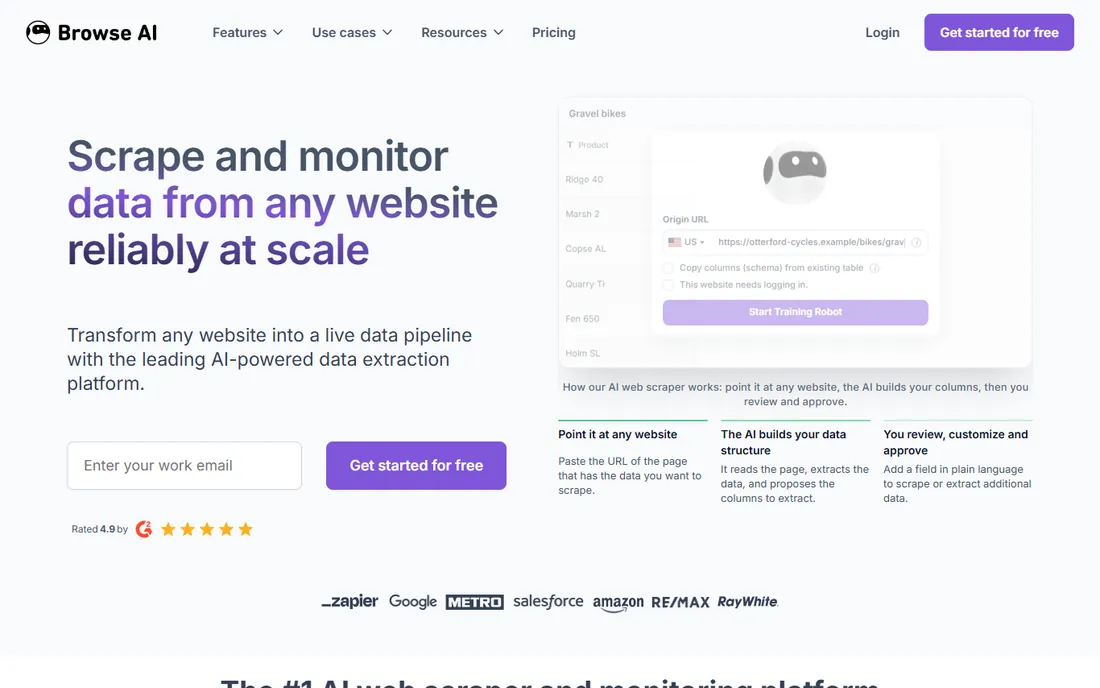
Browse AI's pitch is adaptability. You train a robot by clicking through the extraction once, and it adapts when the site changes layout, which is the maintenance burden that kills most scrapers. Scheduled robots suit monitoring: price tracking, listing changes, availability alerts.
The catch is pricing opacity combined with unpredictable credit consumption for monitoring workloads. Test robot reliability on your specific sites during the free tier and get current paid tiers in writing. If the robot survives three site redesigns, it has earned its keep. If your needs are one-off extractions, a simpler tool suffices.
What we like- Train-a-robot-by-clicking approach that adapts to site layout changes
- Good for monitoring use cases like price tracking with scheduled runs
- No code needed
Watch out for- Paid tier figures conflict across sources, so pricing is genuinely opaque
- Credit-based pricing can get expensive for high-frequency monitoring
#7
ScrapingBee
Best for: Developers needing JavaScript rendering and proxy management via API
Visit scrapingbee.com
Starting priceSee website
Free planFree trial (credits, no credit card reported)
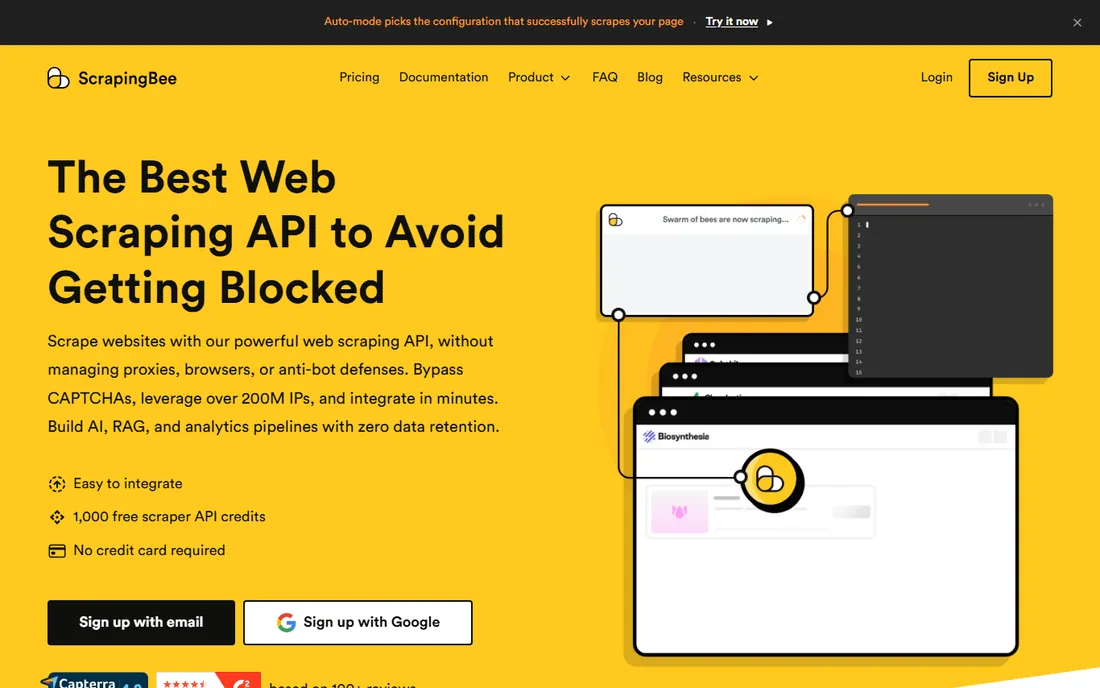
ScrapingBee sits between raw proxy APIs and full platforms. One REST call renders JavaScript, rotates proxies and returns the HTML; you handle the rest. Third-party sources report paid tiers from around $49/month, read off the vendor's pricing page but not confirmed by this researcher.
The honest catch is credit burn on JavaScript-heavy pages, which consume more credits per request. Benchmark credit consumption on your actual target pages during the trial before picking a tier. For a developer who needs rendering without running a browser farm, the simplicity is the strength. For pure proxy needs, ScraperAPI is cheaper.
What we like- Simple REST API rendering JavaScript and handling proxies in one call
- 1,000-credit no-card trial
- Good documentation and SDKs
Watch out for- No recurring free plan, so ongoing use always costs
- Credit burn on JavaScript-heavy pages raises real costs
#8
Oxylabs
Best for: Businesses and data teams needing reliable, compliant proxy infrastructure
Visit oxylabs.io
Starting priceSee website
Free planFree trial
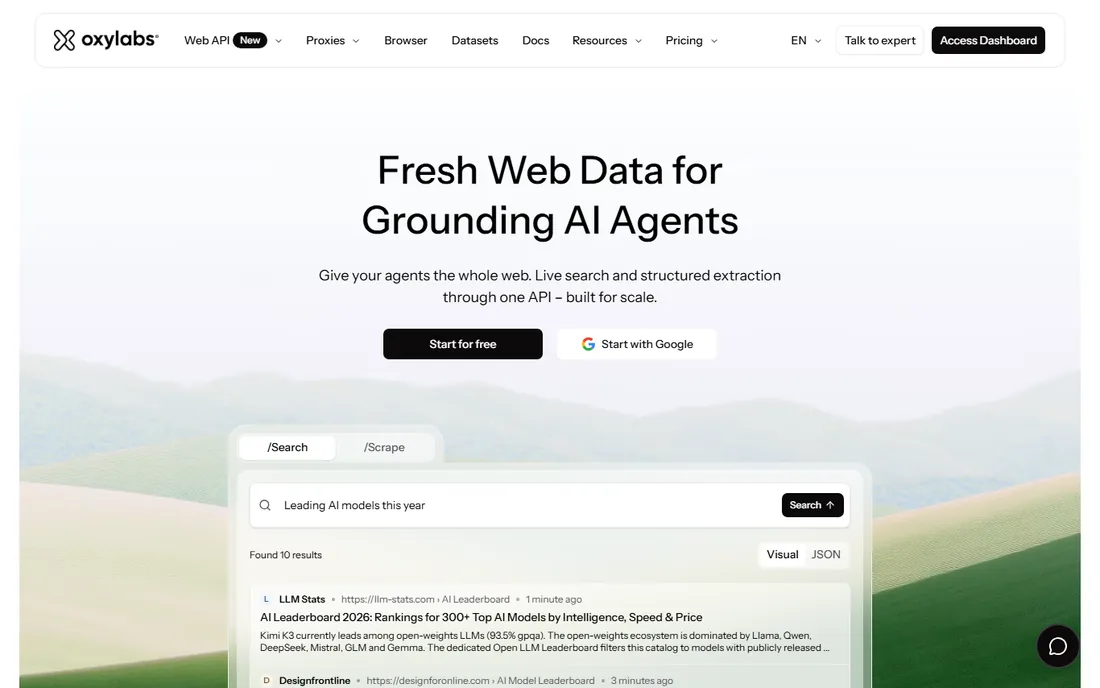
Oxylabs is Bright Data's enterprise rival. Residential, datacenter and mobile networks plus scraper APIs, with compliance and support quality as the differentiators. Third-party sources report a Web Scraper API Micro plan around $49/month and residential pay-as-you-go near $8/GB, unverified.
The catch is entry cost. It is priced for serious volume; small one-off projects will find cheaper options. Setup involves dashboard configuration and often sales engagement, with billing mixing subscriptions and usage. Request a current rate card and trial the specific proxy types your targets require. If compliance and support matter as much as the IPs, Oxylabs earns the premium.
What we like- Enterprise-grade proxy network with strong compliance and dedicated account support
- Good documentation and dashboard for large operations
- Scraper APIs alongside raw proxies
Watch out for- Enterprise positioning means higher entry cost than budget providers
- Pricing figures are third-party reports
API vs. no-code vs. proxy: buy the right kind
The most expensive mistake in this category is buying the wrong kind of tool. Proxy APIs (ScraperAPI, ScrapingBee, Oxylabs, Bright Data) assume you write code; they solve delivery, not extraction. Full platforms (Apify, Firecrawl) handle infrastructure and often extraction; you bring the use case. No-code tools (Octoparse, Browse AI) assume you do not code; they trade power for accessibility. A developer buying Octoparse will fight its limits within weeks. A marketer buying ScraperAPI will stare at an API key with no idea what to do. Match the tool kind to the team's skills first, then compare within the kind.
How we chose
We started with the categories buyers search: web scraping tools, best tools for web scraping and web scraper software. For each candidate we checked product claims against developer discussion on Reddit, public reviews on G2 and Capterra, and documentation quality, and compared infrastructure handling, pricing models and technical vs. no-code fit. Pricing pages were checked where available; where a price could not be verified on the vendor's own page we wrote "See website" rather than guessing.
Frequently asked questions
Is web scraping legal?
It depends on what you scrape and how. Publicly available data scraped respectfully is generally defensible in the US, but terms of service, copyrighted content, personal data and aggressive crawling create real risk. Enterprise vendors (Bright Data, Oxylabs) invest in compliance for this reason. This is not legal advice; talk to counsel before scraping at scale, especially personal data.
How much does web scraping cost?
From free tiers (Octoparse, Browse AI credits, Firecrawl credits) to roughly $49-$99/month for developer plans, to usage-based proxy bandwidth (around $8/GB residential reported) that dominates at scale. The hidden cost is engineering time: a "cheap" tool that needs constant maintenance often costs more than a pricier managed platform.
Do I need proxies for web scraping?
If you scrape more than a handful of pages, yes. Sites rate-limit and block datacenter IPs, serve CAPTCHAs and fingerprint browsers. Proxy APIs and platforms handle rotation, residential IPs and CAPTCHA solving. Small, respectful scrapes of permissive sites can run without them; anything production needs them.
What is the difference between Apify and Octoparse?
Apify is developer-oriented: a cloud platform with a marketplace of scrapers, custom code support and API-first design. Octoparse is no-code: a visual point-and-click builder for non-developers. Choose Apify if you have developers; choose Octoparse if you do not.
Can these tools handle JavaScript-heavy sites?
Yes, with the right tool. ScrapingBee, Apify, Firecrawl and Bright Data all render JavaScript. It costs more in credits or compute than static HTML, so budget accordingly. No-code tools handle simpler JS sites; complex single-page apps usually need a developer-grade tool.
What to look for before you buy
First, classify your team: developers, non-technical users, or mixed, because it determines the tool kind. Second, test on your hardest target site during the free tier or trial; every vendor demos on easy sites. Third, model the unit economics: credits per page times pages per month, including JavaScript rendering multipliers. Fourth, check the legal posture: does the vendor offer compliance features, and does your use case need them? Fifth, ask about maintenance: who fixes the scraper when the target site redesigns, and what does that cost in time or money? Sixth, verify export and integration: the data is useless if it cannot reach your database, warehouse or LLM pipeline cleanly.
Sources we checked (10)
- https://apify.com
- https://firecrawl.dev
- https://scraperapi.com
- https://brightdata.com
- https://octoparse.com
- https://browse.ai
- https://scrapingbee.com
- https://oxylabs.io
- https://www.g2.com/categories/web-scraping
- https://www.capterra.com/web-scraping-software/
Is your product missing or out of date?
We review this list regularly. Vendors can request a listing, send updated pricing or ask about featured placement.

Shihab Mia · Founder, Rankite
Shihab has spent more than a decade helping SaaS and e-commerce brands grow through search. He writes Rankite's software buying guides from pricing pages, documentation and public user reviews. More about Shihab.