How we make this list: we compare pricing pages, product documentation and public user reviews. Rankite is independent; if a vendor ever pays for a featured spot, that listing is clearly labeled Partner.
Key takeaways
- Ramp and Brex both offer genuinely free cores ($0): unlimited corporate cards plus expense management, funded by card interchange rather than subscriptions.
- The cheapest paid receipt-scanning tools are Zoho Expense ($3/active user/month, billed annually) and Wave Pro ($19/month flat), with Expensify Collect at $5/member/month.
- Refuse to switch corporate cards? Fyle ($11.99/active user/month) and Navan work with your existing cards.
- Freelancers should look at Wave (free) and FreshBooks ($23/month); the card-first platforms require incorporated businesses.
The best expense tracker app
Somewhere in your wallet, glove box or email inbox is a receipt you will need in April. Expense tracker apps exist to kill that problem: snap the receipt, let OCR read it, and have the expense land in your books already categorized. But the category has split in two: card-first platforms that are free because they earn interchange, and classic receipt apps that charge per user. These nine cover both, with the real pricing math for each.
Starting price$5/member/month (Collect plan, no annual commitment)
Free planYes (free tier for individuals)
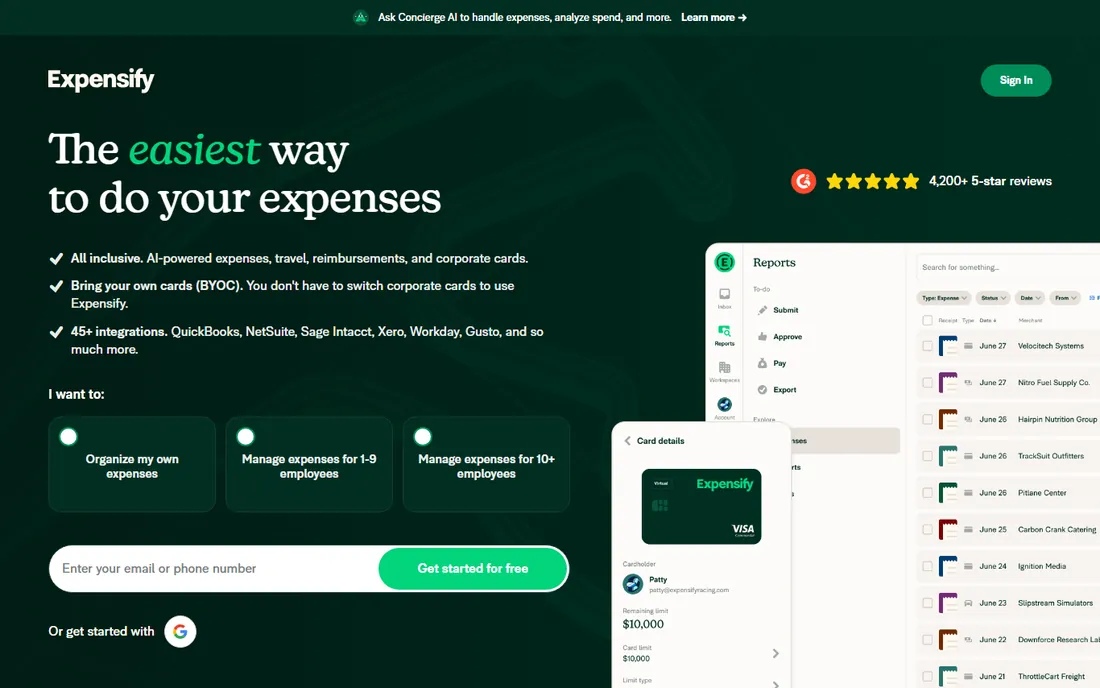
Expensify is the original receipt app, and SmartScan remains its best trick: snap a receipt and it pulls line-item data straight off the photo, which beats manual entry for field staff. Collect at $5 per member per month covers the basics; Control runs $9 per active member per month billed annually when the Expensify Card covers half your US spend, $18 without the card, or $36 pay-per-use.
The honest catch is the card-tied pricing. Refuse the Expensify Card and keep your existing corporate cards, and you pay double. Accounting syncs cover QuickBooks and Xero on Collect, with NetSuite, Sage Intacct, QuickBooks Desktop and Workday on Control. For a 10-person team, Collect is $50 per month; Control with the card is $90 for active filers only. If your team already snaps receipts on the go, the OCR quality justifies the quirks.
What we like- SmartScan OCR auto-captures line items from receipt photos, with unlimited SmartScans on paid plans
- Per-member billing, and Control only charges for active users who file
- Works with your own cards from 10,000-plus banks, or the Expensify Visa card with cash back
Watch out for- Pricing is genuinely confusing, with the same Control features costing $9, $18 or $36 depending on card usage
- Deep approvals, SSO and ERP integrations are gated behind Control

#2
Ramp
Best for: Startups and SMBs that want cards plus expenses in one free system
Visit ramp.com
Starting price$0 (free core plan); Ramp Plus from $15/user/month plus a platform fee
Free planYes (free forever core plan: cards, expense management, bill pay)
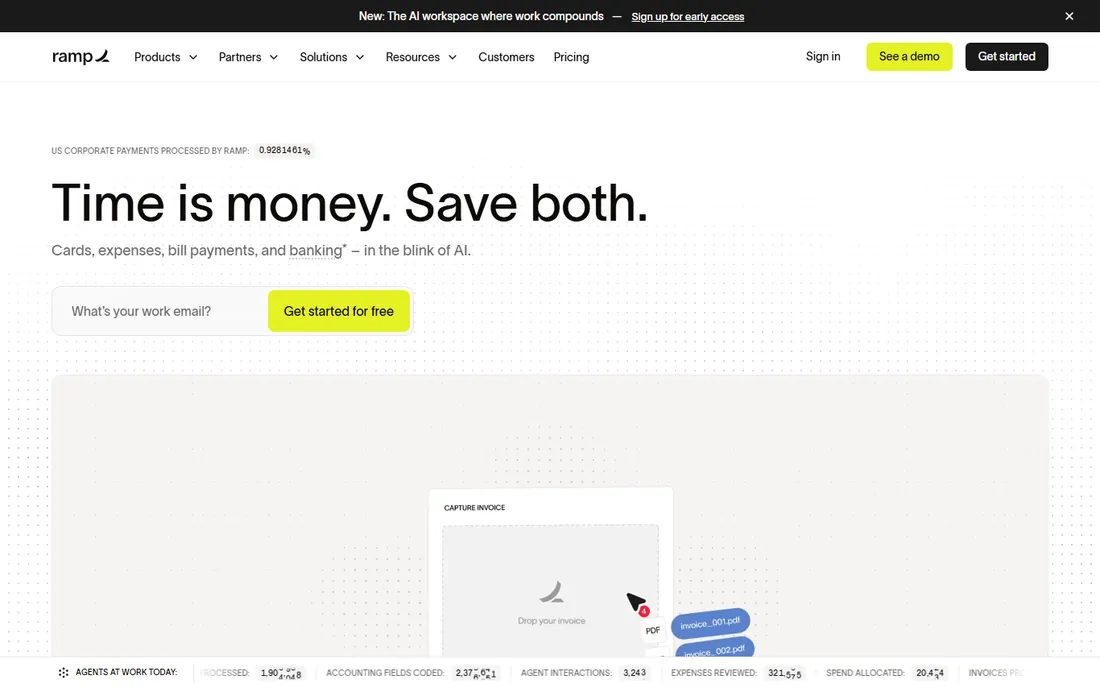
Ramp's pitch is the end of expense reports. Transactions auto-capture and reconcile as they happen, with AI policy enforcement at the point of purchase, so there is nothing to file at month-end. The free core includes unlimited cards, expense management with receipt matching, bill pay and 1.5 percent cash back. Ramp Plus at $15 per user per month adds deeper accounting automation and controls.
The catch is the business model: Ramp earns card interchange, so the value only works if your spend runs through Ramp cards, and the free tier requires passing their eligibility review with a linked bank account. Receipt capture is strong mobile with real-time transaction matching. Accounting syncs cover QuickBooks, Xero, NetSuite and Sage Intacct. A 10-person team pays $0 on the free tier against roughly $90 to $150 per month on Expensify Control or Zoho. If you can switch cards, the math is not close.
What we like- Core platform genuinely free: unlimited physical and virtual corporate cards, expense management with receipt matching, ACH bill pay and 1.5% cash back
- Policy Agent AI reviews transactions and blocks out-of-policy purchases
- Deep native accounting sync with custom GL mapping
Watch out for- Free tier requires the Ramp corporate card and an eligible US business
- Advanced controls and some payment rails cost extra

#3
Brex
Best for: Venture-backed startups and SMBs wanting cards, banking and expenses in one stack
Visit brex.com
Starting price$0 (Essentials free plan); Premium $12/user/month
Free planYes (Essentials free forever: cards, bill pay, expense management, reporting)
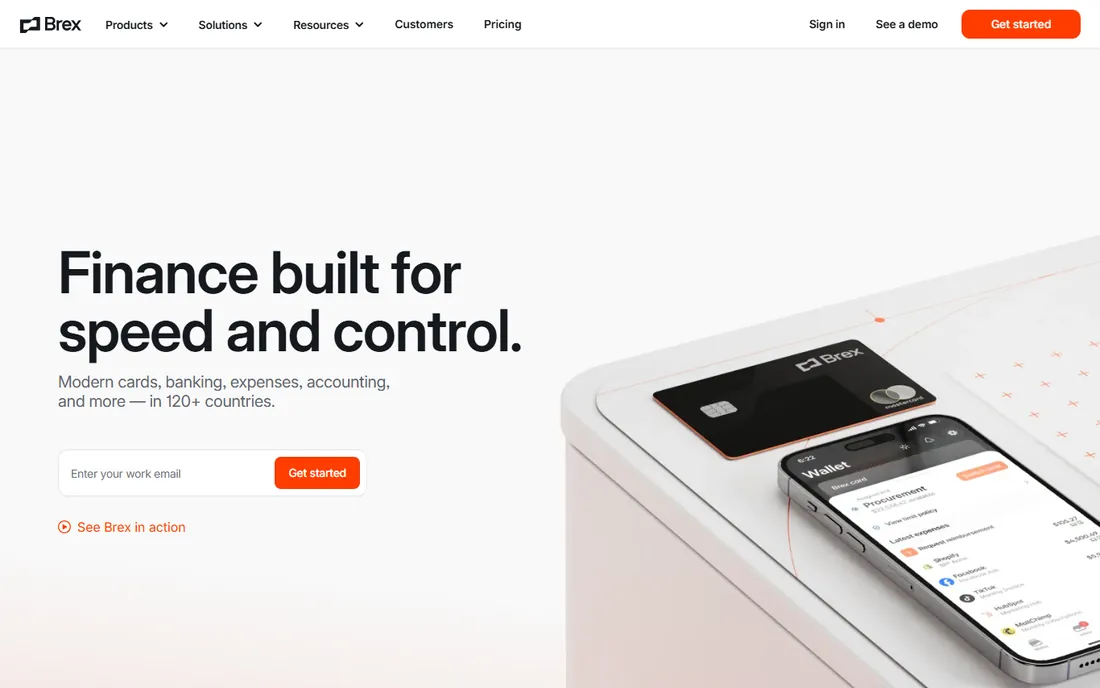
Brex Essentials is the most generous free plan in this category: global corporate cards, bill pay, integrated expense management and real-time reporting at $0, with native accounting integrations included. Premium at $12 per user per month adds live budgets, multi-entity support and procurement. The a la carte flexibility is a real differentiator: Brex cards can pair with other expense software and vice versa.
The gate is eligibility. You must pass Brex's credit and underwriting review, and solo freelancers without an incorporated business are excluded. Receipt handling is automated matching with AI-assisted reviews. A 10-person team pays $0 on Essentials or $120 per month on Premium. For funded startups that clear underwriting, the free tier is the easiest yes in expense software.
What we like- Generous free tier that is a full spend platform, not a trial
- Live Budgets and AI-assisted expense reviews on Premium
- Works a la carte, with Brex cards pairing with other expense software
Watch out for- Approval requires Brex's underwriting review
- Sole proprietors and unincorporated businesses are not eligible

#4
Zoho Expense
Best for: Budget-conscious freelancers and SMBs, especially ones already in the Zoho ecosystem
Visit zoho.com
Starting price$3/active user/month (Standard, billed annually)
Free planYes (free forever, up to 3 users)
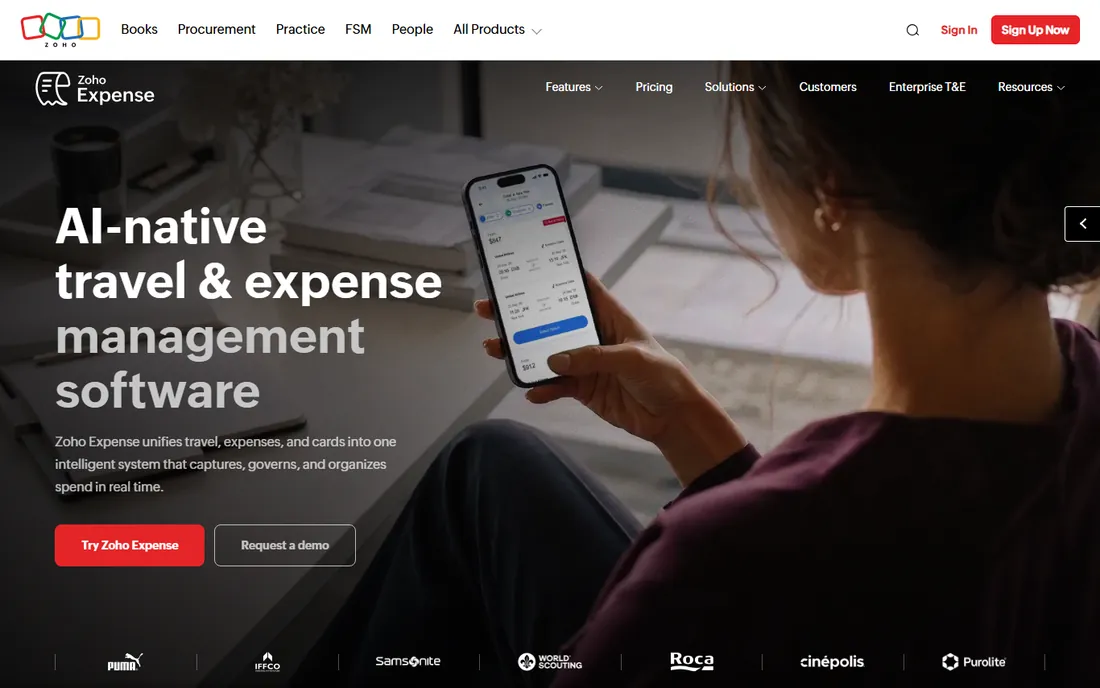
Zoho Expense is the price leader among classic receipt apps. Standard at $3 per active user per month billed annually ($4 monthly) undercuts Expensify and Fyle while including itemized OCR receipt capture, card feeds and multi-level approvals. Premium is $5 ($6 monthly). The free plan covers 3 users with 5GB receipt storage, GPS mileage and accounting integrations.
The meter to watch is autoscans: 20 per user per month on Standard (1,000 itemized on Premium), so high-volume teams should do the math, and paid plans start at a 5-user minimum. There is no card of its own; instead you get real-time feeds from your existing cards. A 5-person team on Standard is $15 per month billed annually. For Zoho shops and budget teams that will not switch cards, this is the cheapest serious receipt app.
What we like- Genuine free plan for micro-teams with AI OCR receipt capture included
- Priced per active user, so non-filers are not billed
- Deep integration with Zoho Books, CRM and Projects plus QuickBooks and Xero
Watch out for- Free plan capped at 3 users with only 20 receipt autoscans per month
- Corporate card management and multi-level approvals require paid tiers

#5
Fyle
Best for: SMBs and mid-market teams that refuse to switch corporate cards
Visit fylehq.com
Starting price$11.99/active user/month (Growth, billed annually, min. 5 users)
Free planFree trial available (no free plan)
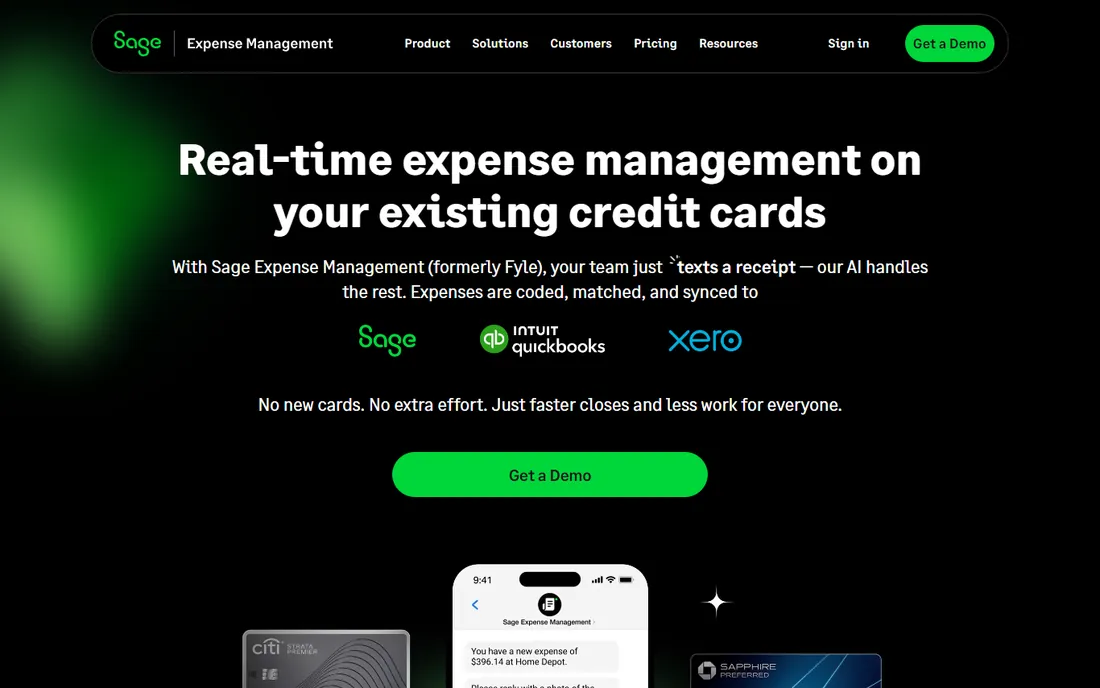
Fyle, now rebranded as Sage Expense Management, is built for one stubborn buyer: the company that will not change banks. Transactions become expenses the moment the card is swiped, with AI extracting receipt data and matching automatically, no card switch required. Growth is $11.99 per active user per month billed annually (5-user minimum); Business is $14.99 (10-user minimum); Enterprise is custom.
The honest catch is the rebrand and repricing: the old $4.99 tiers you will see on review sites are outdated, and there is no forever-free tier. Receipt scanning is unlimited with automated extraction on paid plans. Accounting syncs run two-way with NetSuite, Sage Intacct and QuickBooks Desktop, plus QuickBooks Online and Xero. Five users on Growth is about $60 per month billed annually, active users only. If the cards stay, Fyle is the answer.
What we like- Works with your existing debit and credit cards, with expenses auto-created from card transactions
- Submit expenses from inside Gmail, Outlook, Slack, Teams and mobile
- AI OCR extraction with real-time fraud and duplicate detection
Watch out for- Recently repriced upward, and several review sites still show the old lower tiers, so verify before quoting
- ACH reimbursements and multi-entity approvals are gated behind Business

#6
Navan
Best for: Travel-heavy SMBs wanting one system for booking and expenses
Visit navan.com
Starting price$15/active user/month (expense module, after 5 free users)
Free planYes (first 5 monthly expensing users free)
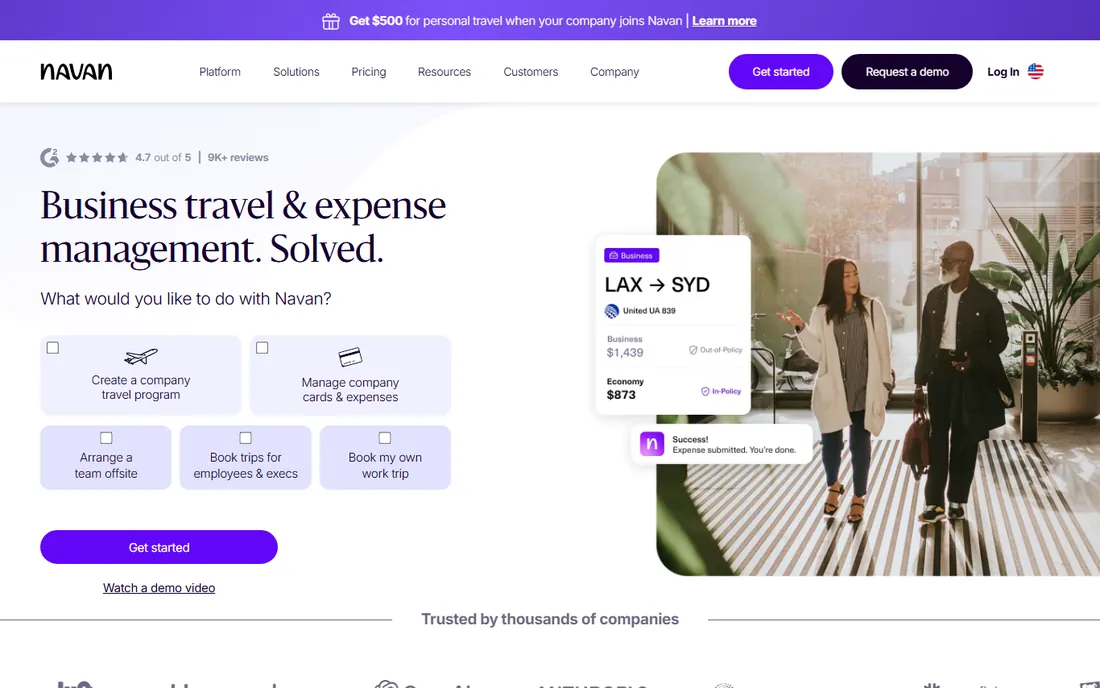
Navan, formerly TripActions, sells the end of the travel expense report. Trip spend is captured at booking with policy enforced before purchase, and Navan Connect enrolls your existing corporate cards so there is no card switch. Travel booking is free for companies up to 300 employees; the expense module is $15 per active user per month beyond the first 5 free users, with Enterprise custom.
The seat math is the evaluation: the free 5 users are a trial in disguise for growing teams, and $15 per user is mid-tier Expensify pricing without a free card-based core. Receipts are captured by mobile, connected cards or forwarded email. Direct integrations cover NetSuite, QuickBooks Online, Xero and Sage Intacct. A 10-person team runs 5 free plus 5 paid, or $75 per month. For road-warrior teams, the booking-to-expense automation is the whole pitch.
What we like- Expense and travel in one platform, with trip spend captured at booking and policy enforced before purchase
- Navan Connect enrolls your existing Visa, Mastercard or Amex corporate cards
- Direct ERP integrations plus broad HRIS connections
Watch out for- Past 5 expense users, $15/user/month adds up fast against free-core competitors
- Some advanced admin features are desktop-only

#7
Pleo
Best for: Small teams wanting card-first spend control without enterprise overhead
Visit pleo.io
Starting priceFrom $39/month for 3 users (Essential, billed annually)
Free planNo (free trial available)
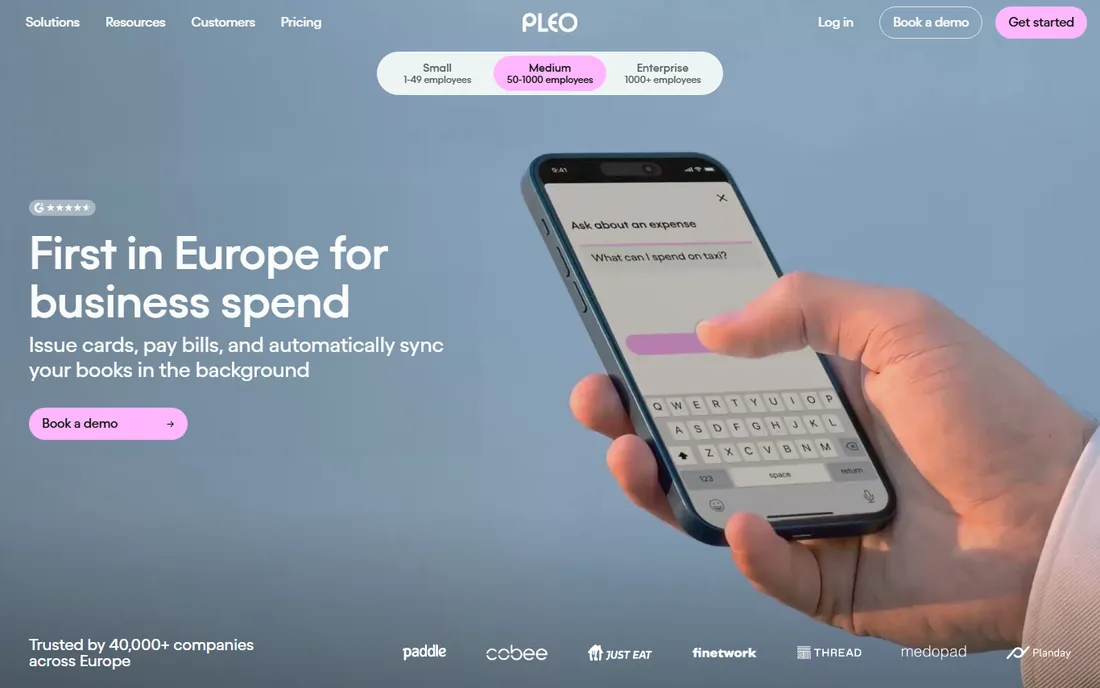
Pleo gets a small business issuing smart cards fast: set per-person and per-team limits, watch every purchase land in real time with receipts auto-matched, and run approvals by department or amount. Essential starts at $39 per month billed annually for 3 users, plus $11 per additional user; Advanced is $89 plus $14.50 per user; Beyond is $179 plus $17.50 per user. Accounting syncs cover QuickBooks Online, Xero, NetSuite, Sage and Dynamics 365.
The pricing model is the problem next to the free cores: 10 users on Essential runs about $116 per month billed annually, while Ramp and Brex offer comparable card-plus-expense cores for free. Pleo's old free Starter tier is gone. Check regional availability before committing, since US support depth is thinner. For small teams that want European-style smart cards and will pay for them, the product is polished; the math just needs to beat $0.
What we like- Smart company cards with per-person and per-team spending limits plus real-time receipt capture and auto-matching
- Automated approval workflows by department, project or amount
- Direct accounting sync with major platforms
Watch out for- Base fee plus per-user charges scale steeply with headcount
- EU roots mean US support depth is thinner than Ramp or Brex

#8
FreshBooks
Best for: Freelancers and service SMBs wanting invoicing, accounting and expenses in one tool
Visit freshbooks.com
Starting price$23/month (Lite plan)
Free plan30-day free trial, no credit card (no free plan)
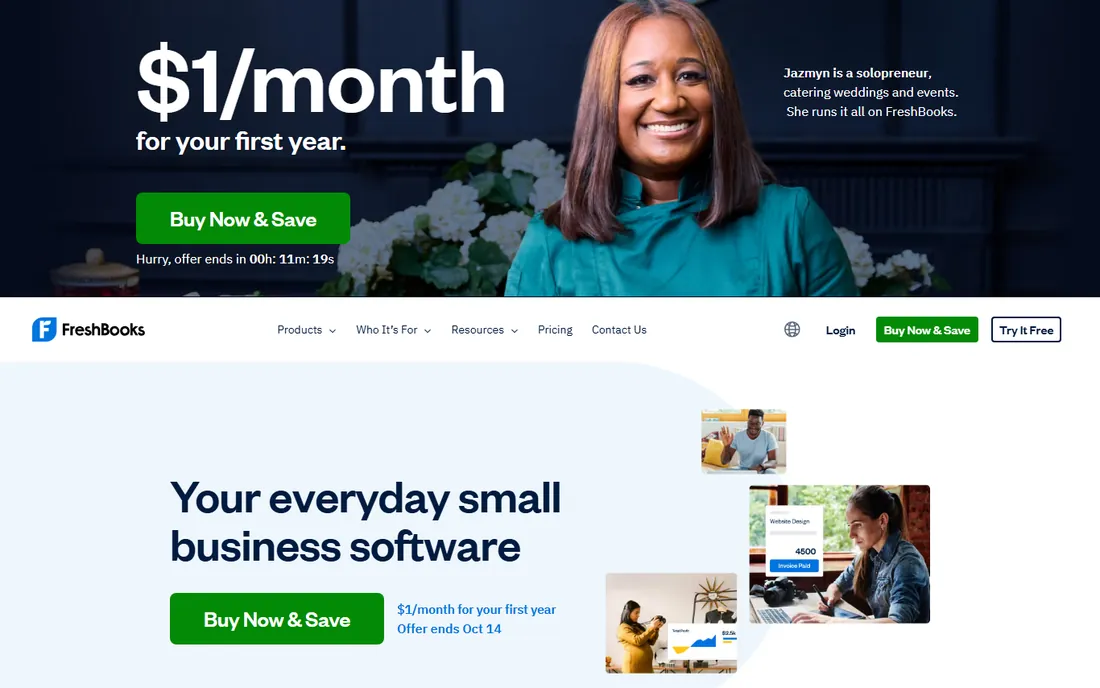
FreshBooks is not an expense app; it is accounting software with expense tracking inside. Snap a receipt and it becomes a categorized expense in your books, ready for tax time, alongside invoicing, time tracking and client billing. Lite is $23 per month, Plus $43, Premium $70, with annual billing saving 10 percent; each plan includes one user and extra team members cost $11 per month.
The catch is the tiering: automatic receipt capture starts on Plus ($43), and plans are priced by client count rather than users, so a freelancer with many small clients climbs tiers fast. There is no card of its own; bank and card feeds import transactions for reconciliation. A solo freelancer needing receipt capture pays Plus at $43 per month, $54 with one contractor. If you want one tool for the whole back office, the premium over a standalone expense app buys you the accounting too.
What we like- Expense tracking built into full accounting, with snapped receipts flowing straight into books and tax reports
- Automatic receipt capture on Plus with mileage tracking and bank reconciliation
- Simple for non-accountants
Watch out for- Plans priced by client count, so freelancers with many small clients hit Plus fast
- Receipt scanning requires Plus or higher

#9
Wave
Best for: Freelancers and one-person shops wanting $0 expense tracking inside free accounting
Visit waveapps.com
Starting price$0 (Starter plan)
Free planYes (free Starter: unlimited invoices, expense tracking, basic accounting)
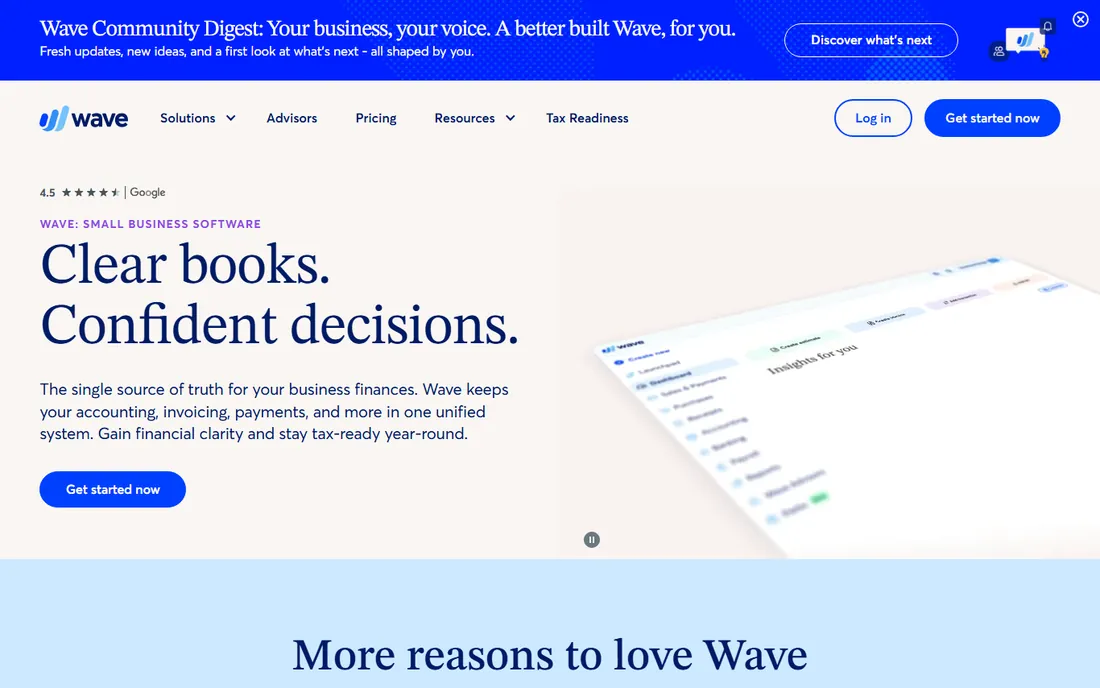
Wave's free core is the cheapest way to track expenses: unlimited invoices, expense tracking and financial reports at $0. The mobile app scans receipts on the go, and the whole thing is simple enough to run without an accountant.
The asterisk is receipt scanning. It is not in the free plan: you need Pro at $19 per month (or $190 per year) for auto bank sync and receipt scanning, or the Receipts add-on at $11 per month on Starter ($8 on Pro). At that point Zoho Standard is cheaper per user. There is no card offering and no inventory or time tracking. For a solo freelancer who just needs expenses tracked inside free books, $0 wins. The moment receipt scanning matters, price Pro against Zoho before paying.
What we like- Core accounting and expense tracking genuinely free with unlimited users
- Mobile app scans receipts and tracks expenses on the go
- Simple enough for non-accountants to run their own books
Watch out for- Receipt scanning is not in the free plan
- No inventory or time tracking, and integrations are narrow
The free-core question: why are Ramp and Brex free?
The card-first platforms are free because you are not the customer; the card network is. Every swipe earns them interchange revenue, which funds the software. That is why the free tier requires their corporate card and an eligible business: no card spend, no business model.
This is a good deal if your spending can move. A 10-person team pays $0 on Ramp or Brex Essentials against $50 to $150 per month on the receipt apps. It is a bad deal if you cannot switch cards, cannot pass underwriting, or run as a sole proprietor. The classic apps (Expensify, Zoho, Fyle) exist precisely for that buyer: they work with whatever cards you already carry. Decide the card question first, and half this list eliminates itself.
Quick comparison
| Tool | Best for | Starting price | Free plan |
|---|
 Expensify Expensify | Small teams and startups with mobile-heavy employees | $5/member/month (Collect plan, no annual commitment) | Yes (free tier for individuals) |
| Ramp | Startups and SMBs that want cards plus expenses in one free system | $0 (free core plan); Ramp Plus from $15/user/month plus a platform fee | Yes (free forever core plan: cards, expense management, bill pay) |
| Brex | Venture-backed startups and SMBs wanting cards, banking and expenses in one stack | $0 (Essentials free plan); Premium $12/user/month | Yes (Essentials free forever: cards, bill pay, expense management, reporting) |
| Zoho Expense | Budget-conscious freelancers and SMBs, especially ones already in the Zoho ecosystem | $3/active user/month (Standard, billed annually) | Yes (free forever, up to 3 users) |
| Fyle | SMBs and mid-market teams that refuse to switch corporate cards | $11.99/active user/month (Growth, billed annually, min. 5 users) | Free trial available (no free plan) |
| Navan | Travel-heavy SMBs wanting one system for booking and expenses | $15/active user/month (expense module, after 5 free users) | Yes (first 5 monthly expensing users free) |
| Pleo | Small teams wanting card-first spend control without enterprise overhead | From $39/month for 3 users (Essential, billed annually) | No (free trial available) |
| FreshBooks | Freelancers and service SMBs wanting invoicing, accounting and expenses in one tool | $23/month (Lite plan) | 30-day free trial, no credit card (no free plan) |
| Wave | Freelancers and one-person shops wanting $0 expense tracking inside free accounting | $0 (Starter plan) | Yes (free Starter: unlimited invoices, expense tracking, basic accounting) |
Is your product missing or out of date?
We review this list regularly. Vendors can request a listing, send updated pricing or ask about featured placement.
Receipt scanning: the feature that decides most purchases
Almost every buyer in this category is really buying one thing: a phone camera that turns paper into data. The quality gap is real. Expensify's SmartScan pulls line items off the photo; Zoho's AI OCR itemizes on Standard and above; Fyle extracts with fraud and duplicate detection; Ramp and Brex auto-match receipts to card transactions in real time.
The pricing gap is just as real. Unlimited SmartScans ride on Expensify's paid plans. Zoho meters autoscans (20 per user per month on Standard). Wave hides scanning behind Pro or an add-on. FreshBooks gates it to Plus. Before you compare monthly prices, estimate your receipt volume: a 10-person field team scanning 200 receipts a month has different needs than a freelancer scanning 15. Match the scan allowance to your volume, then compare.
Frequently asked questions
What is the best free expense tracker app?
Ramp and Brex both offer genuinely free cores with unlimited corporate cards, expense management and receipt matching at $0. Wave offers free expense tracking inside free accounting (receipt scanning costs extra). Zoho Expense is free for up to 3 users. The catch on the card platforms: you must use their card and pass eligibility review.
How much does expense tracking software cost?
From $0 to about $150 per month for a 10-person team. Free: Ramp, Brex, Wave. Budget: Zoho Standard at $3/active user/month ($30 for 10), Expensify Collect at $5/member/month ($50). Mid-tier: Fyle at $11.99/active user/month, Navan at $15/user/month after 5 free. Pleo runs about $116/month for 10 on Essential.
Do I need to switch corporate cards?
Only for the free-core platforms: Ramp and Brex require their cards. Expensify works with your existing cards (though Control pricing penalizes skipping the Expensify Card). Zoho, Fyle and Navan are card-agnostic by design. If switching cards is a non-starter, shortlist the card-agnostic three.
What is the difference between Expensify and Ramp?
Expensify is a receipt-first app that works with any card, charging per member ($5 Collect) with SmartScan OCR as the headline feature. Ramp is a card-first platform that is free because it earns interchange: unlimited Ramp cards, expenses auto-captured at the swipe, no expense reports. Choose Expensify if the cards stay; choose Ramp if the spend can move.
Can freelancers use these expense apps?
Yes, with caveats. Wave is free and built for freelancers. FreshBooks bundles expenses with invoicing and accounting. Zoho's free plan covers 3 users. Ramp and Brex require incorporated businesses and underwriting, so sole proprietors are generally excluded. Expensify's free individual tier works for anyone.
How does receipt scanning (OCR) work?
You photograph a receipt; the app's OCR reads the merchant, date, total and often line items, then creates a categorized expense, usually matched to the card transaction. Quality varies: Expensify, Zoho and Fyle extract line-item detail, while simpler tools capture just the total. All of them struggle with crumpled, faded or handwritten receipts, so the scan allowance matters more than the marketing.
How we chose
We started with the categories buyers search: expense tracker app, expense tracking app and expense management software. For each candidate we opened the vendor's own pricing page, checked plan names and prices against public reviews on G2 and Capterra and practitioner discussion on Reddit, and compared feature lists, receipt scanning quality, card offerings, accounting integrations and company-size fit. Where a price could not be verified on the vendor's page we wrote "See website" rather than guessing. We noted Fyle's rebrand to Sage Expense Management in the text.
Sources we checked (11)
- https://www.expensify.com/pricing/
- https://ramp.com/pricing/
- https://www.brex.com/pricing/
- https://www.zoho.com/expense/pricing.html
- https://www.fylehq.com/pricing
- https://navan.com/pricing/
- https://www.pleo.io/pricing/
- https://www.freshbooks.com/pricing/
- https://www.waveapps.com/pricing/
- https://www.g2.com/categories/expense-management
- https://www.capterra.com/expense-report-software/
Is your product missing or out of date?
We review this list regularly. Vendors can request a listing, send updated pricing or ask about featured placement.

Shihab Mia · Founder, Rankite
Shihab has spent more than a decade helping SaaS and e-commerce brands grow through search. He writes Rankite's software buying guides from pricing pages, documentation and public user reviews. More about Shihab.