How we make this list: we compare pricing pages, product documentation and public user reviews. Rankite is independent; if a vendor ever pays for a featured spot, that listing is clearly labeled Partner.
Key takeaways
- Bright Data and Oxylabs lead on proxy infrastructure for large-scale scraping, with Bright Data's pay-as-you-go model suiting variable workloads.
- Apify ($39/month Starter) offers the best marketplace of ready-made scrapers for teams that want results without building.
- Firecrawl and Browse AI bring AI to the extraction layer: Firecrawl turns pages into LLM-ready markdown, Browse AI trains point-and-click robots.
- Zyte, Octoparse and ScraperAPI cover the managed, desktop and API-only approaches respectively.
Quick comparison
| Tool | Best for | Starting price | Free plan |
|---|
 Bright Data Bright Data | large-scale scraping with serious proxy needs | Pay-as-you-go | Free trial |
 Oxylabs Oxylabs | premium proxies with scraping APIs | See website | Free trial |
 Apify Apify | teams that want scrapers without building them | $39/month (Starter) | Yes |
 Firecrawl Firecrawl | turning websites into LLM-ready data | Free tier; paid plans (see website) | Yes |
 Browse AI Browse AI | non-technical users automating data collection | Free (50 credits/month); paid plans | Yes |
 Zyte Zyte | managed extraction where accuracy matters | See website | Free trial |
 Octoparse Octoparse | visual scraping on your own machine | Free; paid plans (see website) | Yes |
 ScraperAPI ScraperAPI | developers who just need an API call | Free trial; paid plans (see website) | Free trial |
Is your product missing or out of date?
We review this list regularly. Vendors can request a listing, send updated pricing or ask about featured placement.
Starting pricePay-as-you-go
Free planFree trial
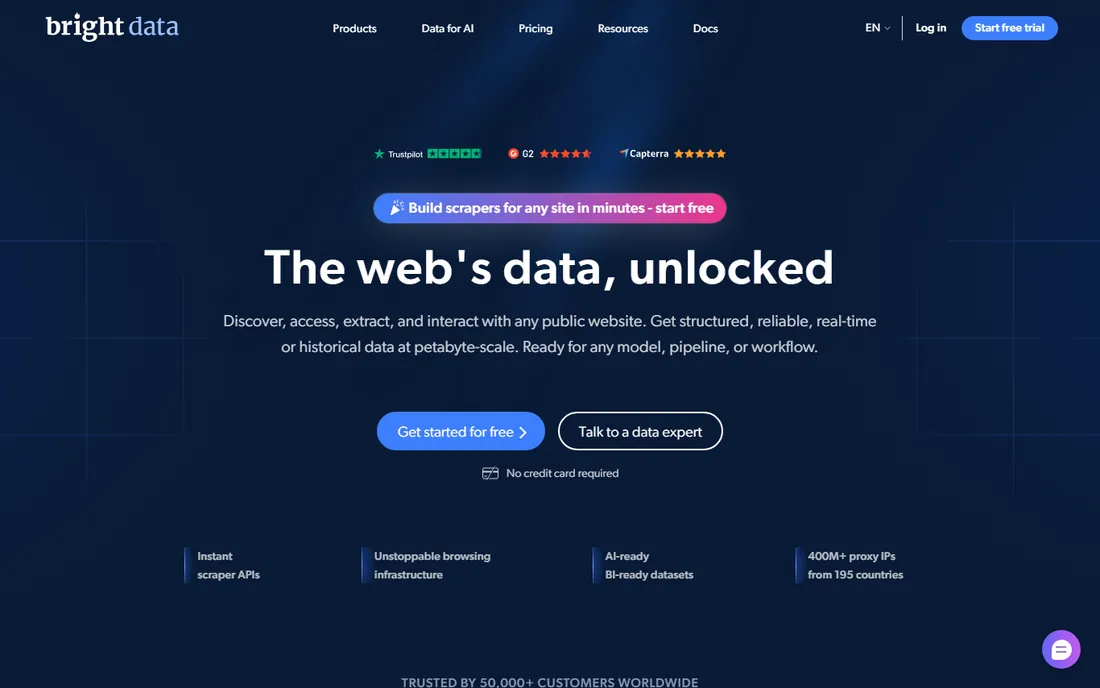
Bright Data operates one of the world's largest proxy networks alongside a complete scraping platform: browser infrastructure, unblocking, datasets and APIs. Enterprises scraping at serious scale get the reliability and compliance posture smaller vendors cannot match.
Pricing is pay-as-you-go across multiple products, which is flexible but hard to forecast. Small projects drown in the options. When volume, legality and reliability all matter, it is the safe enterprise choice.
What we like- Largest proxy network
- Full scraping toolkit
- Enterprise compliance
Watch out for- Pricing complex
- Overkill for small jobs
Starting priceSee website
Free planFree trial
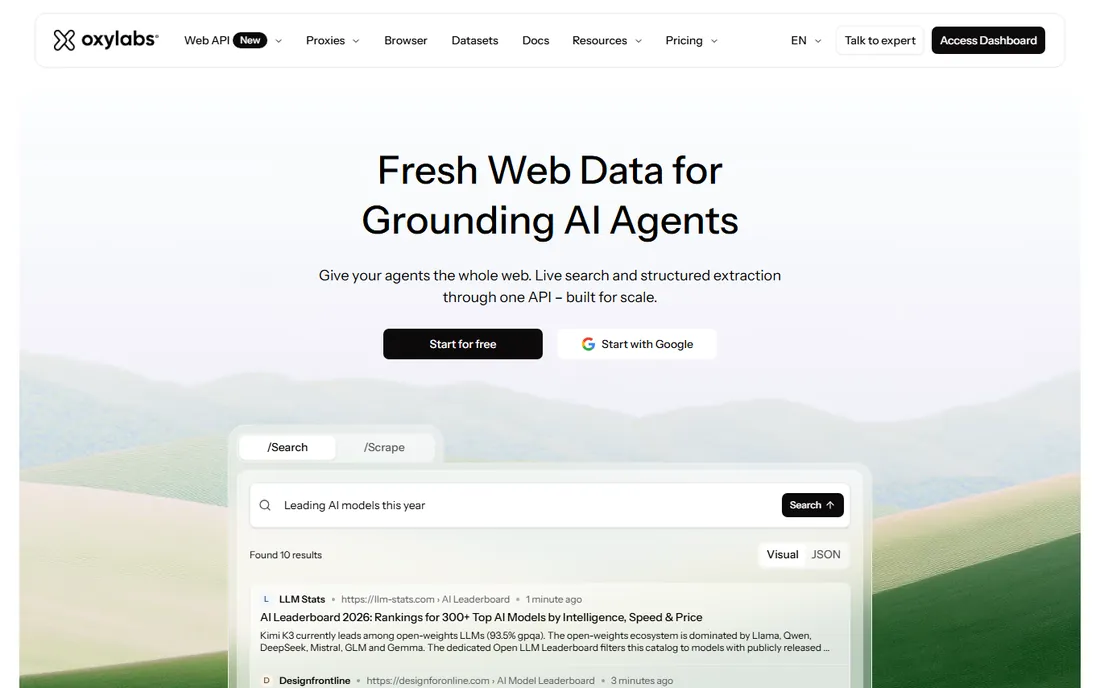
Oxylabs competes with Bright Data on proxy quality and adds capable scraping APIs that handle JavaScript rendering and unblocking. The network performance is consistently strong, and the documentation is excellent.
You pay premium prices for premium infrastructure, and larger commitments go through sales. Teams that tried budget proxies and got blocked understand the value. For production scraping where failures cost money, the reliability justifies it.
What we like- High-quality residential proxies
- Web Scraper API
- Strong uptime
Watch out for- Premium pricing
- Sales-led for larger plans
#3
Apify
Best for: teams that want scrapers without building them
Visit apify.com
Starting price$39/month (Starter)
Free planYes
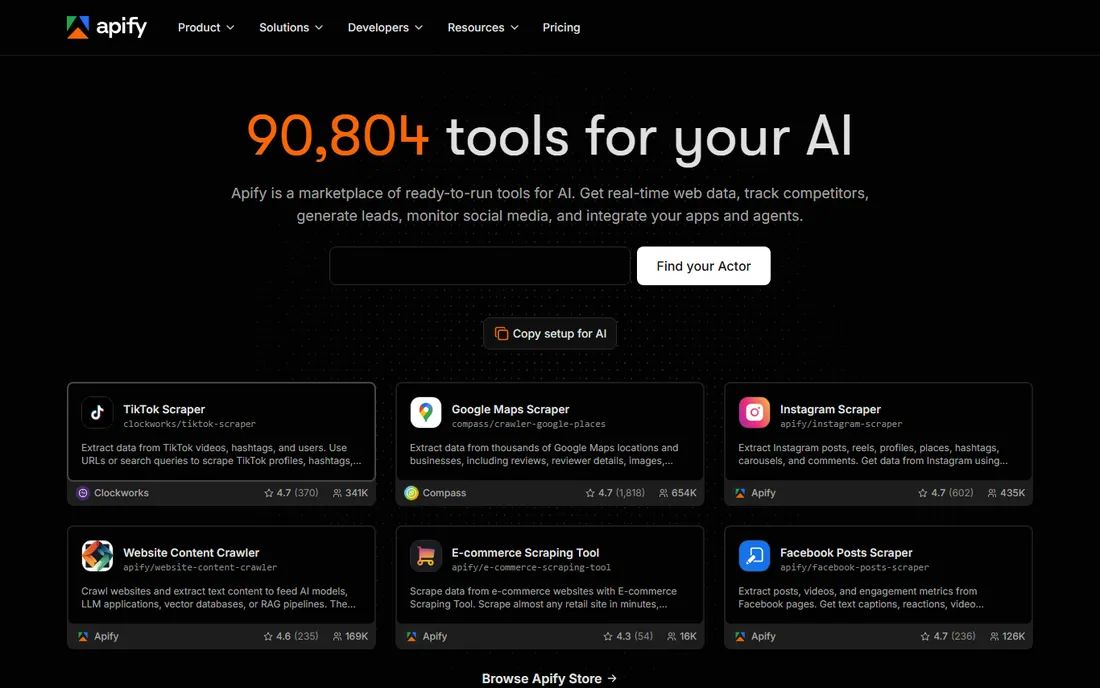
Apify's marketplace is the standout: thousands of pre-built scrapers ("actors") for common sites, many free, ready to run. The platform itself handles proxies, browsers and scheduling, with a free tier including monthly credits and Starter at $39 a month.
Heavy custom scraping consumes compute credits that add up, and building your own actors takes learning. But for teams that want data flowing this week rather than next quarter, the marketplace shortcut is unmatched.
What we like- Marketplace of thousands of ready actors
- $5 free credits monthly
- Flexible platform
Watch out for- Costs scale with compute usage
- Learning curve for custom actors
Starting priceFree tier; paid plans (see website)
Free planYes
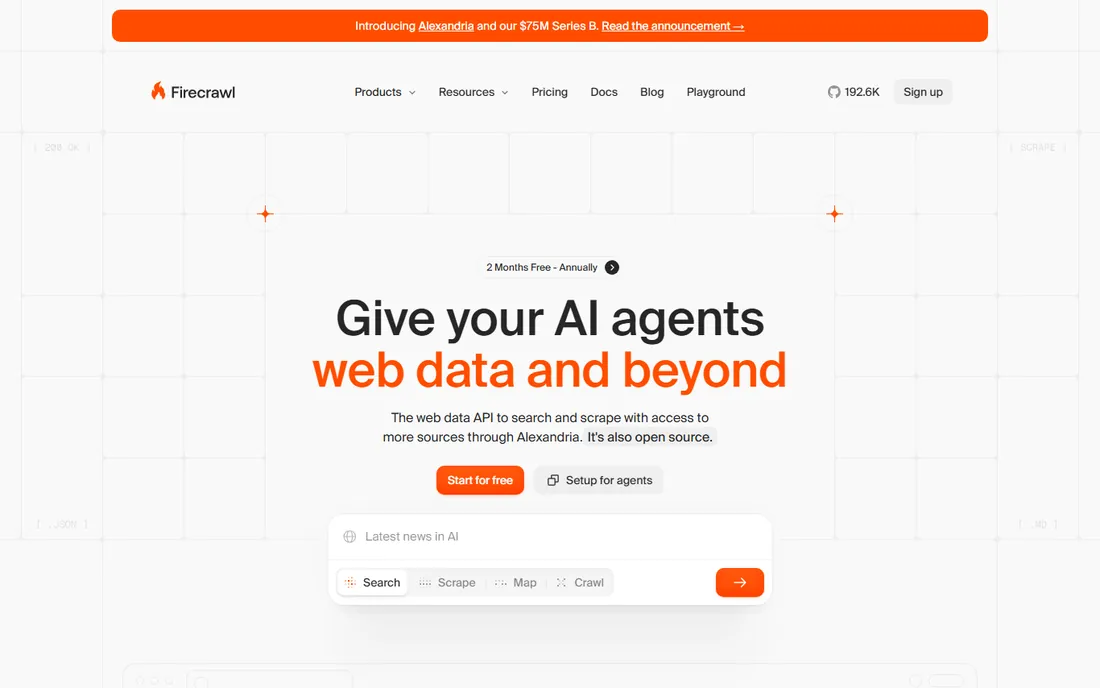
Firecrawl built the scraper AI developers wanted: give it a URL, get back clean markdown ready for LLM ingestion, with JavaScript rendering and anti-bot handling included. The API-first design fits neatly into AI pipelines and RAG workflows.
As a newer company, pricing and limits are still settling, and the feature set is narrower than full platforms. For AI teams that need web content as training or retrieval data, it removes enormous friction.
What we like- Clean markdown output ideal for AI
- Handles JS rendering
- Simple API
Watch out for- Newer vendor
- Pricing tiers evolving
#5
Browse AI
Best for: non-technical users automating data collection
Visit browse.ai
Starting priceFree (50 credits/month); paid plans
Free planYes
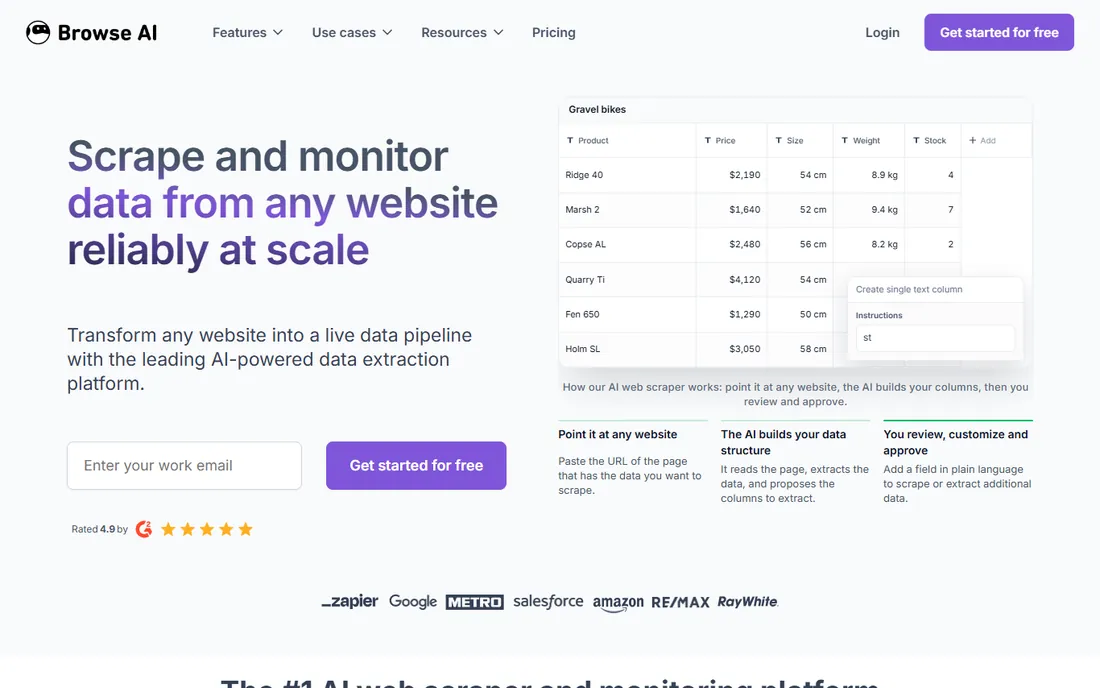
Browse AI lets anyone train a scraping robot by clicking through the task once in a browser, then runs it on schedule. The free tier's 50 monthly credits cover light monitoring, and the change-detection alerts are genuinely useful for price tracking and lead monitoring.
Credit costs scale with page complexity and frequency, so heavy jobs get expensive. Very dynamic sites sometimes defeat the recorder. For business users who need data without engineering help, it is the most approachable option.
What we like- Point-and-click robot training
- No code needed
- Monitors sites for changes
Watch out for- Credit consumption adds up
- Complex sites need workarounds
#6
Zyte
Best for: managed extraction where accuracy matters
Visit zyte.com
Starting priceSee website
Free planFree trial
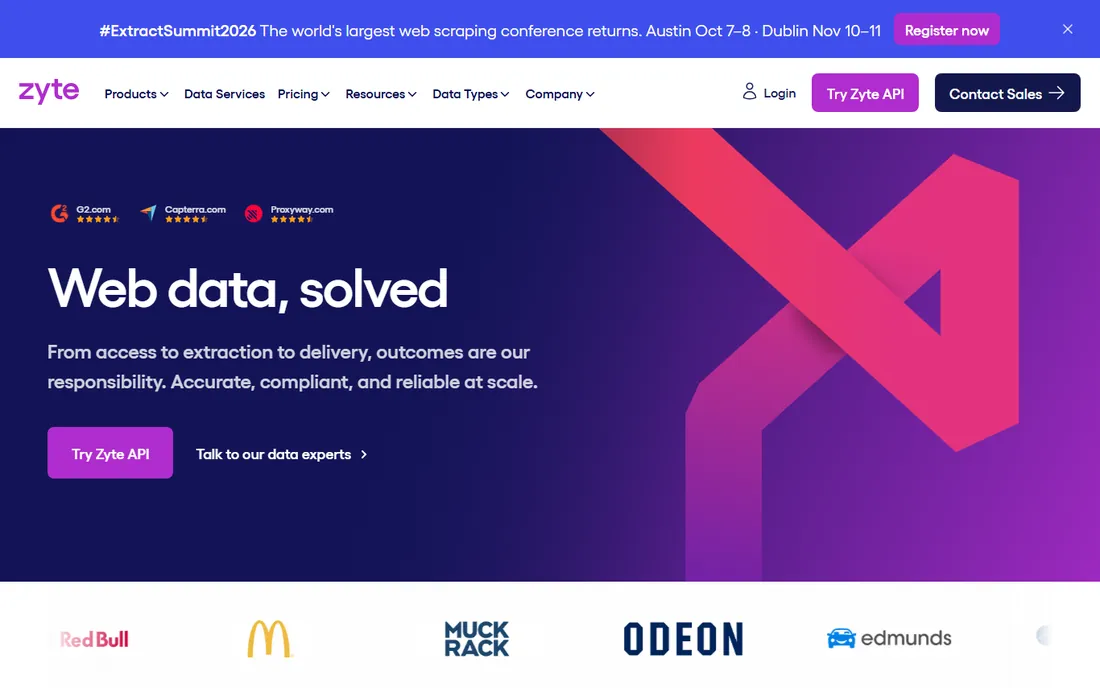
Zyte (formerly Scrapinghub) offers both the tools and the managed service: their team builds and maintains your scrapers if you would rather buy outcomes than software. The Smart Proxy Manager handles rotation and unblocking competently.
Pricing opacity and a less self-serve motion than Apify or Bright Data are the tradeoffs. Companies that want a vendor accountable for data delivery, not just tooling, should evaluate the managed offering seriously.
What we like- Managed service option
- Smart proxy manager
- Long track record
Watch out for- Pricing not transparent
- Less self-serve than rivals
Starting priceFree; paid plans (see website)
Free planYes
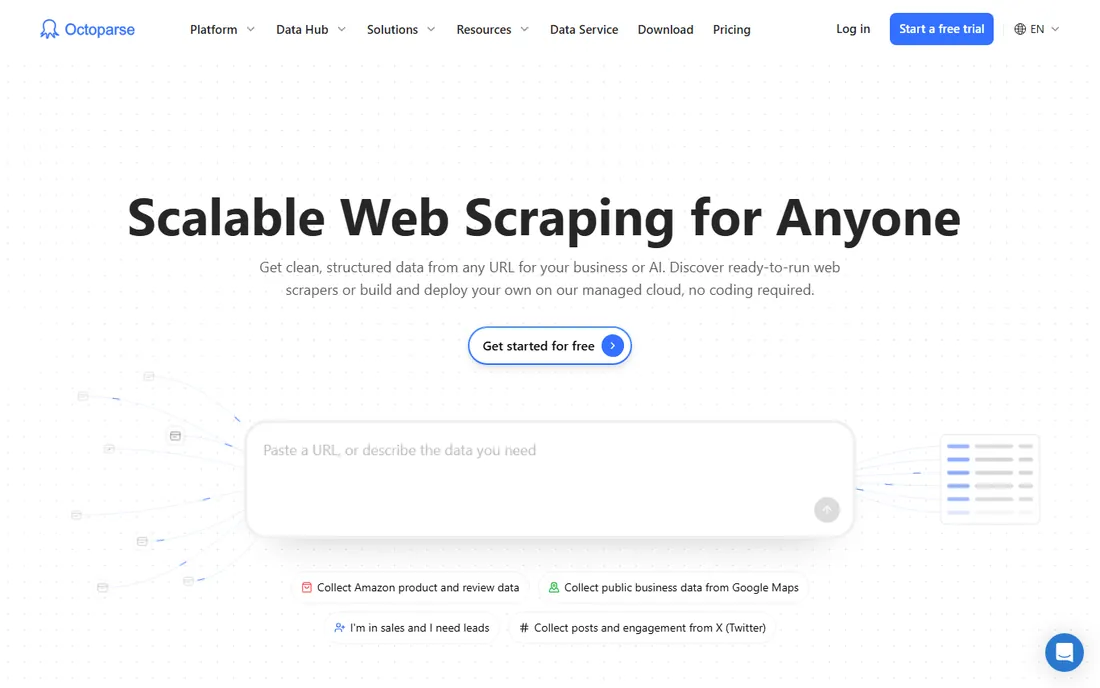
Octoparse's visual point-and-click builder runs on your desktop, which suits analysts and researchers who want full control without code. The free tier handles meaningful work, and the workflow designer manages pagination, logins and AJAX competently.
Cloud execution and scheduling sit on paid tiers, and the desktop model feels old-fashioned next to API-first rivals. For individual practitioners and small teams doing ad-hoc extraction, it remains excellent value.
What we like- Powerful desktop visual builder
- Free tier usable
- No coding
Watch out for- Desktop-centric
- Cloud runs cost extra
Starting priceFree trial; paid plans (see website)
Free planFree trial
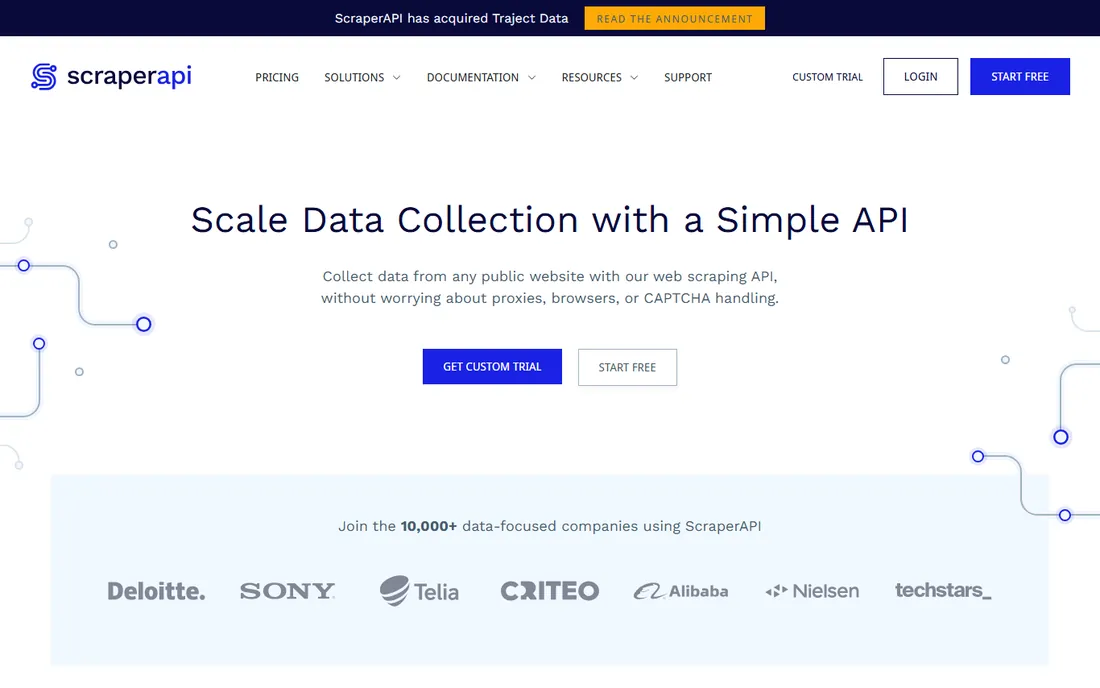
ScraperAPI reduces scraping to one API parameter: send the URL, get back the HTML with proxies, rendering and CAPTCHA handling done for you. Integration takes minutes, which is the entire appeal.
Per-request pricing punishes high volumes, and you get less control over the extraction logic than with Apify or Zyte. For developers adding scraping to an app without becoming scraping experts, the simplicity wins.
What we like- Dead-simple API
- Handles proxies and CAPTCHAs
- Quick integration
Watch out for- Less control than full platforms
- Pricing per request adds up
How we chose
We compared current vendor documentation, pricing pages and positioning, cross-checked against developer community feedback and 2026 scraping comparisons. Every tool listed is actively maintained with a live homepage as of October 2026. We covered proxy infrastructure, no-code tools, API services and marketplaces because buyers split across all four. Prices are the lowest published tier from each vendor's own pricing page; opaque vendors are marked accordingly.
The legality question you must answer first
Web scraping sits in a legal gray area that varies by jurisdiction and target. Public data scraped respectfully is generally defensible; bypassing access controls, violating terms of service aggressively, or scraping personal data triggers real risk. The hiQ v. LinkedIn saga showed even favorable rulings are narrow and fact-specific.
Protect yourself: review the target site's terms and robots.txt, avoid personal data unless you have a lawful basis (GDPR applies), rate-limit requests to avoid harming the target, and get legal review before scraping at commercial scale. Enterprise vendors like Bright Data and Oxylabs offer compliance guidance precisely because their customers need it. The tools are neutral; your use case determines the risk.
Also consider the ethical dimension beyond strict legality. Aggressive scraping can degrade the target site's performance for everyone, and some sites depend on ad revenue that scrapers bypass. Responsible practitioners scrape during off-peak hours, cache aggressively to avoid repeat requests, and identify their bots honestly. The scraping community's reputation affects everyone: one bad actor's abuse gets IP ranges blocked and triggers the anti-bot arms race that makes all scraping harder.
What to check before you sign
Start with the target sites. List the domains you need data from and test each vendor against the hardest one during a trial. JavaScript-heavy sites, aggressive bot protection and login walls separate capable tools from marketing claims quickly.
Then model cost at real volume. Per-request, per-GB and credit-based pricing all punish different patterns: many small pages versus few large ones. Run your actual workload through the vendor's calculator, and ask what happens with retries and failures, since you pay for attempts, not just successes.
Finally, check data quality handling. Deduplication, schema consistency, change detection and delivery formats (API, webhook, S3, CSV) determine whether the data is usable or just collected. A scraper that delivers messy data creates more work than it saves.
Do not skip the maintenance question. Websites change layouts regularly, and every redesign can break your selectors. Ask how each vendor handles site changes: do they auto-heal broken scrapers, alert you, or leave you to discover the gap weeks later? Managed services and AI-powered extraction (Firecrawl, Browse AI) adapt better than brittle CSS selectors. Budget maintenance time realistically: even good scrapers need attention monthly.
Frequently asked questions
Is web scraping legal?
It depends on what you scrape and how. Publicly available data collected without circumventing access controls is generally defensible in the US, but terms-of-service violations, personal data (GDPR/CCPA) and aggressive tactics create risk. Get legal advice for commercial-scale scraping.
What is the difference between proxies and scraping tools?
Proxies provide the IP addresses that make requests; scraping tools handle the full job (rendering, extraction, scheduling, delivery). Bright Data and Oxylabs sell both; ScraperAPI bundles proxies into an API; Apify and Browse AI are full platforms.
How much does web scraping cost?
From free tiers handling thousands of pages to thousands per month for enterprise scale. Per-request APIs cost fractions of a cent per page; proxy bandwidth runs dollars per GB. Model your page count and data size before choosing.
Can AI really improve web scraping?
Yes, in two ways: AI extraction handles layout changes that break CSS selectors, and LLM-ready output (Firecrawl's markdown) feeds AI pipelines directly. It does not solve bot protection or legal questions.
Do I need proxies for small scraping jobs?
Usually not. A few hundred pages a day from one IP rarely triggers blocks. Proxies matter at scale, for geo-targeted data, or against protected sites. Start without, add when you get blocked.
What data format will I get?
Most tools deliver JSON, CSV or direct API/webhook feeds. Firecrawl specializes in markdown for LLMs. Confirm the output matches your pipeline before committing, since reformatting scraped data is tedious.
How do I avoid getting blocked?
Rotate IPs with a proxy service, respect rate limits, use realistic browser headers, and avoid hammering sites during peak hours. Tools like ScraperAPI and Bright Data handle much of this automatically. If you are blocked despite precautions, the target may require a managed approach or direct data partnership.
Should I build or buy my scraping infrastructure?
Buy unless scraping is your core competency. Building means maintaining proxies, browsers, CAPTCHA solving and site-change monitoring yourself, which is a full-time job at scale. The vendors on this list exist because that toil is expensive. Build only when your needs are truly unique or volumes justify a dedicated team.
How fresh does scraped data need to be?
It depends on the use case. Price monitoring needs hourly or daily refreshes; lead lists can be weeks old; training data for AI models is often a one-time extraction. Fresher data costs more in compute and proxy bandwidth, so match the refresh cadence to the decision the data supports. Do not pay for real-time feeds when weekly snapshots would do.
Sources we checked (8)
- https://brightdata.com
- https://oxylabs.io
- https://www.apify.com
- https://firecrawl.dev
- https://browse.ai
- https://www.zyte.com
- https://www.octoparse.com
- https://www.scraperapi.com
Is your product missing or out of date?
We review this list regularly. Vendors can request a listing, send updated pricing or ask about featured placement.

Shihab Mia · Founder, Rankite
Shihab has spent more than a decade helping SaaS and e-commerce brands grow through search. He writes Rankite's software buying guides from pricing pages, documentation and public user reviews. More about Shihab.