How we make this list: we compare pricing pages, product documentation and public user reviews. Rankite is independent; if a vendor ever pays for a featured spot, that listing is clearly labeled Partner.
Key takeaways
- Independent labs like AV-TEST and SE Labs test consumer antivirus several times a year, and the protection gap between the best and worst products stays wide.
- Bitdefender, Norton, and Kaspersky consistently sit near the top of those lab results; Microsoft Defender has closed the gap enough to be a legitimate free default.
- The biggest buyer trap in this category is renewal pricing: cheap first years that rebill much higher, often with auto-renewal switched on.
- Malwarebytes remains the best second-opinion scanner for cleaning an already-infected PC, even if you run something else for daily protection.
- Bundled VPNs and password managers look generous on comparison charts but are usually limited versions designed to upsell you later.
Quick comparison
| Tool | Best for | Starting price | Free plan |
|---|
 Bitdefender Bitdefender | Top lab scores with low performance impact | See website | See website |
 Norton Norton | Full security suite with identity protection | See website | See website |
 McAfee McAfee | Multi-device coverage for households | See website | See website |
 Kaspersky Kaspersky | Strong protection engine at competitive prices | See website | See website |
 ESET ESET | Lightweight protection for technical users | See website | See website |
 Malwarebytes Malwarebytes | Best cleanup tool for infected PCs | See website | See website |
 Avast Avast | Capable free tier with a paid upgrade path | See website | See website |
 Microsoft Defender Microsoft Defender | Built-in Windows protection at no cost | Free | Yes |
 Trend Micro Trend Micro | Strong anti-phishing for less technical users | See website | See website |
Is your product missing or out of date?
We review this list regularly. Vendors can request a listing, send updated pricing or ask about featured placement.
The 9 antivirus products worth your money
Independent testing labs such as AV-TEST and SE Labs publish protection scores for consumer antivirus in regular rounds, and the spread between the highest and lowest scorers stays stubbornly wide year after year. Marketing claims are cheap; those lab results are not. The nine products below are the ones that still earn their place in 2026, judged on protection quality, system impact, and pricing honesty.
Starting priceSee website
Free planSee website
Bitdefender is the product reviewers recommend when they want to stop thinking about antivirus. Its protection engine scores at or near the top in AV-TEST and SE Labs rounds, and it manages that without the noticeable slowdown that heavier suites cause on older machines. The tiered lineup, from basic Antivirus Plus to Total Security and Premium Security, scales from single-PC protection to multi-device coverage with extras like parental controls.
The catch is the pricing model the whole industry uses and Bitdefender embraces: a cheap first year followed by a renewal at a much higher rate, with auto-renewal enabled by default. Calendar the renewal date or buy through a retailer. Support is adequate but not exceptional, and some advanced settings hide behind unintuitive menus.
What we like- Consistently top-tier results in independent lab tests
- Light on system resources
- Suites include useful extras without bloat
Watch out for- First-year discounts rebill much higher
- Support quality varies by region
- Interface buries some settings
#2
Norton
Best for: Full security suite with identity protection
Visit norton.com
Starting priceSee website
Free planSee website
Norton 360 is a security suite first and an antivirus second. Beyond malware protection, which tests well, it bundles a VPN, password manager, cloud backup, and identity theft protection with dark web monitoring. For buyers who want one subscription covering the whole household's digital safety, that breadth is the appeal, and the LifeLock integration in the US adds identity restoration services competitors do not match.
You pay for that breadth twice: once in system resources, since Norton runs heavier than the lightest rivals, and again at renewal, where price jumps are notorious. The apps also push add-on upsells more aggressively than most. Buy Norton for the identity protection bundle, not for antivirus alone, and watch the renewal.
What we like- Strong protection plus identity theft monitoring
- LifeLock bundles available in the US
- Polished apps across platforms
Watch out for- Renewal pricing is among the steepest in the category
- Heavier system footprint than Bitdefender
- Frequent upsell prompts
Starting priceSee website
Free planSee website
McAfee Total Protection's standout feature is licensing: several plans protect unlimited devices, which makes it cheap per device for families with phones, tablets, and laptops everywhere. Protection is solid without being chart-topping, identity monitoring and a VPN are included, and setup takes minutes.
The honest weaknesses are familiar across this category. Lab scores sit a tier below Bitdefender and Kaspersky, the interface steers you toward add-on purchases, and the renewal price bears little resemblance to the first-year deal. It is a reasonable household choice when bought on promotion; it is a poor choice at full renewal price.
What we like- Some plans cover unlimited devices
- Includes identity monitoring and VPN
- Straightforward setup
Watch out for- Mid-tier lab scores rather than top-tier
- Interface pushes add-ons
- Renewal pricing jumps like the rest
Starting priceSee website
Free planSee website
On pure technical merit, Kaspersky belongs in any top list: its detection engine has posted elite lab scores for years, system impact is low, and the Standard, Plus, and Premium tiers are priced fairly. The software itself is polished and the feature set is well judged.
The problem is not technical. The US government banned the sale of Kaspersky products to American customers in 2024 over national security concerns, which removed it from the US market regardless of how well the software works. Buyers outside the US can still purchase it, but should weigh the trust question themselves. This is the rare case where the buying decision is about politics, not product quality.
What we like- Excellent detection scores over many years
- Efficient performance
- Sensibly priced tiers
Watch out for- US sales ban limits availability for American buyers
- Brand trust damaged by geopolitics regardless of technical merit
#5
ESET
Best for: Lightweight protection for technical users
Visit eset.com
Starting priceSee website
Free planSee website
ESET is the connoisseur's choice: a small, fast protection engine with excellent heuristics that catches new threats without waiting for signature updates. It has one of the lightest footprints in the category, which makes it ideal for older hardware and for users who notice every background process. Advanced users appreciate the depth of configuration.
Beginners get less guidance than Norton or Bitdefender provide, and the interface looks like it was designed by engineers for engineers. The Home Security tiers cover the essentials plus extras like a password manager on higher plans. If you know what a heuristic is, ESET will make you happy; if you do not, pick something friendlier.
What we like- Very light on system resources
- Strong heuristic detection
- Highly configurable for advanced users
Watch out for- Interface feels technical and dated
- Fewer hand-holding features for beginners
- Smaller marketing presence means less third-party coverage
Starting priceSee website
Free planSee website
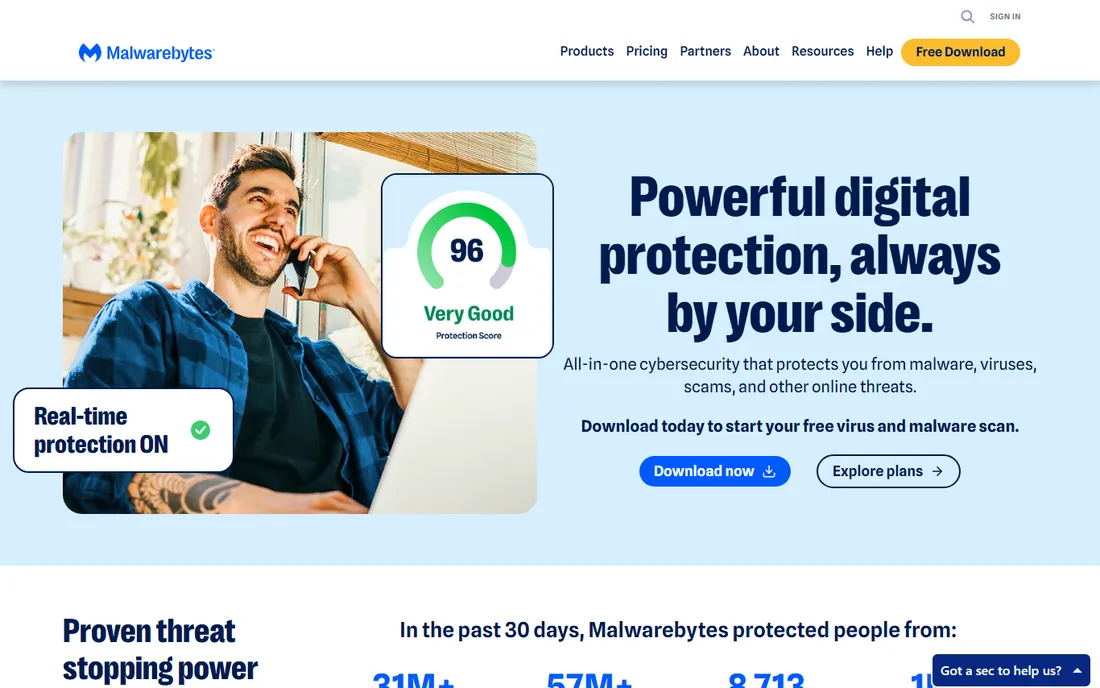
Malwarebytes built its reputation doing the job other antivirus products fail at: cleaning a PC that is already infected. Its scanner finds and removes adware, spyware, and rogue software that primary antivirus misses, which is why technicians keep the free version on a USB stick. The free scanner runs on demand without conflicting with your main antivirus.
As a daily driver, Malwarebytes Premium adds real-time protection that has improved markedly, but it still offers fewer bundled extras than Bitdefender or Norton at a similar price. The smart setup for most users is Malwarebytes Free as a monthly second-opinion scan alongside a primary antivirus, not as a replacement for one.
What we like- Best-in-class removal of existing infections
- Free scanner is a superb second opinion
- Low false-positive rate
Watch out for- Historically weaker as a standalone real-time shield
- Premium costs as much as full suites with fewer extras
#7
Avast
Best for: Capable free tier with a paid upgrade path
Visit avast.com
Starting priceSee website
Free planSee website
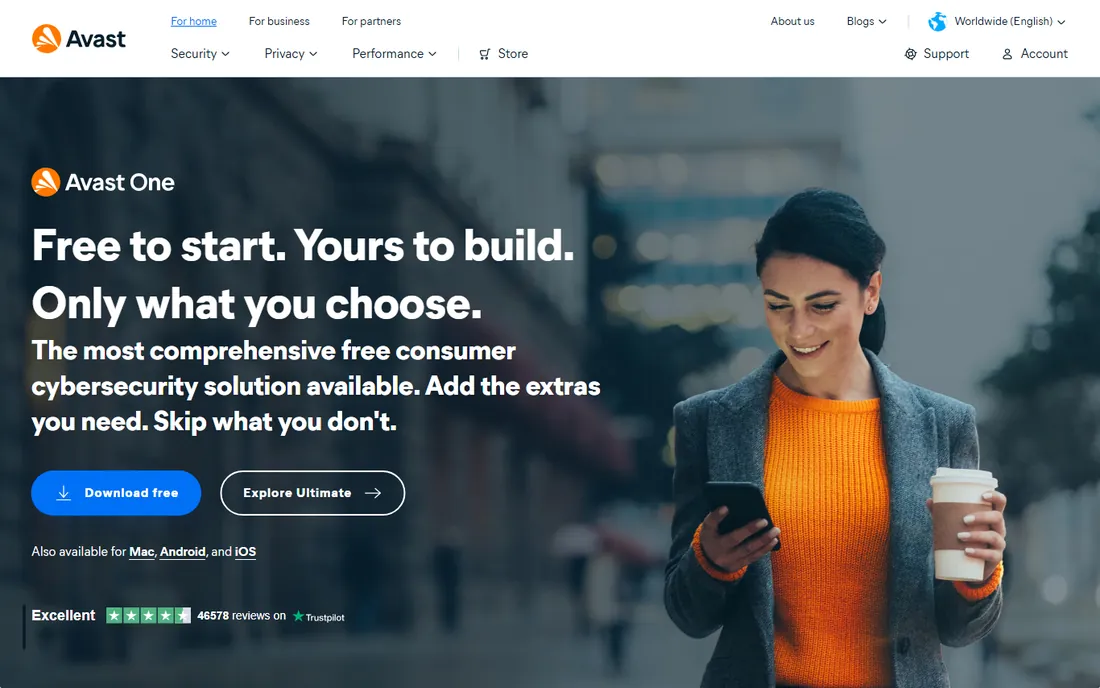
Avast's free antivirus is one of the most installed security products in the world, and its protection scores are respectable for a free product. The free tier includes extras like a Wi-Fi network inspector that paid products sometimes charge for, and upgrading to Avast One adds a VPN and cleanup tools in a modern interface.
Trust is the open question. In 2020, investigations revealed Avast's subsidiary Jumpshot sold browsing data collected from free users, and the company shut the subsidiary down after the backlash. Avast now sits under Gen, the same parent as Norton and AVG. The software works well; whether the history matters is a personal call.
What we like- Free version offers genuinely good protection
- Wi-Fi inspector and other extras included
- Simple upgrade path to paid
Watch out for- Past data-selling scandal damaged trust
- Free version pushes paid upgrades
- Now shares corporate ownership with AVG and Norton
Starting priceFree
Free planYes
Microsoft Defender is the default answer for most Windows users in 2026, and that is not damning with faint praise. Independent lab scores have risen to genuinely competitive levels, it updates through Windows Update with no action required, and there is no subscription, no renewal trap, and no upsell. For careful users who do not click suspicious links, it is enough.
It is still a baseline, not a suite. There is no bundled VPN worth using, no password manager, no identity monitoring, and parental controls live in Microsoft Family Safety rather than the antivirus itself. If your threat model includes phishing-heavy email or you want the extras, add a paid product; if you want quiet, competent, free protection, stop here.
What we like- Pre-installed and free with Windows
- Lab scores now competitive with paid products
- Zero configuration or renewals
Watch out for- Fewer extras than paid suites
- Management tools target businesses, not home users
- Phishing protection lags specialists like Trend Micro
Starting priceSee website
Free planSee website
Trend Micro Maximum Security's best skill is keeping non-technical users away from the scams that actually hurt them: phishing pages, fraudulent shops, and email lures. Its web protection consistently rates among the best, and the interface is plain enough for a parent or grandparent to use without a tutorial. It is a quiet, competent product.
It does not try to match Norton or Bitdefender on suite breadth, and its malware lab scores bounce around more between test rounds than the steadiest rivals. Trend Micro is also less of a household name in the US and Europe than its quality warrants, which means fewer independent reviews to consult. For phishing-heavy households, it punches above its fame.
What we like- Excellent web and phishing protection
- Simple interface for non-technical users
- Good email scam filtering
Watch out for- Smaller feature set than the big suites
- Lab scores vary more between rounds
- Brand is less visible in Western markets
Frequently asked questions
Is Microsoft Defender enough, or do I need paid antivirus?
For careful users on Windows, Defender is enough. Its lab scores are competitive, it costs nothing, and it cannot expire or nag you. Paid antivirus earns its price through extras, VPN, password manager, identity monitoring, parental controls, and through slightly better phishing protection. Buy paid for the extras or for higher-risk users, not because Defender fails at basic malware protection.
Can I run two antivirus programs at the same time?
No, not two real-time shields. They conflict, slow the system, and can each mistake the other for malware. The one safe combination is a primary real-time antivirus plus Malwarebytes Free run manually as an on-demand second opinion, since the free version has no real-time component to clash with.
Why does my antivirus cost twice as much at renewal?
Because the first-year price is a customer acquisition cost, not the real price. Nearly every consumer antivirus discounts year one heavily and rebills at the standard rate with auto-renewal on. The fix is unglamorous: turn off auto-renewal after purchase, calendar the expiry date, and either negotiate, switch, or rebuy as a "new" customer when the renewal notice arrives.
Do I need antivirus on a Mac?
Macs get less malware than Windows PCs, but "less" is not "none," and phishing does not care about your operating system. Bitdefender, Norton, and Malwarebytes all sell Mac versions. A cautious Mac user with Defender-equivalent habits can rely on macOS built-in protections; anyone who clicks first and thinks later should add a third-party product.
Will antivirus slow down my computer?
Less than it used to, but the difference between products is real. Bitdefender and ESET are consistently among the lightest in performance tests; heavier suites can add seconds to boot and slow file operations on older machines. If your PC is more than five years old, weight the performance scores as heavily as the protection scores.
What should I do if my PC is already infected?
Disconnect from the internet to stop data theft, then scan with Malwarebytes Free, which specializes in removing active infections. If the infection blocks your tools, use another computer to create a rescue USB from your antivirus vendor. After cleanup, change important passwords from a clean device, since keyloggers may have captured them before removal.
Choosing antivirus: what the marketing will not tell you
Read the lab results, not the adjectives. AV-TEST, SE Labs, and AV-Comparatives publish protection and performance scores for consumer products multiple times a year, and they are free to read. A product that advertises "AI-powered next-gen" protection but sits mid-table in every lab round is selling vocabulary. Shortlist from the labs, then compare features.
Treat the first-year price as fiction. The number on the homepage is almost never the renewal number, and auto-renewal is usually switched on at purchase. Before buying, find the renewal price, it is often buried in the terms, and decide whether you would pay it. If not, plan from day one to cancel or switch at month eleven.
Count devices, not users. A single license that covers five or unlimited devices, as McAfee and some Bitdefender and Norton plans do, changes the math for a household completely. A cheap per-device price that requires three separate purchases is not cheap. Map every phone, tablet, and laptop in the house before comparing prices.
Distrust the bundle chart. The VPN in most antivirus suites has data caps or speed limits designed to upsell a standalone VPN; the password manager is often a basic version of a better free product. Value the bundle at what its limited version is worth to you, not at the standalone price the chart implies.
Check the performance scores for your hardware. Protection scores get the headlines, but on a four-year-old laptop, a heavy suite's daily slowdown costs more real time than the marginal protection difference between the top five products. The labs publish performance impact separately; read it.
Finally, know when free wins. Microsoft Defender plus careful habits beats an expired, unrenewed paid product every time. An antivirus that lapsed because the renewal price shocked you protects nothing. A free product that stays updated protects plenty.
How we chose
We compared independent lab results from AV-TEST, SE Labs, and AV-Comparatives against vendor feature lists, documentation, and pricing pages, cross-checked with public reviews on G2, Capterra, Trustpilot, and Reddit security communities. We weighted real-world protection scores highest, then performance impact, pricing transparency around renewals, and the honesty of bundled features. We did not claim hands-on testing; rankings reflect published test data and documented product behavior.
Free antivirus vs paid: where the line sits
Free antivirus in 2026 is genuinely good. Microsoft Defender on Windows and the free tiers of Avast and others post respectable lab scores, and for a careful user they cover the core job: blocking known malware and stopping most malicious downloads. The industry's dirty secret is that the free products are good enough that paid vendors compete on extras, not on core protection.
Paid earns its money in four situations. First, high-risk users, children, elderly relatives, and anyone who clicks before thinking benefit from stronger phishing and web protection. Second, households with many devices save money on multi-device licenses. Third, identity theft protection and restoration services, Norton's strength, have no free equivalent. Fourth, businesses need central management that consumer free products do not offer.
The line also moves with behavior. A user who keeps software updated, uses a password manager, enables two-factor authentication, and treats unexpected attachments with suspicion gets most of the benefit of paid antivirus for free. A user who does none of those things needs every layer they can buy. Match the spending to the habits, not to the fear.
One more honest note: the most dangerous security product is an expired paid one. Users who buy on a cheap first year, get shocked by the renewal, and let protection lapse are worse off than if they had installed Defender from the start. Whatever you choose, make sure it stays active, updated, and renewed.
Sources we checked (9)
- https://bitdefender.com
- https://norton.com
- https://mcafee.com
- https://kaspersky.com
- https://eset.com
- https://malwarebytes.com
- https://avast.com
- https://microsoft.com
- https://trendmicro.com
Is your product missing or out of date?
We review this list regularly. Vendors can request a listing, send updated pricing or ask about featured placement.

Shihab Mia · Founder, Rankite
Shihab has spent more than a decade helping SaaS and e-commerce brands grow through search. He writes Rankite's software buying guides from pricing pages, documentation and public user reviews. More about Shihab.