How we make this list: we compare pricing pages, product documentation and public user reviews. Rankite is independent; if a vendor ever pays for a featured spot, that listing is clearly labeled Partner.
Key takeaways
- Intuit ProConnect Tax and Lacerte are the mainstream choices for firms already in the Intuit ecosystem.
- Drake Tax is the value leader, with straightforward pricing that small firms love.
- UltraTax CS and CCH Axcess serve large firms with complex returns and deep integrations.
- Professional tax software is priced per return or by quote; expect a sales conversation for everything except Drake and TaxSlayer Pro.
Quick comparison
| Tool | Best for | Starting price | Free plan |
|---|
 Intuit ProConnect Tax Intuit ProConnect Tax | Cloud-based pro tax prep | See website | Free trial |
 Drake Tax Drake Tax | Value for small firms | See website | Free trial |
 UltraTax CS UltraTax CS | Large complex firms | See website | No |
 Lacerte Lacerte | High-volume Intuit firms | See website | No |
 ProSeries ProSeries | Small Intuit-based practices | See website | Free trial |
 TaxSlayer Pro TaxSlayer Pro | Affordable pro e-filing | See website | Free trial |
 ATX ATX | All-in-one small firm suite | See website | Free trial |
 CCH Axcess Tax CCH Axcess Tax | Enterprise tax workflow | See website | No |
 Canopy Canopy | Modern practice management | See website | Free trial |
Is your product missing or out of date?
We review this list regularly. Vendors can request a listing, send updated pricing or ask about featured placement.
The top tax preparation software for professionals
Starting priceSee website
Free planFree trial
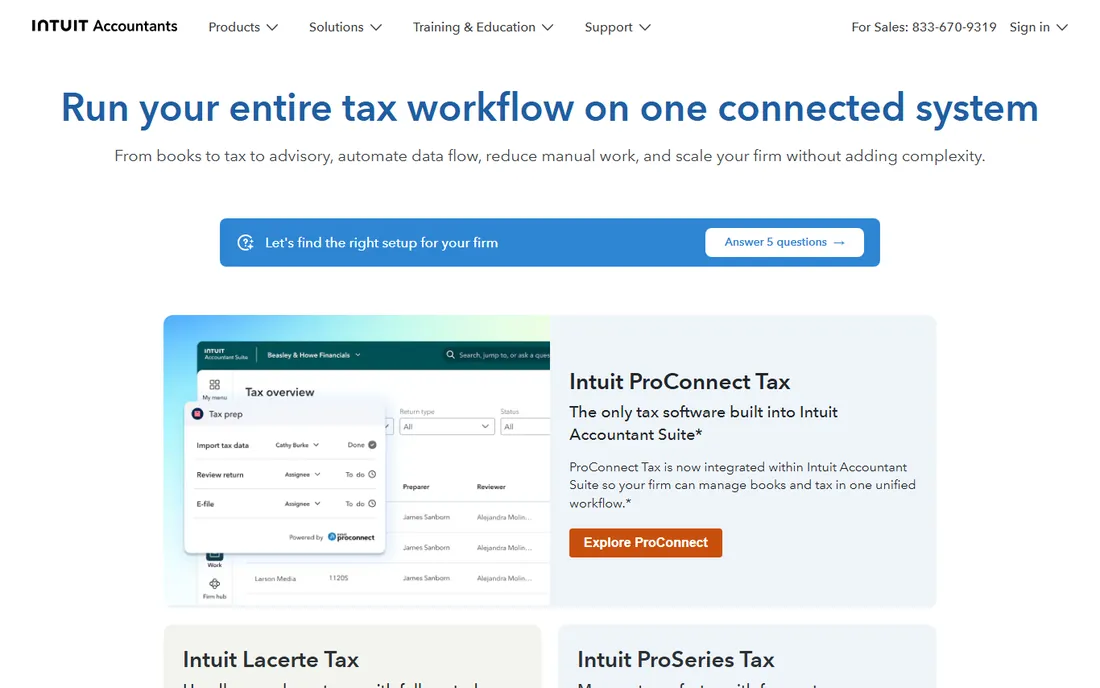
ProConnect Tax is Intuit's cloud professional tax platform: prepare, review and e-file returns from any browser with no local installation. Integration with QuickBooks Online pulls trial balances directly, and per-return pricing lets seasonal firms pay for what they file. Multi-user collaboration works naturally in the cloud.
The trade-off is dependence on connectivity and Intuit's ecosystem. Heavy-volume firms often compare it against Lacerte. For modern firms that want tax prep anywhere without servers, ProConnect is the cloud-native Intuit choice.
What we like- Fully cloud-based
- Integrates with QuickBooks
- Per-return pricing available
Watch out for- Internet-dependent
- Pricing scales with return volume
Starting priceSee website
Free planFree trial
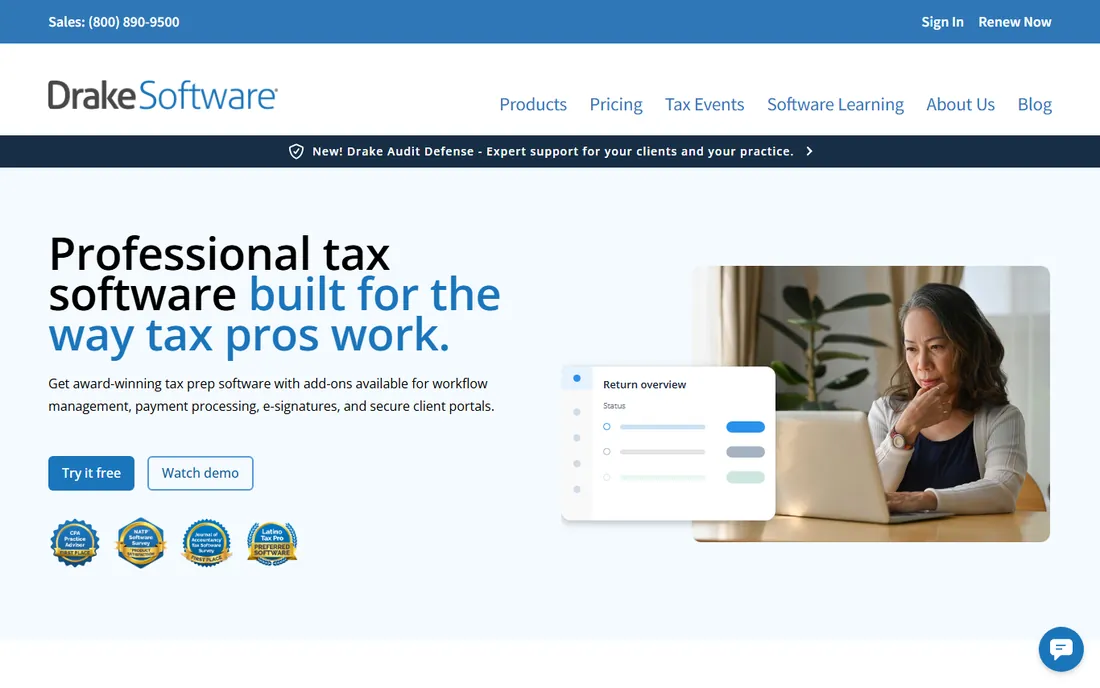
Drake Tax wins on value and speed. Pricing is famously straightforward compared to competitors' quote mazes, and the keyboard-driven workflow lets experienced preparers fly through returns. Small firms and solo practitioners form its loyal core.
The interface prioritizes function over beauty, and enterprise integrations are thinner than Thomson Reuters or Wolters Kluwer. For a small firm that wants professional-grade tax prep without enterprise pricing games, Drake is the value leader.
What we like- Straightforward affordable pricing
- Fast data entry
- Loyal user base
Watch out for- Interface utilitarian
- Fewer enterprise integrations
Starting priceSee website
Free planNo
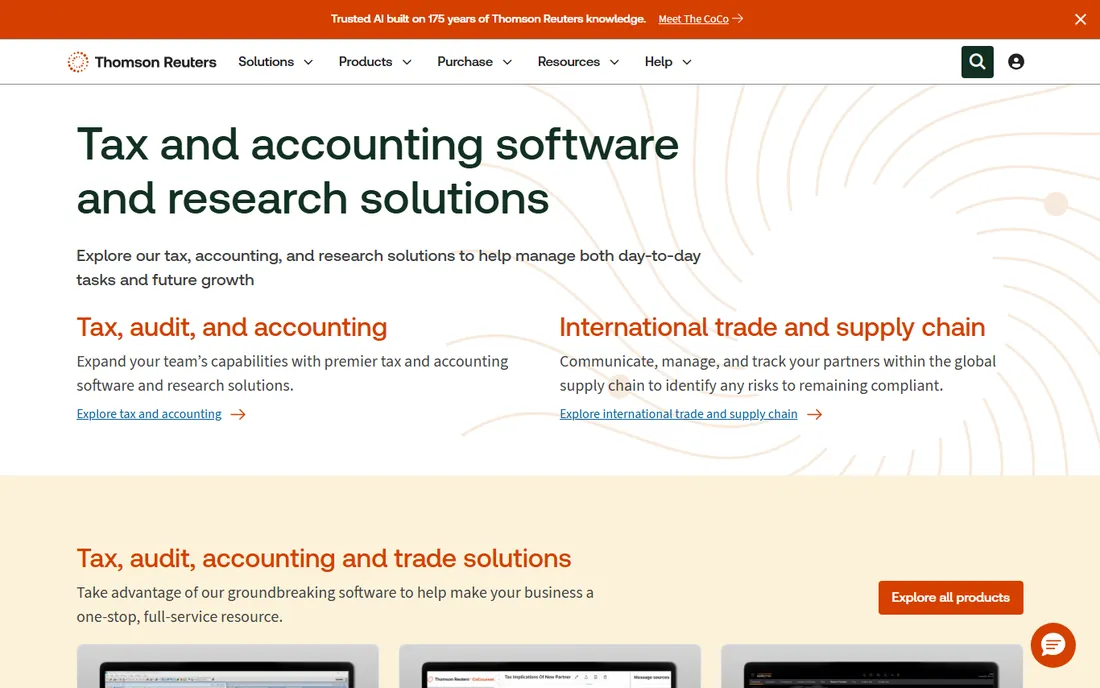
UltraTax CS (Thomson Reuters) is the heavy-duty choice for firms with complex individual, corporate, partnership and multi-state returns. The CS Professional Suite integrates tax with practice management, document management and research. Data sharing across returns and years is best in class.
Pricing is premium and quote-based. Smaller firms will find it oversized. For large firms where return complexity justifies the investment, UltraTax CS is the industry standard.
What we like- Deepest complex-return capability
- CS suite integration
- Trusted by large firms
Watch out for- Premium pricing
- Implementation effort
Starting priceSee website
Free planNo
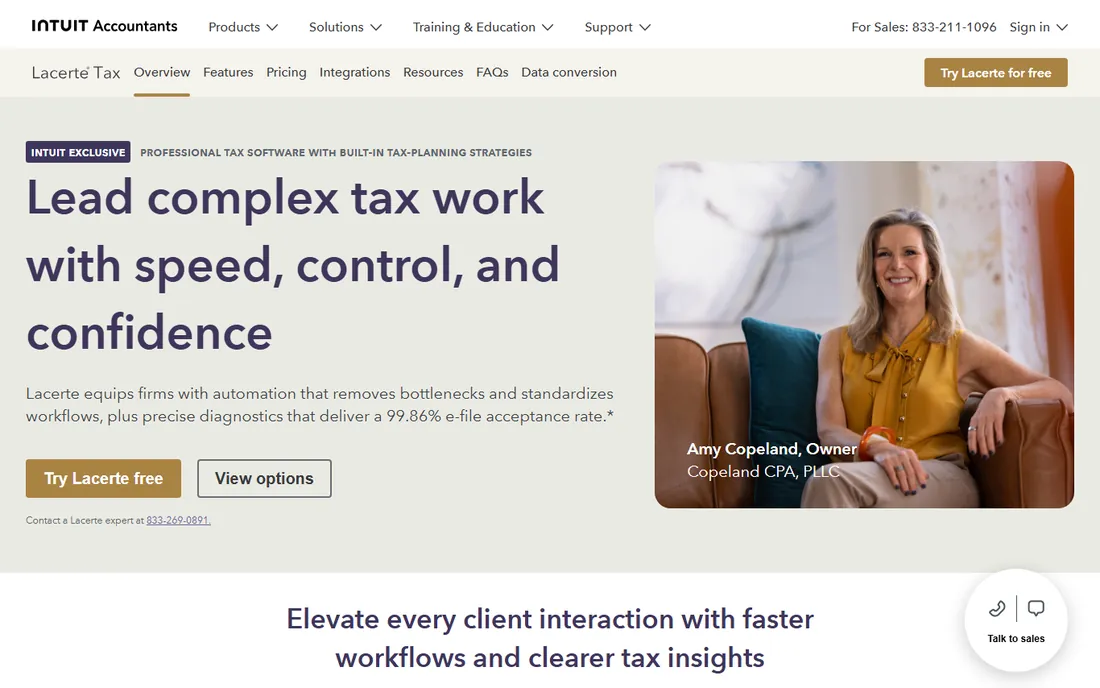
Lacerte is Intuit's powerhouse desktop tax software for high-volume firms. It handles complex returns with extensive diagnostics and integrates with the broader Intuit professional ecosystem. Firms processing thousands of returns rely on its stability.
It is desktop software in an increasingly cloud world, and pricing is premium. Firms choosing between Intuit options pick Lacerte for power and ProConnect for cloud flexibility.
What we like- Powerful for complex returns
- Deep Intuit integration
- Proven at volume
Watch out for- Desktop-based
- Premium pricing
Starting priceSee website
Free planFree trial

ProSeries serves small tax practices that want Intuit reliability without Lacerte's scale. Per-return pricing suits seasonal preparers, and the workflow is approachable for staff. Integration with Intuit's other professional tools helps small firms standardize.
Complex specialty returns may need Lacerte or UltraTax. For the solo CPA or small practice doing individual and small business returns, ProSeries hits the sweet spot.
What we like- Approachable for small firms
- Per-return options
- Intuit ecosystem
Watch out for- Less depth than Lacerte
- Desktop heritage
Starting priceSee website
Free planFree trial
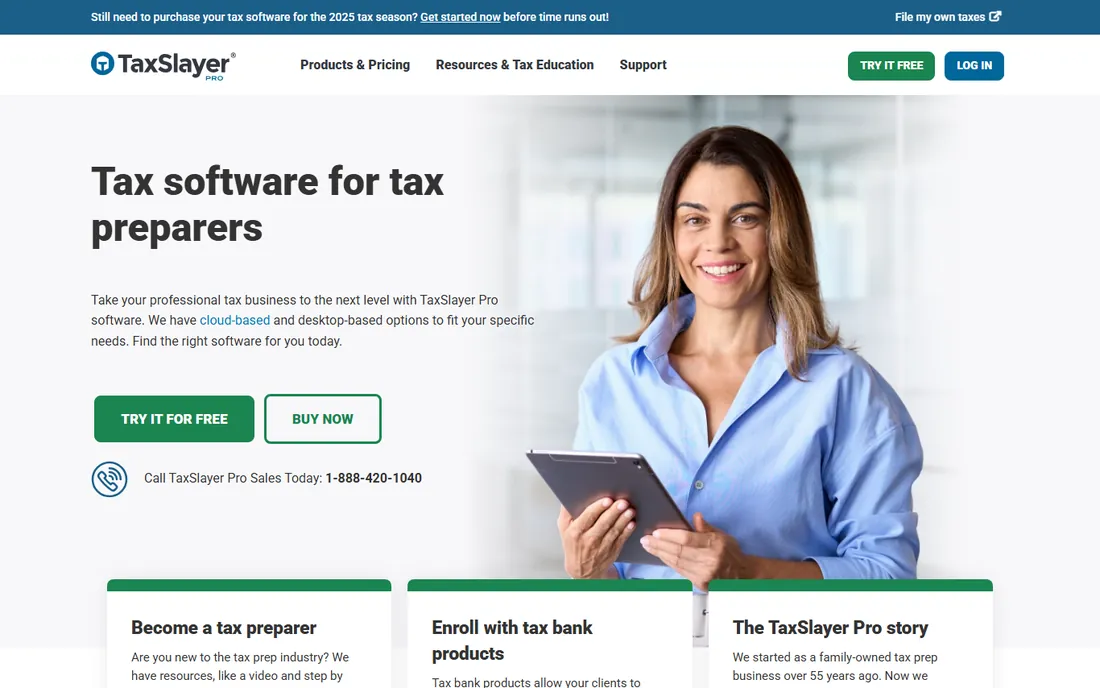
TaxSlayer Pro brings the consumer brand's simplicity to professional tax prep. Pricing is among the most affordable, the interface is easy to learn, and e-filing is straightforward. Seasonal preparers and small offices appreciate the low barrier.
Complex corporate and multi-state work stretches its capabilities. For individual returns and simple business filings at an accessible price, TaxSlayer Pro is the budget-friendly professional option.
What we like- Affordable
- Simple to learn
- Good for seasonal preparers
Watch out for- Less depth for complex returns
- Fewer integrations
Starting priceSee website
Free planFree trial
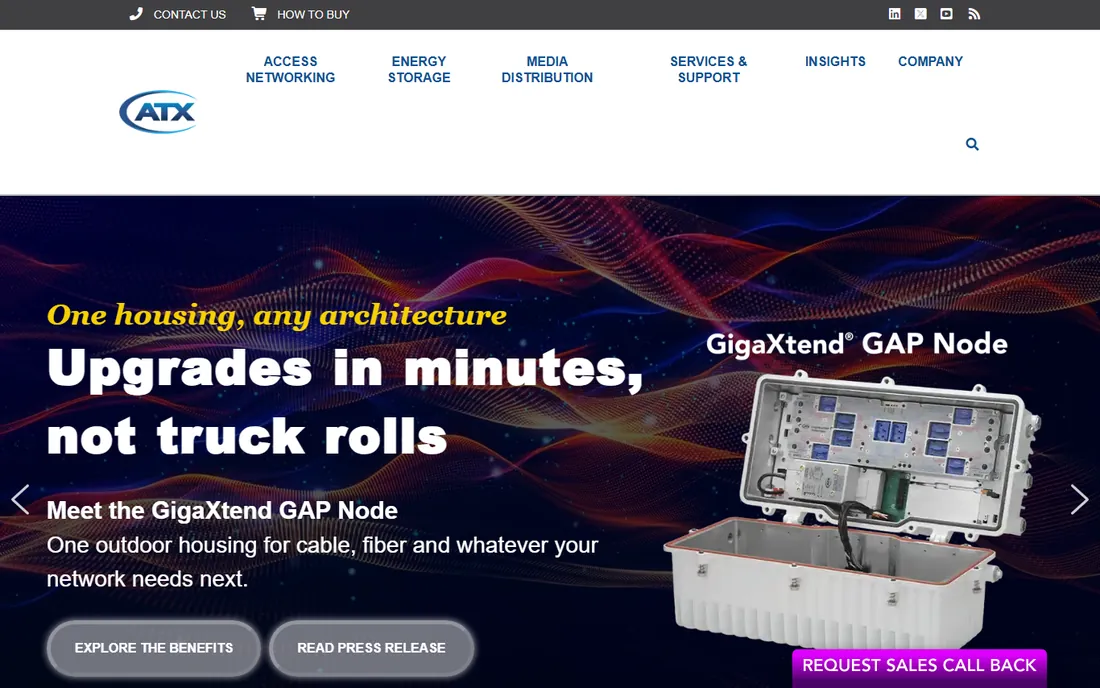
ATX (Wolters Kluwer) bundles professional tax preparation with practice management tools at small-firm-friendly pricing. The Max packages add research, document management and workflow tools. Firms get Wolters Kluwer's tax research heritage without Axcess-level investment.
The interface feels dated next to cloud competitors, and growing firms face migration pressure toward CCH Axcess. For small firms wanting tax plus practice tools from one vendor, ATX covers the essentials.
What we like- Tax plus practice tools in one
- Max bundle options
- Wolters Kluwer research access
Watch out for- Interface aging
- Upsell pressure toward CCH Axcess
Starting priceSee website
Free planNo
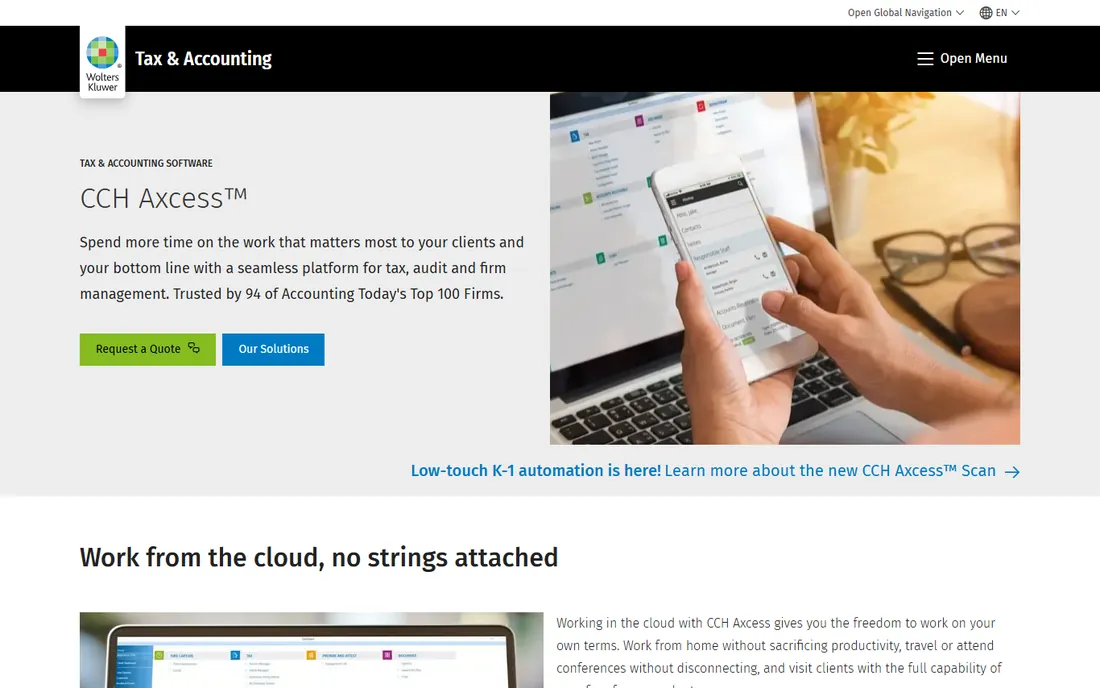
CCH Axcess Tax is Wolters Kluwer's cloud platform for large tax and accounting firms: tax preparation integrated with document management, workflow, practice management and research in one cloud suite. Multi-office firms get centralized control with standardized processes.
Pricing and implementation are enterprise-grade. Smaller firms should consider ATX instead. For large firms standardizing on a single cloud platform, Axcess is the comprehensive answer.
What we like- Cloud suite for large firms
- Integrated workflow and documents
- Deep compliance
Watch out for- Enterprise pricing
- Significant implementation
Starting priceSee website
Free planFree trial
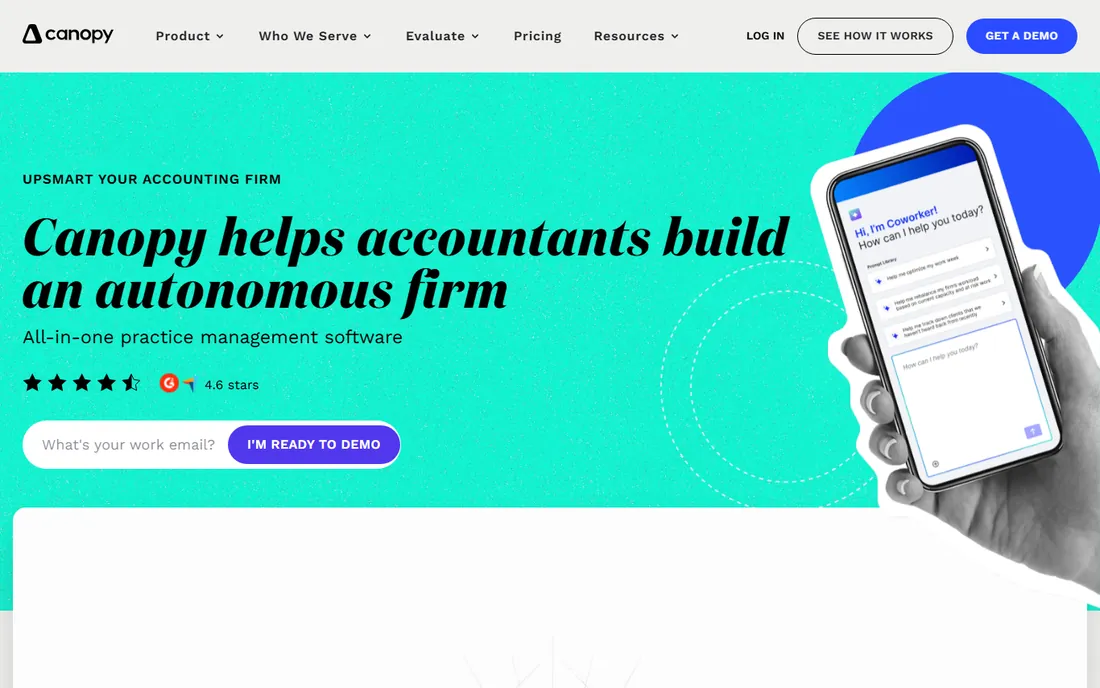
Canopy modernizes the tax practice around the return: client portal, document collection, workflow automation, e-signatures and billing in a clean cloud interface. It is practice management first, with tax preparation capabilities that suit straightforward returns.
Complex tax work still needs a dedicated engine like UltraTax or Lacerte; many firms pair Canopy's front office with a traditional tax engine. For firms prioritizing client experience and workflow over raw tax depth, Canopy is the modern choice.
What we like- Modern practice management
- Client portal
- Workflow automation
Watch out for- Tax prep is lighter than dedicated engines
- Newer vendor
Per-return vs unlimited: how pro tax pricing works
Professional tax software prices three ways: per return filed (good for seasonal and low-volume preparers), unlimited returns for a flat fee (good for established firms), and quote-based enterprise (large firms). Estimate your return count by type before comparing; a cheap per-return price gets expensive at 500 returns. Also budget for e-file fees, state modules and prior-year software, which are often separate line items.
Switching tax software: the real cost
The software price is the smallest part of switching. Data conversion, staff retraining, workflow rebuilding and the risk of a bad first season dominate. Most firms switch in the off-season and run parallel for one cycle. Vendor-provided conversion services help but verify what actually transfers: client data usually, workpapers sometimes, custom templates rarely.
Client organizers and portals: the bottleneck remover
The tax return itself is rarely the bottleneck in a tax practice. The bottleneck is getting documents from clients: the missing W-2, the shoebox of receipts, the "I will send it this weekend" that stretches into April. Client organizers and portals address exactly this, and their quality varies enormously between platforms. A good organizer is a guided questionnaire that adapts to the client's situation: new baby, questions about dependents; sold a house, questions about the sale. It should import prior-year data so returning clients only answer what changed. The best organizers feel like a conversation, not a tax form. During evaluation, complete the organizer as a client would; friction here costs you staff hours all season.
The portal is where documents flow both ways. Clients upload source documents by photo or scan; the firm posts organizers, engagement letters, invoices and completed returns for e-signature and download. The non-negotiable features: bank-grade security, automatic document categorization (or at least easy manual sorting), status visibility (client sees what is still missing), and reminders that nudge without nagging. The reminder system deserves scrutiny: can you configure the cadence, does it show the client exactly what is outstanding, does it stop when everything arrives. Firms report that good portal reminders recover weeks of staff follow-up time during busy season.
E-signature integration completes the loop. Engagement letters, consent forms and e-file authorizations (8879s) should be signable without printing, scanning or separate software. The workflow that works: return completed, client notified, client reviews in the portal, signs the 8879 electronically, firm e-files. Every step that requires leaving the portal leaks time and clients. Verify that the e-signature is IRS-compliant for the forms you use and that the signed documents archive automatically with the return. Some platforms bundle this; others integrate with third-party signature tools. Either works if the handoff is invisible to the client.
Mobile experience decides adoption for individual clients. Most clients will interact with your portal from their phone, photographing W-2s on the kitchen table. If the mobile upload flow is clumsy, documents arrive by email instead, and your staff does the organizing the portal was supposed to handle. Test the mobile flow ruthlessly: photograph a wrinkled W-2 in bad light and see what happens. The firms with the smoothest busy seasons are usually the ones whose clients can complete the entire organizer and document upload from a phone without calling for help.
Measure the organizer's effectiveness, not just its existence. Track organizer completion rates, average days from organizer sent to documents complete, and staff hours spent chasing documents per return. These metrics reveal whether the portal is working or merely installed. A common finding: completion stalls on specific questions, which usually means the question is confusing, not the client. Revise those questions. Also segment by client type; business clients need different organizers than individual clients, and forcing both through the same flow frustrates everyone. The organizer is the front door of your practice; make it welcoming and the whole season runs smoother.
Frequently asked questions
What is the best tax software for a small CPA firm?
Drake Tax for value, ProSeries or ProConnect for the Intuit ecosystem, ATX for an all-in-one suite. All handle individual and small business returns well. Choose based on your return mix and whether you prefer desktop or cloud.
How much does professional tax software cost?
Drake and TaxSlayer Pro publish affordable pricing; most others are quote-based. Expect hundreds to thousands per year for small firms and five figures for large firms, plus per-return or e-file fees. Always get the all-in quote including states.
Can professional tax software handle multi-state returns?
Yes, all the tools here support multi-state filing, with state modules sometimes priced separately. UltraTax CS, Lacerte and CCH Axcess have the deepest multi-state capabilities for complex situations.
Do I need separate software for bookkeeping and tax?
Most firms use QuickBooks or Xero for client bookkeeping and dedicated tax software for returns. ProConnect integrates with QuickBooks; others import trial balances. The tax engine and the books are separate jobs.
What about IRS e-file requirements?
All professional tools here are IRS Authorized e-file Providers' software with MeF support. You still need your own EFIN from the IRS. Confirm state e-file coverage for every state you file.
Should a new firm start with cloud tax software?
Generally yes. Cloud tools (ProConnect, CCH Axcess, Canopy) eliminate servers and enable remote work. Desktop tools (Lacerte, Drake, UltraTax) remain powerful but tie you to local infrastructure. New firms have no legacy reason to choose desktop.
How we chose
We compared the professional tax platforms firms actually buy, from solo preparers to enterprise firms. Pricing is quote-based or per-return across most of the category. We weighted return complexity handling, e-file reliability, practice integration and fit for different firm sizes. No hands-on testing was performed; assessments rest on vendor documentation and public reviews.
Sources we checked (9)
- https://accountants.intuit.com/
- https://www.drakesoftware.com/
- https://tax.thomsonreuters.com/en
- https://accountants.intuit.com/tax-software/lacerte/
- https://accountants.intuit.com/tax-software/proseries/
- https://www.taxslayerpro.com/
- https://atx.com/
- https://www.wolterskluwer.com/en/solutions/cch-axcess
- https://www.getcanopy.com/
Is your product missing or out of date?
We review this list regularly. Vendors can request a listing, send updated pricing or ask about featured placement.

Shihab Mia · Founder, Rankite
Shihab has spent more than a decade helping SaaS and e-commerce brands grow through search. He writes Rankite's software buying guides from pricing pages, documentation and public user reviews. More about Shihab.