How we make this list: we compare pricing pages, product documentation and public user reviews. Rankite is independent; if a vendor ever pays for a featured spot, that listing is clearly labeled Partner.
Key takeaways
- Docker reports that more than 20 million developers build on its platform every day, which shows how completely containers have become the default way to ship software (docker.com).
- Visual Studio Code remains the starting point for most developers: free, open source, and extended by a marketplace with thousands of extensions.
- AI coding assistants are now part of the standard toolkit. GitHub Copilot and Cursor both offer free tiers, so individual developers can try AI-assisted coding before spending anything.
- IntelliJ IDEA is the reference IDE for Java and Kotlin developers, with refactoring and debugging depth that lightweight editors do not match.
- Docker, Postman, and Jira round out the daily workflow: containers for consistent environments, Postman for API work, and Jira for tracking it all.
Quick comparison
| Tool | Best for | Starting price | Free plan |
|---|
 Visual Studio Code Visual Studio Code | Everyday coding in any language | Free | Yes |
 IntelliJ IDEA IntelliJ IDEA | Java and Kotlin development | See website | Yes |
 GitHub Copilot GitHub Copilot | AI code completion in your IDE | $10/month | Yes |
 Docker Docker | Containerized development environments | $9 per user/month (billed annually) | Yes |
 Postman Postman | API testing and collaboration | $9/month (billed annually) | Yes |
 Jira Jira | Tracking development work | See website | Yes |
 Cursor Cursor | AI-native coding with agents | See website | Yes |
Is your product missing or out of date?
We review this list regularly. Vendors can request a listing, send updated pricing or ask about featured placement.
Starting priceFree
Free planYes
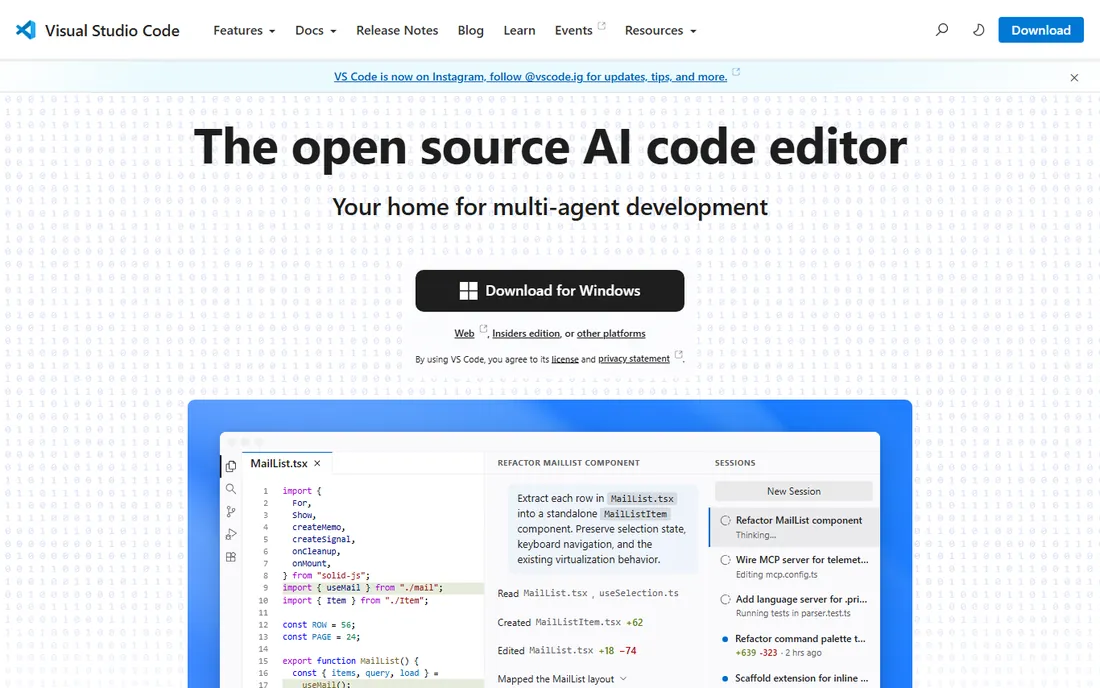
Visual Studio Code has become the default editor for a generation of developers, and the reasons are practical rather than ideological. It is free, it starts fast, and it handles JavaScript, TypeScript, Python, C#, C++, Java, PHP, and nearly everything else through extensions. Microsoft's own homepage now frames it as an open source AI code editor with multi-agent development support, reflecting how the editor has grown from a lightweight tool into a full AI-assisted environment.
The extension marketplace is the real product. Linters, formatters, language servers, Docker integration, remote development over SSH, and cloud environments through GitHub Codespaces all plug into the same interface. The honest catch is that VS Code is a framework as much as an editor: pile on enough extensions and startup slows, and developers working in huge Java or .NET monorepos often find a purpose-built IDE faster. For the broad middle of development work, though, nothing matches its combination of zero cost and near-infinite adaptability.
What we like- Free and open source
- Enormous extension marketplace covering nearly every language and framework
- Fast, with built-in Git and debugging
Watch out for- Heavy customization can slow it down
- Large monorepos can strain performance compared to native IDEs
Starting priceSee website
Free planYes
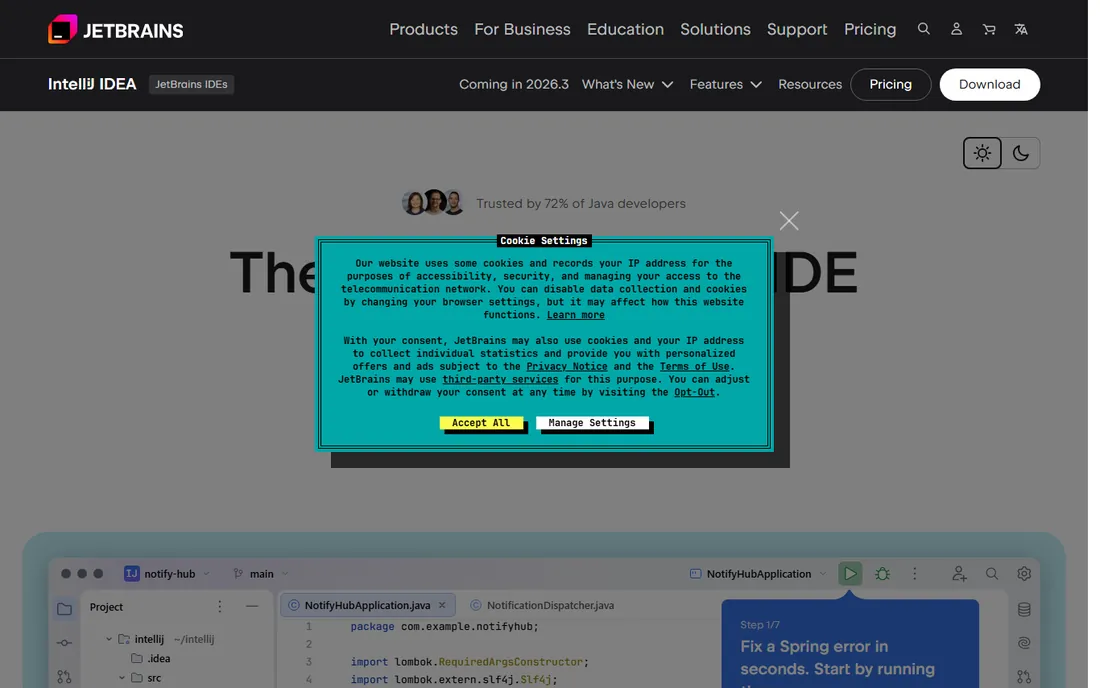
When the language is Java or Kotlin, IntelliJ IDEA is the IDE against which everything else is measured. Its static analysis understands your codebase deeply enough to perform refactorings across dozens of files safely, and its debugger, test runner, and inspections form a validation loop that JetBrains now extends to AI-generated code as well. JetBrains claims 72% of Java developers trust the product, and that 300,000-plus organizations use it.
The lineup includes a free Community edition plus a 30-day trial of Ultimate bundled with the download, according to JetBrains' own site. Ultimate adds the framework support, database tools, and profiling that professional teams rely on. The tradeoff is weight: IntelliJ IDEA uses more memory and indexes longer than VS Code, and its opinionated project model can frustrate developers who prefer a folder-and-terminal workflow. For serious JVM development, though, the productivity payoff is real and widely reported.
What we like- Best-in-class refactoring, code analysis, and debugging for JVM languages
- Deep Spring framework integration
- Built-in database and profiling tools
Watch out for- Paid Ultimate edition needed for full features
- Heavier on system resources than lightweight editors
Starting price$10/month
Free planYes
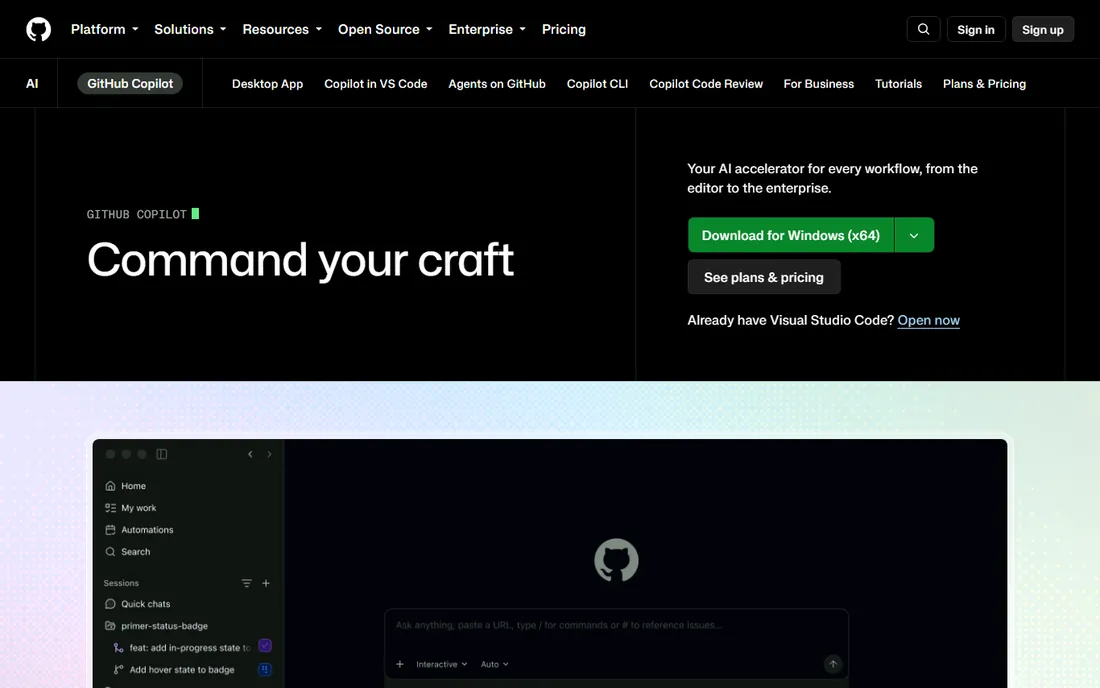
GitHub Copilot turned AI pair programming from a novelty into a daily habit. It lives inside the editors developers already use rather than asking them to switch, offering inline completions, chat, agent mode, code review, and a CLI. GitHub describes it as the most widely adopted AI developer tool, with millions of individual users and tens of thousands of business customers.
Pricing is published on GitHub's own plans page. The Free tier includes 2,000 code completions per month and a limited allowance of chat and agent usage, which is enough for an individual developer to evaluate it seriously. Pro costs $10 per month with unlimited completions and higher allowances, with Pro+ and Max tiers above that for heavy agent-driven workflows. GitHub's own FAQ notes that developers using Copilot report up to 55% higher productivity at writing code. The honest catch is quality control: completions are probabilistic, they sometimes encode outdated patterns, and every suggestion deserves a review before it ships.
What we like- Works inside the editors developers already use (VS Code, JetBrains, Neovim, Visual Studio)
- Free tier with 2,000 completions per month
- Agent mode and chat included
Watch out for- Suggestions need review and can repeat outdated patterns
- Heavy agent usage runs on metered AI credits beyond the base allowance
Starting price$9 per user/month (billed annually)
Free planYes

Docker made the container the unit of modern software delivery, and its homepage numbers tell the story: 91% of the Fortune 100 run on Docker, Docker Hub serves over 20 billion pulls a month, and more than 20 million developers build on the platform daily. For a developer, the practical win is environment consistency: the database, cache, and services your app needs run identically on your laptop, in CI, and in production.
Docker's own pricing page is transparent. Docker Personal is free for individual developers and includes Docker Desktop, the engine, and Hub access. Pro is $9 per user per month billed annually ($11 monthly), adding unlimited Hub pull rates and more resources; Team and Business tiers scale from there. The honest catch is that Docker Desktop's paid tiers matter once a company grows past the free allowance, and developers unfamiliar with container concepts face a genuine learning curve around images, volumes, and networking. Once past it, most teams never go back.
What we like- Industry-standard container format
- "works on my machine" problems disappear
- Huge Docker Hub library of ready-made images
Watch out for- Desktop licensing costs add up for larger teams
- Containers add a learning curve for developers new to DevOps concepts
Starting price$9/month (billed annually)
Free planYes
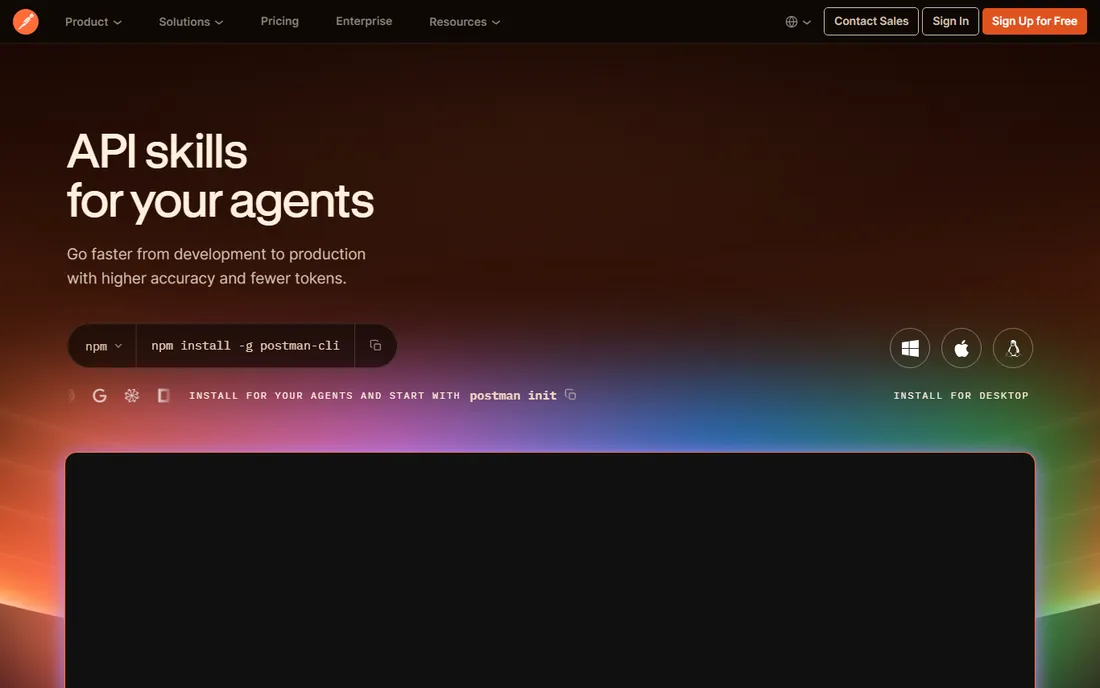
Almost every developer who works with APIs has Postman installed, and for good reason. Sending a request, inspecting the response, tweaking headers, and saving the whole exchange as a reusable collection takes seconds. What started as a simple API client has grown into a full API platform with mock servers, automated testing, monitoring, documentation, and an API network, and Postman reports more than 40 million developers and 500,000 companies on the platform.
Postman's own pricing page lists a Free plan at $0, Solo at $9 per month billed annually, Team at $19 per user per month annually, and Enterprise by quote. Individual developers get the core request builder, collections, and testing on the free tier. The honest catch is scope creep in the product: the interface now serves API designers, testers, and platform teams, which can make the simple "send a request" flow feel buried for newcomers. For API-first development, though, it remains the fastest path from question to answer.
What we like- Fastest way to explore and debug APIs by hand
- Collections make API workflows shareable across the team
- Free tier covers individual use
Watch out for- Team collaboration features sit on paid plans
- The interface has grown complex as the platform expanded beyond a simple client
Starting priceSee website
Free planYes
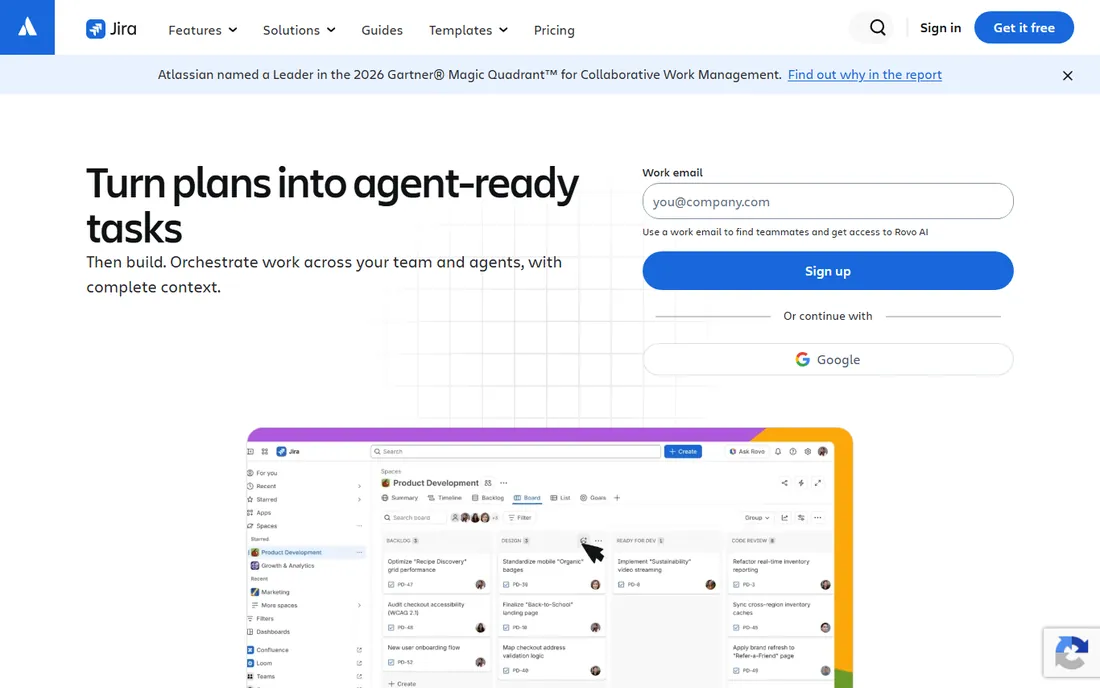
No developer toolkit list is complete without the tool that tracks the work itself. Jira is Atlassian's issue and project tracker built specifically for software teams, with Scrum boards, Kanban boards, backlogs, sprints, and release management as first-class concepts. Its strength for developers is connection: an issue can link to the branches, pull requests, and builds that resolve it, giving the team traceability from requirement to deployment.
Atlassian's site confirms a free tier, with paid Standard, Premium, and Enterprise plans above it. Atlassian also notes that more than 85% of Fortune 500 companies use its products, which explains Jira's ubiquity in job postings and enterprise workflows. The honest catch is the one every developer knows: Jira's flexibility is also its tax. Out of the box it is generic, and teams spend real time configuring workflows, fields, and permissions before it matches how they work. Paired with a code host like Bitbucket or GitHub, though, it becomes the system of record that keeps development organized.
What we like- Purpose-built for software teams with Scrum and Kanban boards
- Links work items to code and releases
- Massive integration marketplace
Watch out for- Can feel heavyweight for small teams
- Configuration overhead before it fits your process
Starting priceSee website
Free planYes
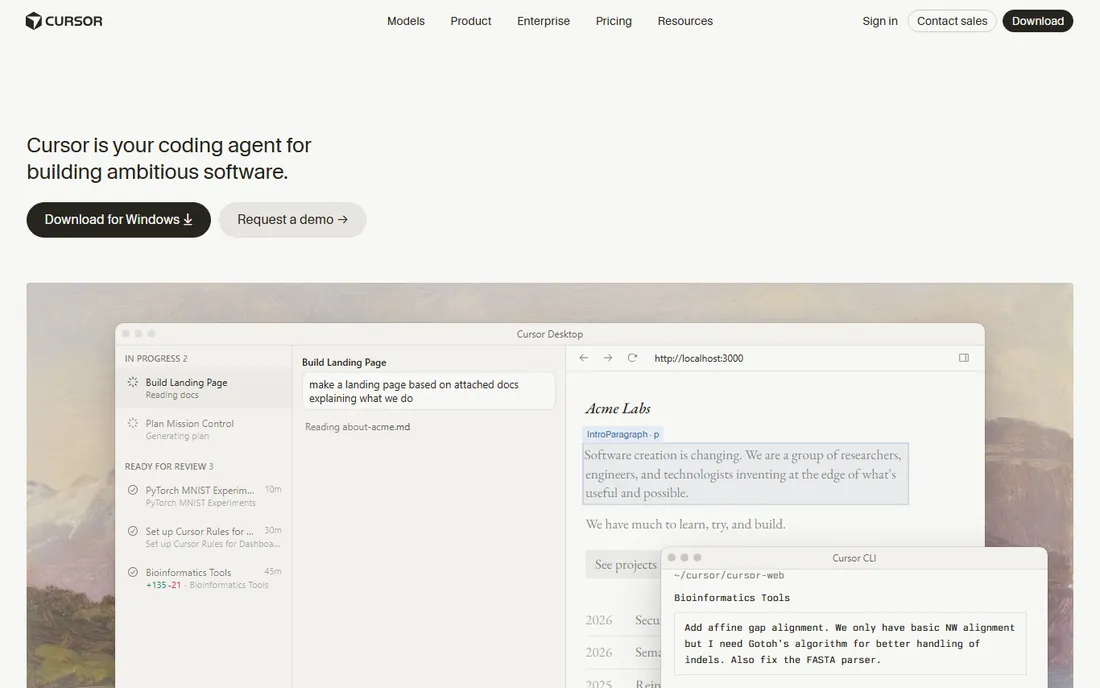
Cursor takes a different bet than Copilot: instead of adding AI to your editor, it rebuilds the editor around AI. Built as a fork of VS Code, it adds codebase-wide semantic understanding, an agent mode that can plan and execute multi-file changes, background agents that work while you keep coding, and a Tab model that predicts your next edit. Its homepage features endorsements from Y Combinator, NVIDIA's CEO, and Andrej Karpathy, and claims trust from over half of the Fortune 500.
Migration friction is near zero since Cursor imports VS Code extensions, themes, and keybindings. The pricing model centers on a free Hobby tier with limited agent requests and paid tiers above it; third-party reporting puts Pro around $20 per month, but readers should check cursor.com/pricing since the credit and limit policies have changed several times. The honest catch is cost and opacity: it runs noticeably more than Copilot for an individual, and the metered usage model means heavy agent sessions need monitoring. For developers doing multi-file refactors and feature work daily, the agent workflow is the strongest in its class.
What we like- AI built into the editor core rather than bolted on
- Codebase-wide context for refactors
- Familiar VS Code foundation with one-click import
Watch out for- Paid plans cost more than Copilot for individuals
- Credit-based usage model has changed multiple times and needs watching
The tools above cover different layers of the job, and most developers combine several rather than choosing one. A practical starter stack is an editor (VS Code or IntelliJ IDEA depending on language), an AI assistant (Copilot or Cursor), Docker for environments, Postman for APIs, and Jira for tracking. That combination is free or nearly free for an individual developer.
When equipping a team, standardize where it saves money and stay flexible where it saves morale. Container runtimes, API tooling, and issue trackers benefit from everyone using the same thing: shared environments and shared vocabulary reduce friction. Editors and AI assistants are more personal; mandating one editor across a polyglot team usually costs more productivity than it saves. Let developers choose their editor and AI helper within a short approved list, and standardize the layers where consistency compounds.
Budget in layers too. Start every developer on free tiers, then upgrade where usage proves the value. AI coding tools are the clearest example: a free Copilot or Cursor tier tells you within weeks whether a developer gets enough value to justify a paid seat. Docker and Postman follow the same pattern, with free individual tiers and paid plans that add team features. Jira's free tier similarly covers small teams before per-user pricing begins.
How we chose
We focused on tools that working developers actually install and use daily, verified through vendor homepages, official pricing pages, and product documentation, supplemented by public reviews and developer discussions on platforms like G2, Reddit, and Dev.to. Every homepage URL in this article was opened and verified in the browser.
We selected one leading tool per layer of the development workflow: code editing, JVM development, AI assistance (two approaches), containers, API tooling, and work tracking. We prioritized tools with free or trial access so individual developers and small teams can evaluate them without procurement, and we weighted current relevance, including the shift toward AI-assisted development. We did not perform hands-on testing; our assessments reflect vendor-published information and widely reported developer feedback.
Frequently asked questions
What is the best code editor for beginners?
Visual Studio Code is the best starting point for most beginners. It is free, runs on every major operating system, and has extensions and tutorials for every popular language. Beginners benefit from its huge community: nearly any error message or setup question has an answered thread somewhere.
Is GitHub Copilot worth paying for?
For developers who write code daily, the $10 per month Pro plan usually pays for itself in saved time on boilerplate, tests, and familiar patterns. The free tier with 2,000 completions per month is a genuine trial: use it for a few weeks on real work and measure whether it speeds you up before subscribing.
Should our team use Cursor or GitHub Copilot?
It depends on how your developers work. Copilot is cheaper and works inside whatever editor each developer already uses, which suits diverse teams. Cursor suits developers who want the deepest AI integration and are willing to switch editors for it, particularly for multi-file refactors and agent-driven feature work. Some teams run both: Copilot for everyone, Cursor for developers who ask for it.
Do small teams need Docker?
Not on day one, but most teams adopt it quickly once environment inconsistencies start wasting time. If "it works on my machine" has ever delayed a deploy, Docker pays for itself. The Personal plan is free for individual developers, so the cost of trying it is only the learning curve.
What is the difference between Postman and just using curl?
curl is faster for a single request you already understand. Postman wins when you are exploring an unfamiliar API, saving requests to share with teammates, chaining requests with variables, or running automated test collections. Most developers use both: curl in the terminal for quick checks, Postman for everything shared or repeated.
Can a team run entirely on free developer tools?
For a small team, largely yes. VS Code, Docker Personal, Postman Free, Jira's free tier, and the free tiers of Copilot and Cursor cover the full workflow at zero license cost. Paid plans become worthwhile as the team grows and needs administration, higher usage limits, security controls, and support.
Sources we checked (10)
- https://code.visualstudio.com
- https://www.jetbrains.com/idea/
- https://github.com/features/copilot
- https://github.com/features/copilot/plans
- https://docker.com/
- https://www.docker.com/pricing
- https://www.postman.com/
- https://www.postman.com/pricing
- https://www.atlassian.com/software/jira
- https://cursor.com
Is your product missing or out of date?
We review this list regularly. Vendors can request a listing, send updated pricing or ask about featured placement.

Shihab Mia · Founder, Rankite
Shihab has spent more than a decade helping SaaS and e-commerce brands grow through search. He writes Rankite's software buying guides from pricing pages, documentation and public user reviews. More about Shihab.