How we make this list: we compare pricing pages, product documentation and public user reviews. Rankite is independent; if a vendor ever pays for a featured spot, that listing is clearly labeled Partner.
Key takeaways
- Redocly and Scalar are the most transparent buys: published per-seat or flat pricing with no sales call required.
- ReadMe is the mature all-in-one developer hub, but the realistic entry price for a team is $250 a month.
- Mintlify owns the MDX-in-GitHub workflow for developer tools, though the jump from free to Pro is steep at $450 a month.
- Stoplight is the design-first pick: visual OpenAPI editing plus mock servers before you write code.
- Fern is the premium choice for API-first companies that need Stripe-quality docs plus SDK generation.
Quick comparison
| Tool | Best for | Starting price | Free plan |
|---|
 ReadMe ReadMe | all-in-one developer hub | $250 per month (billed annually) | Yes |
 Redocly Redocly | docs-as-code teams | $10 per user/month (Pro) | Free trial (30 days) |
 Mintlify Mintlify | MDX docs in GitHub | $450 per month (billed annually) | Yes |
 Stoplight Stoplight | API-first design | $44 per month (billed annually) | Yes |
 Scalar Scalar | modern hosted API reference | $150 per month (Pro) | Yes |
 SwaggerHub SwaggerHub | OpenAPI design and docs | $22.80 per month (Individual) | Yes |
 GitBook GitBook | team docs with API reference | $65 per site/month (billed annually) | Yes |
 Fern Fern | premium docs plus SDKs | $400 per month (billed annually) | Yes |
Is your product missing or out of date?
We review this list regularly. Vendors can request a listing, send updated pricing or ask about featured placement.
Every API documentation tool promises the same outcome: developers who can integrate without emailing you. The honest split in this category is between tools that generate a reference from your OpenAPI spec and tools that host the entire developer hub: guides, changelog, recipes, forums, and usage metrics. The first kind is cheap and fast. The second kind is where the real money goes, because it is where developer adoption actually happens.
The blunt truth is that most teams buy more documentation tool than they need. If you have one REST API and a small team, a generated reference plus a few guides covers it. The $250 to $450 a month platforms earn their price when you have multiple APIs, versions to maintain, and a docs team that ships daily. Match the tool to the size of your API program, not to the demo that impressed you.
A second split matters more than most buyers realize: docs-as-code versus visual editing. Developers want docs in the repo with Git workflows; technical writers and product managers want a web editor. The best API documentation tool for your team is the one both groups will actually update, because stale docs are worse than no docs.
Starting price$250 per month (billed annually)
Free planYes
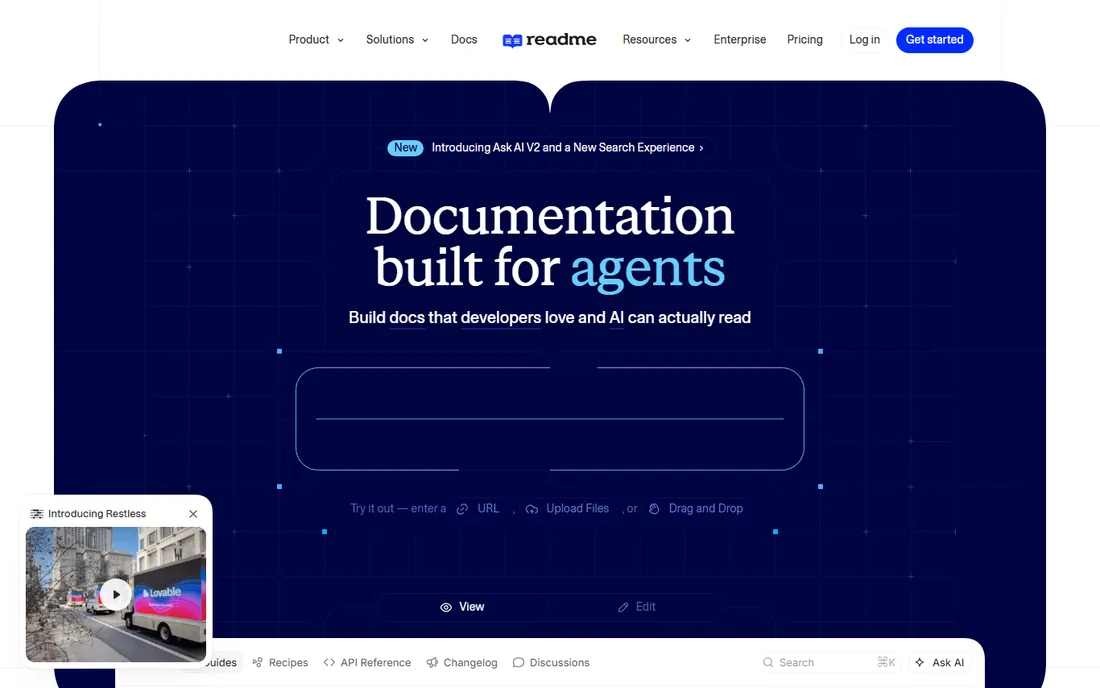
ReadMe is one of the longest-running hosted developer hubs, and it shows in the completeness. You get an interactive API reference generated from OpenAPI, markdown guides, an API changelog, recipes, discussion forums, and API usage metrics that show which endpoints developers actually call. For companies where the docs site is a product surface, that breadth matters.
The current pricing is refreshingly public: Starter is free with one project, an interactive API reference, bi-directional Git sync, a custom domain, LLMs.txt, and an MCP server so AI coding assistants can call your API. Pro at $250 a month billed annually adds team collaboration, private docs, custom MDX, and custom CSS and HTML. Enterprise starts around $3,000 a month.
The honest catch is the step from free to paid. Starter covers one project, so any real team lands on Pro at $250, and the AI chat feature is a $150 a month add-on on top of that. Older roundups still quote $99 a month; that pricing is gone. ReadMe earns its price for companies with a serious developer audience; for a single API, cheaper tools do the job.
What we like- Mature hub with guides, changelog, recipes, and forums
- API usage metrics tied to docs
- Free Starter with custom domain and MCP server
Watch out for- Realistic team entry is $250 a month
- Ask AI is a $150 a month add-on
- Removing branding needs Enterprise
Starting price$10 per user/month (Pro)
Free planFree trial (30 days)
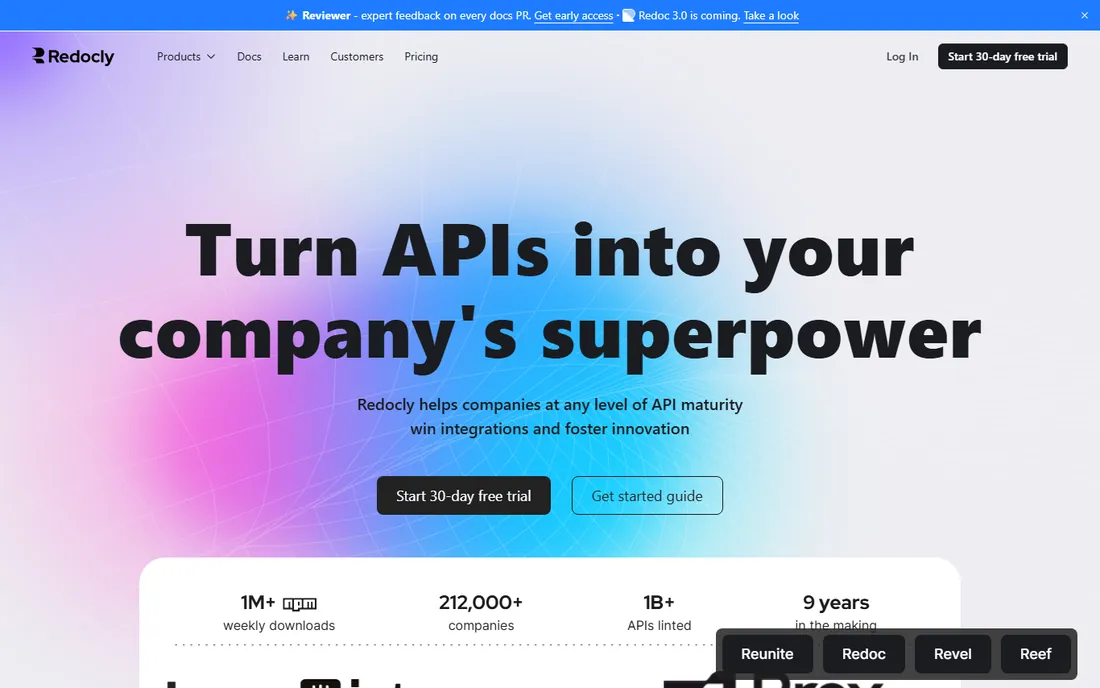
Redocly is the company behind Redoc, the open-source API reference renderer half the internet has used, and its hosted platform extends that into a full docs workflow. Reunite connects docs to Git for collaboration and deployment, while Revel and Reef add developer portal and governance features. The docs-as-code workflow is first-class: specs live in the repo, linting runs in CI, and docs deploy automatically.
Pricing is published and simple: Pro at $10 per seat per month with one project and 100 pages, Enterprise at $24 per seat with 500 pages, SSO, role-based permissions, AI search, and MCP servers. Enterprise Plus is custom. Every plan carries a 30-day free trial. The open-source Redoc CE and Redocly CLI remain free, so you can start without spending anything.
The catch is the seat math. Per-seat pricing is cheap for two editors and expensive for twenty, and products like Revel and Reef are separate per-seat add-ons, so the full platform costs more than the headline number. Page limits on Pro mean documentation-heavy teams hit the ceiling. Redocly suits teams already living in Git who want linting and governance alongside their docs.
What we like- Transparent per-seat pricing
- Open-source Redoc CE and CLI
- Strong linting and governance tooling
Watch out for- Per-seat costs compound with team growth
- Some products are paid add-ons
- Page limits on lower tiers
Starting price$450 per month (billed annually)
Free planYes
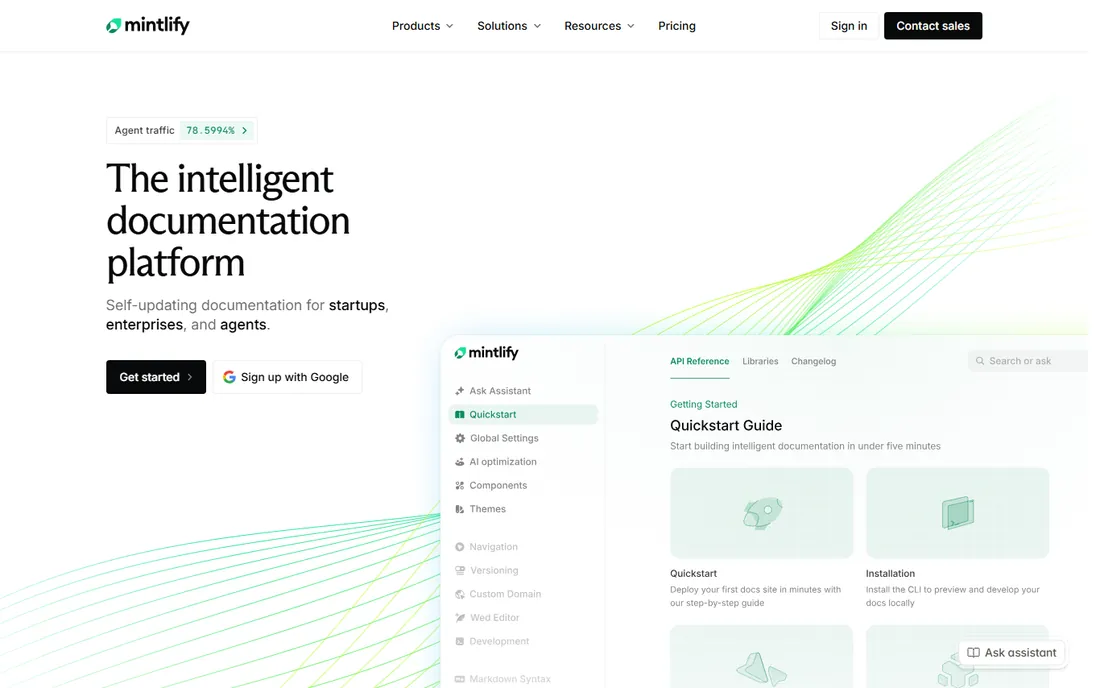
Mintlify has become the default look for developer-tool documentation, and the reason is the workflow: docs live as MDX in your GitHub repo, deploy automatically, and look polished without design effort. Drop in an OpenAPI spec and Mintlify generates a full API reference with endpoint pages, parameter tables, schemas, and an interactive playground. Versioning and search work well out of the box.
The free Starter plan is genuinely useful: full platform access, custom domain, web editor, API playground, Git sync, search, and an MCP server. Pro at $450 a month billed annually ($540 month-to-month) adds the AI writing agent, AI Assistant, automations, and 10,000 AI credits a month, with unlimited editor seats. Enterprise is custom-quoted and holds SSO, advanced auth, and PDF export.
The honest catch is the chasm between free and Pro. There is no middle tier, so the moment you want AI assistance you are paying $450 a month, and AI answers consume credits that can require add-on packs. Mintlify is the right tool for API-first startups that want Stripe-level docs fast; for non-technical audiences, the MDX-in-repo workflow is a barrier for contributors.
What we like- Best-in-class developer-docs design
- OpenAPI reference generated automatically
- Generous free Starter
Watch out for- Pro costs $450 a month, a huge jump from free
- AI credits add metered costs
- SSO and PDF export need Enterprise
Starting price$44 per month (billed annually)
Free planYes
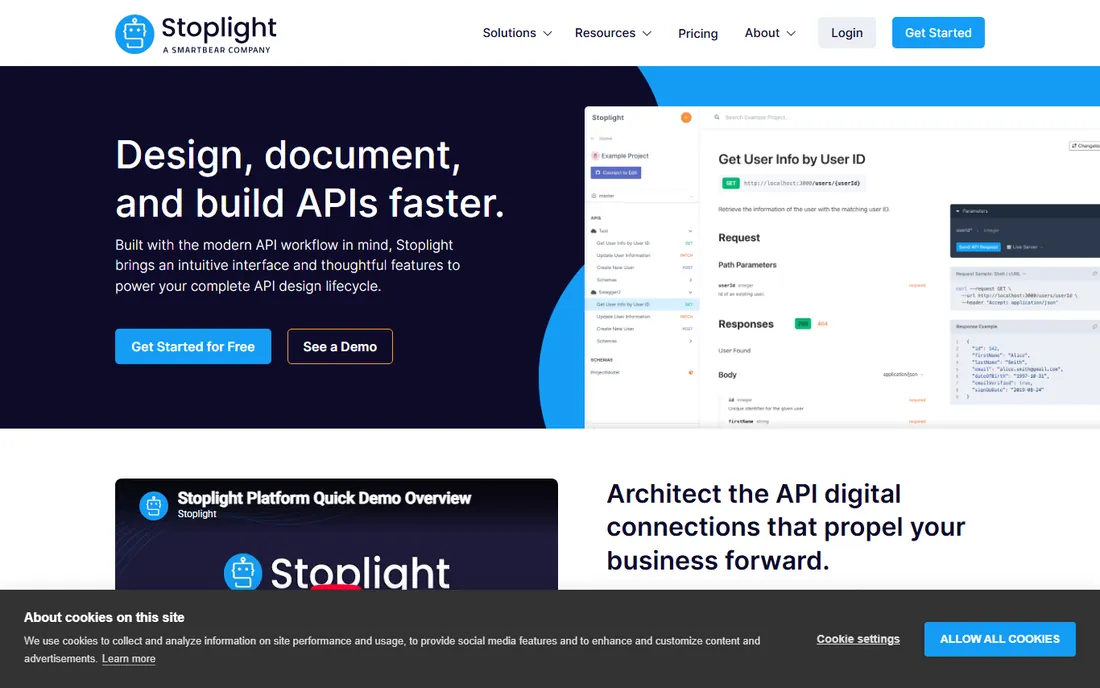
Stoplight is the design-first tool: a visual editor for OpenAPI specs that lets you design an API without writing YAML, then generates interactive documentation and instant mock servers from the same spec. Frontend teams can build against the mock before the backend exists, which is the whole point of API-first development. Style guide enforcement through Spectral linting keeps APIs consistent as the team grows.
Pricing is published: Free covers one user and one project, Basic at $44 a month billed annually ($56 monthly) includes the first three users with the visual designer, interactive docs, and mock servers. Startup at $113 a month adds private projects and custom domains; Pro Team at $362 adds style guides, SSO, and workspace groups. Paid plans carry a 14-day trial, and the open-source Elements, Prism, and Spectral tools remain free.
The catch is that documentation is one part of a design platform, so teams that only need hosted docs pay for design features they may not use. Custom domains sit behind the Startup tier, and per-user fees add up. Stoplight suits teams practicing API-first design with designers and developers collaborating on the spec.
What we like- Visual OpenAPI editor, no YAML required
- Instant mock servers
- Free tier for individuals
Watch out for- Per-user pricing grows with team
- Custom domains need the Startup tier
- SmartBear ownership changed the roadmap pace
Starting price$150 per month (Pro)
Free planYes
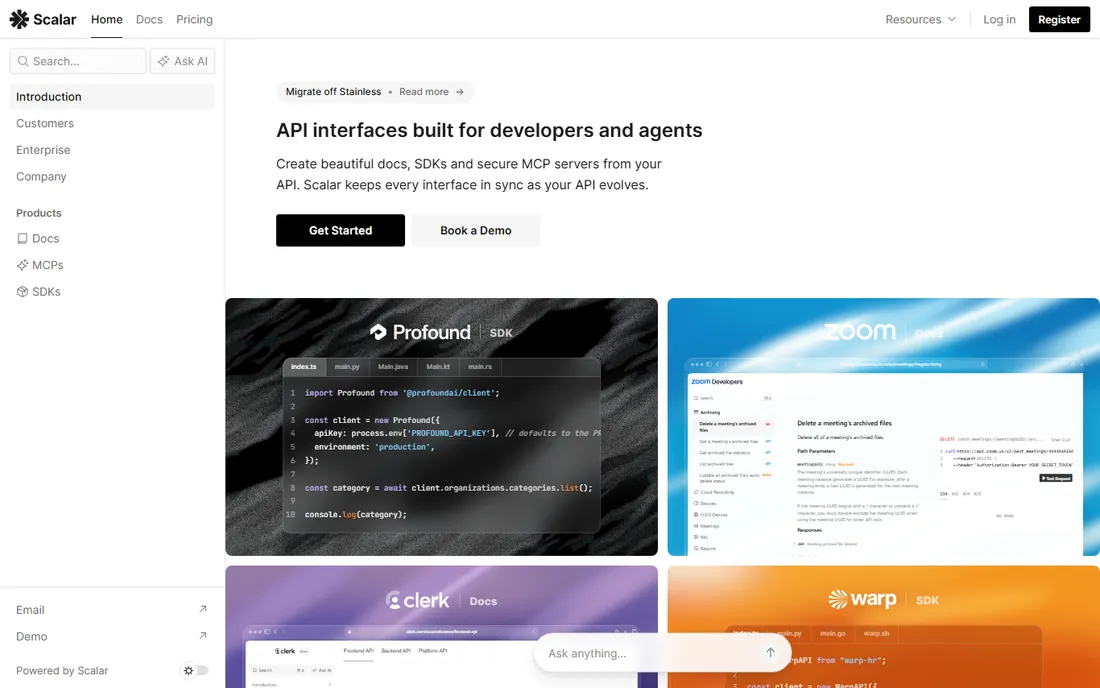
Scalar is the newer entrant making the most noise, and the product earns it: a genuinely beautiful API reference generated from OpenAPI, with a built-in API client for testing endpoints, GitHub sync, custom domains, and Markdown/MDX guides. The open-source API client is a standalone desktop and web app with Postman-compatible scripting, which gives Scalar an ecosystem beyond documentation.
The free plan is generous: unlimited workspaces, free subdomains, full API reference capabilities, and custom CSS and JavaScript with no restrictions. Pro at $150 a month ($125 billed yearly) adds five editor seats with unlimited viewers, custom domains, Git sync, hosted MCP servers, and one SDK target. Business at $600 a month adds SSO, ten seats, and more SDK capacity. Additional SDK targets run $150 a month each.
The honest catch is the gap between free and Pro: $150 a month is a real jump for a small team, and SDK generation is metered per language on top. As the youngest company here, Scalar's roadmap moves fast but its enterprise track record is thinnest. It is the best-looking option on this list and a strong pick for teams that want modern docs plus an API client in one vendor.
What we like- Beautiful modern reference UI
- Flat pricing with unlimited viewers
- Open-source API client included
Watch out for- Pro jumps from free to $150 with no middle tier
- SDK targets cost extra per language
- Younger company
Starting price$22.80 per month (Individual)
Free planYes
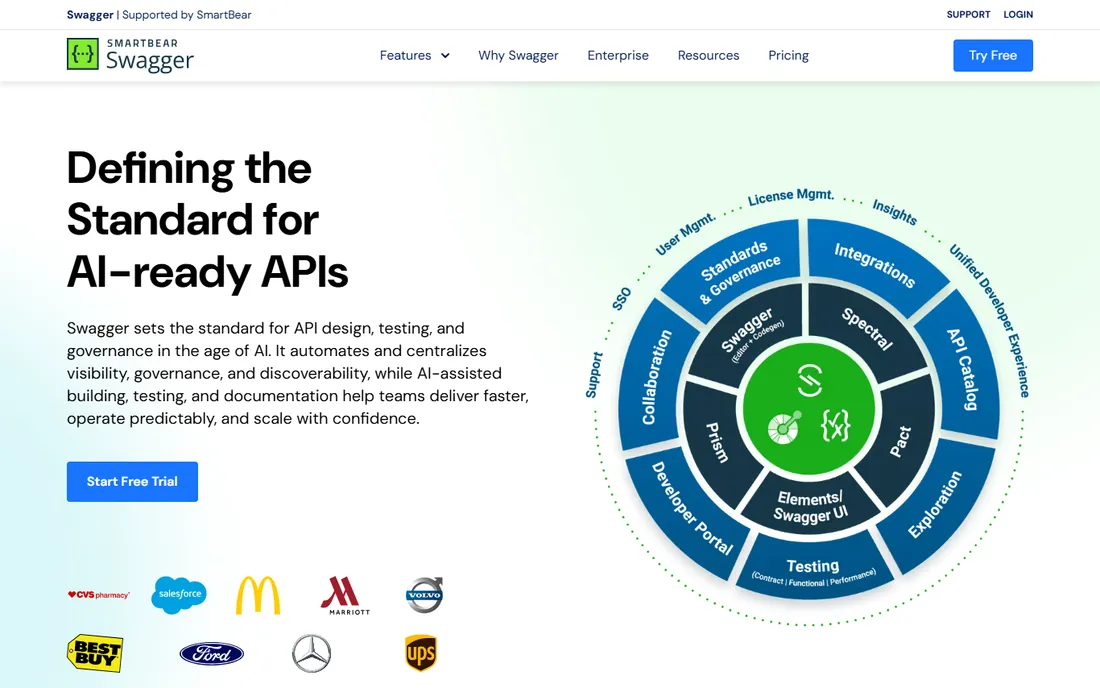
SwaggerHub, now evolving under SmartBear's API Hub branding, is the original hosted OpenAPI platform. It covers the full design lifecycle: visual and form-based editors, code generation, domain reuse across APIs, standardization rules, and contract testing. For organizations standardizing API design across teams, the governance features are the deepest here: shared domains, style enforcement, and review workflows built for scale.
Pricing runs Individual at $22.80 a month, Team at $34.44, and Enterprise at $58.80, with a free tier covering limited private APIs and unlimited public ones. Add-ons like Portal Pro and Contract Testing Pro run about $28 per user per month each, and Enterprise SSO is $6 per user. The free tier suits open-source and public API projects.
The catch is the add-on structure: the headline price rarely reflects the real bill once portal customization and contract testing enter the picture. Per-user pricing penalizes large editor teams, and the deepest value comes inside the SmartBear ecosystem. SwaggerHub suits enterprises already invested in OpenAPI standardization; smaller teams get more polish per dollar elsewhere.
What we like- Deepest OpenAPI tooling heritage
- Strong standardization features
- Free tier for public APIs
Watch out for- Team pricing is per-user and adds up
- Portal customization costs extra
- SmartBear ecosystem lock-in
Starting price$65 per site/month (billed annually)
Free planYes
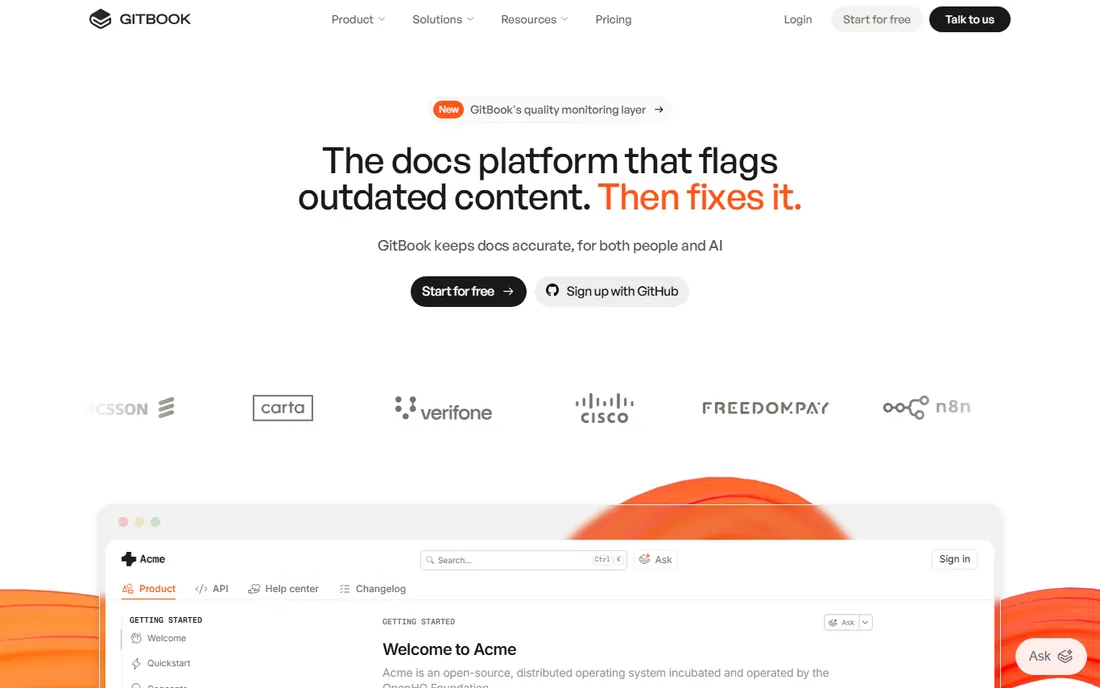
GitBook is the documentation platform non-technical teams actually enjoy using. The block-based editor feels like a modern writing app, Git sync keeps developers happy, and the OpenAPI integration renders an interactive API reference inside the broader docs site. For companies whose docs audience includes non-developers, that editor is a decisive advantage over MDX-in-repo tools.
Pricing is per site plus per user: Free covers one user with public publishing on a gitbook.io subdomain. Premium at $65 per site per month billed annually ($79 monthly) adds a custom domain, branding, and AI search, with additional users at $12 a month each. Ultimate at $249 per site adds AI Assistant, visitor authentication, and site sections. Page views are unlimited on every plan, and a 14-day trial needs no credit card.
The honest catch is the pricing model: one site with five users costs $125 a month annually, and multi-site organizations feel it. The AI Assistant on Ultimate carries a 500-answer soft cap. GitBook is the right call when product managers and support staff write docs alongside engineers; for pure API reference, dedicated tools are cheaper.
What we like- Best editor for non-technical contributors
- Unlimited page views
- Git sync included
Watch out for- Per-site plus per-user pricing compounds
- AI Assistant has answer caps
- Custom domain needs Premium
Starting price$400 per month (billed annually)
Free planYes
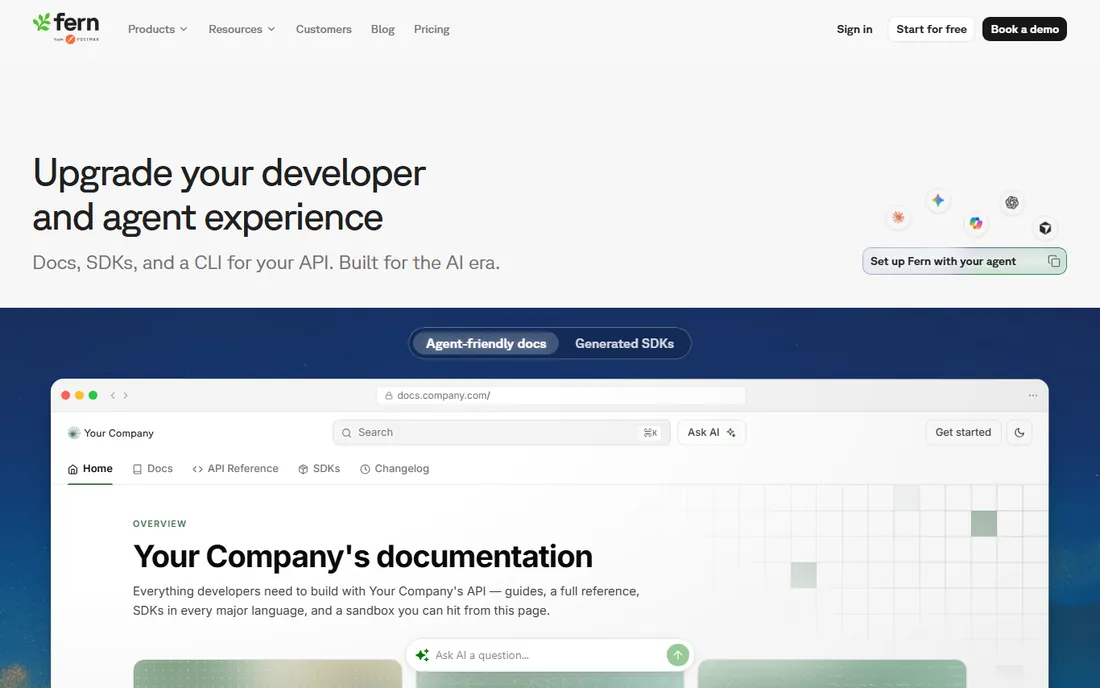
Fern produces the Stripe-style documentation that API-first companies aspire to: a polished API reference, interactive playground, custom domain, and built-in components, generated from your OpenAPI definition. The differentiator is SDK generation in eight-plus languages with automatic publishing to package registries, so your docs and your client libraries never drift apart. WebSocket and SSE support go beyond what most documentation tools handle.
The free tier is genuinely generous: docs free for ten members and 1,000 pages, SDKs free for TypeScript and Python up to 200 endpoints. Paid docs start at $400 a month billed annually for the Basic plan, $1,000 for Pro with custom React components, authenticated docs, and AI search. SDK plans are separate: $250 per SDK per month Basic, $600 Pro, Enterprise custom.
The catch is the total: docs plus two SDK languages can exceed $1,000 a month before Enterprise features. There is no self-serve middle tier between free and $400. Fern is the premium choice for API-first companies where developer experience is a competitive advantage; for everyone else, it is more tool than the API needs.
What we like- Stripe-quality documentation output
- SDK generation in 8-plus languages
- Generous free docs tier
Watch out for- Expensive: docs and SDKs are priced separately
- No self-serve middle tier
- Overkill for simple APIs
We started with the API documentation platforms still actively sold in 2026 and filtered for products with a live pricing page or a documented quote process, real OpenAPI 3.x support, and a review footprint or public comparison large enough to verify claims. We read each vendor's current pricing page for the entry price, billing terms, seat or site limits, and what counts as a paid user, and we cross-checked plan details against the vendors' own comparison content and recent third-party pricing guides. We excluded pure API testing clients, generic wiki tools with no OpenAPI rendering, and projects with no maintained release in the last year. We did not deploy trial instances ourselves; workflow claims come from vendor documentation and published user reviews.
The seat math that decides your real bill
Per-seat pricing looks cheap until you count the editors. Redocly Pro at $10 a seat is $20 a month for two editors and $200 for twenty, which is still reasonable, but add the Revel and Reef modules and the number climbs. GitBook's per-site plus per-user model means a five-person team on Premium pays $125 a month annually, and each additional documentation site repeats the site fee. Before you buy, list everyone who will edit docs in twelve months, not just the people editing today.
Flat pricing flips the calculation. Mintlify Pro at $450 a month covers unlimited editor seats, so a fifteen-person docs team pays the same as a three-person team. Scalar Pro at $150 includes five editor seats with unlimited viewers, which suits companies where many people read and few write. The cheapest tool is the one whose pricing axis matches your team shape: per-seat wins for tiny teams, flat wins past about eight editors.
Watch the metered extras. Mintlify's AI credits, Fern's per-SDK pricing, and ReadMe's AI add-on can each add hundreds to the monthly bill at real usage. Ask for the overage or add-on rates in writing during evaluation, and model a busy month, not an average one. A documentation tool that costs $250 in January and $600 in March is not a $250 tool.
What to check before you commit
Start with the spec you actually have. If your API already has a clean OpenAPI 3.x definition, every tool here generates a reference from it in minutes; the decision is about the hub around it. If your spec is messy or missing, prioritize the tool with the best editor and import: Stoplight's visual designer and Redocly's CLI linting help you fix the spec as part of the docs project. Generate the reference from your real spec during the trial, not the vendor's sample.
Second, test the workflow your team will live in. Have a developer update a spec through the Git flow and a non-technical teammate edit a guide through the web editor, then check that both changes publish correctly. Docs-as-code tools fail when writers will not touch Git; visual tools fail when developers will not leave the repo. The tool that survives contact with both groups is the right one.
Third, check versioning and multi-API support. If you maintain v1 and v2 simultaneously, or ship more than one API, confirm how versions and projects are priced: Redocly charges per project with page limits, GitBook charges per site, and Mintlify's flat Pro covers unlimited seats but meters AI. A tool that is cheap for one API can be expensive for five.
Finally, evaluate the try-it console and authentication. Developers judge docs by whether they can make a real authenticated request from the page. Test OAuth flows, API key entry, and error display during the trial. Also confirm custom domain support and branding removal on your tier: ReadMe reserves full white-labeling for Enterprise, which surprises teams that assumed Pro covers it.
Frequently asked questions
What is the best API documentation tool for startups?
For most startups, the answer is Mintlify's free Starter or Scalar's free plan: both generate a polished API reference from an OpenAPI spec at no cost, with custom domains included. When the team grows, Redocly Pro at $10 a seat is the cheapest paid step. Reserve ReadMe or Fern for the point where developer docs become a competitive advantage worth $250-plus a month.
Should API documentation live in Git?
If your contributors are mostly developers, yes: docs-as-code means specs, guides, and reference update in the same pull requests as the API itself, and nothing drifts. Redocly, Mintlify, and Scalar are built for this. If product managers and support staff write most of the docs, a visual editor like GitBook or ReadMe gets more updates than a Git workflow nobody outside engineering touches.
What is the difference between Redoc, Redocly, and Swagger UI?
Swagger UI and Redoc are open-source renderers that turn an OpenAPI spec into a readable reference page; you host them yourself. Redocly is the company behind Redoc, selling a hosted platform with collaboration, versioning, governance, and publishing on top. Use the open-source tools when you need a reference page and nothing else; buy the platform when you need workflows around it.
How much does API documentation software cost?
Free tiers cover a surprising amount: Mintlify, Scalar, Stoplight, GitBook, and Fern all offer free plans for individuals or small projects. Paid plans run $10 per seat per month (Redocly) to $450 a month flat (Mintlify Pro), with ReadMe Pro at $250 and Fern docs at $400. Enterprise contracts with SSO and governance typically start in the low thousands per month.
Do I need SDK generation with my API docs?
SDKs in the developer's language dramatically improve adoption for public APIs, because most developers prefer a client library to raw HTTP calls. Fern and Scalar generate SDKs from your OpenAPI spec and keep them in sync with the docs. If your API is internal or has a small audience, SDKs are a nice-to-have; for a public API-first product, they are close to mandatory.
Can I migrate from one docs tool to another?
Usually yes, because OpenAPI specs and Markdown content are portable. The reference regenerates from your spec in any tool, and guides export as Markdown from most platforms. What does not port cleanly is custom theming, proprietary components, and analytics history. Keep your spec as the source of truth and treat the docs tool as a renderer, and migration stays a week-long project instead of a quarter-long one.
Sources we checked (22)
- https://readme.com/blog/is-readme-worth-it
- https://github.com/scalar/scalar/blob/HEAD/documentation/compare/readme.md
- https://github.com/scalar/scalar/blob/HEAD/documentation/compare/fern.md
- https://github.com/scalar/scalar/blob/HEAD/documentation/library/best-api-documentation-tools-2026.md
- https://github.com/torance720/scalar/blob/HEAD/documentation/compare/redocly.md
- https://github.com/erickirt/scalar/blob/HEAD/documentation/compare/stoplight.md
- http://documentation.ai/blog/mintlify-pricing
- https://ferndesk.com/blog/mintlify-pricing
- https://www.featurebase.app/blog/gitbook-vs-mintlify
- https://ferndesk.com/blog/gitbook-pricing
- https://toolquestor.com/vs/gitbook-vs-stoplight
- https://toolquestor.com/vs/gitbook-vs-redocly
- https://toolquestor.com/vs/redocly-vs-scalar
- https://toolquestor.com/vs/fern-vs-mintlify
- https://toolquestor.com/vs/fern-vs-helpdocs
- https://www.saasworthy.com/product/swaggerhub/pricing
- https://www.saasworthy.com/product/readme/pricing
- https://www.saasworthy.com/product/postman
- https://apidog.com/blog/smartbear-pricing-and-top-alternatives-in-2025/
- https://quashbugs.com/blog/postman-vs-rest-assured-api-testing
- https://www.trustradius.com/compare-products/swagger-open-source-supported-by-smartbear-vs-swaggerhub
- https://dev.to/_d7eb1c1703182e3ce1782/best-api-documentation-tools-for-developers-in-2025-swagger-redoc-scalar-and-more-3d7g
Is your product missing or out of date?
We review this list regularly. Vendors can request a listing, send updated pricing or ask about featured placement.

Shihab Mia · Founder, Rankite
Shihab has spent more than a decade helping SaaS and e-commerce brands grow through search. He writes Rankite's software buying guides from pricing pages, documentation and public user reviews. More about Shihab.