How we make this list: we compare pricing pages, product documentation and public user reviews. Rankite is independent; if a vendor ever pays for a featured spot, that listing is clearly labeled Partner.
Key takeaways
- Final Draft ($249.99 one-time) is the industry default, but most writers do not need it until a production or agent asks for .fdx files.
- WriterDuet and Arc Studio Pro are the modern picks for collaboration, with genuinely usable free tiers for starting writers.
- Fade In ($79.95 one-time) gives you professional formatting for a third of Final Draft's price, with no subscription.
- If your script will actually shoot, StudioBinder and Celtx connect writing to production tools like breakdowns and schedules.
- Trelby is completely free and offline, which makes it the no-risk starting point for new writers.
Quick comparison
| Tool | Best for | Starting price | Free plan |
|---|
 Final Draft Final Draft | Industry-standard features | $249.99 one-time | 30-day trial |
 WriterDuet WriterDuet | Real-time collaboration | $7.49/month (Plus, billed annually) | Yes (3 scripts) |
 Fade In Fade In | Affordable pro formatting | $79.95 one-time | Free demo |
 Celtx Celtx | Writing plus pre-production | $14.99/month (Writer) | Yes (1 project) |
 StudioBinder StudioBinder | Script to production workflow | $42/month (Starter, billed annually) | Yes (1 project) |
 Highland Pro Highland Pro | Distraction-free Mac writing | $9.99/month or $49.99/year | 30-day trial |
 Arc Studio Pro Arc Studio Pro | Clean modern writing app | $69/year (Essentials) | Yes (2 scripts) |
 Trelby Trelby | Free offline screenwriting | Free | Yes |
Is your product missing or out of date?
We review this list regularly. Vendors can request a listing, send updated pricing or ask about featured placement.
Eight screenwriting apps, from free to industry standard
You have a script idea. Maybe a feature, maybe a pilot, maybe a short you plan to shoot yourself. You open a blank document and realize you have no idea what the right margins are, so you look for software that handles formatting automatically. That search drops you into a market where the price runs from zero to $249.99 and everyone claims to be the professional choice.
The truth is simpler than the marketing. Most of these tools produce identical industry-standard formatting. What you are really buying is workflow: collaboration, revision tracking, production features, and the file format your collaborators expect. The eight tools below cover the real decision space.
Starting price$249.99 one-time
Free plan30-day trial
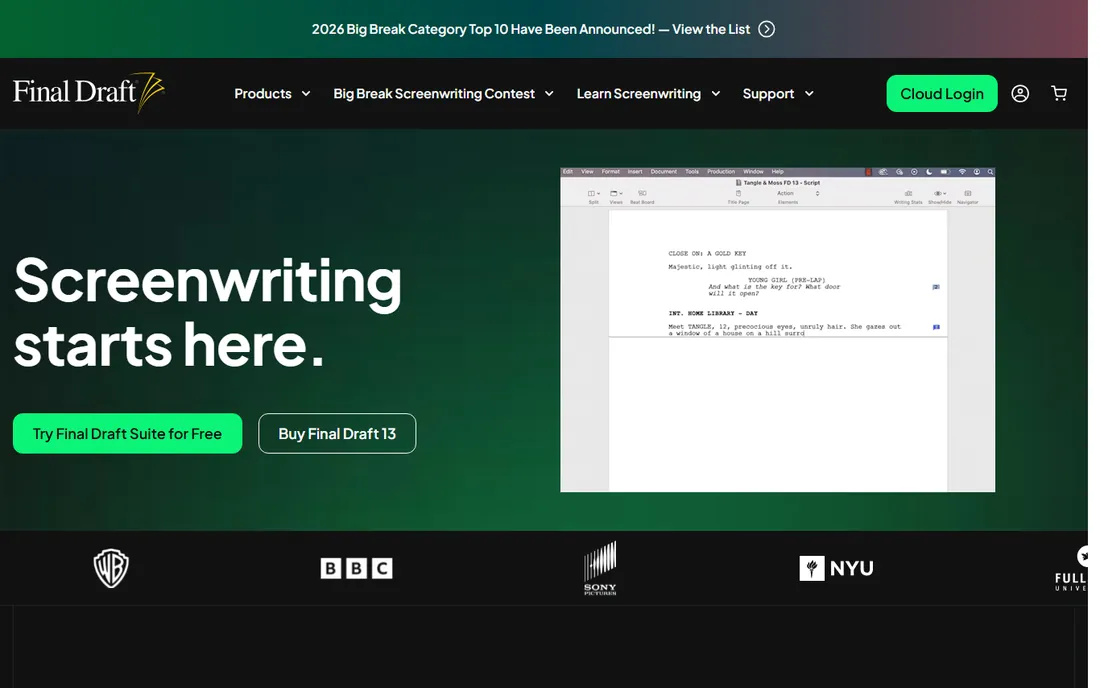
Final Draft has been the Hollywood default for decades, and that reputation is self-reinforcing. When a producer says "send me the script," they expect a .fdx file, and Final Draft is the tool that produces it natively. Its production features run deep: locked pages, colored revision tracking, beat boards, script reports, and templates for everything from features to sitcoms.
But be honest about whether you need it yet. At $249.99 one-time (plus paid upgrades for new major versions), it is the priciest tool on this list, and for a writer drafting a first feature it does nothing a $79.95 alternative cannot. There is a Final Draft Anywhere cloud add-on at $9.99 a month if you need web access. Buy it when a job, agent, or production requires the native format. Until then, the price buys prestige more than pages.
What we like- The file format productions expect
- Deep production features like locked pages and revisions
- Responsive support
Watch out for- Most expensive option here
- Paid major upgrades
- No free version
Starting price$7.49/month (Plus, billed annually)
Free planYes (3 scripts)
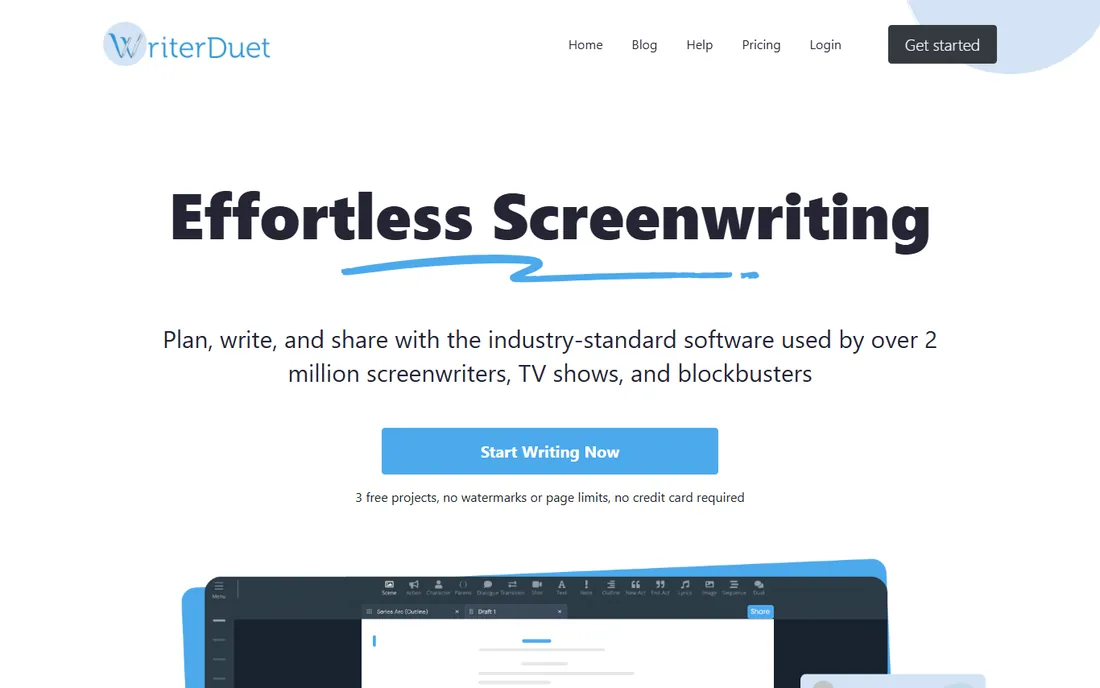
WriterDuet solved the collaboration problem years before the rest of the category caught up. Two writers can edit the same script in real time, see each other's cursors, and chat inline, all in a browser. For writing partners, that is transformative, and it is why the tool has a loyal following among working TV writers.
The pricing is friendly. The free tier allows three scripts, which covers most beginners. Plus at $7.49 a month billed annually lifts the limits, and Pro at $11.99 a month (or $89 a year) adds offline desktop apps, reports, and deeper history. The honest catch is that it is fundamentally a cloud tool: offline writing exists on Pro, but the product assumes you are connected. If you write with a partner or across devices, start here.
What we like- Real-time co-writing like Google Docs
- Works on any device including Android
- Free tier is genuinely usable
Watch out for- Cloud-centric workflow
- Best features sit on Pro
- Needs internet for full collaboration
Starting price$79.95 one-time
Free planFree demo
Fade In is the open secret of budget-conscious professionals. It produces properly formatted screenplays with revision tracking, locked pages, and reports, essentially the professional feature set, for $79.95 once, with free updates included. No subscription, no upgrade treadmill, no cloud required. It even runs on Linux, which no other serious tool here does.
The tradeoff is polish and community. The interface is functional rather than beautiful, and you will find fewer tutorials and forum threads than for Final Draft or WriterDuet. But the math is hard to argue with: one payment, professional output, and you own it. For writers who want a desktop tool without a subscription, this is the value pick of the entire list.
What we like- One-time price with free updates
- Full production features
- Runs on Windows, Mac, and Linux
Watch out for- Smaller community
- Interface less polished than newer apps
- Android app abandoned
Starting price$14.99/month (Writer)
Free planYes (1 project)
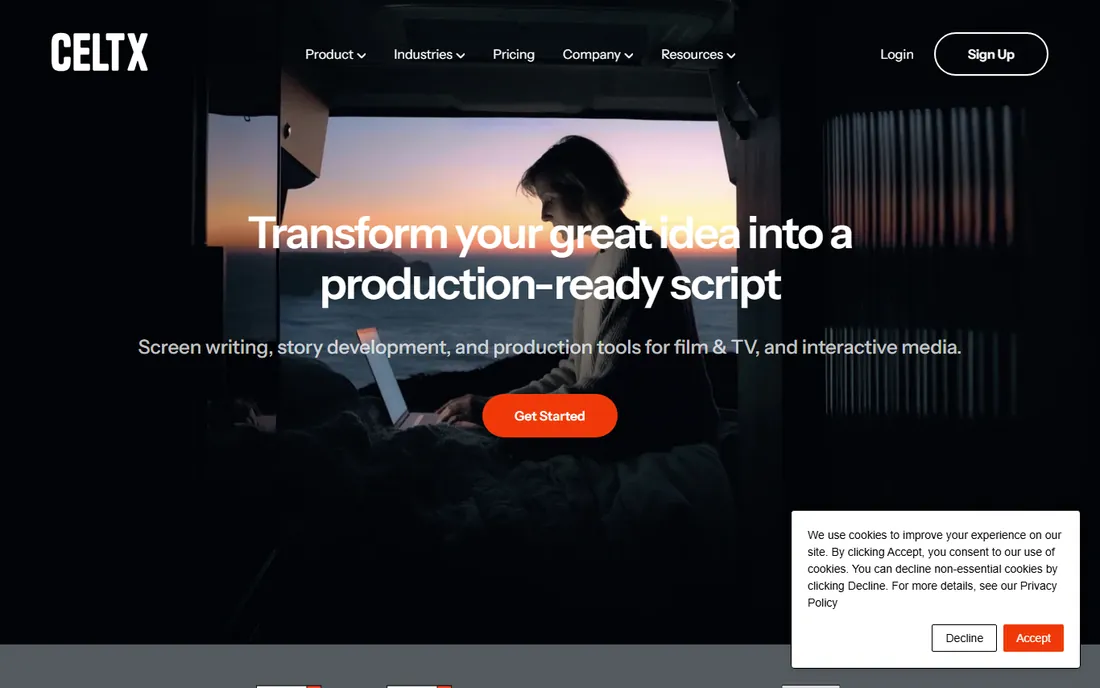
Celtx started as a free writing tool and grew into a pre-production platform. The pitch now is the connection between script and set: write the screenplay, break it down, build schedules and budgets, and generate call sheets without exporting to another app. For writer-producers and indie teams, that continuity is worth real money.
But price it honestly. Writer at $14.99 a month covers drafting for up to three projects; Writer Pro at $24.99 a month adds story development tools; the production features live on Team at around $51 a month. If you only write and never produce, that is a lot for formatting you can get cheaper elsewhere. Choose Celtx when your scripts move toward actual production and you want the planning tools in the same account.
What we like- Script connects to breakdown, schedule, and budget tools
- Good for writer-producers
- Team tiers available
Watch out for- Writing-only value is thin at the price
- Tiers escalate quickly
- Production add-ons cost more
Starting price$42/month (Starter, billed annually)
Free planYes (1 project)
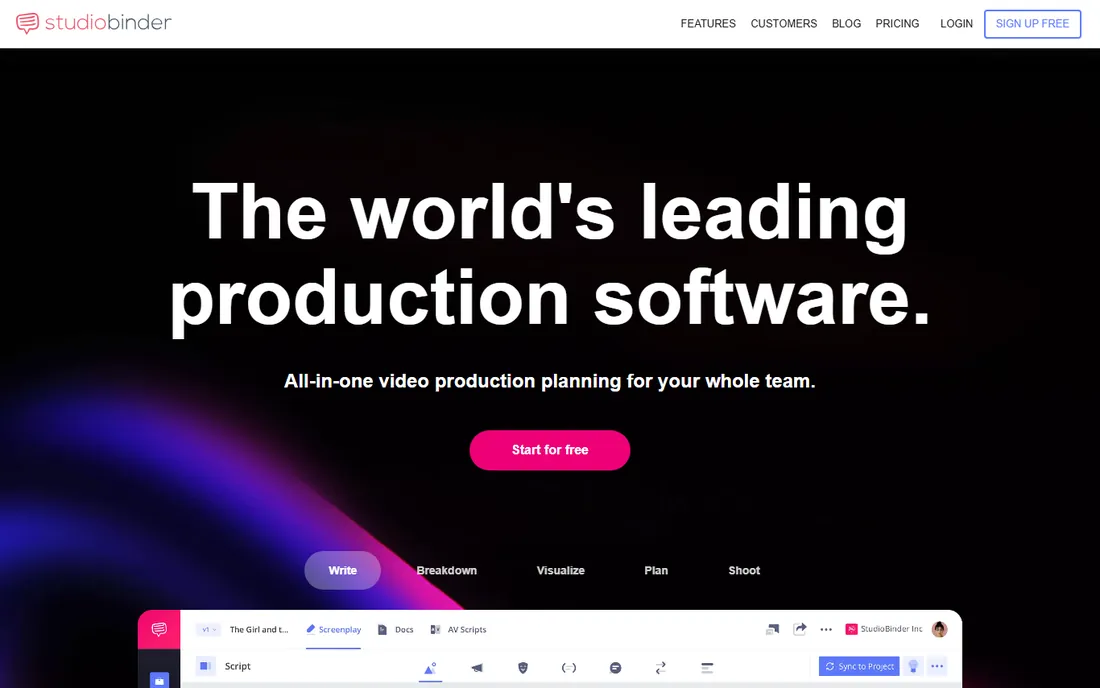
StudioBinder is the most complete pre-production platform on this list, and screenwriting is just one piece of it. Scripts link directly to shot lists, storyboards, schedules, call sheets, and contact management, all in the browser. It also handles AV scripts in two-column format, which makes it genuinely useful for commercials and branded content, not just narrative.
The free plan with one project is generous enough for indie filmmakers to run a whole short. Paid plans start at $42 a month annually with two seats and climb from there, which is steep if you only write. The honest framing: this is production software that includes a writing app, not the other way around. If your script will shoot, it is the leading choice. If it will sit in a drawer, buy a writing-only tool.
What we like- Full production suite connected to the script
- AV script format for commercials
- Generous free tier
Watch out for- Overkill for pure writers
- Pricing rose significantly since 2023
- Seat limits per plan
Starting price$9.99/month or $49.99/year
Free plan30-day trial
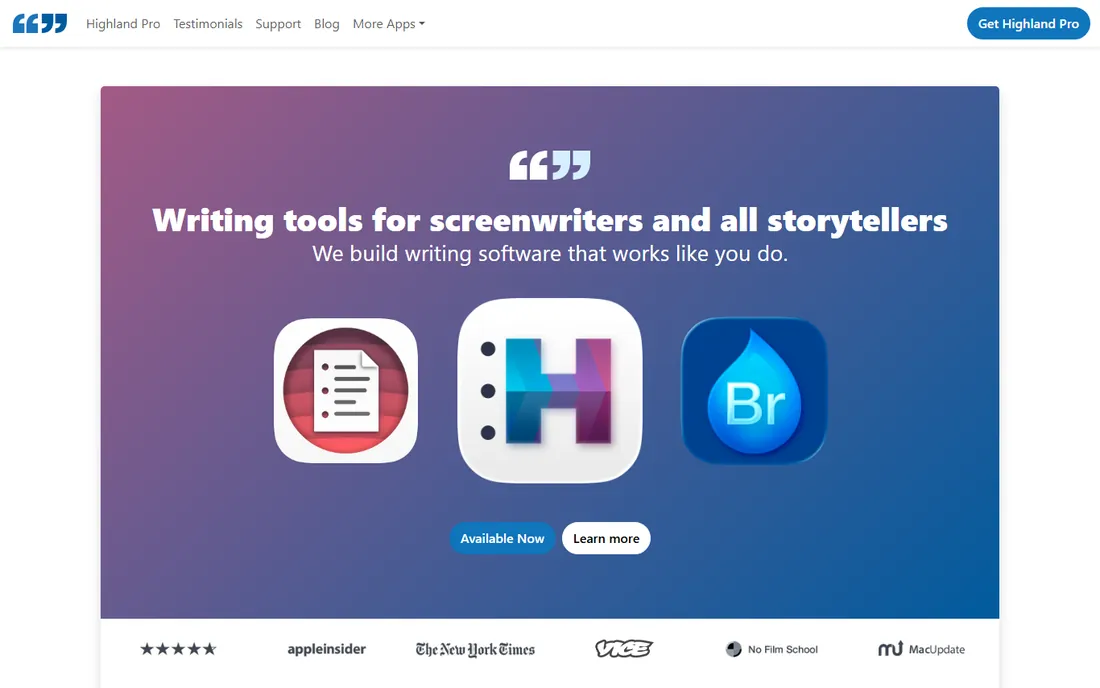
Highland comes from the team behind the Fountain plain-text screenplay format, and it shows. You write in readable text, Highland renders the screenplay, and your files stay portable forever. No proprietary lock-in, no formatting surprises. The writing environment is deliberately minimal: no clutter, no ribbon menus, just the page and tools like writing sprints and revision tracking.
The catches are structural. It is Apple only, so Windows and Android users are out. And the pricing moved to subscription ($9.99 a month or $49.99 a year), which stings for a tool whose philosophy is about owning your work. For Mac writers who want the cleanest drafting experience and care about file portability, it is still special. For everyone else, it is not an option at all.
What we like- Plain-text Fountain files you own forever
- Focused writing environment
- Sprint tools for productivity
Watch out for- Apple only
- Subscription pricing
- Production features are thin
Starting price$69/year (Essentials)
Free planYes (2 scripts)
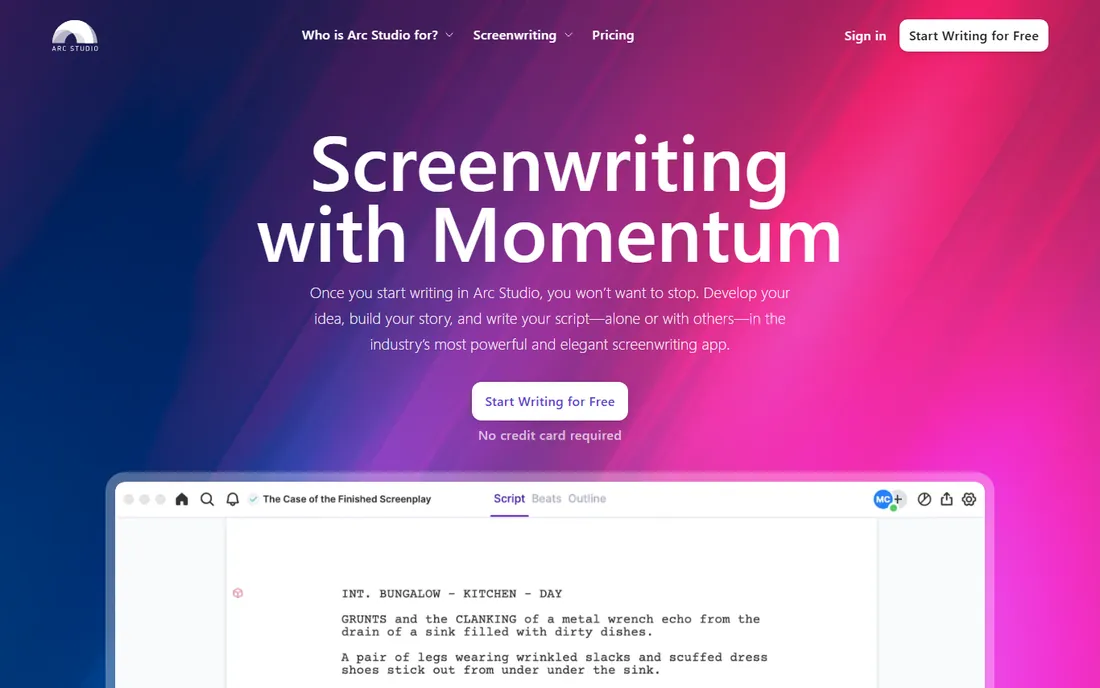
Arc Studio Pro is the modernist challenger: a clean, fast web app that puts your outline board next to your script so structure and pages stay in sync. It feels like it was designed this decade, which is more than you can say for some competitors. Collaboration and revision tools are solid, and the free tier with two scripts is enough to evaluate properly.
The pricing is annual only, starting at $69 a year for Essentials and $99 for the first year of Pro (then $79). That is reasonable, but subscription-averse writers should note there is no one-time option. The ecosystem is younger: fewer integrations, fewer forum answers, less institutional trust than Final Draft. For writers who want a modern tool and do not need the industry-default badge, it is a strong pick.
What we like- Modern clean interface
- Outline board beside the script
- Good collaboration basics
Watch out for- Annual billing only
- Cloud-first
- Younger ecosystem than incumbents
Starting priceFree
Free planYes
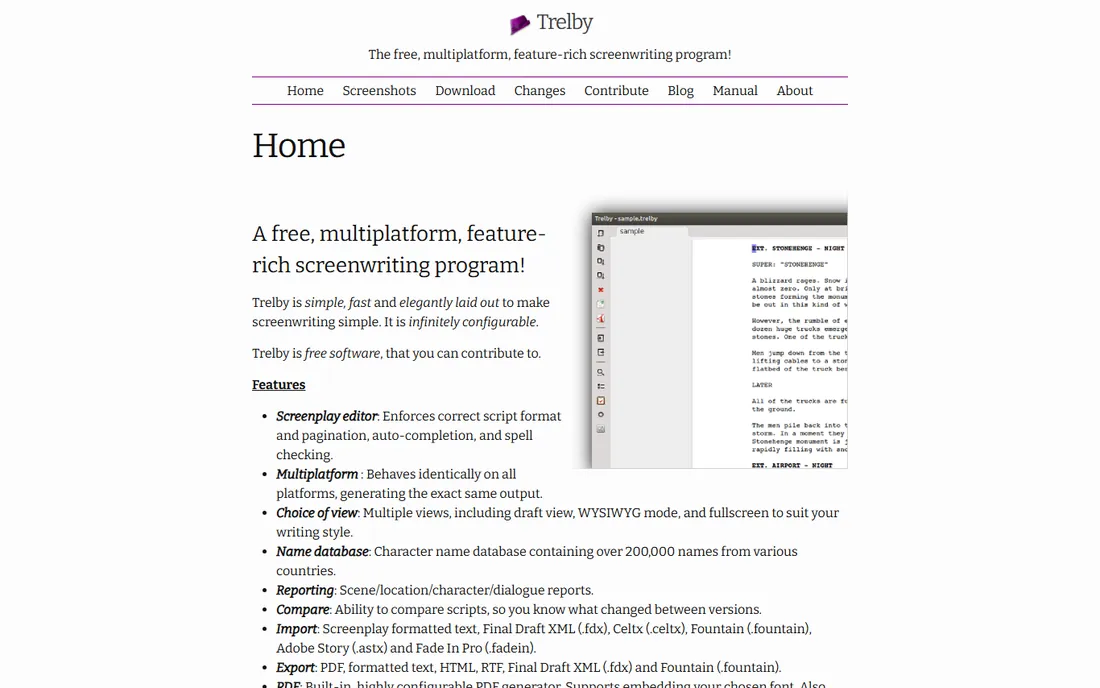
Trelby is free, offline, and does the core job: it formats screenplays correctly. For a new writer who wants to learn the craft without spending anything or depending on a cloud service, there is no simpler entry point. It runs on Windows and Linux, exports to standard formats, and asks nothing in return.
Set expectations correctly. The interface looks dated, development moves slowly, and there are no collaboration tools, mobile apps, or production features. It is a typewriter with formatting, not a platform. But as a starting tool or a backup that always works without an account or a connection, it earns its place. Many working writers keep it installed for exactly that reason.
What we like- Completely free
- Works offline
- Proper screenplay formatting
Watch out for- Dated interface
- Development is slow
- No collaboration features
How to choose the right one
If you are just starting out
Start free. Trelby costs nothing and teaches you the format. WriterDuet's free tier gives you three scripts in the cloud. Arc Studio's free tier gives you two. Write your first full draft before spending a dollar, because at the drafting stage, formatting is identical everywhere.
If you write with a partner
Collaboration quality should decide. WriterDuet's real-time co-writing is the best in the category. Arc Studio Pro handles shared projects cleanly. Final Draft's collaboration exists but was built for a different era. Do not pay for a tool whose collaboration is an afterthought.
If your script will be produced
Production features matter more than writing comfort. StudioBinder and Celtx connect the script to breakdowns, schedules, and call sheets. Final Draft's locked pages and revision colors are what productions expect on set. Pick the one your production team already uses.
If you hate subscriptions
Your options are Final Draft ($249.99), Fade In ($79.95), or Trelby (free). Everything else rents by the month or year. Fade In is the value play; Final Draft is the industry play; Trelby is the free play. Note that even one-time purchases may charge for major upgrades later.
Screenwriting runs on a few file types worth knowing. Final Draft's .fdx is the industry exchange format; every serious tool imports and exports it. Fountain (.fountain) is an open plain-text format championed by Highland that any text editor can read, which protects your work from software obsolescence. PDF is what you send to readers. When choosing a tool, check that it exports clean .fdx and PDF, because those two formats are how your script travels through the industry.
How we chose
We compared vendor pricing pages and documentation, the tools' own 2026 comparison coverage (including StudioBinder's published roundups), public reviews on G2, Capterra, and SoftwareSuggest, and practitioner discussion on Reddit. Every tool had to be a live product with a verifiable current price. We never claim hands-on testing. The shortlist balances the four buyer profiles in this market: beginners, writing partners, solo professionals, and writer-producers moving scripts into production.
Frequently asked questions
What is the best script writing software for beginners?
Start with a free option: Trelby for offline desktop writing, or WriterDuet and Arc Studio Pro for cloud-based writing with usable free tiers. They all produce proper industry formatting, so your choice is about workflow preference, not output quality.
Is Final Draft worth the price?
If a production, agent, or manager requires native Final Draft files, yes, it is the cost of doing business. If you are drafting spec scripts on your own, probably not yet. WriterDuet, Fade In, and Arc Studio Pro produce the same formatting for far less money.
Can I write a screenplay in Google Docs?
You can, with a template, but you will fight formatting on every page. Dedicated tools handle the margins, pagination, and element flow automatically. For anything longer than a few pages, the time savings pay for themselves.
What is the difference between Celtx and StudioBinder?
Both connect writing to production, but StudioBinder is the deeper production platform with call sheets, scheduling, and budgeting built in, while Celtx is lighter and cheaper at the writing tiers. Writer-producers running real shoots tend to prefer StudioBinder; solo writers usually do not need either.
Which script writing software is best for Mac users?
Highland Pro is built specifically for Mac and offers the cleanest writing experience, though it is Apple only. Final Draft, WriterDuet, Arc Studio Pro, Fade In, and StudioBinder all run well on Mac too. Windows users should note Highland is not an option for them.
Do I need to pay for script writing software at all?
No. Trelby is completely free and produces properly formatted screenplays. Free tiers from WriterDuet and Arc Studio Pro are also legitimate for starting writers. You only need to pay when you want collaboration, production features, or the industry-default file format.
Sources we checked (8)
- https://www.studiobinder.com/blog/best-script-writing-software/
- https://www.studiobinder.com/blog/screenwriting-software/
- https://www.studiobinder.com/alternative-to-final-draft-software/
- https://www.softwaresuggest.com/final-draft
- https://www.capterra.ie/software/210729/final-draft
- https://www.g2.com/products/final-draft/pricing
- https://www.creativevault.net/studiobinder-review
- https://github.com/boliby/screenwriter2/blob/HEAD/docs/research-plan.md
Is your product missing or out of date?
We review this list regularly. Vendors can request a listing, send updated pricing or ask about featured placement.

Shihab Mia · Founder, Rankite
Shihab has spent more than a decade helping SaaS and e-commerce brands grow through search. He writes Rankite's software buying guides from pricing pages, documentation and public user reviews. More about Shihab.