How we make this list: we compare pricing pages, product documentation and public user reviews. Rankite is independent; if a vendor ever pays for a featured spot, that listing is clearly labeled Partner.
Key takeaways
- Adobe Lightroom stays the default for photographers who edit across phone, tablet and desktop, at $11.99 per month with a 7-day trial.
- Capture One Pro is the studio pick for tethered shooting and color work, but it costs about $18 per month and rewards users who learn its deeper toolset.
- If you refuse subscriptions, DxO PhotoLab 10 ($249.99 one-time), ON1 Photo RAW 2027 ($99.99) and Exposure X7 ($119) all buy outright with 30-day trials.
- The biggest upset of 2026 is Affinity, now completely free under Canva, which gives budget photographers a full layer-based editor at no cost.
- Zoner Studio ($59 per year) and CyberLink PhotoDirector 365 ($64.99 per year) are the cheapest ways into an all-in-one organizer plus editor, though both lean on subscriptions.
Quick comparison
| Tool | Best for | Starting price | Free plan |
|---|
 Adobe Lightroom Adobe Lightroom | Photographers who edit across desktop, tablet and phone | $11.99 per month (Lightroom plan, 1TB, billed annually) | 7-day free trial |
 Capture One Pro Capture One Pro | Studio, fashion and product photographers who shoot tethered | $18 per month (annual plan); perpetual license $349 | Free trial |
 DxO PhotoLab 10 DxO PhotoLab 10 | Photographers who put image quality above everything | $249.99 one-time (perpetual license) | 30-day free trial |
 ON1 Photo RAW 2027 ON1 Photo RAW 2027 | Photographers who want Lightroom plus Photoshop in one app | $99.99 one-time (includes versions 2026 and 2027) | 30-day free trial |
 Luminar Neo Luminar Neo | Photographers who want strong results fast with AI help | $129 one-time (perpetual desktop license) | Free trial |
 Exposure X7 Exposure X7 | Photographers chasing film looks and creative presets | $119 one-time (perpetual license) | 30-day free trial |
 ACDSee Photo Studio Ultimate 2027 ACDSee Photo Studio Ultimate 2027 | Photographers managing very large image libraries | $149.95 one-time (perpetual license); 365 plan from $8.90 per month | 15-day free trial |
 CyberLink PhotoDirector 365 CyberLink PhotoDirector 365 | Budget creators who want photo editing plus extras | $64.99 per year (annual subscription) | Free trial |
 Affinity by Canva Affinity by Canva | Anyone who wants pro-level pixel editing for free | Free (requires a free Canva account) | Yes, completely free |
 Zoner Studio Zoner Studio | Windows users who want everything in one cheap package | $59 per year (or $5.99 per month) | 7-day free trial |
Is your product missing or out of date?
We review this list regularly. Vendors can request a listing, send updated pricing or ask about featured placement.
The best photography software
Skylum says more than a million photographers and organizations use its tools. That number tells you how crowded this market has become. In 2026 the choice is no longer just Lightroom versus everything else. Subscription fatigue has pushed several strong editors toward one-time pricing, Canva made Affinity free, and the studio crowd still swears by Capture One. I compared the ten editors that matter most right now, checking current pricing pages, documentation, and reviews from working photographers.
#1
Adobe Lightroom
Best for: Photographers who edit across desktop, tablet and phone
Visit adobe.com
Starting price$11.99 per month (Lightroom plan, 1TB, billed annually)
Free plan7-day free trial
Lightroom is the reference point everything else gets measured against. The cloud version keeps your library identical on your desktop, iPad and phone, which matters if you cull on the couch and finish on a calibrated monitor. Recent updates folded Lightroom Classic into the same $11.99 plan, so you no longer have to pick between the two apps.
The trade-off is the rental model. Stop paying and you lose the develop module, though your files and exports stay yours. Wedding and event photographers who live in presets will find the ecosystem unmatched. If you mostly edit at one desk and hate subscriptions, one of the perpetual-license tools below will serve you better for less money over three years.
What we like- Cloud sync across devices works well
- AI masking and denoise have matured
- Enormous preset, tutorial and plugin ecosystem
Watch out for- Subscription only, editing stops when you stop paying
- Large catalogs can feel sluggish
- Plan names and storage tiers confuse new buyers
#2
Capture One Pro
Best for: Studio, fashion and product photographers who shoot tethered
Visit captureone.com
Starting price$18 per month (annual plan); perpetual license $349
Free planFree trial
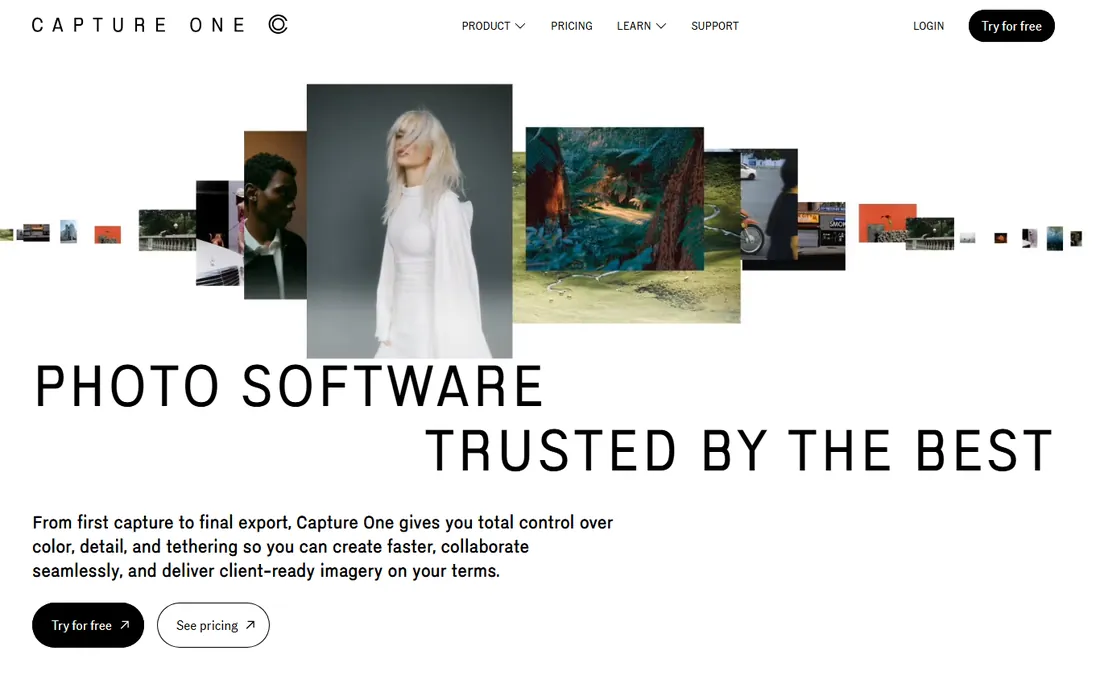
Capture One earned its reputation on set. Tethering is fast and dependable, live view is accurate, and the color tools give commercial shooters control Lightroom users only get through workarounds. The layer-based local adjustments are more flexible than Lightroom's masking pins once you learn them.
That quality costs. After a 6 percent increase in mid-2026, Pro sits near $18 a month on the annual plan, and the tier with mobile apps runs about $24.67. The perpetual license at $349 softens the blow for photographers who keep a version for years. If you shoot portraits in a studio weekly, the tethering alone justifies it. If you shoot scenic outdoor shots on weekends, it is overkill.
What we like- Best tethered capture in the business
- Precise color editing and layers
- Still sold as a perpetual license
Watch out for- The priciest subscription here after two straight years of increases
- Learning curve is real
- Mobile apps cost extra on the All-in-One tier
#3
DxO PhotoLab 10
Best for: Photographers who put image quality above everything
Visit dxo.com
Starting price$249.99 one-time (perpetual license)
Free plan30-day free trial
PhotoLab 10, released in September 2026, is the pick for anyone who judges software by the pixels. Its noise reduction pulls clean detail out of high-ISO files that look rough in other converters, and the automatic optical corrections fix distortion, vignetting and softness with almost no input. New depth-aware masks and a proper color grading wheel close the creative gap with rivals.
What you give up is workflow. The library tools cover the basics but feel thin next to Lightroom's catalog, and there is no cloud or mobile story. Budget for the $129.99 upgrade each year if you want new camera support promptly. For outdoor, wildlife and event shooters, the image quality is worth those compromises.
What we like- DeepPRIME noise reduction leads the field at high ISO
- Automatic lens corrections from a huge lab-tested database
- No subscription
Watch out for- PhotoLibrary organizing lags behind Lightroom
- No pixel-level layer editing (hands off to Affinity via TIFF)
- Each yearly version is a paid upgrade
#4
ON1 Photo RAW 2027
Best for: Photographers who want Lightroom plus Photoshop in one app
Visit on1.com
Starting price$99.99 one-time (includes versions 2026 and 2027)
Free plan30-day free trial
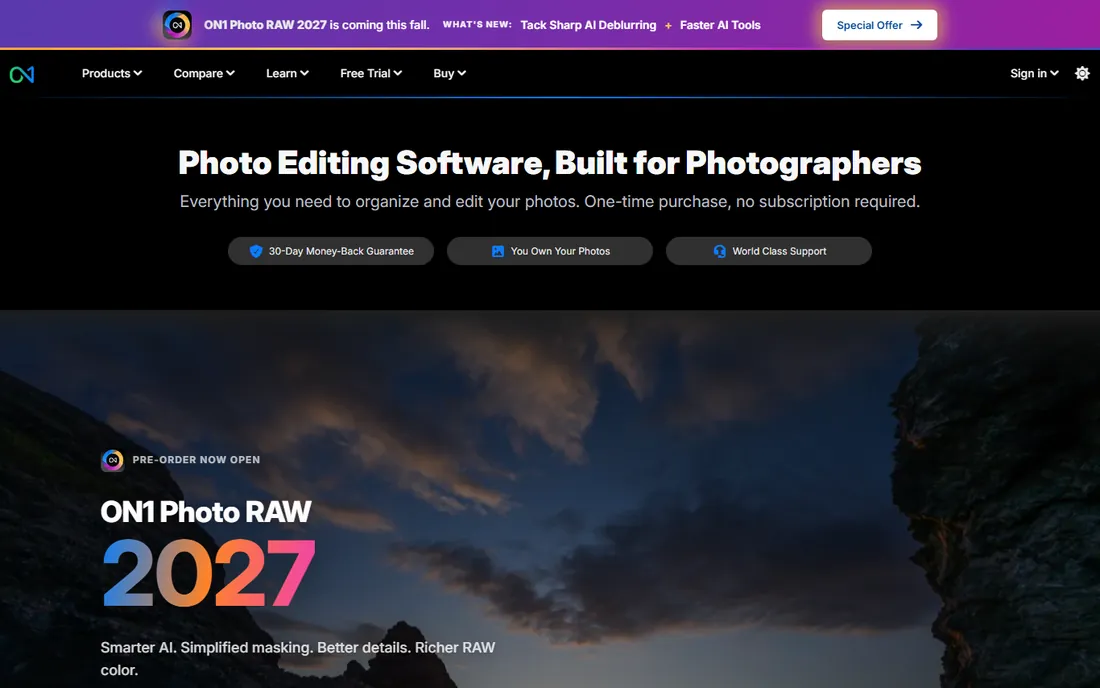
ON1's pitch is simple: one application that does the organizing of Lightroom and the layered editing of Photoshop, sold outright. The 2027 version adds smarter AI masking and a culling assistant, and the MAX edition ($149.99) restores old damaged photos and plugs into Photoshop and Lightroom Classic. At $99.99 for two versions, it undercuts nearly everything here.
In practice it is a tweaker's tool. You get enormous control, but the interface throws a lot at you at once and exports can be slower than the big two. Photographers who enjoy building their own workflow love it. Anyone who wants software to stay out of the way may prefer Luminar or Lightroom.
What we like- Browse, RAW develop, layers and effects in a single app
- AI tools with no per-image credits
- Doubles as a plugin for Adobe apps
Watch out for- Interface can feel dense
- Performance dips on older hardware
- Smaller preset community than Adobe's
#5
Luminar Neo
Best for: Photographers who want strong results fast with AI help
Visit skylum.com
Starting price$129 one-time (perpetual desktop license)
Free planFree trial
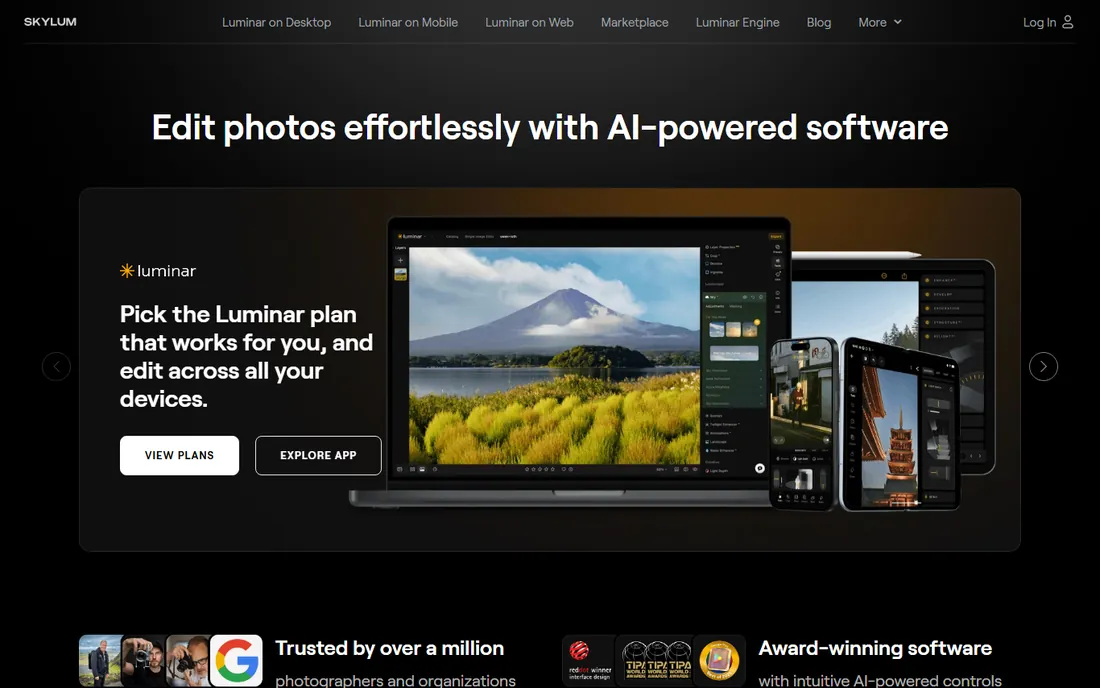
Luminar Neo is built for speed. Sky replacement, relighting and portrait enhancement run through templates that get a wide outdoor shot or portrait from flat RAW to shareable in a few clicks. Underneath sits a capable editor with layers, masking and batch processing, so it is more than a filter app.
The catch is organization. If your library runs to tens of thousands of images, pair it with a dedicated DAM or accept its simpler browser. Also note the pricing tiers: $129 covers desktop, $159 adds mobile, $199 is the Max bundle with extra presets. For hobbyists and part-time pros who bill by the shoot rather than the hour of retouching, it pays for itself quickly.
What we like- Template and AI tools produce finished looks in minutes
- Panorama, HDR merge and focus stacking built in
- One-time pricing
Watch out for- Catalog features are basic
- Can be heavy on system resources
- Skylum's AI-first direction will not suit purists
Starting price$119 one-time (perpetual license)
Free plan30-day free trial
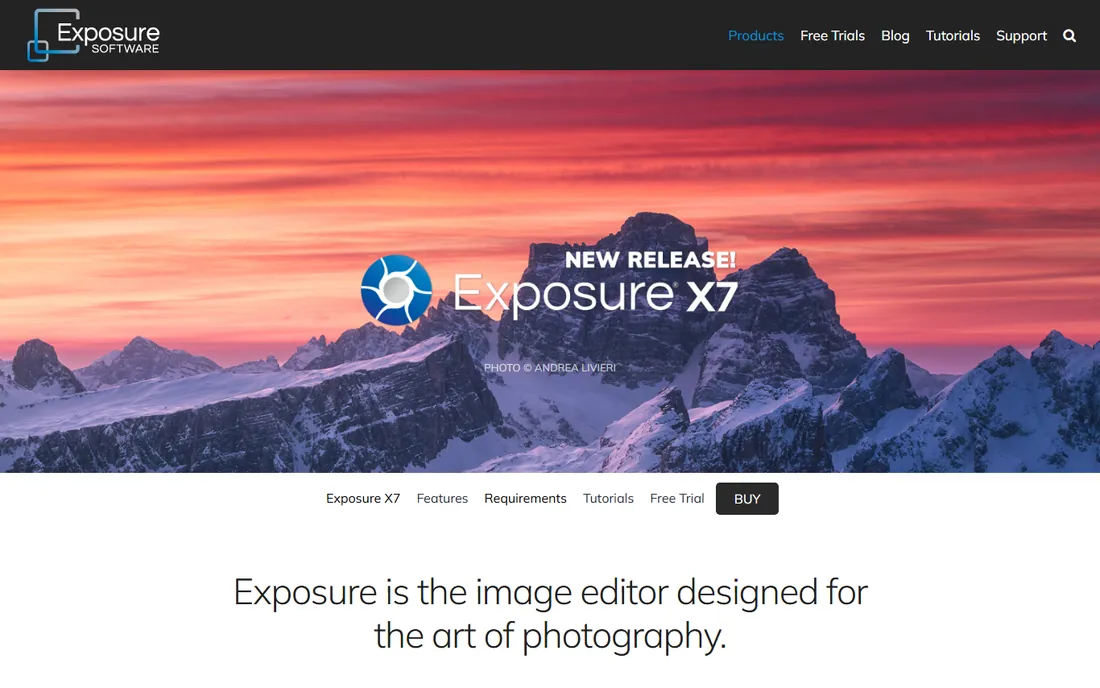
Exposure began life as a film simulation plugin, and that heritage shows. Its hundreds of presets reproduce classic film stocks with grain, fading and color shifts that look organic rather than stamped on. The catalog-free design is refreshing: point it at a folder and start editing, no import step, no catalog file to corrupt.
The honest concern is pace. X7 has been the current version for years, and while it remains stable and well supported, new camera profiles arrive slower than at Adobe or DxO. If your look leans warm, grainy and analog, few tools make it this fun. If you need up-to-the-minute RAW support for a brand-new body on launch week, look elsewhere.
What we like- Enormous library of realistic film simulations
- Catalog-free workflow, no importing
- Works as a Lightroom and Photoshop plugin
Watch out for- No major new version since 2021
- Lens correction database is thinner than DxO's
- Small company, slower camera support
#7
ACDSee Photo Studio Ultimate 2027
Best for: Photographers managing very large image libraries
Visit acdsee.com
Starting price$149.95 one-time (perpetual license); 365 plan from $8.90 per month
Free plan15-day free trial
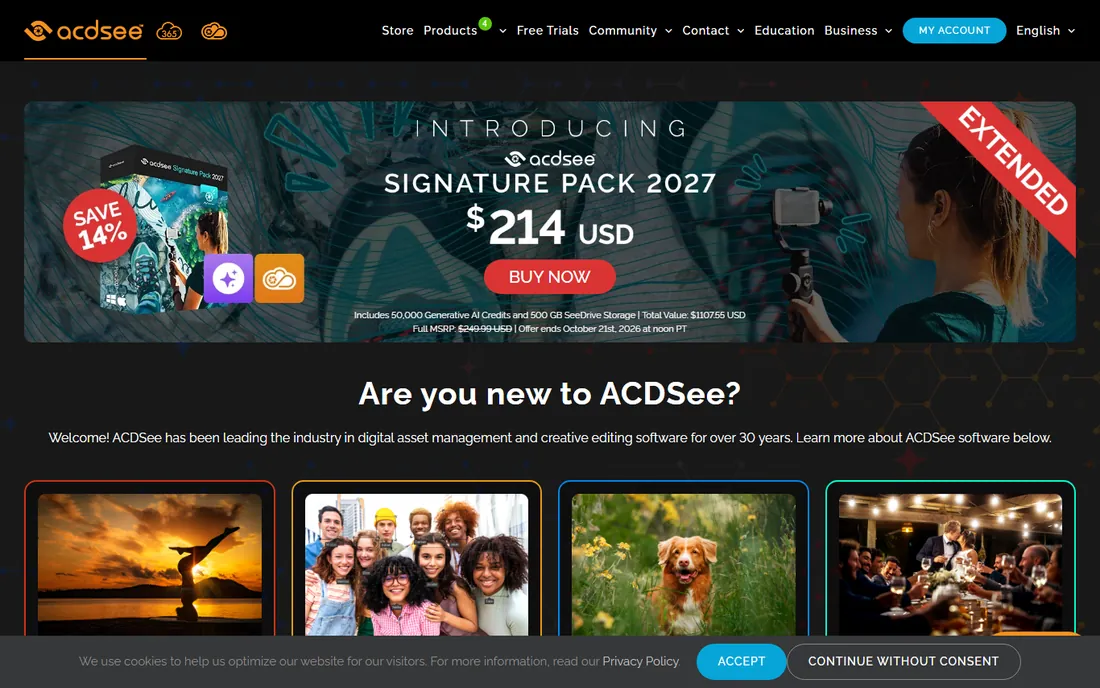
ACDSee's superpower is speed through big folders. Where Lightroom wants to import and build previews, ACDSee browses your actual file system and renders RAW files fast enough to cull a wedding in one sitting. People Mode with face detection keeps portraits findable years later.
The 2027 edition keeps the perpetual license option at $149.95 while the 365 subscription ($8.90 a month) adds cloud storage, updates and AI credits. Try the 15-day trial on your own messiest folder before committing. Archivists, sports shooters and anyone with a decade of drives will feel at home.
What we like- Extremely fast browsing and digital asset management
- AI face detection and keywording
- Buy outright or subscribe
Watch out for- Historically Windows-first, Mac version still catching up
- Interface shows its age in places
- Subscription tier meters AI credits
#8
CyberLink PhotoDirector 365
Best for: Budget creators who want photo editing plus extras
Visit cyberlink.com
Starting price$64.99 per year (annual subscription)
Free planFree trial
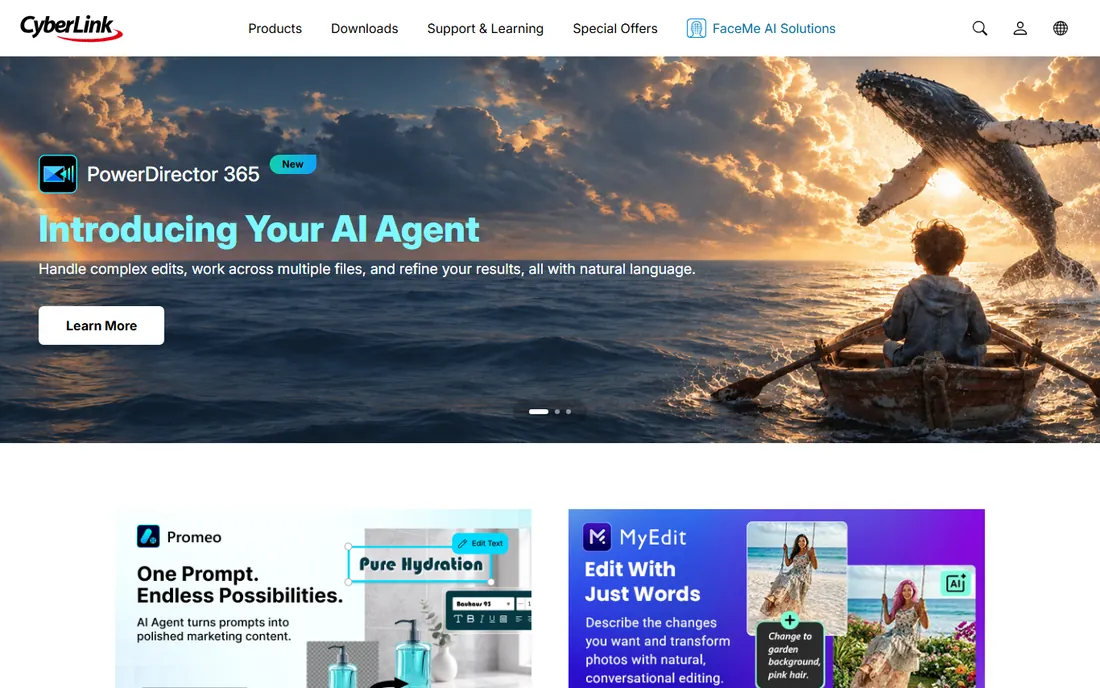
PhotoDirector is the value play. For about $65 a year you get layered editing, AI tools, slideshow and print modules, plus access to stock media libraries that cost extra elsewhere. It runs on both Windows and Mac, and the guided edits genuinely help beginners.
It is not a Lightroom killer, and CyberLink does not pretend it is. Reviewers note occasional glitches, and color-critical work belongs in Capture One or DxO. But for family photos, social content and small-business marketing images, it covers the job at a third of Adobe's price. Watch for holiday sales that cut the annual plan further.
What we like- Low annual price with frequent sales
- AI sky replacement and object removal included
- Stock photo and template libraries bundled
Watch out for- Subscription only in the 365 line
- Occasional stability complaints
- RAW processing trails the specialist converters
Starting priceFree (requires a free Canva account)
Free planYes, completely free
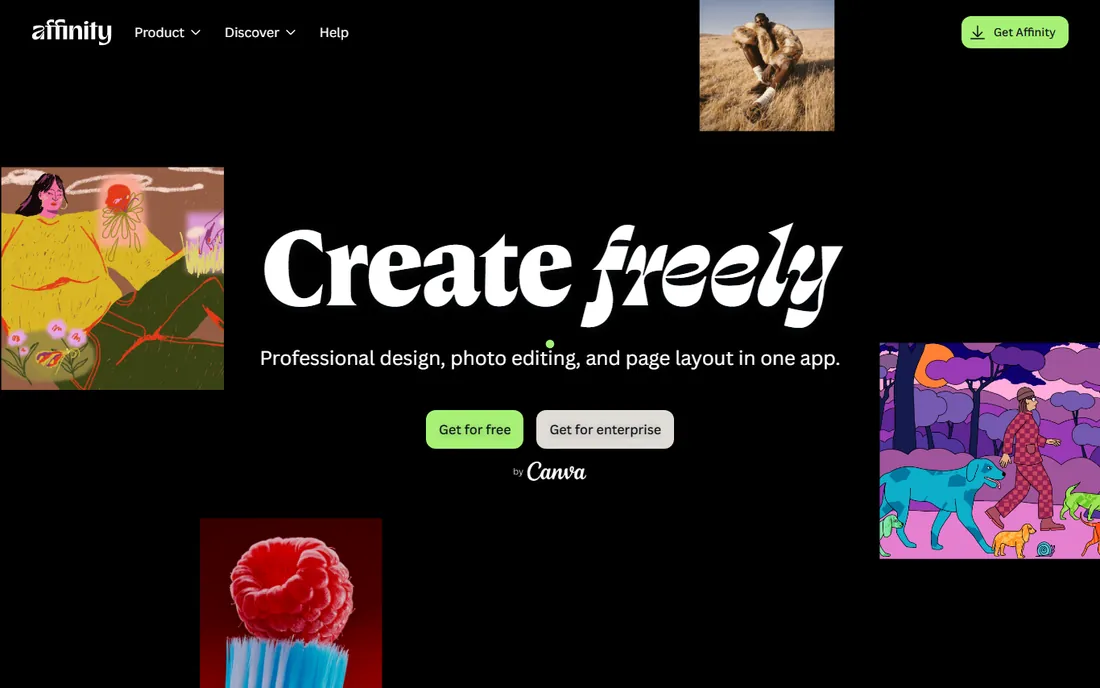
Canva's decision to make Affinity free upended this whole category. The single Affinity app now combines what used to be Affinity Photo, Designer and Publisher: a genuine professional editor with layers, masks, non-destructive adjustments and strong PSD support, for nothing. DxO even added a one-click export to Affinity in PhotoLab 10, which tells you how seriously pros take it.
Understand what it is not. Affinity has no Lightroom-style catalog, so most photographers pair it with a browser or DAM. Some AI tools sit behind Canva Pro. But as the pixel-editing half of a free workflow, perhaps alongside a free organizer, it is the best deal in photography software right now.
What we like- Full layer-based editor with PSD compatibility
- RAW develop, HDR merge, panorama and focus stacking
- Zero cost, no trial clock
Watch out for- No photo catalog or library management
- AI features need a paid Canva plan
- Unified iPad app still in the works
#10
Zoner Studio
Best for: Windows users who want everything in one cheap package
Visit zoner.com
Starting price$59 per year (or $5.99 per month)
Free plan7-day free trial
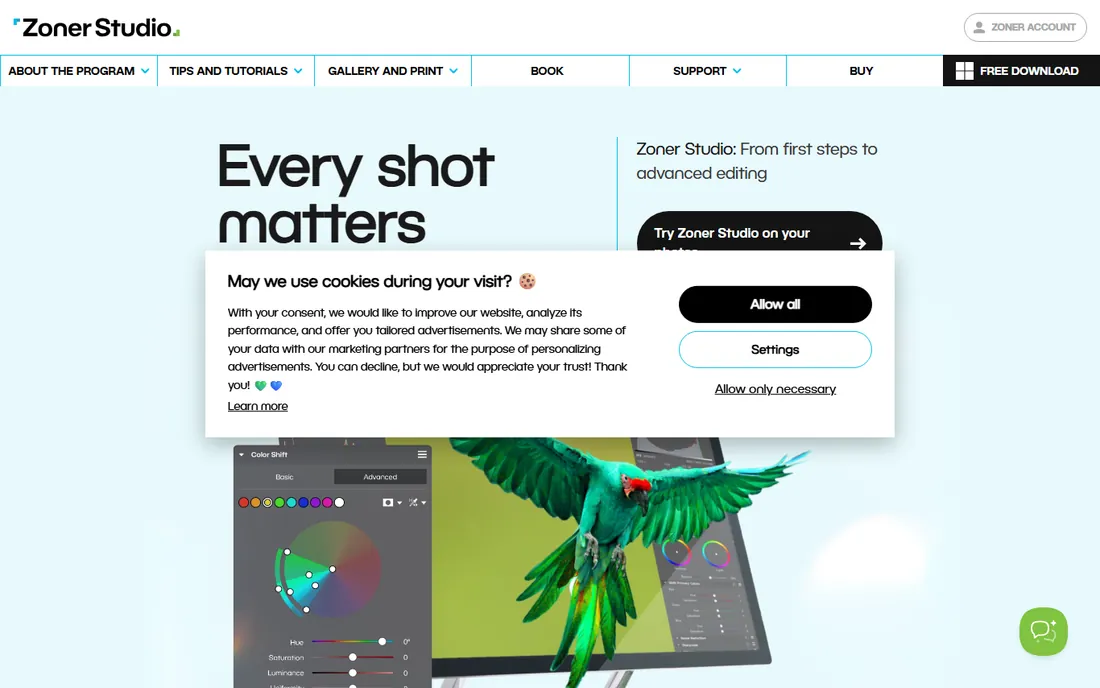
Zoner Studio, formerly Zoner Photo Studio X, is the quiet bargain. One subscription covers cataloging, RAW editing, layered retouching, HDR, video basics and print products, with cloud storage and a yearly batch of free prints thrown in. At $59 a year it costs less than five months of Lightroom.
The limits are clear: no Mac version, no perpetual license, and you will not find the tutorial ocean that surrounds Adobe. But for Windows photographers who want a single program for the whole job, the value is hard to argue with. The 7-day trial needs no payment details, so testing it costs nothing but an evening.
What we like- Organize, RAW develop, layers, print and basic video in one app
- 20GB cloud storage and free prints included
- Honest low price
Watch out for- Windows only
- Subscription only
- Smaller community means fewer tutorials and presets
How we chose
We started from the editors working photographers actually recommend on G2, Capterra, Reddit's r/photography and review sites like PetaPixel, DPReview and Amateur Photographer. Every price above comes from the vendor's own pricing or buy page, checked in October 2026, and every free trial claim comes from the vendor's site. We weighted RAW quality, organizing tools, editing depth, platform support and total cost over three years, and we favored tools with a clear audience over jack-of-all-trades apps with no identity. We did not accept vendor placements, and we did not test-drive every app for this guide.
What to check before you pay for photo software
Start with your actual workflow, not the feature list. If you cull thousands of images after every shoot, catalog speed and keywording matter more than another AI filter. If you deliver finished portraits, tethering and color tools decide your pick. Download the trial and run one real job through it, import to export, before you spend anything.
Read the license terms the way you would read a contract. Perpetual does not always mean forever: some vendors charge for the yearly version with new camera support, and Adobe-style subscriptions stop editing the day you cancel. Check how many computers one license covers, since ON1 allows two and ACDSee's subscription allows five, which changes the math for a studio with two workstations.
Finally, confirm your camera is supported before you buy. RAW support is per-model, not per-brand, and smaller vendors lag on brand-new bodies. Every tool above publishes a supported-camera list. Check yours, especially if you shoot Fujifilm X-Trans or a newly released body.
Subscription versus buying outright: the three-year math
Subscriptions look cheap monthly and add up fast. Three years of Lightroom at $11.99 a month is about $432. Three years of Capture One Pro is about $648. Against that, DxO PhotoLab 10 at $249.99 plus one $129.99 upgrade is $380, ON1 at $99.99 for two versions is $100, and Affinity is $0.
The subscription still wins for some buyers. If you need Photoshop too, the $19.99 Photography Plan bundles both apps for less than separate tools. If you always want the newest features on day one, subscriptions deliver them without upgrade decisions. But if you are a hobbyist who edits a few hundred photos a month, a perpetual license or a free tool leaves hundreds of dollars in your pocket over three years. Do your own multiplication with your own usage before you commit.
Frequently asked questions
What is the best photography software for beginners?
Luminar Neo and CyberLink PhotoDirector 365 are the friendliest starting points, with guided edits and templates that teach as you go. Affinity is free and powerful but expects you to learn editing concepts yourself. Start with a trial of Luminar or the free Affinity and upgrade only when you hit a wall.
Can I buy photo editing software without a subscription?
Yes. DxO PhotoLab 10 ($249.99), ON1 Photo RAW 2027 ($99.99), Luminar Neo ($129), Exposure X7 ($119) and ACDSee Photo Studio Ultimate 2027 ($149.95) all sell perpetual licenses, and Affinity is completely free. Capture One also still offers a $349 perpetual license, which is rare among pro tools.
Is Affinity really free now?
Yes. After acquiring Serif, Canva merged Affinity Photo, Designer and Publisher into one free app with all core features included. You need a free Canva account to download it. Some AI features require a paid Canva plan, and there is no built-in photo catalog.
Lightroom or Capture One for professional work?
Wedding, portrait and commercial photographers who shoot tethered usually prefer Capture One for its capture reliability and color tools. Photographers who need cloud sync, mobile editing and the biggest preset ecosystem usually stay with Lightroom. Both offer trials, so run one paid shoot through each and compare your turnaround time.
Do I need Photoshop as well as Lightroom?
Not necessarily. ON1 Photo RAW and Affinity cover layered compositing and retouching without Adobe. You need Photoshop (or Affinity) only if your work involves heavy compositing, advanced retouching or client files in PSD format. Many photographers never leave Lightroom.
Sources we checked (20)
- https://www.adobe.com
- https://sonary.com/reviews/adobe-lightroom/
- https://www.captureone.com
- https://artistichive.com/capture-one-vs-lightroom/
- https://dxo.com
- https://petapixel.com/2026/09/01/dxo-releases-photolab-10-with-ai-add-ons-masking-and-color-grading-updates/
- https://on1.com
- https://www.on1.com/products/photo-raw/buy/?v=max
- https://skylum.com
- https://themframes.com/features/on1-vs-luminar-neo/
- https://exposure.software
- https://shadesofgreymagazine.com/exposure-x7/
- https://acdsee.com
- https://www.acdsee.com/en/products/photo-studio-ultimate/buy/
- https://www.cyberlink.com
- https://www.groupon.com/coupons/cyberlink
- https://affinity.studio
- https://colorlib.com/wp/free-photoshop-alternatives/
- https://www.zoner.com
- https://petapixel.com/2024/04/24/zoner-photo-studio-spring-update-adds-true-hdr-image-editing/
Is your product missing or out of date?
We review this list regularly. Vendors can request a listing, send updated pricing or ask about featured placement.

Shihab Mia · Founder, Rankite
Shihab has spent more than a decade helping SaaS and e-commerce brands grow through search. He writes Rankite's software buying guides from pricing pages, documentation and public user reviews. More about Shihab.