How we make this list: we compare pricing pages, product documentation and public user reviews. Rankite is independent; if a vendor ever pays for a featured spot, that listing is clearly labeled Partner.
Key takeaways
- Affinity Photo remains the closest thing to Photoshop for a single payment, with layers, compositing and RAW handling in one app.
- ON1 Photo RAW is the most complete Lightroom replacement without a subscription, combining organizing, RAW editing and effects.
- Pixelmator Pro costs $49.99 once for Mac users and is the cheapest serious paid option on this list.
- darktable and GIMP are free, open source and genuinely capable, though both demand more patience than paid rivals.
- Capture One and DxO PhotoLab sell perpetual licenses aimed at professionals, with pro-level color and tethering at pro-level prices.
Quick comparison
| Tool | Best for | Starting price | Free plan |
|---|
 Affinity Photo Affinity Photo | Photoshop-style editing for a single payment | See website | Free trial |
 ON1 Photo RAW ON1 Photo RAW | all-in-one Lightroom replacement | See website | Free trial (30 days) |
 Luminar Neo Luminar Neo | fast AI-assisted editing | See website | Free trial |
 Capture One Capture One | studio and tethered workflows | See website | Free trial |
 DxO PhotoLab DxO PhotoLab | maximum RAW image quality | See website | Free trial (30 days) |
 Corel PaintShop Pro Corel PaintShop Pro | Windows all-rounder on a budget | See website | Free trial |
 Pixelmator Pro Pixelmator Pro | Mac photo editing for a single payment | $49.99 one-time | No |
 ACDSee Photo Studio ACDSee Photo Studio | organizing plus editing in one app | See website | Free trial (15 days) |
 darktable darktable | free RAW workflow | Free | Yes |
 GIMP GIMP | free pixel editing and compositing | Free | Yes |
Is your product missing or out of date?
We review this list regularly. Vendors can request a listing, send updated pricing or ask about featured placement.
The best non subscription photo editing software
Starting priceSee website
Free planFree trial
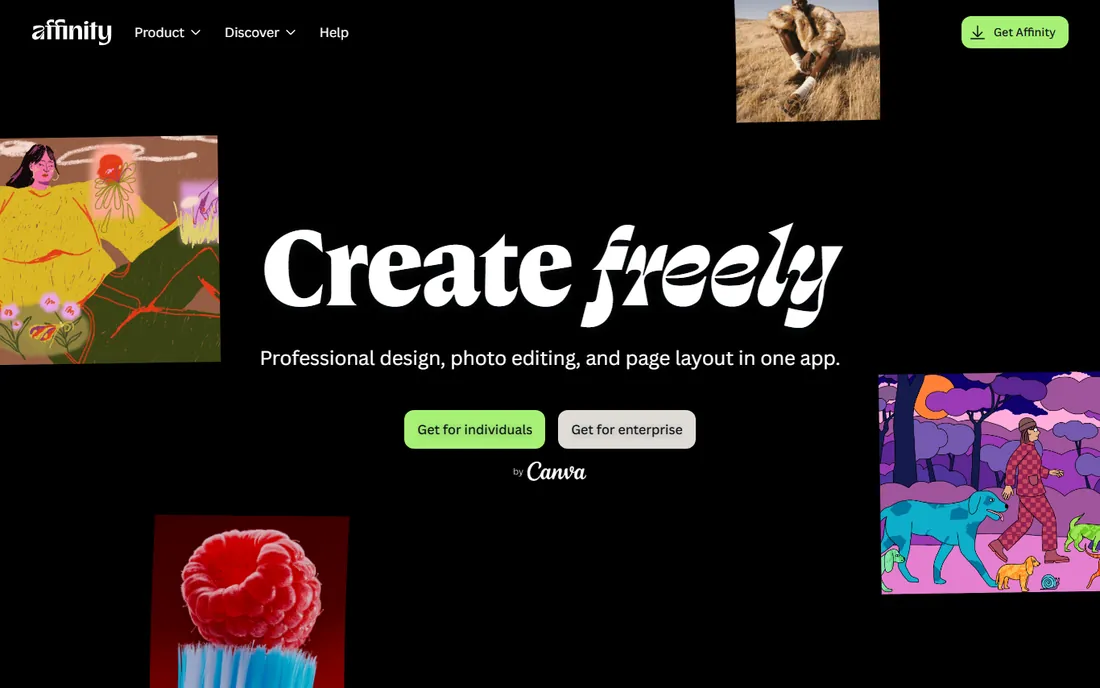
For a decade this has been the default answer to "what do I buy instead of Photoshop." Affinity Photo is a professional pixel editor sold as a one-time purchase: unlimited layers, blend modes, masks, frequency separation for retouching, liquify, and a full set of selection and compositing tools. It opens and saves PSD files, handles RAW development, and stitches panoramas, merges HDR brackets and stacks focus brackets without plugins.
The honest tradeoff is that Affinity Photo is an editor, not a manager. There is no Lightroom-style catalog for organizing tens of thousands of images, so most users pair it with a separate browser or DAM. Serif, the company behind Affinity, was acquired by Canva, and the product line continues under the Affinity brand with the same perpetual-license model. If your work is retouching, compositing and design rather than culling and cataloging, this is the strongest single purchase in photo editing.
What we like- Full layer-based editing with PSD compatibility
- RAW development, HDR merge, panorama stitching and focus stacking
- Fast performance on large files
Watch out for- No built-in photo catalog or DAM
- Major version upgrades are paid separately
#2
ON1 Photo RAW
Best for: all-in-one Lightroom replacement
Visit on1.com
Starting priceSee website
Free planFree trial (30 days)
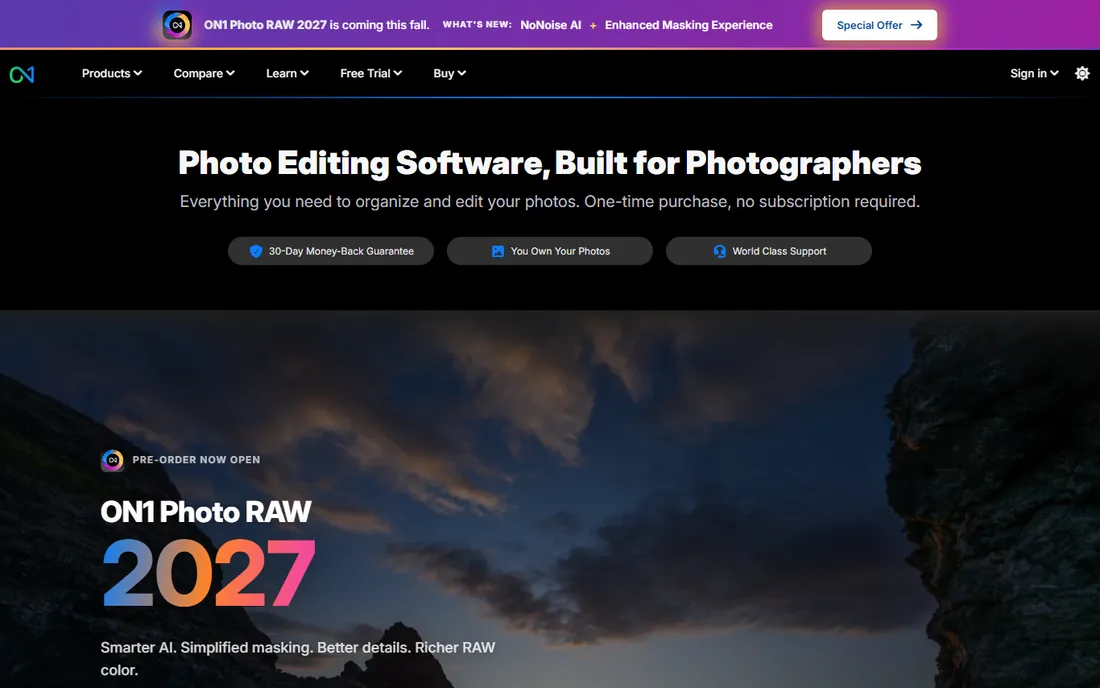
If Lightroom is the app you are trying to escape, ON1 Photo RAW is built to replace the whole thing, not just part of it. Browsing and organizing, non-destructive RAW editing, layers and masking, effects, portrait retouching, sky replacement and batch export all live in one application. The AI masking selects subjects, skies and objects quickly, and the built-in noise reduction means no separate plugin purchase.
ON1 sells Photo RAW as a perpetual license you own, with major new versions arriving yearly as paid upgrades you can take or skip. That upgrade rhythm is the thing to understand: you are not renting, but staying current costs money every year or two if you want the newest features. For photographers who want one app for the full workflow, from import to client delivery, without a monthly bill, this is the most complete non-subscription option.
What we like- Browse, organize, edit and export in one app
- Strong AI masking and noise reduction built in
- Perpetual license with install on two computers
Watch out for- Interface can feel busy for beginners
- Upgrades to new yearly versions cost extra
Starting priceSee website
Free planFree trial
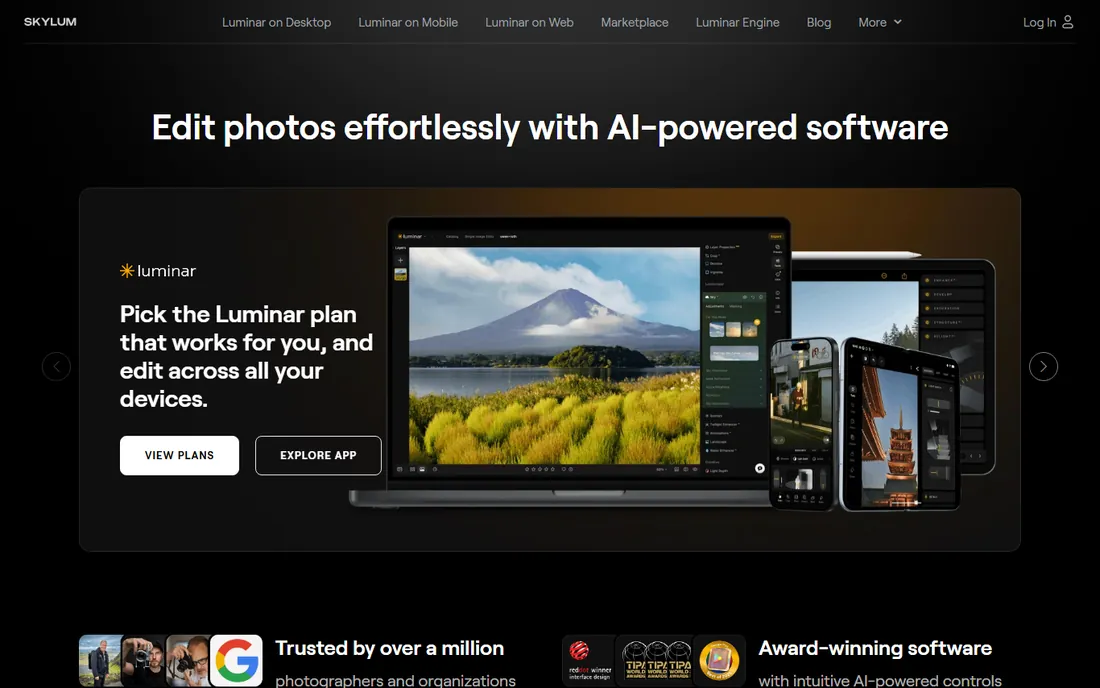
Not everyone wants to learn layers and masks. Luminar Neo is for photographers who want strong results fast: sky replacement, portrait bokeh, AI relighting and upscaling that work with a click or a slider. Underneath the automation there are real manual controls, curves, color toning, local masking, so it is not a toy. It just leads with speed.
Skylum sells Luminar Neo as a one-time purchase, which keeps it on this list, though the company also pushes add-ons and extensions that can raise the total spend. The catalog and library management are serviceable but thinner than ON1's or ACDSee's, so high-volume shooters who live in their library may feel the gap. For enthusiasts who want finished images quickly without a subscription, the value is clear.
What we like- One-click AI tools for sky replacement, relighting and upscaling
- Approachable for photographers who dislike manual masking
- Available as a one-time purchase
Watch out for- Less precise manual control than Affinity or Capture One
- Catalog features lag behind ON1 and ACDSee
Starting priceSee website
Free planFree trial
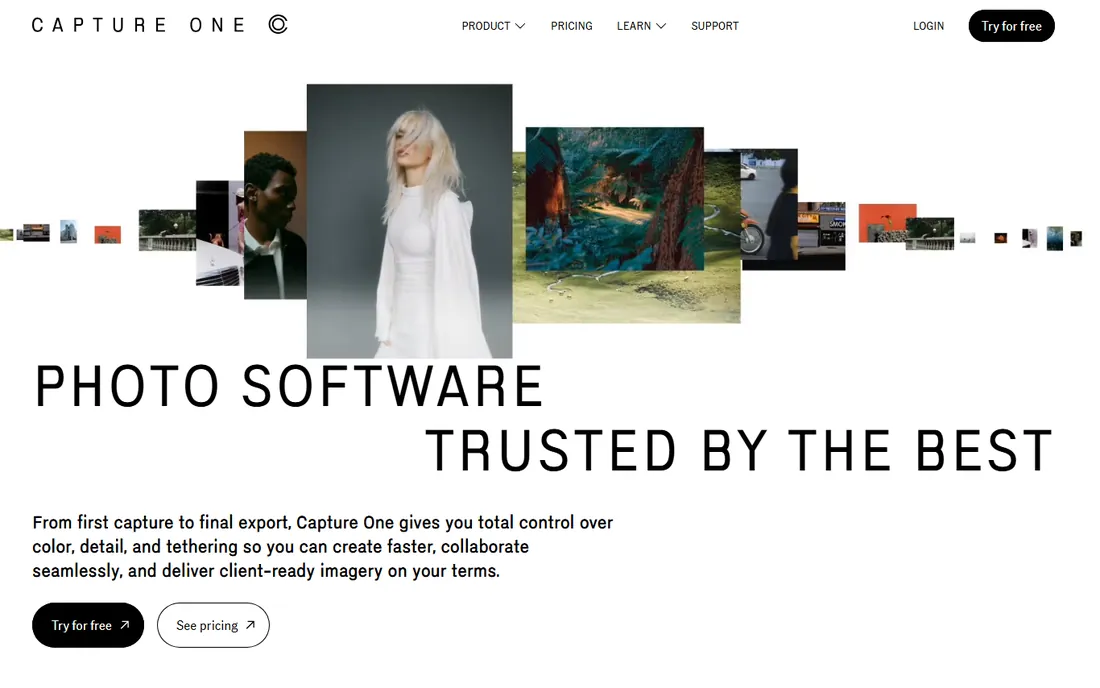
Studios that shoot tethered have used this for years, and for that workflow nothing else is close. Capture One's tethering is the most reliable in the business, its color tools are precise, and the session-based workflow fits commercial shoots where images need culling, grading and delivery fast. It also handles catalogs, layers and annotations for teams.
Capture One still sells a perpetual license, which is why it belongs here, but be prepared: it is priced for professionals, far above Affinity or ON1. The subscription is the plan the company promotes most heavily, so confirm you are buying the perpetual license at checkout. This is the pick for working pros who bill clients, not for hobbyists watching their budget.
What we like- Industry-leading tethered shooting and color editing
- Perpetual license option alongside subscription
- Strong asset management for high-volume studios
Watch out for- Expensive compared with every other option here
- Learning curve is steep for casual users
Starting priceSee website
Free planFree trial (30 days)
Image quality obsessives care about one thing above all: what comes out of the RAW file. DxO PhotoLab's noise reduction and automatic lens corrections, built from laboratory measurements of camera and lens combinations, are widely regarded as the best available. If you shoot high-ISO event work or wildlife at dawn, the difference in clean detail is visible.
PhotoLab is sold as a perpetual license with paid upgrades between major versions, and the 30-day trial is generous enough for a real evaluation. The weaknesses are in everything around the editing: asset management is basic, and the interface is technical rather than welcoming. Pair it with a dedicated organizer, or accept its limits, and what you get is arguably the finest RAW processing money can buy without a subscription.
What we like- Best-in-class noise reduction and lens corrections from lab-measured profiles
- Perpetual license
- Non-destructive RAW workflow with U Point local adjustments
Watch out for- Photo organizing is basic
- The interface assumes you enjoy technical detail
#6
Corel PaintShop Pro
Best for: Windows all-rounder on a budget
Visit corel.com
Starting priceSee website
Free planFree trial
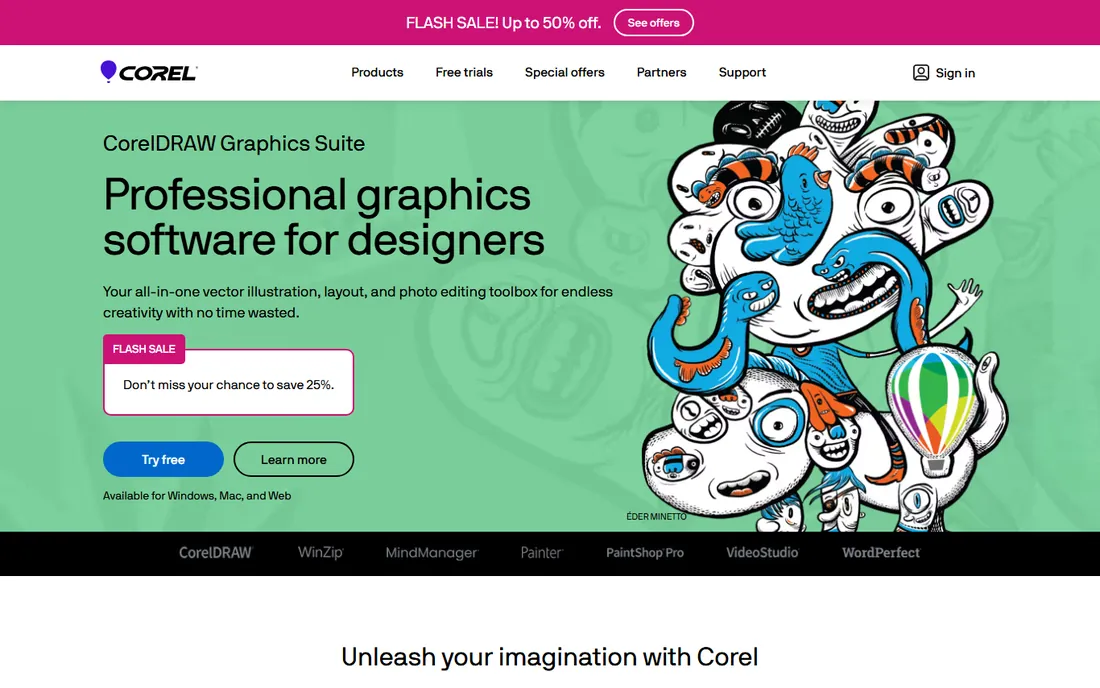
Windows users have had a quiet bargain here for years. Corel PaintShop Pro is a full photo editor sold as a perpetual license, usually well under a hundred dollars, with layers, masks, AI-powered object removal and background replacement, HDR merging and text tools. The Ultimate bundle historically adds extras like Painter Essentials and video tools, which makes the package feel generous.
The catch is refinement. The interface is busier and less modern than Affinity Photo, performance on huge files is merely fine, and there is no Mac version. But for Windows photographers who want Photoshop-style capability for a single modest payment, it remains one of the cheapest legitimate routes. Check Corel's site for the current version and bundle, since the lineup changes yearly.
What we like- One-time purchase with AI tools included
- Layers, masks, HDR and 360-degree editing
- Often bundled with bonus creative apps
Watch out for- Windows only
- Interface and performance feel a generation behind Affinity
Starting price$49.99 one-time
Free planNo
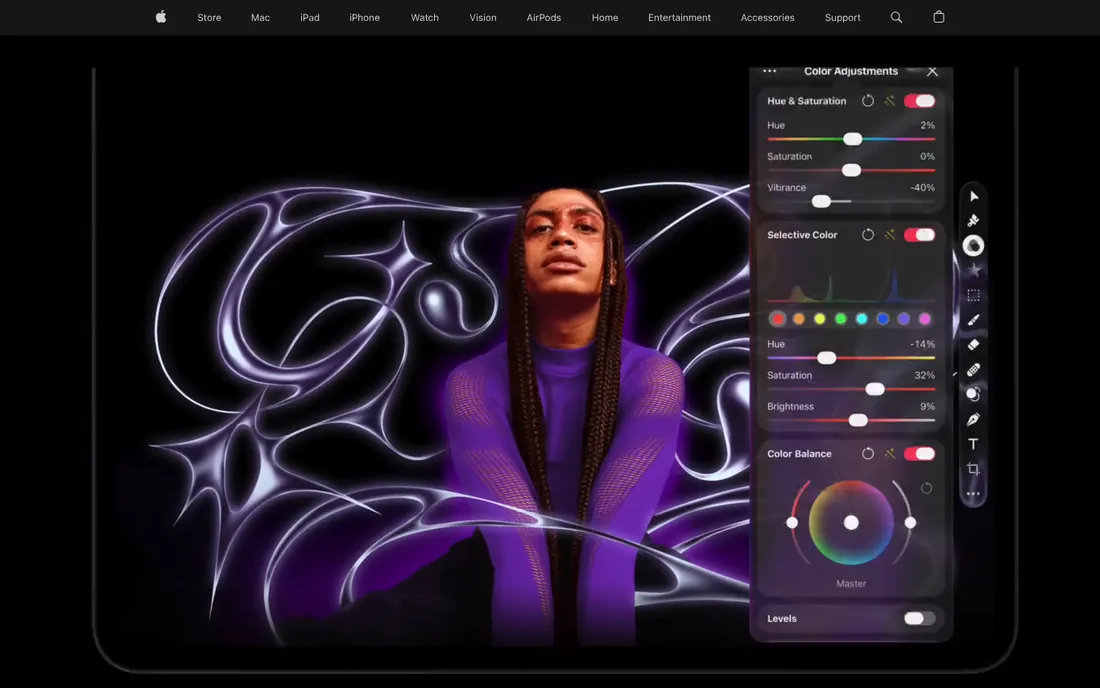
Mac-only software rarely makes these lists, but the price forces the issue. Pixelmator Pro is a $49.99 one-time purchase on the Mac App Store, and it is a genuinely capable editor: non-destructive layer-based editing, machine-learning retouching and upscaling, RAW support, and tight integration with macOS features like Shortcuts and iCloud. On Apple Silicon it is fast.
The wrinkle is ownership. Apple acquired Pixelmator, and while the $49.99 one-time purchase remains available, Apple now bundles Pixelmator Pro into its Creator Studio subscription and promotes that path. If you want the perpetual version, buy it directly from the App Store and confirm the listing. For Mac users who will never touch Windows, this is the cheapest professional-grade paid editor available.
What we like- $49.99 one-time purchase for Mac
- Deep macOS integration with Apple Silicon speed
- Capable layer-based editing with ML-powered tools
Watch out for- Mac only
- Apple now steers new users toward its Creator Studio subscription
#8
ACDSee Photo Studio
Best for: organizing plus editing in one app
Visit acdsee.com
Starting priceSee website
Free planFree trial (15 days)
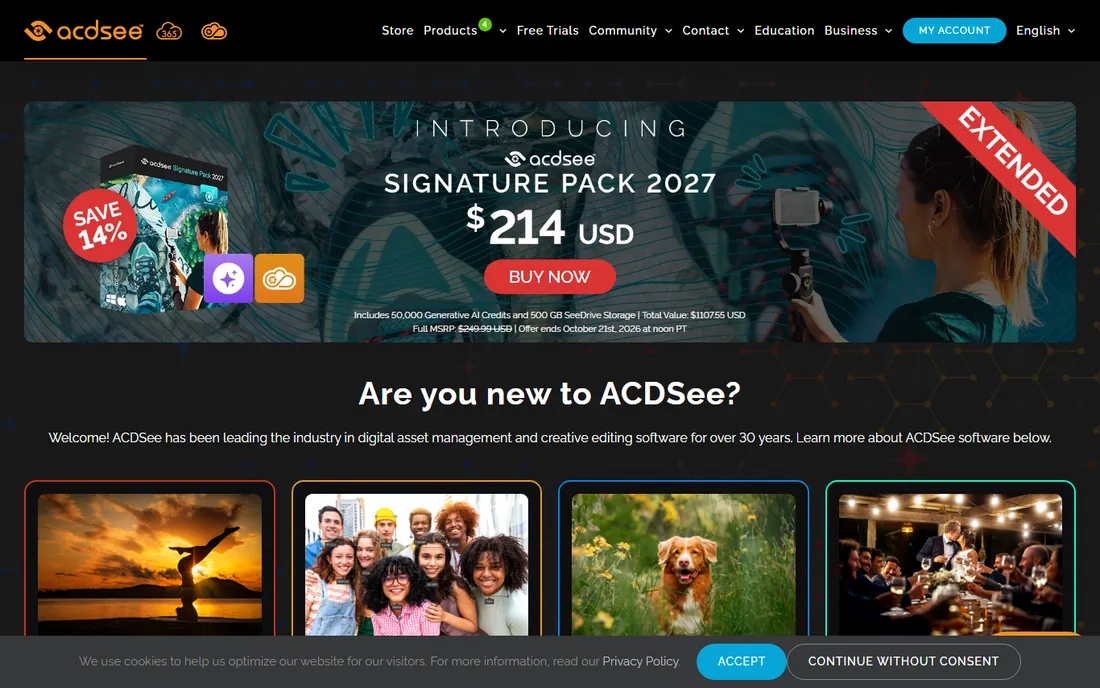
Nobody buys this for the editing alone. ACDSee Photo Studio's real strength is digital asset management: fast browsing of huge libraries, face recognition, AI keywording and search that help working photographers find images across years of shoots. The editing side, RAW development, layers, retouching, is solid without being class-leading.
ACDSee sells perpetual licenses, though the current storefront leans into bundles with generative AI credits and cloud storage that complicate the price picture. Read the edition comparison carefully and confirm the license type before checkout. For photographers drowning in files who need organization first and editing second, it is the best DAM-plus-editor combo without a subscription.
What we like- Excellent digital asset management with face recognition and AI search
- Layered editing plus RAW development
- Perpetual licenses available
Watch out for- Pricing bundles push AI credits and cloud storage
- Windows-first, Mac versions lag
Starting priceFree
Free planYes
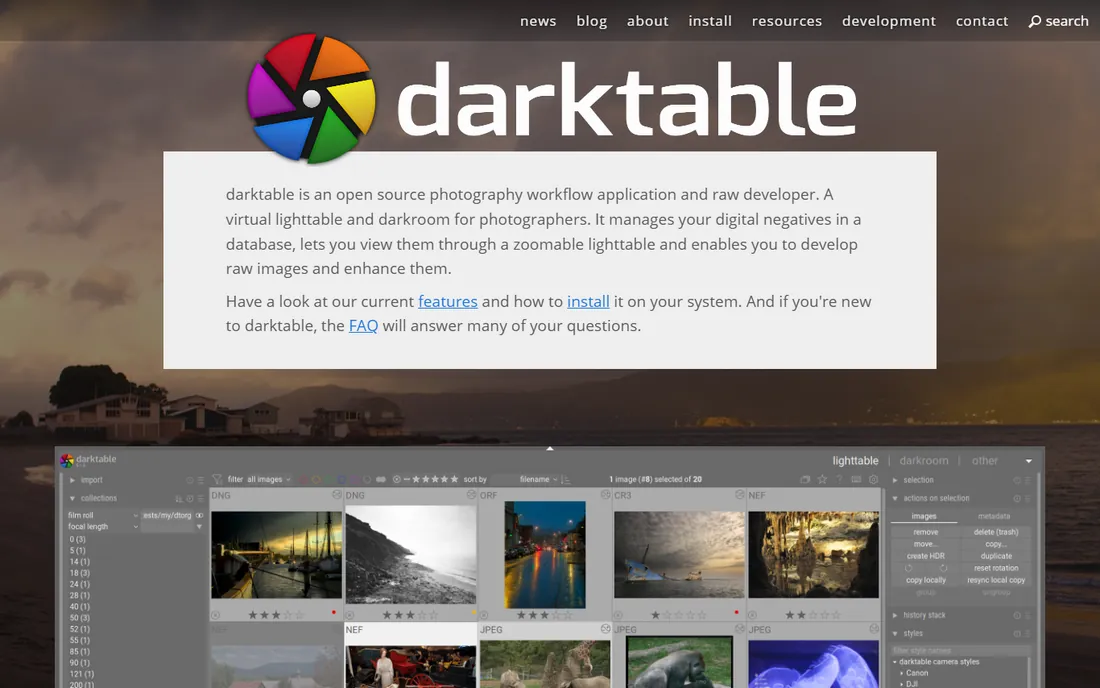
The free option that professionals actually respect. darktable is an open-source RAW developer and photo manager with a serious processing pipeline: non-destructive edits, professional color management, tethering, printing and GPU acceleration. It runs on Windows, Mac and Linux, and its development community ships meaningful improvements every year.
The price of free is patience. The interface is dense and technical, documentation assumes you want to understand what you are doing, and there is no support line to call. Photographers coming from Lightroom face a real adjustment period. But for anyone willing to learn it, darktable delivers results that stand next to paid RAW editors, at a total cost of zero, forever.
What we like- Completely free and open source
- Professional non-destructive RAW pipeline with color management
- GPU acceleration and active development
Watch out for- Steep learning curve with a technical interface
- No official support channel
Starting priceFree
Free planYes
It is old, its interface has opinions, and it refuses to die, because nothing free does what it does. GIMP is a full pixel editor with layers, masks, blend modes, selections and a huge plugin ecosystem, and it has been the free Photoshop alternative for over two decades. For compositing, retouching, graphic design and web work, it is genuinely capable.
GIMP is not a RAW workflow app; pair it with darktable or RawTherapee for the full free pipeline. Photoshop converts will grumble about keyboard shortcuts and window management, and high-end CMYK print work is not its strength. But as a free, no-strings pixel editor that you own outright, it has no equal. Download it, keep it, never pay.
What we like- Free and open source with deep layer, mask and plugin support
- Runs on Windows, Mac and Linux
- Enormous community and tutorial base
Watch out for- No non-destructive RAW workflow on its own
- Interface conventions differ from Photoshop enough to slow converts
The real cost of owning versus renting your editor
Subscription pricing looks small until you multiply it. Ten dollars a month is $120 a year and $600 over five years, for software access that ends the day you stop paying. A $70 one-time purchase that you use for five years costs $70, period. The break-even point for most perpetual licenses on this list lands between six and eighteen months.
Owning has its own costs, and honest accounting includes them. Perpetual licenses usually cover one major version; new yearly releases are paid upgrades. If you chase every new feature, you will pay every year or two anyway, though always less than a subscription and always on your schedule. Free options like darktable and GIMP cost nothing but time: learning curves are real, and time has value too. The right question is not which model is cheaper in theory, but which matches how you actually work. Upgraders who want every new AI feature may do fine subscribing. Everyone else should run the five-year math before clicking rent.
How we chose
We verified each product against its vendor's own site: the perpetual license or free download is genuinely offered today, and the product is maintained, not abandoned. Pricing comes from vendor pricing pages where published; where pricing is promotional or bundle-dependent, we say see the website instead of quoting a number that will be wrong next week. We weighed documentation, review coverage on G2, Capterra, Petapixel and Reddit, and fit for different buyers, from working studios to hobbyists. We did not run hands-on editing tests. Workflow fit matters more than feature checklists here, which is why trials and free tiers weighed heavily.
Matching the editor to your workflow
Buying the wrong kind of editor is the most common mistake in this category. Pixel editors and RAW workflow apps solve different problems, and most photographers need one more than the other.
If you retouch, composite, design and manipulate individual images, buy a pixel editor: Affinity Photo, Pixelmator Pro, Corel PaintShop Pro or GIMP. If you process hundreds of RAW files from shoots, cull, grade and deliver, buy a workflow app: ON1 Photo RAW, Capture One, DxO PhotoLab, Luminar Neo, ACDSee or darktable. Many photographers eventually own one of each, which is still cheaper than years of subscription rent.
Platform matters too. Pixelmator Pro and Corel PaintShop Pro are single-platform, Mac and Windows respectively. Everyone else on this list runs on both major desktop platforms, and darktable and GIMP add Linux. Check the system requirements for your machine before buying, especially for AI features that may want a recent GPU.
Frequently asked questions
Is Affinity Photo really a full Photoshop replacement?
For most photographers and designers, yes. It covers layers, masks, retouching, compositing and RAW development with PSD compatibility. What it lacks is Adobe's ecosystem: no Lightroom-style catalog, fewer third-party plugins, and no cloud collaboration. If your work lives inside Photoshop alone, you will be fine. If it depends on the wider Adobe suite, test the trial first.
Do perpetual licenses include future updates?
Usually minor updates within the purchased major version are free, and new major versions are paid upgrades you can decline. Your current version keeps working either way. This is the core advantage over subscriptions: the software cannot be taken away from you.
Can free editors like GIMP and darktable handle professional work?
Yes, with caveats. Both are used professionally, and their output quality stands up. The costs are learning time, rougher interfaces and no official support. For client work with tight deadlines, paid tools often pay for themselves in saved hours. For personal work, learning or tight budgets, the free pair is remarkably capable.
Why is Capture One so much more expensive?
It is priced for commercial studios, where tethered shooting reliability and color precision directly affect billable work. The perpetual license costs more because the product competes on professional workflow, not price. Hobbyists get better value from Affinity, ON1 or Pixelmator Pro.
What happens to my edits if I stop paying for a subscription editor?
With most subscription editors, you lose access to the app, though your original files remain yours. Catalog-based edits may become hard to access without an active license. Perpetual and free tools avoid this entirely: the app keeps working whether or not you ever pay again.
Sources we checked (14)
- https://affinity.studio/
- https://www.on1.com/
- https://www.skylum.com/
- https://www.captureone.com/
- https://dxo.com/
- https://www.corel.com/
- https://pixelmator.com/
- https://acdsee.com/
- https://www.darktable.org/
- https://www.gimp.org/
- https://petapixel.com/best-photoshop-alternatives/
- https://www.on1.com/blog/choose-best-non-subscription-photo-editors/
- https://themframes.com/features/the-best-photo-editing-software/
- https://www.ofzenandcomputing.com/best-ai-photo-editing-software/
Is your product missing or out of date?
We review this list regularly. Vendors can request a listing, send updated pricing or ask about featured placement.

Shihab Mia · Founder, Rankite
Shihab has spent more than a decade helping SaaS and e-commerce brands grow through search. He writes Rankite's software buying guides from pricing pages, documentation and public user reviews. More about Shihab.