How we make this list: we compare pricing pages, product documentation and public user reviews. Rankite is independent; if a vendor ever pays for a featured spot, that listing is clearly labeled Partner.
Key takeaways
- Adobe Lightroom remains the default for a reason: catalog, RAW development, mobile sync and cloud storage in one subscription.
- Capture One wins for tethered studio work and precise, repeatable color.
- Darktable and RawTherapee are genuinely capable and completely free, if you invest the learning time.
- Photo Mechanic and Excire Foto solve the half of the workflow most editors ignore: culling thousands of images and finding them again later.
- Photopea is the best free Photoshop-style pic edit software, and it runs entirely in your browser.
Quick comparison
| Tool | Best for | Starting price | Free plan |
|---|
 Adobe Lightroom Adobe Lightroom | photographers who want one RAW workflow everywhere | $11.99 per month (annual plan, billed monthly) | Free trial (7 days) |
 Adobe Photoshop Adobe Photoshop | retouchers and compositors who need maximum control | $22.99 per month (annual plan, billed monthly) | Free trial (7 days) |
 Capture One Capture One | studio photographers and color-critical work | See website | Free trial |
 Darktable Darktable | photographers who want Lightroom-class RAW editing for free | Free | Yes |
 RawTherapee RawTherapee | technical photographers who want maximum RAW control | Free | Yes |
 Photopea Photopea | free Photoshop-style editing without installing anything | Free | Yes |
 Polarr Polarr | fast, filter-driven edits across phone and desktop | See website | Yes |
 Photo Mechanic Photo Mechanic | culling and ingesting thousands of photos fast | See website | Free trial |
 Excire Foto Excire Foto | finding any photo in a massive library with AI search | See website | Free trial |
 Luminar Neo Luminar Neo | photographers who want fast, impressive results | See website | Free trial |
Is your product missing or out of date?
We review this list regularly. Vendors can request a listing, send updated pricing or ask about featured placement.
The best editing software for photography
#1
Adobe Lightroom
Best for: photographers who want one RAW workflow everywhere
Visit adobe.com
Starting price$11.99 per month (annual plan, billed monthly)
Free planFree trial (7 days)
The default choice is the default for a reason. Lightroom (the cloud version) plus Lightroom Classic (the desktop version, included in the same plan) cover the whole job most photographers do: import, organize, develop RAW files, and export. Edits sync to your phone, presets are everywhere, and when you get stuck, ten thousand tutorials exist for your exact problem.
It costs $11.99 a month on the annual plan with 1TB of cloud storage; the Photography plan at $19.99 a month adds Photoshop. The honest complaints: two overlapping Lightrooms confuse every beginner, and large local catalogs can feel sluggish. If you want the path of least resistance, this is it.
What we like- Catalog, RAW development, presets and cloud sync in one app
- Mobile app is genuinely useful
- Huge preset and tutorial ecosystem
Watch out for- Subscription only
- The cloud version and Classic version split confuses everyone
- Performance lags with very large catalogs
#2
Adobe Photoshop
Best for: retouchers and compositors who need maximum control
Visit adobe.com
Starting price$22.99 per month (annual plan, billed monthly)
Free planFree trial (7 days)
Here is the unpopular opinion from the intro in product form: most photographers do not need this. Some absolutely do. If your work is beauty retouching, complex compositing, background replacement or anything involving layers, masks and precise selections, Photoshop remains the deepest tool in existence, and its Firefly-powered generative features keep extending that lead.
Standalone it costs $22.99 a month on the annual plan, poor value next to the $19.99 Photography plan that bundles it with both Lightrooms and 1TB of storage. Buy Photoshop when your editing goes beyond developing RAW files into transforming them. If your typical edit is exposure, color and cropping, Lightroom alone is faster and cheaper.
What we like- Unmatched depth for retouching, compositing and manipulation
- Firefly AI tools for generative fill and expand
- Massive plugin and action ecosystem
Watch out for- Overkill for straightforward photo editing
- Subscription only
- Steep learning curve for casual users
Starting priceSee website
Free planFree trial
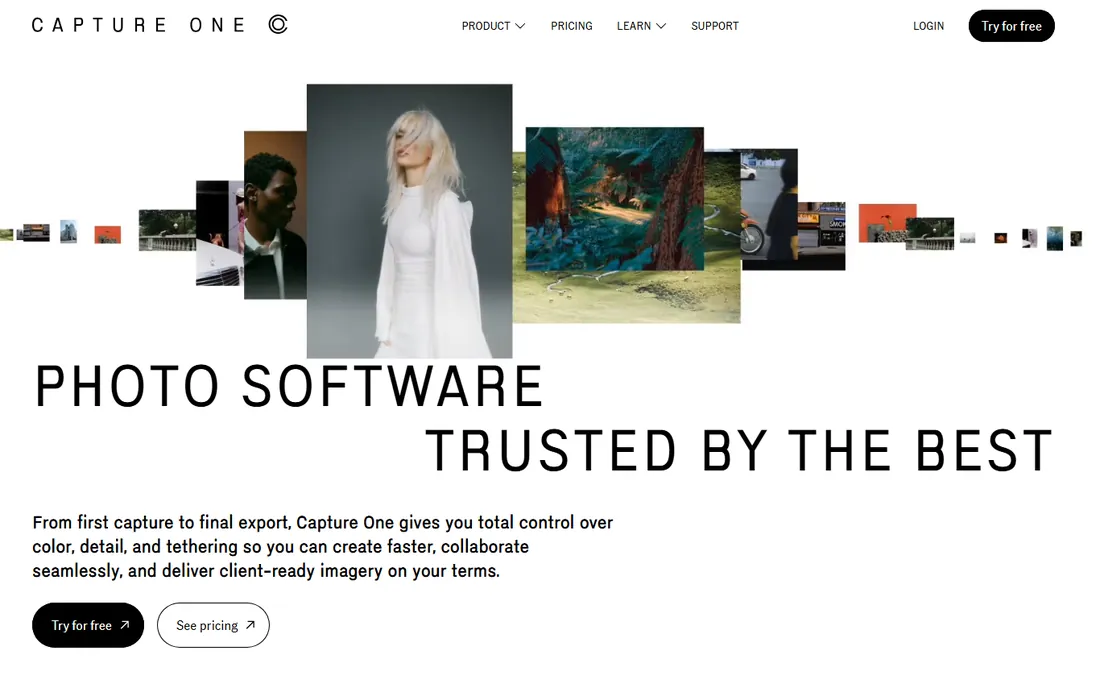
If you shoot tethered in a studio, the debate is already over. Capture One's live tethered capture, with instant review and client-ready color on set, is why fashion, product and commercial photographers standardize on it. The color editor gives finer control over specific hues than Lightroom's HSL panel, and styles make it easy to keep a consistent look across a whole campaign.
It is the most expensive ecosystem here and the hardest to learn, and the company now steers buyers toward subscriptions even though a perpetual option exists. For wedding and portrait pros who need reliable color and fast delivery workflows, it earns its price.
What we like- The best tethered shooting in the business
- Superb color editor and styles
- Sessions and catalogs built for client work
Watch out for- Pricing is not transparent on the homepage
- Steep learning curve
- More than most hobbyists need
#4
Darktable
Best for: photographers who want Lightroom-class RAW editing for free
Visit darktable.org
Starting priceFree
Free planYes
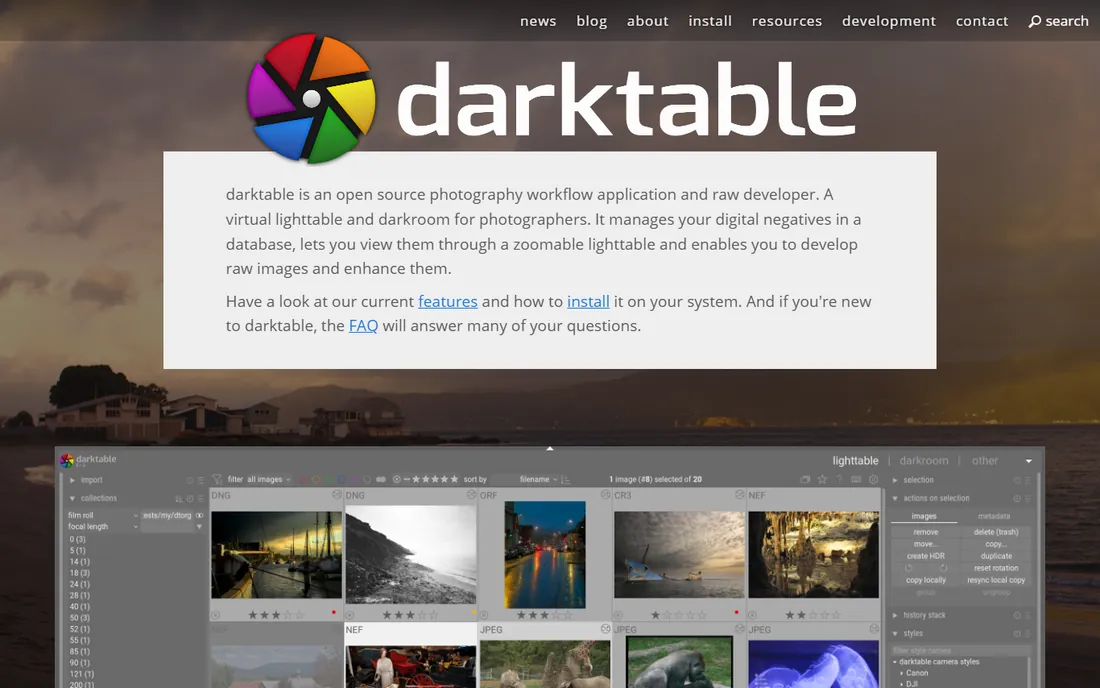
The best free RAW editor has a learning curve like a cliff face, and it is worth climbing. Darktable is built by photographers who code, and it shows: a fully non-destructive pipeline, professional color management all the way to print, and editing modules that rival Lightroom's Develop panel in depth. It costs nothing, shows no ads, and never phones home.
The price of free is patience. The interface exposes everything at once, the terminology leans technical, and you will lean on community forums more than polished tutorials. But for photographers willing to invest a weekend learning it, Darktable handles serious RAW work, including tethered shooting and printing, without spending a dollar. It is the strongest answer to "what is the best free photo editing software for photographers" for anyone shooting RAW.
What we like- Completely free and open source
- Non-destructive RAW pipeline with pro color management
- GPU acceleration and active development
Watch out for- The interface intimidates beginners
- Documentation assumes technical comfort
- Smaller preset and tutorial ecosystem
Starting priceFree
Free planYes
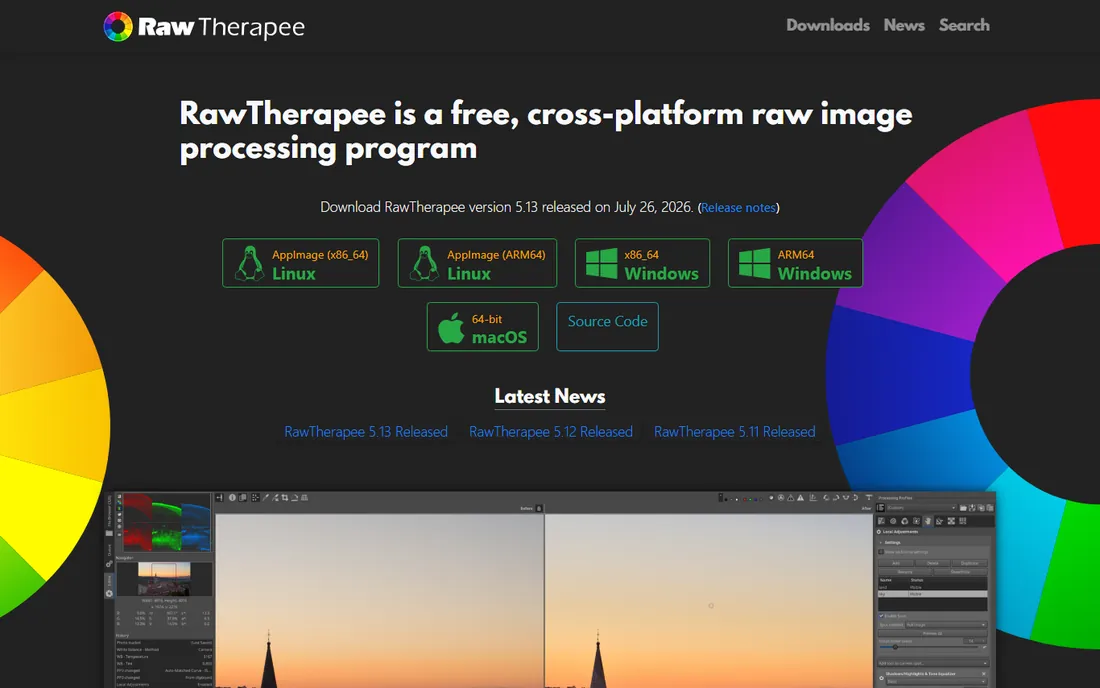
For the technically minded, this free editor goes deeper than software costing hundreds. RawTherapee's demosaicing algorithms and detail recovery tools are genuinely best-in-class, and features like dual-demosaic blending, pixel-shift compositing and dark-frame subtraction appeal to photographers who enjoy the science of image processing. The 32-bit floating point engine preserves quality through long edit chains.
The trade-offs are real: the interface looks a decade old, there is no catalog or library management worth using, and releases arrive slowly from a volunteer team. Most photographers will be happier in Darktable, which pairs similar depth with a more modern workflow. But if your idea of fun is squeezing the last drop of detail from a RAW file, RawTherapee is a remarkable free tool.
What we like- Free and open source under the GPL
- Exceptional demosaicing and detail extraction
- 32-bit floating point processing engine
Watch out for- Dated interface
- No real asset management
- Development moves slowly
#6
Photopea
Best for: free Photoshop-style editing without installing anything
Visit photopea.com
Starting priceFree
Free planYes
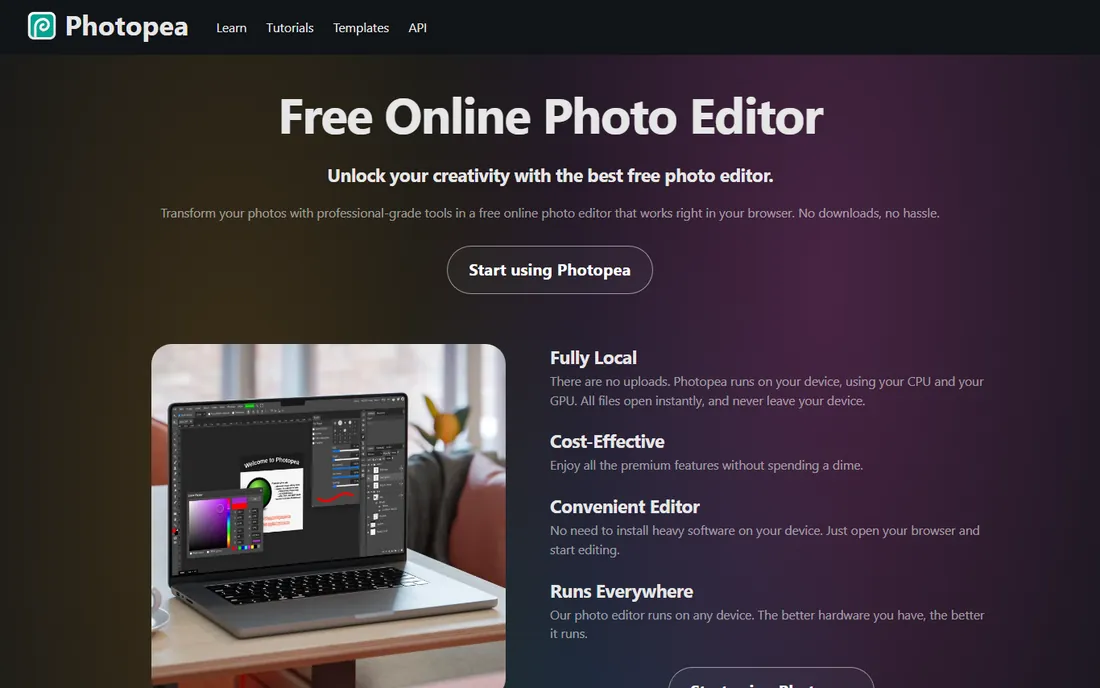
The most useful photo editor of 2026 might be the one you never install. Photopea runs a complete Photoshop-style editor in your browser: layers, masks, adjustment layers, smart objects, liquify, and even RAW opening with exposure and color controls. It opens PSD files better than anything except Photoshop itself, and because everything runs locally, your files never upload anywhere.
It is free with ads, and a premium option removes them. The limits are what you would expect: it lives or dies by your browser's memory, and there is no organizing, cataloging or batch processing, so it complements a RAW workflow rather than replacing one. For quick retouching on a borrowed computer, for students, or as a second editor beside Darktable or Lightroom, it is astonishing value at zero dollars.
What we like- Full layer-based editor free in the browser
- Opens PSD, RAW, AI and dozens of formats
- Files never leave your device
Watch out for- Ad-supported free version
- Performance depends on your browser and RAM
- No catalog or batch workflow
#7
Polarr
Best for: fast, filter-driven edits across phone and desktop
Visit polarr.com
Starting priceSee website
Free planYes
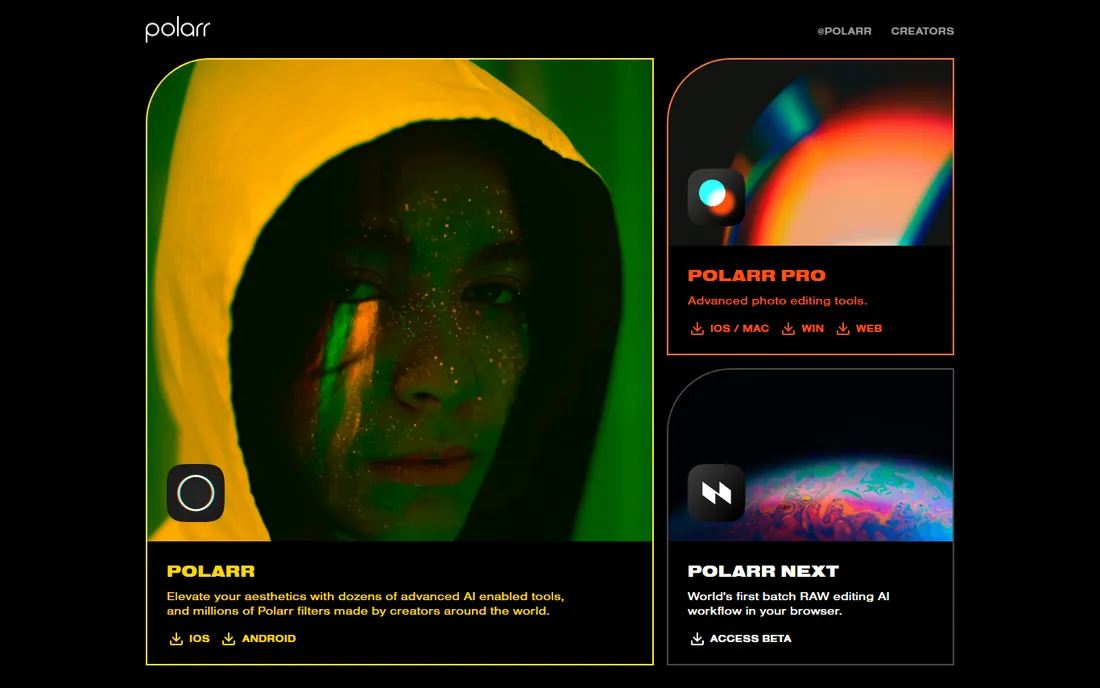
Not every photo edit happens at a desk. Polarr built its name on mobile, with a deep library of creator-made filters layered over genuinely capable manual controls, and its desktop and web apps extend the same approach. For content creators, social media work and quick stylized edits, it is faster than opening a full RAW workflow.
The free version covers the basics; Pro adds the advanced tools via subscription. It is not the tool for tethered studio sessions or hundred-megapixel RAW pipelines. Think of it as the best pic edit software for the creator workflow: shoot, style, post, done. Paired with a phone camera or a mirrorless JPEG workflow, it earns its place.
What we like- Polished mobile and desktop apps with a huge filter library
- Capable manual controls under the filters
- Good for social and content workflows
Watch out for- Premium features need a Pro subscription
- RAW support is thinner than desktop rivals
- Aimed at creators more than working pros
Starting priceSee website
Free planFree trial
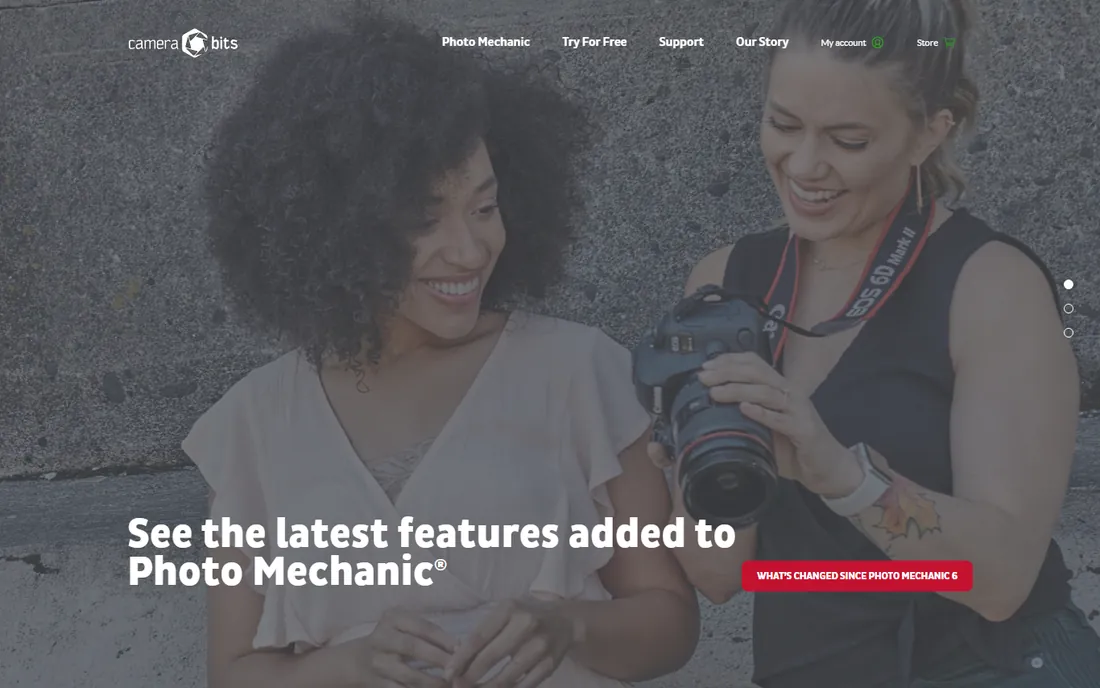
The fastest program in a pro's workflow is the one that never touches a pixel. Photo Mechanic does one job: getting photos off the card, picking winners, adding captions and metadata, and sending them onward, faster than anything else. Sports and wedding photographers ingest thousands of frames and file selects in minutes because Photo Mechanic renders previews instantly instead of building them like Lightroom does.
It is not a photo editor and does not pretend to be one. You cull here, then develop in Lightroom, Capture One or DxO. The price reflects its pro audience. If you regularly face 3,000 frames after a shoot and your current culling feels like wading through mud, this is the single biggest workflow upgrade on this list.
What we like- The fastest ingest and culling in the industry
- Captioning, keywording and metadata tools built for deadlines
- Plays nicely with any editor
Watch out for- Not an editor, it does not develop RAW files
- Pricing is premium for a single-purpose tool
- Interface prioritizes speed over beauty
#9
Excire Foto
Best for: finding any photo in a massive library with AI search
Visit excire.com
Starting priceSee website
Free planFree trial
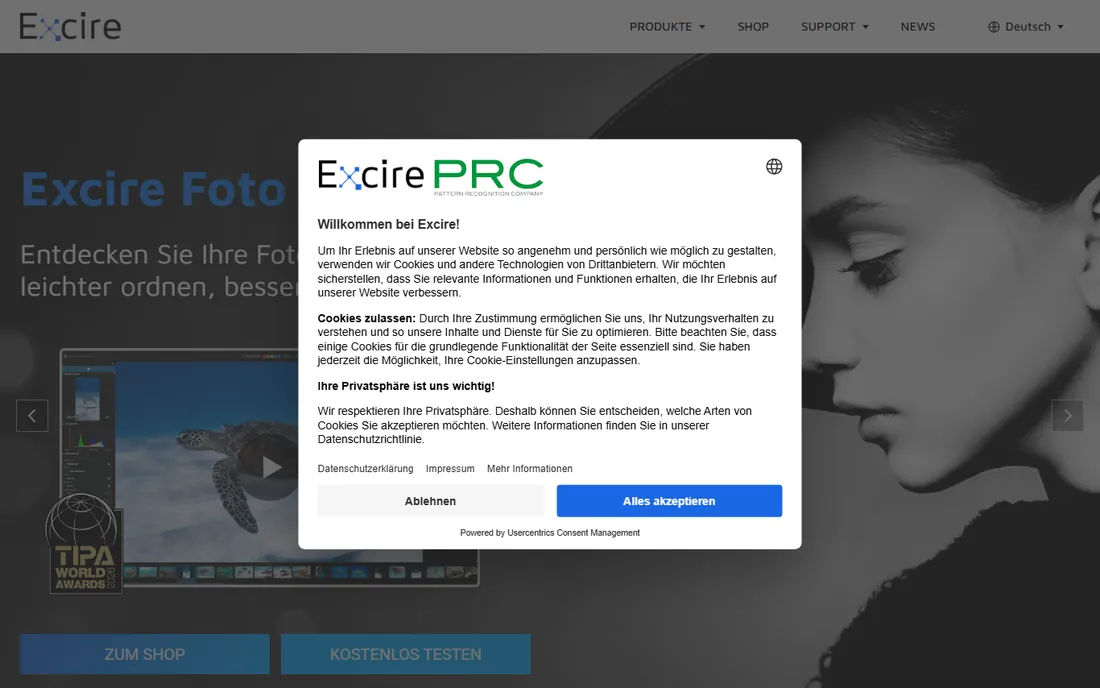
Ask a photographer with 200,000 images what their real problem is. It is not editing. It is finding the photo. Excire Foto attacks exactly that with on-device AI: search for "sunset beach dog" or a person's face and it surfaces matches in seconds, no manual keywording required. Newer versions add aesthetic scoring to help pick the best shot and a map view for travel libraries.
It is sold with no subscription and no cloud dependency, which will appeal to photographers tired of both. There is a free trial to test it on your own catalog. The editing side is minimal by design; this is a finding and organizing tool that sits beside your editor. For anyone whose archive has become a write-only hard drive, it is transformative.
What we like- AI search by subject, person, mood and even visible text
- No subscription, no cloud required
- Works standalone or inside Lightroom Classic
Watch out for- Pricing not shown on the homepage
- Organizing focus means editing tools are minimal
- Smaller company than the giants
#10
Luminar Neo
Best for: photographers who want fast, impressive results
Visit skylum.com
Starting priceSee website
Free planFree trial
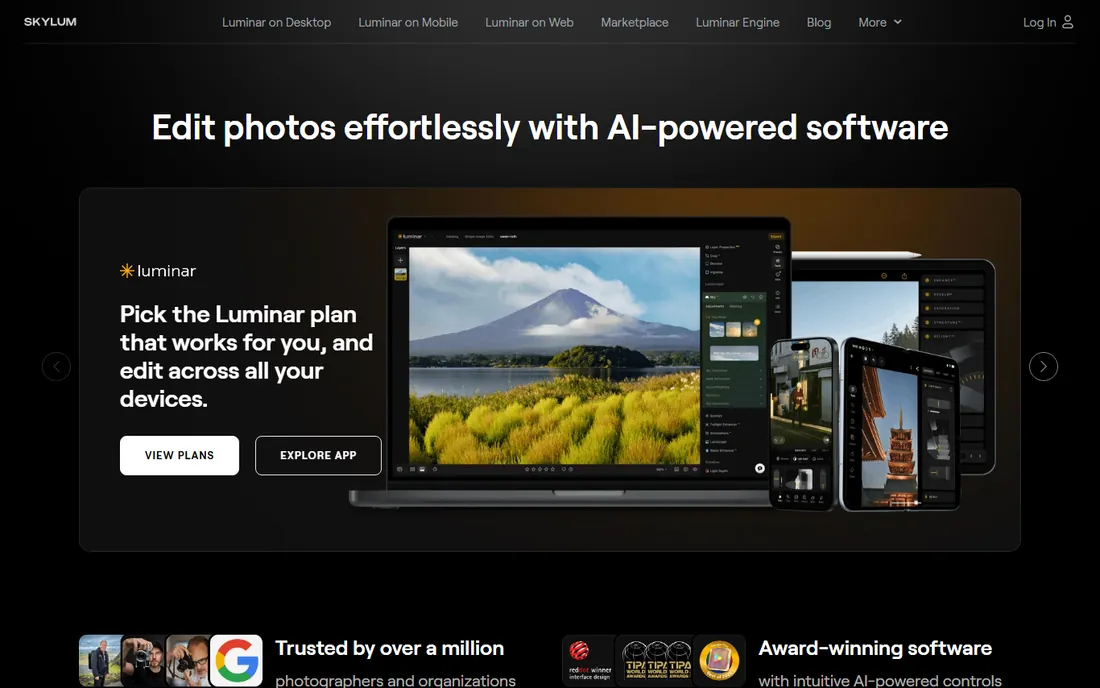
Sometimes you want the photo done, not a hobby. Luminar Neo is the finishing tool for photographers who would rather be shooting: sky replacement, portrait bokeh, atmosphere and relighting effects that take seconds, with curves and masking underneath for the days you want control. Skylum offers it with a lifetime license option, which keeps it relevant for buyers avoiding subscriptions.
It is not a Lightroom replacement for high-volume pros: the catalog is thinner and batch workflows are weaker. Performance is the recurring complaint. But as a finisher beside a free organizer, or as the only editor for an enthusiast who shoots a few hundred frames a month, it delivers the most wow per minute of any tool here.
What we like- One-click AI tools for skies, portraits and relighting
- Manual controls underneath for when you want them
- Simpler than a full RAW workflow
Watch out for- Weaker organizing than Lightroom
- Performance can stutter on older machines
- The subscription push complicates the pricing story
Match the software to the way you shoot
Wedding and event: speed first
Your bottleneck is volume, not creativity. Photo Mechanic for culling, Lightroom or Capture One for consistent batch development, and Excire Foto when the archive grows past what you can remember. AI culling features are improving everywhere, but nothing yet beats a fast human with fast software.
Studio and commercial: color and tethering
Capture One is the standard for a reason: tethered capture, precise color and client-proof consistency. Add Photoshop for the retouching that Capture One cannot do. If the budget is tight, Darktable plus Photopea covers the same two jobs for free, with more friction.
Travel, hobby and content: simplicity wins
Lightroom's mobile sync, Luminar Neo's one-click finishing, or Polarr for phone-first workflows. If you shoot JPEG or light RAW, do not buy software built for 5,000-frame weddings. Pick the tool you will actually open, because the best editor is the one that does not make editing feel like homework.
How we chose
We mapped the real workflow of a working photographer, then picked the strongest tool for each stage: organizing, RAW development, retouching, culling, search and quick edits. Every product above exists today and is actively maintained. We read each vendor's own site for features and current pricing, checked documentation for platform support and file-format compatibility, and read public reviews on G2, Capterra, Reddit and photography forums for the recurring complaints. We included subscription, one-time and free tools because photographers buy all three, and we weighted workflow fit over feature count. We did not claim hands-on testing of every app.
5 mistakes photographers make when picking an editor
- Buying Photoshop when Lightroom was the job. If your edits are exposure, color, cropping and the occasional object removal, a RAW workflow app is faster and cheaper than a pixel editor.
- Ignoring the culling step. Most photographers budget for editing software and nothing for culling, then lose hours in a slow library. Photo Mechanic exists because this step matters.
- Paying for cloud storage you do not use. Lightroom's 1TB plan is great if you sync; if everything lives on local drives, Lightroom Classic or a perpetual editor saves money.
- Choosing by filter demos. AI sky replacement looks amazing in a demo and matters twice a year. Catalog speed, batch tools and color accuracy matter every day.
- Forgetting exit costs. Presets, catalogs and cloud libraries create lock-in. Before committing, check that you can export your edits, your originals and your metadata without the subscription.
Frequently asked questions
Do I need both Lightroom and Photoshop?
Most photographers do not. Lightroom handles organizing, RAW development and the vast majority of edits. Add Photoshop only when your work regularly needs layers, advanced retouching or compositing. Adobe's $19.99 Photography plan bundles both, which is why so many photographers end up with Photoshop they rarely open.
What is the best free photo editing software for photographers?
For RAW shooters, Darktable is the strongest free option, with RawTherapee close behind for the technically inclined. For Photoshop-style layer editing, Photopea runs free in the browser. Polarr covers quick mobile and desktop edits. Combined, these four cover nearly the whole workflow for nothing.
Is Capture One better than Lightroom?
For tethered studio shooting and precise color work, yes, most commercial photographers prefer it. For general use, Lightroom's ecosystem, mobile apps and tutorial base make it the easier choice. Image quality differences are small; the real differences are workflow, tethering and color tools.
What do pros use to cull thousands of wedding photos?
Photo Mechanic, overwhelmingly. It ingests cards and renders previews far faster than Lightroom, which is what makes same-day or next-day delivery possible. Many pros cull in Photo Mechanic and develop in Lightroom or Capture One. AI-assisted culling tools are emerging, but the fast manual workflow still dominates.
Can I edit RAW photos in a browser?
To a point. Photopea opens RAW formats like CR2, NEF and ARW with basic exposure and color controls, which covers quick jobs. Polarr's web app handles RAW with more polish. For serious RAW development with lens corrections and noise reduction, a desktop app like Lightroom, Darktable or DxO PhotoLab is still the right tool.
What is the best pic edit software for quick edits on a phone or Chromebook?
Polarr, for its filter library and genuinely capable manual controls across mobile, desktop and web. If you want desktop-class layer editing in a browser tab instead, Photopea is the stronger pick. Both are free to start, which makes them easy to try before committing to anything paid.
Sources we checked (13)
- https://www.adobe.com/products/photoshop-lightroom.html
- https://www.adobe.com/products/photoshop.html
- https://www.captureone.com
- https://darktable.org/
- https://rawtherapee.com/
- https://www.photopea.com/
- https://polarr.com/
- https://camerabits.com/
- https://excire.com/
- https://skylum.com/
- https://photutorial.com/how-to-buy-lightroom/
- https://petapixel.com/how-much-is-photoshop/
- https://design-offset.com/en/adobe-photoshop-monthly-plan/
Is your product missing or out of date?
We review this list regularly. Vendors can request a listing, send updated pricing or ask about featured placement.

Shihab Mia · Founder, Rankite
Shihab has spent more than a decade helping SaaS and e-commerce brands grow through search. He writes Rankite's software buying guides from pricing pages, documentation and public user reviews. More about Shihab.