How we make this list: we compare pricing pages, product documentation and public user reviews. Ratings come from G2, Capterra or Trustpilot, with the date we checked them.
Key takeaways
- Matter management software is built around one record per case or client engagement. That record should hold documents, deadlines, time entries, notes, contacts and invoices in one place.
- Trust (IOLTA) accounting is the feature that splits the field. CosmoLex builds it into the core product, while several others handle it well but only on specific plans.
- Only some vendors publish clear prices. MyCase lists $50 per user per month on annual billing, and Rocket Matter lists $59 per user per month for its Essentials plan. Others, including Centerbase, ask you to contact sales or check the site.
- Small firms usually do best with an all-in-one tool such as Clio, MyCase or PracticePanther. Firms with complex workflows or heavy reporting needs should look at Filevine or Centerbase.
- Data export, migration support and contract terms matter as much as the feature list. Ask about all three before you sign.
Quick comparison
| Tool | Best for | Starting price | Free plan |
|---|
 Clio Manage Clio Manage | Firms that want the widest integration choice | See website | See website |
 MyCase MyCase | Small firms that want client portal and billing in one tool | $50 per user/month (billed annually) | Free trial |
 PracticePanther PracticePanther | Solo and small firms that want fast setup | See website | See website |
 Smokeball Smokeball | Document-heavy practices that want automatic time capture | See website | See website |
 CosmoLex CosmoLex | Firms that want billing and accounting built in | See website | See website |
 Rocket Matter Rocket Matter | Firms that bill on flat fees, retainers and hourly work | $59 per user/month (Essentials, billed annually) | Free trial |
 Centerbase Centerbase | Mid-sized firms that care about financial reporting | See website | See website |
 Filevine Filevine | Litigation and high-volume practices that need custom workflows | See website | See website |
Is your product missing or out of date?
We review this list regularly. Vendors can request a listing, send updated pricing or ask about featured placement.
The best matter management software
#1Clio Manage
Best for: Firms that want the widest integration choice4.6/5 on
G2 (997 reviews, checked Oct 2026)
Visit clio.com
Starting priceSee website
Free planSee website

Clio is the name most lawyers have heard, and that matters in practical ways. Associates and paralegals often arrive already knowing the interface, and most legal add-ons (e-signature, accounting, document assembly, intake) advertise a Clio integration first. If you expect your tool stack to grow, that ecosystem is the main reason to pick it.
The matter record is the center of the product. Contacts, tasks, calendar events, documents, time and bills all attach to it, and you can set up practice-area templates so each new matter starts with the right checklist. Clio sells its plans in tiers and bundles its intake product, Clio Grow, into the top one, so the real cost depends on which tier your features land in.
The catch is cost creep. A firm that begins on a basic tier and then needs the client portal, workflow automation or advanced reporting tends to move up a plan for every user. Check the current tiers on the vendor site and count only the seats that need full access. Staff who only look up matters may not need the same seat as billing attorneys.
What we like- Large app marketplace and many integrations
- Familiar to staff and new hires
- Covers matters, billing, calendar and client portal in tiers
Watch out for- Higher tiers add up per user
- Some of the more useful features sit on the upper plans
#2MyCase
Best for: Small firms that want client portal and billing in one tool4.4/5 on
G2 (390 reviews, checked Oct 2026)
Visit mycase.com
Starting price$50 per user/month (billed annually)
Free planFree trial
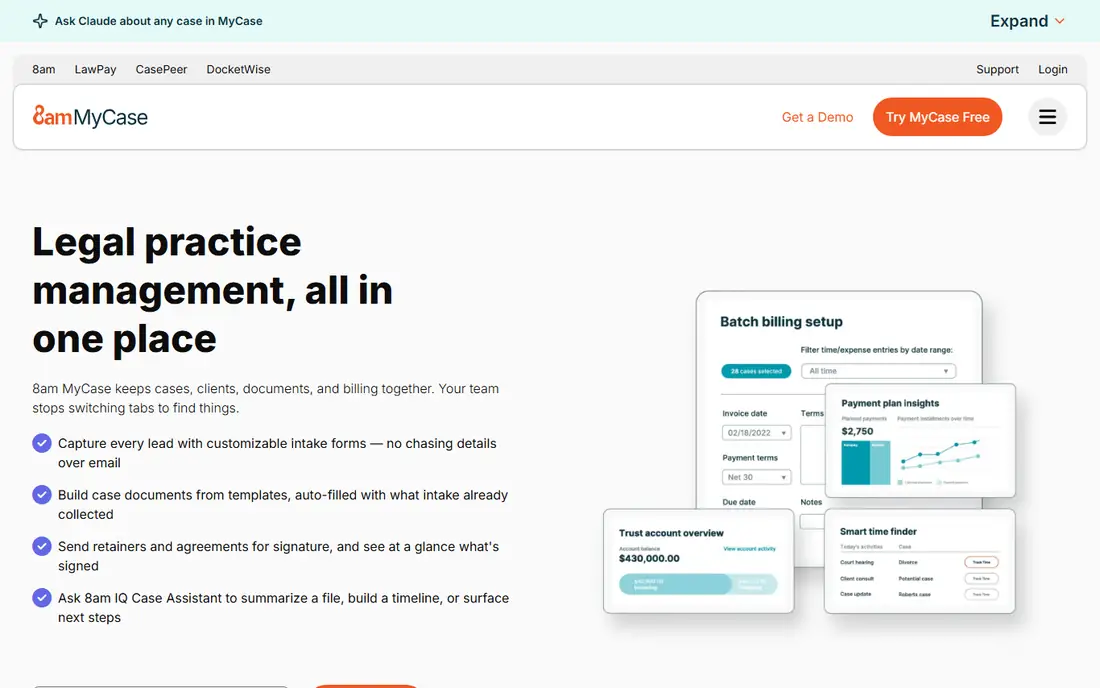
MyCase is easy to price. The vendor publishes three plans: Basic at $50 per user per month on annual billing ($60 monthly), Pro at $100 ($120 monthly), and Advanced at $130 ($150 monthly). That clarity helps a small firm budget before talking to a salesperson.
Where it earns its place is client communication. Clients get a portal for messages, documents and invoices, which cuts down on email threads and "where is my bill" calls. Matter records, calendars, time tracking and billing are in the same tool, so a front desk person and an attorney see the same facts.
The honest weakness is the jump between plans. Moving a ten-person firm from Basic to Pro doubles the per-seat cost, so confirm which features you need before you pick a tier. MyCase also suits straightforward practices better than firms that want to design their own multi-step workflows.
What we like- Clear published pricing
- Client portal and messaging included
- Simple enough to roll out without a consultant
Watch out for- Per-user pricing rises sharply on Pro and Advanced
- Less customizable than workflow-heavy platforms
#3PracticePanther
Best for: Solo and small firms that want fast setup4.3/5 on
G2 (113 reviews, checked Oct 2026)
Visit practicepanther.com
Starting priceSee website
Free planSee website
PracticePanther is a good fit when you want to be running next week rather than next quarter. The interface is plain, and its Solo, Essential, Business and Business Plus tiers let a one-lawyer office start small and move up as headcount grows. Public reviews on G2 and Capterra tend to praise the quick onboarding.
Matter management covers the basics well: a record per matter, linked contacts, tasks, calendar, document storage, time and expense tracking, and invoicing with online payment. Many users connect it to tools like Microsoft 365, Google Workspace and QuickBooks.
Where it falls short is depth. A firm that wants intricate approval chains, deep analytics or heavy customization will outgrow it faster than it would outgrow a platform built for larger teams. Also confirm which tier includes the features you want, since several are held back from the lowest plan.
What we like- Easy interface that new staff pick up quickly
- Four plan levels from solo to larger teams
- Billing and payments included
Watch out for- Reporting and automation are lighter than in enterprise-level tools
- Features differ noticeably between plan levels
#4Smokeball
Best for: Document-heavy practices that want automatic time capture4.7/5 on
G2 (388 reviews, checked Oct 2026)
Visit smokeball.com
Starting priceSee website
Free planSee website

Smokeball takes a different approach to time. It runs a background tracker that logs work in documents, email and other desktop activity against the right matter, so attorneys recover billable minutes that would otherwise vanish. For firms that chronically under-bill, that feature alone can justify the product.
It also leans on document automation. You choose a matter type, and the system supplies forms and templates populated with the client and matter details. That helps practices that draft the same documents repeatedly, such as real estate, estate planning and family law.
The tradeoff is a heavier rollout. Expect more training and configuration than you would need for a simple cloud tool, and budget time for staff to trust the automatic tracking. Ask the vendor for a written quote that spells out which plan covers trust accounting and which does not.
What we like- Automatic activity and time tracking
- Large library of document templates for matter types
- Strong fit for transactional and family practices
Watch out for- Pricing is quoted by plan and practice area, so comparison takes work
- Setup is more involved than lighter tools
#5CosmoLex
Best for: Firms that want billing and accounting built in4.2/5 on
G2 (331 reviews, checked Oct 2026)
Visit cosmolex.com
Starting priceSee website
Free planSee website
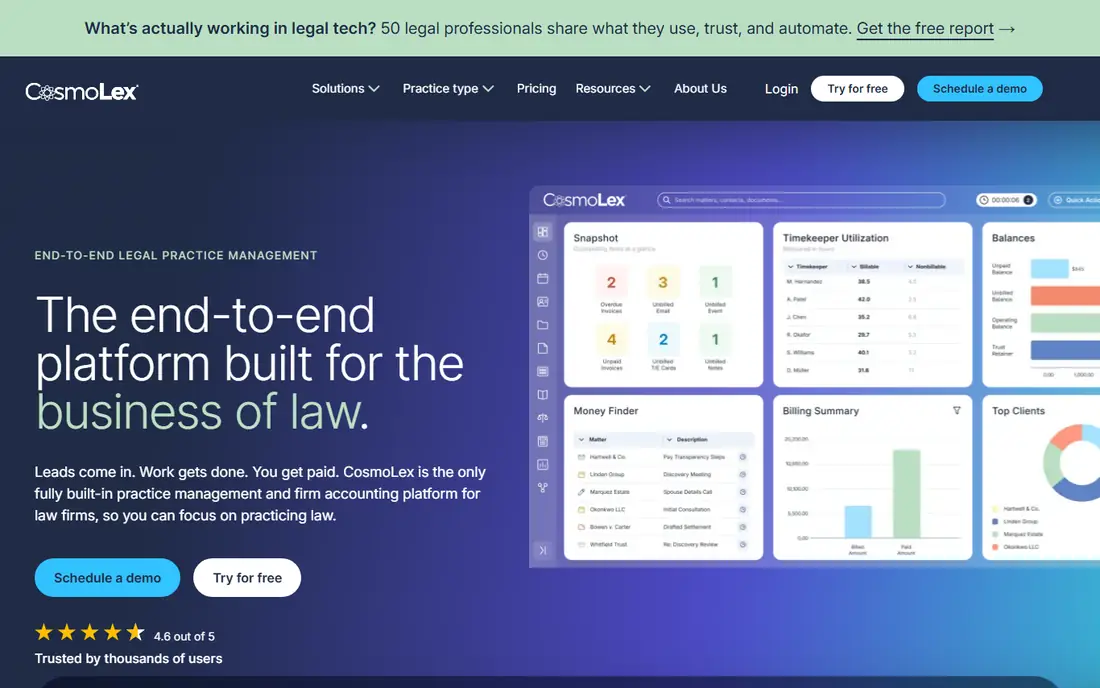
CosmoLex is the pick for firms that are tired of stitching together a case tool, a billing tool and QuickBooks. It combines matter management with time and billing, trust accounting and business accounting in one system. For a small firm without a full-time bookkeeper, that reduces the number of places a number can be entered wrongly.
Trust accounting is the strongest part. Because the ledger sits beside the matter, retainer deposits, transfers to operating accounts and client ledgers all stay linked to the matter they belong to. That is helpful when a bar audit asks for records.
The cost is usability for non-financial staff. Attorneys who just want a calendar and a document list may find the screens heavier than competitors. It also has fewer third-party integrations than the market leaders, so check that your essential apps are supported before you commit.
What we like- Billing, trust accounting and general ledger live inside the same system
- Three-way reconciliation support
- Fewer separate tools to pay for
Watch out for- Interface feels more like accounting software than a case tool
- Smaller integration list than Clio
#6Rocket Matter
Best for: Firms that bill on flat fees, retainers and hourly work4.3/5 on
G2 (173 reviews, checked Oct 2026)
Visit rocketmatter.com
Starting price$59 per user/month (Essentials, billed annually)
Free planFree trial
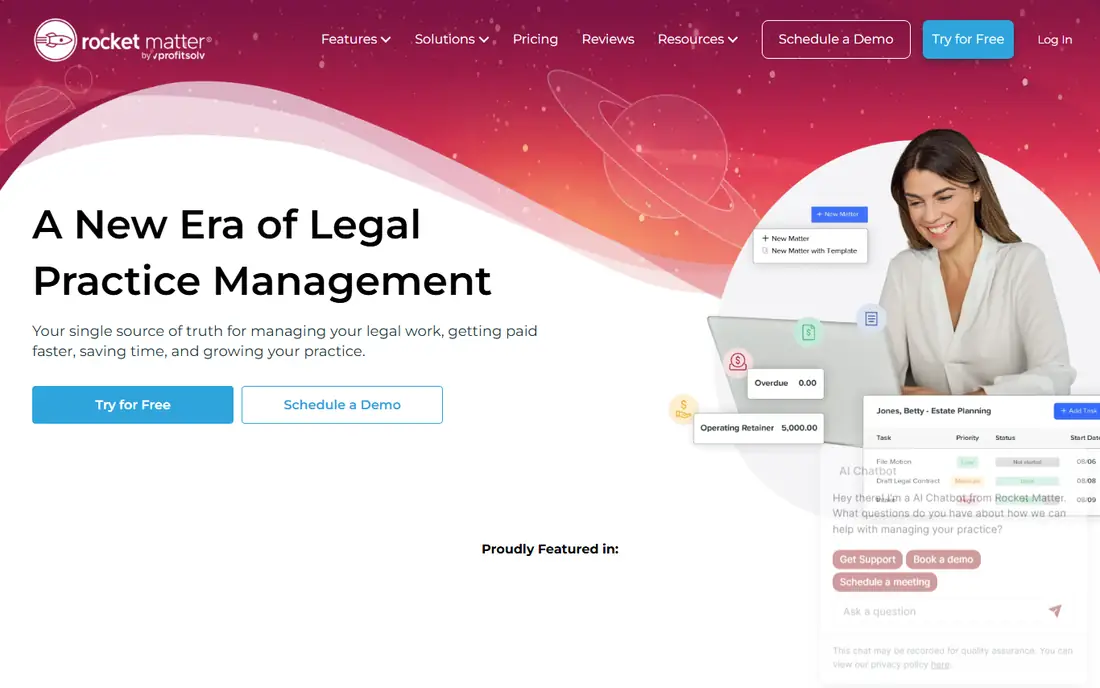
Rocket Matter is built around billing flexibility. Its pricing page lists flat fee billing, evergreen retainers, batch billing, matter-based trust accounts and auto trust transfer among its billing features. If your firm mixes hourly work with fixed-fee packages, those options save time every month.
Pricing is published. The vendor lists four tiers: Essentials at $59 per user per month on annual billing, Pro at $95, Premier at $115 and Elite at $145. The company says free data migration is included with every plan, which removes a common switching cost. Its legal CRM is sold separately, so budget for it if you want intake and marketing automation in the same family.
The weak spot is the number of tiers. Features like custom invoices and advanced reporting vary by level, and it is easy to buy Essentials and then find a needed feature one step up. Read the plan grid line by line.
What we like- Flexible billing, including flat fee and evergreen retainers
- Free data migration on every plan
- Trust accounting and payments included
Watch out for- Four tiers with different feature sets
- CRM is a separate add-on with its own pricing
Starting priceSee website
Free planSee website
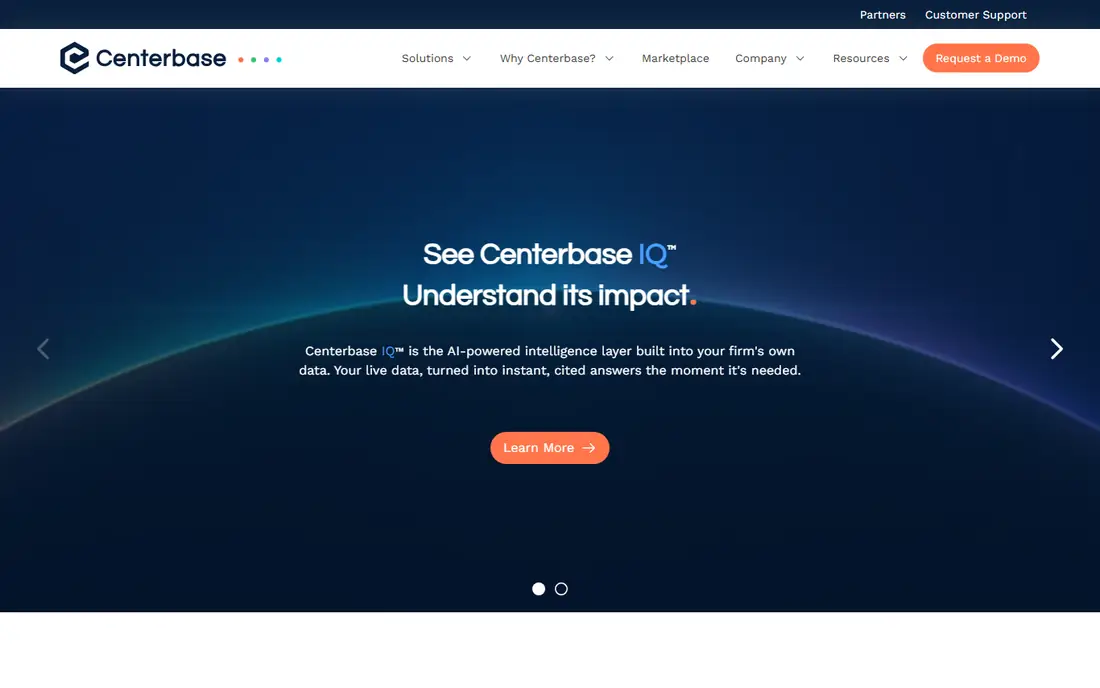
Centerbase describes itself as a platform for mid-sized law firms, and the positioning shows. The emphasis is on financial visibility, billing and management reporting, so partners can see realization, collections and workload without exporting data to spreadsheets.
Its newer Centerbase IQ feature is an AI layer that the vendor says answers questions from your firm's own data. Treat that as a claim to test in a demo with your own matters. Ask what data it reads, how answers are cited and what it costs.
The honest catch is fit. A five-person firm will probably find it more than it needs, and you will need to talk to sales to get a price. Mid-sized firms with a managing partner who wants clean numbers are the target buyer.
What we like- Focus on billing, financial clarity and operational control
- Built for mid-sized firms
- AI layer works on your own firm data
Watch out for- Pricing is not clearly published
- Likely more than a small firm needs
#8Filevine
Best for: Litigation and high-volume practices that need custom workflows4.6/5 on
G2 (295 reviews, checked Oct 2026)
Visit filevine.com
Starting priceSee website
Free planSee website
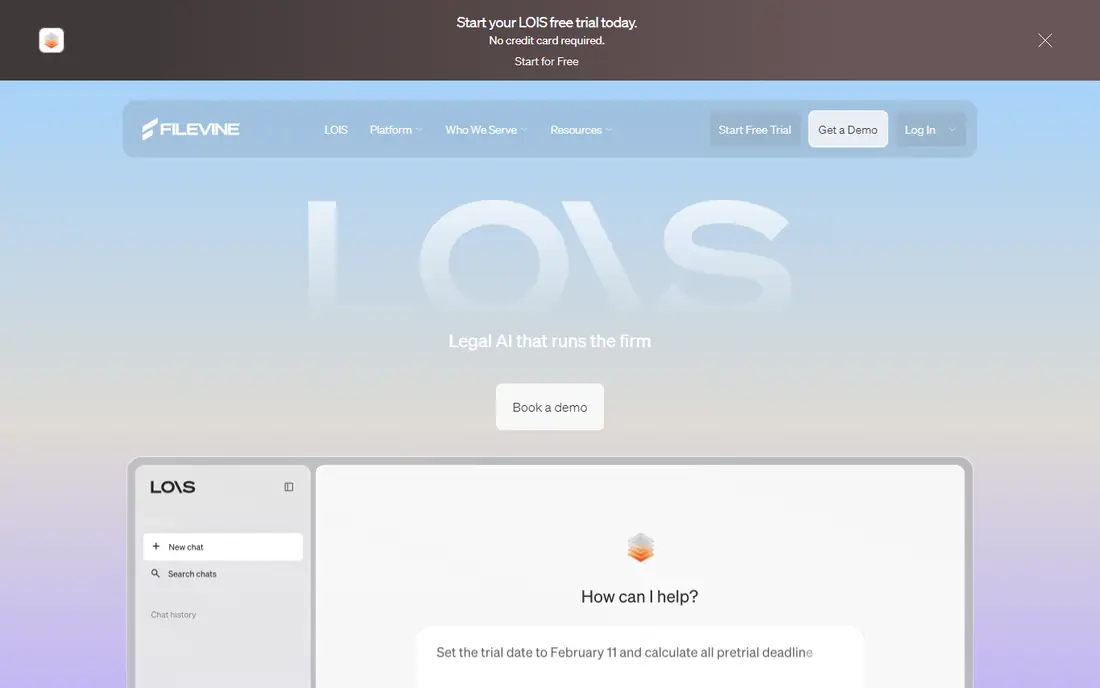
Filevine treats a matter as a process with stages. You configure phases, tasks, automated triggers and dashboards that match how your firm actually handles, say, a personal injury claim from intake through settlement. For firms with dozens of open cases per paralegal, that structure keeps files from stalling.
That flexibility is also the price. Setup involves real design work, many firms use an implementation partner or the vendor's own team, and pricing is quote-based, so the total first-year cost is hard to predict from the website. Public pricing estimates from third-party sites vary widely, so rely on a written quote instead.
It is a poor match for a solo lawyer who wants a calendar, a timer and an invoice. It is a strong match for a firm with repeatable case stages and enough volume to justify configuring them.
What we like- Highly configurable workflows and project-style views
- Suited to high-volume litigation and plaintiff work
- Strong automation options
Watch out for- Cost and implementation effort are higher than small-firm tools
- Pricing is quote-based
How we chose
We built this list from public information, not hands-on testing. For each product we reviewed the vendor's website and pricing page where one was available, public documentation, and user reviews on G2, Capterra and Reddit. We compared features, integrations, contract terms and the size of firm each tool is designed for.
Prices appear only where the vendor published them. Where a price was missing, inconsistent between pages or hidden behind a sales form, we wrote See website instead of repeating figures from third-party sites. We aimed for a mix of well-known leaders (Clio, MyCase) and more specialized options (CosmoLex, Centerbase, Filevine).
Which matter management features actually matter
A feature list is easy to inflate. These are the capabilities that change how a firm works day to day, in rough order of importance.
Central matter record
Every matter should have one page showing the client, related contacts, documents, tasks, deadlines, notes, time entries and billing status. If staff still have to check email or a shared drive to see the full story, the tool is not doing its job. Look for custom fields and templates by practice area so intake creates the right structure each time.
Calendar and deadline tracking
Court deadlines and statutes of limitation carry real malpractice risk. Good tools link calendar events to a matter, assign owners, send reminders and, in some cases, calculate rule-based deadlines. Ask whether court rules are built in or whether you enter dates by hand.
Time tracking and billing
Check for timers, activity capture, flat-fee and contingency billing, batch invoicing and online payment. Smokeball and Rocket Matter stand out here, though in different ways. If you bill in more than one style, test each style in the trial before you pick.
Trust accounting
If your firm holds client funds, trust accounting must follow your state bar rules. Look for client ledgers, three-way reconciliation, and protection against overdrawing a client balance. Ask whether trust accounting is included in the plan you are pricing or sold as an add-on.
Documents, templates and e-signature
Document storage with version history is the minimum. Document automation, which fills templates from matter data, saves the most time in repeat work such as estate planning, real estate and family law. Confirm whether e-signature is built in or comes from a partner app.
Client portal and communication
A portal gives clients a place to see invoices, upload documents and message the firm. It reduces phone tag, and it keeps communication attached to the matter. Check whether clients need to create accounts and whether portal access is included in every tier.
Reporting and permissions
Small firms need a simple view of billable hours, collections and open matters. Larger firms need role-based access, ethical walls and conflict checks. Ask whether reports can be exported and whether you can limit who sees a confidential matter.
Pricing, contracts and switching
Most vendors charge per user per month, and annual billing is cheaper than monthly. The sticker price rarely includes everything. Look for extra charges for trust accounting, payment processing, e-signature, CRM, extra storage, onboarding and data migration.
Before signing, ask these questions in writing:
- What is the contract length, and what is the notice period for cancelling?
- Can I export all matters, documents, time entries and billing history in a usable format, and is there a fee?
- Is migration from my current system included?
- Which features sit on which plan, and can I change plans mid-term?
- How many users need full seats versus limited access?
Run a two-week pilot on live matters with at least one attorney, one paralegal and whoever does billing. That group will spot problems a demo does not.
Frequently asked questions
What is matter management software?
It is software that organizes everything about a legal case or client engagement in one record. That usually means documents, contacts, deadlines, tasks, time, billing and communication. Many products are sold as legal practice management software, which adds billing and accounting to the matter tools.
Which features are must-haves for a small law firm?
A central matter record, a shared calendar with reminders, time tracking, invoicing with online payments and secure document storage. If you hold client funds, add trust accounting. A client portal is useful but secondary for most small firms.
How much does matter management software cost?
Published prices for the vendors above that list them begin around $50 to $60 per user per month on annual plans, and higher tiers cost more. Quote-based vendors such as Centerbase and Filevine do not publish a clear starting price. Add fees for payment processing, onboarding and add-ons when you compare.
Can I move my data when I switch tools?
Usually yes, but the format and fees vary. Ask each vendor about export options and migration support before you sign. Rocket Matter states that free data migration is included on every plan.
Is cloud-based matter management software secure?
Reputable vendors use encryption and access controls, but you remain responsible for confidentiality duties. Ask about two-factor authentication, audit logs, data location and backup practices. Review your state bar's guidance on cloud vendors.
Sources we checked (9)
- https://www.mycase.com/pricing/
- https://www.rocketmatter.com/pricing/
- https://www.centerbase.com/
- https://www.centerbase.com/features/billing
- https://www.g2.com/products/clio-clio-manage/pricing
- https://www.g2.com/products/paradigm-practicepanther/pricing
- https://www.capterra.com/p/18931/CosmoLex/pricing/
- https://www.capterra.com/p/133656/Smokeball/pricing/
- https://lawyerist.com/reviews/law-practice-management-software/rocket-matter/
Is your product missing or out of date?
We review this list regularly. Vendors can request a listing, send updated pricing or ask about featured placement.

Shihab Mia · Founder, Rankite
Shihab has 5+ years in B2B and SaaS SEO. He writes Rankite's software buying guides from pricing pages, documentation and public user reviews. More about Shihab.