How we make this list: we compare pricing pages, product documentation and public user reviews. Rankite is independent; if a vendor ever pays for a featured spot, that listing is clearly labeled Partner.
Key takeaways
- Best overall: Clio, ideal for firms of any size that want the most established legal cloud: huge integration marketplace.
- PracticePanther suits small firms that want an all-in-one practice tool, while MyCase is the better fit for firms that want client communication built in.
- Buyers who want everything in one subscription should look at Smokeball, which pairs automatic time capture with broader platform features.
Quick comparison
| Tool | Best for | Starting price | Free plan |
|---|
 Clio Clio | Firms of any size that want the most established legal cloud | See website | No |
 PracticePanther PracticePanther | Small firms that want an all-in-one practice tool | See website | No |
 MyCase MyCase | Firms that want client communication built in | See website | No |
 Smokeball Smokeball | Small firms that want automatic time tracking | See website | No |
 CosmoLex CosmoLex | Firms that want legal accounting built in | See website | No |
 LEAP LEAP | Firms that want legal publishing plus practice management | See website | No |
 Filevine Filevine | Firms managing complex, document-heavy matters | See website | No |
 Rocket Matter Rocket Matter | Small firms that want simple time and billing | See website | No |
 Actionstep Actionstep | Mid-size firms that want deep workflow customization | See website | No |
 Tabs3 Tabs3 | Firms that want dependable on-premise billing software | See website | No |
Is your product missing or out of date?
We review this list regularly. Vendors can request a listing, send updated pricing or ask about featured placement.
The Best Legal Practice Management Software
#1
Clio
Best for: Firms of any size that want the most established legal cloud
Visit clio.com
Starting priceSee website
Free planNo
Clio is the best-known name in cloud practice management, and the breadth shows. Time tracking, billing, client intake, document management and a 250-plus integration marketplace cover firms from solo to hundreds of lawyers. It is the safe default for a reason.
Reliability is the quiet strength. Billing and trust accounting work the way accountants expect, and support is consistently rated well. Firms switching from desktop software find the migration path well worn.
Add-ons inflate the real price and advanced features sit on higher tiers, so model the full cost. But as the established cloud standard, Clio is the benchmark others are measured against.
What we like- Huge integration marketplace
- Reliable time tracking and billing
- Strong customer support
Watch out for- Costs add up with add-ons
- Some features need higher tiers
Starting priceSee website
Free planNo
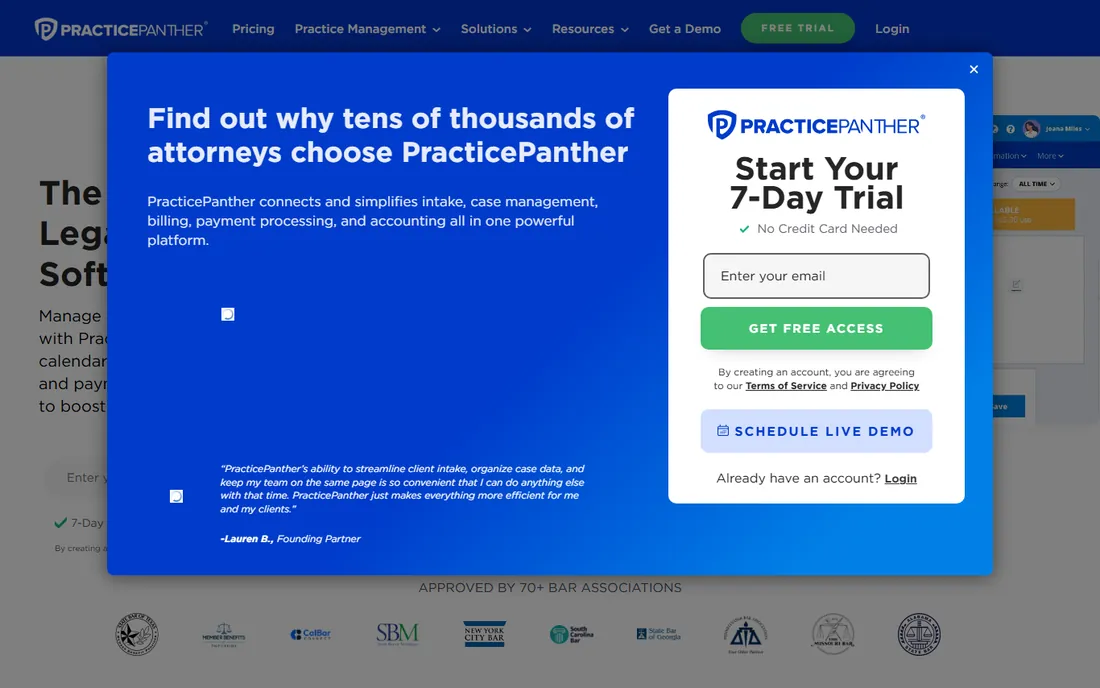
PracticePanther packs the full matter lifecycle into one approachable app: intake, time tracking, billing, payments and client communication. Small firms get an all-in-one without the enterprise complexity or price. A 7-day trial lets you test the fit.
Ease of use is the selling point. Staff learn it in days, automation handles routine follow-ups, and the interface stays clean. For firms without IT support, that matters.
Reporting depth trails Clio and the trial is brief, so evaluate quickly. But for small firms wanting one tool that does everything adequately, PracticePanther is a strong value.
What we like- Intake to billing in one app
- Easy to learn
- Good workflow automation
Watch out for- Reporting less deep than leaders
- Trial period is short
#3
MyCase
Best for: Firms that want client communication built in
Visit mycase.com
Starting priceSee website
Free planNo
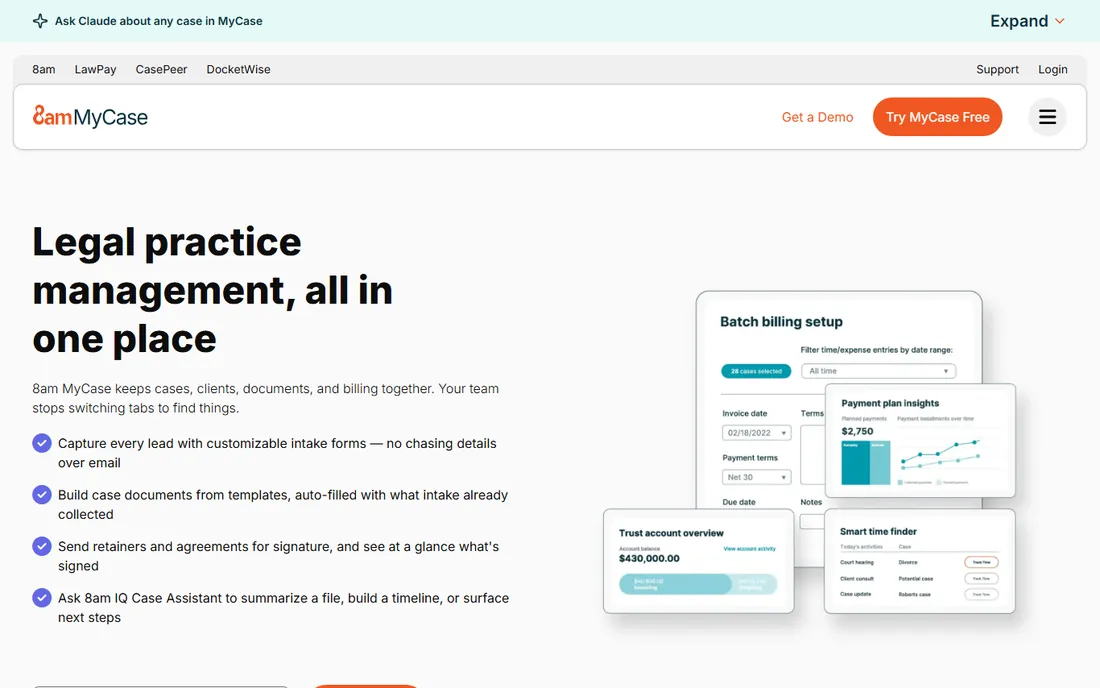
MyCase differentiates on client communication: secure messaging, a client portal and online payments keep clients informed without phone tag. For consumer-facing practices, that experience wins business. The 8am IQ rebrand adds AI features to the mix.
Billing stays straightforward with trust accounting handled properly. The interface is clean and staff adoption is usually smooth.
Customization is more limited than Actionstep or Clio, and migrations deserve planning. But firms that compete on client service will like what MyCase emphasizes.
What we like- Client portal and messaging included
- Straightforward billing
- AI features via 8am IQ
Watch out for- Customization limits
- Migration needs planning
Starting priceSee website
Free planNo

Smokeball's headline feature is automatic time tracking: it records every document, email and activity against the right matter without manual entry. For small firms, recovered billable hours often pay for the software alone.
Matter templates standardize workflows across the firm, and the interface stays focused on daily work rather than administration. Solo and small firms are the sweet spot.
Larger firms will find the depth limiting and pricing is not public. But if unbilled time is leaking from your practice, Smokeball's automation is the fix.
What we like- Automatic time capture
- Matter templates
- Good for solo and small firms
Watch out for- Less suited to large firms
- Pricing not published
Starting priceSee website
Free planNo
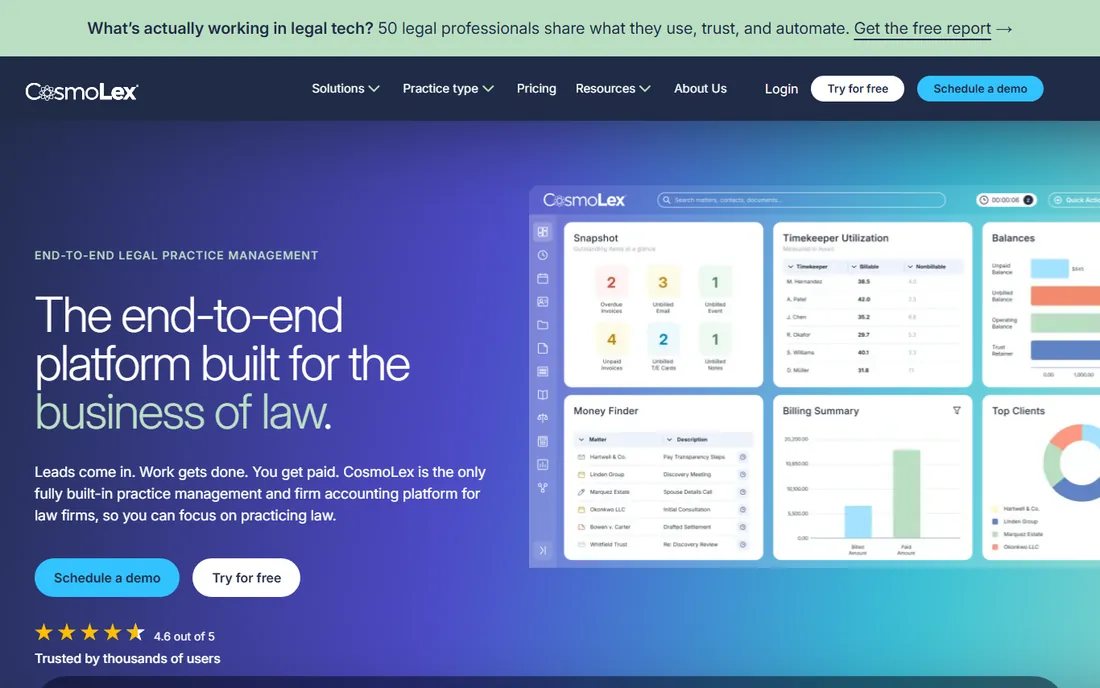
CosmoLex includes full legal accounting in the practice management subscription: general ledger, trust accounting and business accounting without QuickBooks. For firms tired of syncing two systems, that consolidation is the entire argument. A free trial is available.
Compliance is handled properly, with trust accounting rules built in rather than bolted on. Solo and small firms get accounting they can actually pass an audit with.
The interface feels less modern than Clio and integrations are fewer. But if accounting headaches drive your software search, CosmoLex solves the root problem.
What we like- Built-in legal accounting
- Trust accounting compliance
- No separate accounting software needed
Watch out for- Interface less modern
- Smaller integration list
#6
LEAP
Best for: Firms that want legal publishing plus practice management
Visit leap.us
Starting priceSee website
Free planNo
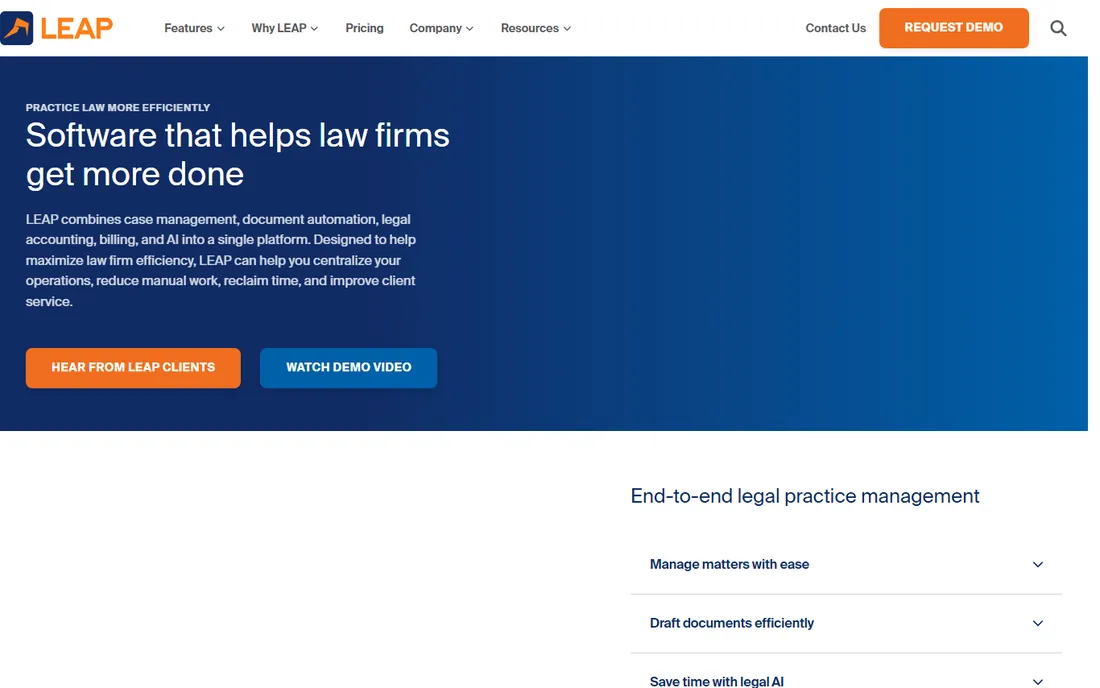
LEAP bundles legal publishing content with practice management: forms, precedents and research integrated into matter workflows. Document automation pulls client data straight into court-ready documents. Litigation and general practices benefit most.
The content library is the moat. Having current legal forms inside the same system that manages the matter removes the copy-paste between research and drafting.
Sales is demo-led with unpublished pricing, so budgeting takes a call. But firms that live in documents should evaluate LEAP's content advantage.
What we like- Legal forms and research included
- Strong document automation
- Good for litigation practices
Watch out for- Demo-based sales process
- Pricing not published
Starting priceSee website
Free planNo

Filevine is built for document-heavy practices: mass torts, personal injury, complex litigation. Custom workflows, deadline chains and document automation handle matter complexity that simpler tools cannot. The LOIS AI layer now adds drafting and summarization.
The flexibility is real. Firms configure Filevine around their processes rather than adapting to the software, which suits specialized practices.
Implementation is a project and small firms may find it heavy. But for high-volume, document-intensive work, Filevine is purpose-built.
What we like- Strong document management
- Customizable workflows
- Legal AI via LOIS
Watch out for- Implementation takes effort
- Better for larger teams
Starting priceSee website
Free planNo
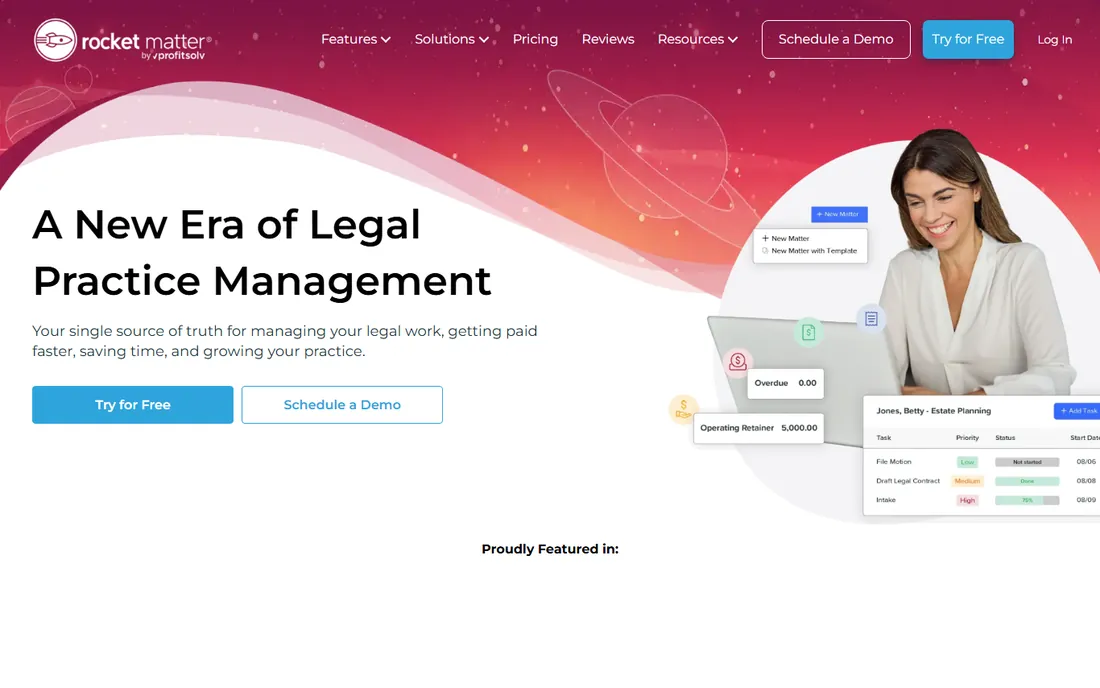
Rocket Matter keeps practice management simple: time tracking, billing and matter organization without the learning curve. Small firms can be running in days, and the interface never gets in the way of billable work.
That simplicity is deliberate. Everything a small practice needs daily is two clicks away, and support is responsive.
Firms needing deep customization or broad integrations will outgrow it. But as the uncomplicated option for small practices, Rocket Matter does its job well.
What we like- Easy time entry
- Simple, clear billing
- Quick setup
Watch out for- Fewer advanced features
- Limited integrations
Starting priceSee website
Free planNo

Actionstep gives mid-size firms the customization usually reserved for enterprise systems. Workflows, data fields, documents and billing rules adapt to how your firm actually works, across practice areas. Growth does not force a platform change.
The flexibility rewards firms with defined processes. Intake, matter management and accounting connect in ways off-the-shelf tools cannot match.
That power brings setup complexity and a training requirement. Firms wanting plug-and-play should look elsewhere. But for growing firms with specific workflows, Actionstep is the adaptable choice.
What we like- Highly customizable workflows
- Strong matter management
- Scales with firm growth
Watch out for- Setup complexity
- Training required
#10
Tabs3
Best for: Firms that want dependable on-premise billing software
Visit tabs3.com
Starting priceSee website
Free planNo

Tabs3 has served law firms for decades with dependable time, billing and accounting software. The on-premise model appeals to firms that want their data in-house, and one-time licensing avoids the subscription treadmill.
Reliability is the reputation. Billing runs correctly, trust accounting complies, and the company supports what it sells for the long term.
The interface is dated and cloud features trail modern competitors. Firms wanting mobile access and integrations should look elsewhere. But for traditional firms valuing stability, Tabs3 endures.
What we like- Long, proven track record
- Reliable billing and accounting
- One-time license options
Watch out for- On-premise focus
- Interface feels dated
How we chose
Our method was straightforward: read the pricing pages, study the documentation, and compare what users report on G2, Capterra, and Reddit. We looked for tools that genuinely serve the category, mixed established names with strong specialists, and noted where pricing or features fell short. No sponsored placements and no invented test results.
Migration tips for switching practice software
Audit your data before migrating. Years of matter records accumulate duplicates, dead contacts, and inconsistent naming. Cleaning first prevents importing chaos into the new system.
Run parallel for one billing cycle. Operating old and new systems together for a month catches configuration errors before they affect real invoices.
Train on real workflows, not features. Staff adopt software faster when training mirrors their actual daily tasks. Schedule role-based sessions and keep cheat sheets at every desk.
How to choose legal practice management software
Start with your firm's size and practice areas. Solo and small firms need simplicity and value; mid-size firms need customization; litigation-heavy practices need document depth. The best tool for a 200-lawyer firm is the wrong tool for a solo practice.
Verify the accounting. Trust accounting compliance is non-negotiable, so confirm the software handles your jurisdiction's rules, whether built in or through integration.
Trial with real matters. Migrate a handful of active cases during the trial and run billing end to end. The friction points show up in real work, not in demos. Also confirm migration support, because moving years of matter data is the hidden project.
Frequently asked questions
Can it handle trust accounting?
The tools in this guide all address trust accounting, with CosmoLex building it in natively. Confirm compliance with your jurisdiction's specific rules before buying.
How hard is it to switch systems?
It is a real project involving data migration, training, and workflow redesign. Plan for one to three months. Vendors with dedicated migration support make it significantly easier.
What does legal practice management software do?
It runs the business operations of a law firm: matter management, time tracking, billing, trust accounting, document management, and client communication in one system.
How much does it cost?
Per-user pricing typically runs $40 to $120 per user per month, with enterprise and add-on costs on top. Always model the full price including the modules your firm needs.
Is cloud practice management secure?
Reputable vendors use encryption, access controls, and compliance certifications. For most firms, a major vendor's security exceeds what they could maintain on-premise. Verify certifications during evaluation.
Sources we checked (10)
- https://clio.com/
- https://practicepanther.com/
- https://mycase.com/
- https://www.smokeball.com
- https://cosmolex.com/
- https://leap.us/
- https://filevine.com/
- https://www.rocketmatter.com
- https://www.actionstep.com
- https://tabs3.com/
Is your product missing or out of date?
We review this list regularly. Vendors can request a listing, send updated pricing or ask about featured placement.

Shihab Mia · Founder, Rankite
Shihab has spent more than a decade helping SaaS and e-commerce brands grow through search. He writes Rankite's software buying guides from pricing pages, documentation and public user reviews. More about Shihab.