How we make this list: we compare pricing pages, product documentation and public user reviews. Rankite is independent; if a vendor ever pays for a featured spot, that listing is clearly labeled Partner.
Key takeaways
- LawToolBox is the dedicated automated calendaring platform trusted by 8,000+ law firms, now Copilot-certified.
- CalendarRules offers 2,500+ court rule sets across all 50 states with an unlimited free trial.
- Clio, PracticePanther, MyCase (8am), Smokeball, LOIS, and LEAP bundle calendaring with full practice management.
- PracticePanther offers a 7-day free trial with no credit card.
- Dedicated calendaring tools sync to Outlook, Google, and Apple calendars; platforms keep the calendar inside the matter.
Quick comparison
Is your product missing or out of date?
We review this list regularly. Vendors can request a listing, send updated pricing or ask about featured placement.
The best legal calendar software
Starting priceSee website
Free planNo
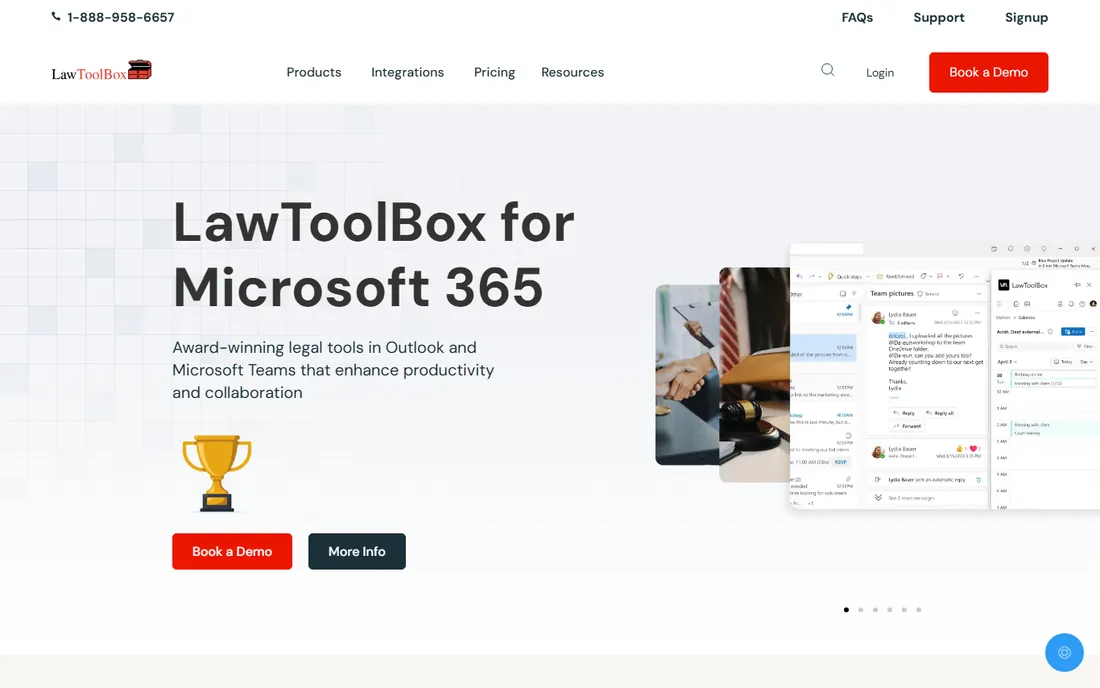
LawToolBox patented the first online deadline management system in 1998 and is now the most widely adopted court rules calendaring platform. Calculate rules-based deadlines, sync them to Outlook, Google, Apple Calendar, and leading case management platforms, and link deadlines to documents pulled from your DMS.
In 2026 it became the first legal application Microsoft certified as "works with" Copilot, with a LawToolBox agent that grounds your deadlines and matters in Microsoft 365. The honest catch is scope: this is calendaring, not practice management. For firms where a missed deadline is the worst risk, LawToolBox is the specialist.
What we like- Rules-based deadlines for thousands of US, Canadian, and global jurisdictions
- Syncs to Outlook, Google, and Apple calendars
- First legal app certified "works with" Microsoft Copilot
Watch out for- Calendaring focus means no billing or case management
- Priced as an add-on tool
Starting priceSee website
Free planFree trial
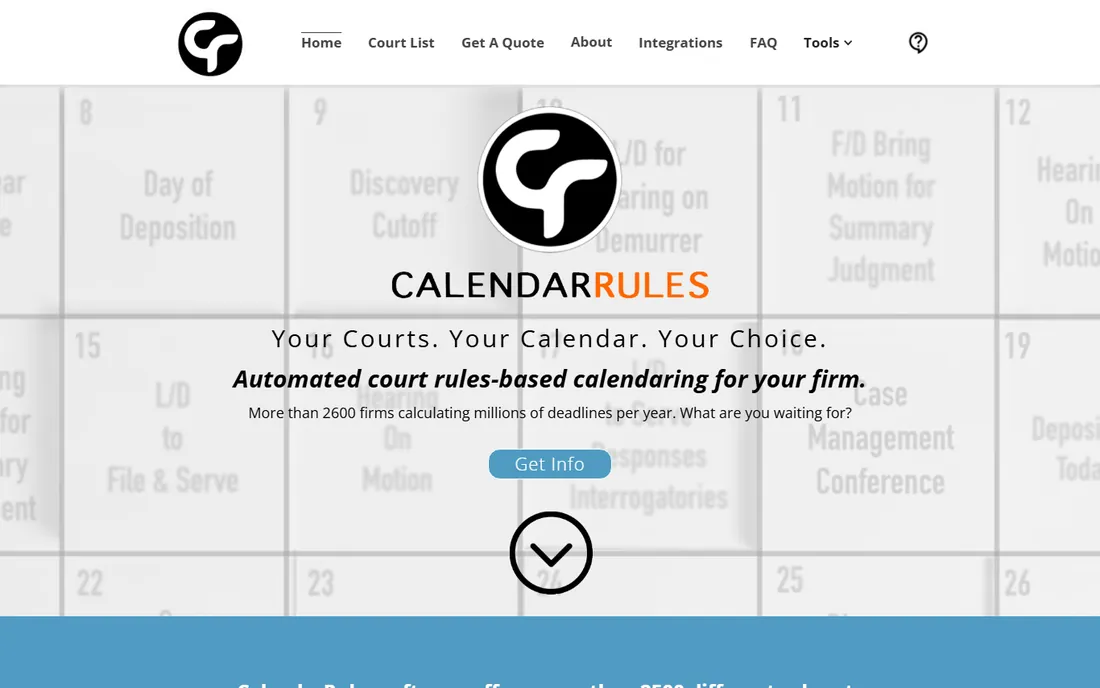
CalendarRules does one thing: court rules. Over 2,500 rule sets for federal, state, bankruptcy, appellate, local, judge-specific, and agency courts in all 50 states, updated in real time. A rule update takes as little as 15 seconds to reach every subscriber.
More than 2,600 firms calculate millions of deadlines per year on it. Sign up, get a demo, and get an unlimited free trial. The honest catch is that it complements rather than replaces a practice platform. For bulletproof deadline calculation, CalendarRules is the rules engine.
What we like- 2,500+ rule sets across federal, state, bankruptcy, appellate, and local courts
- Unlimited free trial with a demo
- Integrates with Outlook and leading case management systems
Watch out for- Niche tool, not a full platform
- Best for firms that already have case management
Starting priceSee website
Free planNo
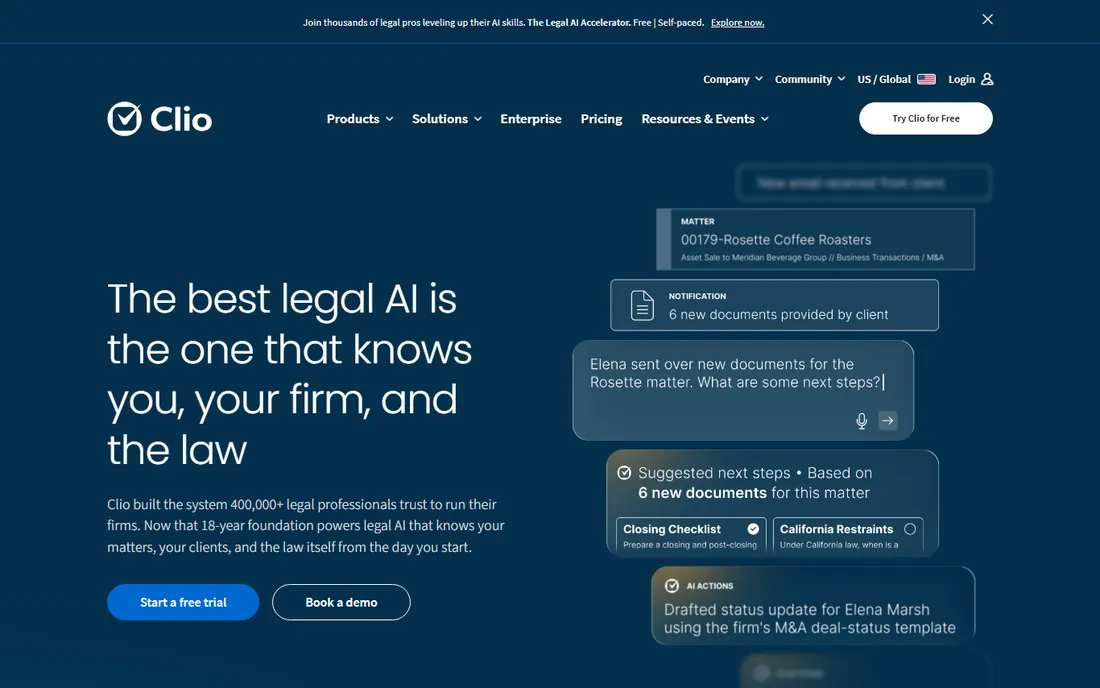
Clio is the system hundreds of thousands of legal professionals run their firms on. Centralize every matter, bill, and deadline, with legal AI that works from the context already inside your practice: matters, clients, filings, communications, and financial data.
Calendaring lives inside the matter, so deadlines connect to documents and billing automatically. The honest catch is that Clio is a full platform with platform pricing. For firms that want calendar plus everything else, Clio is the category leader.
What we like- Trusted by 400,000+ legal professionals in 130+ countries
- Legal AI grounded in your matters and a billion-document library
- 300+ integrations and 100+ bar approvals
Watch out for- Premium pricing for a full platform
- More than a calendar needs
Starting priceSee website
Free planFree trial (7 days)
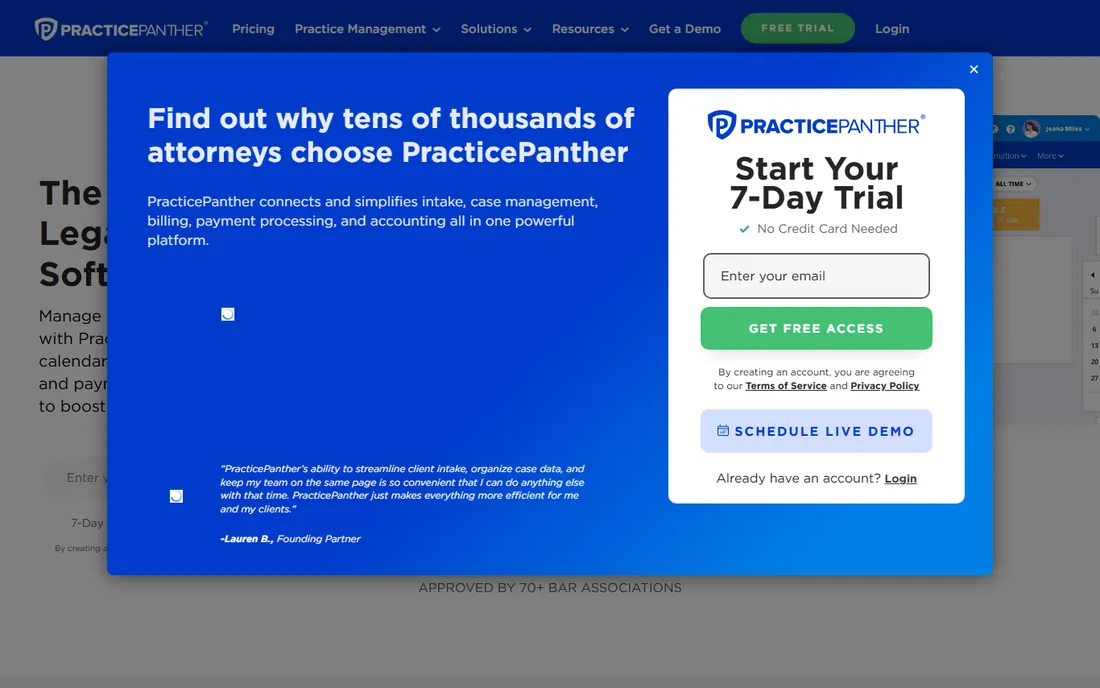
PracticePanther is the all-in-one legal practice management software. Case management, calendaring, client communication, billing, and payments connected in one platform. Turn calendar events into time entries, send automatic client reminders by email or text, and run workflows that create tasks and checklists from case steps.
The 7-day free trial needs no credit card. The honest catch is calendaring depth: it tracks appointments and deadlines but does not calculate court rules. For small firms that want one platform for everything, PracticePanther is the easy start.
What we like- 7-day free trial with no credit card
- Automated workflows save hours on admin
- Approved by 70+ bar associations
Watch out for- Calendaring is general, not rules-based
- Trial is short
Starting priceSee website
Free planNo
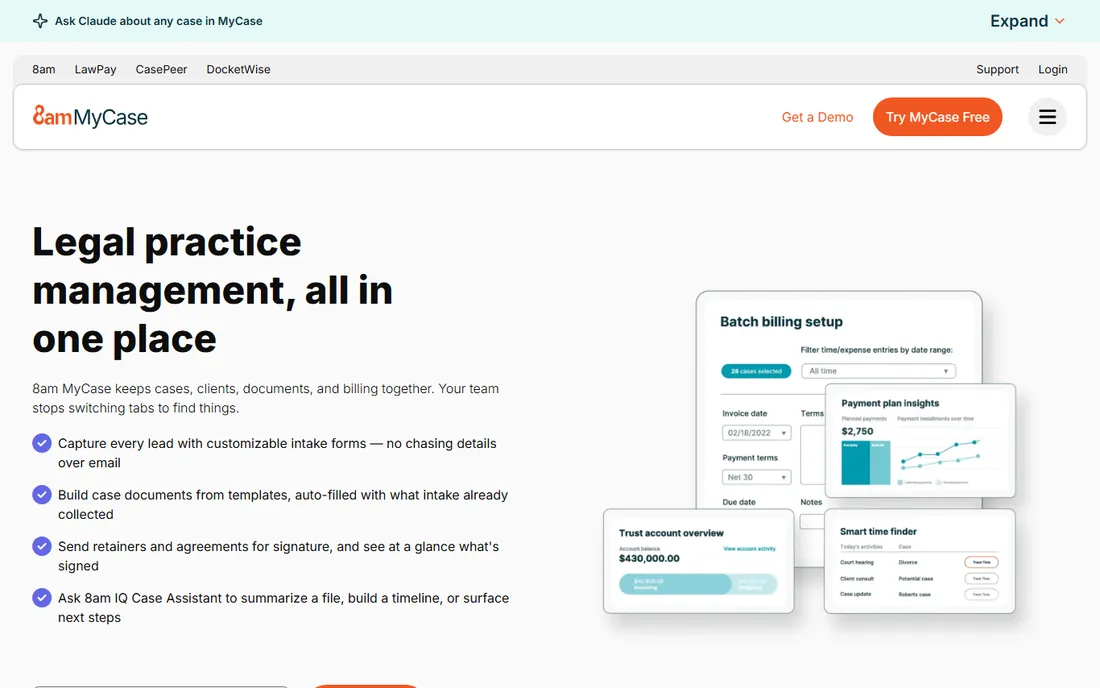
MyCase, now part of the 8am brand, is the legal practice management platform with AI built in. The 8am IQ Case Assistant extracts facts, summarizes documents, runs OCR, builds case timelines, and surfaces next steps. Calendaring combines appointments, meetings, and events into one central calendar with text reminders.
Bank-grade security, a 24/7 client portal, and payments powered by 8am LawPay round it out. The honest catch is that there is no free tier. For firms that want AI inside their calendar and casework, MyCase is the forward pick.
What we like- 8am IQ Case Assistant summarizes files and builds timelines
- Centralized calendar with text reminders
- 19,000+ firms and 130+ bar associations
Watch out for- No free tier
- Rebrand to 8am may confuse long-time users
Starting priceSee website
Free planNo
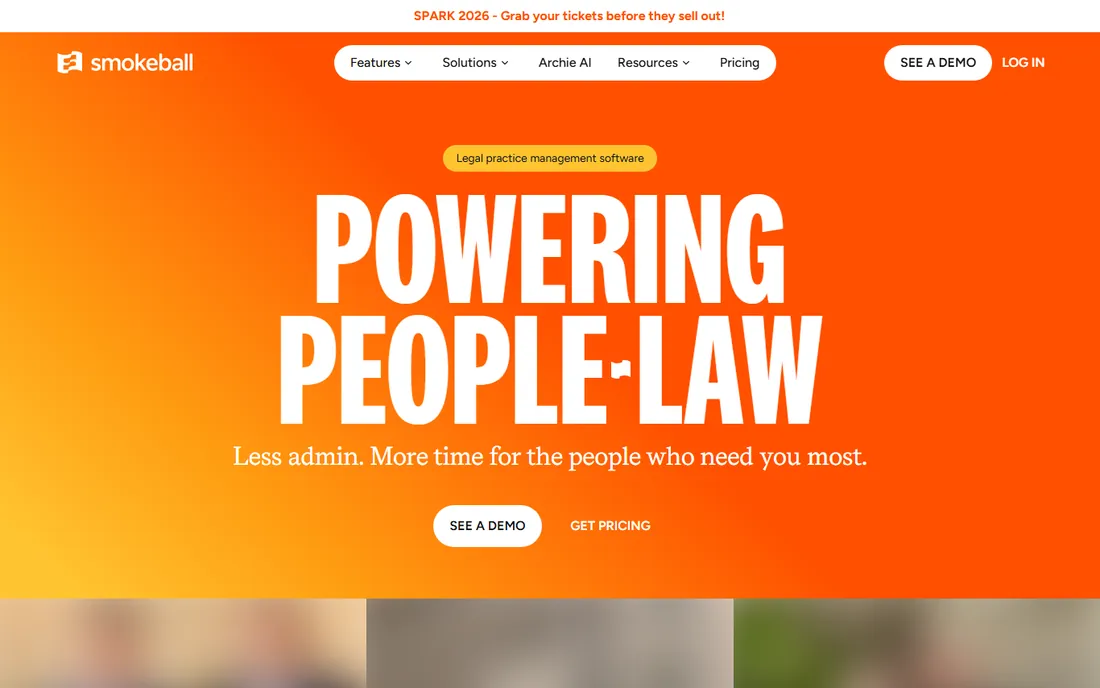
Smokeball powers people-law: solo lawyers and small firms serving everyday clients. Every case, document, and deadline in one place, with automatic time tracking, tailored workflows, and Archie, the AI matter assistant that drafts, reviews, and answers questions inside your workflows.
ISO 27001 certified on AWS with 34,000+ legal professionals on board. The honest catch is positioning: it is tuned for people-law practice areas. For small consumer-facing firms, Smokeball is the natural fit.
What we like- Built for solo and small people-law firms
- Archie AI drafts and answers inside the matter
- Automatic time tracking and document automation
Watch out for- People-law focus may not suit corporate firms
- No free tier
Starting priceSee website
Free planNo
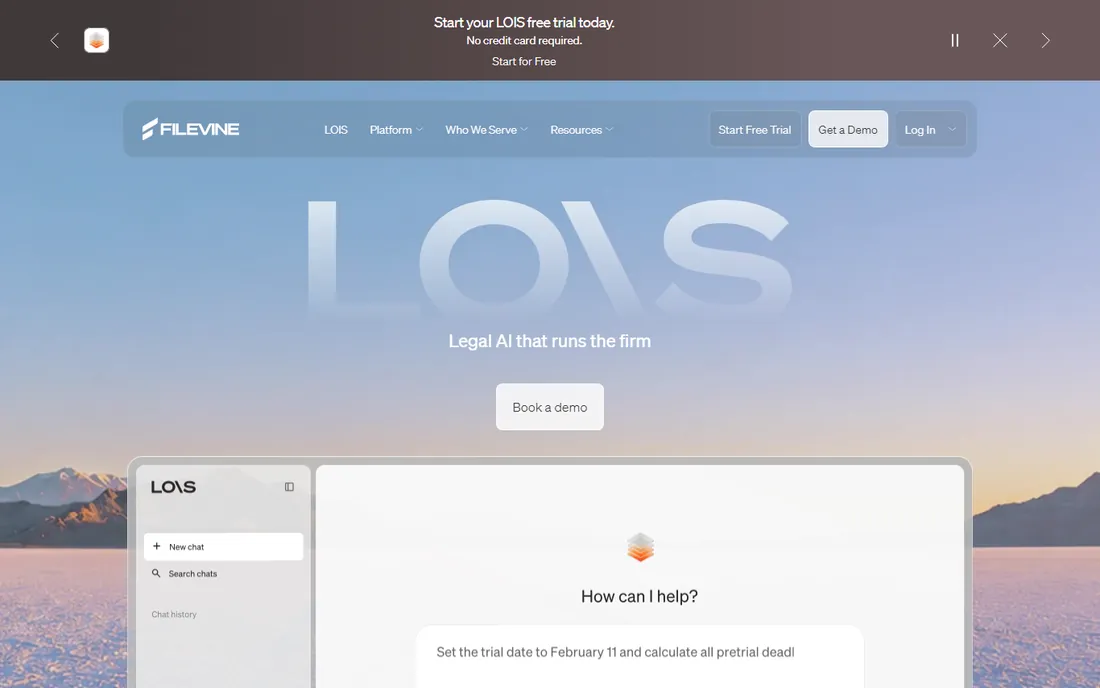
Filevine rebranded its platform to LOIS in 2026, and the pitch is agents, not chatbots. LOIS Console runs AI agents across every matter in the firm: setting tasks, moving deadlines, generating documents, and executing work, every action traceable to source.
Built on a structured legal graph of 40M+ matters, it reads across the whole caseload. The honest catch is the rebrand and the enterprise lean. For firms that want AI doing the calendar work, not just describing it, LOIS is the bold pick.
What we like- Firm-wide AI agents act on matters, not just summarize
- Built on a legal graph of 40M+ matters
- Full practice management under the hood
Watch out for- Renamed to LOIS, which may confuse
- Enterprise-leaning platform
Starting priceSee website
Free planNo

LEAP is the cloud-based legal practice management platform combining case management, document automation, legal accounting, billing, and AI in one system. Streamline document creation with pre-entered matter details, capture time automatically, and work from web, desktop, or mobile.
SOC 2 Type 2 certified with integrations to Microsoft 365, QuickBooks, and Xero. The honest catch is access: demonstrations only, no self-serve trial. For US firms that want an all-in-one cloud office, LEAP is the consolidated option.
What we like- All-in-one cloud platform with document automation and legal accounting
- LEAP AI for research and drafting
- SOC 2 Type 2 certified on AWS
Watch out for- No free trial, demos only
- Per-user pricing through consultation
How we chose
We compared legal calendar and practice management tools using each vendor's own site in October 2026, alongside G2, Capterra, and bar association resources. We required live, verifiable products and covered the 2026 AI additions. We never claim hands-on testing.
Choosing legal calendar software
Dedicated calendaring or platform
Dedicated: LawToolBox and CalendarRules calculate court deadlines by jurisdiction and sync to Outlook. Platform: Clio, PracticePanther, MyCase, Smokeball, LOIS, and LEAP keep the calendar inside the matter with billing attached. Many firms use both: a rules engine plus a platform.
Check the rules coverage
If you practice in multiple jurisdictions, confirm your courts are covered. LawToolBox covers thousands of jurisdictions globally; CalendarRules offers 2,500+ rule sets in all 50 states. Ask for a demo with your actual courts.
Mind the malpractice risk
A missed deadline is a malpractice claim. Whatever you choose, use a system that calculates deadlines from the rules, reminds the whole team, and logs who was notified. Calendaring is insurance, not admin.
Trial with your real deadlines
Don't test with fake data. During a trial, enter a real matter, calculate its deadlines, and check them against your current system. The trial is the only honest way to compare rules engines.
Plan the migration
Moving years of deadlines into a new system is the hidden work. Ask each vendor about data migration, Outlook calendar imports, and onboarding help before you commit. A great tool with a bad migration still costs you a month.
Start with one practice area
If your firm handles several practice areas, roll the new calendar out in one area first. Prove the workflow, fix the rules, then expand. A phased rollout beats a firm-wide scramble.
AI is moving deadlines from tracking to doing
The 2026 shift is agency: LawToolBox's Copilot agent grounds deadlines in M365, LOIS agents move deadlines and set tasks across matters, MyCase's IQ assistant builds timelines and surfaces next steps. The calendar stops being a list and starts being a worker. When comparing, ask what the AI does to your calendar, not just what it shows.
Frequently asked questions
What is the best legal calendar software?
For dedicated deadline calendaring: LawToolBox or CalendarRules. For all-in-one practice management with calendaring: Clio, PracticePanther, MyCase (8am), Smokeball, LOIS, or LEAP.
What is rules-based legal calendaring?
Rules-based calendaring calculates court deadlines from actual court rules for your jurisdiction, instead of manual date math. LawToolBox and CalendarRules maintain thousands of rule sets and update them in real time.
Is there free legal calendar software?
CalendarRules offers an unlimited free trial with a demo. PracticePanther offers a 7-day free trial with no credit card. The dedicated and full platforms are otherwise paid.
Does legal calendar software sync with Outlook?
Yes. LawToolBox syncs to Outlook, Google, and Apple calendars. CalendarRules integrates with Outlook. Most practice platforms sync or connect to Outlook and Google too.
Can legal calendar software prevent missed deadlines?
It reduces the risk: rules-based calculation, automatic reminders, and team visibility. No software replaces a human double-checking critical dates, but a good system is the best insurance a firm has.
Which legal calendar software works with Microsoft Copilot?
LawToolBox is the first legal application Microsoft certified as "works with" Copilot, with a LawToolBox agent that grounds deadlines and matters in Microsoft 365.
Sources we checked (8)
- https://lawtoolbox.com/
- https://calendarrules.com/
- https://www.clio.com/
- https://www.practicepanther.com/
- https://www.mycase.com/
- https://www.smokeball.com/
- https://www.filevine.com/
- https://www.leap.us/
Is your product missing or out of date?
We review this list regularly. Vendors can request a listing, send updated pricing or ask about featured placement.

Shihab Mia · Founder, Rankite
Shihab has spent more than a decade helping SaaS and e-commerce brands grow through search. He writes Rankite's software buying guides from pricing pages, documentation and public user reviews. More about Shihab.
 LawToolBox
 CalendarRules
 Clio
Clio PracticePanther
 MyCase (8am)
 Smokeball
 LOIS (formerly Filevine)
 LEAP
LEAP