How we make this list: we compare pricing pages, product documentation and public user reviews. Ratings come from G2, Capterra or Trustpilot, with the date we checked them.
Key takeaways
- Published per-user prices run $49 to $130 per month: Clio Starter ($49), PracticePanther Solo ($59 monthly, $49 annual) and MyCase Basic ($50 annual) are the budget entries; MyCase Advanced ($130 annual) sits at the top.
- Filevine, Smokeball, LEAP, Actionstep, CARET Legal and Centerbase publish no prices: expect a quote, and usually a demo first.
- Trust accounting is the real filter: Clio includes accounting on every plan and PracticePanther bundles it on Business Pro, while several rivals keep it in higher tiers or add-ons.
- AI is now table stakes on paper (Clio, MyCase, Smokeball, LEAP, Filevine all ship AI features), but it lives on mid tiers and up, not starter plans.
Quick comparison
| Tool | Best for | Starting price | Free plan |
|---|
 Clio Manage Clio Manage | Law firms of nearly any size that want the largest integration ecosystem | $49/user/month (Starter plan) | Free trial (terms vary by plan) |
 PracticePanther PracticePanther | Solo and small firms that want the easiest learning curve | $59/user/month (Solo); $49/user/month billed annually | Free trial (7 days, no credit card) |
 MyCase MyCase | Firms that compete on client communication | $50/user/month (Basic, billed annually; $60 monthly) | Free trial (10 days, no credit card) |
 Smokeball Smokeball | Small firms that lose billable hours to manual time entry | See website (personalized pricing by plan and firm size) | No (no free tier confirmed; demo-based sales) |
 Filevine Filevine | Litigation and high-volume firms needing configurable matter workflows | See website (custom quote) | No (no free trial confirmed; demo-based sales) |
 LEAP LEAP | Firms that live on document automation and court forms | See website (per-user subscription, quoted) | No (demonstrations only, per vendor FAQ) |
 Actionstep Actionstep | Midsize firms that need an adaptable, all-in-one platform | See website (custom quote) | No (no free trial confirmed; demo-based sales) |
 CARET Legal CARET Legal | Firms that want HotDocs document automation inside practice management | See website (custom quote) | No (no free trial confirmed; demo-based sales) |
 Centerbase Centerbase | Midsize firms that want accounting-native practice management | See website (contact sales) | No (no free trial confirmed; demo-based sales) |
Is your product missing or out of date?
We review this list regularly. Vendors can request a listing, send updated pricing or ask about featured placement.
Matter management software: the nine that matter
It is Sunday night, and a solo practitioner is rebuilding her timesheet from memory, guessing at the six-minute increments she forgot to log on Thursday. Somewhere across town, a midsize firm partner is reconciling a trust account in a spreadsheet, hoping the bar auditor never asks questions. Both problems have the same fix: matter management software that ties the case, the time, the bill and the trust ledger together. The nine tools below cover the real market, from $49-a-month solo plans to quote-only midsize platforms.
#1
Clio Manage
Best for: Law firms of nearly any size that want the largest integration ecosystem
Visit clio.com
Starting price$49/user/month (Starter plan)
Free planFree trial (terms vary by plan)

Clio is the default answer in legal tech for a reason: it is the biggest ecosystem. Starter at $49 per user per month covers contacts, matters, documents, time tracking, online payments and trust accounting, which already beats tools that charge extra for the ledger. Core adds the AI layer: AI-drafted bills, automatic client updates from matter activity and a client portal. Signature adds kanban matter stages, custom roles and multi-currency billing.
The honest catch is the quote wall. Only Starter carries a public price; everything above it goes through sales, which makes comparison shopping slow. Support runs 24/5, not 24/7. And while the 300-plus integrations are a genuine strength, firms that need deep customization sometimes find Clio's matter workflows less flexible than Filevine or Actionstep. For most firms, though, the combination of published starter pricing, built-in accounting and the integration catalog makes Clio the safest first demo.
What we like- Legal accounting included on every plan, including trust reconciliation
- 300-plus integrations, the deepest app marketplace in legal tech
- AI drafting and matter summaries on Core and above
Watch out for- Only the Starter price is published
- Core, Signature and Elite require a pricing conversation
- Reviewers call it expensive for solos who need little more than billing
Starting price$59/user/month (Solo); $49/user/month billed annually
Free planFree trial (7 days, no credit card)
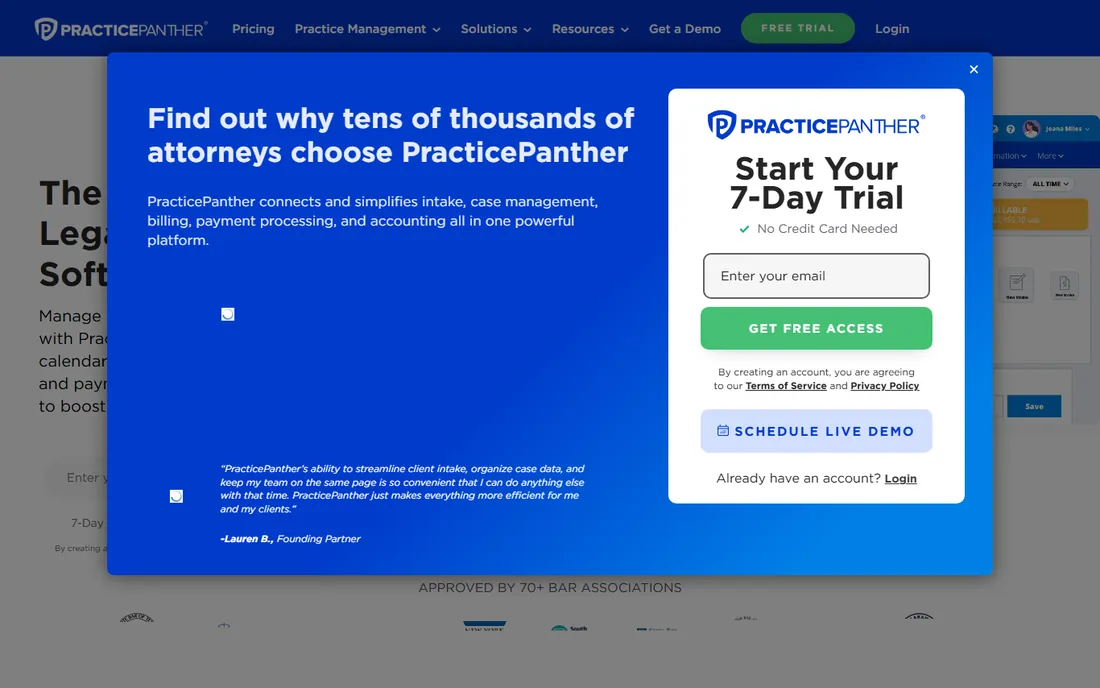
PracticePanther wins on ease of use the way a good paralegal wins on reliability: quietly, every day. The four plans are fully published: Solo ($59 monthly, $49 annual), Essential ($79/$69), Business ($99/$89) and Business Pro ($124/$114). Every tier includes matter management, time tracking, billing, a client portal and unlimited storage. Business adds native eSignature with unlimited sends, intake forms and LEDES billing; Business Pro adds the full accounting suite with trust and operating ledgers.
The tradeoff is depth at the low end. Solo is genuinely basic, and firms that need real accounting land on Business Pro at $124 per user per month, which is no longer a budget price. The 7-day trial is also tight; a week barely covers data migration. Still, for solos and small firms that want to be productive on day one with minimal training, PracticePanther remains the easiest buy on this list.
What we like- Four published tiers from Solo to Business Pro, so the upgrade path is clear
- Native eSignature, two-way texting and client intake built in
- Approved by 70-plus bar associations
Watch out for- The 7-day trial is short for evaluating a practice platform
- Advanced accounting (PantherAccounting Plus) requires the top Business Pro tier at $124 per month
Starting price$50/user/month (Basic, billed annually; $60 monthly)
Free planFree trial (10 days, no credit card)
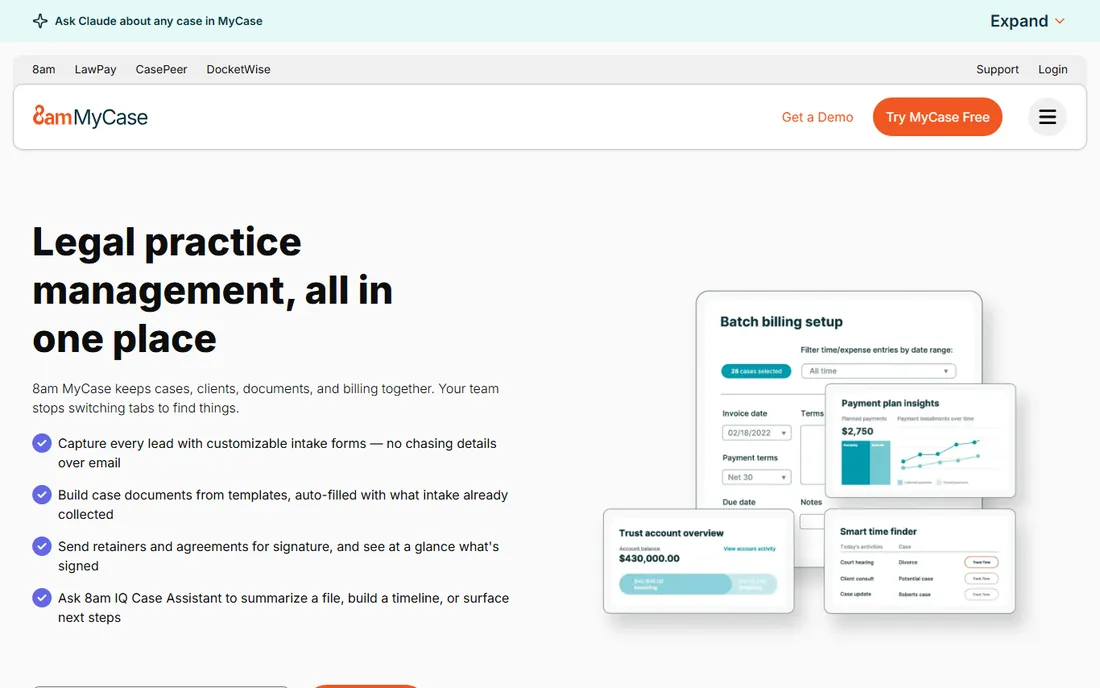
MyCase built its reputation on one complaint: clients who never hear from their lawyer. The client portal, integrated texting with a dedicated number and automated reminders are the core of the product, and reviewers consistently rate communication as its strongest suit. Pricing is refreshingly public: Basic at $50 per user per month annual, Pro at $100, Advanced at $130. Payments run through 8am LawPay (MyCase's parent company), with next-day payouts and payment plans built in.
The honest limits are on the finance side. Real trust accounting with three-way reconciliation is a $39-per-user add-on available only on Pro and Advanced, so the true cost for trust-heavy firms is $139 to $169 per user. Customization also lags the midsize platforms. But for firms where client experience drives referrals, and for solos who want published prices with no contract, MyCase is the natural shortlist pick.
What we like- Fully published three-tier pricing (Basic $50, Pro $100, Advanced $130 annual)
- Payments powered by 8am LawPay with IOLTA-compliant processing
- No long-term contract or setup fee
Watch out for- Trust accounting depth requires a $39-per-user add-on on Pro and Advanced
- Customization is thinner than Filevine or Actionstep for complex workflows
#4
Smokeball
Best for: Small firms that lose billable hours to manual time entry
Visit smokeball.com
Starting priceSee website (personalized pricing by plan and firm size)
Free planNo (no free tier confirmed; demo-based sales)

Smokeball's pitch is automatic time capture: the software watches what you do and logs it. For firms that bill hourly, the math is direct: every unbilled six-minute increment is lost revenue, and Smokeball's passive capture finds hours that manual timers miss. Around that core sits document automation with a form library of more than 20,000 templates, matter workflows by practice area, and Archie, the built-in AI assistant for drafting and matter review.
The commercial reality is opaque. Smokeball publishes no prices; quotes depend on plan, firm size and features, so budgeting takes a sales call. The product's roots are in a Windows desktop app, and while the cloud version has matured, firms that live in a browser may prefer a cloud-native rival. If your firm's biggest leak is unbilled time, Smokeball deserves the demo. If you need a price today, look at the published-price tools first.
What we like- Automatic time and activity capture recovers hours that manual timers miss
- A library of 20,000-plus automated legal forms and documents
- Deep Microsoft Word and Outlook integration
Watch out for- No published pricing at all
- The Windows-desktop heritage shows in a product that is still catching up on pure cloud workflows
- Smaller integration marketplace than Clio
#5
Filevine
Best for: Litigation and high-volume firms needing configurable matter workflows
Visit filevine.com
Starting priceSee website (custom quote)
Free planNo (no free trial confirmed; demo-based sales)
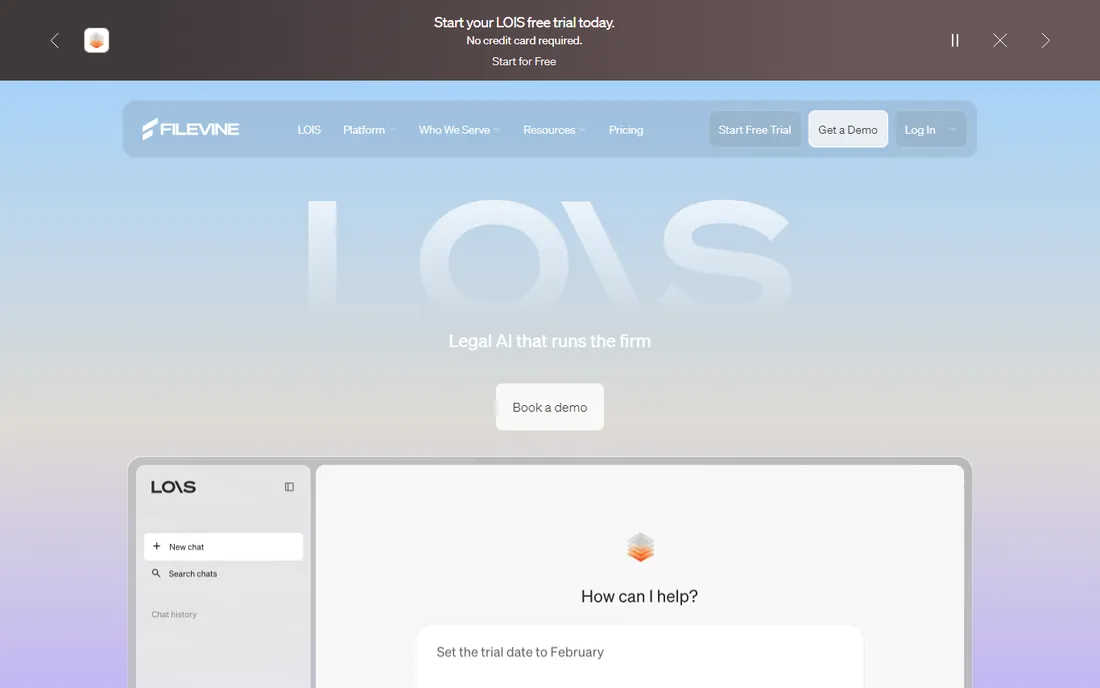
Filevine started as the matter-centric alternative for firms drowning in documents, and it still leads on workflow configurability. Matters carry their tasks, deadlines, documents and communications in one workspace, with status-driven automation that suits litigation shops running dozens of parallel cases. The newer LOIS platform adds AI agents that read across the caseload, summarize matters and draft documents with traceable sources.
The price of that depth is a sales-led purchase: no public prices, quotes by firm size, and implementation that takes real effort. Small firms with straightforward billing will find it heavy. But for personal injury, mass tort and multi-party litigation firms where the matter is the unit of work, Filevine's configurability is the reason it keeps winning those deals.
What we like- Matter-centric design with configurable workflows, task logic and reporting from intake to resolution
- LOIS AI agents that work across the whole caseload
- Strong fit for personal injury, mass tort and insurance defense
Watch out for- Quote-only pricing with implementation costs
- The platform's depth means longer onboarding than solo-focused tools
- Overkill for firms with simple billing needs
#6
LEAP
Best for: Firms that live on document automation and court forms
Visit leap.us
Starting priceSee website (per-user subscription, quoted)
Free planNo (demonstrations only, per vendor FAQ)
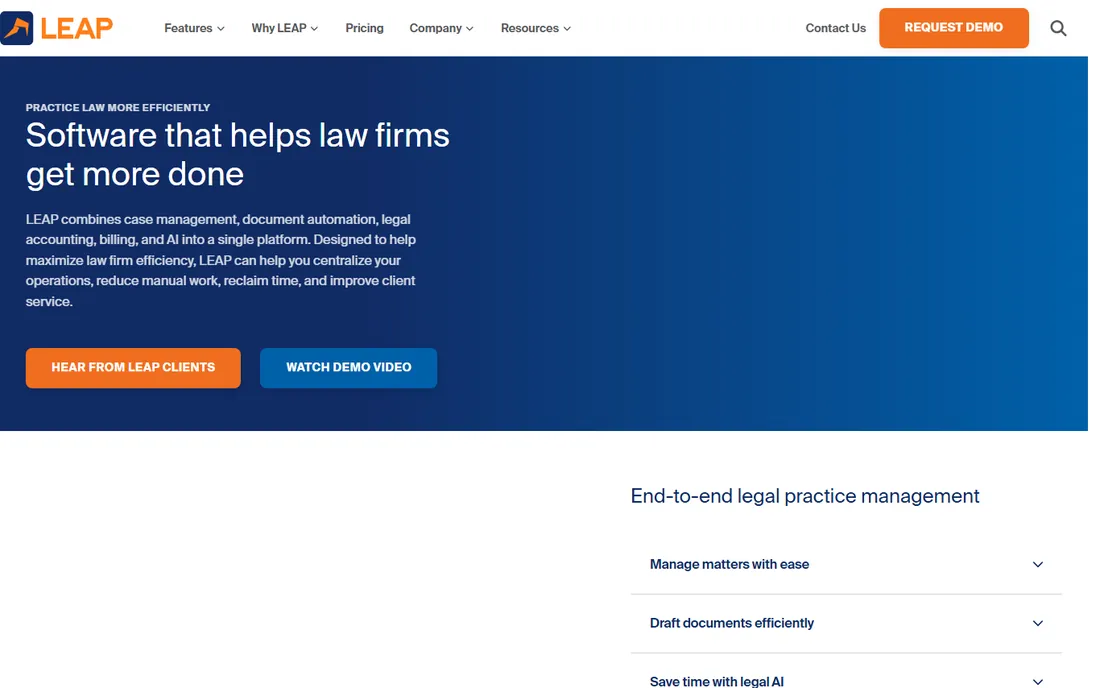
LEAP is the old hand on this list, with document automation depth that newer tools still chase. Matter details flow into forms, templates and letters automatically, and the US product ships state-specific matter types and court forms, which matters more than most buyers realize until they hit a filing deadline. Legal accounting, billing and timekeeping ride in the same per-user subscription, with SOC 2 Type 2 hosting on AWS.
The buying experience is old-school: per-user pricing quoted by the firm, evaluation by demo rather than trial. Firms that want to click around before talking to sales will find that frustrating. But for practices where document production is the daily grind, particularly in family law, estate planning and real estate, LEAP's form library and automation are hard to beat.
What we like- Document automation depth built over decades, with state-specific matter types and legal forms
- Legal accounting, billing and timekeeping in one subscription
- Tight Microsoft 365 integration
Watch out for- No published pricing
- The interface carries the weight of a long-lived product
- Demos-only evaluation slows down comparison shopping
#7
Actionstep
Best for: Midsize firms that need an adaptable, all-in-one platform
Visit actionstep.com
Starting priceSee website (custom quote)
Free planNo (no free trial confirmed; demo-based sales)

Actionstep is built for midsize firms that have outgrown solo-focused tools. Where PracticePanther gives you workflows, Actionstep gives you a workflow builder: matter types, task logic, document assembly and accounting rules adapt to how the firm actually works. The accounting side is unusually complete for practice management software, with a multi-currency general ledger, trust accounting and financial reporting that reduce the need for a separate bookkeeping stack.
That adaptability is also the warning. Implementation takes weeks and real process thinking; firms that want to be billing by Friday should look elsewhere. Pricing is quote-only. But for firms of 10 to 100-plus users that need the software to bend to the firm rather than the reverse, Actionstep is the most flexible platform on this list.
What we like- Built for midsize firms with deep workflow customization, not just templates
- Full legal accounting with multi-currency general ledger and trust accounting
- Strong document automation and CRM in one system
Watch out for- No published pricing
- The flexibility creates implementation work: this is not a day-one-productive tool
- Smaller firms will find it more than they need
#8
CARET Legal
Best for: Firms that want HotDocs document automation inside practice management
Visit caretlegal.com
Starting priceSee website (custom quote)
Free planNo (no free trial confirmed; demo-based sales)
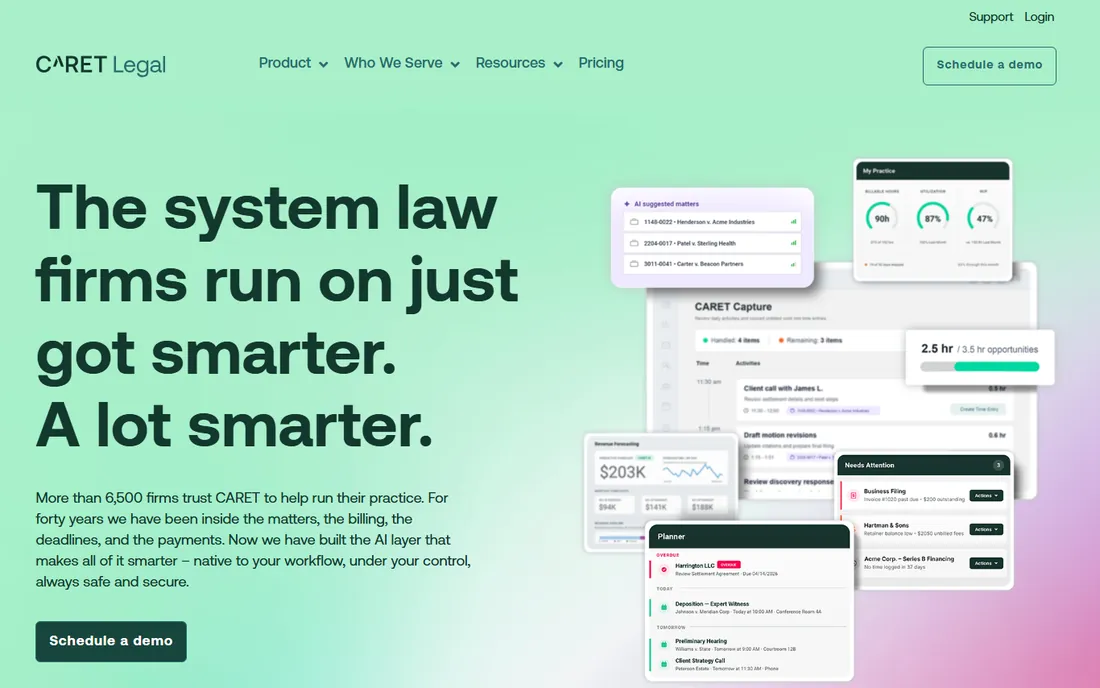
CARET Legal, formerly Zola Suite, pairs practice management with HotDocs document automation under one roof. That matters because document automation is usually a separate purchase with its own integration; here it is native, and matter data flows straight into assembled documents. Around it sits the standard full suite: matters, calendaring, time and billing, trust accounting, payments and a client portal, plus CARET AI that drafts and summarizes from matter data.
The rebrand from Zola Suite still creates confusion when buyers search for reviews, so check dates on anything you read. Pricing is quote-only, and the integration catalog is narrower than Clio's. For form-heavy practices that would otherwise buy HotDocs separately, the bundled automation is the reason to take the demo.
What we like- Native HotDocs document automation, a genuine differentiator for form-heavy practices
- Matter, time, billing and payments in one cloud platform
- CARET AI works from matter data without moving it between tools
Watch out for- No published pricing
- The Zola Suite rebrand still confuses buyers researching reviews
- The ecosystem is smaller than Clio's
#9
Centerbase
Best for: Midsize firms that want accounting-native practice management
Visit centerbase.com
Starting priceSee website (contact sales)
Free planNo (no free trial confirmed; demo-based sales)
Centerbase treats the law firm as a business first and a practice second. The pitch is a single source of truth: matters, billing, trust accounting and firm financials in one native platform, with no QuickBooks dependency and no fragile integrations. Automated time capture records work across Outlook and Word, and the firm-intelligence dashboards put WIP, AR and profitability in one view for partners.
This is unapologetically a midsize-firm product. Pricing is contact-sales only, onboarding is a guided implementation, and solos should not apply. But for firms of 15 to 200-plus users where the managing partner thinks in financials, Centerbase's accounting-native design is the differentiator the solo-focused tools cannot match.
What we like- Accounting is native, not integrated: billing, trust accounting and firm financials share one database
- Automated time capture across Outlook and Word
- Built for midsize firms as businesses, with real-time firm intelligence
Watch out for- Contact-sales pricing with no public numbers
- Aimed squarely at midsize firms, so solos will find it oversized
- Implementation is a project, not a signup
Trust accounting: the line that splits the list
Every tool here handles matters and billing. Trust accounting is what separates them. Get it wrong and the bar auditor, not the software vendor, becomes your biggest problem. Clio includes legal accounting with trust reconciliation on every plan, which is rare. PracticePanther reserves its full accounting suite (PantherAccounting Plus) for Business Pro at $124 per user per month. MyCase charges a $39-per-user add-on for three-way trust reconciliation on Pro and Advanced.
The quote-only tools (Filevine, LEAP, Actionstep, CARET Legal, Centerbase, Smokeball) all claim trust accounting, but the depth and the tier it ships in vary by deal, so make the vendor demonstrate a three-way reconciliation on your call, not just list it on a slide. If your practice holds client funds, shortlist on trust accounting first and compare everything else second. The cheapest per-user price means nothing if the ledger cannot survive an audit.
Migration: budget for the move, not just the license
Switching practice management software is a data migration project wearing a software purchase costume. Matters, contacts, documents, time entries, trust balances and email history all have to move, and every vendor's importer handles a different subset cleanly. PracticePanther assigns a dedicated account manager for migration; MyCase includes guided implementation and data import; Clio's import tooling is mature thanks to volume. The quote-only vendors typically scope migration as part of implementation.
Plan for it explicitly. Export everything from the old system before you cancel, including data you think you will never need. Run the new tool in parallel for at least one full billing cycle so the first trust reconciliation happens with a safety net. Budget two to six weeks for a small firm and two to three months for a midsize one. And confirm the exit terms before you sign: Clio lets you export in open formats within 90 days of cancellation, which is the standard you should demand from everyone.
Frequently asked questions
How much does matter management software cost?
Published prices run $49 to $130 per user per month: Clio Starter $49, PracticePanther Solo $59 ($49 annual), MyCase Basic $50 annual, up to MyCase Advanced $130 annual. Filevine, Smokeball, LEAP, Actionstep, CARET Legal and Centerbase are quote-only, and real deals usually land between $60 and $150 per user depending on firm size and modules.
What is the difference between matter management and practice management software?
Matter management is the case-centered core: matters, documents, deadlines, tasks and communications. Practice management is the wider suite that adds time tracking, billing, trust accounting and reporting. Most modern tools bundle both; the category names are used interchangeably by vendors.
Which matter management software has the best trust accounting?
Clio includes legal accounting with trust reconciliation on every plan, which is the broadest inclusion. PracticePanther's full accounting suite sits on Business Pro. MyCase adds three-way reconciliation as a $39-per-user add-on. Centerbase and Actionstep are accounting-native but quote-only. Always watch a live three-way reconciliation demo before deciding.
Can I migrate from another tool without losing data?
Yes, with planning. Matters, contacts, documents and time entries migrate cleanly on most platforms; email history and custom fields are the usual pain points. Run both systems in parallel for one full billing cycle, export everything from the old tool first, and confirm export formats and post-cancellation access in writing.
Do these tools work for solo practitioners?
Clio Starter ($49), PracticePanther Solo ($59) and MyCase Basic ($50) are built for solos. The midsize platforms (Filevine, Actionstep, Centerbase) will feel oversized and their quote-based pricing rarely favors a single user. Smokeball and LEAP sit in the middle and suit solos with heavy document or time-capture needs.
Is AI included in matter management software now?
Most vendors ship AI features in 2026: Clio (Core and up), MyCase (8am IQ), Smokeball (Archie), LEAP (LEAP AI), Filevine (LOIS) and CARET Legal all include AI drafting, summarization or matter intelligence. It is typically gated to mid tiers and above, and every vendor stresses human review before anything reaches a client or court.
How we chose
We started with the searches law firms actually run: matter management software, legal practice management software, law firm case management. For each candidate we opened the vendor's own site and pricing page, checked prices and plan structures against public reviews on G2 and Capterra and practitioner discussion on Reddit, and compared matter workflows, document automation, trust accounting depth, billing, integrations and firm-size fit. Where the vendor publishes no price we wrote "See website" instead of repeating third-party estimates.
Sources we checked (13)
- https://www.clio.com/
- https://clio.com/pricing/
- https://practicepanther.com/
- https://www.practicepanther.com/pricing/
- https://www.mycase.com/
- https://www.mycase.com/pricing/
- https://www.smokeball.com
- https://www.filevine.com/
- https://leap.us/
- https://www.actionstep.com
- https://caretlegal.com/
- https://centerbase.com/
- https://www.g2.com/categories/legal-practice-management
Is your product missing or out of date?
We review this list regularly. Vendors can request a listing, send updated pricing or ask about featured placement.

Shihab Mia · Founder, Rankite
Shihab has 5+ years in B2B and SaaS SEO. He writes Rankite's software buying guides from pricing pages, documentation and public user reviews. More about Shihab.