How we make this list: we compare pricing pages, product documentation and public user reviews. Rankite is independent; if a vendor ever pays for a featured spot, that listing is clearly labeled Partner.
Key takeaways
- Anaplan and Pigment lead for connected planning across finance, sales, and operations, with Pigment winning on ease of use.
- Workday Adaptive Planning is the natural pick for companies already running Workday HCM or Financials.
- Vena, Planful, and Datarails are built for finance teams that live in Excel and want to keep the spreadsheet feel.
- Jedox suits mid-size companies that need strong planning without enterprise complexity or cost.
- Cube and Abacum serve the modern data-stack crowd: Cube for metric consistency, Abacum for mid-market teams outgrowing spreadsheets.
Quick comparison
| Tool | Best for | Starting price | Free plan |
|---|
 Anaplan Anaplan | Connected enterprise planning | See website | No |
 Pigment Pigment | Flexible business planning | See website | No |
 Workday Adaptive Planning Workday Adaptive Planning | Workday customers | See website | No |
 Jedox Jedox | Mid-size company planning | See website | No |
 Vena Vena | Excel-native FP&A | See website | No |
 Planful Planful | Continuous planning for finance | See website | No |
 Datarails Datarails | Automated FP&A for Excel users | See website | No |
 Cube Cube | Metrics layer for planning | See website | Yes |
 Abacum Abacum | Mid-market FP&A upgrade | See website | No |
Is your product missing or out of date?
We review this list regularly. Vendors can request a listing, send updated pricing or ask about featured placement.
The top forecasting software
Starting priceSee website
Free planNo
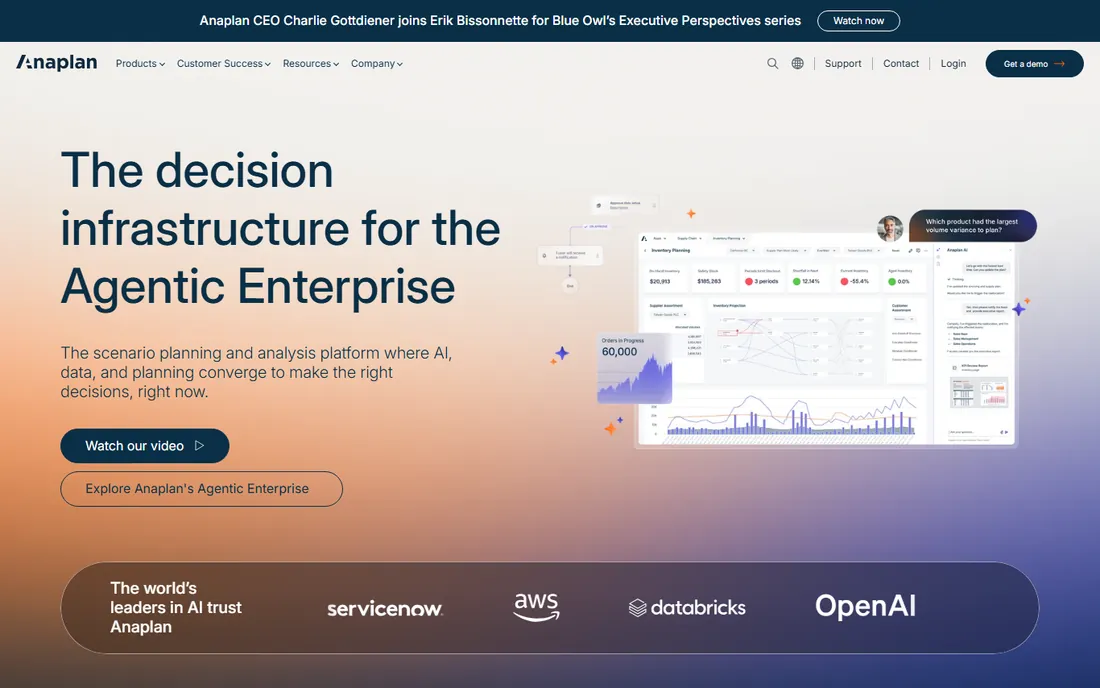
Anaplan is the heavyweight of connected planning. Finance, sales, supply chain, and HR build their plans on one platform with shared drivers, so a change in the sales forecast ripples through headcount, capacity, and cash automatically. The modeling engine handles genuinely complex logic that would collapse a spreadsheet.
That power demands investment. Anaplan implementations need trained model builders, either in-house or consultants, and pricing reflects the enterprise positioning. It is overkill for a fifty-person company. For large organizations where planning spans departments and the spreadsheet version has forty conflicting copies, Anaplan is the standard other tools are measured against.
What we like- Powerful multi-dimensional modeling
- Connects plans across departments
- Proven at scale
Watch out for- Expensive
- Needs dedicated model builders
Starting priceSee website
Free planNo
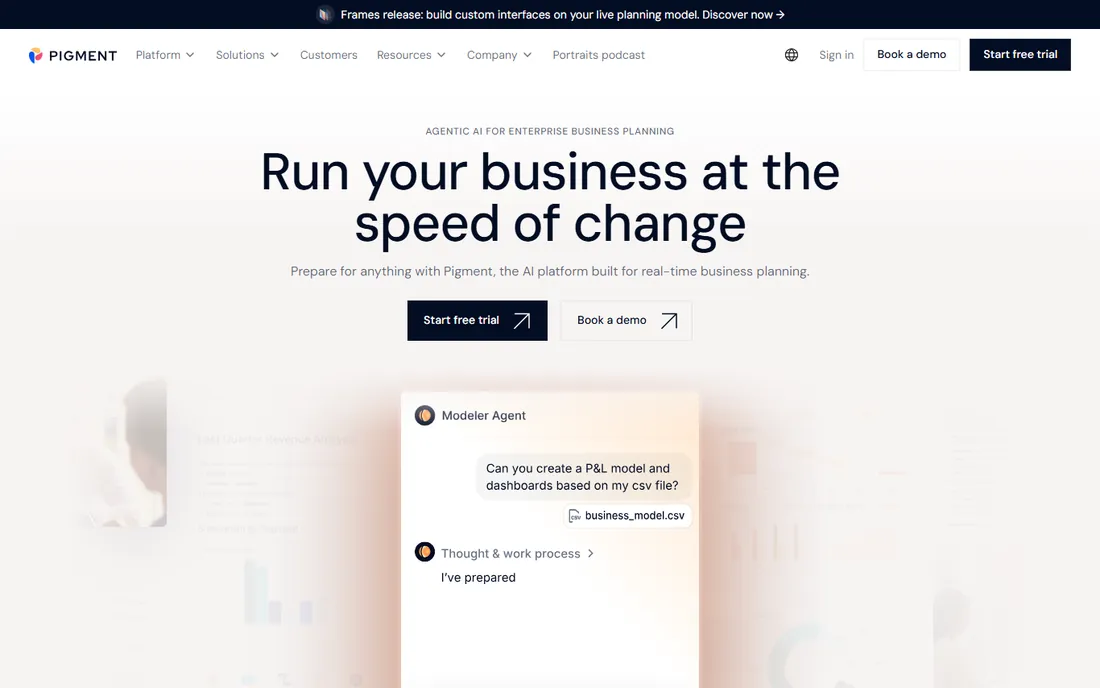
Pigment is what Anaplan would look like if designed today. The interface feels like a modern productivity app rather than enterprise software, which means finance teams actually adopt it without months of training. Scenario modeling is a standout: build multiple versions of the future, compare them side by side, and see the impact of each assumption in real time.
The trade-off is maturity. Pigment is younger, and the most complex enterprise planning scenarios may still fit Anaplan better. Implementation is notably faster, though, and the pricing is more approachable. For mid-size to large companies that want connected planning without a two-year project, Pigment is the most compelling modern option.
What we like- Modern, intuitive interface
- Fast to implement
- Strong scenario modeling
Watch out for- Younger product
- Enterprise depth still growing
Starting priceSee website
Free planNo
Adaptive Planning (formerly Adaptive Insights, acquired by Workday) is the planning module of the Workday world. If your company runs Workday for HCM or financials, planning on the same platform means headcount, compensation, and financial data flow without integration projects. Workforce planning is a particular strength, which makes sense given the HCM roots.
Outside the Workday ecosystem, the value proposition is thinner. It is excellent software, but companies choosing a standalone planning tool often find better fits elsewhere. Pricing is enterprise and quote-based. For Workday shops, though, it is the obvious choice: one vendor, one data model, one login.
What we like- Native Workday integration
- Strong workforce planning
- Trusted by large enterprises
Watch out for- Best value inside the Workday ecosystem
- Pricing is enterprise
Starting priceSee website
Free planNo
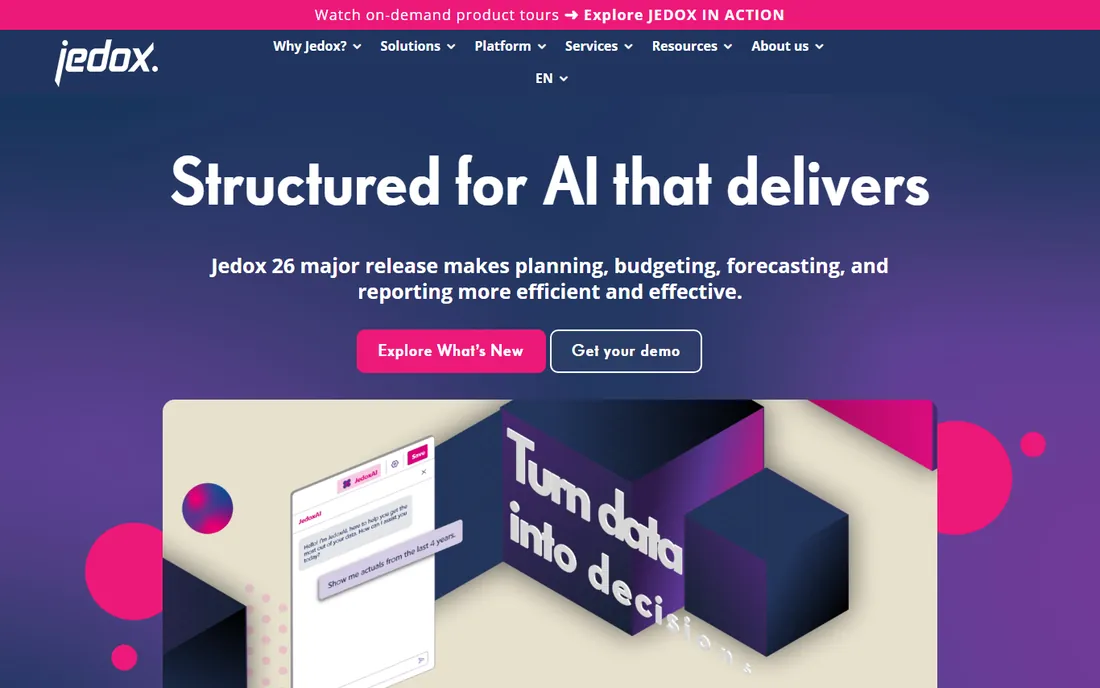
Jedox hits the sweet spot for mid-size companies that have outgrown spreadsheets but are not ready for Anaplan-scale investment. Planning, budgeting, and forecasting run in a platform that keeps the Excel interface finance teams know, backed by a proper multidimensional database. Deployment is measured in weeks, not quarters.
The company is European, and North American buyers will find a smaller partner network than the US-based competitors. That matters less than it used to, given cloud delivery. For a mid-market CFO who wants real planning software without an enterprise project, Jedox's combination of capability and price is hard to beat.
What we like- Strong Excel integration
- Good value for mid-market
- Fast deployment
Watch out for- Less known in North America
- Smaller partner ecosystem
Starting priceSee website
Free planNo
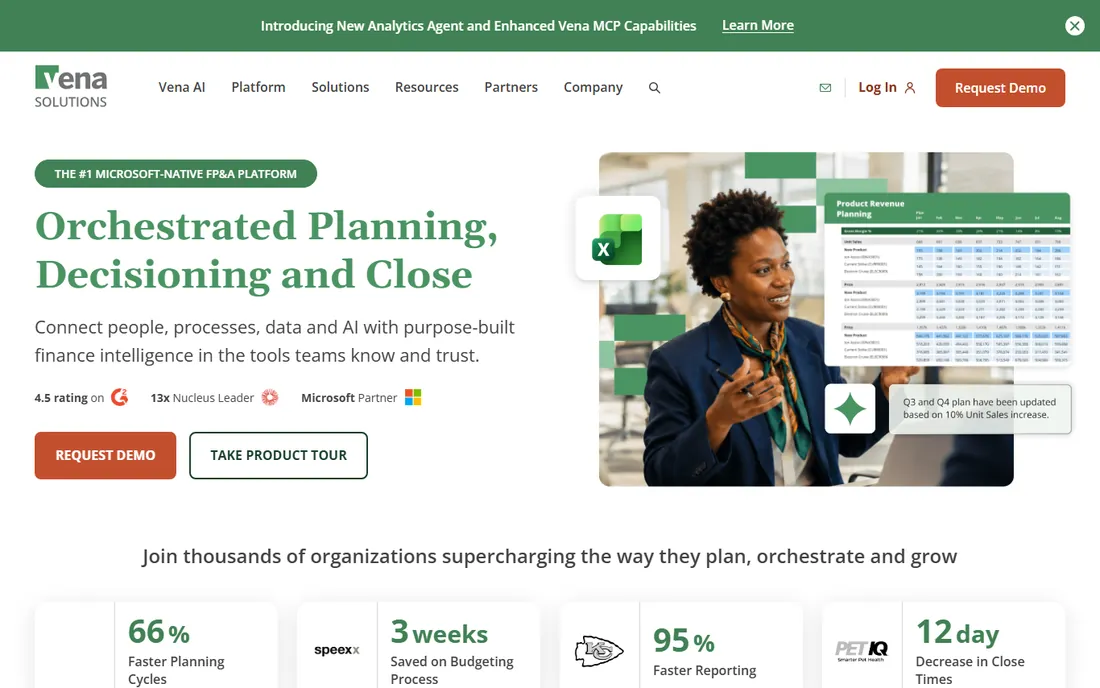
Vena's pitch is simple: keep Excel, lose the chaos. Finance teams keep working in the Excel interface they know, while Vena adds the things spreadsheets lack: version control, approval workflows, audit trails, and a central database instead of emailed files. For teams that tried to leave Excel and came back, this is the compromise that works.
The honest caveat is that Excel remains the modeling surface, with all its quirks. Very complex models can still get tangled. But adoption is the killer feature: finance teams use Vena because it does not ask them to abandon their skills. For regulated industries that need audit trails on top of familiar workflows, it is a strong fit.
What we like- Keeps the Excel interface
- Adds workflow and audit trails
- Good for regulated industries
Watch out for- Still Excel under the hood
- Can inherit spreadsheet complexity
Starting priceSee website
Free planNo
Planful (formerly Host Analytics) is a veteran of cloud FP&A, focused on continuous planning: rolling forecasts, monthly close integration, and financial consolidation in one platform. Marketing and workforce planning modules extend it beyond the finance department. The customer community is active, which helps during implementation and beyond.
The interface is more traditional enterprise than modern, and getting the data model right takes proper implementation work. But Planful's longevity means the product has absorbed a decade of finance team feedback. For mid-size to large finance departments that want a proven, full-featured planning platform, it remains a safe choice.
What we like- Strong financial consolidation
- Marketing and HR planning modules
- Good customer community
Watch out for- Interface feels enterprise-traditional
- Implementation needs care
Starting priceSee website
Free planNo
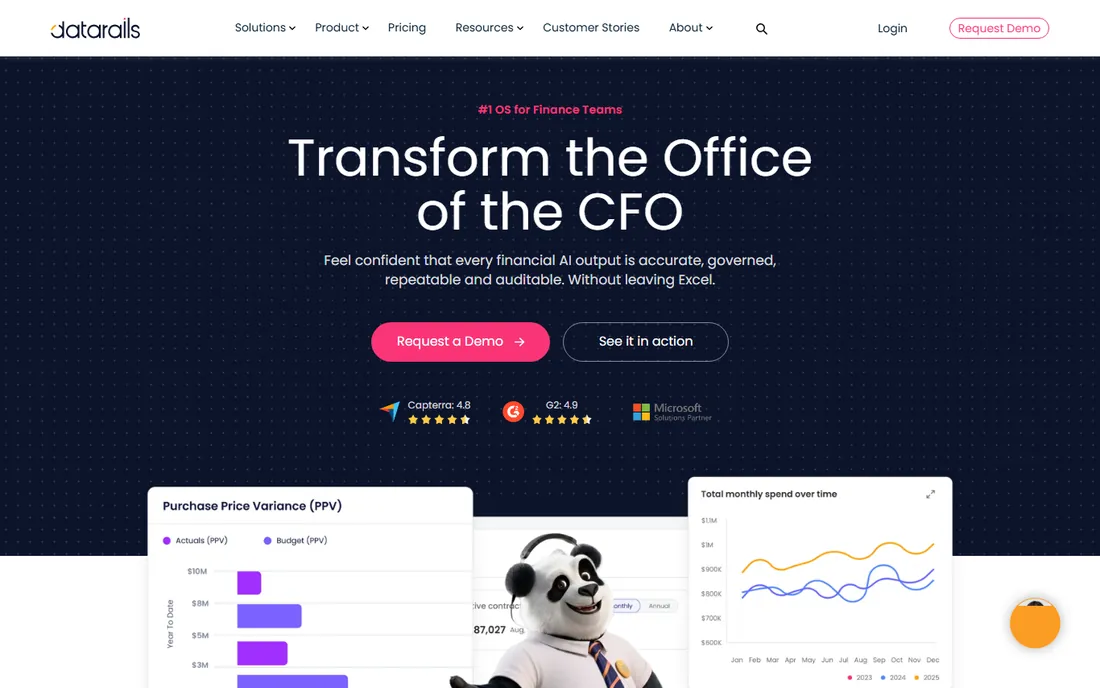
Datarails takes a different automation angle: it connects to your existing Excel models and automates the data consolidation, reporting, and dashboarding around them. Instead of replacing spreadsheets, it removes the manual work of gathering data into them. Finance teams get live dashboards and automated board reports without rebuilding their models.
The Excel-centricity is both the strength and the limit. If your planning needs extend deep into operations, supply chain, or sales territory modeling, the connected-planning platforms go further. For finance teams whose world is Excel and whose pain is manual consolidation, Datarails delivers value fast, often within weeks.
What we like- Automates Excel-based reporting
- Fast time to value
- Strong investor backing
Watch out for- Excel-centric by design
- Less for operational planning
Starting priceSee website
Free planYes
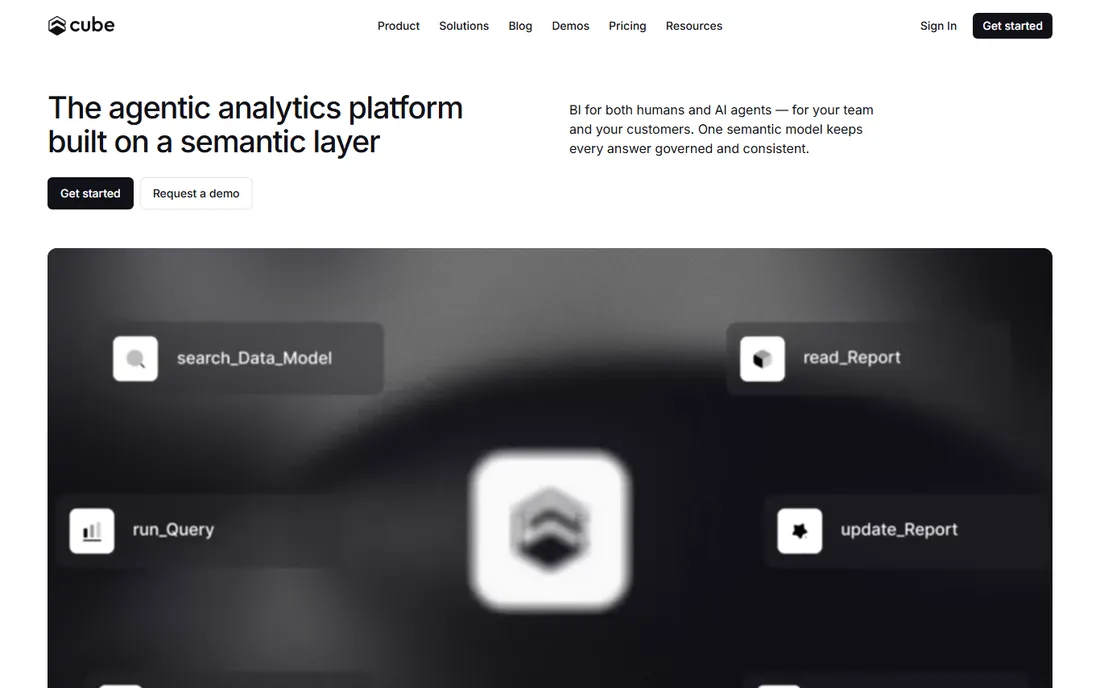
Cube is the odd one on this list, and deliberately so. It is a semantic layer (formerly "headless BI") that sits between your data warehouse and every planning or reporting tool, ensuring everyone works from the same metric definitions. Finance teams plagued by five versions of "revenue" in five tools use Cube to make the numbers consistent everywhere.
It is infrastructure, not an application. You need data engineering resources to set it up, and it does not replace a planning interface. But for companies on a modern data stack (Snowflake, BigQuery, dbt) that want planning built on trusted, governed metrics, Cube is the foundation layer the other tools plug into.
What we like- Consistent metrics across tools
- Works with your data stack
- Developer-friendly
Watch out for- Needs technical setup
- Not a full planning UI
Starting priceSee website
Free planNo
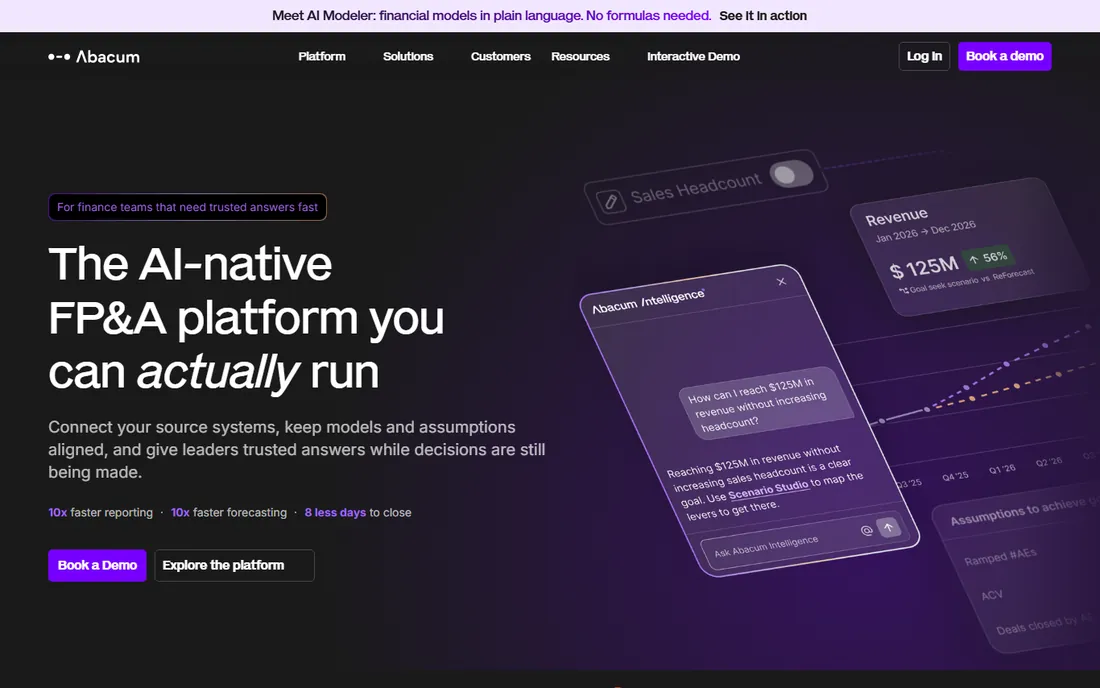
Abacum targets the exact moment a mid-size company outgrows spreadsheets: the finance team is small, the model is getting fragile, and the board wants better forecasts. The platform automates data collection, builds driver-based forecasts, and produces board-ready reporting with minimal implementation effort. It is designed for teams without a dedicated FP&A systems person.
As a younger vendor, Abacum cannot match Anaplan or Workday on enterprise complexity, and very large organizations should look upmarket. But for its target buyer, the speed from contract to value is the selling point. If your finance team is drowning in manual Excel work, Abacum is built to end that.
What we like- Built for mid-market finance teams
- Fast implementation
- Automation of routine FP&A
Watch out for- Younger vendor
- Less suited to complex enterprises
Spreadsheets do not fail at ten rows; they fail at ten contributors. The breaking points are always the same: version chaos (whose file is current?), broken formulas nobody dares touch, manual data gathering that eats the first week of every month, and forecasts that cannot answer "what if" without a rebuild. Planning software fixes the structural problems: one data model, controlled inputs, audit trails, and scenario modeling built in. The rule of thumb: if more than three people touch the forecast, or the model takes more than a day to update, you have outgrown spreadsheets.
What to check before you buy
Who builds and maintains the models?
Anaplan-class tools need trained model builders. Excel-native tools (Vena, Datarails) let the existing finance team run things. Be honest about your team's skills and hiring plans. The most powerful platform is worthless if nobody in-house can maintain it after the consultants leave.
Data integration reality
Every vendor promises easy integration. Ask for specifics: which of your systems (ERP, HRIS, CRM, data warehouse) have pre-built connectors, and what does a custom integration actually cost? The implementation timeline lives or dies on data feeds, so get the integration scope in writing before signing.
Scenario modeling depth
"Scenario planning" means different things to different vendors. Some let you duplicate a version and tweak assumptions; others model driver-based scenarios with probabilities. If your board asks "what happens if revenue drops 20%?" every quarter, test that exact workflow in the demo, not just the marketing slides.
Total cost beyond licenses
Licenses are the visible cost. Implementation services, data integration work, training, and ongoing administration often match or exceed the first year's licenses. Ask reference customers what they actually spent in year one. For enterprise platforms, budget at least as much for services as for software.
How we chose
We focused on software used for financial forecasting and planning in 2026, from enterprise connected-planning platforms to mid-market FP&A tools. We evaluated vendor documentation, product depth, implementation reputation, and fit for different company sizes. We excluded generic BI dashboards and spreadsheet templates that are not real planning tools. No vendor paid for placement, and we did not run planning cycles in each product.
Frequently asked questions
What is the difference between forecasting software and budgeting software?
Budgeting sets the annual financial plan; forecasting updates the outlook as reality unfolds. Modern tools do both, with rolling forecasts that revise the numbers monthly or quarterly instead of once a year. If a vendor only does static annual budgets, it is behind the times.
How long does it take to implement FP&A software?
It varies wildly. Excel-native tools like Vena and Datarails can deliver value in weeks. Mid-market platforms like Pigment, Jedox, and Abacum typically take one to three months. Enterprise connected planning (Anaplan, Workday) often runs three to nine months including data integration. The data feeds, not the software, usually set the timeline.
Can small businesses use forecasting software?
Yes, though the enterprise tools are overkill. Mid-market options like Abacum, Jedox, and Datarails are built for smaller finance teams, and some offer scaled-down pricing. A twenty-person startup can usually manage with good spreadsheet discipline; the pain that justifies software typically arrives around fifty to a hundred employees.
Do these tools replace Excel?
Most do not try to. Vena and Datarails explicitly keep Excel as the interface. Anaplan, Pigment, and others replace it with their own modeling environments. The trend is coexistence: Excel for ad-hoc analysis, planning software for the official forecast. Be wary of any plan that requires ripping Excel out of finance entirely.
What does forecasting software cost?
Vendors rarely publish prices. Mid-market tools typically start in the low five figures annually; enterprise platforms run well into six figures with implementation. Always ask for the total year-one cost including services, and talk to reference customers about what they actually paid.
Sources we checked (9)
- https://www.anaplan.com
- https://www.pigment.com
- https://www.workday.com/en-us/products/adaptive-planning.html
- https://www.jedox.com
- https://www.venasolutions.com
- https://planful.com
- https://www.datarails.com
- https://cube.dev
- https://www.abacum.ai
Is your product missing or out of date?
We review this list regularly. Vendors can request a listing, send updated pricing or ask about featured placement.

Shihab Mia · Founder, Rankite
Shihab has spent more than a decade helping SaaS and e-commerce brands grow through search. He writes Rankite's software buying guides from pricing pages, documentation and public user reviews. More about Shihab.