How we make this list: we compare pricing pages, product documentation and public user reviews. Rankite is independent; if a vendor ever pays for a featured spot, that listing is clearly labeled Partner.
Key takeaways
- Yodeck is the value pick at $8 per screen per month with a genuinely free single-screen plan and a free player on annual billing.
- ScreenCloud leads on enterprise integrations and polished design tools, but at $20 per screen per month it costs roughly double most rivals.
- OptiSigns gives you 140+ apps and US-based phone support from $10 per screen per month, the best mid-range deal on this list.
- Xibo is the only serious open-source option: free if you self-host, with paid cloud hosting when you want someone else to run the server.
- Mvix is the outlier with a one-time purchase model and no subscription, which makes sense if you hate recurring fees and plan to keep screens for years.
Quick comparison
| Tool | Best for | Starting price | Free plan |
|---|
 Yodeck Yodeck | Small and mid-size businesses that want the lowest honest per-screen price | $8 per screen/month (billed annually) | Yes, 1 screen free forever |
 ScreenCloud ScreenCloud | Companies that need dashboards, SSO, and enterprise integrations on screens | $20 per screen/month (billed annually) | Free trial |
 OptiSigns OptiSigns | Teams that want lots of apps and real human support without enterprise pricing | $10 per screen/month | Free trial (14 days) |
 Rise Vision Rise Vision | K-12 schools and organizations that need emergency alerts on screens | $12 per display/month (billed annually) | Free trial |
 NoviSign NoviSign | Non-designers who want drag-and-drop signage with AI help | $14 per screen/month (billed annually) | Free trial (30 days) |
 Xibo Xibo | IT-led teams that want open-source software with no per-screen license | Free (self-hosted open source) | Yes |
 Mvix Mvix | Buyers who want to pay once and never see a subscription invoice | From $350 one-time per player (hardware plus software) | Free trial |
 Carousel Carousel | IT departments rolling out signage on hardware they already own | See website | Free trial |
Is your product missing or out of date?
We review this list regularly. Vendors can request a listing, send updated pricing or ask about featured placement.
The best top digital display software
#1
Yodeck
Best for: Small and mid-size businesses that want the lowest honest per-screen price
Visit yodeck.com
Starting price$8 per screen/month (billed annually)
Free planYes, 1 screen free forever
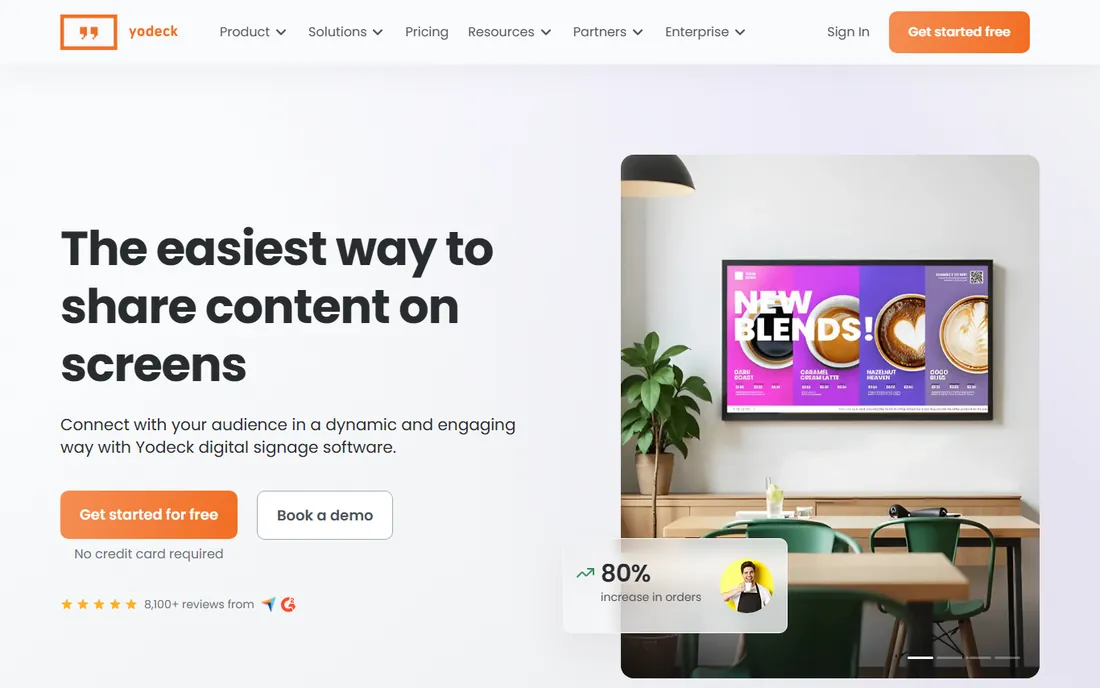
Yodeck wins on math. At $8 per screen per month on annual billing, a five-screen setup costs $480 a year, while several competitors on this list would charge two to four times that for the same screens. The free single-screen plan is not a trial. It stays free, which makes Yodeck the easiest way to test real digital signage in one location before committing.
The platform itself is built for non-technical users. You get 800+ ready-made templates, 160+ apps, scheduling, playlists, and integrations with Power BI, SharePoint, Google Drive, and Canva, all managed from one dashboard. Players ship preconfigured, so setup is close to plug and play. The honest catch is that Yodeck is priced to be simple, not to be everything. If you need deep enterprise controls, SSO on every tier, or heavy custom development, you will outgrow it and move toward ScreenCloud or Carousel. For most small and mid-size businesses, though, Yodeck is the first quote you should get.
What we like- Free single-screen plan with no expiry
- Free Raspberry Pi player on annual plans
- Screens keep playing offline for up to a month
Watch out for- Free plan is genuinely limited to one screen
- Advanced enterprise controls sit on the higher tiers
- No phone support on the cheapest plan
#2
ScreenCloud
Best for: Companies that need dashboards, SSO, and enterprise integrations on screens
Visit screen.cloud
Starting price$20 per screen/month (billed annually)
Free planFree trial
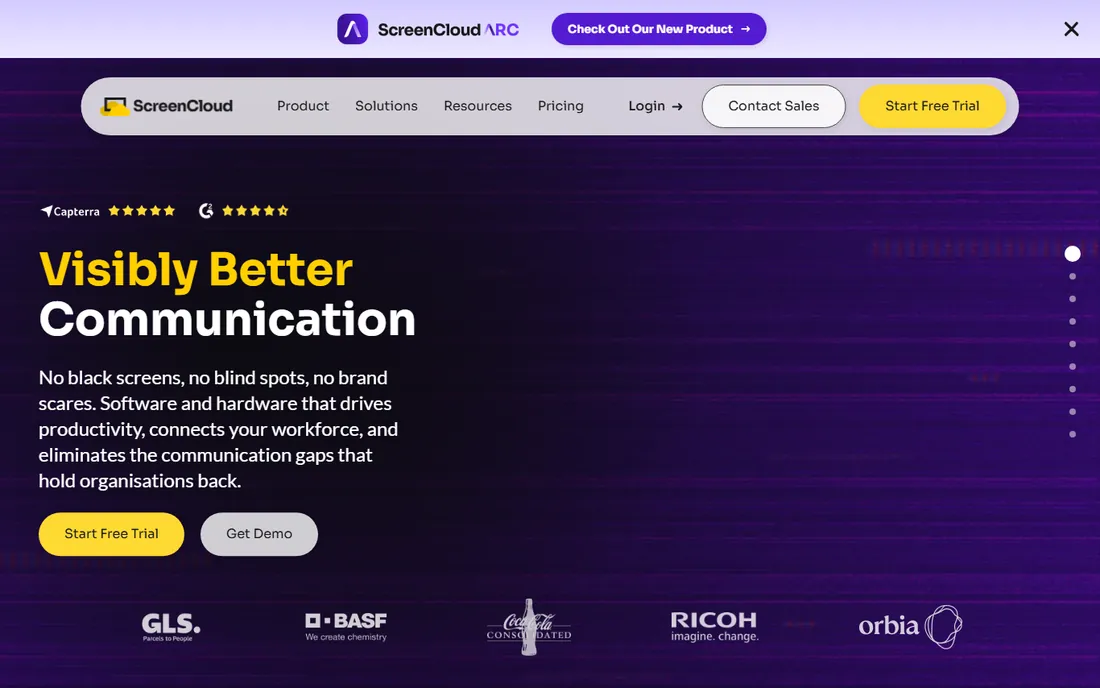
ScreenCloud positions itself as the premium option and mostly earns it. The app library is deeper than Yodeck's, with serious enterprise integrations for Salesforce dashboards, Workday displays, and internal APIs. Security is handled properly with SSO, SAML, encryption, and SOC 2 compliance, which matters if your IT department has to approve the purchase. The company also sells its own hardware, including a $95 PIXI player, so you can buy a matched set instead of hunting for compatible devices.
The price is the whole argument against it. Core starts at $20 per screen per month billed annually ($24 on monthly billing), and Pro runs $30 with a five-screen minimum. For a 50-screen network, that is $12,000 a year against Yodeck's $4,800. ScreenCloud is worth it when screens carry live business data or sit in a security-conscious enterprise. It is overkill for menu boards and lobby welcome screens, where you are paying for integrations you will never open.
What we like- 80+ apps including Salesforce, Workday, and Power BI
- SSO and SAML out of the box
- Polished editor with strong design tools
Watch out for- Roughly double the price of budget rivals
- Pro plan requires a five-screen minimum
- No permanent free tier
#3
OptiSigns
Best for: Teams that want lots of apps and real human support without enterprise pricing
Visit optisigns.com
Starting price$10 per screen/month
Free planFree trial (14 days)
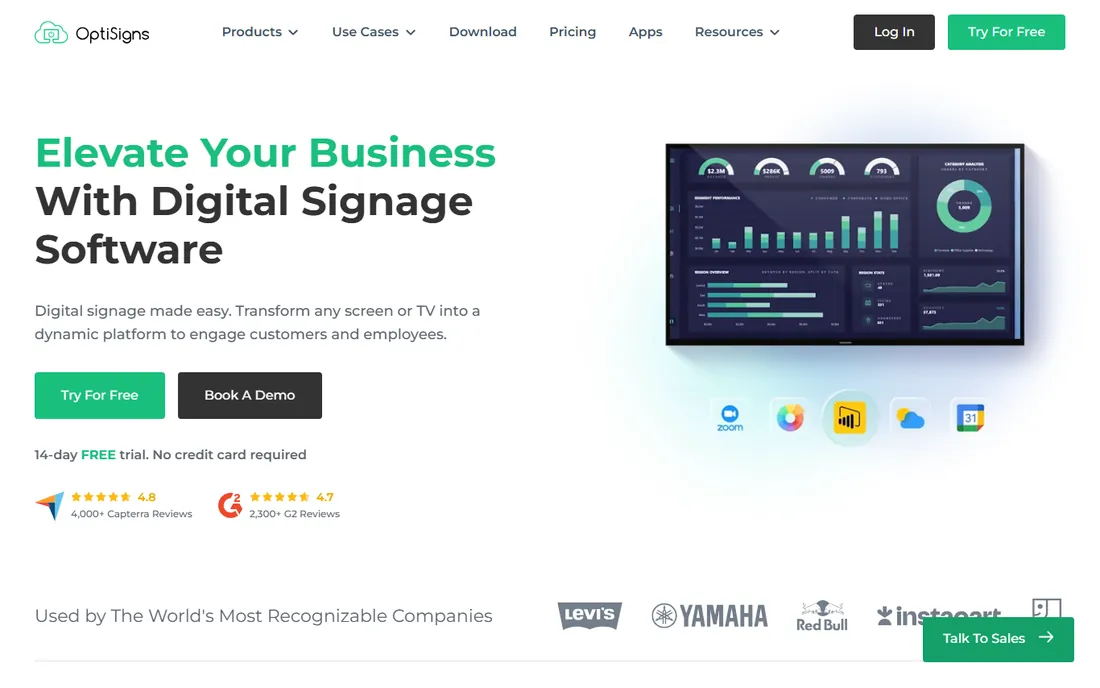
OptiSigns has quietly become the mid-market favorite, and the review counts back it up: 4,000+ Capterra reviews at 4.8 and 2,300+ G2 reviews at 4.7. At $10 per screen per month for the Standard plan, you get multi-user access, unlimited cloud storage, 140+ apps, and support from a US-based team reachable by phone. That combination is hard to find at this price. The platform runs on just about any hardware, and if you have no player at all, you can run a screen straight from a web browser.
Where OptiSigns asks for more money is reasonable: dashboard apps for Power BI, Salesforce, and Tableau need Pro Plus ($15) or higher, and the Engage tier ($30) adds interactive experiences. The free tier covers a few screens with basic features, which is enough to evaluate but not to run on. For a business that wants app depth and dependable support without paying ScreenCloud prices, OptiSigns is the natural middle choice.
What we like- 140+ apps including Power BI, Salesforce, and Tableau
- US-based phone and email support
- Broad hardware support including a web player
Watch out for- Only a 14-day trial with no permanent free tier
- Scheduling and split-screen features sit behind paid plans
- Dashboard apps need Pro Plus or higher
#4
Rise Vision
Best for: K-12 schools and organizations that need emergency alerts on screens
Visit risevision.com
Starting price$12 per display/month (billed annually)
Free planFree trial
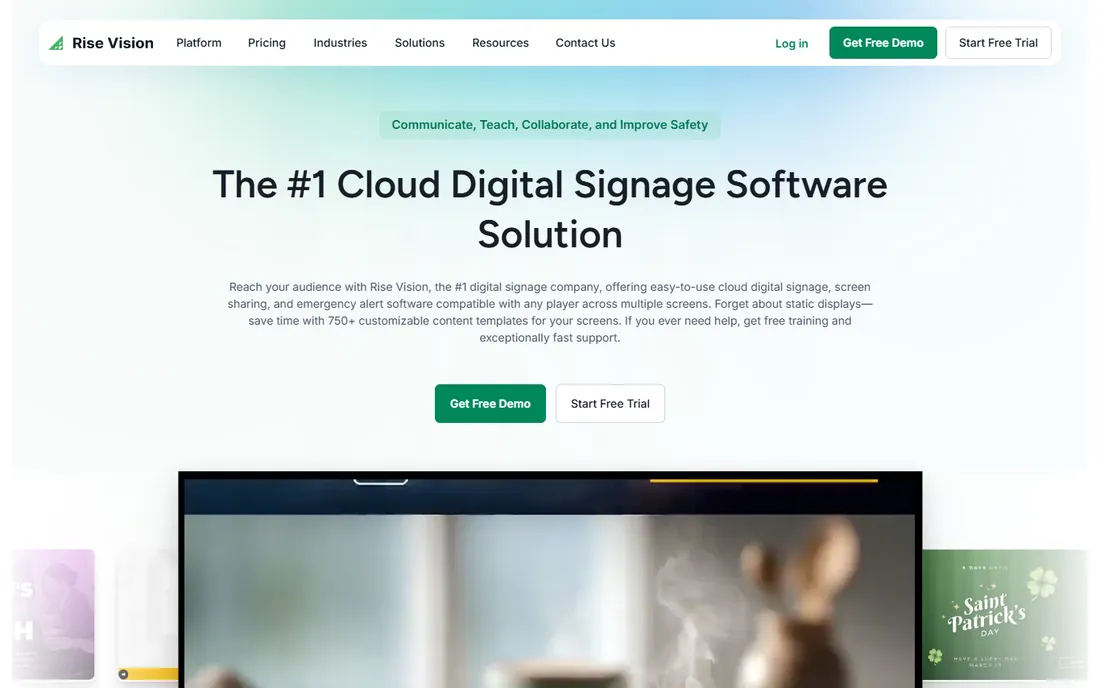
Rise Vision started in schools and it shows in the best way. Beyond standard signage, you get emergency alerting that integrates with Common Alerting Protocol systems, plus screen sharing that turns any display into a wireless presentation hub without adapters. The template library is one of the largest here at 750+, and the company claims 12,300+ organizations on the platform. Support has a strong reputation, with a one-hour response time advertised for technical issues.
Pricing is transparent but tiered: K-12 Basic runs about $11 per display per month, business plans around $12, and higher tiers add emergency alerts, screen sharing, and enterprise controls. There is no free-forever tier, only a trial, so factor the full per-display cost into multi-year budgets. Rise Vision is the pick when safety messaging and classroom communication matter as much as marketing content. Pure retail or restaurant use cases get better value from Yodeck or OptiSigns.
What we like- Built-in emergency alerts with CAP system integration
- 750+ templates
- Screen sharing turns any display into a wireless presentation hub
Watch out for- Education pricing ($11) is cheaper than business pricing
- No permanent free plan
- Hardware upsells add cost if you buy their displays
#5
NoviSign
Best for: Non-designers who want drag-and-drop signage with AI help
Visit novisign.com
Starting price$14 per screen/month (billed annually)
Free planFree trial (30 days)
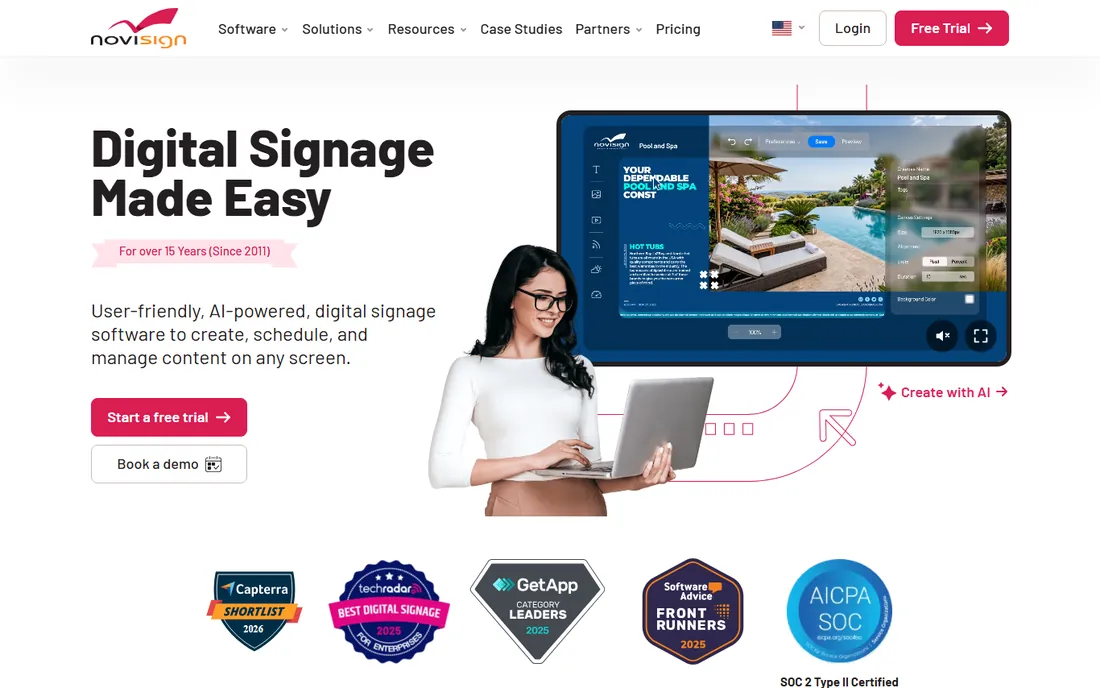
NoviSign has been around since 2011 and serves 20,000+ businesses, yet it still feels like the underdog pick for ease of use. The editor is free-form drag and drop with no design skills required, and the newer Studio AI feature generates screen content from a plain description. The 30-day trial needs no credit card, which is a small but telling sign of confidence. Touch-screen interactivity, offline playback, and proof-of-play reporting are all included, which suits retail and hospitality.
The trade-off is price versus depth. At $14 per screen per month billed annually ($16 monthly), NoviSign sits between OptiSigns and ScreenCloud while offering fewer third-party integrations than either. The Business Plus tier at $17 adds the AI tools, MDM, and data connections that power users want. Choose NoviSign when the person updating screens is not technical and never will be. The simplicity is the product, and for many small teams that is exactly right.
What we like- Genuinely simple drag-and-drop editor
- AI content generator builds screens from a description
- 30-day trial with no credit card required
Watch out for- Starts at $14 per screen, above budget rivals
- Monthly billing costs more at $16
- Smaller app ecosystem than OptiSigns or ScreenCloud
#6
Xibo
Best for: IT-led teams that want open-source software with no per-screen license
Visit xibosignage.com
Starting priceFree (self-hosted open source)
Free planYes
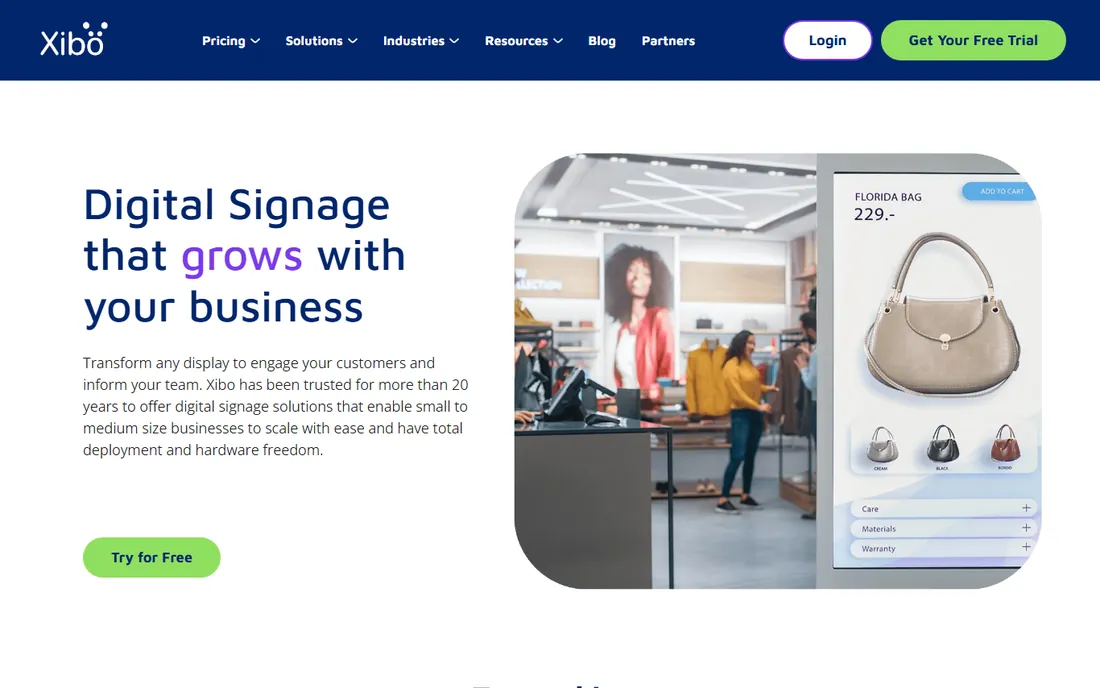
Xibo is the only option on this list with a $0 software cost, and at large screen counts that changes the entire budget conversation. The CMS and Windows player are free under an open-source license. You host the server, handle updates and backups, and buy commercial player licenses for Android, webOS, or Tizen (starting around $28 for Android). There is also managed cloud hosting from the Xibo team if you want the software without the server chores.
This is not a product for beginners. Deployment, troubleshooting, and upgrades fall on your IT staff, and the interface shows its open-source roots next to the polish of ScreenCloud or Yodeck. But for organizations with in-house technical resources, school districts with hundreds of displays, or anyone allergic to per-screen subscriptions, Xibo is legitimately the cheapest way to run a large signage network. Budget for admin time honestly and it pays off fast.
What we like- Completely free under an open-source license when self-hosted
- No per-screen fees at any scale
- Managed cloud hosting available if you want it
Watch out for- You own the server, updates, and security
- Commercial players cost extra
- Setup demands real technical skill
Starting priceFrom $350 one-time per player (hardware plus software)
Free planFree trial
Mvix has sold digital signage since 2005 with a model almost nobody else uses: you buy the player once, and the cloud CMS comes with it permanently. No per-screen monthly fee, ever. For a network you plan to run for five years, the math beats every subscription product here. The CMS itself is capable, with 150+ integrations, offline playback, emergency alerts via CAP and IPAWS, and ISO 27001 plus SOC 2 certification.
The catch is the upfront check. Players start around $350 each, so a 20-screen rollout means $7,000 on day one before you hang a single display. Mvix also offers software licensing for third-party hardware like BrightSign and Chrome devices, but the pricing there is quote-based. This is a buy-it-for-a-decade product. If your organization keeps hardware for years and your finance team hates recurring SaaS fees, Mvix deserves a serious look. If you want to start small this month with minimal spend, look at Yodeck instead.
What we like- No subscription: one-time purchase with perpetual license
- Software is free on Mvix players
- Free ongoing support and software updates
Watch out for- Upfront hardware cost is real
- Licensing model is unusual and takes study
- Less self-serve than pure SaaS rivals
Starting priceSee website
Free planFree trial
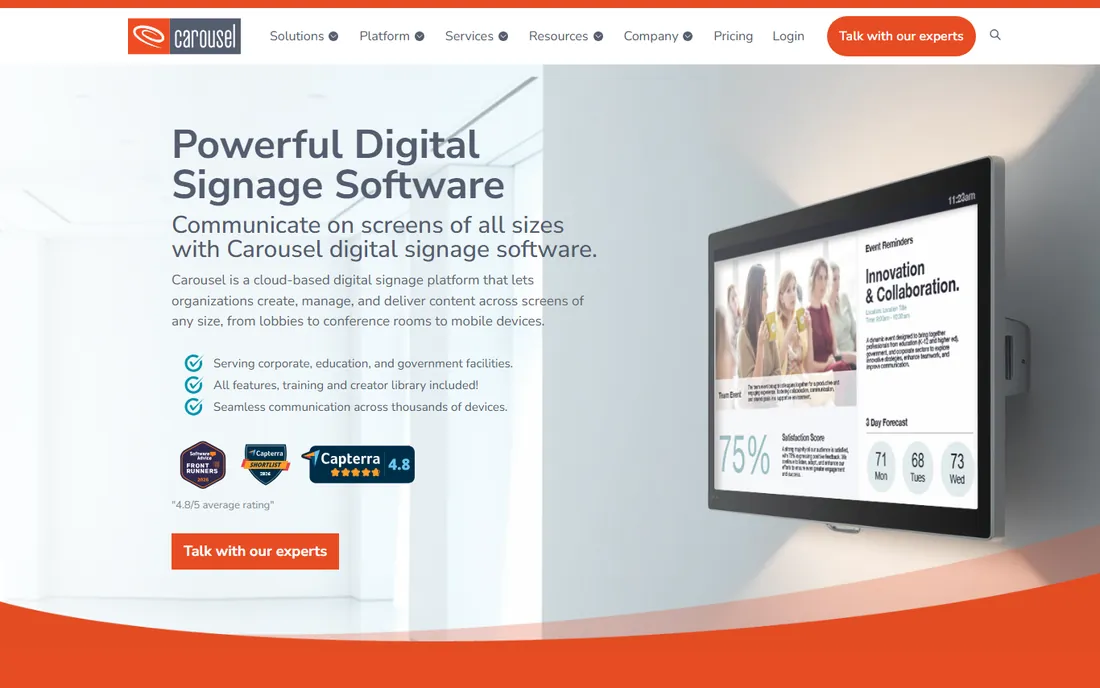
Carousel is the veteran choice, in business since 1997, and it is built for IT teams rather than marketers. The pitch is bring-your-own-device: Carousel runs on Apple TV, BrightSign, Amazon Signage Stick, Samsung, LG, Philips, and Sony hardware you may already have mounted on walls. A newer Content Feeds feature pushes one feed to many endpoints, including browsers and Zoom Rooms, which suits corporate communications across offices.
Pricing scales with screen count but is not published, so expect a sales call to get numbers. Published comparisons put it around $22 per player per month, which lands between OptiSigns and ScreenCloud. Setup is more involved than the self-serve tools here, with typical configuration measured in days to weeks rather than minutes. Carousel fits multi-building organizations, school districts, and enterprises where IT owns the hardware standards. Everyone else will find faster, cheaper options above.
What we like- Runs on Apple TV, BrightSign, Samsung, LG, and existing displays
- Content approval workflows for distributed teams
- SOC 2 compliant cloud
Watch out for- Pricing is not published and requires a sales conversation
- Setup timelines run longer than self-serve rivals
- Overkill for single-location shops
How we chose
We started from vendor pricing pages, official feature documentation, and help centers, then cross-checked claims against public review data on G2, Capterra, and SourceForge, plus Reddit threads from signage buyers and IT admins. Every price above comes from a published plan or the vendor's own FAQ, not from a review aggregator. We weighted per-screen cost at realistic screen counts, hardware flexibility, the quality of the free or trial tier, app and integration depth, and fit for small to mid-size US companies rather than giant enterprises. We did not test any software hands-on, and we excluded vendors that hide both pricing and product details behind a sales gate.
What to check before you sign a signage contract
Start with screen count math, not features. Multiply the per-screen monthly price by your screens by 36 months and compare that number across vendors. The gap between the cheapest and priciest options on this list can exceed $25,000 over three years for a 50-screen network. That single calculation eliminates half the field for most buyers.
Next, audit your hardware. If you already own commercial displays or Apple TVs, a bring-your-own-device platform like Carousel or Yodeck saves real money. If you are buying fresh, compare the vendor's bundled player cost against a generic Android player or Raspberry Pi. Proprietary players are convenient but lock you in.
Then check three contract details that cause the most regret. First, offline playback: screens should keep showing content when the internet drops. Second, user roles and approval workflows if more than one person publishes content. Third, the exit terms: what happens to your content and layouts if you cancel. Finally, run the free trial or free tier on one real screen in its real location for at least two weeks before you buy anything.
The subscription question nobody asks early enough
Almost every platform here charges per screen per month, which means your signage bill grows every time you add a display. That is fine when you have five screens and painful when you have fifty. Mvix and Xibo exist precisely because some buyers refuse that model. Before you default to a subscription, ask your finance team a blunt question: will we still be happy paying this per-screen fee in year four. If the answer is no, price out Mvix's one-time model or Xibo's self-hosted route alongside the SaaS quotes. The cheapest first year is rarely the cheapest fourth year.
Frequently asked questions
How much does digital display software cost per screen?
Published cloud rates in 2026 run from about $8 per screen per month (Yodeck) to $30 (ScreenCloud Pro), with most mid-range options between $10 and $15. Xibo costs nothing for the software if you self-host, and Mvix replaces the subscription with a one-time hardware purchase. Always calculate the three-year total at your actual screen count before comparing.
Is there really free digital signage software?
Yes, with limits. Yodeck keeps one screen free forever, and Xibo is fully free if you host it yourself. OptiSigns and several others offer free tiers capped at a few screens with restricted features. For a business running more than a handful of displays, expect to pay something.
Can I use my existing TVs for digital signage?
In most cases, yes. Platforms like Yodeck, OptiSigns, NoviSign, and Carousel run on smart TVs, Android devices, Amazon Fire sticks, or a small media player plugged into any HDMI screen. Commercial-grade displays handle 16+ hours of daily use better than consumer TVs, so match the screen to the duty cycle.
What hardware do I need besides the screen?
You need a media player for each screen unless the platform runs natively on your display. Options include the vendor's own player (ScreenCloud PIXI at $95, Yodeck's free Raspberry Pi player on annual plans), a BrightSign or Android player, or an Amazon Signage Stick. Budget roughly $30 to $350 per player depending on the route.
Do these platforms work offline?
Most do, and you should confirm it before buying. Yodeck caches content for up to a month offline, and Mvix, OptiSigns, and NoviSign all advertise offline playback. Screens keep showing the last published content but cannot receive updates or live data until the connection returns.
Which digital display software is best for schools?
Rise Vision and Carousel are the strongest school picks because of emergency alerting, approval workflows, and multi-building management. Rise Vision's education pricing starts around $11 per display per month. Budget-tight districts with IT staff should also price Xibo, which removes the per-display fee entirely.
Sources we checked (12)
- https://screen.cloud
- https://www.yodeck.com
- https://optisigns.com/
- https://www.optisigns.com/pricing
- https://www.novisign.com
- https://risevision.com/
- https://xibosignage.com/
- https://www.mvixdigitalsignage.com
- https://www.carouselsignage.com
- https://www.yodeck.com/use-cases/small-business-digital-signage/
- https://lsquared.com/digital-signage-insights/best-digital-signage-software-platforms-2026
- https://www.g2.com/products/screencloud-digital-signage/pricing
Is your product missing or out of date?
We review this list regularly. Vendors can request a listing, send updated pricing or ask about featured placement.

Shihab Mia · Founder, Rankite
Shihab has spent more than a decade helping SaaS and e-commerce brands grow through search. He writes Rankite's software buying guides from pricing pages, documentation and public user reviews. More about Shihab.