How we make this list: we compare pricing pages, product documentation and public user reviews. Rankite is independent; if a vendor ever pays for a featured spot, that listing is clearly labeled Partner.
Key takeaways
- Xero and QuickBooks Online lead cloud accounting with the deepest integrations and accountant networks.
- Wave and Zoho Books prove cloud accounting can be free for small businesses.
- FreshBooks and Kashoo keep cloud bookkeeping simple for service businesses.
- Sage covers both small business and mid-market cloud accounting with Business Cloud and Intacct.
- FreeAgent and ZipBooks serve UK businesses and budget starters in the cloud.
Cloud accounting software runs entirely in the browser: no installs, automatic backups, bank feeds and accountant access from anywhere. These ten are cloud-native, ranked on what the cloud does best.
Quick comparison
Is your product missing or out of date?
We review this list regularly. Vendors can request a listing, send updated pricing or ask about featured placement.
The top cloud accounting software
Starting priceSee website
Free planFree trial
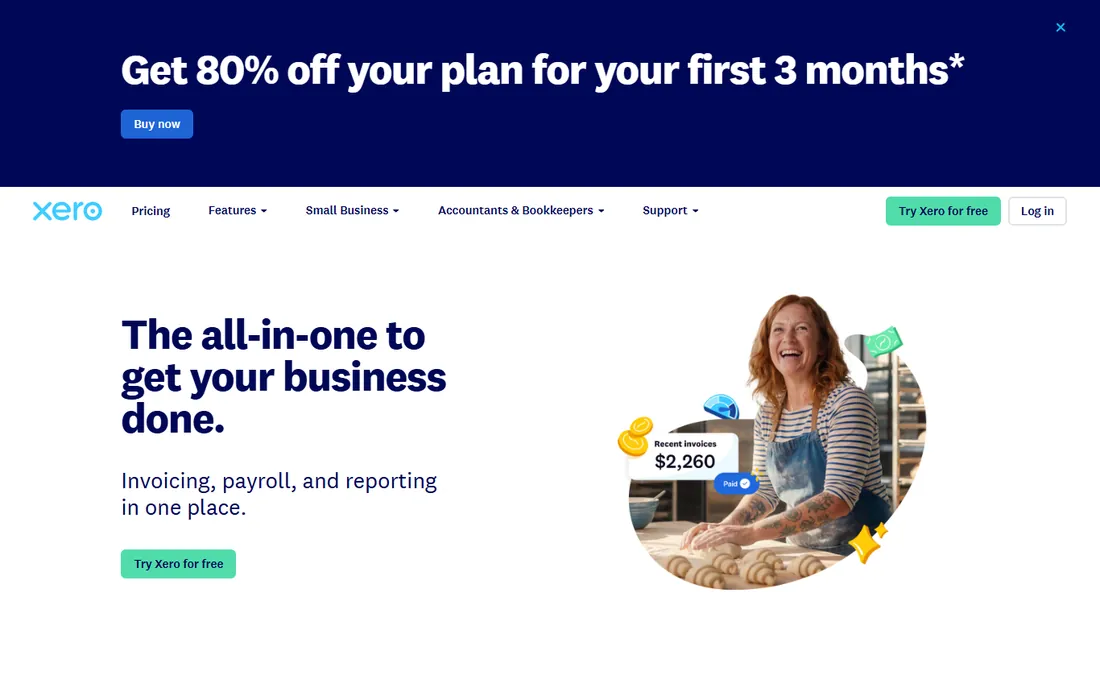
Xero was born in the cloud and it shows: the integration marketplace is unmatched, bank reconciliation is superb, and accountants worldwide collaborate in real time. Multi-currency and project tracking round out the cloud strengths.
Watch starter-plan limits. For businesses that want the cloud accounting ecosystem, Xero leads.
Xero users should connect bank feeds on day one and set up rules for recurring transactions; the automation compounds. Invite the accountant as an advisor immediately. Review the app marketplace only when a genuine gap appears.
What we like- 1,000+ cloud integrations
- Excellent bank feeds
- Global accountant network
Watch out for- Entry tier transaction limits
- Payroll varies by region
Starting priceSee website
Free planFree trial
QuickBooks Online brings the biggest brand to the cloud with thousands of integrations and universal accountant support. Automatic updates mean the software improves without IT effort.
The interface has grown busy. For maximum compatibility and choice, it remains the safe cloud pick.
QuickBooks Online users should start on the simplest tier that covers their needs and ignore the upsells initially. The ecosystem is the strength, so add integrations one at a time. Reconcile weekly to prevent year-end pain.
What we like- Largest app ecosystem
- Every accountant knows it
- Scales well
Watch out for- Complexity growing
- Tier pricing jumps
Starting priceFree
Free planYes
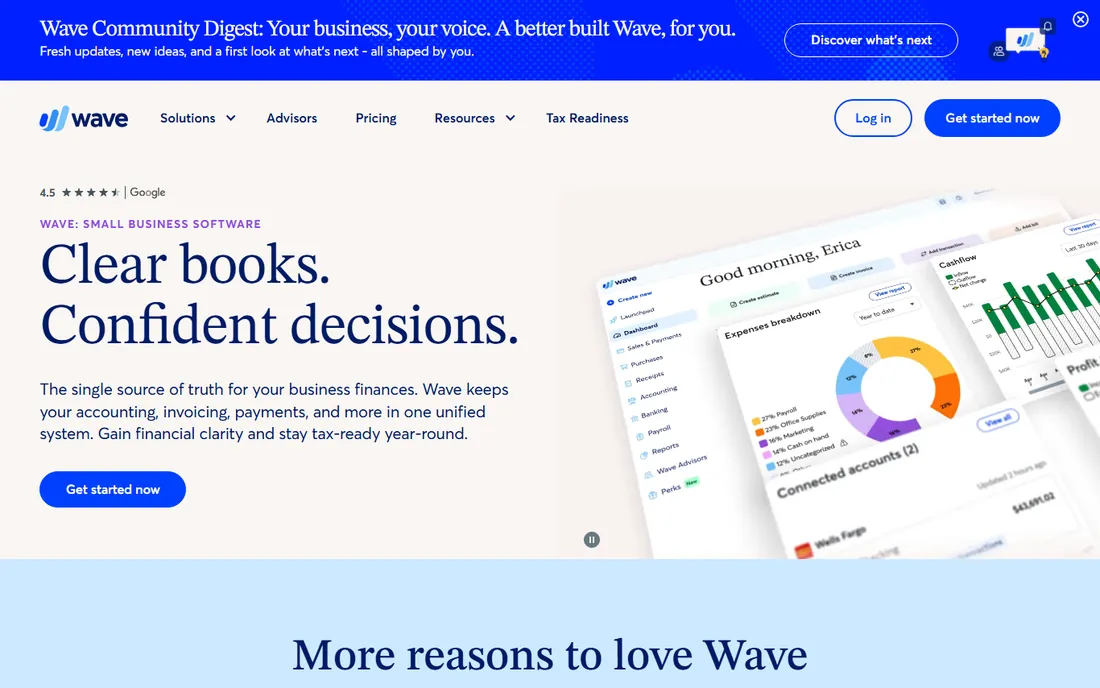
Wave proves cloud accounting does not need a subscription: free double-entry books, invoicing and receipt scanning in the browser. Small businesses get started in minutes.
Payroll and support are the paid upsells. For free cloud books, nothing else comes close.
Wave users should connect all business accounts and categorize consistently from the start. The free price removes excuses for messy books. Snap receipts immediately with the mobile app.
What we like- Real accounting free in the cloud
- No install
- Invoicing included
Watch out for- Paid add-ons limited
- Support lighter
Starting priceSee website
Free planFree trial
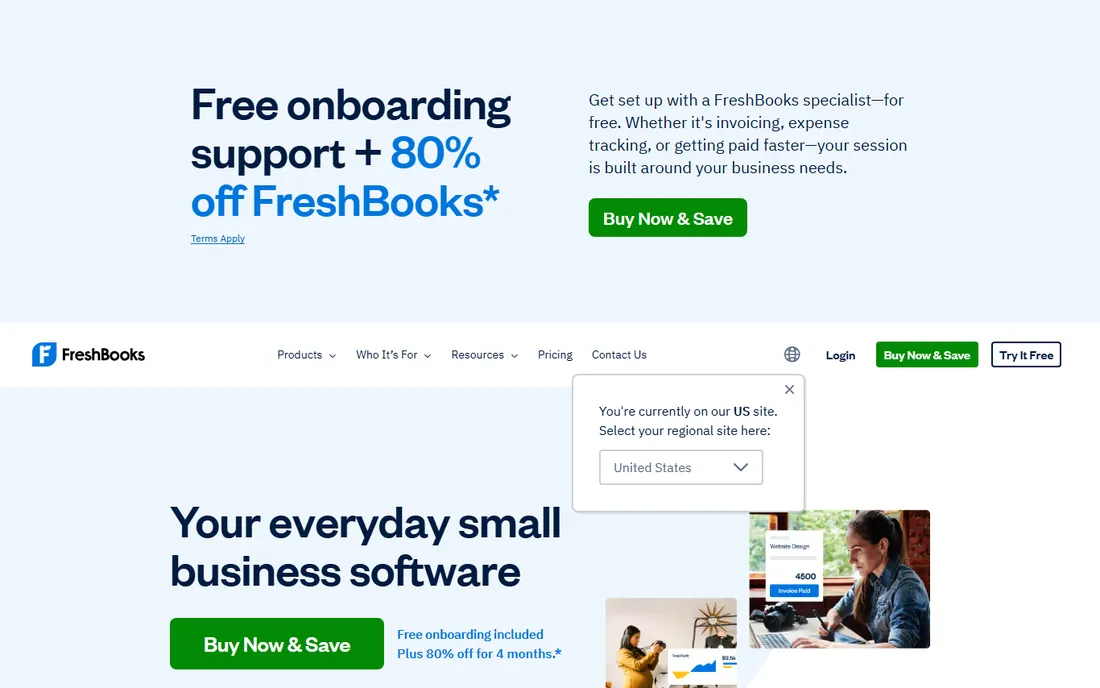
FreshBooks makes cloud accounting feel effortless: invoice from anywhere, track time on your phone, and let clients pay online. Service businesses live in it happily.
Complex accounting needs more. For cloud simplicity centered on getting paid, it excels.
FreshBooks users should automate invoice reminders from the beginning; the cash flow improvement is immediate. Track time in the app if billing hourly. The simplicity works when the discipline is consistent.
What we like- Cloud invoicing anyone can learn
- Time tracking
- Client portals
Watch out for- Accounting depth thinner
- Per-client pricing
Starting priceFree
Free planYes
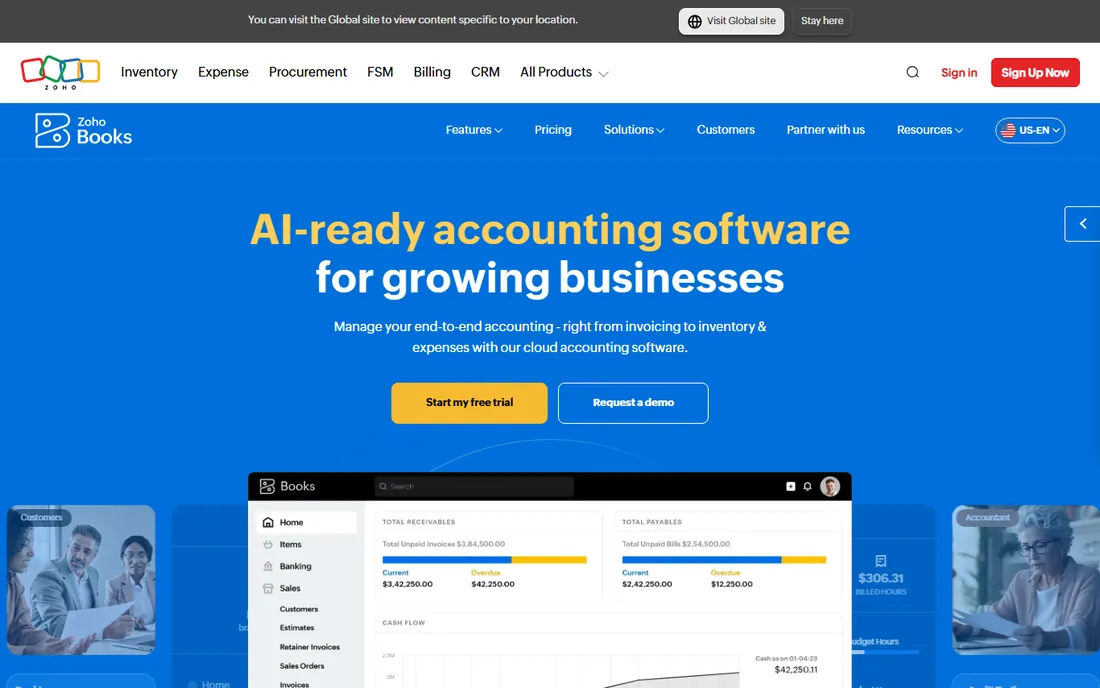
Zoho Books delivers capable cloud accounting free or cheap, with the automation Zoho is known for. Zoho CRM and app users get connected cloud operations.
Standalone users get less of the ecosystem magic. For affordable cloud accounting, the value is strong.
Zoho Books users in the Zoho ecosystem should connect CRM and other apps early for unified operations. The free tier supports real learning. Explore workflow automation once basics are comfortable.
What we like- Free cloud tier
- Zoho ecosystem integrations
- Good automation
Watch out for- Smaller accountant network
- Brand less known

#6
Sage Business Cloud Accounting
Best for: Sage users in the cloud
Visit sage.com
Starting priceSee website
Free planFree trial
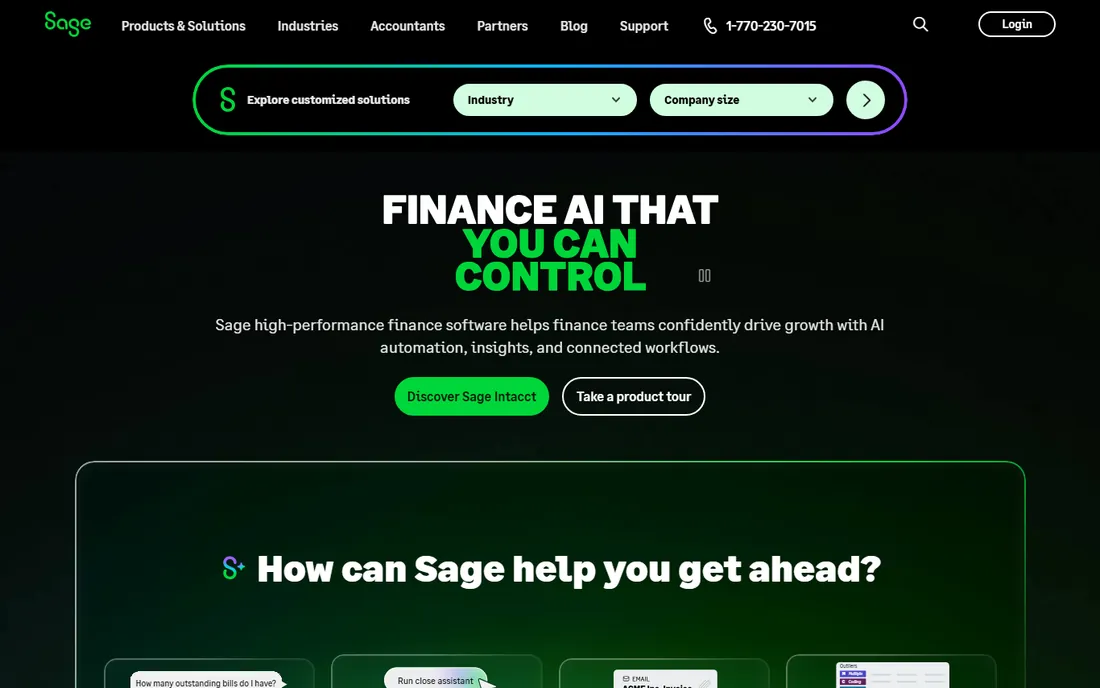
Sage Business Cloud Accounting moves the trusted Sage name fully online: invoicing, banking and MTD compliance without desktop software. Long-time Sage users transition comfortably.
Cloud-native rivals feel more modern. For Sage loyalists going cloud, it is the natural step.
Sage Business Cloud users should confirm which Sage product they are actually evaluating; the lineup confuses buyers. Long-time Sage desktop users get the gentlest transition here. Keep the setup simple initially.
What we like- Sage credibility in the cloud
- MTD compliant
- Solid payroll
Watch out for- Cloud UX trails cloud-native rivals
- Product lineup confusing
Starting priceSee website
Free planNo
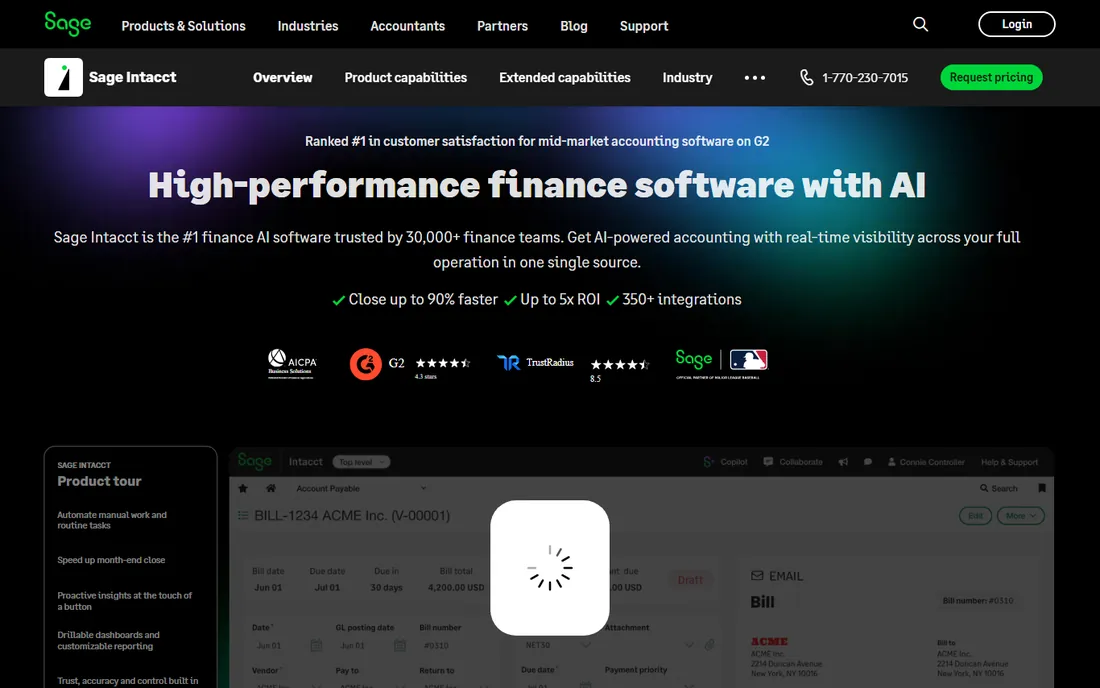
Sage Intacct is cloud financial management for larger organizations: multi-entity, dimensional reporting and automation that small business tools cannot touch. Finance teams get real ERP in the browser.
It is priced and implemented accordingly. Growing companies outgrowing Xero or QuickBooks find their next home here.
Sage Intacct finance teams should invest in dimensional chart design early; the reporting power depends on it. Multi-entity consolidations need clean setup. The implementation effort pays off in close speed.
What we like- True cloud ERP financials
- Multi-entity and consolidations
- Strong reporting
Watch out for- Mid-market pricing
- Implementation project
Starting priceSee website
Free planFree trial
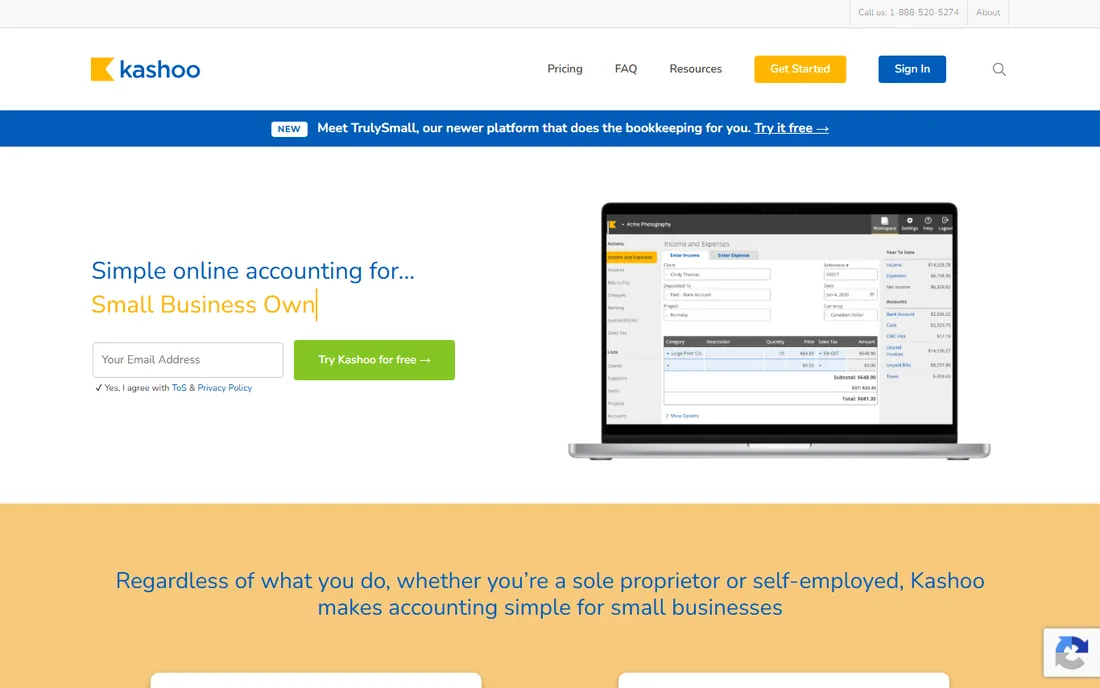
Kashoo keeps cloud bookkeeping minimal: connect banks, categorize, invoice, done, all in a clean browser app. Owners doing their own books appreciate the lack of clutter.
Power users need more. For simple cloud books without the learning curve, it is refreshingly direct.
Kashoo users should keep the account structure minimal and review weekly. The simplicity only works with regular attention. It suits owners who prefer doing books themselves.
What we like- Delightfully simple cloud books
- Fast setup
- Honest pricing
Watch out for- Fewer integrations
- Limited advanced features
Starting priceSee website
Free planFree trial
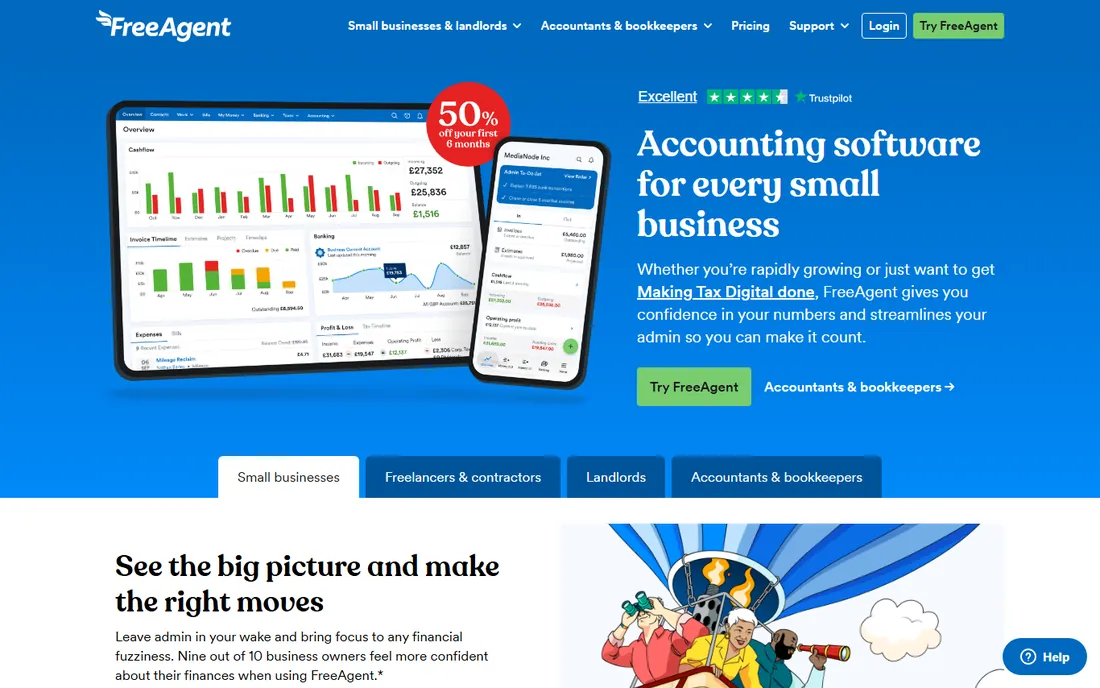
FreeAgent brings UK freelancers and small businesses fully into the cloud with tax timelines and MTD compliance built in. Bank partnerships make it free for many.
Outside the UK it does not apply. British small businesses get cloud accounting designed for HMRC.
FreeAgent UK users should complete the tax timeline setup immediately and check bank bundle eligibility. The MTD compliance removes a major worry. File from inside the app to keep everything in one place.
What we like- Cloud accounting for UK tax
- MTD ready
- Bank bundles available
Watch out for- UK-only
- Smaller business focus
Starting priceFree
Free planYes
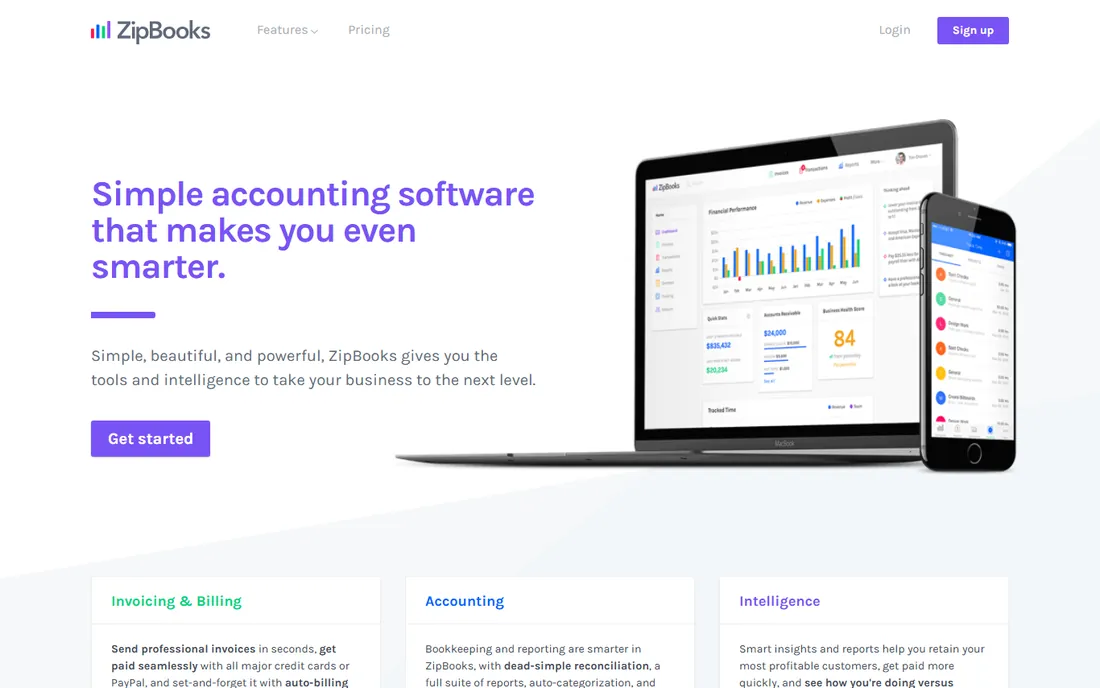
ZipBooks offers free cloud accounting for starters: invoicing and basic books in a clean interface. New businesses get going without cost or complexity.
Growth eventually demands more. As a free cloud starting point, it is honest and capable.
ZipBooks users should use the free tier to learn the fundamentals before deciding on a long-term platform. Export data regularly regardless of vendor. The clean start helps build good habits.
What we like- Free cloud starter tier
- Simple and clean
- Quick onboarding
Watch out for- Smaller company
- Limited advanced features
How we chose
We verified each vendor's homepage and kept only cloud-native accounting software, excluding desktop products with cloud sync bolted on. We weighted cloud strengths: integrations, bank feeds, collaboration and anywhere access. Pricing changes often, so paid tiers show "See website".
What to get right before you buy
Confirm your integrations exist. The cloud's biggest win is connected apps; verify your CRM, payroll and ecommerce tools connect natively.
Test the mobile app. Cloud accounting should work from your phone; try invoicing and receipt capture on mobile during the trial.
Check data export. Cloud convenience should not mean lock-in; confirm full export of transactions and reports.
Frequently asked questions
What is cloud accounting software?
Accounting software that runs in a web browser with data stored online: automatic backups, anywhere access, bank feeds and real-time accountant collaboration.
Is cloud accounting secure?
Reputable vendors use bank-grade encryption, backups and certifications like SOC 2. It is generally more secure than a desktop file on one computer.
What happens if the internet goes down?
You lose access until connectivity returns. Most vendors offer mobile apps with offline capture that syncs later.
Can my accountant access cloud accounting?
Yes, that is a core benefit: invite your accountant for real-time collaboration instead of sending files at year-end.
How much does cloud accounting cost?
From free (Wave, Zoho Books) to 15-80 per month for small business plans, with mid-market tools like Sage Intacct priced higher.
Is it easy to switch cloud accounting providers?
Moderately. Chart of accounts, customers and history migrate via import tools; reconciliations and custom reports need rebuilding.
Cloud accounting security: what to actually check
Cloud accounting means trusting a vendor with your financial data, so verify the trust. Start with certifications: SOC 2 Type II, ISO 27001 and GDPR compliance are the baseline expectations. Reputable vendors publish these; absence is a red flag worth investigating.
Next, check data residency and export. Know where your data lives, especially with regional tax requirements, and confirm you can export everything in usable formats. The ability to leave is the ultimate security: vendors confident in their product make export easy.
Then, secure your own side. Enable two-factor authentication for every user, use role-based permissions so staff see only what they need, and review user access quarterly. Most accounting breaches come from compromised credentials, not vendor hacks. The shared responsibility model puts access control on you.
Also, understand the backup story. Cloud vendors replicate data across regions, which beats the single desktop file, but confirm the retention and recovery specifics. Ask about the recovery point objective: how much data could theoretically be lost in a worst case.
Finally, watch the integration permissions. Every connected app gets some data access; review connected apps annually and revoke what you no longer use. The cloud's connectivity is its strength and its risk surface. A yearly access audit takes an hour and prevents the most common issues.
Migrating to the cloud from desktop
Desktop accounting users migrate for access and collaboration, but the transition needs planning. Start by auditing the desktop data: years of uncleared transactions, duplicate contacts and outdated items migrate as problems. Clean the books before moving, not after.
Choose the migration method deliberately. Most cloud vendors offer import tools for major desktop products, but complex histories with payroll and inventory need professional migration. Simple service businesses can self-migrate over a weekend; complicated ones should hire help.
Pick a cutover date at a natural boundary: month-end, quarter-end or year-end. Run parallel briefly if the business cannot tolerate disruption, but keep the parallel period short. Long parallel runs create confusion about which system is authoritative.
Retrain the team on cloud workflows. Bank feeds replace manual statement entry, receipt apps replace paper, and multi-user access changes who does what. The efficiency gains come from new habits, not just new software. Schedule training before go-live.
Finally, decommission the desktop properly. Keep a read-only copy of historical data for reference and audits, then remove live access to prevent split systems. Confirm tax and payroll filings transition cleanly to the new platform before closing the old one.
Sources we checked (10)
- https://www.xero.com/
- https://quickbooks.intuit.com/
- https://www.waveapps.com/
- https://www.freshbooks.com/
- https://www.zoho.com/us/books/
- https://www.sage.com/en-us/
- https://www.sage.com/en-us/sage-business-cloud/intacct/
- https://kashoo.com/
- https://www.freeagent.com/
- https://zipbooks.com/
Is your product missing or out of date?
We review this list regularly. Vendors can request a listing, send updated pricing or ask about featured placement.

Shihab Mia · Founder, Rankite
Shihab has spent more than a decade helping SaaS and e-commerce brands grow through search. He writes Rankite's software buying guides from pricing pages, documentation and public user reviews. More about Shihab.
 Xero
Xero QuickBooks Online
 Wave
Wave FreshBooks
 Zoho Books
 Sage Intacct
 Kashoo
 FreeAgent
 ZipBooks