How we make this list: we compare pricing pages, product documentation and public user reviews. Rankite is independent; if a vendor ever pays for a featured spot, that listing is clearly labeled Partner.
Key takeaways
- YNAB ($109/year) is the best choice if you want a budgeting method that changes behavior; Monarch Money ($99.99/year) is the best complete dashboard.
- Empower's Personal Dashboard is completely free and the strongest free option for net worth and investment tracking.
- Rocket Money, PocketGuard, Goodbudget and EveryDollar all offer free tiers that work fine if you will not pay for budgeting software.
- No app fixes spending on its own; the tool that wins is the one you will actually open every week.
- Watch for the business model: free apps often monetize through ads, data or upsells, while paid apps live on subscriptions.
Quick comparison
Is your product missing or out of date?
We review this list regularly. Vendors can request a listing, send updated pricing or ask about featured placement.
The method matters more than the app
Budget software splits into two camps. Method apps like YNAB and EveryDollar teach you a system, usually zero-based budgeting where every dollar gets a job. Dashboard apps like Monarch and Empower show you everything in one place and let you set looser targets. Neither is objectively better; the right one is the one whose philosophy matches how your brain works.

#1
YNAB
Best for: Behavior-changing zero-based budgeting
Visit ynab.com
Starting price$109 per year
Free planFree trial (34 days)
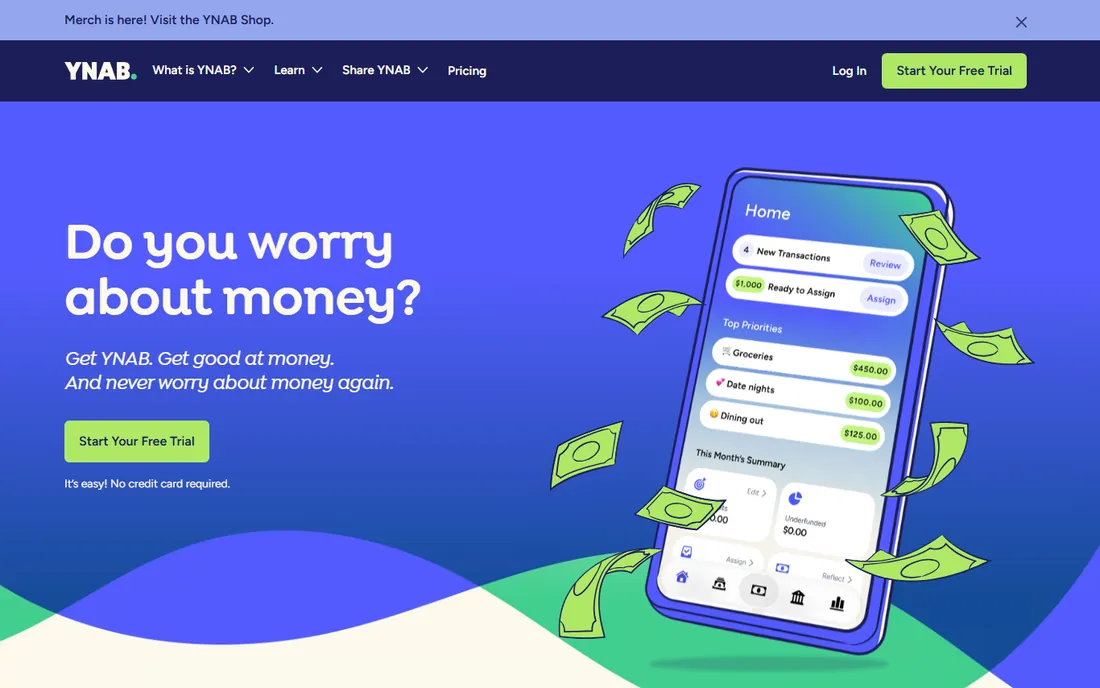
YNAB, You Need a Budget, is a methodology with software attached. The four rules, give every dollar a job, embrace true expenses, roll with the punches, age your money, force a level of intentionality that dashboard apps do not. Users routinely report saving hundreds in the first month. Pricing is $14.99 a month or $109 a year, with a generous 34-day trial and no credit card required, plus a free year for college students.
The honest catch is the learning curve: expect a month or two before it clicks, and investment accounts are tracking-only with no portfolio analysis. YNAB also refuses to be a dashboard, which frustrates people who just want to see everything. If you will engage with the method, nothing else changes behavior like it.
Setup takes an afternoon: link bank accounts or import transactions while you work through the four rules, and YNAB's free workshops guide the first month. The subscription covers the whole household under YNAB Together. Support is genuinely helpful by email, with an active user community. The main limit is scope: investments are tracking-only, and there is no bill negotiation or subscription cancelling built in.
What we like- The method genuinely changes spending habits
- Excellent education and community
- No ads or data selling
Watch out for- Steepest learning curve here
- No free tier
- Weak investment tracking
Starting price$99.99 per year (Core)
Free planFree trial (7 days)
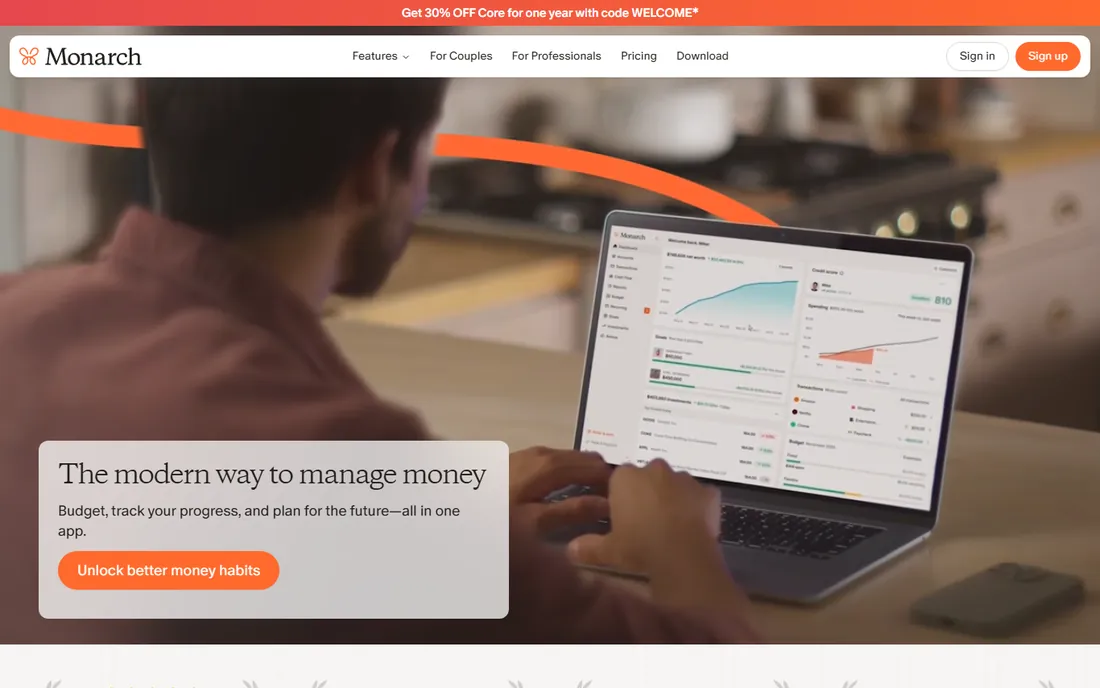
Monarch became the default Mint replacement for good reason: every account in one place, automatic categorization, cash flow projections, investment holdings and the most mature household sharing in the category. Core costs $14.99 a month or $99.99 a year with a 7-day trial; the 2026 Plus tier at $199 adds forecasting and business features most people do not need.
Monarch shows you the money; it does not force the discipline. The budgeting layer is flexible targets rather than YNAB's strict zero-based ritual. If you want the full financial picture beautifully presented and you will set your own rules, this is the best dashboard available.
Setup is fast: connect accounts and Monarch pulls in transactions, investments and net worth automatically. Budgeting uses flexible rollover targets rather than strict envelopes, and household sharing lets partners manage money together with separate logins. Integrations cover most US banks and brokerages through the usual aggregators. Support runs through email with decent response times, though there is no phone line.
What we like- Best-in-class dashboard and design
- Investments, net worth and budgeting in one place
- Built for couples
Watch out for- No free tier
- The new Plus tier at $199/year adds cost for power features
Starting price$95 per year
Free planFree trial
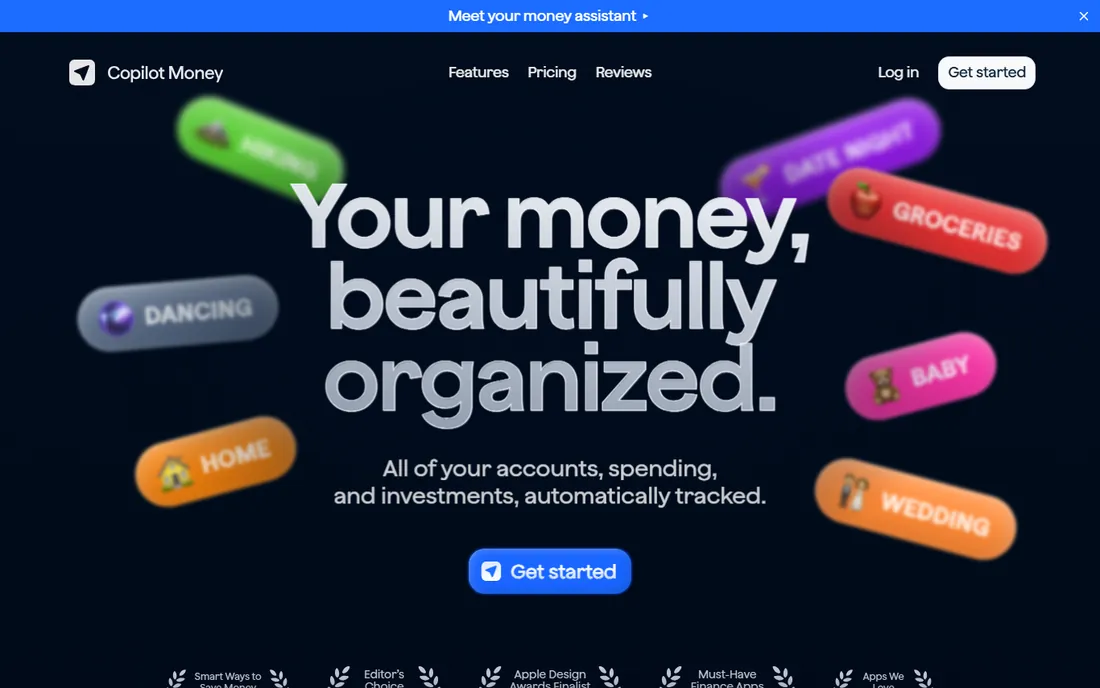
Copilot is the budgeting app Apple users rave about: native iOS and Mac apps with the polish you expect, intelligent categorization, and investment tracking, all for $95 a year with a free trial. Like Monarch and YNAB, it runs on subscriptions, not your data.
The limitation is the audience: there is no Android or web app worth mentioning, so mixed-device households are out. The feature set is also narrower than Monarch's. But if you live in Apple's ecosystem and want budgeting software that feels like it belongs there, Copilot is the pick.
Setup mirrors Monarch: link accounts and the app categorizes spending using on-device intelligence, which Copilot cites for its privacy stance. Recurring transaction detection and investment tracking are included, and the design feels native to iOS and macOS throughout. There is no Android app and no real web app, so households with mixed devices should look elsewhere. Support is email-based and generally quick.
What we like- Beautiful native Apple apps
- Smart categorization
- Privacy-focused with no ads
Watch out for- Apple ecosystem only
- Smaller feature set than Monarch
Starting priceFree
Free planYes
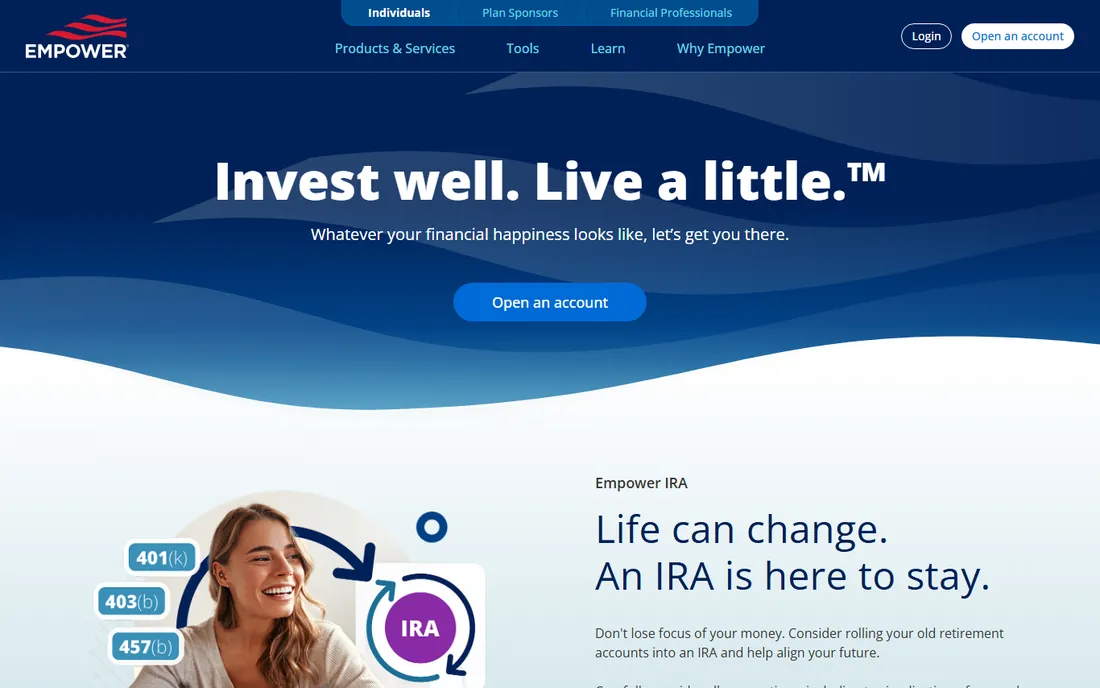
Empower's Personal Dashboard, formerly Personal Capital, is the strongest free option here: full account aggregation, net worth tracking, portfolio analysis and retirement planning at zero cost. The budgeting tools are decent, though clearly secondary to the investment features.
The business model is the catch. Empower monetizes by pitching its wealth management services to users with significant assets, so expect advisor outreach once your balance grows. If you can ignore the upsells, the free toolkit rivals paid apps.
Setup is just account linking, after which net worth, cash flow and portfolio analysis populate automatically. The retirement planner and fee analyzer are the standout tools, showing what fund fees cost over time. Budgeting exists but stays basic compared with dedicated apps. The catch remains the business model: expect calls or emails about wealth management once your assets grow. Support for the free dashboard is adequate but not a priority channel.
What we like- Completely free
- Excellent investment and fee analysis
- Solid budgeting tools
Watch out for- You are the product for wealth-management upsells
- Budgeting is secondary to investing
Starting priceSee website
Free planNo

Simplifi is Quicken's modern answer to budgeting: a clean spending plan that shows what is safe to spend after bills and savings, with solid bill tracking and alerts. It benefits from Quicken's decades of bank connectivity experience, and the interface stays out of your way.
There is no free tier and no real trial, just a money-back guarantee, so you pay to find out if you like it. It also lacks the passionate community of YNAB or the dashboard beauty of Monarch. A solid, unflashy choice for people who want simple.
Setup is quick, with bank linking handled through Quicken's long-standing aggregation connections. The spending plan shows projected income against bills and subscriptions, and alerts flag unusual charges or upcoming bills. Custom watchlists track spending in chosen categories. The catch is the lack of a free tier or real trial; you buy first and rely on the money-back guarantee. Support is ticket-based.
What we like- Clean spending-plan workflow
- Decades of Quicken reliability
- Good bill tracking
Watch out for- No free tier or trial
- The Quicken brand carries legacy baggage
Starting priceSee website
Free planYes
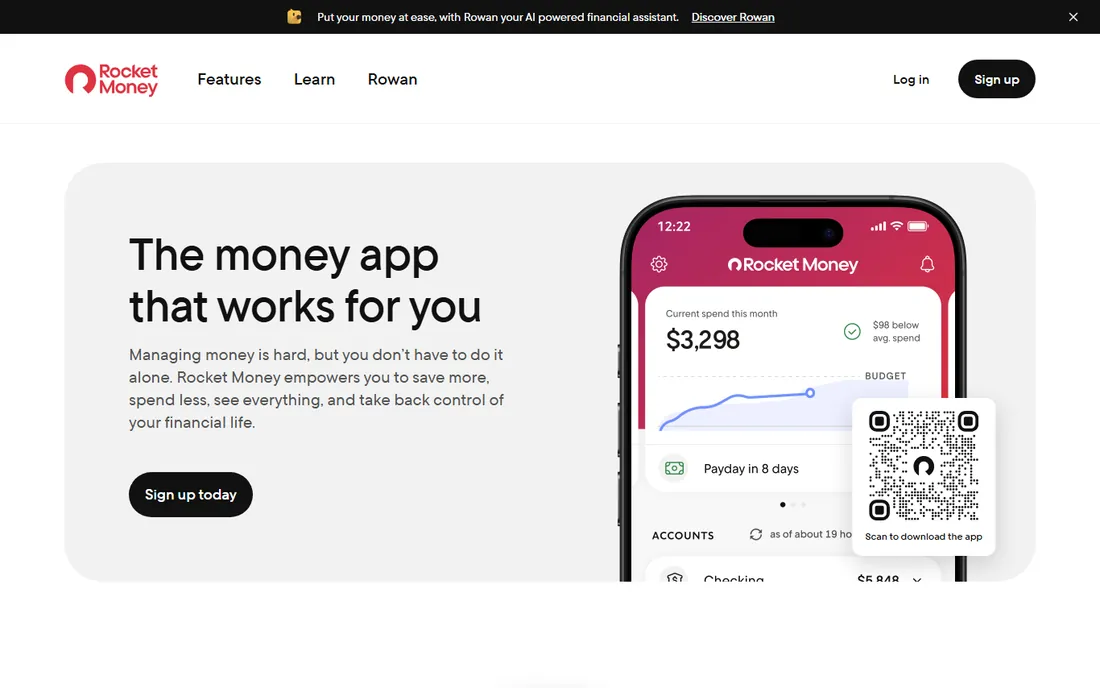
Rocket Money built its name on subscription management: it finds recurring charges, helps cancel the ones you do not want, and even negotiates bills on your behalf for a cut of the savings. The budgeting features are competent, and the free tier covers the subscription-tracking core.
Premium pricing runs on a pay-what-you-think-is-fair sliding scale, which is either charming or confusing depending on your temperament. The company also pushes its paid services. If forgotten subscriptions are your leak, start here before buying a full budgeting system.
Setup centers on linking accounts so the app can scan for subscriptions and recurring bills. Cancelling goes through the app for many services, and bill negotiation takes a percentage of the savings as its fee. The free tier covers subscription tracking and basic budgeting. Premium's sliding-scale pricing lets you choose what to pay within a range, which some users find odd. Support is chat and email based.
What we like- Finds and cancels subscriptions
- Bill negotiation service
- Useful free tier
Watch out for- Premium pricing uses a sliding scale that confuses
- Upsells its paid services
Starting priceSee website
Free planYes

PocketGuard's killer feature is a single number: "In My Pocket," what you can safely spend after bills, goals and necessities. That simplicity helps chronic overspenders more than detailed category budgets do. The free tier covers the basics, with a Plus tier adding unlimited budgets, custom categories and debt payoff plans.
Bank connectivity for smaller institutions can be hit or miss, and the free tier's limits nudge you toward paid. For people who want one clear answer instead of a spreadsheet, it delivers.
Setup links your accounts and the app builds budgets around recurring bills, then shows the In My Pocket figure front and center. Debt payoff plans project timelines based on your payments, and the Plus tier adds unlimited budgets and custom categories. Bank sync covers major institutions well but can stumble on smaller banks and credit unions. Support is email-based with a helpful knowledge base.
What we like- The "In My Pocket" number is genuinely useful
- Simple interface
- Debt payoff planning
Watch out for- Free tier is limited
- Bank sync can be flaky for smaller institutions
Starting priceSee website
Free planYes
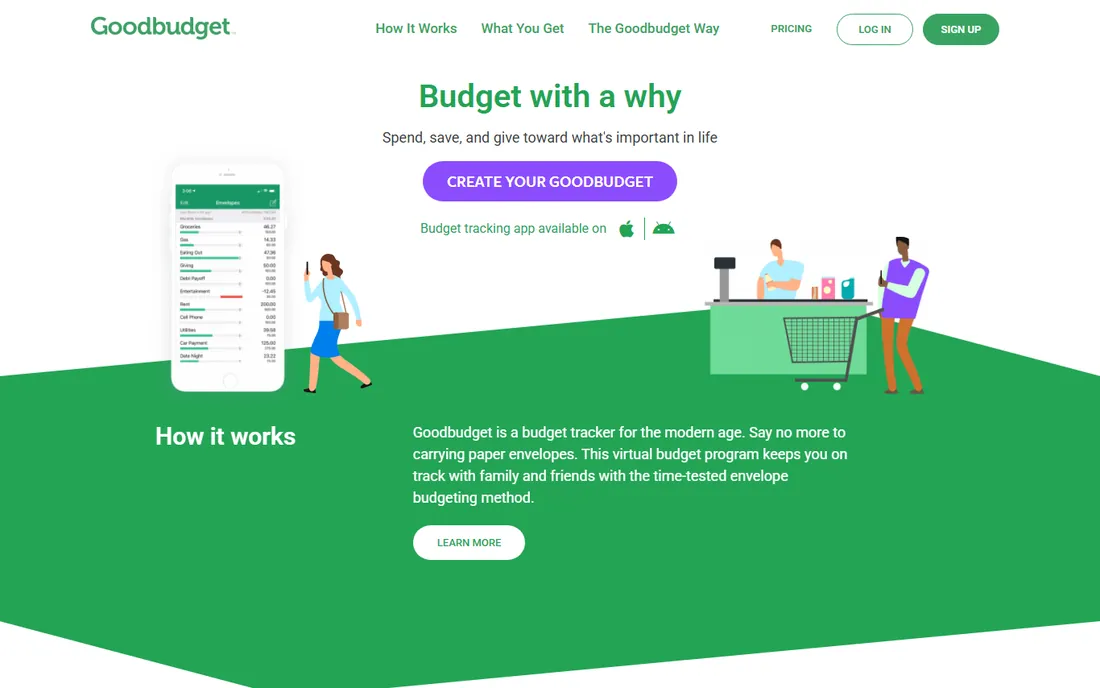
Goodbudget digitizes the envelope method: divide your cash into virtual envelopes for groceries, rent, fun money, and spend from each. It is deliberately manual, which fans consider a feature, and the free tier covers 20 envelopes, enough for most households. Couples can share and sync in real time.
There is no automatic bank import on the free plan; you enter transactions by hand. The interface looks dated next to Monarch. But for envelope budgeting purists and anyone who wants the free option with the least upsell pressure, it is excellent.
Setup is manual by design: create envelopes, set fill amounts for each pay period, and record spending as it happens. Couples share envelopes with real-time sync across devices, which is the standout feature. The free plan covers 20 envelopes and one year of history; the paid tier raises both. There is no automatic import on the free plan, so expect daily manual entry. Support is responsive by email.
What we like- Faithful digital envelope method
- Great for couples sharing
- Generous free tier
Watch out for- No automatic bank sync on the free plan
- Dated interface
Starting priceSee website
Free planYes
EveryDollar implements Dave Ramsey's zero-based budgeting in the simplest possible interface: plan every dollar, track spending, follow the baby steps. The free tier covers manual budgeting well, and the learning curve is the shallowest of any method app here.
Automatic bank transactions require the paid tier, which makes the free version a manual-entry tool. The app also sits inside Ramsey's product ecosystem, so expect cross-promotion. For Ramsey followers, it is the obvious choice; others may prefer YNAB's deeper method.
Setup takes minutes: create a zero-based budget and either enter transactions by hand or link accounts on the paid tier. The baby-steps framework is baked into the planning flow, which Ramsey followers like. Bank sync on the paid tier works through the standard aggregators. The free version is fully manual, so it suits people who prefer hands-on tracking. Support is email-based, with Ramsey's broader help resources behind it.
What we like- Clean zero-based workflow
- Follows Dave Ramsey's baby steps
- Simple to learn
Watch out for- Bank sync requires the paid tier
- The ecosystem pushes Ramsey products
Free vs paid: the honest math
Free apps cost you in other ways: ads, data monetization, upsells, or limited features that push you to paid tiers anyway. Paid apps cost $95 to $109 a year, which is real money but trivial if the app saves you even $20 a month. The most expensive budgeting software is the one you pay for and never open.
There is also a middle path. Use a free app like Empower for tracking and a method app's trial to learn the system, then decide whether the paid version earns its fee. Check bank connectivity early too: an app that cannot reliably sync your specific bank will sit unused no matter how good its budgeting is. Most paid apps offer money-back guarantees, so the risk of trying one is low if you commit to a real month of use.
How we chose
We compared the budgeting apps most recommended in 2026 reviews and personal finance communities, verifying current pricing against vendor pricing pages. We weighted budgeting effectiveness, bank connectivity, free tier quality and business model transparency. We did not manage test budgets in each app.
We also looked at how each app makes money, since free budgeting tools often trade on ads or data. Apps that were discontinued, like Mint, or that lacked a working product in 2026 were left out. Recommendations reflect the current pricing pages and feature sets, not older reviews.
Frequently asked questions
Is YNAB worth $109 a year?
If you actively use the method, yes; users commonly report saving far more than the subscription costs. If you will not engage with zero-based budgeting, a free dashboard app gives you more value for zero dollars. Students get a free year, which makes the trial effectively risk-free while you learn the method.
What is the best free budget app?
Empower's Personal Dashboard for overall money tracking, Rocket Money for subscription management, and Goodbudget for envelope budgeting. Each monetizes differently, so pick the trade-off you prefer. If you want method-based budgeting without paying, Goodbudget's free tier is the closest to a full system.
Do budgeting apps sell my data?
Some free apps do monetize user data or show financial product ads. YNAB, Monarch and Copilot explicitly run on subscriptions with no ads or data selling. Check the privacy policy of any free app before connecting bank accounts. Paid tiers of freemium apps usually remove ads, but check whether data practices change too.
Should couples share one budgeting app?
Yes, and Monarch, YNAB Together and Goodbudget all support household sharing. Separate logins with a shared dashboard, which Monarch and YNAB offer, beats sharing one password. Agree on who approves large purchases before sharing, since visibility without rules causes more arguments than it solves.
Can I just use a spreadsheet instead?
Absolutely, and many disciplined budgeters do. Apps earn their keep through automatic bank sync, mobile convenience and reminders. If you maintain a spreadsheet happily, you do not need any of these tools. A hybrid approach works too: track in a spreadsheet and use a free app just for automatic transaction import.
Sources we checked (9)
- https://www.ynab.com/
- https://www.monarchmoney.com/
- https://www.copilot.money/
- https://www.empower.com/
- https://www.quicken.com/
- https://www.rocketmoney.com/
- https://www.pocketguard.com/
- https://www.goodbudget.com/
- https://www.everydollar.com/
Is your product missing or out of date?
We review this list regularly. Vendors can request a listing, send updated pricing or ask about featured placement.

Shihab Mia · Founder, Rankite
Shihab has spent more than a decade helping SaaS and e-commerce brands grow through search. He writes Rankite's software buying guides from pricing pages, documentation and public user reviews. More about Shihab.
 Monarch Money
 Copilot Money
 Empower Personal Dashboard
 Quicken Simplifi
 Rocket Money
 PocketGuard
 Goodbudget
 EveryDollar