How we make this list: we compare pricing pages, product documentation and public user reviews. Ratings come from G2, Capterra or Trustpilot, with the date we checked them.

Key takeaways
- Gamma, Pitch, Presentations.AI and Canva all have permanent free plans. Gamma's free tier caps each prompt at 10 slides, and Pitch gives free workspaces 100 AI credits that do not renew.
- If your team already pays for Microsoft 365 or Google Workspace, the AI built into PowerPoint or Slides may cover most of your needs. Microsoft's Copilot Business add-on is listed at $21 per user per month on annual billing, and Google puts Gemini in Docs and its other apps starting with Business Standard at $14 per user per month.
- Plus AI is the pick for teams that refuse to leave PowerPoint or Google Slides. It works inside both apps and starts at $10 per user per month on annual billing.
- Most AI presentation tools now meter usage with credits. Read the credit allowance on each plan before you compare sticker prices, because heavy users burn through lower tiers quickly.
- For team brand control, Beautiful.ai Team ($40 per user per month, annual) and Pitch Business are the most purpose-built options on this list.
Quick comparison
| Tool | Best for | Starting price | Free plan |
|---|
 Gamma Gamma | Fast first drafts from a prompt or document | See website | Yes |
 Beautiful.ai Beautiful.ai | Brand-consistent decks for small teams | $14.50/month (billed annually) | Free trial (14 days) |
 Plus AI Plus AI | AI inside PowerPoint and Google Slides | $10 per user/month (billed annually) | Free trial (7 days) |
 Microsoft 365 Copilot (in PowerPoint) Microsoft 365 Copilot (in PowerPoint) | Companies standardized on PowerPoint | $21 per user/month add-on (billed annually) | No |
 Google Slides with Gemini Google Slides with Gemini | Google Workspace teams | $14 per user/month (Business Standard, annual) | Free trial (14 days) |
 Pitch Pitch | Sales and startup teams that track deck views | €10/month (billed annually) | Yes |
 Presentations.AI Presentations.AI | Solo presenters who want polished output quickly | $20/month (billed annually) | Yes |
 Prezi Prezi | Conversational, non-linear presentations | $7/month (billed annually) | Free trial (14 days) |
 Canva Canva | Marketing teams that need decks plus other designs | See website | Yes |
Is your product missing or out of date?
We review this list regularly. Vendors can request a listing, send updated pricing or ask about featured placement.
The best AI-powered presentation software
#1Gamma
Best for: Fast first drafts from a prompt or document3.9/5 on
G2 (39 reviews, checked Oct 2026)
Visit gamma.app
Starting priceSee website
Free planYes
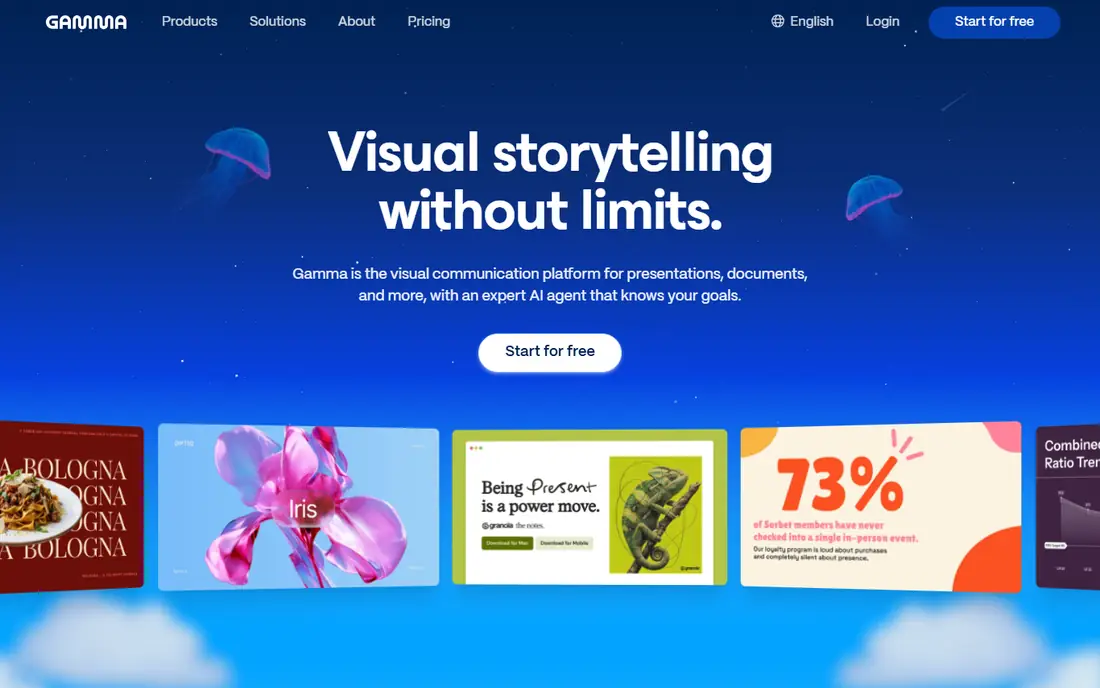
Gamma is the tool most people mean when they say "AI presentation maker." You type a prompt or paste notes, and it returns a styled, multi-section deck. It fits founders, consultants and marketers who need a credible draft before a meeting and do not want to fight with slide masters.
The free plan is unusually usable. Gamma's pricing page lists up to 10 slides per prompt, PDF and PPTX imports, and exports to PDF, PPTX, PNG and Google Slides. Paid tiers raise the per-prompt limit to 100 slides, remove the Gamma branding, and add custom branding, analytics and custom domains on Pro. The company states it is SOC 2 Type II compliant, which helps if procurement asks.
The catch is that Gamma thinks in scrolling cards, not fixed 16:9 slides. Decks that look great in the browser sometimes need layout fixes once exported to PowerPoint. Gamma's pricing page did not show dollar figures in a form we could verify, so check current plan prices on the site before you budget.
What we like- Free plan exports to PDF, PPTX, PNG and Google Slides
- Imports existing PDF and PPTX files
- One tool covers decks, docs, web pages and social graphics
Watch out for- Free plan adds Gamma branding and caps each prompt at 10 slides
- Card-based layouts can need cleanup after export to PowerPoint
#2Beautiful.ai
Best for: Brand-consistent decks for small teams4.6/5 on
G2 (196 reviews, checked Oct 2026)
Visit beautiful.ai
Starting price$14.50/month (billed annually)
Free planFree trial (14 days)
Beautiful.ai suits the operations lead or marketing manager who is tired of fixing other people's alignment. Its Smart Slides adjust spacing and layout as you type, so a deck built by a salesperson still looks like it came from the design team.
Pricing is clear. Pro costs $14.50 per month on annual billing for one person. Team covers 2 to 20 seats at $40 per user per month billed annually, or $50 month to month. Beautiful.ai says every seat includes unlimited AI content generation, more than 300 Smart Slide layouts, and PowerPoint import and export, so you are not rationing credits.
The weakness is flexibility. The same guardrails that keep slides tidy also stop you from placing elements exactly where you want. Designers who want pixel control often find it restrictive.
What we like- Smart Slide layouts reformat automatically as you add content
- Unlimited AI generation on every seat
- PowerPoint import and export included
Watch out for- No permanent free plan
- Team plan jumps to $40 per user per month
#3Plus AI
Best for: AI inside PowerPoint and Google Slides3.2/5 on
G2 (5 reviews, checked Oct 2026)
Visit plusai.com
Starting price$10 per user/month (billed annually)
Free planFree trial (7 days)
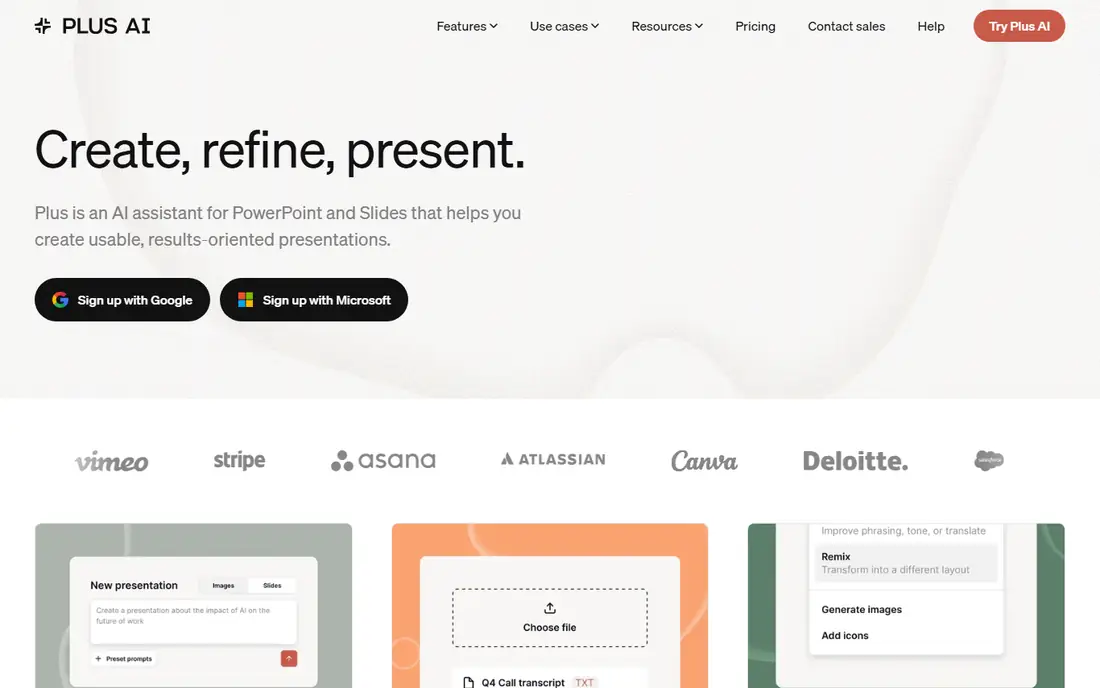
Plus AI takes a different approach from Gamma and Pitch. Instead of asking you to move into a new editor, it installs as an add-in for Google Slides and PowerPoint. That makes it the easiest sell in companies where IT or clients insist on native .pptx files.
The Basic plan is $10 per user per month on annual billing, or $15 month to month, with 1,500 AI credits per month. Plus AI notes that a typical task uses between 40 and 170 credits depending on complexity, so Basic covers a moderate amount of work. Every paid plan starts with a 7-day trial that includes 1,000 credits.
The honest limitation is that your output can only look as good as the slide app underneath it. You get speed and convenience, not the polished, opinionated design system of Beautiful.ai.
What we like- Works inside the apps your team already uses
- One subscription covers both Google Slides and PowerPoint
- Lowest paid entry price on this list
Watch out for- Credit-metered, with tasks using roughly 40 to 170 credits each
- No permanent free plan
#4
Microsoft 365 Copilot (in PowerPoint)
Best for: Companies standardized on PowerPoint
Visit microsoft.com
Starting price$21 per user/month add-on (billed annually)
Free planNo
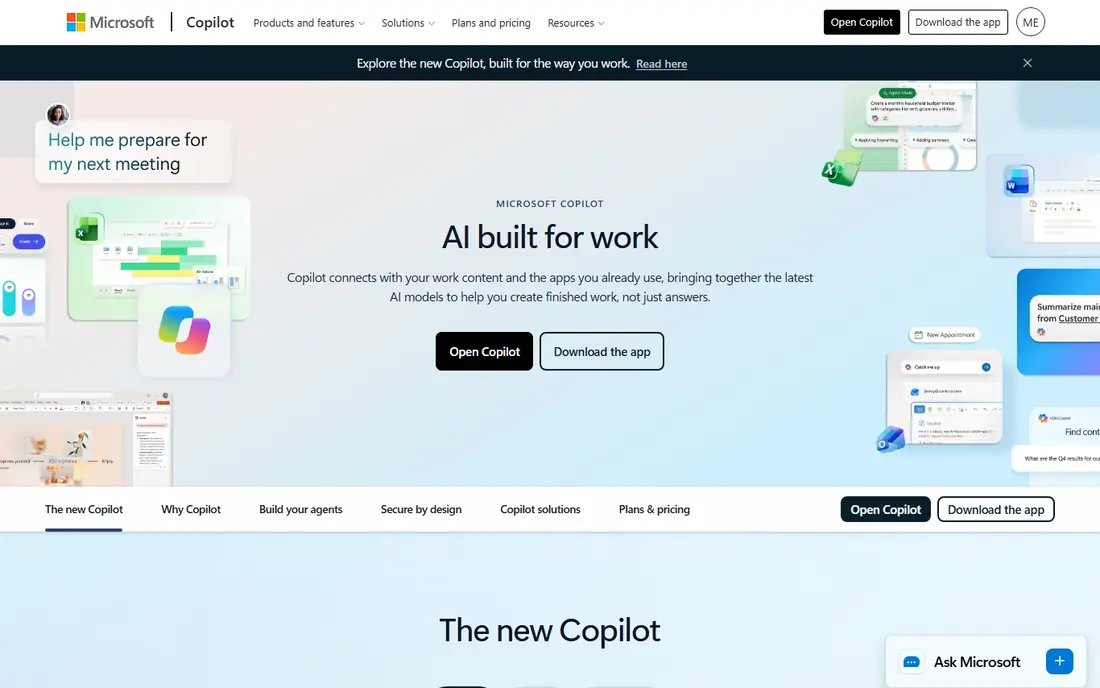
For a company that lives in Outlook, Teams and SharePoint, Copilot is the path of least resistance. It drafts slides from a prompt or an existing document, rewrites text, and summarizes long decks, all inside PowerPoint.
Microsoft's pricing page lists the Copilot Business add-on at $21 per user per month on annual billing (a lower promotional price was showing when we checked) and $25.20 on monthly billing. Bundles are also available: Business Standard with Copilot at $23.50 and Business Premium with Copilot at $32 per user per month, paid yearly. Microsoft also notes usage-based billing for select advanced AI features.
The trade-off is cost per seat and design quality. You are paying for an assistant across the whole Office suite, which is good value if people use it in Word and Outlook too, and poor value if they only want nicer slides. Slides Copilot generates tend to look like standard PowerPoint themes.
What we like- Builds and edits decks inside desktop, web and mobile PowerPoint
- Can draw on Word files and other Microsoft 365 content
- One license also covers Word, Excel, Outlook and Teams
Watch out for- Add-on requires an eligible Microsoft 365 plan
- Annual subscription that auto-renews
- Design output is plainer than dedicated tools
Starting price$14 per user/month (Business Standard, annual)
Free planFree trial (14 days)
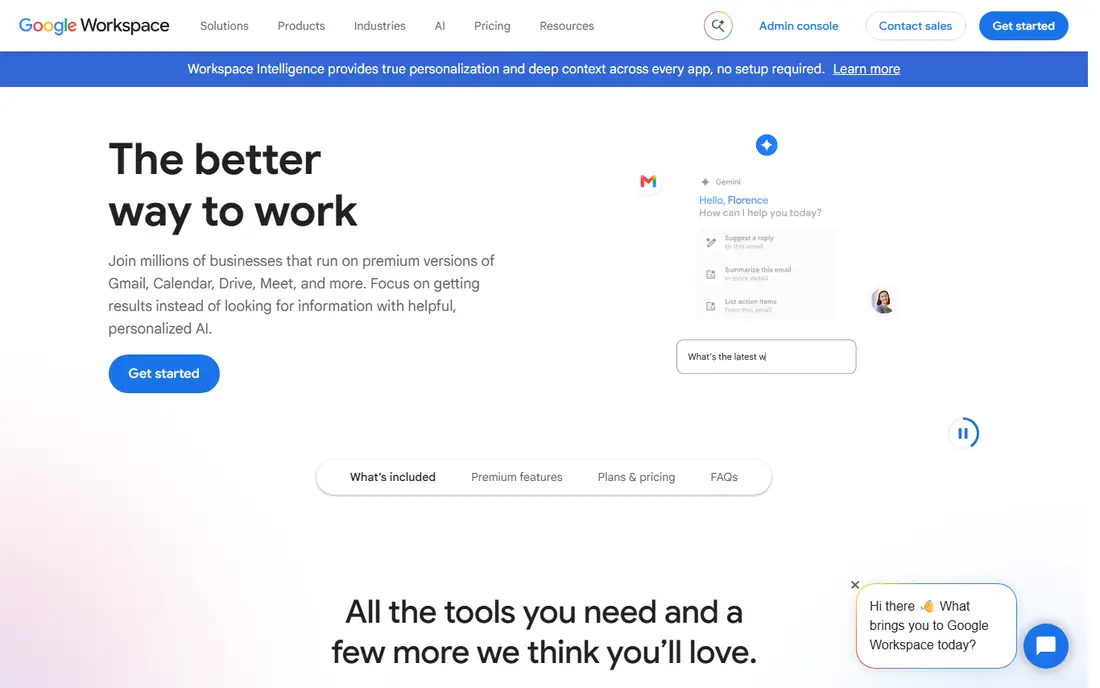
Teams already on Google Workspace should test Gemini before buying anything else. It can draft slide content, generate images and help reorganize decks inside Google Slides, and your files stay where they already are.
Google's plan page lists Business Starter at $7 per user per month on annual terms, but that tier only includes Gemini in Gmail and the standalone Gemini chat. Gemini in Docs, Meet "and more" begins at Business Standard, which costs $14 per user per month on an annual plan or $16.80 on the flexible monthly plan. Google was also running an introductory discount on the first three months when we checked.
The downside is that Gemini is a helper, not a designer. It speeds up writing and image creation, but you still choose layouts and fix spacing yourself.
What we like- No extra vendor for Workspace customers
- Google states company data is not used to train its models
- Flexible monthly plan available
Watch out for- Gemini in Docs and the other apps starts at Business Standard, not Starter
- Slide design help is lighter than specialist tools
#6Pitch
Best for: Sales and startup teams that track deck views4.4/5 on
G2 (67 reviews, checked Oct 2026)
Visit pitch.com
Starting price€10/month (billed annually)
Free planYes
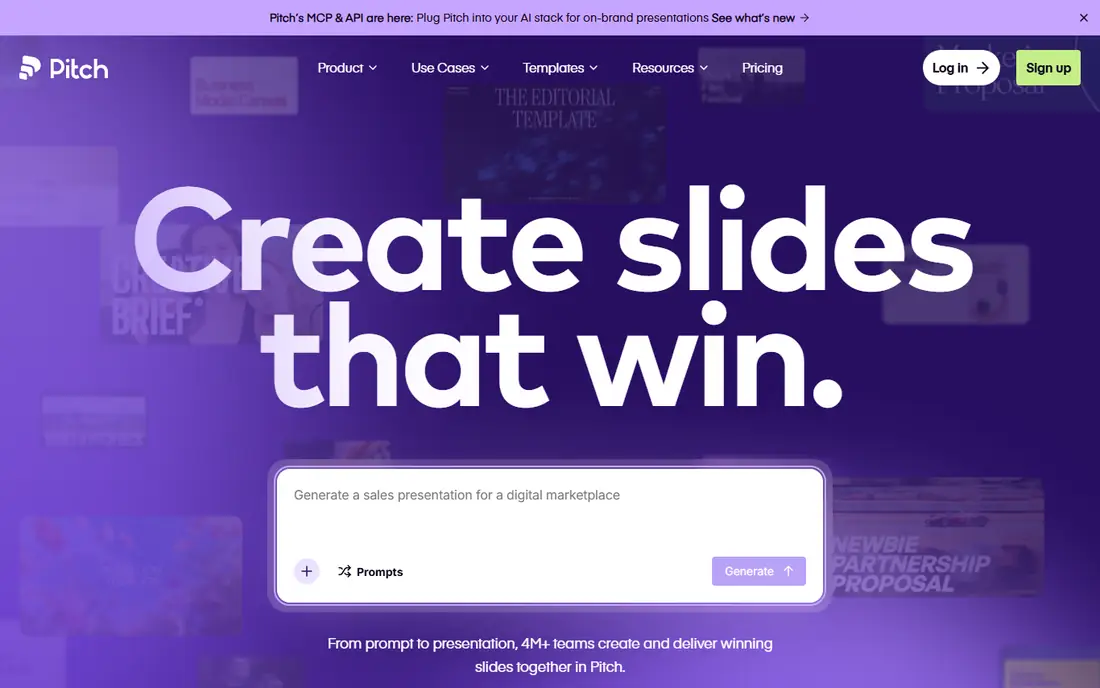
Pitch is built for teams whose decks go out to prospects and investors. The standout is what happens after you hit send: advanced links show visits, slide views and time spent per slide, and "pitch rooms" bundle decks and files behind one link so you can see how a buyer engages.
The free plan supports up to 5 members and unlimited presentations, with 100 AI credits that do not renew once used. Paid tiers displayed for us at €10 per month for Plus (one member), €15 per seat for Team (up to 25 members) and €20 per seat for Business (up to 200), all on annual billing. Pitch's help center confirms annual billing is 17% cheaper and that every member is billed except commenters. US buyers should check the dollar price at checkout.
AI is a supporting feature here, not the main event. Credit allowances are modest (500 per month on Plus and Team, 750 on Business), with extra credits sold at $0.004 each. If you want a full deck from a one-line prompt, Gamma or Presentations.AI does more of the heavy lifting.
What we like- Free plan for up to 5 members with unlimited presentations
- Integrations with HubSpot, Google Sheets, Google Analytics and Loom
- Link analytics and shared pitch rooms on Team and Business
Watch out for- Free AI credits (100) do not renew
- Enterprise requires at least 30 seats
- Prices displayed in euros for us
#7Presentations.AI
Best for: Solo presenters who want polished output quickly4.2/5 on
G2 (9 reviews, checked Oct 2026)
Visit presentations.ai
Starting price$20/month (billed annually)
Free planYes
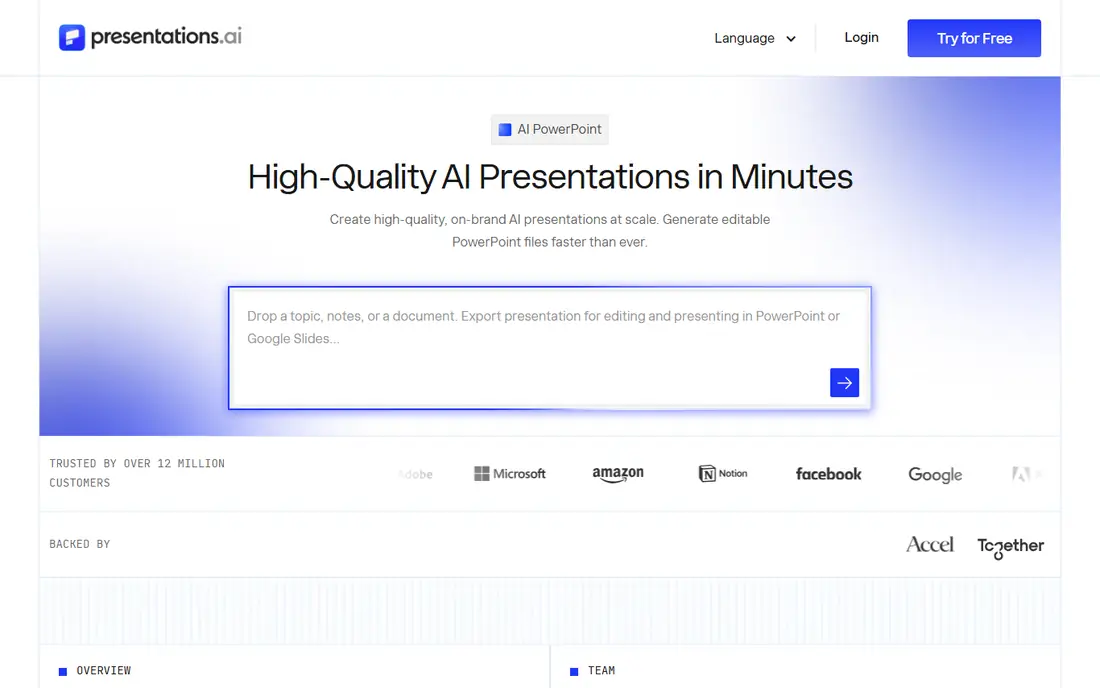
Presentations.AI aims at people who present often and want the AI to handle most of the design. It generates a full deck from a prompt and then lets you refine sections by asking for changes in plain language.
The Starter plan is free with 100 credits and decks up to 20 slides. Pro costs $20 per month on annual billing and includes 5,000 credits, higher-quality PowerPoint export, presentation tracking and brand customization. A Gold plan at $100 per month adds access to the company's most advanced AI models.
The honest catch is team features. Pricing is presented per individual, so a sales team of ten should confirm workspace, admin and shared-template options with the vendor before committing.
What we like- Free Starter plan with no time limit
- Pro adds PowerPoint export, presentation analytics and brand customization
- Generous 5,000 monthly credits on Pro
Watch out for- Free plan limited to 100 credits and 20 slides
- Top Gold tier costs $100 per month
#8Prezi
Best for: Conversational, non-linear presentations4.2/5 on
G2 (5,725 reviews, checked Oct 2026)
Visit prezi.com
Starting price$7/month (billed annually)
Free planFree trial (14 days)
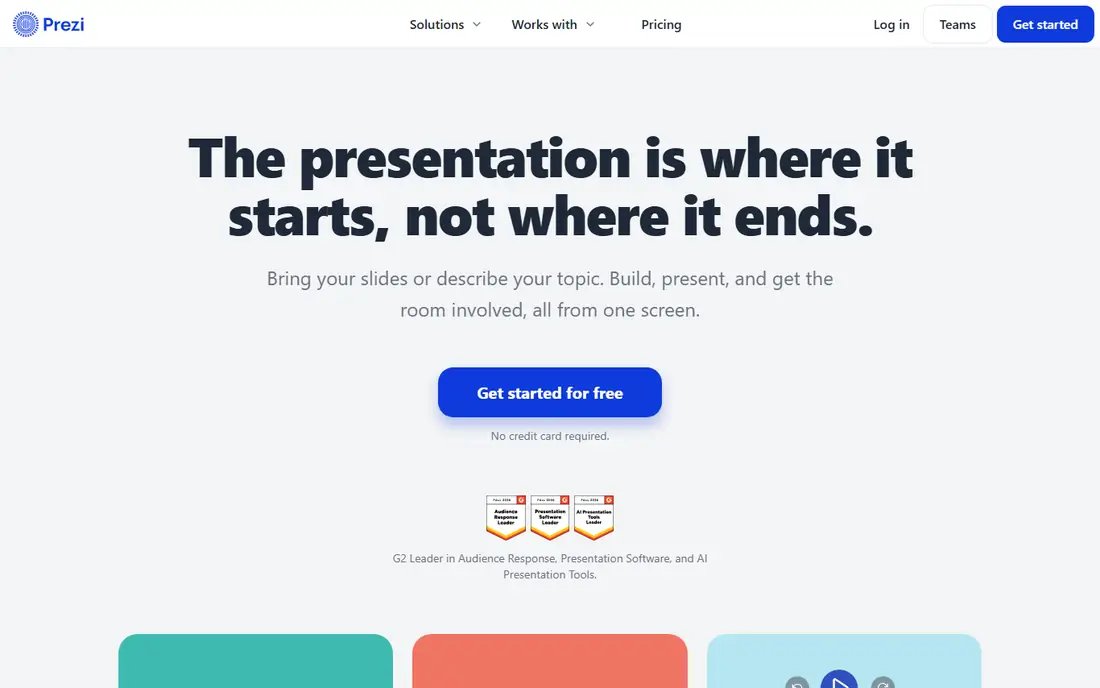
Prezi has been around far longer than the AI wave, and its zooming canvas is still its identity. The AI layer turns an outline into a Prezi-style path, which suits trainers, keynote speakers and sales reps who present over video and want something that does not look like every other slide deck.
Business pricing starts with Standard at $7 per month billed annually. Plus at $19 per month is the first tier Prezi's page describes with unlimited Prezi AI, along with PowerPoint import, PDF export, recording and offline desktop access. Premium is $29 per month, and Teams costs $39 per user per month with brand kits, analytics and single sign-on.
The weakness is fit. Board reports, financial reviews and anything that will be printed usually work better as linear slides.
What we like- Zooming canvas holds attention in live and video presentations
- Prezi AI listed as unlimited from the Plus plan
- PowerPoint import on Plus and above
Watch out for- Teams plan costs $39 per user per month
- The motion-based style is not right for every audience
#9Canva
Best for: Marketing teams that need decks plus other designs4.7/5 on
G2 (7,678 reviews, checked Oct 2026)
Visit canva.com
Starting priceSee website
Free planYes
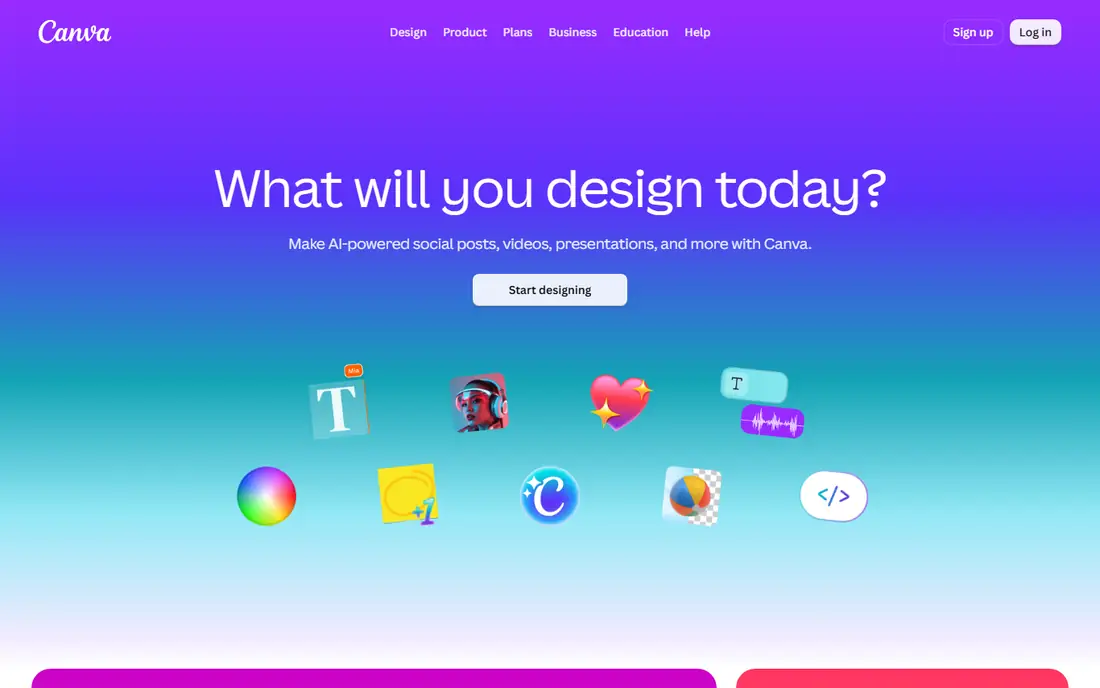
Canva makes sense when presentations are only part of the job. A marketing coordinator can build a webinar deck, the matching social graphics and a one-pager in the same workspace, with the same brand colors and fonts. Its AI tools can draft a presentation from a prompt and rewrite or resize content afterward.
Canva Business is listed at $20 per person per month with no seat minimum, according to Canva's own announcement, and it includes data connector apps for Google Analytics, Salesforce and HubSpot. Canva also offers a free plan and other paid tiers, so check the pricing page for the option that matches your team size.
The trade-off is depth. Canva is a strong generalist, but it lacks the deck analytics of Pitch and the auto-formatting discipline of Beautiful.ai.
What we like- Presentations sit alongside social posts, documents and print in one tool
- Generous free plan
- Canva Business has no seat minimum
Watch out for- Paid AI and brand features sit behind higher tiers
- Heavy template use can make decks look familiar
How we chose
We started with a long list of tools marketed as AI presentation makers, then cut anything that has pivoted away from slides or no longer sells to businesses. For each remaining product we read the vendor's own pricing page and help documentation to confirm current plans, credit limits, seat caps and billing terms. Where a vendor did not show a price we could verify, we wrote "See website" rather than guess.
We then compared public user feedback on G2, Capterra and Reddit to spot recurring complaints, such as export problems or credit limits that run out quickly. Finally, we weighed integrations, PowerPoint and Google Slides compatibility, admin controls and pricing structure against the needs of small and mid-size US companies. We did not run hands-on lab tests, and no vendor paid for placement.
What to check before you buy
Start with the slide app you cannot leave
If clients, finance or IT require .pptx files, test export quality first. Plus AI and Copilot work natively in PowerPoint, so nothing is lost in translation. Web-first tools like Gamma, Pitch and Presentations.AI all export to PowerPoint, but complex layouts can shift. Export a real deck during the trial and open it on a colleague's machine.
Do the credit math
Credits are now the hidden price of AI presentation software. Pitch's free plan gives a one-time 100 credits, Presentations.AI Pro gives 5,000 per month, and Plus AI estimates 40 to 170 credits per task. Count how many decks your team builds in a typical month and estimate usage before you pick a tier. Beautiful.ai's unlimited AI generation is a real advantage if your team creates a lot of decks.
Per-seat versus per-person plans
Most team plans bill every member. Pitch excludes commenters, which keeps costs down if executives only review decks. Beautiful.ai's Team plan caps at 20 seats, Pitch Team caps at 25 members, and Pitch Enterprise starts at 30 seats.
Contract length and renewals
Microsoft's Copilot plans are annual subscriptions that auto-renew, while Google, Gamma and most smaller vendors offer month-to-month billing at a higher rate. Annual billing usually saves 15 to 20 percent (Pitch quotes 17%, Google 16%), but only commit after the trial proves people will use the tool.
Brand control and security
For teams over a handful of people, look for locked templates, custom fonts and brand kits. Ask about SSO, SCIM and data handling if you work with client data. Gamma publishes SOC 2 Type II compliance, Pitch puts SSO and SCIM on Enterprise, and Prezi includes single sign-on on Teams.
Frequently asked questions
What is the best AI-powered presentation software for a small business?
For most small businesses, Gamma or Beautiful.ai is a strong starting point. Gamma has a usable free plan and produces drafts very quickly, while Beautiful.ai keeps every deck on brand with automatic formatting. If you already pay for Microsoft 365 or Google Workspace, test Copilot or Gemini first since they may cover basic needs.
Can AI presentation tools export to PowerPoint?
Yes, most can. Gamma exports to PPTX on its free plan, Beautiful.ai includes PowerPoint import and export on every seat, and Presentations.AI includes high-quality PowerPoint export on Pro. Plus AI and Copilot avoid the issue entirely by working inside PowerPoint.
Are there free AI presentation makers worth using?
Gamma, Pitch, Presentations.AI and Canva all offer permanent free plans. Expect limits: Gamma caps each prompt at 10 slides and adds branding, Pitch's 100 free AI credits do not renew, and Presentations.AI's free tier stops at 20 slides.
Is Microsoft Copilot worth it just for PowerPoint?
Usually not, if PowerPoint is the only reason. The Copilot Business add-on is listed at $21 per user per month on annual billing and covers Word, Excel, Outlook and Teams too. It pays off when people use it across the suite, while a dedicated tool like Plus AI or Beautiful.ai costs less for slides alone.
How do AI credits work in presentation software?
Credits measure how much AI work you can do each month. Plans differ widely, so compare monthly allowances and the price of extra credits, not just the subscription fee.
Sources we checked (13)
- https://gamma.app/pricing
- https://help.gamma.app/en/collections/12271857-pricing-plans
- https://www.beautiful.ai/pricing
- https://plusai.com/pricing/
- https://www.microsoft.com/en-us/microsoft-365-copilot/pricing
- https://workspace.google.com/pricing
- https://workspace.google.com/
- https://knowledge.workspace.google.com/admin/billing/understand-google-workspace-bills-and-charges
- https://pitch.com/pricing
- https://help.pitch.com/en/articles/13621309-pitch-plans-and-pricing
- https://www.presentations.ai/pricing
- https://prezi.com/pricing/design/business/
- https://www.canva.com/newsroom/news/introducing-canva-business/
Is your product missing or out of date?
We review this list regularly. Vendors can request a listing, send updated pricing or ask about featured placement.

Shihab Mia · Founder, Rankite
Shihab has 5+ years in B2B and SaaS SEO. He writes Rankite's software buying guides from pricing pages, documentation and public user reviews. More about Shihab.