How we make this list: we compare pricing pages, product documentation and public user reviews. Ratings come from G2, Capterra or Trustpilot, with the date we checked them.
Key takeaways
- Aerial surveying software splits into three jobs: processing photos into maps and point clouds, flying and managing drone missions, and doing survey work (contours, volumes, cut/fill) on the finished data. Few tools do all three well.
- Pix4D publishes clear yearly prices for PIX4Dmatic (from $2,290 per year for the Analyst tier), while DroneDeploy, Propeller and Esri Site Scan steer buyers toward a sales conversation.
- The cheapest serious route is open source: WebODM is free to self-host, and its hosted Lightning service starts at $24 per month billed yearly. The real cost is hardware and your own time.
- Virtual Surveyor has a free Valley plan and a 14-day trial of its top tier, which makes it the easiest way to test volume and topo workflows before paying.
- Perpetual licenses (Agisoft Metashape, Global Mapper) suit firms that dislike subscriptions, but they put the processing load on your own computers.
Quick comparison
| Tool | Best for | Starting price | Free plan |
|---|
 Pix4D Pix4D | Survey-grade photogrammetry with CAD-ready output | $2,290 per year (PIX4Dmatic Analyst, billed yearly) | Free trial |
 DroneDeploy DroneDeploy | Construction teams that fly often and share maps with stakeholders | See website | Free trial |
 Propeller Aero Propeller Aero | Earthworks, mining and aggregates progress tracking | See website | No |
 Agisoft Metashape Agisoft Metashape | Flexible desktop photogrammetry on a perpetual license | See website | Free trial |
 WebODM WebODM | Low-cost or self-hosted processing for small teams | Free self-hosted; Lightning cloud from $24 per month (billed yearly) | Yes |
 Virtual Surveyor Virtual Surveyor | Topographic surveys and stockpile volumes from drone data | From €100 per month (Ridge plan); Valley plan is free | Yes (Valley plan, plus a 14-day trial of all features) |
 Global Mapper Global Mapper | GIS, lidar and terrain analysis in one desktop application | $700 one-time (single-user node-locked) | Free trial |
 Esri Site Scan for ArcGIS Esri Site Scan for ArcGIS | Organizations already running ArcGIS | See website | No |
Is your product missing or out of date?
We review this list regularly. Vendors can request a listing, send updated pricing or ask about featured placement.
The best aerial surveying software options
#1
Pix4D
Best for: Survey-grade photogrammetry with CAD-ready output
Visit pix4d.com
Starting price$2,290 per year (PIX4Dmatic Analyst, billed yearly)
Free planFree trial
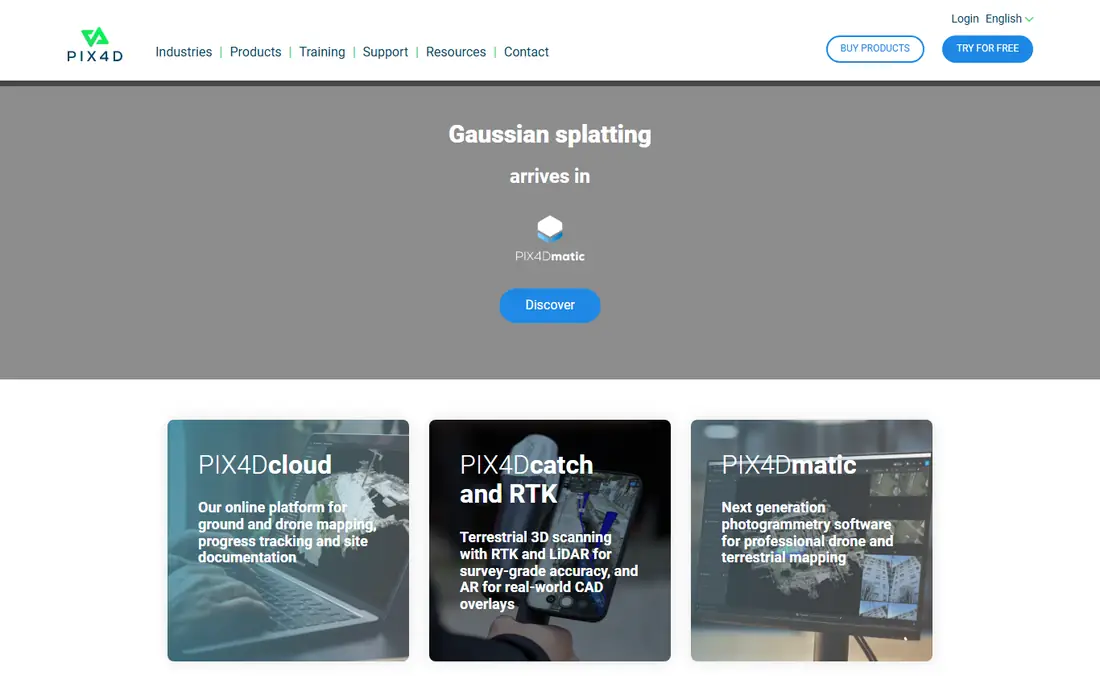
Pix4D is the name most surveyors already know, and its pricing page is refreshingly specific. PIX4Dmatic comes in three tiers: Analyst at $2,290 per year, Standard at $3,990 and Pro at $4,990, each billed yearly and excluding tax. There are also monthly and three-year options, and the three-year route is the cheapest per year.
The tiers are split by what you do with the data, not by image count. Analyst focuses on terrain and CAD work, with contour lines, DTM, TIN and automatic vectorization. Standard adds mesh, DSM, orthomosaics and georeferencing, and lets you combine drone, mobile and LiDAR data in one project. Pro adds Gaussian splatting and a single workflow from imagery to CAD.
The catch is the product family. Pix4D sells PIX4Dmatic, PIX4Dmapper, PIX4Dsurvey, PIX4Dcloud and other pieces, and a first-time buyer can spend an afternoon working out which combination fits. PIX4Dcloud has its own yearly pricing that starts at $49.20 per month, so a team that wants cloud sharing on top of desktop processing will pay for two things. If your deliverables go to an engineer who works in CAD, though, the Analyst tier is a sensible entry point.
What we like- Clear published pricing
- Handles drone, mobile and LiDAR data in one project (Standard tier)
- Strong terrain and CAD extraction tools
Watch out for- Several separate products to choose between
- Costs rise quickly across tiers
#2DroneDeploy
Best for: Construction teams that fly often and share maps with stakeholders4.6/5 on
G2 (130 reviews, checked Oct 2026)
Visit dronedeploy.com
Starting priceSee website
Free planFree trial

DroneDeploy is built around the person who flies the site every week and needs the result to reach a project manager the same day. You plan and fly missions from a mobile app, upload the images, and get processed maps, 3D models and measurements in a browser. Because processing happens in the cloud, an ordinary laptop is enough.
That convenience is the main reason it shows up on so many construction shortlists. Sharing is easy, because a superintendent or client can open a link instead of installing software. Public listings describe a single-pilot entry plan with a cap on images per map and higher tiers that add more image capacity and inspection features, so check the cap against your largest sites.
The honest weakness is cost transparency. Third-party listings quote different figures for the entry plans, and the higher tiers are quote-based, so confirm the current number directly with the vendor before you budget. Survey firms that need control over processing parameters and ground control workflows may find desktop tools like Pix4D or Metashape more flexible.
What we like- Cloud-based, so no powerful workstation is needed
- Flight planning and mapping in one workflow
- Easy to share maps with non-technical people
Watch out for- Pricing is not clearly published for most plans
- Image-per-map limits on lower plans
Starting priceSee website
Free planNo
Propeller targets sites that move dirt. Its platform takes drone surveys and turns them into progress comparisons against design surfaces, haul road checks and volume reports. The company also sells AeroPoint ground control targets that use GNSS, which is meant to cut down the time a crew spends placing and surveying control points by hand.
This is a good fit for a contractor, quarry or landfill operator that wants a repeatable weekly or monthly survey routine and a single place where the site team and the office look at the same data. The software is organized around that workflow instead of around raw photogrammetry settings, which keeps training short for non-surveyors.
The trade-off is narrower scope and a sales-led buying process. Pricing is available on request, and the platform makes the most sense when you have ongoing sites to monitor. A surveyor who delivers one-off topographic maps to many different clients will likely get more value from a general-purpose processing tool.
What we like- Built for cut/fill and site progress tracking
- Pairs software with ground control hardware
- Aimed at heavy civil, mining and quarry users
Watch out for- Quote-based pricing
- Less useful for general mapping or small one-off jobs
#4
Agisoft Metashape
Best for: Flexible desktop photogrammetry on a perpetual license
Visit agisoft.com
Starting priceSee website
Free planFree trial
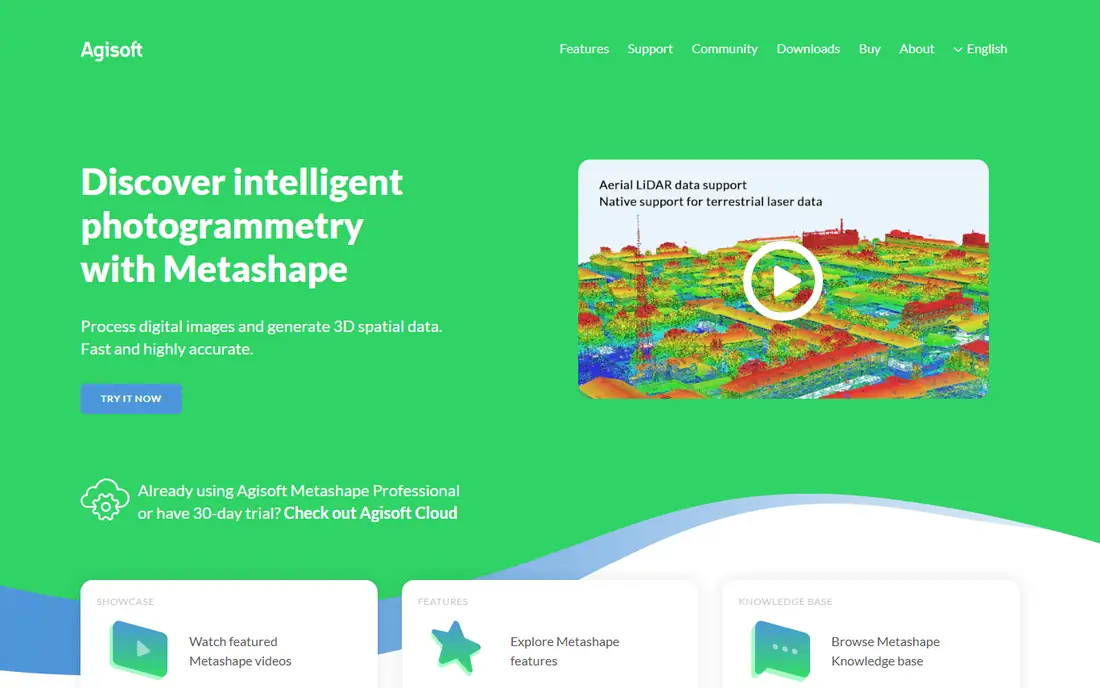
Metashape is the tool people pick when they want to own the license and control every step. It comes in a Standard and a Professional edition. Resellers list Standard at about $179 and Professional at about $3,499 as one-time node-locked prices, but Agisoft sets the current figures, so check its store before ordering. Professional is the edition surveyors normally need, because it adds the georeferencing and mapping outputs that Standard leaves out.
Its strength is control. You can tune alignment, dense cloud and mesh settings, work with ground control points and markers, and script repetitive jobs. Many survey and GIS shops use it as the processing engine and then hand the results to CAD or GIS software.
The cost of that control is effort. Metashape runs on your own hardware, so a large aerial project wants a strong GPU and plenty of memory. There is no cloud portal for sharing results with a client, which means you will export deliverables and send them another way. New users should plan a few days to get comfortable with the workflow.
What we like- One-time license instead of a subscription
- Fine-grained control over processing
- Works with aerial, close-range and other imagery
Watch out for- Steep learning curve
- Needs a powerful computer and has no built-in team sharing
#5
WebODM
Best for: Low-cost or self-hosted processing for small teams
Visit webodm.org
Starting priceFree self-hosted; Lightning cloud from $24 per month (billed yearly)
Free planYes
WebODM is the open-source option, and it is a serious one for small teams on tight budgets. You can download it for Windows, macOS or Linux and run it yourself at no license cost. It processes aerial and ground images and produces orthophotos, point clouds, elevation models and 3D models.
If you would rather not manage servers, the hosted Lightning service charges either per map or by plan. The published plans are Starter at $24 per month billed yearly (12 maps per 30 days, up to 1,500 images per map), Pro at $35 (unlimited maps, 100 GB of storage) and Business at $99 (up to 3,000 images per map and 1,000 GB of storage). You can freeze a bill for up to 120 days when you have no work to process.
The weakness is polish and support. The interface is plainer than the commercial products, and help comes from documentation and a community forum rather than a dedicated account team. For a firm that must hit stated accuracy specs for clients, plan extra time to validate results against ground control.
What we like- Free and open source to self-host
- Hosted Lightning option with pause-anytime billing
- Accepts many image types, including RAW and thermal
Watch out for- Support is mostly community-based
- Self-hosting costs hardware and IT time
Starting priceFrom €100 per month (Ridge plan); Valley plan is free
Free planYes (Valley plan, plus a 14-day trial of all features)
Virtual Surveyor sits one step after photogrammetry. You bring in orthomosaics, DSMs or point clouds from another tool, then draw breaklines, build surfaces, calculate stockpile volumes and export CAD files. That makes it a natural partner to WebODM, Metashape or Pix4D rather than a replacement for them.
The plan ladder is clear. Valley is free and covers importing orthos and DSMs, profiles, surfaces and CAD export. Ridge adds stockpile reports and advanced editing at €100, Mountain adds timelines and cut/fill maps at €210, and Peak adds grading and design tools at the same price point. The 14-day trial includes every feature of the top tier, so you can test your real data before choosing.
Limits to know about: it is desktop software with cloud-based licensing, so large projects depend on your computer, and the team features lean on Dropbox. If you want one product that goes from raw photos to a finished map, you will still need a processing tool next to it.
What we like- Free tier for small topo jobs
- Strong volume, cut/fill and grading tools
- Dropbox integration for sharing projects
Watch out for- Desktop software that works from data processed elsewhere
- Pricing is in euros
#7Global Mapper
Best for: GIS, lidar and terrain analysis in one desktop application4.3/5 on
G2 (30 reviews, checked Oct 2026)
Visit bluemarblegeo.com
Starting price$700 one-time (single-user node-locked)
Free planFree trial
Global Mapper, from Blue Marble Geographics, is a GIS and terrain analysis package that surveyors use after the flight. It reads a very wide range of raster, vector and elevation formats, so it often acts as the place where aerial data, lidar and existing CAD or GIS files meet. Typical jobs include contouring, volume calculations, profile views and coordinate conversion.
Blue Marble's purchase page lists a single-user node-locked license at $700, a single-user floating license at $1,050 (usable over remote desktop) and Pro at $1,750, or $1,050 to upgrade from the base edition. The Global Mapper Mobile Pro app costs $50 per device. Those one-time prices are attractive for a firm that wants to avoid subscriptions, though check the current terms on maintenance and upgrades.
The honest catch is that it is a toolbox, not a guided workflow. A project manager who only wants to look at weekly progress will find it heavier than DroneDeploy or Propeller. A surveyor or GIS analyst who wants control over the data will find the depth worth the learning time.
What we like- Perpetual licensing with optional floating licenses
- Broad format support for GIS, terrain and lidar data
- Mobile app available for field work
Watch out for- Desktop interface takes time to learn
- Advanced tools sit in the higher-priced Pro edition
#8
Esri Site Scan for ArcGIS
Best for: Organizations already running ArcGIS
Visit esri.com
Starting priceSee website
Free planNo
Site Scan for ArcGIS is Esri's drone mapping product, and its value is tied to the rest of ArcGIS. You plan and fly missions, upload images for cloud processing, and the outputs land where your GIS team already works. For a city, utility or large engineering group with ArcGIS in place, that saves a lot of file shuffling and keeps drone data governed like any other layer.
Pricing is by operator license. A listing on the AWS Marketplace shows a 12-month Operator License, where each license lets one user upload drone images for processing, at $5,310 for the year. Treat that as a reference point, since Esri's own quote may differ depending on your agreement.
For a small firm outside the Esri world, it is hard to justify. You would pay for an ecosystem you do not use, and lighter tools cover basic mapping for less. It is best seen as an extension of an existing ArcGIS investment, not a standalone pick.
What we like- Feeds drone data straight into the ArcGIS ecosystem
- Cloud processing with flight planning
- Suits government, utilities and large enterprises
Watch out for- Makes sense mainly if you already use ArcGIS
- Pricing is sold per operator license
How we chose
We built this list from public information. For each product we read the vendor's pricing and product pages where they were available, then checked documentation, feature lists and integrations, and compared them with public reviews on sites such as G2 and Capterra and with discussions on Reddit. We looked at company-size fit, license model (subscription or perpetual), cloud or desktop processing, and what happens to your data if you leave.
We did not run hands-on tests, and this is not a ranking by accuracy or processing speed. Where we could not confirm a current price from the vendor, the article says See website, and where a figure comes from a reseller or marketplace listing, the text says so. Prices change often, so treat the numbers here as a starting point and confirm them before you buy.
Start with the deliverable
Write down what the client or project team actually receives. If it is a CAD file with contours, you need processing plus survey tools such as Pix4D Analyst, Virtual Surveyor or Global Mapper. If it is a weekly progress map for a site manager, DroneDeploy or Propeller will usually fit better than a raw photogrammetry engine.
Decide between cloud and desktop
Cloud processing removes the need for an expensive workstation and makes sharing simple. Desktop processing gives you more control and keeps raw data in-house, which matters on sensitive government or utility work. Several firms combine both: a desktop engine for survey-grade jobs and a cloud tool for quick site updates.
Check accuracy workflows
Ask how each tool handles ground control points, checkpoints and RTK or PPK data, and whether it produces an accuracy report you can hand to a client. Survey-grade work depends on your field method as much as the software. A tool that accepts your control data cleanly will save hours on every project.
Count the real cost
Subscriptions are easy to compare per year, but perpetual licenses shift cost to hardware and upgrades. Add pilot training, a capable computer, storage for large image sets and any ground control targets. For teams with several users, check whether pricing is per operator, per seat or per project, because the totals diverge quickly.
Test with one real project
Almost every vendor here offers a trial or a free tier. Run the same flight through two or three candidates, compare the outputs against your known control points, and note how long each step takes. That one exercise tells you more than any feature table.
Frequently asked questions
What is aerial surveying software?
It is software that turns drone or aircraft imagery, and sometimes lidar, into survey products such as orthomosaics, point clouds, elevation models, contours and volume reports. Some tools handle only processing, while others add flight planning, measurement and team sharing.
Do I need separate software for flight planning and processing?
Not always. DroneDeploy and Esri Site Scan combine flight planning with cloud processing. Desktop engines like Pix4D, Metashape and WebODM focus on processing, so pilots often use the flight app from their drone maker or a third-party planner alongside them.
Is free aerial surveying software good enough for client work?
It can be. WebODM is free to self-host and Virtual Surveyor has a free Valley plan for small topo jobs. For billable work, validate output against ground control points and make sure you are comfortable with the support level, since free tools rely more on community help.
How much does aerial surveying software cost?
It ranges from free open-source options to several thousand dollars per year. Pix4D's PIX4Dmatic runs from $2,290 to $4,990 per year, Global Mapper starts at a $700 one-time license, and several vendors sell by quote only. Hardware, training and ground control equipment add to the total.
Can I use one tool for everything?
Rarely. Many workflows chain a processing engine with a survey or GIS tool, for example photogrammetry in Metashape or WebODM, then volumes and contours in Virtual Surveyor or Global Mapper. Platforms like DroneDeploy and Propeller bundle more steps but give you less control over each one.
Sources we checked (12)
- https://www.pix4d.com/pricing/pix4dmatic/
- https://www.pix4d.com/drone-and-terrestrial-mapping-pix4d-vs-dronedeploy
- https://www.virtual-surveyor.com/pricing
- https://webodm.net/pricing
- https://webodm.org/download/
- https://www.bluemarblegeo.com/purchase-global-mapper/
- https://www.bluemarblegeo.com/purchase-global-mapper-mobile-pro/
- https://aws.amazon.com/marketplace/pp/prodview-xu4xzvz7k7v4a
- https://www.motionmedia.com/agisoft-metashape-professional/
- https://www.motionmedia.com/agisoft-metashape-standard/
- https://www.capterra.com/p/197016/DroneDeploy/pricing/
- https://www.getapp.ca/software/116367/propeller-platform
Is your product missing or out of date?
We review this list regularly. Vendors can request a listing, send updated pricing or ask about featured placement.

Shihab Mia · Founder, Rankite
Shihab has 5+ years in B2B and SaaS SEO. He writes Rankite's software buying guides from pricing pages, documentation and public user reviews. More about Shihab.