How we make this list: we compare pricing pages, product documentation and public user reviews. Rankite is independent; if a vendor ever pays for a featured spot, that listing is clearly labeled Partner.
Key takeaways
- Most hobbyists never need to pay: Tinkercad, FreeCAD, Blender and OpenSCAD are fully free and cover everything from first models to 3D printing.
- Autodesk Fusion is free for personal non-commercial use and is the closest a hobbyist gets to professional CAD, with a 10-document limit on the free tier.
- SketchUp Free and Onshape Free are the best browser-based options, with the catch that free designs and documents are not private.
- Shapr3D is the standout for iPad modeling, with a genuinely usable free Basic plan limited to two designs.
Quick comparison
| Tool | Best for | Starting price | Free plan |
|---|
 Tinkercad Tinkercad | Absolute beginners and kids | Free | Yes |
 FreeCAD FreeCAD | Real parametric modeling for free | Free | Yes |
 Blender Blender | Organic shapes, sculpting and art | Free | Yes |
 Autodesk Fusion Autodesk Fusion | Serious hobby projects, near-pro CAD | Free for personal use (paid plans from $680 per year) | Yes (personal use, limited) |
 SketchUp SketchUp | Fast concept modeling in a browser | Free (paid plans from $129 per year) | Yes (free web version) |
 Onshape Onshape | Cloud CAD with real collaboration | Free (paid tiers available) | Yes (free tier, documents are public) |
 Shapr3D Shapr3D | Modeling on iPad with Apple Pencil | Free (Pro $299 per year) | Yes (Basic, 2 designs) |
 SelfCAD SelfCAD | All-in-one design to 3D print | See website | Yes (free plan for students and hobbyists) |
 OpenSCAD OpenSCAD | Programmers who model with code | Free | Yes |
Is your product missing or out of date?
We review this list regularly. Vendors can request a listing, send updated pricing or ask about featured placement.
The best 3D CAD software for hobbyists
Starting priceFree
Free planYes
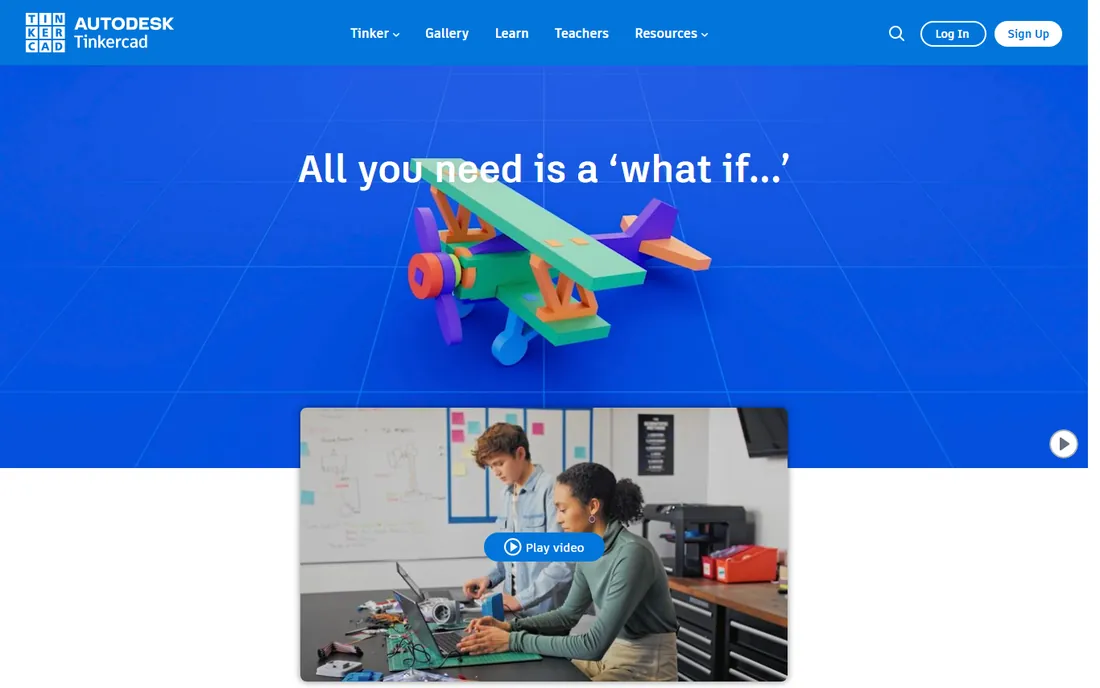
Every hobbyist CAD journey starts in a browser tab, and Tinkercad owns that tab. You stack boxes, cylinders and holes, group them, and export an STL for your printer. Autodesk runs it free for everyone, it is ad-free and kid-safe certified, and classrooms use it by the million. For a first 3D print, a replacement knob or a phone stand, it is genuinely all you need.
The ceiling arrives fast. There are no dimensional constraints, no sketch-based parametric history, and no way to revise a dimension cleanly after the fact. Tinkercad is a sketchpad, not a workshop. Start here, and move on when you catch yourself wishing you could type in an exact measurement and have the model obey.
What we like- Runs in a browser with zero install
- Drag-and-drop shapes anyone can learn in minutes
- Includes circuits and codeblocks extras
Watch out for- Too simple for precise mechanical parts
- No real parametric history or constraints
Starting priceFree
Free planYes
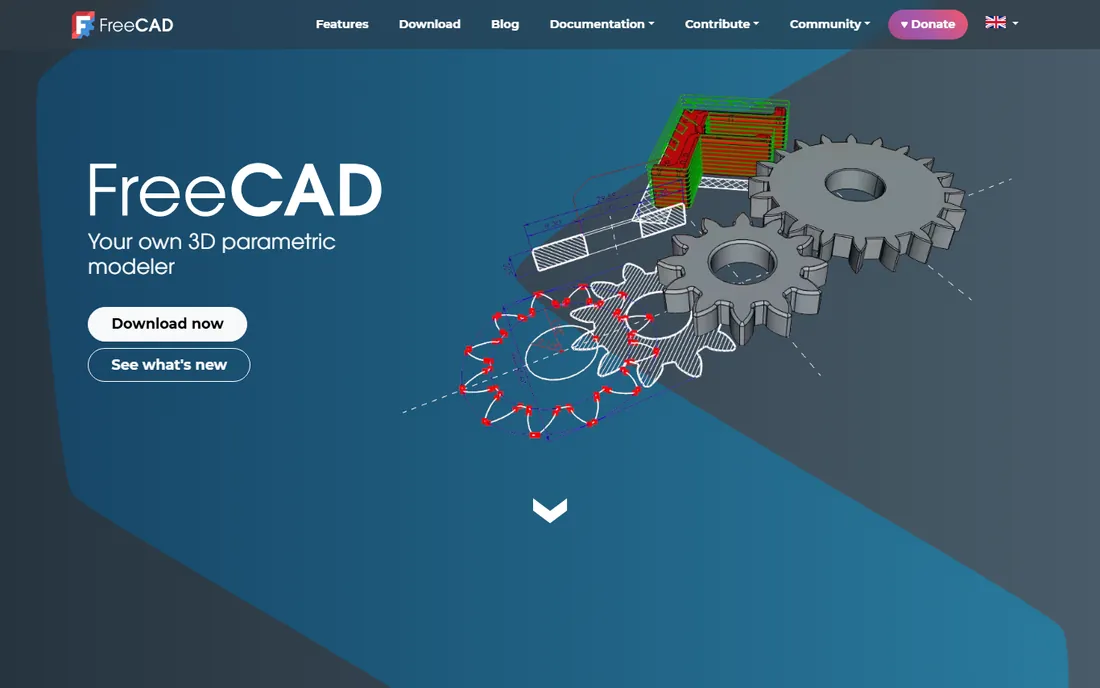
FreeCAD is the answer to the question every hobbyist eventually asks: can I get real parametric CAD without paying. The Sketcher plus Part Design workflow mirrors the professional approach: draw a constrained 2D sketch, extrude or revolve it, and go back to change a dimension later with the model updating. Version 1.1 fixed the old topological naming instability and added a proper assembly workbench, closing much of the gap to paid tools.
The honest trade is polish. The interface is functional rather than friendly, and learning resources, while extensive, assume more patience than Tinkercad tutorials. But there is no account to create, no document stored on someone else's server, and no feature that vanishes when a trial ends. For functional 3D-printed parts, brackets, enclosures and adapters, FreeCAD is the strongest free option on this list.
What we like- True parametric history and constraints
- Open source with no license cost ever
- Reads and writes STEP, STL, DXF and more
Watch out for- Rougher interface than commercial rivals
- Some workbenches still feel unfinished
Starting priceFree
Free planYes
Blender is not CAD in the traditional sense, and that is exactly why hobbyists love it. Where parametric modelers think in dimensions, Blender thinks in form: you push, pull and sculpt meshes the way a sculptor works clay. For cosplay props, figurines, terrain, game assets and anything organic, nothing free comes close, and its Cycles renderer produces genuinely beautiful product shots of your designs.
For 3D printing it works fine through STL export, and the 3D Print Toolbox add-on checks models for manifold errors. Just do not expect engineering discipline. Changing a hole diameter from 8mm to 10mm after the fact is manual surgery, not a parameter edit. Pair Blender with FreeCAD or Fusion and you cover both worlds: art in Blender, precision in the parametric tool.
What we like- Best-in-class sculpting and mesh modeling
- Enormous tutorial library
- Also handles rendering and animation
Watch out for- Not parametric, so precise mechanical dimensions are painful
- Famously steep first week of learning
Starting priceFree for personal use (paid plans from $680 per year)
Free planYes (personal use, limited)
Autodesk Fusion is the professional tool that hobbyists get nearly free. The personal use license costs nothing for home-based, non-commercial projects under $1,000 annual revenue, and it includes the core parametric modeler that professionals pay for. You get sketches, constraints, assemblies, sheet metal, and even basic CAM toolpaths for CNC, all in one integrated package with cloud collaboration.
The limits are real but manageable. Ten active documents sounds tight until you learn that finished projects can be archived as read-only to free slots. Advanced simulation, generative design and some manufacturing extensions need the paid subscription at $680 per year. If your hobby ever turns into a side business, budget for that transition, because commercial work on the free license violates the terms.
What we like- Professional parametric modeling, CAM and simulation in one app
- Huge tutorial ecosystem
- Free for qualifying hobbyists
Watch out for- Free tier caps you at 10 active documents
- Cloud-based file storage needs an internet connection
- Commercial use requires a paid plan
Starting priceFree (paid plans from $129 per year)
Free planYes (free web version)
SketchUp built its reputation on being the CAD you can learn in an afternoon. Push-pull modeling feels like drawing: sketch a rectangle, pull it into a box, and you are designing. The free web version handles personal projects, and the 3D Warehouse offers millions of ready-made models, furniture, buildings, parts, to drop into your scenes. For woodworking plans, room layouts and quick 3D printing concepts, the speed is unmatched.
The catch is precision culture. SketchUp is not parametric, so revising dimensions means remodeling, and the free tier limits file export options compared to paid plans. SketchUp Go at $129 per year adds iPad and more export freedom, while Pro at $399 brings the desktop app. Hobbyists doing visual design should stay free; hobbyists making machine parts should look at Fusion or FreeCAD instead.
What we like- Easiest learning curve of any serious modeler
- Massive 3D Warehouse of ready-made models
- Runs in a browser
Watch out for- Free version is web-only with limited export
- Not truly parametric
- Precision work needs paid tiers or extensions
Starting priceFree (paid tiers available)
Free planYes (free tier, documents are public)
Onshape is what happens when the people who built SOLIDWORKS start over in the cloud. It runs entirely in a browser, which means your CAD workstation can be a Chromebook, and every design carries built-in version control with branching and merging, like Git for hardware. For hobbyists who collaborate, a makerspace crew or a remote build team, that is a genuine advantage over desktop tools.
The free tier is fully capable but comes with one big condition: your documents are public. Anyone can view and copy them. For open-source hardware projects that is a feature; for a secret invention it is a dealbreaker. Paid tiers start with Standard for private documents and support. If you want professional-grade parametric CAD with zero install and you are comfortable working in the open, Onshape is the pick.
What we like- Full professional CAD in a browser
- Built-in version control and branching
- Nothing to install, runs on any device
Watch out for- Free documents are public, not private
- Needs a constant internet connection
- Advanced features target teams
Starting priceFree (Pro $299 per year)
Free planYes (Basic, 2 designs)
If your workshop tool is an iPad, Shapr3D is the CAD made for it. It is a native app, not a web wrapper, built on the Siemens Parasolid kernel that powers professional CAD, and sketching with the Apple Pencil feels direct in a way mouse-based CAD never does. It also runs on Mac and Windows with the same interface, and designs save locally so you can model on a plane.
The free Basic plan is genuinely usable: all modeling tools, two active designs, and low-resolution STL and 3MF export, which is enough for most 3D printing. The wall hits when you need high-resolution STEP export, technical drawings or unlimited designs, which requires Pro at $299 per year. That is a lot for a hobby, so treat the free tier as the product and upgrade only if your projects demand it.
What we like- Native iPad app with Apple Pencil support
- Real Parasolid modeling kernel
- Works offline with local files
Watch out for- Free Basic plan caps you at two designs with low-res export
- Pro price is steep for casual hobbyists
Starting priceSee website
Free planYes (free plan for students and hobbyists)
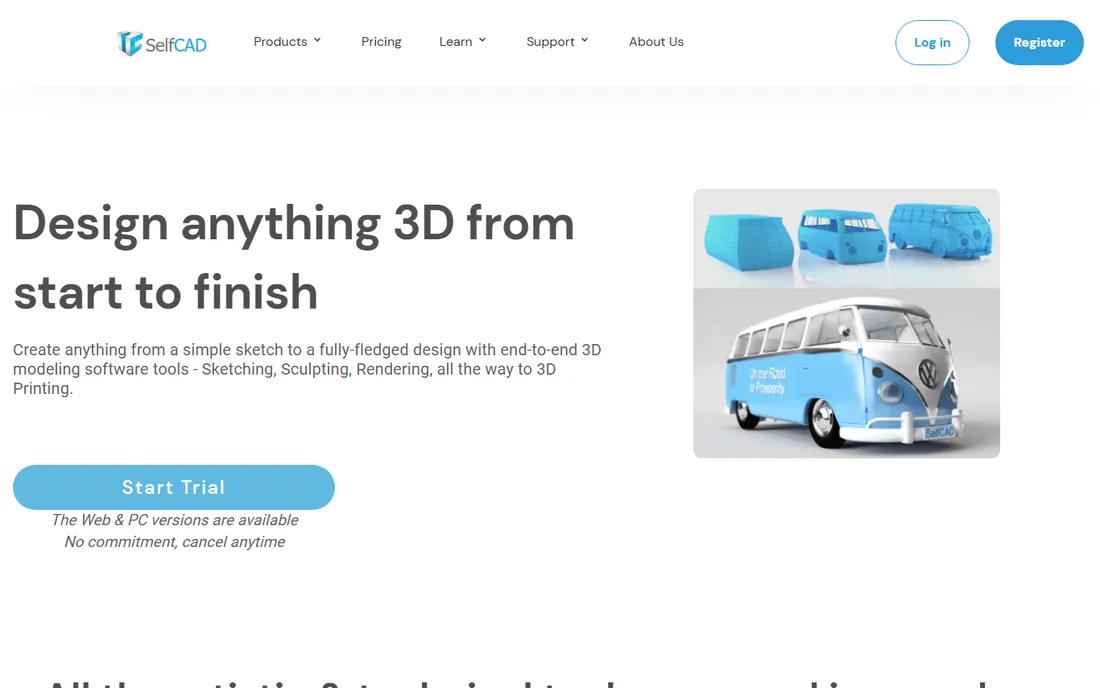
SelfCAD tries to be the whole workshop: model, sculpt, slice and print from one browser window. That integration is its pitch. Instead of exporting an STL and opening a separate slicer, you design and prepare the print in the same app, with interactive tutorials walking beginners through each step. A desktop version exists for offline work, and projects sync between the two.
For pure mechanical precision it trails Fusion and FreeCAD, but for hobbyists who want the shortest path from idea to printed object, the all-in-one flow saves real time. The site offers a free plan aimed at students and hobbyists plus a trial of Pro, so check current pricing before committing. Evaluate it against your actual workflow: if you already like your slicer, SelfCAD adds less.
What we like- Modeling, sculpting, rendering and slicing in one browser app
- Built-in interactive tutorials
- Web and desktop versions
Watch out for- Less precise than dedicated parametric tools
- Pricing details require checking the site
Starting priceFree
Free planYes
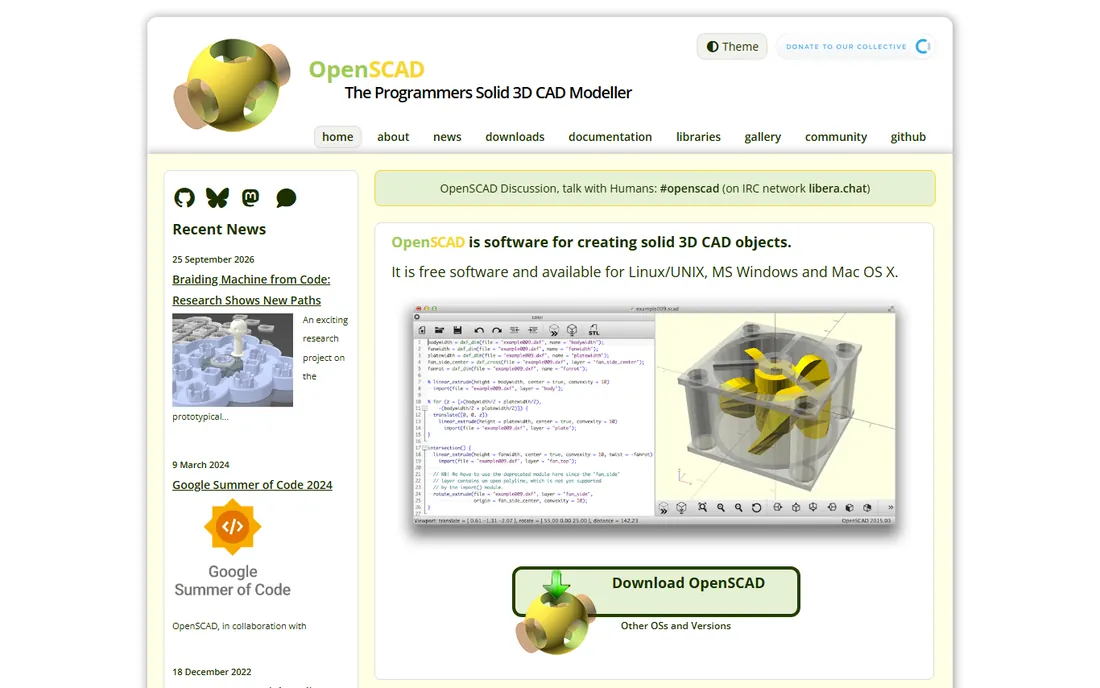
OpenSCAD throws away the mouse and asks you to write your model instead. You describe geometry in a scripting language, cubes, cylinders, differences and unions, with variables and loops, and the software compiles it into a solid. For programmers this is liberating: a parametric phone stand becomes ten lines of code, and customizing a design for someone else means changing two numbers.
The trade is obvious. There is no clicking and dragging, and previewing complex models takes patience. But for functional prints, especially parts with exact dimensions, mounting holes and patterns, OpenSCAD is precise by nature. The customizer ecosystem on sites like Printables and Thingiverse runs on it: download a design, tweak parameters, print your variant. If you code, try it before you assume CAD means a graphical interface.
What we like- Fully parametric by construction, change a variable and the model rebuilds
- Free and open source
- Perfect for customizable designs
Watch out for- No interactive modeling at all
- Visualizing mistakes requires rendering
- Intimidating for non-programmers
How we chose
We checked each vendor's current pricing and plan pages, documentation on free-tier limits, and public discussion on Reddit, maker forums and review sites. Every tool listed is actively maintained and genuinely usable by hobbyists today. We did not install or benchmark the software ourselves; judgments about ease of use and fit come from documented features, published reviews and the consensus of the maker community.
Pick by how you like to build, not by feature lists
The wrong way to choose hobbyist CAD is to compare feature tables. The right way is to match the tool to how your brain works and what you actually make.
If you think in code and variables, OpenSCAD will feel like home, and FreeCAD's parametric sketches will click quickly. If you think in shapes and sculpting, Blender and Tinkercad reward that instinct. If you think in precise dimensions and assemblies, Fusion and Onshape are built for you. SketchUp and Shapr3D sit in the middle, trading precision for speed.
Also match the tool to the output. 3D printing forgives a lot: Tinkercad and SelfCAD get you to a printed part fastest. CNC machining does not forgive: you need real CAM toolpaths, which points to Fusion. Laser cutting wants clean 2D vector export, where SketchUp and FreeCAD both work. Start from the machine you own, then pick the software that feeds it.
The free trap: what free plans actually limit
Free CAD is generous, but every free tier has a fence. Knowing where the fence is saves you from rebuilding a project later.
Document limits are the most common. Fusion's free tier allows ten active documents, and Shapr3D Basic allows two designs. Both let you archive finished work, so the practical fix is housekeeping, not paying. Export limits matter more: Shapr3D Basic exports low-resolution STL, which can show faceted curves on a print, and SketchUp Free restricts some file formats. Privacy is the third fence. Onshape Free documents are public by design, which suits open hardware and ruins secret projects.
The pattern to watch: free tiers are complete modeling environments with limits on output, storage or privacy, not crippled demos. That means your skills transfer when you upgrade. Learn the free version properly, and you will know exactly which limit is worth paying to remove.
Frequently asked questions
What is the best free 3D CAD software for hobbyists?
There is no single winner because the tools serve different brains. Tinkercad is best for absolute beginners, FreeCAD for precise parametric parts, Blender for organic and artistic models, and OpenSCAD for programmers. Most hobbyists end up using two: one for precision and one for everything else.
Can I use Fusion 360 free as a hobbyist?
Yes. Autodesk offers Fusion free for personal, non-commercial use if your making activities generate under $1,000 per year. The free tier limits you to ten active documents and excludes advanced simulation and generative design. Commercial work of any kind requires a paid subscription.
Which CAD software is best for 3D printing?
For beginners, Tinkercad or SelfCAD get you from idea to printed part fastest. For functional parts with exact dimensions, FreeCAD or Fusion 360 give you parametric control and clean STL export. Blender works well for artistic prints, and OpenSCAD shines for customizable, code-driven designs.
Is SketchUp good for 3D printing?
SketchUp is good for quick concept models and simple printable objects, and the free web version exports STL. It is not ideal for precision mechanical parts because it lacks true parametric modeling. For brackets, enclosures and parts with exact tolerances, choose FreeCAD or Fusion instead.
Do I need a powerful computer for hobbyist CAD?
Mostly no. Tinkercad, Onshape and SelfCAD run in a browser on modest hardware. FreeCAD and OpenSCAD run fine on older machines. Blender and Fusion benefit from a decent CPU and GPU, especially for rendering and large assemblies, but neither demands a workstation for hobby-scale projects.
Sources we checked (12)
- https://tinkercad.com/
- https://freecad.org/
- https://www.blender.org
- https://www.autodesk.com
- https://www.autodesk.com/solutions/what-is-fusion-360
- https://sketchup.com/
- https://www.onshape.com
- https://shapr3d.com/
- https://www.selfcad.com
- https://openscad.org/
- https://www.g2.com/products/shapr3d/pricing
- https://stacksheriff.com/3d-printing/fusion-360-vs-freecad/
Is your product missing or out of date?
We review this list regularly. Vendors can request a listing, send updated pricing or ask about featured placement.

Shihab Mia · Founder, Rankite
Shihab has spent more than a decade helping SaaS and e-commerce brands grow through search. He writes Rankite's software buying guides from pricing pages, documentation and public user reviews. More about Shihab.