How we make this list: we compare pricing pages, product documentation and public user reviews. Rankite is independent; if a vendor ever pays for a featured spot, that listing is clearly labeled Partner.
Key takeaways
- V-Ray is the benchmark for photorealistic rendering in architecture and film, with the deepest material and lighting control.
- Lumion and Enscape are the fastest route from a CAD model to a client-ready image, with Enscape winning on live in-model iteration.
- D5 Render gives near-Lumion output at a fraction of the price, and is free for individuals getting started.
- Blender Cycles and Unreal Engine are genuinely free options that can match paid renderers in the right hands.
Quick comparison
| Tool | Best for | Starting price | Free plan |
|---|
 V-Ray V-Ray | Photorealistic archviz and VFX | $45 per month (billed annually) | No (free trial) |
 Lumion Lumion | Fast architectural visualization | $1,149 per year (Pro) | No (free trial) |
 Enscape Enscape | Real-time design iteration | $47.90 per month (billed annually) | No (14-day free trial) |
 D5 Render D5 Render | Affordable real-time rendering | $38 per month (Pro) | Yes (free for individuals) |
 Corona Corona | Easy photorealistic archviz | See website | No (free trial) |
 Blender (Cycles) Blender (Cycles) | Free production rendering | Free | Yes |
 KeyShot KeyShot | Product rendering and CMF | $1,299 per year (Professional) | No (free trial) |
 OctaneRender OctaneRender | GPU rendering for motion and VFX | €19.99 per month (billed annually) | Yes (Prime edition, 1 GPU) |
 Unreal Engine Unreal Engine | Real-time walkthroughs and film | Free (royalties or seats above $1M revenue) | Yes |
Is your product missing or out of date?
We review this list regularly. Vendors can request a listing, send updated pricing or ask about featured placement.
The best software for realistic rendering
Starting price$45 per month (billed annually)
Free planNo (free trial)
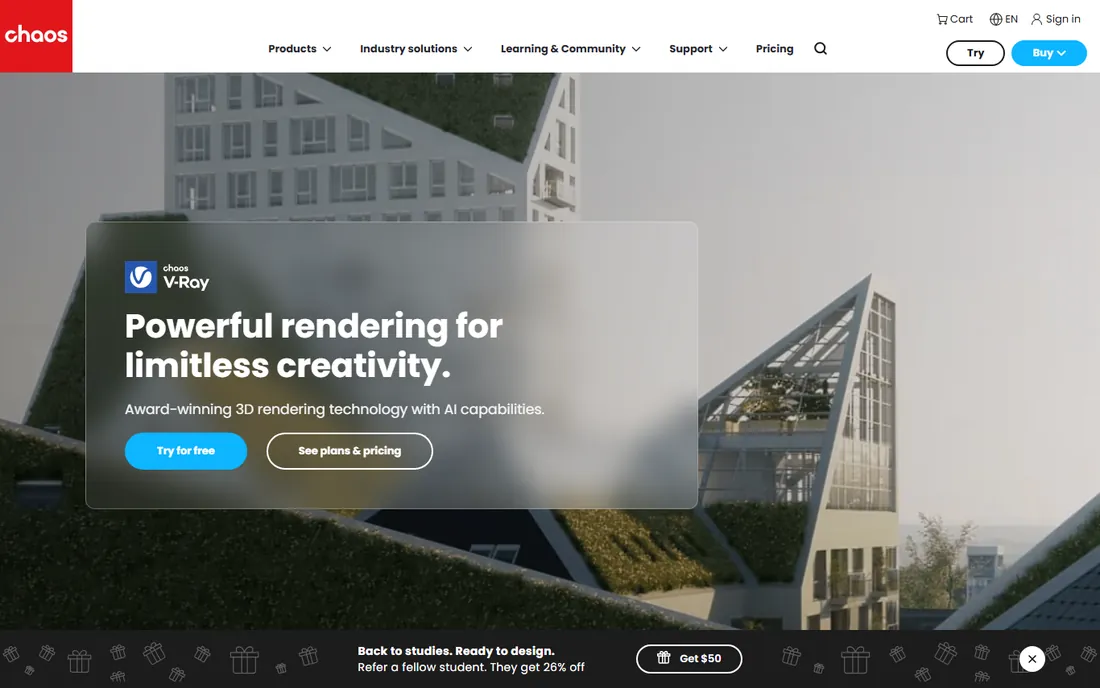
V-Ray is the renderer everyone else is measured against. For two decades it has been the default choice when a render simply has to be photorealistic, from architectural stills to film VFX, and its physically based lighting, global illumination and material system remain the reference point. It plugs into 3ds Max, Maya, SketchUp, Rhino, Revit, Cinema 4D, Blender and more, so it fits whatever modeling tool you already use.
That depth is also the price of admission. V-Ray rewards study, and its best results come from artists who understand light the way photographers do. Renders can be slow on modest hardware, which is why Chaos sells cloud credits alongside licenses. If your work lives or dies on final-pixel realism, this is the safest investment on the list.
What we like- The industry benchmark for realism
- Deep control over light, materials and GI
- Integrates with every major DCC app
Watch out for- Steep learning curve
- Quality demands powerful hardware or cloud rendering
- Subscription cost adds up
Starting price$1,149 per year (Pro)
Free planNo (free trial)

Lumion is what happens when a renderer is designed for architects, not for render nerds. Import your SketchUp, Revit or Rhino model, and within minutes you have a sunlit courtyard with animated people, swaying trees and drifting clouds. Its library of thousands of objects and materials exists so you never leave the app to dress a scene, and its render speeds make animation practical where V-Ray would take days.
The trade is the top end of realism and the price. At $1,149 per year for a Pro seat, it is the priciest option here, and while its output wins clients every day, it rarely wins awards. For practices that need beautiful images on deadline, that trade is usually worth it. Lumion is the tool firms buy when rendering becomes a bottleneck instead of a craft.
What we like- Extremely fast stills and animation workflow
- Huge built-in asset library
- Intuitive enough for architects, not just viz artists
Watch out for- The most expensive single seat here
- Quality ceiling below V-Ray for hero shots
- Windows focused
Starting price$47.90 per month (billed annually)
Free planNo (14-day free trial)

Enscape wins on speed of iteration, not on final-pixel beauty. It runs as a plugin inside your CAD or BIM tool, so every wall you move and every material you change appears in the render instantly. That live loop changes how architects work: design reviews happen in a rendered model instead of over PDFs, and clients walk through spaces in VR before anything is built.
Per Chaos's own numbers, 85 of the top 100 architecture firms use it, which tells you it has become infrastructure rather than a luxury. The images are good, clean and convincing, though they lack the last ten percent of atmosphere V-Ray artists chase. Choose Enscape when the design is still moving and you need visuals at the speed of thought.
What we like- Live rendering inside Revit, SketchUp, Rhino and more
- Instant client walkthroughs and VR
- Used by 85 of the top 100 architecture firms
Watch out for- Less control than offline renderers
- Asset library smaller than Lumion's
- Tied to your modeling app
Starting price$38 per month (Pro)
Free planYes (free for individuals)
D5 Render is the upstart eating Lumion's lunch from below. Built on NVIDIA RTX ray tracing, it produces genuinely high-fidelity images with accurate global illumination and reflections in real time, with live-sync plugins for SketchUp, Revit, Rhino, ArchiCAD and 3ds Max. Pro starts at $38 per month, roughly a third of Lumion's annual cost, and individuals can start free.
The catch is hardware and maturity. You need a capable RTX card to get the best of it, and the asset library, while growing fast, does not yet match Lumion's decade of accumulation. But for freelancers and small studios, D5 has quietly become the default recommendation: most of the quality, a fraction of the price, and a free tier to learn on.
What we like- Near-Lumion quality at a much lower price
- RTX-based real-time ray tracing
- Live sync with major CAD tools
- Free tier for individuals
Watch out for- Demands an NVIDIA RTX GPU
- Asset library still growing
- Younger ecosystem than Lumion
Starting priceSee website
Free planNo (free trial)

Corona is V-Ray's friendlier sibling, and for archviz still lifes it may be the better pick. Its reputation was built on a simple promise: press render and get a beautiful image, with defaults so good that beginners produce professional work on day one. The interactive renderer gives instant feedback as you adjust lights and materials, and its handling of interiors, the bread and butter of archviz, is superb.
Chaos now owns Corona, and the two products are converging in licensing while staying distinct in character: V-Ray for maximum control, Corona for maximum ease. Host support is narrower, centered on 3ds Max and Cinema 4D, so check your pipeline first. For archviz artists who want realism without a second career in render settings, Corona is the sweet spot.
What we like- Famous ease of use with one-click great results
- Excellent archviz realism
- Tight 3ds Max and Cinema 4D integration
Watch out for- Limited host app support versus V-Ray
- CPU-focused heritage
- Pricing sits under the Chaos umbrella now
Starting priceFree
Free planYes
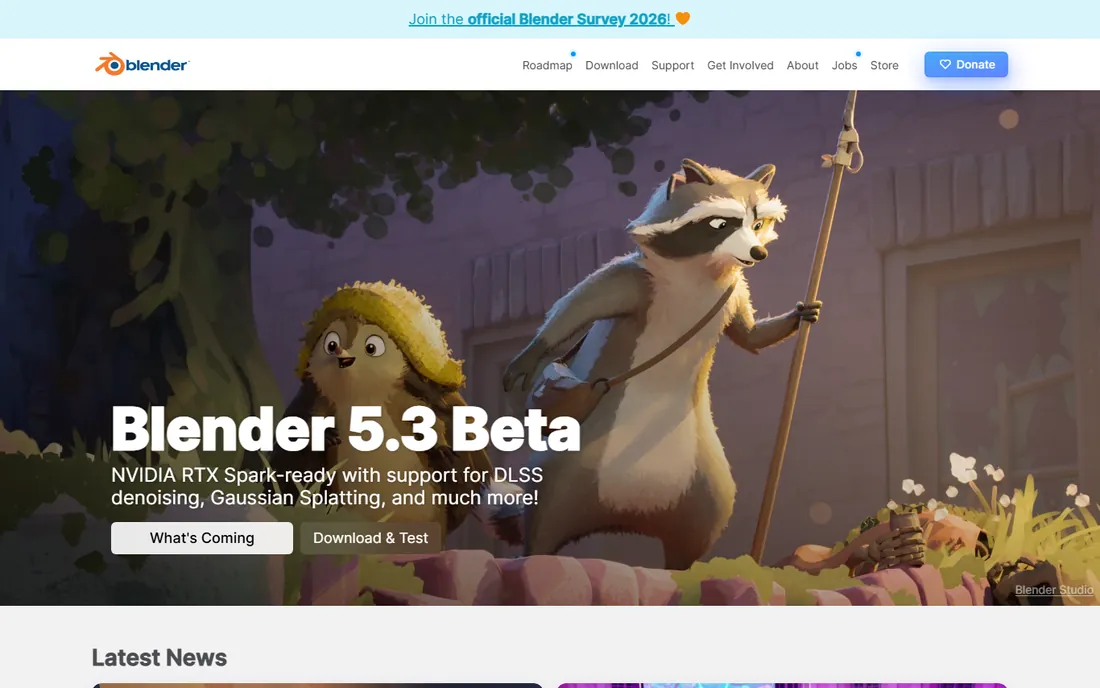
Cycles is the free renderer that embarrasses software costing thousands. Blender's built-in path tracer delivers true physically based rendering, caustics, volumetrics, motion blur and all, with GPU acceleration and a node-based material system as deep as anything commercial. It has rendered actual feature films. The price is zero, forever, with no revenue cap.
What you do not get is a vendor. Support comes from the community, pipeline integration with studio tools takes configuration, and Blender's interface still intimidates newcomers. But for freelancers, students and studios willing to learn, Cycles removes the single biggest cost in visualization. Nothing else free comes close to its ceiling.
What we like- Completely free with no revenue limits
- Cycles is a genuine production path tracer
- Huge community and tutorials
Watch out for- No official support
- Pipeline integration takes setup
- Real-time alternative Eevee trades accuracy for speed
Starting price$1,299 per year (Professional)
Free planNo (free trial)
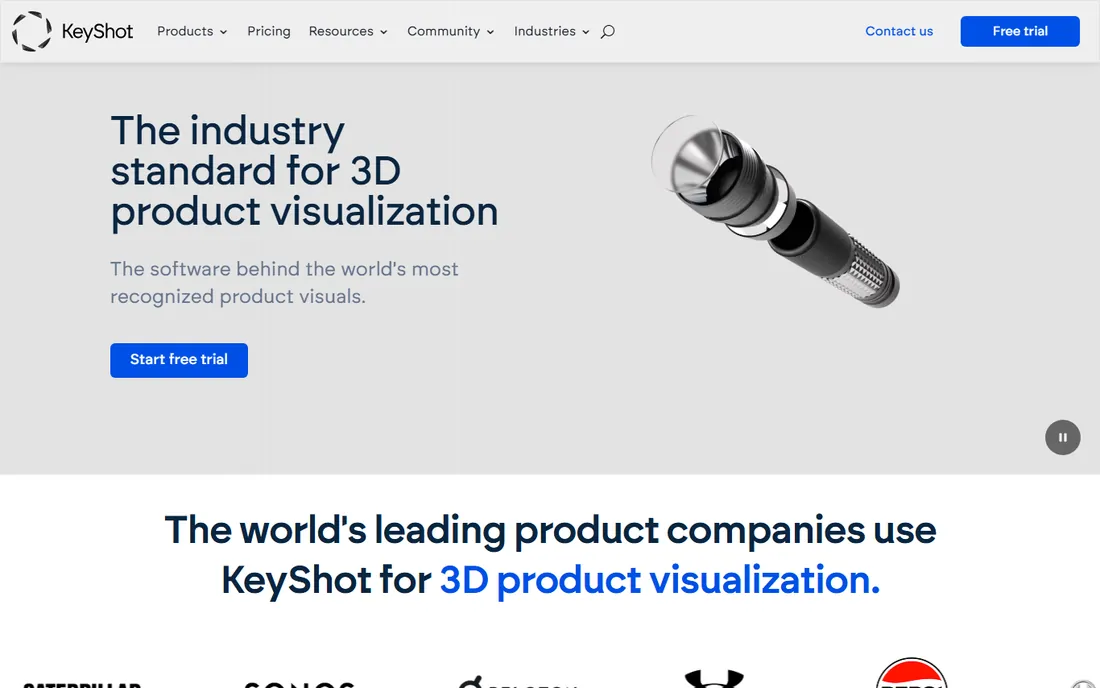
KeyShot owns product rendering the way V-Ray owns architecture. Import a CAD model, drag in a material, drop it in a studio HDRI, and you have a catalog-ready image in minutes. Its material library leans toward the plastics, metals and finishes of consumer goods, and features like turntables, exploded views and configurators serve marketing teams directly.
It is less at home with buildings: the toolset assumes an object on a turntable, not a space at 4pm in October. Luxion has also moved to subscription-only licensing, with Professional at $1,299 per year. For industrial designers and product marketers, it pays for itself by replacing prototype photography. For architects, one of the real-time tools above fits better.
What we like- The standard for product visualization
- Drag-and-drop materials and studio lighting
- Fast CPU and GPU rendering
Watch out for- Built for products, not architecture
- No perpetual license anymore
- Pricey for occasional use
#8
OctaneRender
Best for: GPU rendering for motion and VFX
Visit otoy.com
Starting price€19.99 per month (billed annually)
Free planYes (Prime edition, 1 GPU)
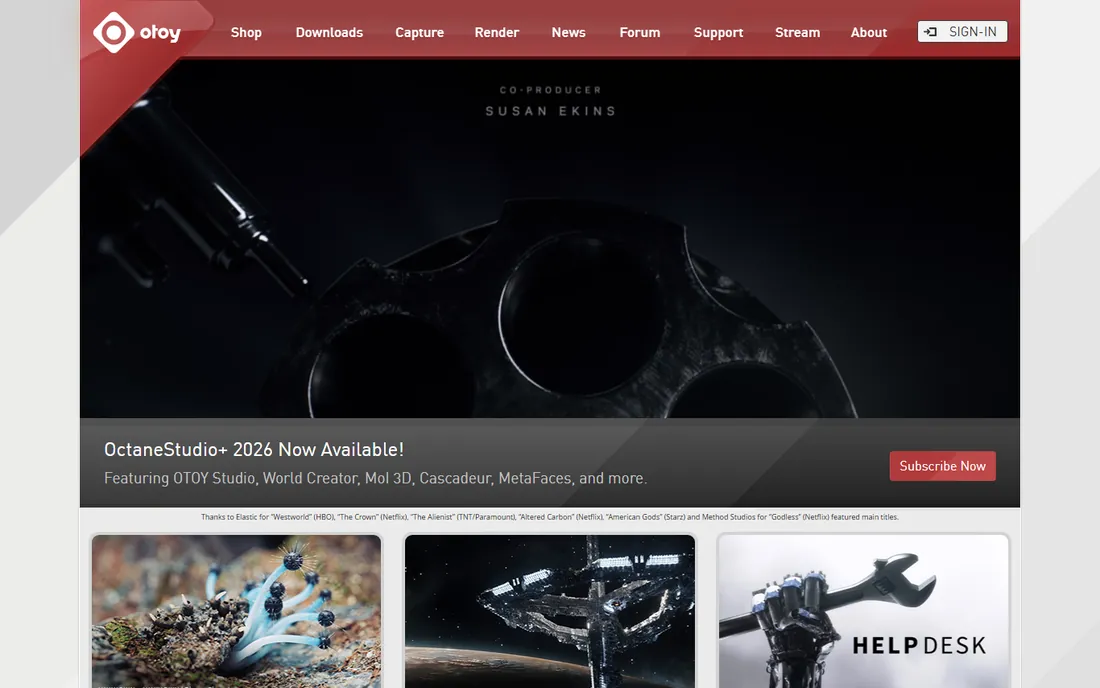
OctaneRender was the first name in GPU rendering, and it still sets the pace. As an unbiased GPU path tracer it converts graphics cards into render farms, delivering photorealistic frames in a fraction of CPU render times. The Studio+ subscription bundles plugins for more than 20 host applications plus cloud rendering, and a free Prime edition covers single-GPU users getting started.
The ecosystem favors NVIDIA hardware, and heavy scenes still want serious VRAM. But for motion graphics artists, VFX generalists and anyone rendering animation, Octane's speed advantage compounds across every frame. It remains the renderer motion designers reach for when deadlines are measured in hours.
What we like- Pioneering GPU path tracer with superb speed
- Huge DCC plugin ecosystem
- Free Prime tier for single-GPU use
Watch out for- NVIDIA-focused for best performance
- Subscription-only
- Render network costs add up on big jobs
Starting priceFree (royalties or seats above $1M revenue)
Free planYes
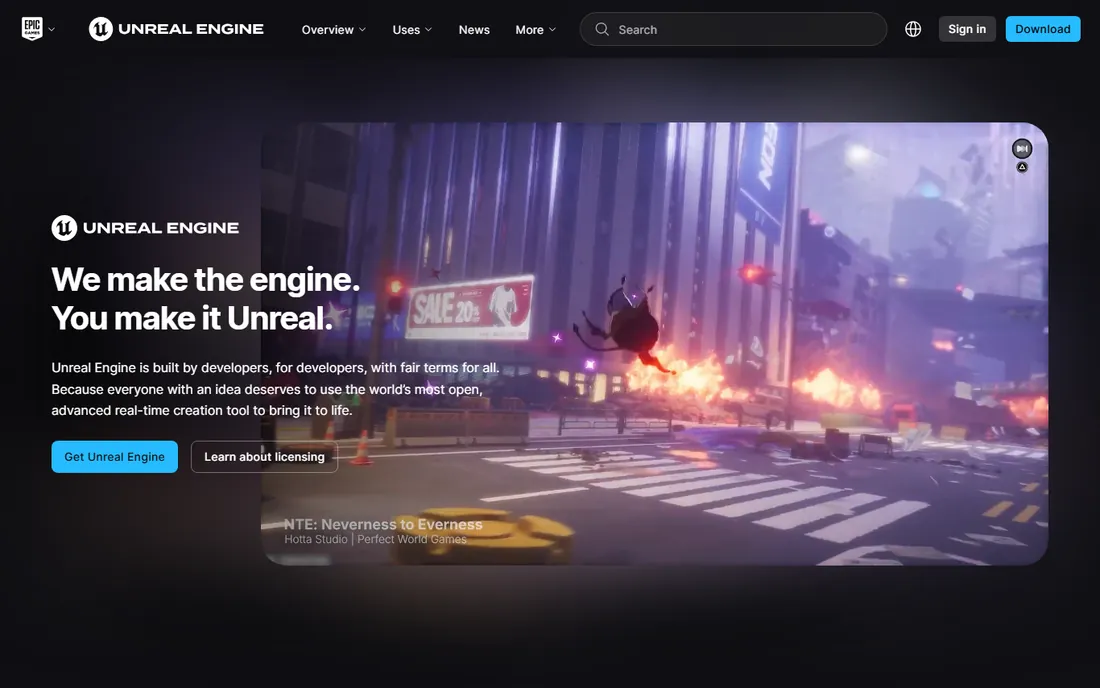
Unreal Engine is not really a renderer, it is a real-time universe you can walk through. With Lumen global illumination and Nanite geometry, it produces near-photoreal visuals at 60 frames per second, which makes it the tool for interactive walkthroughs, VR presentations and virtual production on LED walls. Epic makes it free for anyone under $1 million in annual revenue.
The learning curve is the honest cost. You are learning a game engine, materials, lighting, level streaming and all, and still images need careful craft to match V-Ray. But when the deliverable is an experience rather than a picture, nothing else here competes. Architecture firms increasingly keep Unreal alongside a traditional renderer for exactly this reason.
What we like- Free below $1M revenue
- Real-time ray tracing with Lumen
- Full interactive and VR experiences, not just images
Watch out for- A game engine, not a renderer, with a real learning curve
- Photorealism needs serious scene craft
- Large install and hardware appetite
How we chose
We ranked these tools on output realism, workflow speed, ecosystem maturity and value, drawing on vendor pricing pages, recent industry comparisons and community consensus from working visualization artists. Pricing was taken from official vendor pages where available. We did not render test scenes ourselves; assessments of quality and usability reflect documented capabilities and the judgment of professionals who use these tools daily.
Offline vs real-time rendering: which workflow fits your project
The biggest decision is not which tool, but which kind of rendering. Offline renderers like V-Ray, Corona and Cycles compute every ray of light for maximum realism, and you pay in render time, minutes or hours per image. Real-time renderers like Lumion, Enscape, D5 and Unreal approximate the same physics at 60 frames per second, trading the last few percent of realism for instant feedback.
Choose offline when the image is the deliverable and quality is non-negotiable: competition boards, marketing hero shots, film frames. Choose real-time when the design is still changing, when clients need walkthroughs, or when you produce volume: client presentations, design development, animation.
Many studios now run both. Enscape or D5 for daily iteration, V-Ray or Corona for the final hero images. Budget and pipeline decide the mix, but the two workflows complement rather than compete.
How much should you budget
Rendering software spans free to thousands per year, and the right budget follows the work, not the hype.
For learning and freelancing, spend nothing at first. Blender Cycles, Unreal Engine, D5's free tier and Octane Prime cover real projects at zero cost. Add a paid tool only when a specific limit, resolution caps, watermarks or missing assets, blocks paid work.
For a solo archviz practice, expect $500 to $1,200 per year. Enscape Solo at $574.80 or D5 Pro from $456 a year covers daily production; add V-Ray Solo at $540 when hero images demand it. For product work, KeyShot Professional at $1,299 per year is the standard line item.
For studios, budget per seat plus hardware. Real-time tools want strong GPUs, offline tools want render nodes or cloud credits, and floating licenses cost more than named seats. The software is rarely the expensive part; the workstations are.
Frequently asked questions
What is the top rendering software for realistic results?
V-Ray is the most widely regarded renderer for photorealistic stills and animation, used across architecture and film. For real-time work, Lumion and Unreal Engine lead. For product shots, KeyShot is the standard. The best choice depends on whether you need offline quality or real-time speed.
Which is better, Lumion or Enscape?
They solve different problems. Enscape renders live inside your CAD model, so it is better for design iteration and client walkthroughs during a project. Lumion is a standalone environment with a bigger asset library, better for polished final images and animations. Many firms use both.
Is there a free realistic rendering software?
Yes. Blender with Cycles is completely free and produces genuinely photorealistic renders. Unreal Engine is free below $1 million in revenue and renders in real time. D5 Render and OctaneRender both offer free tiers with limits. For learning and freelance work, the free options are seriously capable.
Do I need an expensive GPU for rendering?
It depends on the tool. GPU renderers like Octane, D5 and real-time tools like Lumion and Enscape need capable NVIDIA cards. CPU renderers like V-Ray and Corona in CPU mode, and KeyShot, scale with processor cores instead. Cloud rendering can substitute for local hardware on deadline work.
What is the easiest rendering software for beginners?
Enscape is the easiest for architects because it lives inside the CAD tools they already know. D5 Render is similarly approachable and cheaper. For product designers, KeyShot's drag-and-drop workflow is famously easy. All three produce professional results without deep technical study.
Sources we checked (9)
- https://www.chaos.com/vray
- https://lumion.com/
- https://enscape3d.com/
- https://d5render.com/
- https://www.chaos.com/corona
- https://www.blender.org
- https://www.keyshot.com
- https://otoy.com/
- https://www.unrealengine.com
Is your product missing or out of date?
We review this list regularly. Vendors can request a listing, send updated pricing or ask about featured placement.

Shihab Mia · Founder, Rankite
Shihab has spent more than a decade helping SaaS and e-commerce brands grow through search. He writes Rankite's software buying guides from pricing pages, documentation and public user reviews. More about Shihab.