How we make this list: we compare pricing pages, product documentation and public user reviews. Rankite is independent; if a vendor ever pays for a featured spot, that listing is clearly labeled Partner.
Key takeaways
- Gusto is the small-business favorite: payroll, benefits, and HR in one friendly package.
- Rippling unifies payroll with IT and HR for companies that want one system for everything employee-related.
- ADP and Paychex bring enterprise depth and compliance coverage that growing companies eventually need.
- OnPay, Patriot, and QuickBooks Payroll serve budget-conscious businesses that want payroll done right without extras.
Quick comparison
| Tool | Best for | Starting price | Free plan |
|---|
 Gusto Gusto | small business payroll plus HR | See website | No |
 Rippling Rippling | unified payroll, HR, and IT | See website | No |
 ADP ADP | enterprise payroll and compliance | See website | No |
 Paychex Paychex | growing businesses, full-service | See website | No |
 QuickBooks Payroll QuickBooks Payroll | QuickBooks users | See website | Free trial |
 OnPay OnPay | simple affordable payroll | See website | No |
 Patriot Patriot | budget payroll for small business | See website | No |
Is your product missing or out of date?
We review this list regularly. Vendors can request a listing, send updated pricing or ask about featured placement.
The top payroll software
Starting priceSee website
Free planNo
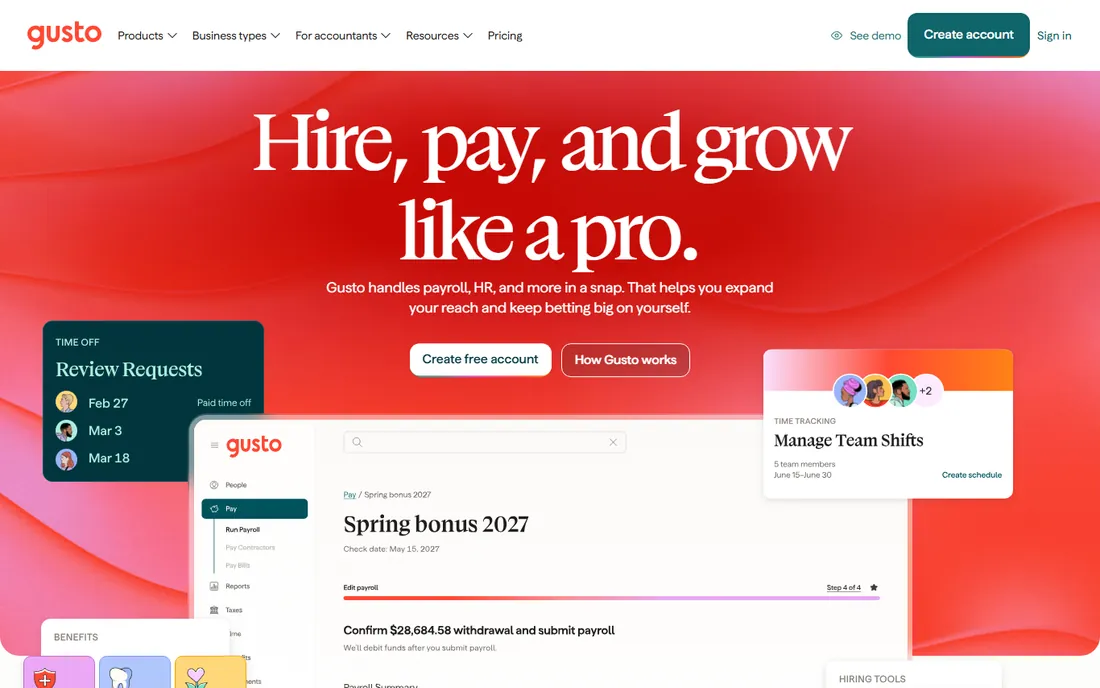
Gusto made payroll pleasant, which sounds minor until you have run payroll the old way. The interface guides owners through setup, tax filings happen automatically, and employees get a clean portal for pay stubs, time off, and benefits.
The platform extends well beyond payroll: health benefits administration, 401(k), onboarding workflows, and basic HR cover what small businesses need as they grow. The integration keeps everything consistent without HR staff.
Add-on costs accumulate: the base price is friendly, but benefits administration and advanced features raise the bill. Larger companies eventually need deeper HR. But for small businesses wanting payroll done right with room to grow, Gusto is the default recommendation.
What we like- Delightful user experience
- Payroll plus benefits plus HR
- Great onboarding
Watch out for- Costs grow with add-ons
- Advanced needs may outgrow it
Starting priceSee website
Free planNo
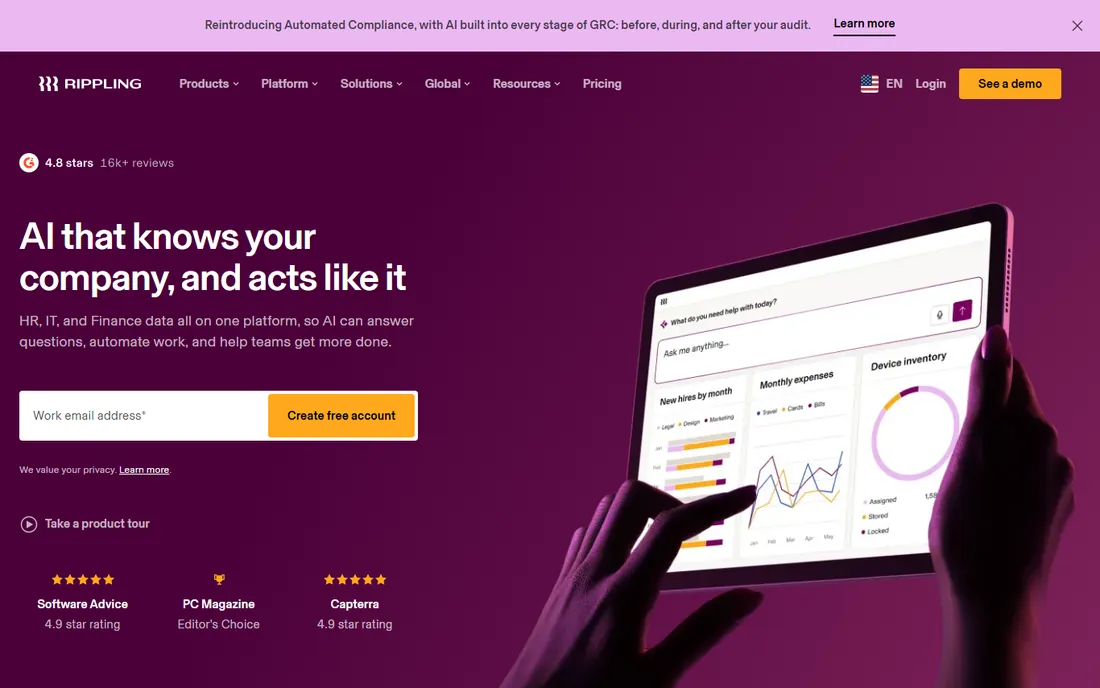
Rippling's insight is that employee changes touch everything: payroll, benefits, devices, apps, and access. One system that provisions the laptop, sets up the accounts, runs payroll, and manages benefits eliminates the coordination tax of separate tools.
The automation is genuinely powerful. Onboarding and offboarding workflows execute across HR, IT, and finance without manual handoffs. Global payroll and contractor management serve distributed companies well.
Modular pricing means the full vision costs more than the headline price, and implementation takes planning. But for companies tired of stitching together HR, IT, and payroll tools, Rippling's unified approach is compelling.
What we like- One system for HR, IT, and finance
- Powerful automation
- Global payroll
Watch out for- Pricing is modular and adds up
- Implementation effort
Starting priceSee website
Free planNo
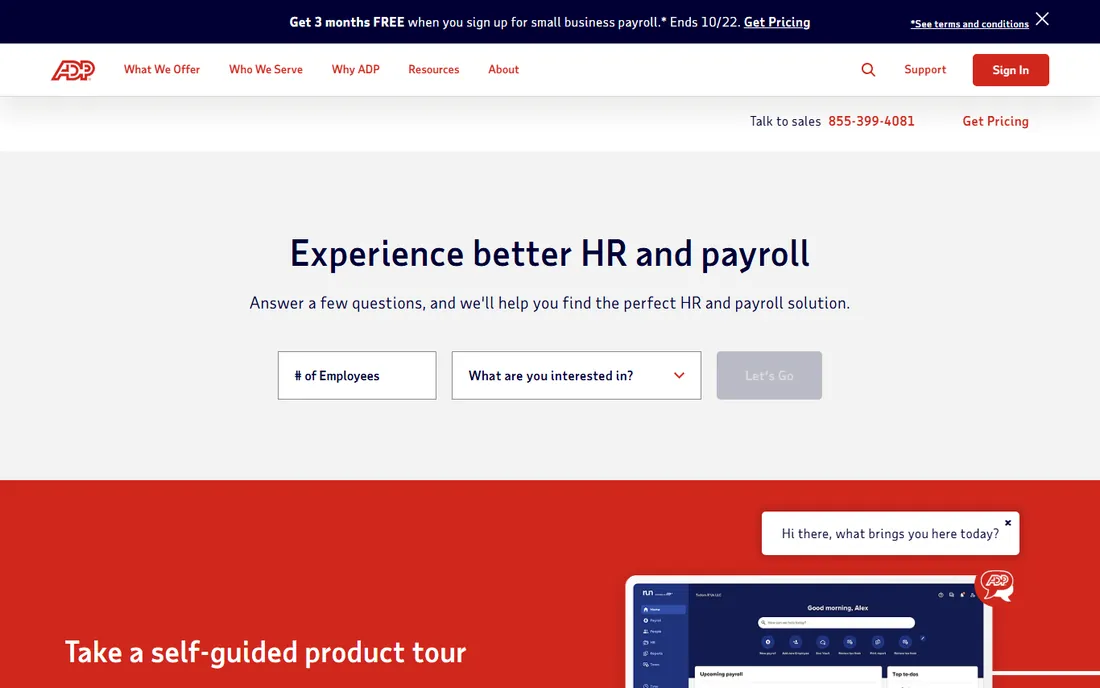
ADP processes payroll for hundreds of thousands of businesses, and that scale funds compliance depth nobody matches. Multi-state tax filings, garnishments, complex pay rules, and regulatory changes are handled as a matter of routine.
Large and growing companies value the reliability: payroll simply runs, every time, with the compliance backing of the industry's biggest player. Global payroll capabilities serve multinationals, and the product range extends from small business to enterprise.
Pricing requires a sales conversation and is rarely the cheapest. The interfaces prioritize function over delight. But when payroll complexity or compliance risk keeps you up at night, ADP's institutional depth is reassuring.
What we like- Unmatched compliance depth
- Scales to any size
- Global capabilities
Watch out for- Pricing is opaque
- Interface less modern
Starting priceSee website
Free planNo
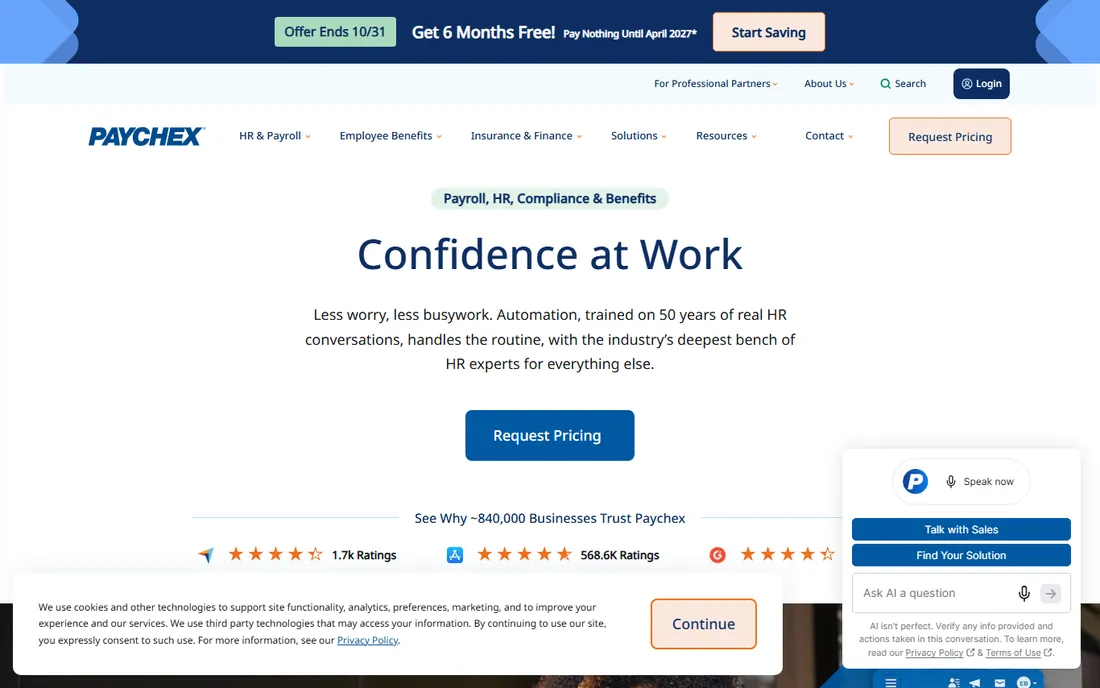
Paychex combines payroll software with human support: dedicated specialists who know your account, HR advisory services, and compliance guidance. Growing businesses get both technology and expertise without building an HR department.
The full-service model suits owners who want payroll handled rather than software to operate. Tax filings, new hire reporting, and year-end forms happen with professional oversight. The HR services scale from basic compliance to full outsourcing.
Pricing is quote-based and typically higher than self-service tools. Companies that prefer hands-on control may find it less flexible. But for businesses that want payroll as a managed service with expert backup, Paychex delivers.
What we like- Full-service payroll plus HR support
- Strong compliance
- Dedicated specialists
Watch out for- Quote-based pricing
- Less self-service than newer tools
Starting priceSee website
Free planFree trial
QuickBooks Payroll's case is simple: if you run your books in QuickBooks, payroll belongs there too. Pay data flows directly into accounting without exports or reconciliation, and the combined system gives owners one financial picture.
Tax filings are automatic, including federal and state payroll taxes, and year-end forms generate from the same data as your books. The familiar QuickBooks interface means no new system to learn.
Outside the QuickBooks ecosystem, there is little reason to choose it over Gusto or OnPay. Support experiences vary. But for the millions of businesses on QuickBooks, the native integration eliminates a whole category of bookkeeping friction.
What we like- Native QuickBooks integration
- Automatic tax filings
- Familiar interface
Watch out for- Best value only inside QuickBooks
- Support quality varies
Starting priceSee website
Free planNo
OnPay keeps payroll simple and affordable: one plan, full-service tax filings in all fifty states, and an interface that does not require training. Small businesses get professional payroll without the enterprise complexity or cost.
The pricing transparency stands out in an industry of quotes and tiers. What you see is what you pay, and the feature set covers what most small businesses need: direct deposit, tax filings, new hire reporting, and integrations with common accounting tools.
HR features are lighter than Gusto's, and the integration ecosystem is smaller. But for businesses that want payroll handled correctly at a fair price, OnPay's simplicity is the selling point.
What we like- Straightforward pricing
- Full-service tax filings
- Easy to use
Watch out for- Fewer HR extras
- Smaller ecosystem
Starting priceSee website
Free planNo
Patriot serves the budget end of payroll without cutting the essentials: accurate calculations, tax filings, direct deposit, and US-based support that customers consistently praise. Very small businesses get professional payroll at prices that fit tight budgets.
The company keeps the product focused rather than chasing every HR trend. That restraint means fewer features than Gusto or Rippling, but also fewer surprises and a lower price. The support reputation is a genuine differentiator at this price point.
Growing companies will eventually want more: benefits administration, advanced HR, deeper integrations. But as an affordable, reliable starting point for payroll, Patriot respects both the budget and the business.
What we like- Very affordable
- US-based support
- Simple and reliable
Watch out for- Basic feature set
- Fewer integrations
What payroll software must get right
Accuracy is non-negotiable. Miscalculated paychecks destroy trust instantly, and tax filing errors bring penalties. Every tool on this list handles the basics; the differences are in the edges: multi-state taxes, garnishments, contractor payments, and year-end forms.
Tax compliance is the hidden value. Automatic federal, state, and local filings, new hire reporting, and W-2s shift liability and labor from you to the vendor. Verify coverage for every jurisdiction where you have employees before committing.
Employee experience matters more than owners expect. Clean pay stubs, easy time-off requests, and mobile access reduce the HR questions that interrupt your week. The best payroll software makes employees feel the company has its act together.
Pricing patterns
Payroll pricing typically combines a base monthly fee with a per-employee charge. Small teams pay modestly; costs scale linearly with headcount, so model your growth, not just today's team.
Watch for the add-on structure. Benefits administration, time tracking, and HR features often cost extra, and the gap between base price and real price surprises buyers. Ask vendors for the all-in number for your specific needs.
Annual contracts sometimes discount significantly, but lock you in. Start monthly until you are confident in the fit, then consider annual billing for the savings.
The compliance calendar: never miss a deadline
Payroll tax deposits follow strict schedules: monthly or semi-weekly depending on your tax liability, with penalties for lateness that compound fast. Your software should track your deposit schedule automatically, but verify it is right; the IRS holds you responsible regardless.
Quarterly filings (Form 941) and annual forms (W-2s, 1099s) have hard deadlines. Mark them on the company calendar with reminders two weeks out. The year-end rush in January is predictable; prepare in December.
State requirements multiply the complexity. Unemployment insurance filings, state withholding, and local taxes each have their own schedules. Multi-state employers should map every obligation explicitly rather than discovering them through penalty notices.
Growing into payroll complexity
Payroll needs evolve with headcount. Under 10 employees, simplicity wins: accurate pay, tax filings, direct deposit. The budget tools handle this well.
At 10 to 50, HR features start mattering: onboarding workflows, time-off tracking, benefits administration. This is Gusto and Rippling territory, where payroll plus HR in one system saves real administrative time.
Beyond 50, compliance complexity and reporting needs push toward ADP or Paychex. Multi-state taxes, complex pay structures, and audit requirements justify the enterprise tools. Plan the transition before growth forces it under pressure.
How we chose
We compared payroll software that US small and mid-size businesses actually use, based on vendor documentation, pricing pages, and reviews on G2, Capterra, and Trustpilot. We covered the modern favorites (Gusto, Rippling), the enterprise standards (ADP, Paychex), and budget options (OnPay, Patriot, QuickBooks Payroll). Despite the "top 5" slug, we list seven tools because the category deserves the fuller comparison. Pricing is often quote-based, so we link to vendors for current numbers.
Frequently asked questions
When should we switch from manual payroll to software?
Immediately, even with one employee. Manual payroll risks tax errors and wastes time from day one. The cost of basic payroll software is trivial compared to one penalty or one payroll mistake.
Can payroll software handle contractors too?
Yes, most tools on this list pay contractors and generate 1099s alongside employee payroll. Rippling and Gusto handle this particularly well. Verify contractor payment features if you use many freelancers.
What happens if the software makes a tax error?
Reputable vendors assume liability for filing errors they cause and pay resulting penalties. This guarantee is standard among established providers and a key reason to use professional payroll software. Read the terms to confirm coverage.
Do we need HR features or just payroll?
Start with payroll; add HR when people problems consume real time. The trigger is usually around 10 to 15 employees, when onboarding, time off, and benefits administration become regular work. Tools like Gusto and Rippling grow with you.
How hard is it to switch payroll providers?
Moderate. Year-end is the cleanest switching point, but mid-year switches are common. The new vendor typically handles data migration and tax continuity. The bigger work is internal: new processes for managers and employees.
How do we handle payroll for remote employees in other states?
Register for withholding in each state where employees work, and ensure your software handles multi-state filings. The complexity grows fast; this is where ADP and Paychex earn their fees.
What is the most overlooked payroll task?
Keeping employee data current: addresses, withholding allowances, direct deposit details, and benefits elections. Stale data causes most payroll errors; review it with each employee annually.
Should we offer direct deposit?
Yes, universally. It is cheaper, faster, and more reliable than checks, and employees prefer it. The tools here all support it; make it the default and keep paper checks as the rare exception.
Sources we checked (7)
- https://gusto.com/
- https://www.rippling.com/
- https://www.adp.com/
- https://www.paychex.com/
- https://quickbooks.intuit.com/payroll
- https://onpay.com/
- https://www.patriotsoftware.com/
Is your product missing or out of date?
We review this list regularly. Vendors can request a listing, send updated pricing or ask about featured placement.

Shihab Mia · Founder, Rankite
Shihab has spent more than a decade helping SaaS and e-commerce brands grow through search. He writes Rankite's software buying guides from pricing pages, documentation and public user reviews. More about Shihab.