How we make this list: we compare pricing pages, product documentation and public user reviews. Rankite is independent; if a vendor ever pays for a featured spot, that listing is clearly labeled Partner.
Key takeaways
- Most slicers are free, so choose by printer compatibility and workflow, not price.
- PrusaSlicer and OrcaSlicer are the best free FDM slicers for most users; Bambu Studio wins if you own Bambu Lab printers.
- Resin printing needs its own tools: ChiTuBox and Lychee Slicer lead, with PreForm the pick for Formlabs machines.
- OctoPrint and 3DPrinterOS handle monitoring and fleets, which matters the moment you run more than two printers.
- Tinkercad is the fastest free way to model simple parts for printing, especially in classrooms.
Quick comparison
| Tool | Best for | Starting price | Free plan |
|---|
 UltiMaker Cura UltiMaker Cura | beginners and UltiMaker owners | Free | Yes |
 Bambu Studio Bambu Studio | Bambu Lab printer owners | Free | Yes |
 PrusaSlicer PrusaSlicer | free all-round FDM slicing | Free | Yes |
 OrcaSlicer OrcaSlicer | tuners and Klipper users | Free | Yes |
 Simplify3D Simplify3D | print farms wanting paid support | $199 one-time | No |
 ChiTuBox ChiTuBox | resin and MSLA printer owners | See website | Yes |
 Lychee Slicer Lychee Slicer | resin printing with a built-in model library | See website | Yes |
 ideaMaker ideaMaker | clean free slicing for functional parts | Free | Yes |
 PreForm PreForm | Formlabs printer owners | Free | Yes |
 OctoPrint OctoPrint | monitoring and controlling printers remotely | Free | Yes |
 3DPrinterOS 3DPrinterOS | schools and businesses managing printer fleets | See website | See website |
 Tinkercad Tinkercad | free browser-based 3D modeling | Free | Yes |
Is your product missing or out of date?
We review this list regularly. Vendors can request a listing, send updated pricing or ask about featured placement.
The top 3d printing software
Starting priceFree
Free planYes
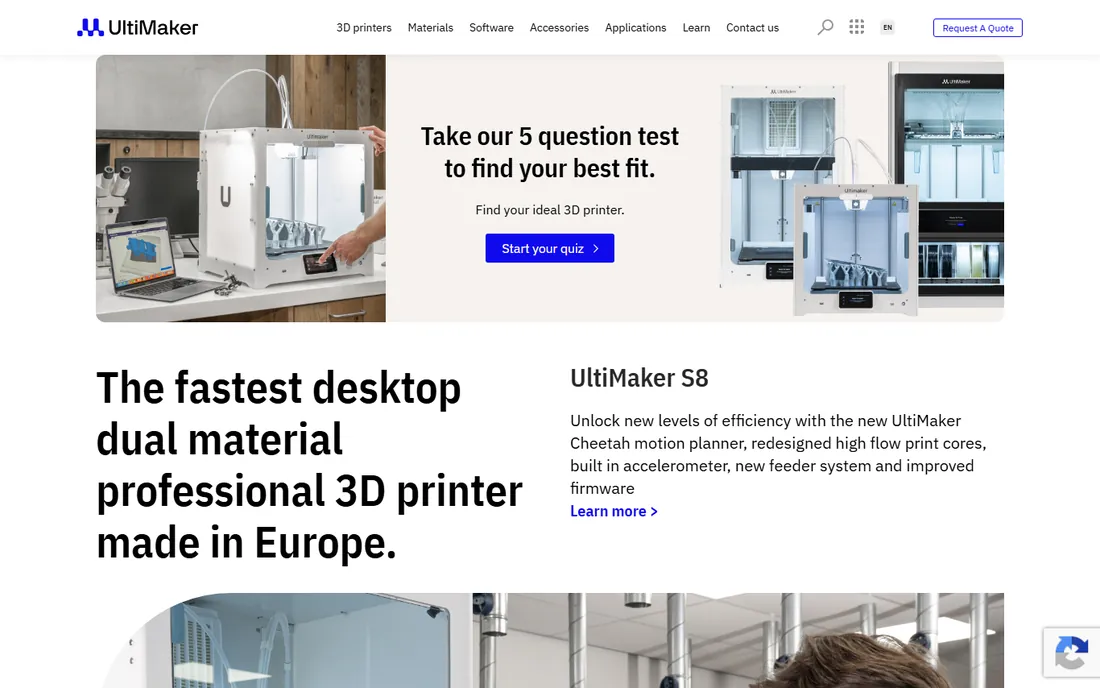
Cura is the slicer most people meet first, and that is its strength. Install it, pick your printer from a long list of profiles, and you get sensible prints without touching a hundred settings. For classrooms, libraries and first-time printer owners, that low friction matters more than any advanced feature.
Power users eventually notice the ceiling: fine control over walls, seams and supports is weaker than in PrusaSlicer or OrcaSlicer. UltiMaker develops Cura alongside its own printers, so third-party machines get good but not leading-edge support. It remains free and open source, which keeps it the default recommendation for beginners.
What we like- Simplest path from model to print
- Huge profile library for third-party printers
- Free and open source
Watch out for- Advanced tuning lags behind PrusaSlicer and OrcaSlicer
- Tied to UltiMaker's development pace
Starting priceFree
Free planYes
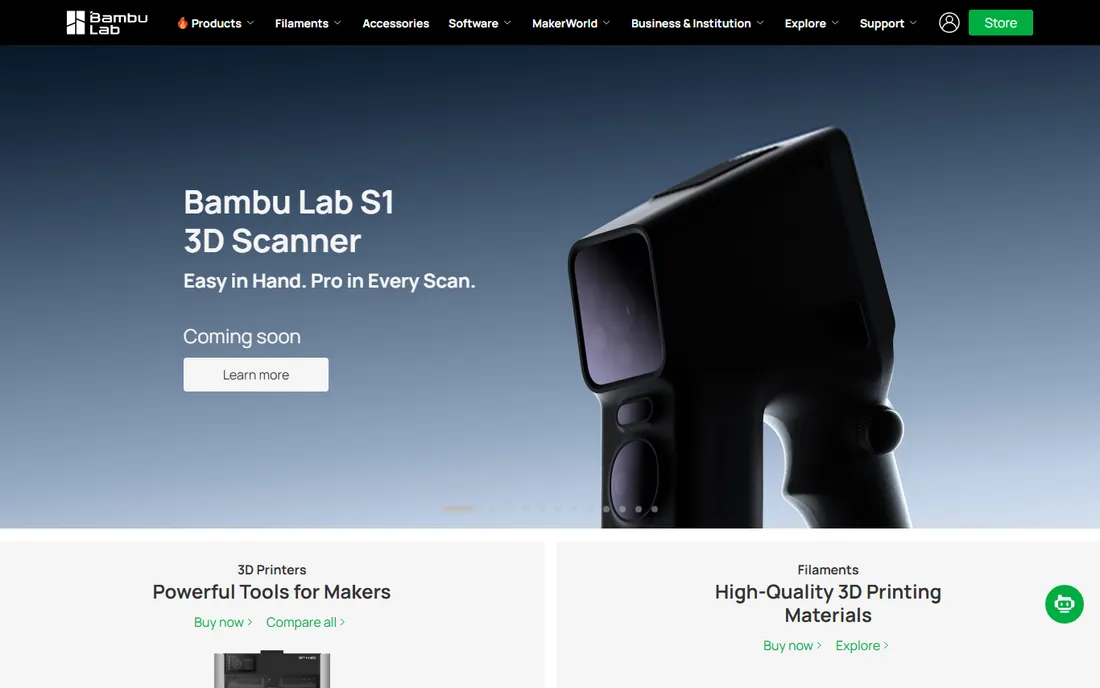
If you own a Bambu Lab printer, Bambu Studio is not really optional; it is the software the machine was designed around. Printer profiles, filament settings and the MakerWorld model platform connect directly, and features like painting multi-color models are genuinely pleasant to use. Slicing speed is excellent.
The catch is the ecosystem pull. The smoothest experience involves Bambu's cloud services, and while LAN-only modes exist, the product clearly prefers you logged in. For non-Bambu printers, OrcaSlicer, which shares its codebase, is usually the better pick. Free, as expected.
What we like- Tight integration with Bambu Lab printers and cloud
- Fast slicing
- Multi-color painting tools built in
Watch out for- Best experience requires Bambu's ecosystem
- Some users dislike the cloud dependency
Starting priceFree
Free planYes
PrusaSlicer is the community's workhorse: free, open source, and maintained by a printer company with a direct interest in print quality. Default profiles for Prusa machines are superb, and community profiles cover most other printers well. The 3.0 preview adds multi-printer projects and a rebuilt profile system, showing active development.
Prusa states plainly that the slicer is free and always will be, which removes any licensing anxiety for businesses. The interface will not win design awards, and exotic workflows take more clicks than in commercial tools. For a small business running mixed printers, it is the rational default.
What we like- Free and open source forever
- Excellent default profiles
- Strong community and documentation
Watch out for- Interface is functional rather than beautiful
- Multi-material workflows trail Bambu Studio
Starting priceFree
Free planYes
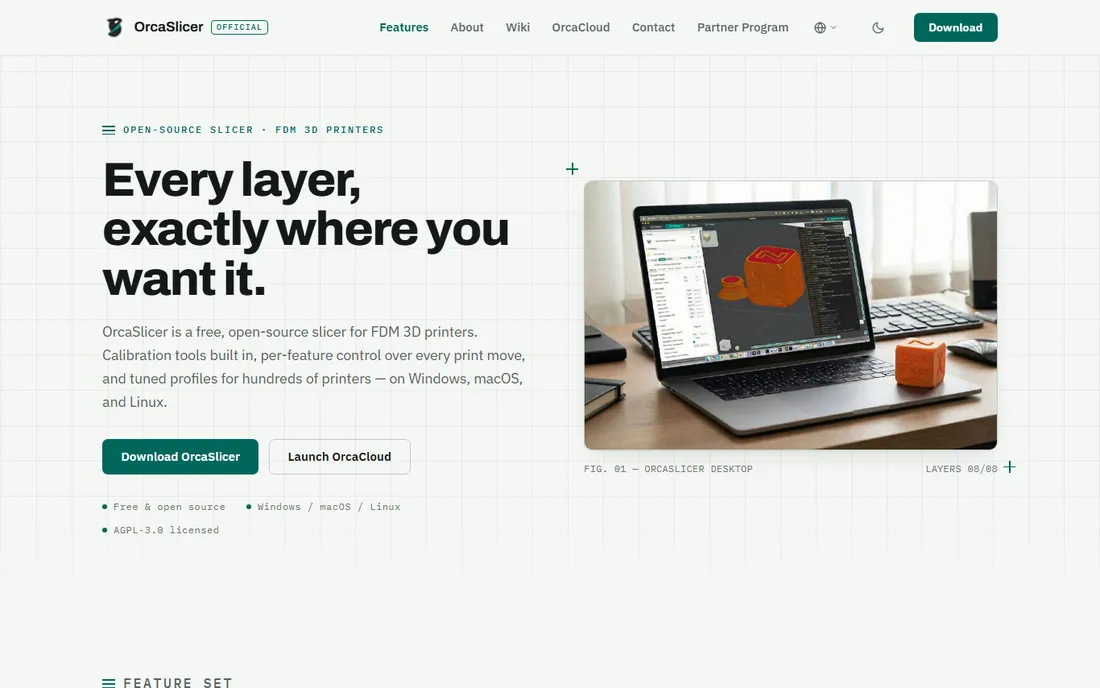
OrcaSlicer is built for people who tune machines. Calibration tests for flow rate, pressure advance, temperature and retraction generate inside the slicer instead of as downloaded test files, which turns an evening of fiddling into minutes. Per-feature overrides let you set speed and temperature independently for walls, infill and supports.
It speaks natively to Klipper, PrusaLink and OctoPrint for network printing, and ships profiles for hundreds of printers. The project is open source under AGPL-3.0 with no accounts and no telemetry. Support is community-based, so beginners may prefer Cura's gentler onboarding.
What we like- Built-in calibration suite
- Per-feature print overrides
- Free and open source with no account or telemetry
Watch out for- Community-driven support only
- Fewer hand-holding wizards for beginners
Starting price$199 one-time
Free planNo
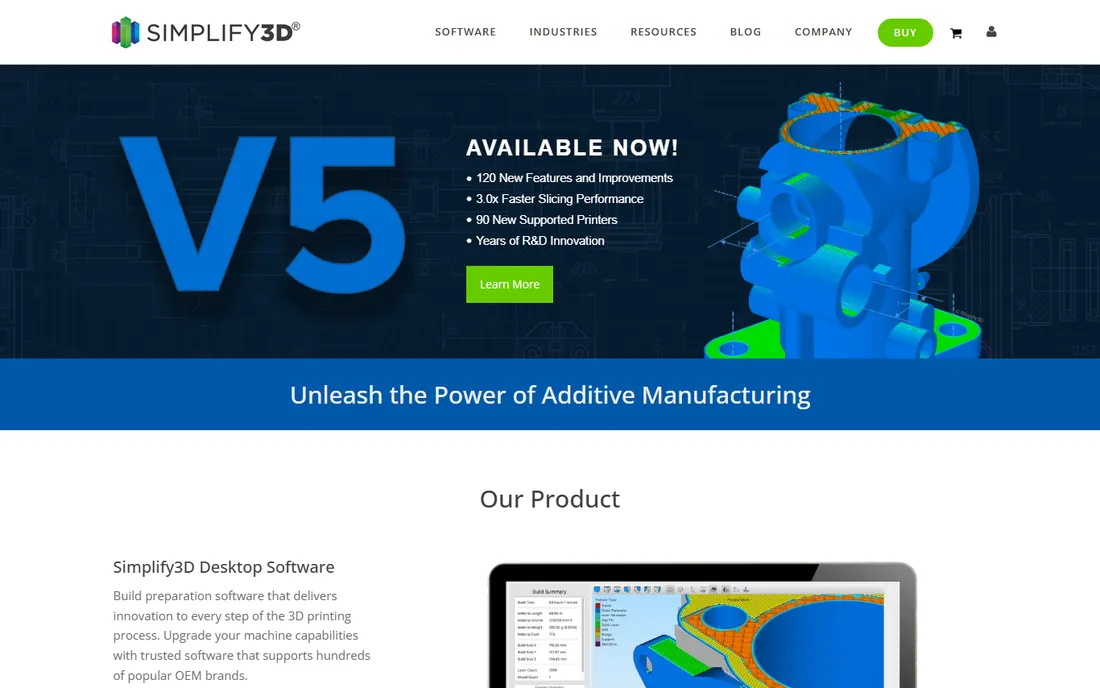
Simplify3D is the last major paid slicer standing, and it justifies the $199 per user price with polish: pre-tuned profiles for hundreds of printers, strong support structures, and a support team that answers. Version 5 brought a new slicing engine and meaningful speed gains. Floating and offline licenses exist for teams and secure environments, with education discounts of 25 percent or more.
The honest question is whether you need it. Free slicers have closed most of the quality gap. Simplify3D earns its keep in print farms and businesses where paid support and consistent profiles across many machines outweigh the license cost. There is a two-week money-back guarantee if you want to test that claim.
What we like- One-time license, no subscription
- Hundreds of tuned OEM printer profiles
- Full-time professional support staff
Watch out for- Costs $199 per user while rivals are free
- Major version upgrades are paid
Starting priceSee website
Free planYes
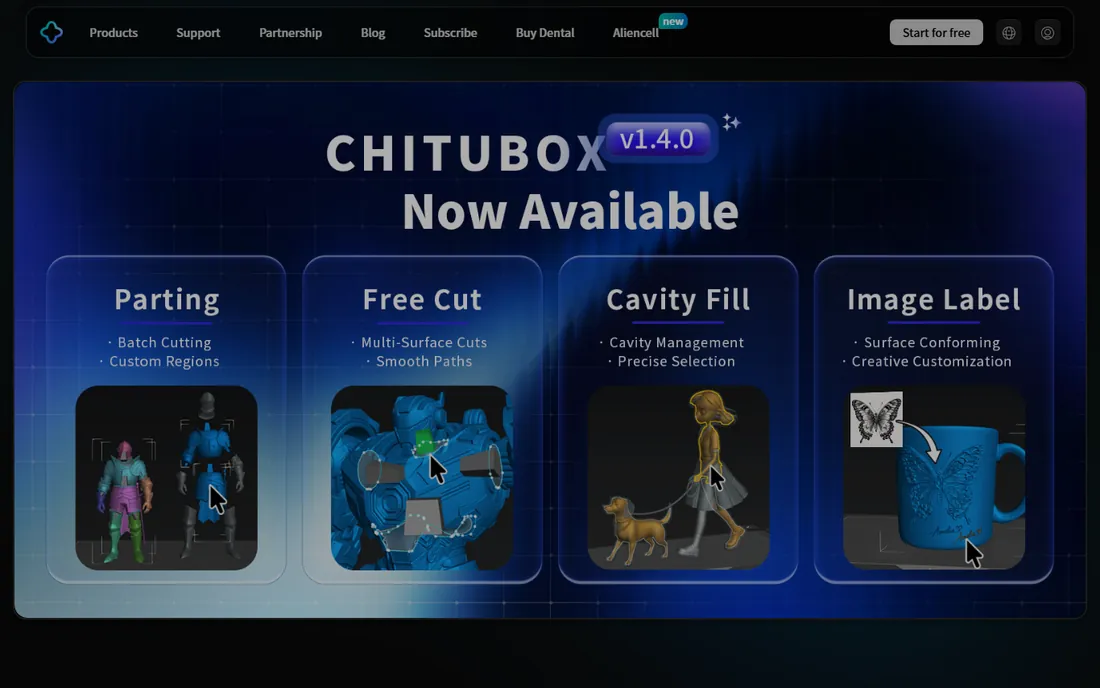
Resin printing is a different world from FDM, and ChiTuBox is its default slicer. It handles the resin-specific workflow: hollowing models, adding drain holes, generating light-touch supports that snap off cleanly, and slicing for masked LCD printers. Most budget resin printers ship with a ChiTuBox profile ready to go.
The free basic version covers hobbyist needs; the Pro tier adds advanced tools for production users. Pricing details live on the vendor's site. For miniature, jewelry and dental work on MSLA machines, this is where nearly everyone starts.
What we like- The standard slicer for MSLA resin printers
- Fast hollowing and support generation
- Free basic version
Watch out for- Paid Pro tier gates advanced features
- Interface can overwhelm newcomers
#7
Lychee Slicer
Best for: resin printing with a built-in model library
Visit lychee.co
Starting priceSee website
Free planYes
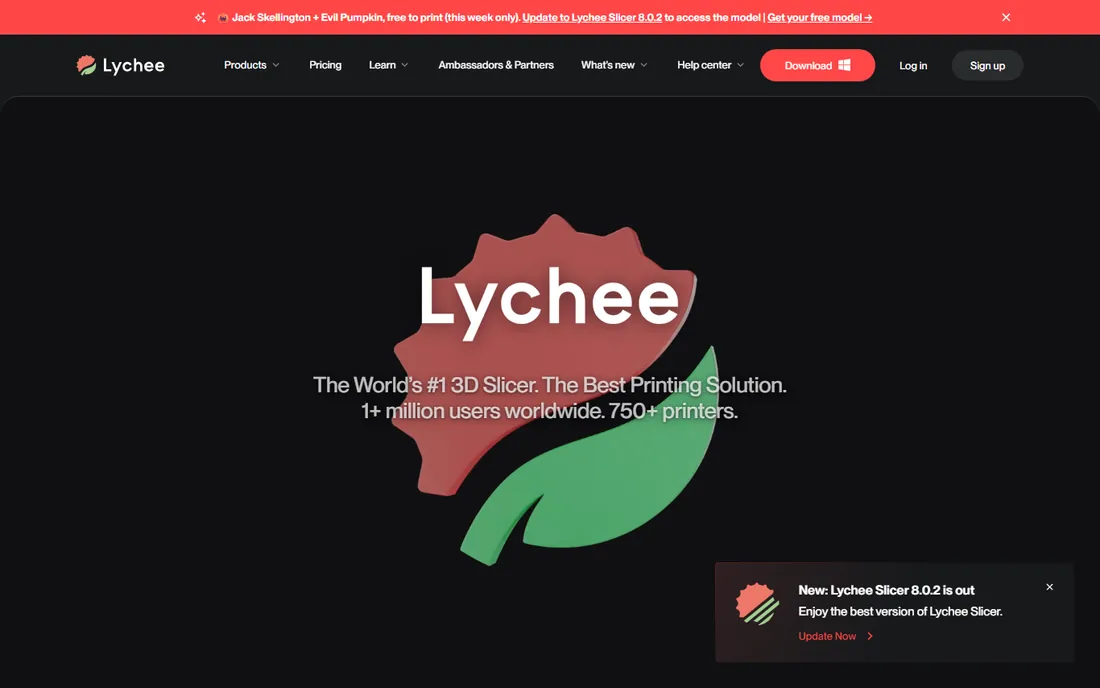
Lychee takes resin slicing upmarket. The free Lite version handles basic slicing, while Plus adds the features that make resin printing pleasant: smart supports, hollowing tools and a smoother workflow, with a 30-day free trial of Plus. The Library tier bundles pre-supported models from creators, so you can print without doing support work yourself.
Version 8 rebuilt the application for speed and lower memory use. The trade is the subscription: serious resin users will want Plus, and pricing is only shown in-app. For miniature painters and tabletop gamers who print constantly, the time saved is usually worth it.
What we like- Polished resin and FDM slicer
- 30-day Plus trial
- Library bundles pre-supported models
Watch out for- Best features sit behind the Plus subscription
- Pricing page lacks public numbers
Starting priceFree
Free planYes
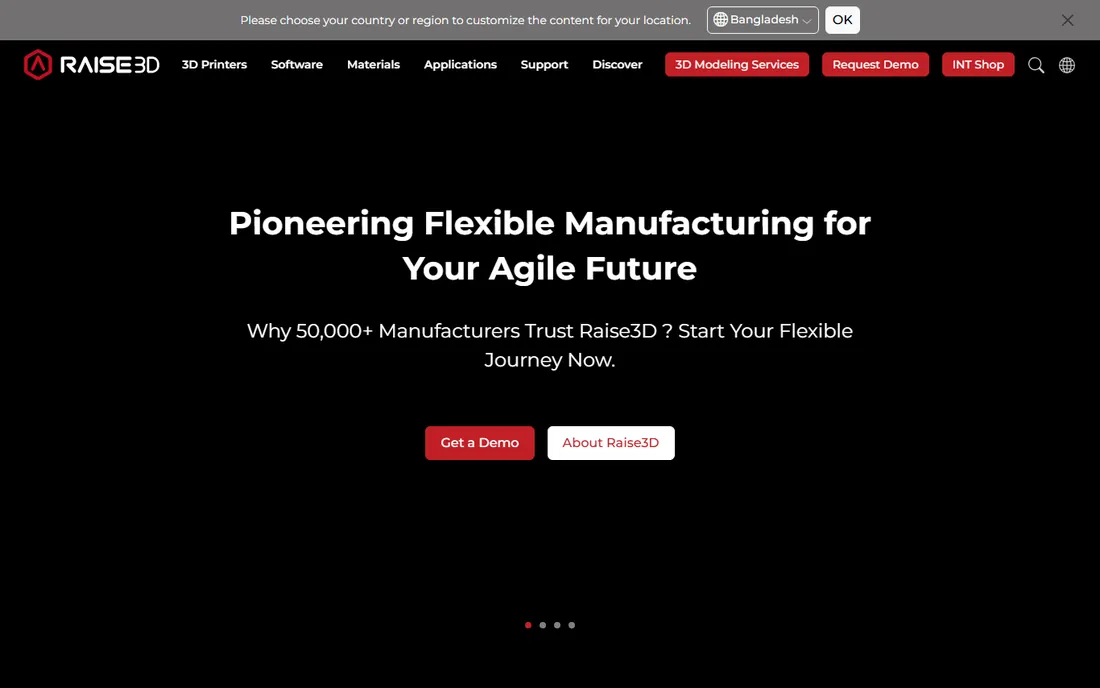
Raise3D's ideaMaker is the quiet achiever of free slicers. It costs nothing, has no paid tier dangling features, and presents a clean interface that engineering-minded users appreciate. Dimensional accuracy and consistent extrusion are its reputation, which suits functional parts, jigs and fixtures.
The profile library covers popular printers but not the long tail that Cura serves. If your machine is supported, you may never need anything else. Raise3D also offers RaiseCloud for remote printer management, making ideaMaker plus cloud monitoring a coherent free stack for small workshops.
What we like- Free with no tiers or upsells
- Clean interface
- Strong for precise functional prints
Watch out for- Printer profile library is smaller than Cura's
- Development pace is steady rather than fast
Starting priceFree
Free planYes
PreForm is Formlabs' free print preparation software, and like Bambu Studio it is inseparable from its hardware. Import a model, and PreForm orients it, generates supports and sends it to the printer with minimal fuss. For Formlabs' SLA and SLS machines it is simply the correct tool.
There is no reason to evaluate it independently: if you buy Formlabs printers, you use PreForm; if you do not, it is irrelevant. That tight integration is why Formlabs users report such consistent results. Free download from Formlabs.
What we like- Free and purpose-built for Formlabs machines
- One-click print setup
- Excellent support generation for SLA
Watch out for- Only useful with Formlabs printers
- Resin ecosystem lock-in
Starting priceFree
Free planYes
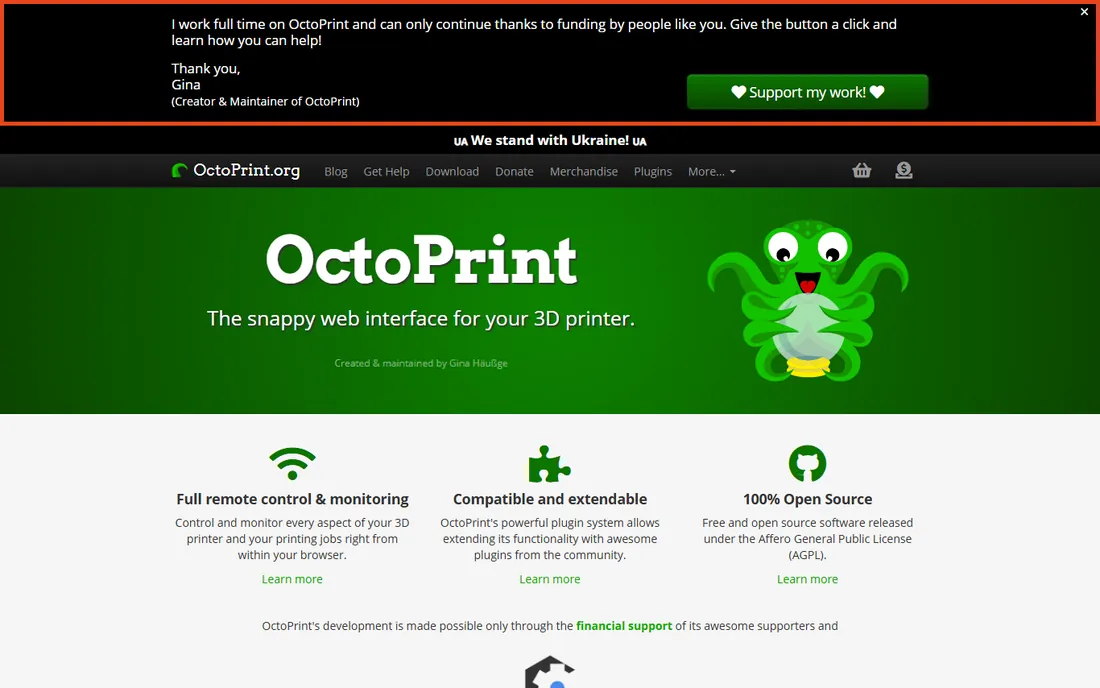
OctoPrint turns a Raspberry Pi into a print server: remote monitoring, webcam feeds, temperature graphs, timelapse recordings and a plugin library that adds everything from filament sensors to print queues. It is free and open source under the AGPL, maintained largely by its creator with community support.
The cost is setup effort. You provide the Pi, install the image, and configure your printer profile. For a single printer it is a nice convenience; for a small farm it becomes essential infrastructure. Many commercial management tools, including some on this list, started as responses to OctoPrint.
What we like- Free and open source
- Huge plugin ecosystem
- Webcam monitoring and timelapses
Watch out for- Needs a Raspberry Pi or server to run
- Setup is a DIY project
Starting priceSee website
Free planSee website
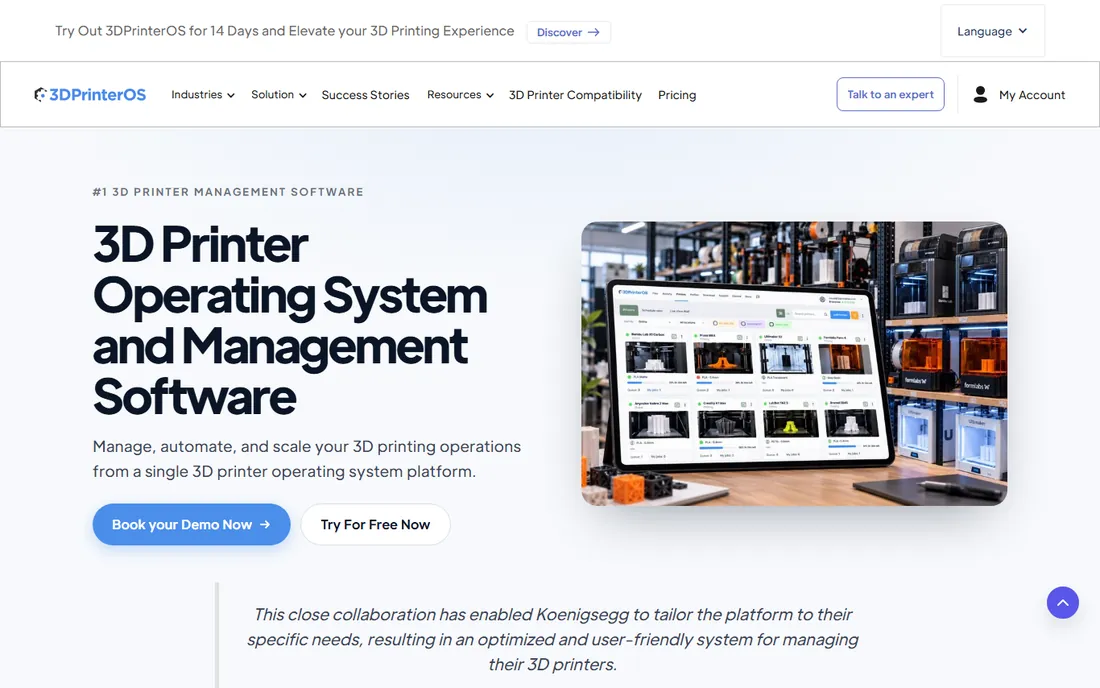
When printer count grows past what one person can babysit, 3DPrinterOS centralizes the chaos. It connects machines from Bambu Lab, Prusa, UltiMaker, Formlabs and others into one cloud dashboard with user management, print queues, quotas and usage tracking. Schools, libraries and service bureaus are the core audience.
Pricing is quote-based and scales with fleet size, so small shops should price it against the free alternative of OctoPrint instances. Where 3DPrinterOS wins is administration: student quotas, departmental billing and centralized file workflows are built in rather than bolted on.
What we like- Manages mixed printer brands from one dashboard
- User quotas and access control
- Cloud slicing
Watch out for- Pricing is quote-based
- Overkill for one or two printers
Starting priceFree
Free planYes
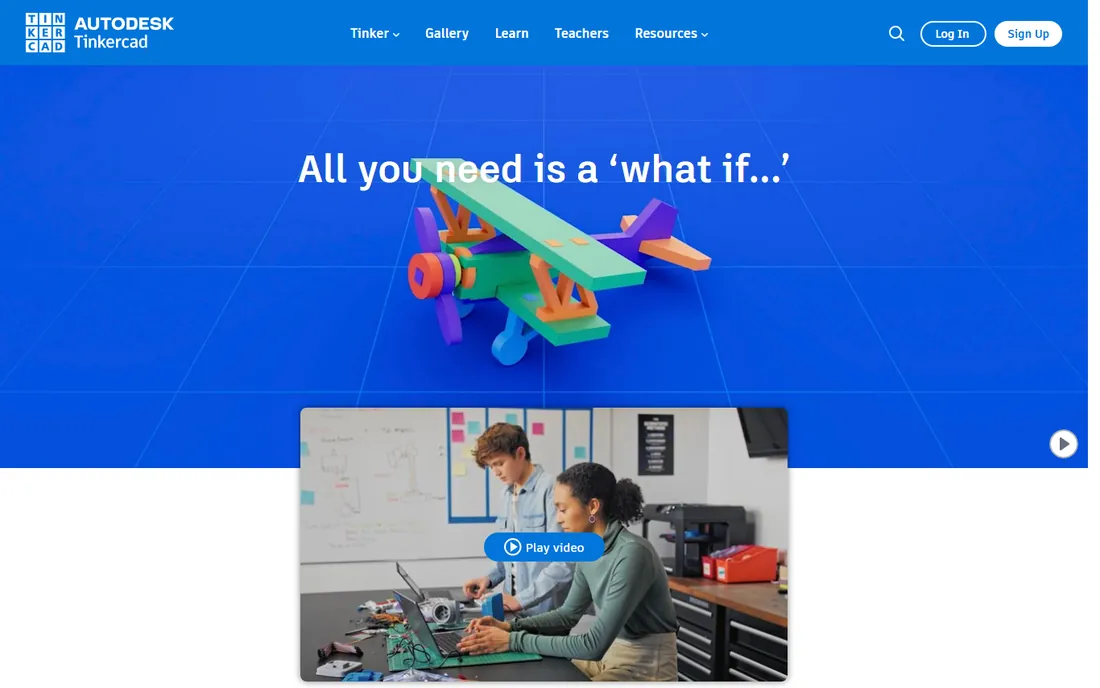
Tinkercad is not a slicer; it is the modeling step before slicing, and it belongs on this list because most failed prints start as bad models. Autodesk's free web app lets anyone combine shapes into printable parts in minutes, with no install and no cost. Over 100 million users is a scale no desktop CAD tutorial can match.
Its limits are real: organic shapes and precise engineering are beyond it. But for brackets, enclosures, replacement knobs and classroom projects, Tinkercad plus any free slicer is a complete pipeline that costs nothing. Export to STL and slice wherever you like.
What we like- Completely free with no downloads
- Runs in a browser
- Kid-safe and classroom proven
Watch out for- Too simple for complex engineering
- Not a parametric CAD tool
How we chose
We opened each vendor's homepage to confirm the product is live and current, and checked pricing pages directly for every paid figure quoted. Free and open-source status was verified against the vendors' own statements. One vendor page failed to load in our browser, and we flagged it rather than dropping a major resin slicer.
We compared printer compatibility lists, feature sets, documentation quality, community discussion and fit for small businesses, schools and print farms. We did not run print benchmarks. The ranking favors software a buyer can download and use productively this week, with clear notes on where free tools beat paid ones.
Getting set up without the headaches
Budget a full day for your first setup, not an hour. Install the slicer, add your printer profile, and print a calibration model before anything you care about. Each slicer on this list has a first-run workflow; follow it instead of importing settings from a forum. Bed leveling, extruder calibration and a temperature tower will improve your results more than any software upgrade.
For resin, add safety setup to the schedule: ventilation, nitrile gloves and a wash-and-cure station are part of the workflow, not accessories. ChiTuBox and Lychee both assume you have them. For fleets, set up OctoPrint or 3DPrinterOS before printer three arrives, because retrofitting management onto a running farm is painful.
Keep your software updated but not impulsively. Slicer updates occasionally change default profiles, which can alter print results mid-production. Print farms often standardize on one version per quarter. Note which version produced each important part, and keep old installers until you are sure the new one behaves.
What to check before you buy
The only paid slicer decision most buyers face is Simplify3D at $199 per user versus free alternatives. Buy it if you need paid support with an SLA-like response and standardized profiles across many machines. Otherwise start free; you can always buy later, and the free tools export standard G-code that any printer accepts.
Match the slicer to the printer first and the feature list second. A perfect slicer without your printer's profile is a science project. Check the vendor's supported-printer list for your exact model before committing your workflow. For resin, confirm your printer's file format; the MSLA world has several competing formats and not every slicer writes all of them.
For management software, count printers honestly. One or two machines do not need 3DPrinterOS; OctoPrint on a Pi handles them for the cost of hardware. Past five printers, or anywhere with multiple users, centralized quotas and access control start paying for themselves in reduced chaos and failed prints.
File formats and lock-in
Your models should live as STL, 3MF or STEP files that any tool can open. Prefer slicers that import and export openly; 3MF preserves more information than STL and is worth adopting. Avoid workflows where your print profiles only exist inside one vendor's cloud. The free tools here are generally good citizens on formats, which is one more reason to try them first.
Frequently asked questions
What is a slicer in 3D printing?
A slicer converts your 3D model into layer-by-layer instructions, called G-code, that the printer follows. It decides wall thickness, infill density, support structures and print speed. Every 3D print goes through a slicer, so it has more impact on print quality than most beginners expect.
Which free slicer is best?
PrusaSlicer is the best free all-rounder for FDM printing, with OrcaSlicer the pick for tuners and Klipper users. Cura is easiest for beginners. For resin printers, ChiTuBox and Lychee Slicer's free tier lead. All are genuinely free, not trials.
Do I need paid 3D printing software?
Usually not. The free slicers match or beat paid ones for most users. Paid software earns its place in specific situations: Simplify3D for farms wanting support, Lychee Plus for heavy resin users, and 3DPrinterOS for fleet management. Start free and upgrade when a specific pain appears.
What software do I need for resin 3D printing?
A resin slicer like ChiTuBox, Lychee Slicer or PreForm, which handles hollowing, supports and MSLA file formats. You also need safety gear and a wash-and-cure setup. FDM slicers like Cura cannot prepare resin prints.
Can I monitor my 3D printer remotely?
Yes. OctoPrint on a Raspberry Pi gives you webcam monitoring, temperature graphs and remote control for free. Many modern printers also include their own cloud monitoring through the vendor's slicer, like Bambu Studio or RaiseCloud.
What is the best free 3D modeling software for printing?
Tinkercad is the fastest free option for simple parts and runs in a browser. For serious engineering, the free tier of professional CAD tools or open-source modelers are the next step up. Whatever you model, export STL or 3MF for slicing.
Sources we checked (13)
- https://ultimaker.com/
- https://bambulab.com/
- https://www.prusa3d.com/
- https://www.orcaslicer.com/
- https://simplify3d.com/
- https://www.simplify3d.com/buy-now/
- https://www.chitubox.com/
- https://lychee.co/
- https://raise3d.com/
- https://formlabs.com/
- https://octoprint.org/
- https://3dprinteros.com/
- https://tinkercad.com/
Is your product missing or out of date?
We review this list regularly. Vendors can request a listing, send updated pricing or ask about featured placement.

Shihab Mia · Founder, Rankite
Shihab has spent more than a decade helping SaaS and e-commerce brands grow through search. He writes Rankite's software buying guides from pricing pages, documentation and public user reviews. More about Shihab.