How we make this list: we compare pricing pages, product documentation and public user reviews. Ratings come from G2, Capterra or Trustpilot, with the date we checked them.
Key takeaways
- KiCad is the only tool here with no license cost at all, and its source code is released under the GPL, so there is no seat count or renewal to manage.
- Autodesk Fusion lists at $680 per year, which makes it one of the few paid options with a public price. Most high-end PCB vendors (Altium, Cadence, Siemens) sell through quotes or resellers.
- Browser-based tools (EasyEDA, Flux) get a new engineer productive in an afternoon, but they are a weaker fit for dense, high-speed boards.
- Altium Designer, Cadence Allegro X and Siemens PADS Professional are built for teams with signal integrity and manufacturing handoff requirements, and they are priced and supported accordingly.
- Pick based on board complexity and team size first, then check library quality and how easily you can export your data if you switch later.
Quick comparison
| Tool | Best for | Starting price | Free plan |
|---|
 Altium Designer Altium Designer | Professional hardware teams | See website | Free trial |
 KiCad KiCad | Budget-conscious teams and open source fans | Free | Yes |
 Autodesk Fusion Autodesk Fusion | Products where the enclosure and board are designed together | $680 per user/year | Free trial |
 OrCAD X OrCAD X | Schematic-driven design with SPICE simulation | See website | Free trial |
 Cadence Allegro X Cadence Allegro X | Complex, high-speed enterprise boards | See website | No |
 Siemens PADS Professional Siemens PADS Professional | Mid-size engineering groups on Windows | See website | Free trial |
 DipTrace DipTrace | Small shops that want a perpetual license | See website | Free trial |
 EasyEDA EasyEDA | Quick prototypes ordered from a linked fab | Free (paid plan $19.9 per month, billed annually) | Yes |
 Proteus Proteus | Embedded projects that need microcontroller simulation | See website | Free trial |
 Flux Flux | Collaborative, browser-based design with AI help | See website | Yes |
Is your product missing or out of date?
We review this list regularly. Vendors can request a listing, send updated pricing or ask about featured placement.
The best PCB design software
#1Altium Designer
Best for: Professional hardware teams4.5/5 on
G2 (954 reviews, checked Oct 2026)
Visit altium.com
Starting priceSee website
Free planFree trial
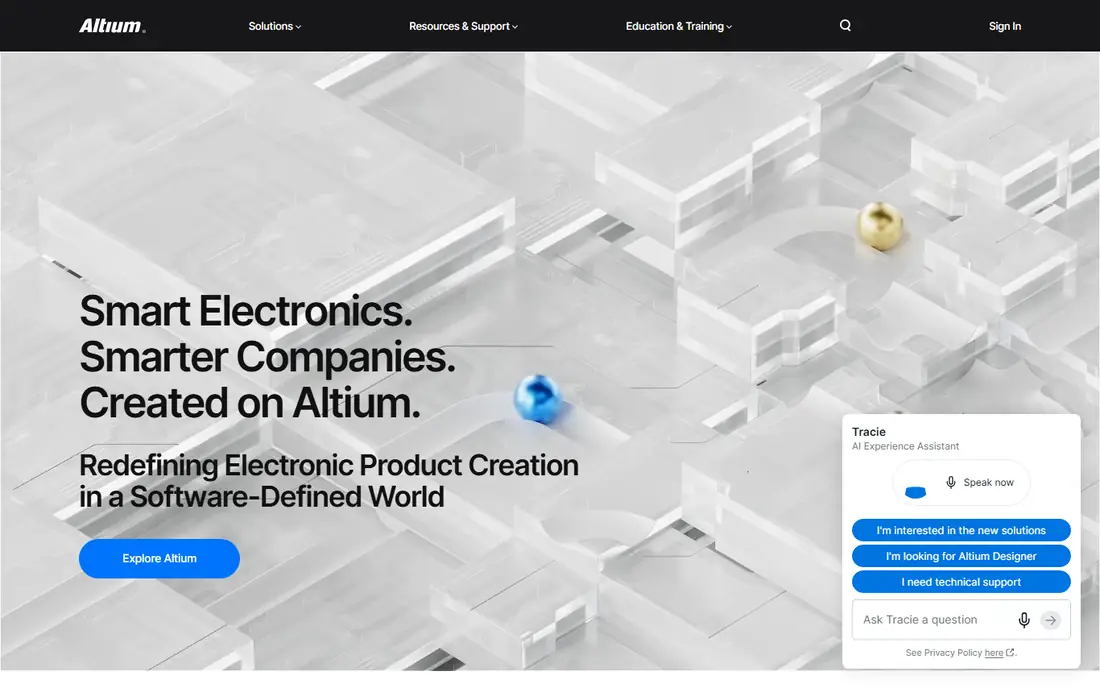
Altium Designer is the tool many contract design houses and hardware startups reach for once boards stop being simple. A single environment covers schematic capture, layout, design rules, 3D clearance checks and manufacturing outputs. It also connects to Altium's cloud workspace for sharing designs and managing parts.
The practical advantage is hiring and handoff. Many board designers already know it, and many fabs and design partners accept its native files. That lowers the risk when you outsource layout or bring in a freelancer for a rush job.
The catch is cost. Altium does not publish a simple price on the pages we could check, so expect a quote or a reseller conversation, and expect the bill to be a real line item for a small company. The desktop software runs on Windows, so Mac-based teams need a virtual machine or a different tool.
What we like- Schematic, layout, rules and 3D checking in one application
- Strong library and part management
- Widely known by hardware recruits and contract designers
Watch out for- Among the most expensive options
- Windows-only desktop client
#2KiCad
Best for: Budget-conscious teams and open source fans4.5/5 on
G2 (69 reviews, checked Oct 2026)
Visit kicad.org
Starting priceFree
Free planYes
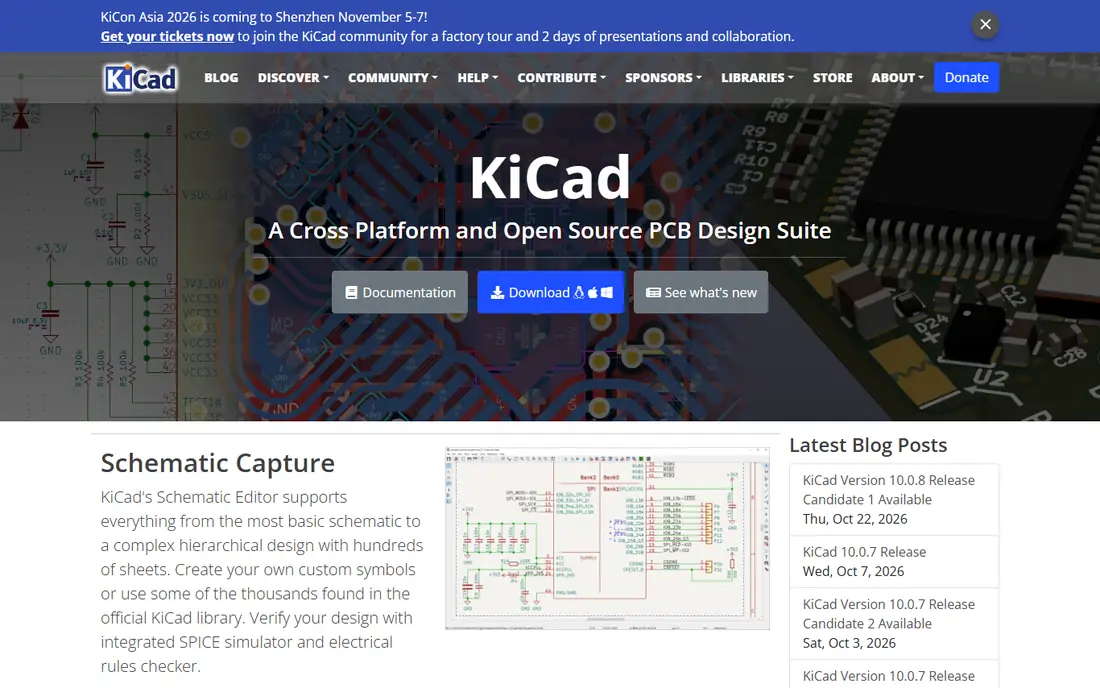
KiCad is the answer for companies that want serious PCB software without a procurement process. The project states that most of its source code is distributed under the GNU General Public License, version 3 or later, and the community forum confirms you can use it for paid client work. That means no per-seat counting and no renewal date to forget.
It handles multilayer boards, differential pairs, length tuning and 3D board viewing, and a built-in content manager lets you add third-party libraries and plugins. For a typical IoT, sensor or consumer-electronics board, it is more than enough. Many small teams run it on all three major operating systems without friction.
The honest trade-off is support. If something breaks at midnight before a release, you rely on forums and your own team, not a vendor hotline. Large organizations with strict simulation, constraint-management or audit requirements often find the paid suites easier to justify.
What we like- No license fees and no seat limits
- Cross-platform (Windows, macOS, Linux)
- Active community and growing plugin ecosystem
Watch out for- No vendor-backed support contract
- Advanced high-speed and team-workflow features trail the paid suites
#3Autodesk Fusion
Best for: Products where the enclosure and board are designed together4.5/5 on
G2 (519 reviews, checked Oct 2026)
Visit autodesk.com
Starting price$680 per user/year
Free planFree trial
Autodesk Fusion is a good fit if the board has to fit a specific enclosure. Autodesk describes it as a commercial subscription covering CAD, CAM, CAE, PCB and data management, priced from $85 per month or $680 per year. Because the electronics and the mechanical model share one project, checking connector placement against a housing takes minutes rather than a file exchange.
Product designers and small hardware companies that already pay for Fusion for mechanical work get PCB capability without a second vendor. That is the strongest argument for it. You can see the price before you talk to anyone, which is unusual in this category.
The weakness is depth. A dedicated 12-layer, high-speed design with strict constraint management is better served by Altium, Allegro or PADS. Also note that some advanced simulation and manufacturing features sit behind paid extensions or higher Fusion tiers.
What we like- PCB design sits next to mechanical CAD in the same cloud workspace
- Public subscription price
- Monthly billing available at $85 per month
Watch out for- PCB is one part of a wider product, so the electronics tools are less deep than dedicated EDA suites
- Subscription only, so access ends if you stop paying
#4OrCAD X
Best for: Schematic-driven design with SPICE simulation5.0/5 on
Capterra (1 reviews, checked Oct 2026)
Visit orcad.com
Starting priceSee website
Free planFree trial
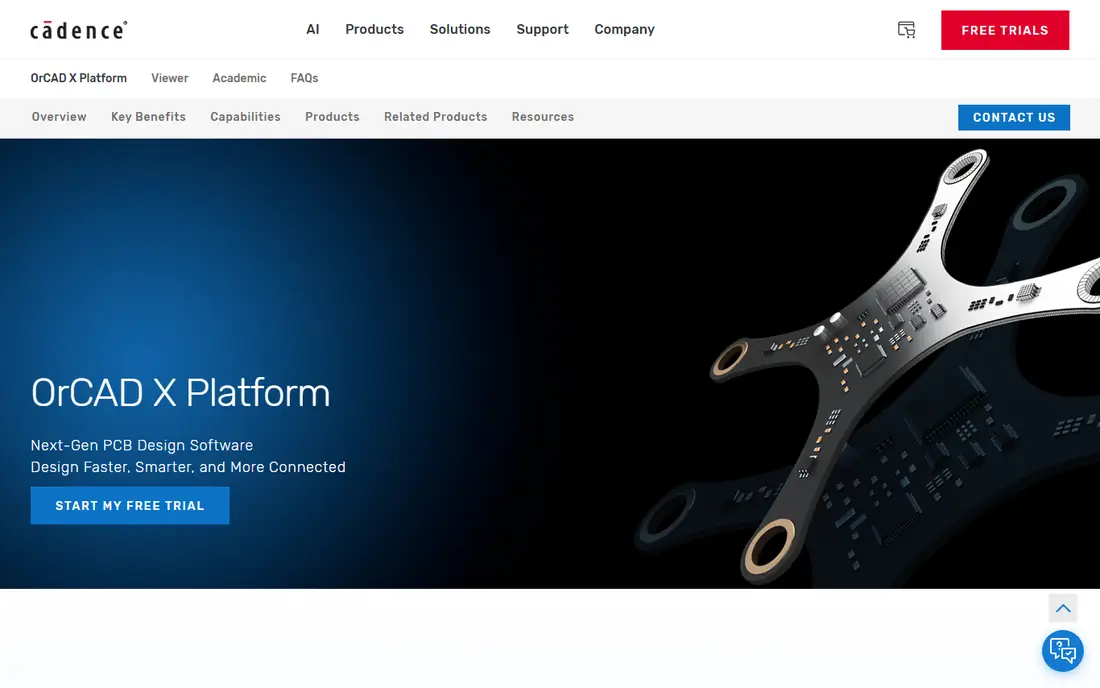
OrCAD has been a staple of engineering departments for decades, and OrCAD X is Cadence's current take on it. Its roots are in schematic capture and analog simulation through PSpice, which makes it popular with power electronics and analog engineers who want to verify a circuit before they commit to layout.
A real benefit for growing companies is the upgrade path. Because OrCAD sits in the Cadence family, a team that starts with moderate boards can later move toward Allegro-level capability without retraining everyone from zero. Many universities teach it too, so graduates arrive familiar with the schematic side.
The drawback is buying friction. Editions, add-ons and licensing models vary, and you will likely need a Cadence partner or sales contact to get a firm number. Plan for a few weeks of evaluation, not an afternoon.
What we like- Long-established schematic capture and PSpice analog simulation
- A path up to Cadence Allegro if projects grow
- Widely used in engineering departments
Watch out for- Pricing is not public and varies by edition
- The product line and licensing options take time to understand
#5
Cadence Allegro X
Best for: Complex, high-speed enterprise boards
Visit cadence.com
Starting priceSee website
Free planNo

Allegro X sits at the top end of the market. It is aimed at engineering groups designing servers, networking gear, telecom boards and other products where signal integrity, power integrity and layer stack-up are daily concerns. Constraint-driven routing and team-based design are central to how it works.
For a business buyer, the key question is whether your boards justify it. If your products are single boards with modest speeds, you will pay for capability you never touch. If a respin costs you weeks and a six-figure tooling bill, the extra checking can pay for itself.
Expect a sales-led purchase, formal onboarding and a learning curve measured in months for new designers. Allegro does not have a free tier, and the vendor does not publish a list price.
What we like- Built for dense, high-speed, multi-board and package-level designs
- Deep constraint management
- Used in large engineering organizations
Watch out for- Enterprise pricing and sales process
- More tool than a small team needs
Starting priceSee website
Free planFree trial
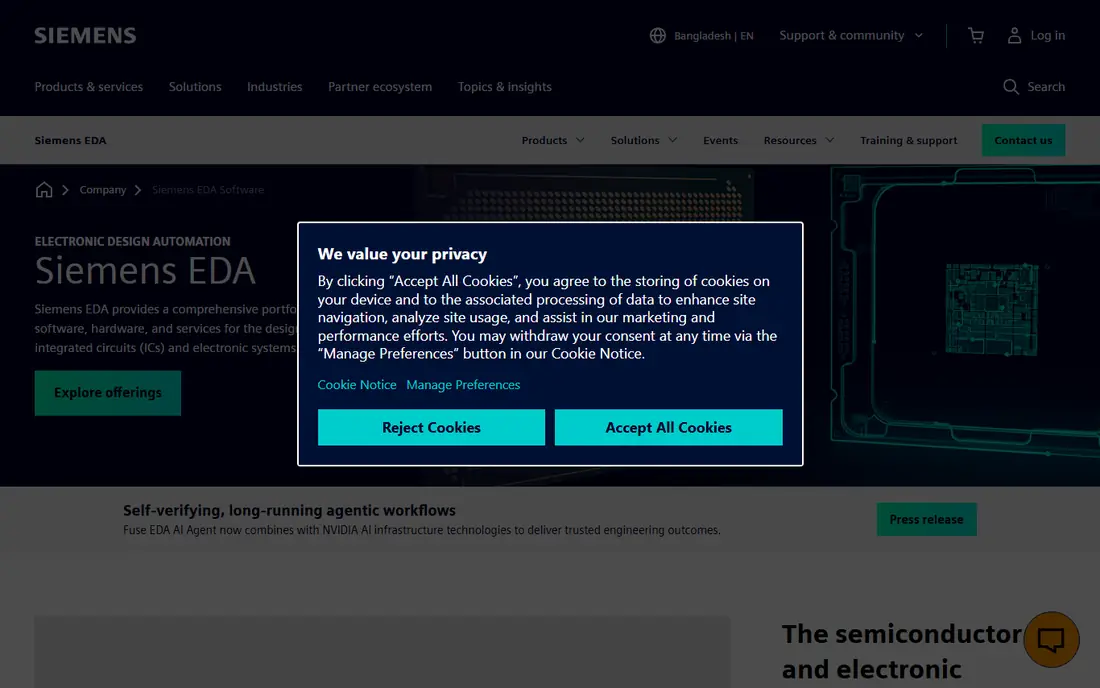
PADS Professional from Siemens EDA targets teams that have outgrown a basic tool but do not need an enterprise platform. It covers schematic design, layout and analysis for mid-complexity boards, and it connects with Siemens' product lifecycle and manufacturing software if your company already uses it.
That Siemens connection is its best selling point. A company running Siemens PLM or manufacturing tools can tie PCB data into existing processes, which smaller standalone tools cannot do easily.
The weakness is mindshare. You will find fewer freelancers, tutorials and community answers than for KiCad or Altium, which matters when you need to hire or troubleshoot quickly. As with most professional EDA products, you need to contact Siemens or a partner for pricing.
What we like- Positioned between entry-level tools and enterprise suites
- Integrates with the wider Siemens EDA and PLM ecosystem
- Solid analysis options
Watch out for- Smaller community and fewer online tutorials than KiCad or Altium
- Pricing requires a quote
#7DipTrace
Best for: Small shops that want a perpetual license4.3/5 on
G2 (46 reviews, checked Oct 2026)
Visit diptrace.com
Starting priceSee website
Free planFree trial
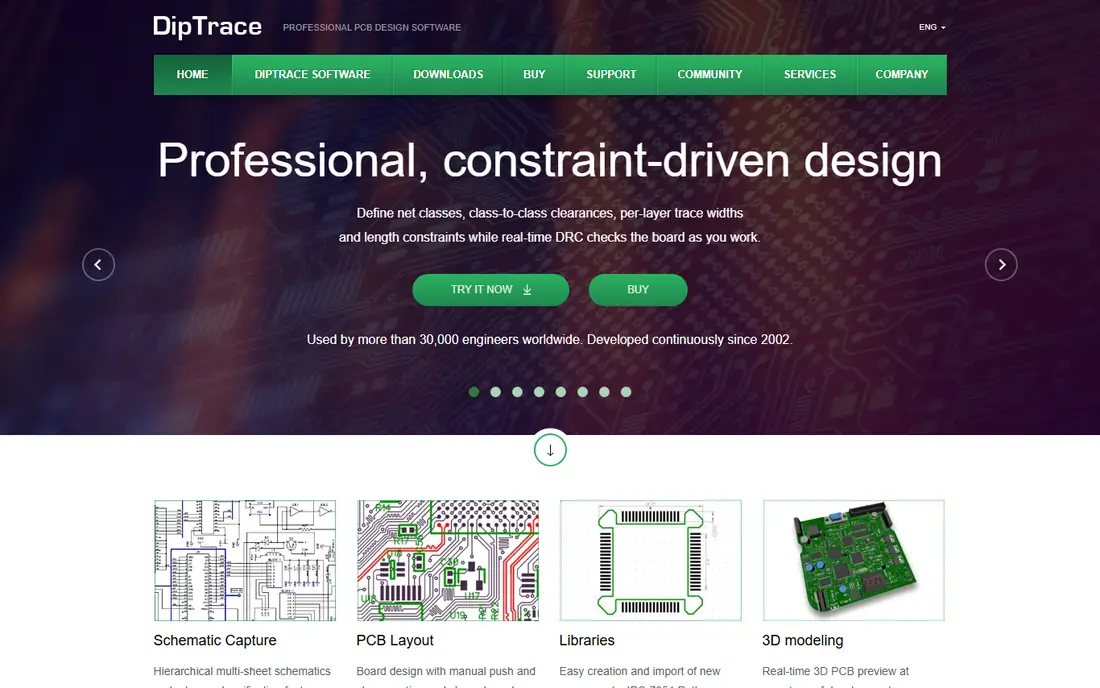
DipTrace is the pick for a small company that dislikes subscriptions. Licenses are sold as one-time purchases in editions limited by pin count and number of signal layers, so a shop building simple two-layer boards does not pay for features reserved for 16-layer designs. Check the vendor's buy page for the current edition prices.
The interface is easy to pick up, and schematic, layout, 3D preview and component creation are in one package. A single engineer can be productive in a day or two, and a trial lets you check that your board fits within the edition limits.
The catch is growth. If your products get denser, the limits push you up the edition ladder, and the community around DipTrace is smaller than around KiCad or Altium, so you will find fewer shared libraries and answers online.
What we like- Perpetual licensing rather than a subscription
- Editions scaled by pin count and signal layers, so you only pay for what you need
- Runs on Windows and macOS
Watch out for- Smaller library ecosystem than the big suites
- Tiered limits mean you may need an upgrade as boards grow
#8EasyEDA
Best for: Quick prototypes ordered from a linked fab4.4/5 on
G2 (20 reviews, checked Oct 2026)
Visit easyeda.com
Starting priceFree (paid plan $19.9 per month, billed annually)
Free planYes

EasyEDA is where many hobbyists and early-stage hardware makers start. The vendor states its core features are free for everyone and that commercial use is permitted. The paid individual plan lists at $19.9 per month with annual billing only, and adds more storage, backup options and removal of ads.
Its real strength is speed from idea to ordered board. The library links directly to a large parts catalog, and you can send a finished design to a connected manufacturer with a few clicks. For a prototype run, that shortcut is hard to beat.
The honest weakness is fit. The free version shows Google ads in the editor, the best workflow is tied to one supplier ecosystem, and complex boards with strict constraints will outgrow it. Teams that need vendor-neutral manufacturing handoff should test their export files before committing.
What we like- Runs in the browser with a desktop client option
- Core features free, including commercial use
- Large part library tied to component sourcing
Watch out for- Ads appear in the free editor
- Best experience assumes you order boards and parts from the connected suppliers
#9Proteus
Best for: Embedded projects that need microcontroller simulation5.0/5 on
G2 (1 reviews, checked Oct 2026)
Visit labcenter.com
Starting priceSee website
Free planFree trial
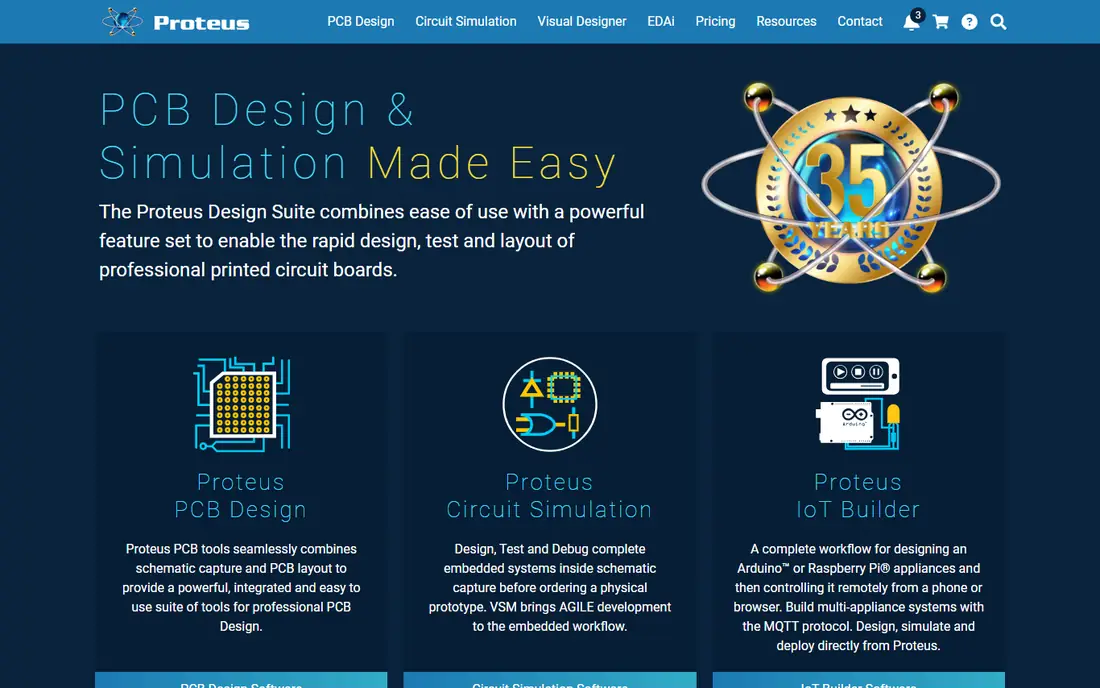
Proteus, from UK-based Labcenter Electronics, is unusual because it lets you simulate firmware running on a microcontroller alongside the circuit. For embedded teams, that means catching an I/O mistake or a peripheral timing problem before the board exists. The vendor sells PCB design, simulation, and other modules separately, with a configurator for commercial licenses.
It suits electronics educators, embedded consultancies and small product teams working with common microcontroller families. If your biggest risk is firmware and hardware interaction, not routing density, it deserves a look.
On price, the vendor's configurator does not show a fixed figure without interaction, so we mark it See website. Teams doing high-speed, many-layer designs usually move to a dedicated layout suite for the final board.
What we like- Combines schematic, PCB layout and microcontroller co-simulation
- A demo download is available
- Broad set of simulated peripherals
Watch out for- Price is configured per product bundle on the vendor site
- The layout engine is less favored for very dense boards
#10
Flux
Best for: Collaborative, browser-based design with AI help
Visit flux.ai
Starting priceSee website
Free planYes

Flux is a newer, browser-native PCB tool built around collaboration and an AI assistant. Several people can work in the same project, and the assistant can help with component research and review questions. For small hardware teams spread over time zones, that model is appealing.
It also removes IT overhead. No installers, no license servers and no OS restrictions make it easy to bring in a contractor for a week. Treat the AI suggestions as a starting point and check datasheets yourself, as you would with any generated advice.
The limits are maturity and scale. It has a shorter history than the other tools on this list, so confirm that its library, export formats and rules cover your board type before you move a project over. Check the vendor's pricing page for current plans.
What we like- Fully in the browser, so there is nothing to install
- Real-time collaboration between teammates
- AI assistant to help with part selection and design review
Watch out for- Newer product with a smaller track record
- Not aimed at large, complex, high-speed designs
How we chose
We built this list from the vendors' own pricing pages, product documentation and feature pages, then checked public reviews on G2, Capterra and Reddit threads to see how real users describe day-to-day use. We looked at board-complexity range, platform support, integrations with mechanical CAD and manufacturers, licensing model, support options, data export and fit by company size. We did not run hands-on benchmarks.
Where a vendor publishes a price, we list it. Where pricing is quote-based, configured in a cart or could not be confirmed on the vendor's own page, we wrote See website instead of guessing. Prices change often, so confirm before you buy.
Start with board complexity
Count layers, the fastest signal on the board and whether you have controlled impedance or fine-pitch BGAs. Simple two to four layer boards run well in KiCad, DipTrace, EasyEDA or Fusion. Dense, high-speed boards with strict rules push you toward Altium, Allegro X or PADS Professional.
Think about team size and handoff
A solo engineer can live with a forum for support. A team of five that ships hardware to customers usually needs shared libraries, version history and a clear review process. Ask how designs are shared, who can edit, and what happens when a contractor needs access.
Check the real cost, not the list price
Per-seat subscriptions add up over three years, while perpetual licenses may still need maintenance fees for updates. Free tools cost engineer time in setup and library building. Add training, library creation and any simulation add-ons to your comparison.
Test with a real board
Run a recent design, or a small one you know well, through at least two shortlisted tools. Check that import and export work with your fabricator, that your parts are in the library, and that the design rules catch what you expect. A week of trial usually reveals more than any feature list.
Protect your data
Confirm you can export native and neutral formats (Gerber, ODB++ or IPC-2581, STEP and a bill of materials) before you commit. Cloud tools in particular should let you download your projects. This keeps a future switch from turning into a rebuild.
Frequently asked questions
What is the best free PCB design software?
KiCad is the strongest free option for most businesses. It has no license fee, no seat limits and runs on Windows, macOS and Linux. EasyEDA is also free for core features, including commercial use, though its free editor shows ads.
How much does PCB design software cost?
It ranges from free (KiCad) to a published $680 per year for Autodesk Fusion, to quote-based enterprise licensing for Altium, Cadence and Siemens tools. Quote-based vendors rarely publish list prices, so request quotes in writing. Compare total cost over three years, including training and add-ons.
Can a small business use free PCB software for commercial products?
Yes, in many cases. KiCad can be used for paid projects, and EasyEDA states that commercial use is permitted on its free tier. Always read the current terms for the specific tool and version you plan to use.
Is Altium Designer worth the price?
For teams building complex boards, outsourcing layout or hiring experienced designers, often yes, because of its integrated workflow and widespread use. For simple boards, KiCad or DipTrace may deliver the same result at far lower cost. Run a trial with a real project before deciding.
Which PCB software is best for beginners?
EasyEDA, Flux and KiCad are the usual starting points. EasyEDA and Flux run in a browser with nothing to install, and KiCad has a large base of tutorials and community answers. Beginners who also design enclosures may like Autodesk Fusion.
Sources we checked (7)
- https://www.kicad.org/about/licenses/
- https://forum.kicad.info/t/kicad-license/61486
- https://docs.kicad.org/9.0/en/kicad/kicad.html
- https://www.autodesk.com/products/fusion-360/blog/fusion-subscription-types/
- https://easyeda.com/page/pricing
- https://www.labcenter.com/pricing/comm/
- https://www.labcenter.com/pricing/configurator/
Is your product missing or out of date?
We review this list regularly. Vendors can request a listing, send updated pricing or ask about featured placement.

Shihab Mia · Founder, Rankite
Shihab has 5+ years in B2B and SaaS SEO. He writes Rankite's software buying guides from pricing pages, documentation and public user reviews. More about Shihab.