How we make this list: we compare pricing pages, product documentation and public user reviews. Rankite is independent; if a vendor ever pays for a featured spot, that listing is clearly labeled Partner.
Key takeaways
- MatrixGold ($5,995 with Rhino 8, $5,495 without) is the ring-focused industry standard for US custom jewelers, backed by Stuller manufacturing and training.
- RhinoArtisan (€4,000 full edition with Rhino 8, one-time payment) is the perpetual-license alternative for jewelers who refuse subscriptions.
- On a budget, Rhinoceros ($995 one-time, price unverified on vendor page so check before buying) plus jewelry plugins, or free Blender, covers most modeling needs.
- ZBrush ($33.25/month billed annually, $399/year) is the pick for organic, sculptural pieces, but its meshes need cleanup before casting.
- CounterSketch is built for designing with the customer in the store, not for back-office CAD work; buy it for the sales floor.
Quick comparison
| Tool | Best for | Starting price | Free plan |
|---|
 MatrixGold MatrixGold | US custom jewelers focused on bridal, rings and made-to-order work | $5,995 one-time (with Rhino 8); $5,495 without Rhino | No |
 RhinoArtisan RhinoArtisan | Jewelers who want a perpetual license and no subscription | €4,000 one-time (Full Edition, includes Rhino 8) | No |
 3Design 3Design | Jewelers who design live in front of customers | See website (quote-based, sold through reps and resellers) | No |
 Rhinoceros Rhinoceros | Designers who want one affordable 3D platform under everything | See website (one-time perpetual license) | Free trial (90 days) |
 Jewelry CAD Dream Jewelry CAD Dream | Beginners who want training included with the software | See website (subscription, two-month minimum term) | No |
 ZBrush ZBrush | Sculptural, organic and art-jewelry forms | $33.25/month billed annually ($399/year) | Free trial |
 CounterSketch CounterSketch | Retail stores designing custom pieces with customers present | See website (quote-based) | Free trial (15 days) |
 Blender Blender | Hobbyists, students and startups at zero software cost | Free | Yes |
Is your product missing or out of date?
We review this list regularly. Vendors can request a listing, send updated pricing or ask about featured placement.
The best CAD software for jewelry design
Jewelry CAD pricing makes no sense until you see the whole board. One seat costs nothing, another costs $5,995, and both vendors will tell you theirs is the professional choice. The price gaps come from what the software actually does for you: ring builders and gem automation, parametric histories, manufacturing reports, and training. These eight tools cover the real options, from the bridal-shop standard to the free download that a surprising number of working jewelers use every day.
#1
MatrixGold
Best for: US custom jewelers focused on bridal, rings and made-to-order work
Visit gemvision.com
Starting price$5,995 one-time (with Rhino 8); $5,495 without Rhino
Free planNo
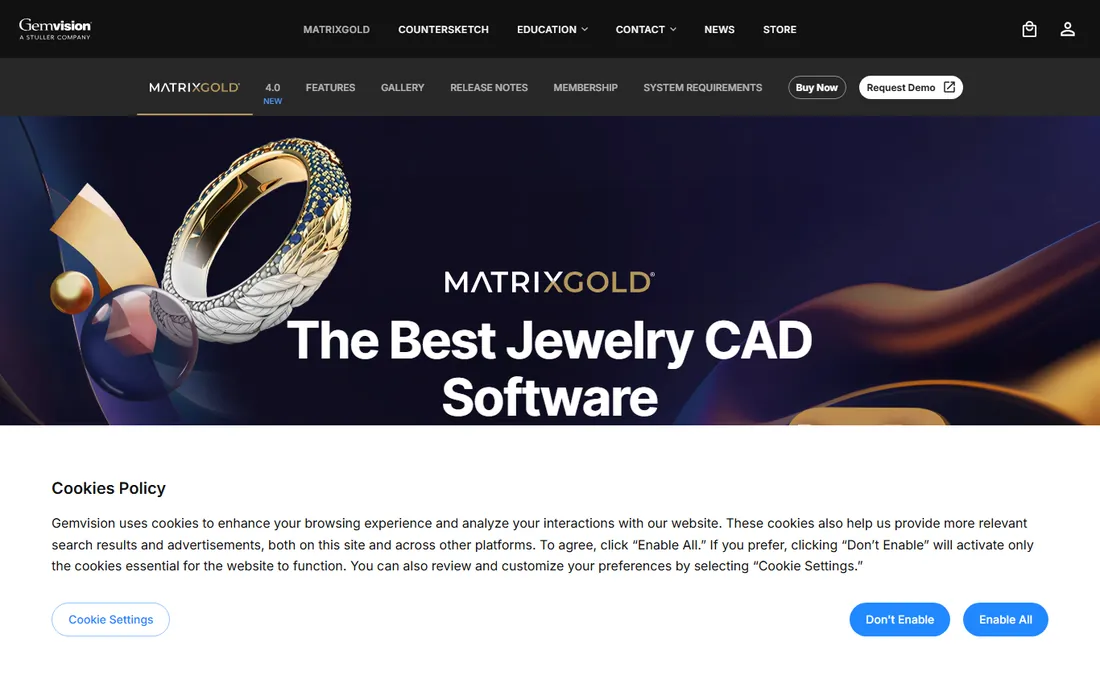
MatrixGold is what most American custom jewelers mean when they say "jewelry CAD." It runs on top of Rhinoceros and adds the jewelry layer: ring builders, gem libraries, weight and pricing reports, and tools that keep designs editable through a parametric history. Buy the $5,995 bundle and you get the MatrixGold license plus Rhino 8, tech support and a six-month MatrixGold membership; already own Rhino and the price drops to $5,495. Stuller offers 12-month interest-free financing for qualifying US customers.
The honest catch is the total investment. Training is close to required, not optional, and the software assumes a Windows shop running Rhino. If your work is mostly rings and bridal, nothing here beats its purpose-built toolset. If you sculpt art pieces or work across product categories, the ring-first design can feel narrow for the money.
What we like- Ring-specific builders (shanks, heads, pave) with parametric history
- STL export tuned for 3D printing and casting
- Backed by Stuller with training, support and direct manufacturing services
Watch out for- Windows and Rhino-dependent
- The upfront price is the highest in this list before training costs
Starting price€4,000 one-time (Full Edition, includes Rhino 8)
Free planNo
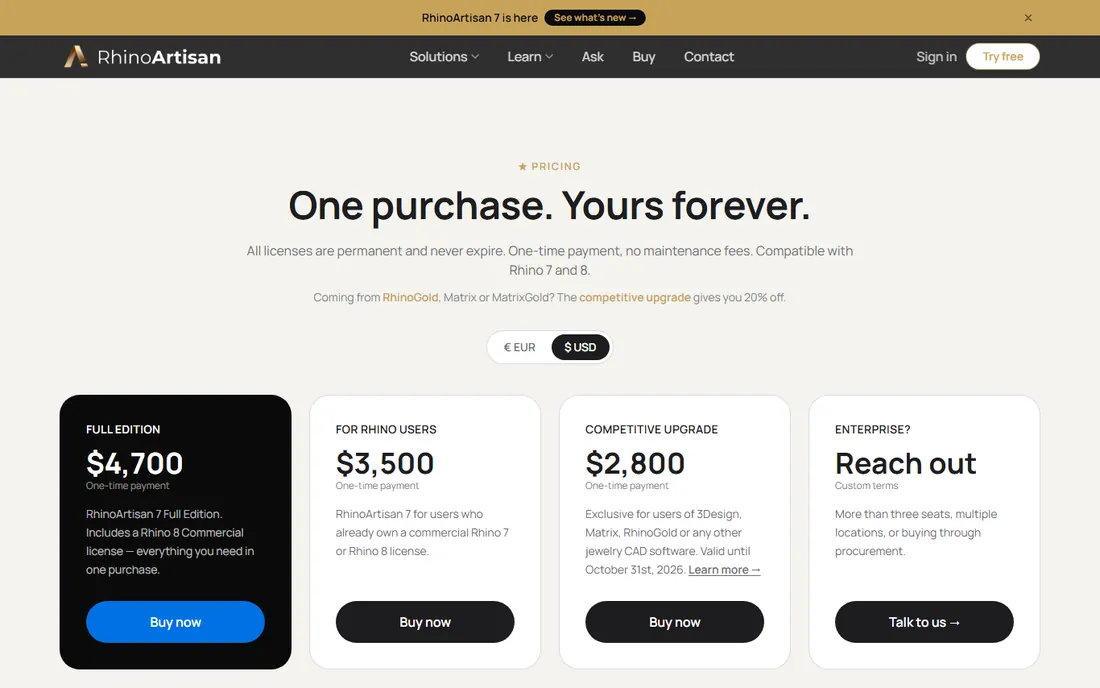
RhinoArtisan is the answer for jewelers who watched the industry move to subscriptions and said no. It is a jewelry plugin suite for Rhino sold as a perpetual license: pay once, keep it. The Full Edition at €4,000 includes a Rhino 8 commercial license, so one purchase covers everything. Own Rhino already and the price is €3,000. The feature set targets production: gem placement and mapping, metal and gem weight analysis, automatic STL repair, thickness checks for casting, and production reports.
The trade is ecosystem. RhinoArtisan's community and US training network are thinner than MatrixGold's, and euro pricing means the dollar cost moves with the exchange rate. For a jeweler who wants Rhino-based jewelry CAD without ever paying again, though, the math is simple and the license terms are the most buyer-friendly on this list.
What we like- One-time payment, license never expires
- Jewelry tools (gems, weights, STL repair, reports) on the Rhino platform
- 20% competitive upgrade for RhinoGold, Matrix or 3Design users
Watch out for- Priced in euros, which complicates US budgeting
- Smaller training ecosystem than MatrixGold in the US
Starting priceSee website (quote-based, sold through reps and resellers)
Free planNo
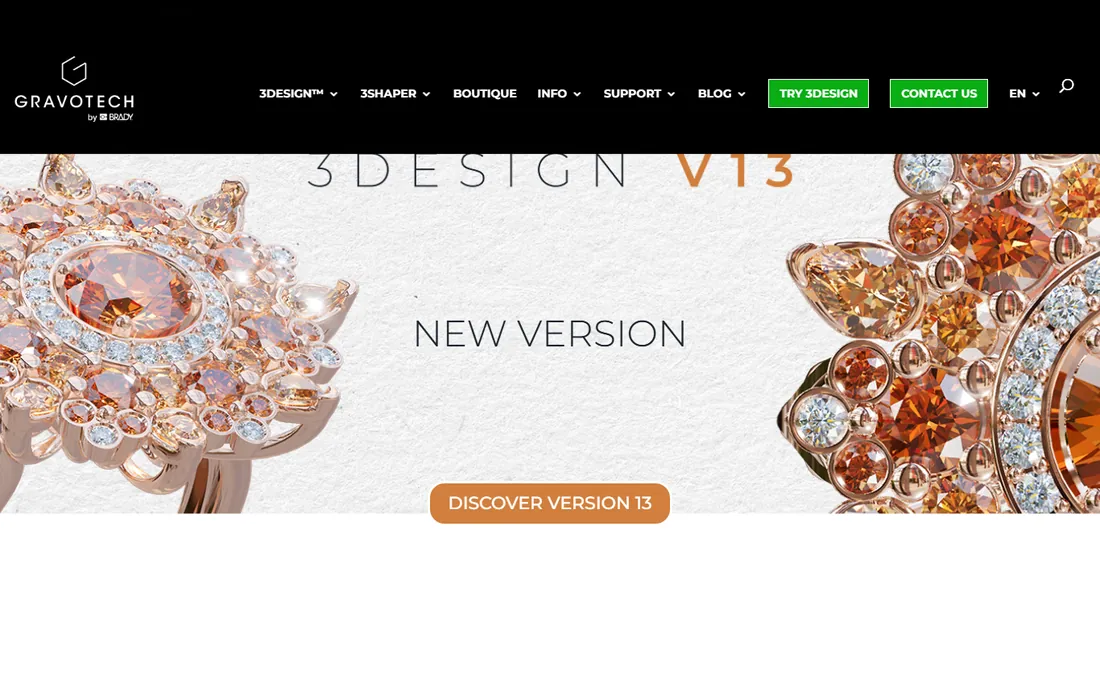
3Design takes a different philosophy from the Rhino plugins: it is standalone CAD written for jewelers, with a real-time rendered view that shows true-to-life metal and stones as you model. The pitch is the in-store sale. A customer watches their ring take shape on screen, photorealistic, while the jeweler adjusts it. The parametric history tree means changes propagate instead of forcing rebuilds, and the software runs on Windows, Mac and Linux.
Buying it is old-school. There is no public price and no self-serve checkout; you talk to a rep or a reseller like Rio Grande or Otto Frei. That is normal in this niche but it slows down comparison shopping. If your business model is custom design as a sales experience, 3Design is built exactly for that. If you want to compare prices on a Tuesday night, you will be waiting for a callback.
What we like- Built for jewelers from the ground up, not adapted from industrial CAD
- Parametric construction history
- Runs on PC, Mac and Linux
Watch out for- No public pricing, every quote goes through a sales rep
- Smaller US reseller footprint than the Rhino-based options
#4
Rhinoceros
Best for: Designers who want one affordable 3D platform under everything
Visit rhino3d.com
Starting priceSee website (one-time perpetual license)
Free planFree trial (90 days)
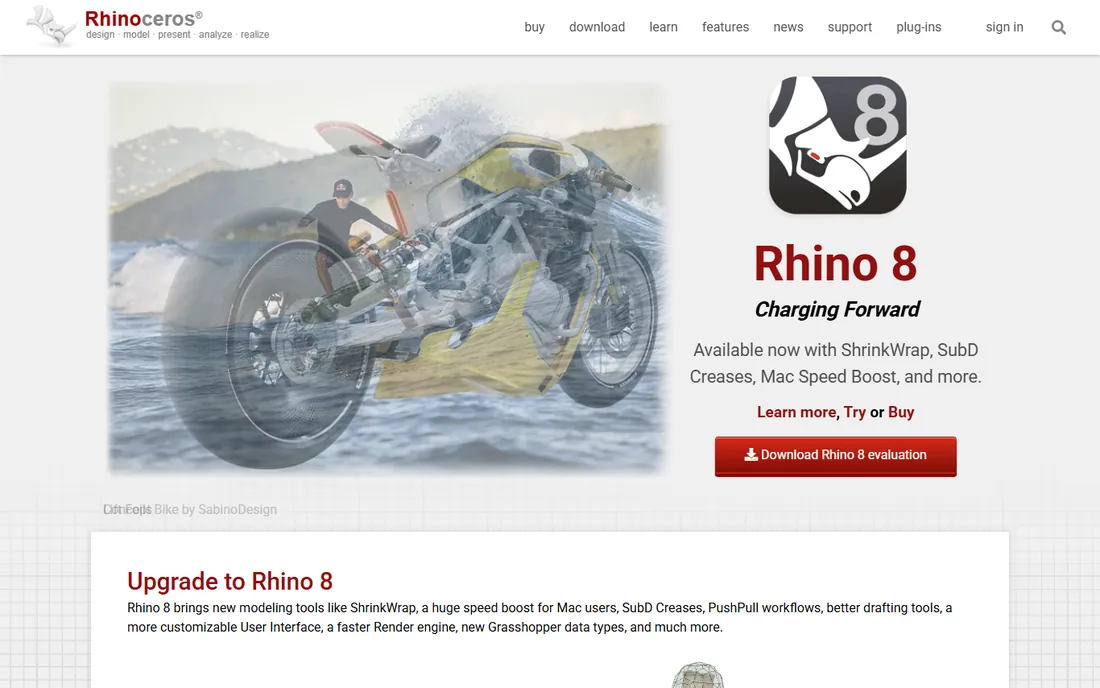
Rhinoceros is the foundation half this list is built on, and plenty of jewelers just use Rhino itself. It is precise NURBS modeling at a price far below industrial CAD, sold as a one-time purchase, with a 90-day evaluation that is the real software, not a demo. The jewelry workflow comes from plugins: RhinoGold's successor RhinoArtisan, Panther3D, RhinoGems and similar add-ons supply the gem libraries, builders and manufacturing reports.
That modularity is the point and the problem. A Rhino-plus-plugin stack can match MatrixGold's capability for less money, but you are assembling and learning a system instead of buying one. For jewelers who already think in 3D, or shops that also do non-jewelry modeling, Rhino is the value play. For a bench jeweler buying their first CAD seat, the all-in-one packages above get you productive faster.
What we like- Perpetual license with no subscription
- Huge plugin ecosystem including jewelry-specific add-ons
- 90-day full-featured evaluation
Watch out for- Stock Rhino has no jewelry tools, you add them via plugins
- Learning curve is steeper without jewelry-specific guidance
Starting priceSee website (subscription, two-month minimum term)
Free planNo
Jewelry CAD Dream sells the package, not just the program. It is subscription jewelry CAD with training included, aimed at jewelers who are starting CAD from zero and want instruction alongside the license. The toolset covers the jewelry fundamentals: pave builders, halo creators, chain tools, ring sizing, milgrain, stone and metal weight calculators, and STL export for printing. It is built with ZWSOFT technology under the hood.
Read the terms before subscribing. The minimum term is two months and cancellation requires 30 days notice, so the "try it for a month" plan costs two. The community is small, which matters when you are stuck at midnight before a casting deadline. For a beginner who values guided learning over forum-diving, the bundled training is a genuine differentiator.
What we like- Training bundled with the license
- Hybrid modeling engine with jewelry-specific tools (pave, halos, chains, milgrain)
- Subscription keeps entry cost low
Watch out for- Subscription terms lock you in for two months minimum with 30-day cancellation notice
- Smaller user community than the Rhino-based tools
#6
ZBrush
Best for: Sculptural, organic and art-jewelry forms
Visit maxon.net
Starting price$33.25/month billed annually ($399/year)
Free planFree trial
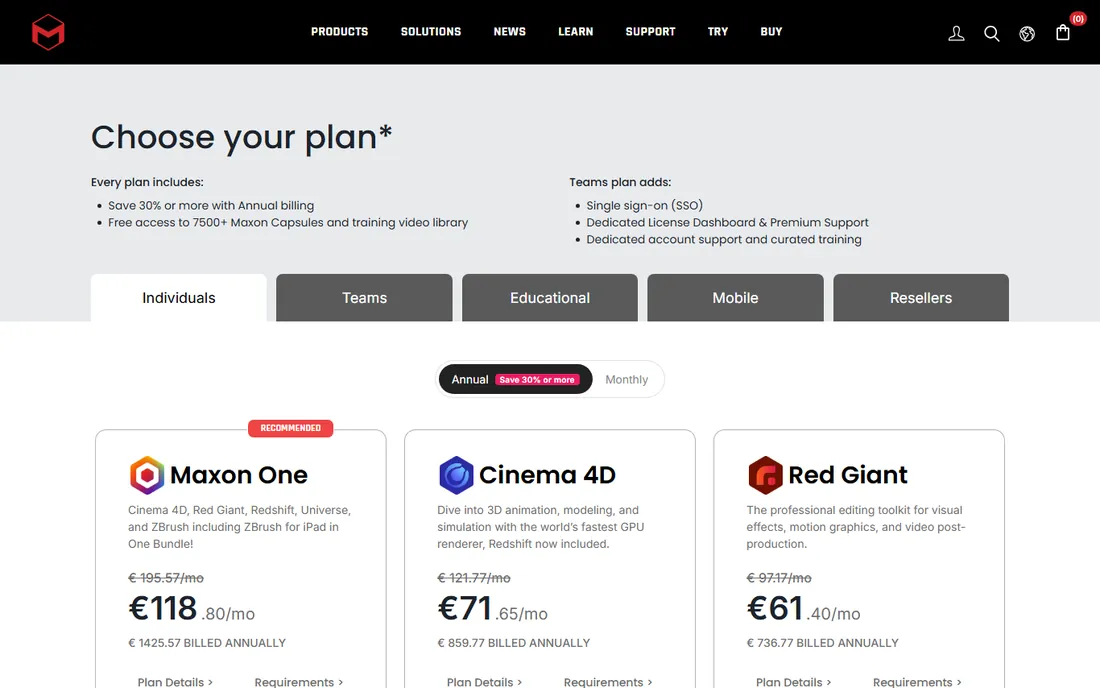
ZBrush is where jewelry goes when it stops being geometric. For carved textures, figurative pieces, organic forms and high-relief detail, nothing in CAD touches digital sculpting. Maxon now sells it as a subscription at $33.25 per month billed annually ($399 per year), and that includes ZBrush for iPad. The sculpting toolset is the deepest available: hundreds of brushes, DynaMesh, ZRemesher and Sculptris Pro for pushing forms around freely.
The catch is the pipeline. ZBrush makes meshes, and casting needs clean, watertight, correctly scaled geometry. Sculpted pieces typically need retopology and repair before printing, which is a skill of its own. Most professional jewelry workflows pair ZBrush with Rhino: sculpt in ZBrush, engineer in CAD. Buy it for the art; budget time or help for the manufacturing step.
What we like- The industry standard for digital sculpting
- Handles extreme detail that NURBS modelers struggle with
- ZBrush for iPad included with subscription
Watch out for- Subscription only
- Polygon meshes need retopology and cleanup before they are manufacturing-ready
#7
CounterSketch
Best for: Retail stores designing custom pieces with customers present
Visit stuller.com
Starting priceSee website (quote-based)
Free planFree trial (15 days)
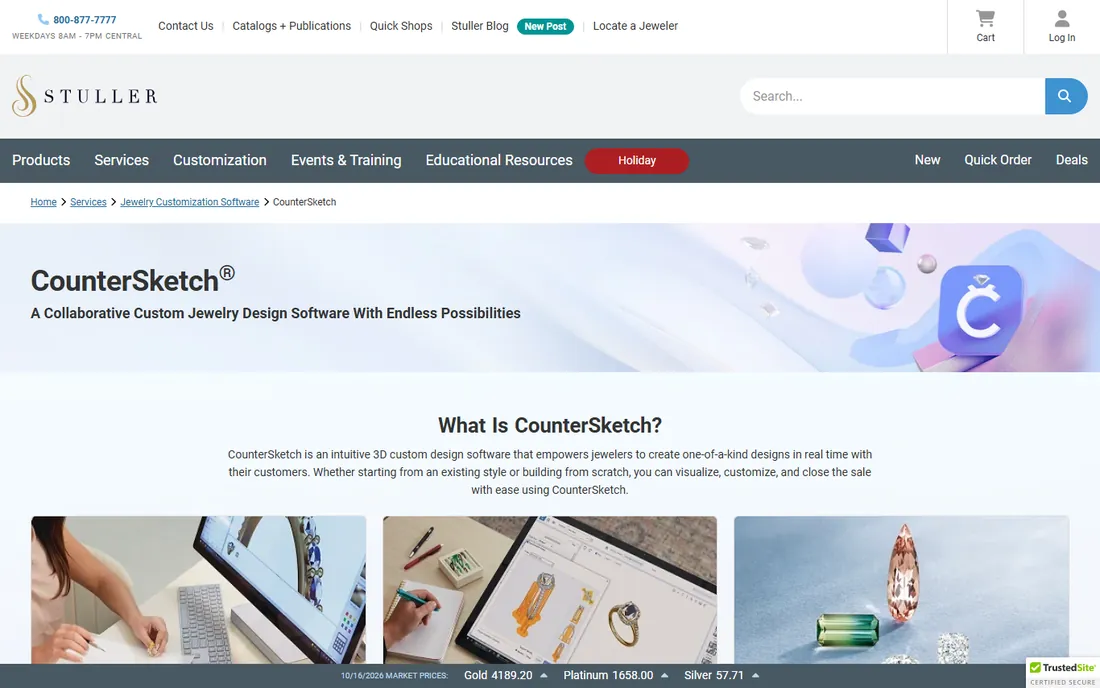
CounterSketch is not really competing with the CAD tools above. It is point-of-sale design software: the customer sits with you, picks from thousands of styles, customizes stones and metals, sees the price update live, and you send the finished design to Stuller for manufacturing. The 15-day trial lets a store test the workflow before committing. For bridal and custom retail, it compresses "I want something like this" into a closed sale in one appointment.
Do not buy it as your CAD station. CounterSketch customizes from its library; it does not replace freeform modeling. Its value is entirely in the retail experience and the Stuller fulfillment link. A store doing serious custom volume pairs it with a real CAD seat for anything the library cannot do.
What we like- 3,000-plus customizable styles for fast in-store custom work
- Real-time customer pricing as you design
- Sends finished designs straight to Stuller manufacturing
Watch out for- A sales-floor tool, not a full CAD modeler
- Pricing is quote-based with no public numbers
#8
Blender
Best for: Hobbyists, students and startups at zero software cost
Visit blender.org
Starting priceFree
Free planYes
Blender is the free answer that keeps getting better. It is fully free, including for commercial jewelry work, with modeling, sculpting and rendering in one package and an enormous library of free tutorials. Jewelry-specific add-ons exist in the community, and for rendering concept pieces for clients it is genuinely capable. A startup can design, render and present with zero software spend.
The gap is production tooling. There are no built-in gem libraries, weight reports or casting checks; you build that workflow yourself or buy add-ons. And there is no vendor to call when something breaks. For learning, for rendering, and for jewelers comfortable assembling their own pipeline, Blender is unmatched value. For a production shop, it is a complement to a jewelry CAD seat, not a replacement.
What we like- Completely free and open source, including for commercial work
- Strong sculpting and modeling toolsets
- Huge free tutorial library
Watch out for- No jewelry-specific tools out of the box
- No official support channel, you rely on the community
How we chose
We started with the tools jewelers actually buy: MatrixGold, RhinoArtisan, 3Design, Rhino and its jewelry plugins, plus the sculpting and free alternatives that show up in every forum thread. For each candidate we checked the vendor's own site for current pricing and licensing terms, read practitioner discussion on Reddit and jewelry forums, and compared feature lists against what casting and manufacturing require. Where a vendor publishes no price, we wrote "See website" instead of repeating reseller numbers. Nothing here is based on hands-on testing; these are buying-guide comparisons from public vendor and community sources.
What to check before you buy jewelry CAD
Start with the license model, because it decides your five-year cost. MatrixGold and 3Design are big one-time or quote-based purchases; ZBrush and Jewelry CAD Dream are subscriptions; RhinoArtisan and Rhino are perpetual licenses you keep. A $399-per-year subscription passes a $5,995 one-time price in year fifteen, but most jewelers care about years one to three, where subscriptions win on cash flow and perpetual wins on total cost.
Next, match the toolset to your work. Ring and bridal shops should weight gem automation, builders and manufacturing reports heavily; that is MatrixGold and RhinoArtisan territory. Art jewelers and sculptural designers should weight sculpting depth, which means ZBrush, possibly paired with Rhino. Retail stores selling custom in person should look at CounterSketch for the sales floor, separate from whatever the CAD station runs.
Then check the manufacturing path. Every option here exports STL, but ask how: does it check wall thickness, repair meshes, and generate weight reports, or does it hand you a file and wish you luck? Finally, price the training. Jewelry CAD has a real learning curve, and the vendors with structured training (MatrixGold, Jewelry CAD Dream) get beginners productive months faster than the figure-it-out-yourself route.
The license math most buyers skip
Jewelry CAD vendors price like it is still 2010, and that creates traps. A perpetual license looks expensive until you divide by the years you will use it: RhinoArtisan's €4,000 over five years is €800 per year with nothing more to pay. A subscription looks cheap until you multiply: ZBrush at $399 per year is $1,995 over five years, and stopping payment stops the software.
The quote-based sellers deserve extra scrutiny. When there is no public price, you cannot comparison shop, and the number you get depends on the rep, the reseller and the month. Get competing quotes in writing, ask what training and support cost separately, and confirm whether upgrades are included or billed. The software price is often half the first-year cost once training is added.
Frequently asked questions
How much does jewelry CAD software cost?
From free (Blender) to $5,995 for MatrixGold with Rhino 8. Mid-range options include RhinoArtisan at €4,000 one-time for the full edition and ZBrush at $399 per year. Quote-based tools like 3Design and CounterSketch require talking to sales. Budget separately for training, which can add substantially to the first-year cost.
Do I need Rhino to design jewelry?
Not necessarily, but most professional jewelry CAD is built on it. MatrixGold and RhinoArtisan are Rhino plugins; Rhinoceros itself works with third-party jewelry add-ons. Standalone alternatives include 3Design, Jewelry CAD Dream and Blender. If you already own Rhino, plugin options become much cheaper.
Which jewelry CAD software is best for beginners?
Jewelry CAD Dream bundles training with the software, which shortens the learning curve. MatrixGold has the deepest training ecosystem through Stuller. Blender is free with endless tutorials but no jewelry-specific guidance. Expect three to six months of regular practice before you are production-ready on any of them.
Can I use Blender professionally for jewelry design?
Yes, including for commercial work, since it is open source. It handles modeling, sculpting and rendering well. What it lacks is jewelry-specific automation: gem libraries, weight calculations and casting checks. Many jewelers use Blender for concepting and rendering alongside a dedicated jewelry CAD seat.
What file format do I need for 3D printing jewelry?
STL is the standard format for 3D printing and casting workflows. All eight tools here export it. What differs is how much help you get: MatrixGold and RhinoArtisan check thickness and repair meshes, while sculpted ZBrush output usually needs cleanup before it prints cleanly.
Sources we checked (9)
- https://gemvision.com/matrixgold
- https://www.rhinoartisan.com/buy/
- https://www.3design.com/
- https://jewelrycaddream.com/
- https://jewelrycaddream.com/terms-of-service/
- https://www.stuller.com/services/custom-jewelry-design-services/3d-jewelry-design-software/countersketch
- https://blog.stuller.com/introducing-countersketch-trial/
- https://www.blender.org/
- https://maxon.net/buy/
Is your product missing or out of date?
We review this list regularly. Vendors can request a listing, send updated pricing or ask about featured placement.

Shihab Mia · Founder, Rankite
Shihab has spent more than a decade helping SaaS and e-commerce brands grow through search. He writes Rankite's software buying guides from pricing pages, documentation and public user reviews. More about Shihab.